


ProProfs Knowledge Base is the Toyota Corolla of knowledge base tools: reliable, affordable, gets you from A to B. But in 2026, “gets the job done” isn’t enough. There are no meaningful AI features, no codebase integration, no automatic content audits. The editor is functional but dated. The search works but doesn’t understand intent. If you’re looking for a knowledge base that actually helps maintain itself, ProProfs won’t get you there.
What ProProfs does offer is low cost and familiarity. The interface borrows heavily from Google Docs. The templates are passable. Basic reporting exists. For a team that needs the absolute minimum, ProProfs provides it. Read our full ProProfs KB review and pricing breakdown for the detailed picture.
But “minimum” is exactly the problem. The knowledge base market has moved toward AI-assisted writing, automated content auditing, proactive maintenance, and intelligent search. ProProfs is still in the “publish and pray” era. Here are 8 alternatives that do more.
Quick Comparison: Best ProProfs Knowledge Base Alternatives
| Tool | Best For | Starting Price | AI Features | Free Plan? |
|---|---|---|---|---|
| Ferndesk | AI-native documentation | $149/month | Unlimited, proactive | Free trial |
| Document360 | Enterprise KB | Pricing available on request | Eddy AI (built-in) | No |
| HelpDocs | Simple, fast setup | $49/month | Credit-limited | No |
| Helpjuice | Powerful search | $120/month (4 users) | Basic | No |
| KnowledgeOwl | Semantic search | $100/month (1 author) | Minimal | No |
| Zendesk Help Center | Enterprise support suite | $55/agent/month | AI add-on ($50+/agent) | No |
| Help Scout | Human-first support | $50/user/month | Basic | No |
| Freshdesk | Budget support platform | Free / $15/agent/month | Freddy AI (limited) | Yes (2 agents) |
1. Ferndesk: Best Overall ProProfs Alternative

ProProfs gives you an editor and a publish button. Ferndesk gives you an AI agent that writes, updates, and audits your entire help center continuously.
This isn’t a marginal upgrade. It’s a different category. Ferndesk’s AI agent, Fern, monitors your codebase through GitHub, reads your support tickets for recurring questions, and runs weekly content audits to catch stale articles before your customers do. ProProfs publishes content. Ferndesk maintains it.
What Ferndesk does well:
- Codebase monitoring via GitHub: Fern watches your repository. Ship a feature, rename a setting, deprecate an API, and Fern identifies every article affected and queues updates for your review. This eliminates documentation drift, which is the silent killer of every static knowledge base, ProProfs included.
- Support ticket analysis: Fern reads patterns across support conversations. When customers keep asking the same question, Fern drafts an article and surfaces it for review. The question stops becoming a ticket.
- Weekly content audits: Stale content, broken links, contradictory information, outdated screenshots. Fern catches them proactively. ProProfs has no equivalent, and neither does any other tool on this list.
- Embedded help widget: Contextual answers inside your product based on where users are in your app. Reduces the gap between “I’m confused” and “I found the answer.”
- Five editors included: Additional editors cost $10/month each, compared with ProProfs’ $49/month per additional author.
What Ferndesk doesn’t do:
Ferndesk is a help center, not a ticketing system or live chat platform. If you need a complete support suite with ticket routing, phone support, or CRM capabilities, you’ll pair Ferndesk with a dedicated tool. The integration library is growing but doesn’t yet match what mature platforms like Zendesk or Freshdesk offer through their marketplaces.
Pricing: $149/month or $1,490/year (Pro). Unlimited AI drafting and custom domains are included, along with five editors; additional editors cost $10/month each. ProProfs’ basic plan costs less, but you get what you pay for: a static knowledge base with no intelligence.
Best for: SaaS teams shipping frequently who need documentation that keeps up with their product. Companies where outdated help articles directly increase support ticket volume. Anyone who’s outgrown ProProfs’ “publish and forget” model.
The tradeoff: You’re choosing an AI-native platform over a budget-friendly static editor. If your documentation rarely changes and you genuinely don’t need AI assistance, ProProfs’ low price has merit. But if your product evolves faster than your docs, and your support team fields questions that your knowledge base should already answer, Ferndesk solves the root problem.
Try Ferndesk free and see your first AI content audit within minutes.
2. Document360: Best for Enterprise Knowledge Management
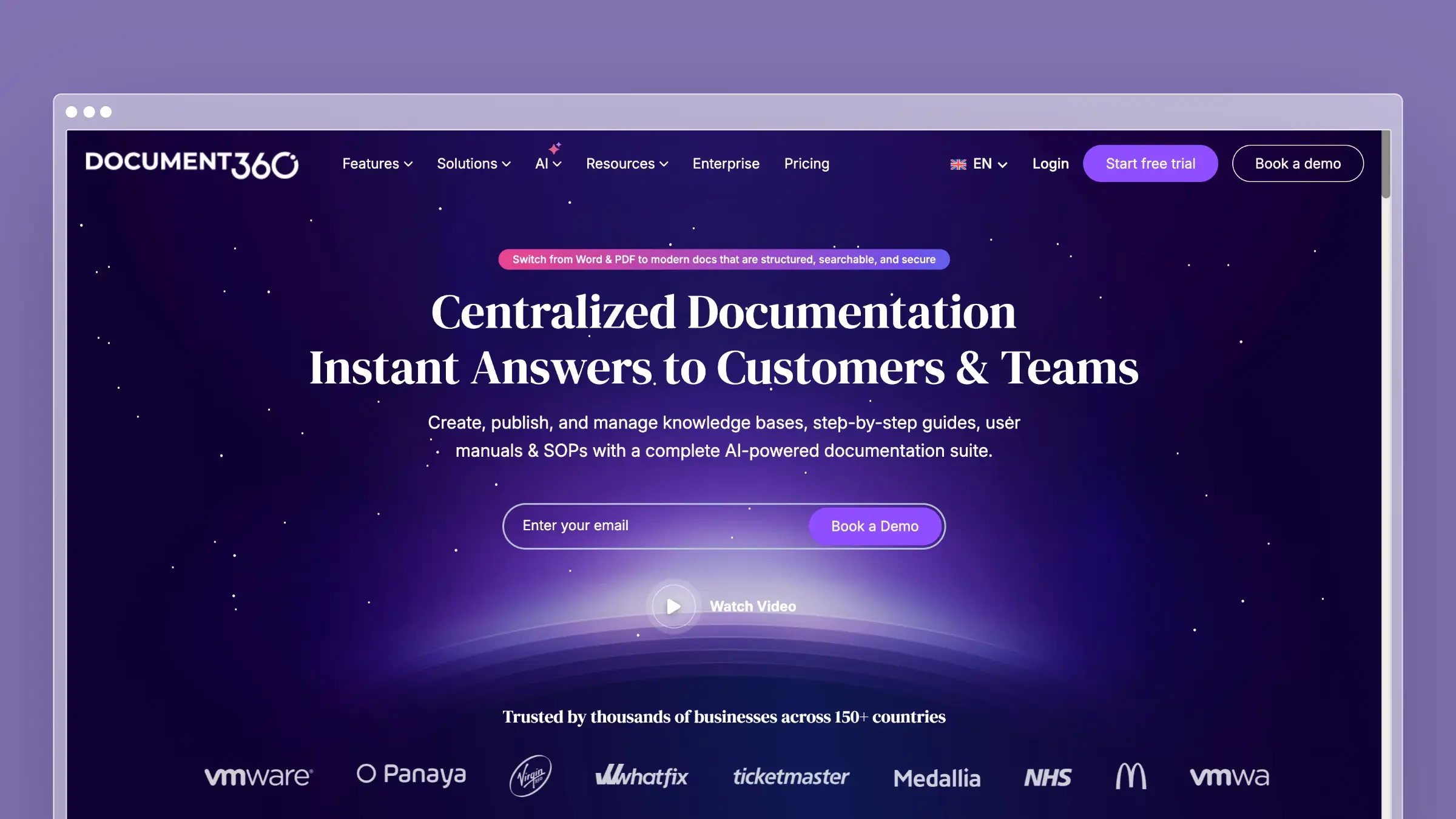
Document360 is what happens when a knowledge base tool scales up to meet enterprise requirements. Version control on every article. Approval workflows for content governance. Public and private knowledge bases from a single account. Category-level permissions. Analytics that go beyond page views.
Where ProProfs offers a flat, simple content hierarchy, Document360 gives you a structured content platform with real editorial rigor. If you have a documentation team, compliance requirements, or multiple audiences (customers, partners, internal staff), Document360 handles that complexity without breaking.
What Document360 does well:
- Full version control with instant rollback on any article
- Approval workflows for multi-stage content review and compliance
- Public and private knowledge bases managed from one dashboard
- Eddy AI for search, content summarization, and article suggestions
- Granular analytics: article performance, search behavior, failed queries, reader drop-off
What Document360 doesn’t do:
Document360 pricing is available on request and is typically a significant investment. The learning curve is steeper than ProProfs, which is part of the point: more capability means more configuration. Eddy AI is reactive (helps customers find content) rather than proactive (tells you when content is outdated). There’s no codebase integration, no automated freshness auditing, and no support ticket analysis. The power is in governance and organization, not automation.
Pricing: Pricing available on request.
Best for: Mid-to-large companies with dedicated documentation teams, regulatory compliance needs, or multi-audience knowledge management requirements.
The tradeoff: Enterprise capability without enterprise automation. Document360 gives you the tools to organize, control, and review content meticulously. But the content itself doesn’t maintain itself. If your bottleneck is content governance, Document360 solves it. If your bottleneck is content accuracy, the manual maintenance burden remains. See our guide to Document360 alternatives for more options at this tier.
3. HelpDocs: Best for Fast, Modern Knowledge Bases
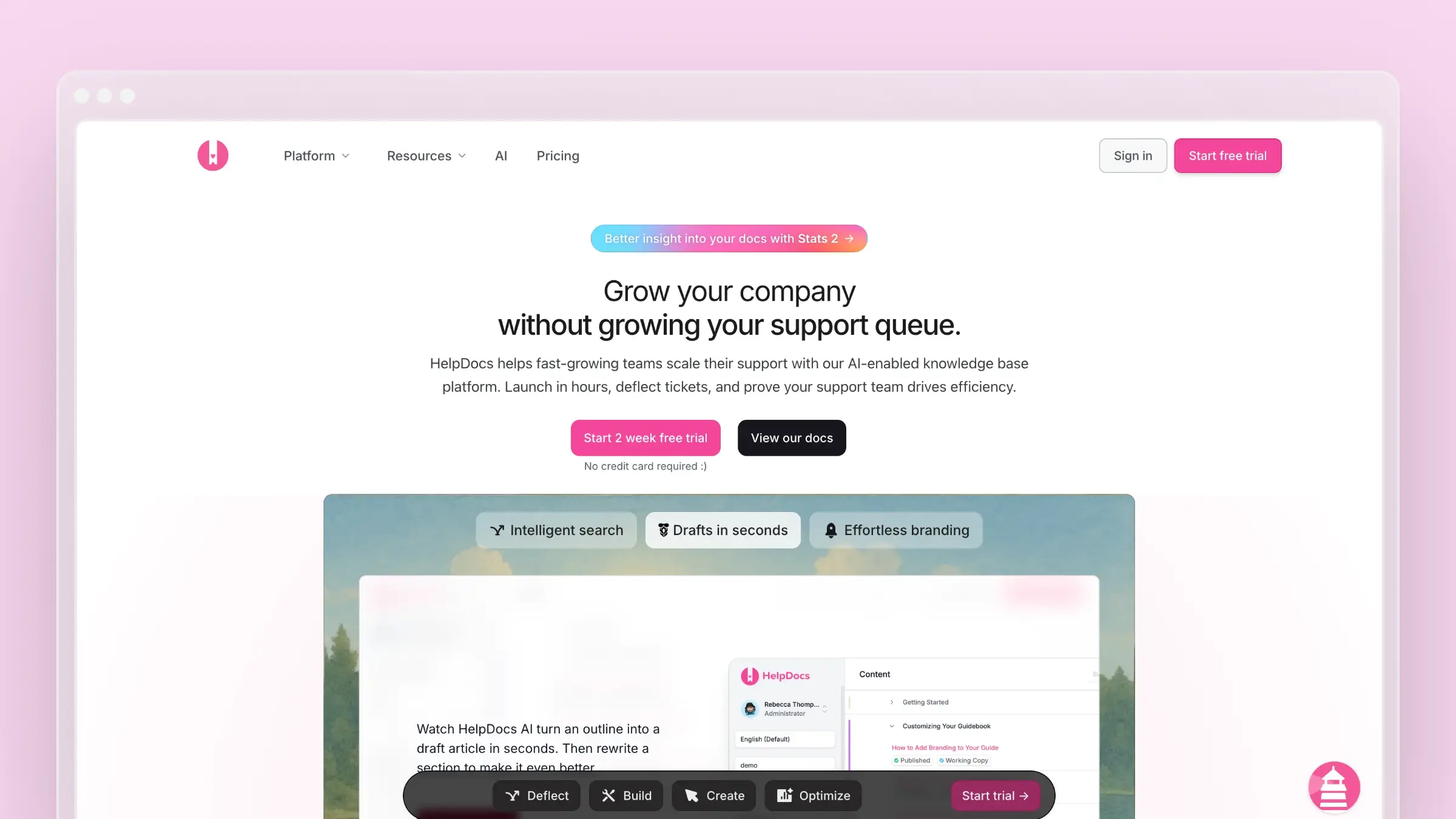
HelpDocs is the fastest way to go from “we need a knowledge base” to “we have one.” Setup takes under 30 minutes. The templates are modern and responsive out of the box. The editor is clean. If ProProfs feels dated and you want something that looks professional without hiring a designer, HelpDocs is the move.
The Lighthouse widget embeds your knowledge base inside your product. AI-assisted search helps customers find answers faster, though it’s credit-limited depending on your plan. The whole experience is designed for speed: fast to set up, fast to publish, fast for customers to search. Read our HelpDocs review for the full walkthrough.
What HelpDocs does well:
- Fastest setup of any tool on this list (under 30 minutes, start to finish)
- Modern, responsive templates that look professional without CSS customization
- Lighthouse widget for contextual in-app help
- Clean REST API for custom integrations and automation
- Article ratings and analytics for tracking content performance
What HelpDocs doesn’t do:
HelpDocs is a pure knowledge base. No ticketing, no live chat, no support workflows. The AI features use a credit system, which means heavy usage hits a monthly ceiling. There’s no proactive content maintenance, no codebase integration, and no automated auditing. The analytics are useful but shallow compared to Document360 or Helpjuice. For teams that need more depth, explore HelpDocs alternatives.
Pricing: $49/month (Sprout), $99/month (Sapling), $249/month (Oak). No per-user pricing. Custom domains included at every tier.
Best for: Startups and small teams that want a clean, standalone knowledge base without the overhead of a support platform. Anyone upgrading from ProProfs who wants better design, better UX, and a modern editor.
The tradeoff: Simplicity means constraints. No support workflows, no proactive content management, no deep analytics. HelpDocs is a publishing tool for help articles, and it does that one thing well. If you need your documentation to adapt to product changes automatically, HelpDocs won’t get you there. But as a straight upgrade from ProProfs’ editor and templates, it’s a significant step up for a similar price point.
4. Helpjuice: Best for Search-Driven Knowledge Bases
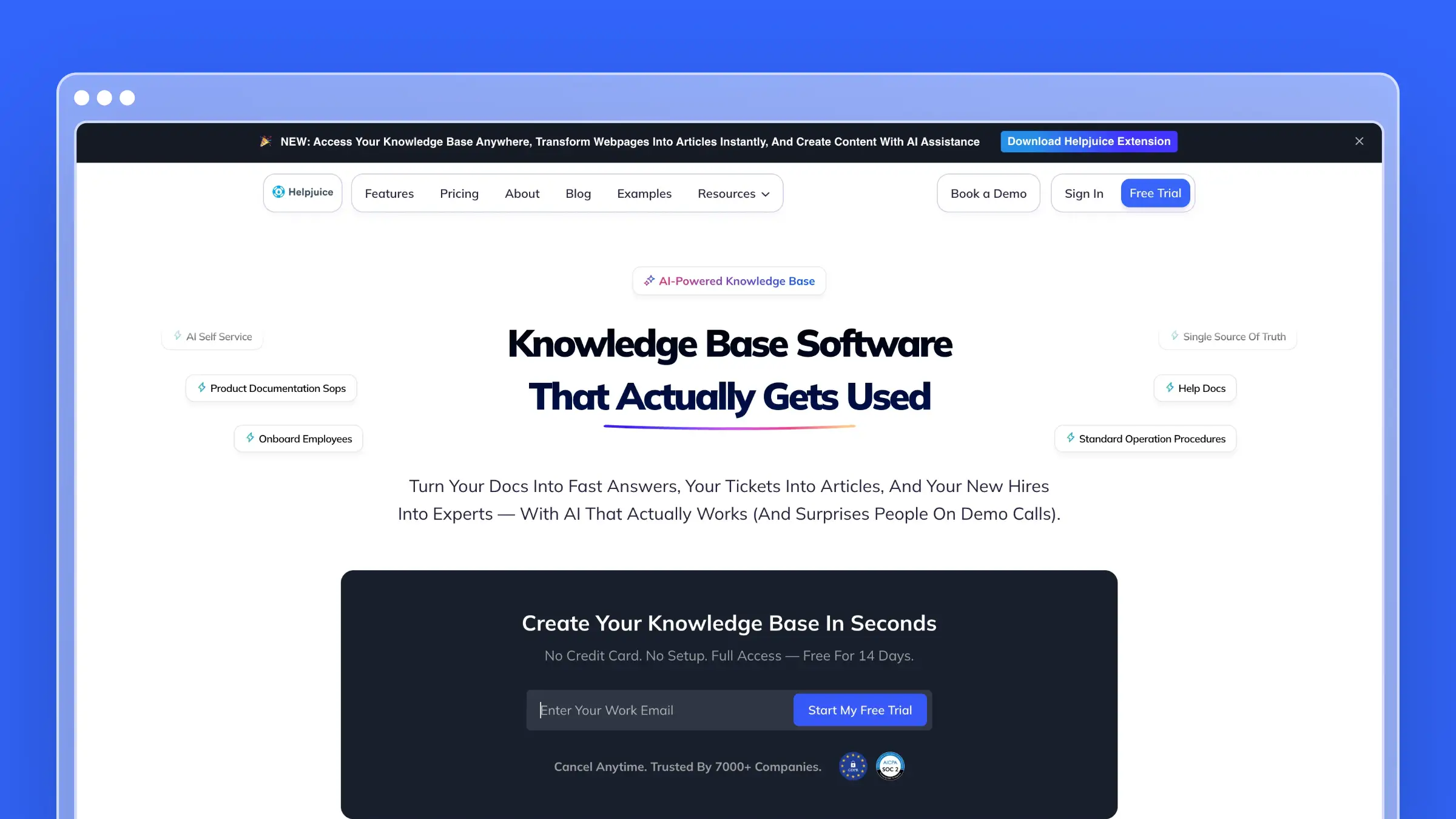
Helpjuice makes a single bet: search. And it pays off. The search engine indexes every word, image caption, and file attachment in your knowledge base, then returns results instantly. If your biggest problem is customers not finding answers that already exist, Helpjuice addresses that directly.
ProProfs search is keyword-based and limited. Helpjuice search understands context. The analytics dashboard compounds this advantage by showing you exactly what customers search for, what they find, and where they abandon the search. That data transforms your content strategy from guesswork to evidence. See the full Helpjuice pricing breakdown for cost details.
What Helpjuice does well:
- Best-in-class search with instant, context-aware results
- Extensive design customization (visual editor + full CSS/HTML control)
- Search analytics that reveal content gaps and user behavior patterns
- Multiple knowledge bases from a single account
- Supports both customer-facing and internal documentation
What Helpjuice doesn’t do:
At $120/month for 4 users, Helpjuice is expensive relative to ProProfs, and per-user pricing means costs escalate as your team grows. The AI features are basic. The interface looks functional but dated. There’s no automated content auditing, no codebase integration, and no proactive content suggestions. Great search helps customers find existing content. It doesn’t help you create or maintain that content. Explore Helpjuice alternatives for a wider comparison.
Pricing: $120/month (4 users), with tiered pricing that increases with user count. Per-user pricing penalizes larger teams.
Best for: Organizations with large, mature knowledge bases where customers struggle to find existing answers. Teams whose content is good but whose search experience is poor.
The tradeoff: Exceptional search, average everything else. Helpjuice solves the findability problem convincingly. But if your content is outdated or incomplete, better search just helps customers find inaccurate information faster. Fix the content first, then optimize the search.
5. KnowledgeOwl: Best for Semantic Search Fans
If ProProfs is basic, KnowledgeOwl is basic with better search. The B Corp-certified, seven-person team from Colorado has built a knowledge base with genuinely good contextual search and clean information architecture. It’s a step up from ProProfs in organization and search quality. Read our KnowledgeOwl review for the detailed assessment.
The problem is price. KnowledgeOwl charges $100/month for a single author, and custom domains cost extra. At that price point, you’d expect AI features, automated auditing, or proactive content maintenance. You get none of those. You get a solid editor, good search, and a bill that’s hard to justify against the competition. If you’re considering KnowledgeOwl, read our roundup of KnowledgeOwl alternatives first.
What KnowledgeOwl does well:
- Contextual and semantic search that understands article relationships
- Clean information architecture with flexible content organization
- Solid editor with inline images, callouts, and reusable content snippets
- Granular permissions for controlling who sees and edits what
- Good documentation and responsive customer support from a small team
What KnowledgeOwl doesn’t do:
No meaningful AI features. No codebase integration. No automated content auditing. No proactive article suggestions. Custom domains, additional authors, and multiple knowledge bases all cost extra. The design templates are functional but not modern. At $100+/month for a single author with no AI, KnowledgeOwl occupies an awkward price point: too expensive for what it does, not capable enough for what it costs.
Pricing: $100/month (1 author), with add-on pricing for additional authors, custom domains, and multiple knowledge bases. The total cost creeps up quickly.
Best for: Teams that prioritize semantic search quality and clean content organization over AI features or modern design. Organizations where a single author manages all documentation.
The tradeoff: You’re paying a premium for search quality and organizational flexibility without getting any of the AI capabilities that define modern knowledge base tools. If KnowledgeOwl’s search is genuinely the feature that matters most, it delivers. For everything else, cheaper and smarter alternatives exist.
6. Zendesk Help Center: Best for Enterprise Support Ecosystems
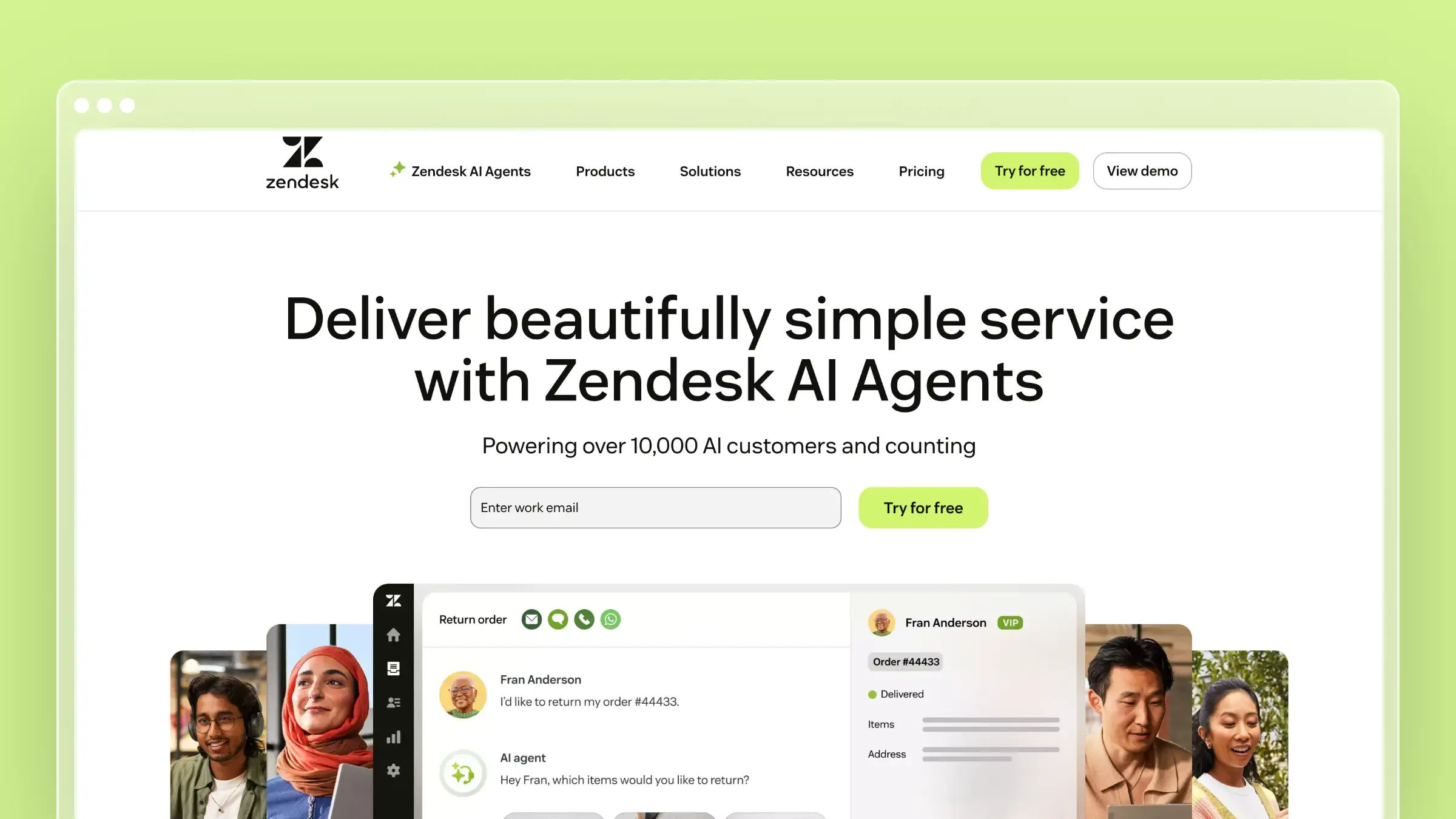
Zendesk Help Center is the knowledge base inside the industry’s largest support platform. If your organization already runs Zendesk for ticketing, chat, and phone support, adding the help center is the path of least resistance. Everything shares the same data, the same analytics, and the same admin panel.
For ProProfs users, Zendesk represents a massive leap in capability and an equally massive leap in cost and complexity. At $55/agent/month minimum, five agents puts you at $275/month before you’ve touched AI features (which require the $115/agent tier). This is enterprise tooling for enterprise budgets.
What Zendesk does well:
- Seamless integration with Zendesk ticketing, chat, and phone support
- 1,200+ third-party integrations via the marketplace
- AI-powered answer bot and content cues on higher tiers
- Multilingual knowledge base with dynamic content delivery
- Mature reporting and analytics across all support channels
What Zendesk doesn’t do:
Zendesk won’t proactively maintain your documentation. There’s no codebase integration, no automated freshness audits, and no AI that tells you when content is stale. The per-agent pricing punishes growing teams. The help center is a feature within a suite, not a standalone product. If you’re leaving ProProfs because the knowledge base isn’t smart enough, Zendesk gives you a better knowledge base that still isn’t smart. Read our guide to Zendesk alternatives for the full landscape.
Pricing: $55/agent/month (Suite Team), $89/agent/month (Suite Growth), $115/agent/month (Suite Professional). AI features locked behind Professional tier or paid add-ons.
Best for: Enterprise teams already invested in the Zendesk ecosystem who need their knowledge base tightly integrated with ticketing and support workflows.
The tradeoff: Maximum integration, maximum cost. If you need a help center that plugs into a mature support stack, Zendesk delivers. If you need a help center that’s actually intelligent about maintaining content, you’re overpaying for the wrong kind of sophistication. For small teams, Zendesk is almost always overkill.
7. Help Scout: Best for Human-Centered Support Teams

Help Scout is built for support teams who believe great customer service is fundamentally human. The knowledge base (Docs) is one part of a clean, opinionated support platform that includes a shared inbox and an embeddable Beacon widget. No feature bloat. No admin complexity. No certification required.
For ProProfs users, Help Scout represents a genuine upgrade in writing experience and design quality without overwhelming you with enterprise features you don’t need. The Beacon widget alone, which combines self-service search and direct contact in a single interface, is more sophisticated than anything ProProfs offers. See the full Help Scout pricing breakdown for tier details.
What Help Scout does well:
- Clean, focused writing experience for creating documentation
- Beacon widget merges self-service and contact into one interface
- Collision detection prevents simultaneous edits to the same article
- Saved replies let agents reference knowledge base articles in ticket responses
- Intuitive permissions model that anyone on the team can understand
What Help Scout doesn’t do:
AI is not Help Scout’s priority. There’s no automated content auditing, no codebase monitoring, no proactive article creation. The search is functional but not intelligent. Analytics are basic. Help Scout trusts your team to maintain documentation manually, which works when your team has bandwidth and falls apart when they don’t. For teams exploring this space more broadly, see Help Scout alternatives.
Pricing: $50/user/month (Standard), $75/user/month (Plus). Per-user pricing, so costs grow with team size.
Best for: Small to mid-size teams (5-30 people) who want a complete, simple support tool with a clean knowledge base. Teams that value writing quality and customer experience over automation.
The tradeoff: Beautiful simplicity without intelligence. Help Scout won’t flag stale content, suggest missing articles, or adapt to product changes. If your team has the discipline to maintain documentation manually, Help Scout provides a great environment for that work. If discipline is exactly what’s lacking, you need a tool that compensates with automation.
8. Freshdesk: Best Budget Support Platform
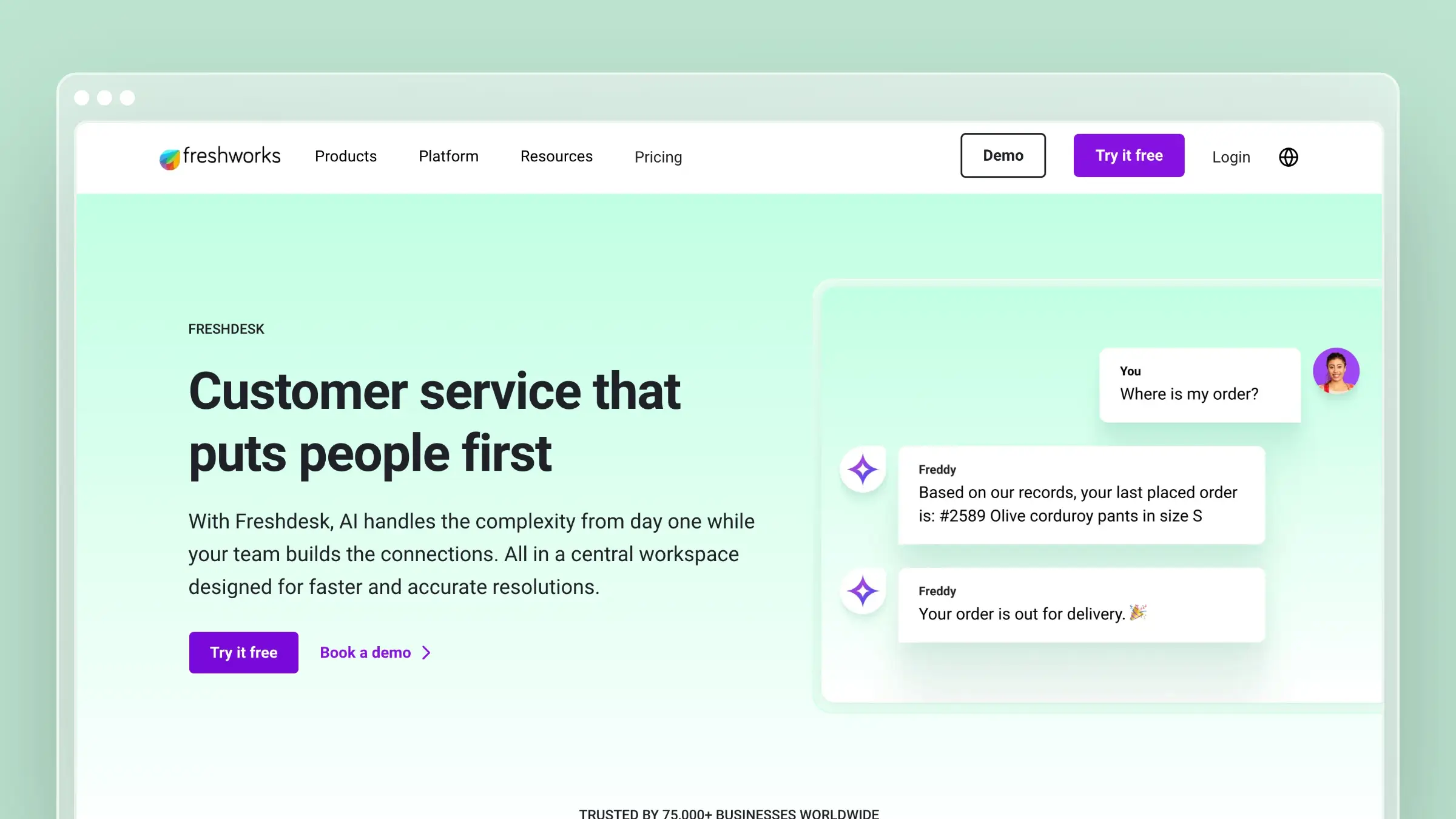
Freshdesk is the budget alternative for teams that want a complete support platform, not just a knowledge base. The free tier includes a basic knowledge base for up to 2 agents. The paid tiers add ticketing, chat, phone support, and Freddy AI. If ProProfs’ low cost is the main thing keeping you there, Freshdesk matches it while giving you an entire support operation.
The knowledge base is a feature inside the platform, not the star of the show. Articles support categories, SEO settings, and basic formatting. Freddy AI provides chatbot capabilities and article suggestions on higher tiers. Multilingual support is available with automatic translation. It’s competent, not exceptional.
What Freshdesk does well:
- Free plan includes a basic knowledge base for up to 2 agents
- Complete support suite (tickets, chat, phone, KB) in one platform
- Freddy AI chatbot and article suggestions on Growth+ plans
- Canned responses that link directly to knowledge base articles
- Multilingual support with automatic translation on higher tiers
What Freshdesk doesn’t do:
Freshdesk’s knowledge base is an accessory to a ticketing system. The editor is basic. The templates are limited. Version control doesn’t exist. Automated content auditing doesn’t exist. The AI features on the free tier are nonexistent, and on paid tiers they’re restricted to higher price points. If you’re switching from ProProfs specifically because the knowledge base is basic, Freshdesk’s knowledge base is equally basic. It just comes bundled with more tools. Read the complete Freshdesk pricing breakdown for tier comparisons.
Pricing: Free (2 agents), $15/agent/month (Growth), $49/agent/month (Pro), $79/agent/month (Enterprise). Knowledge base included at all tiers; AI features restricted to Growth and above.
Best for: Budget-conscious teams that need a full support suite, not just a knowledge base. Teams migrating from ProProfs who want ticketing, chat, and phone alongside their documentation.
The tradeoff: You get an entire support platform at a low entry price, but the knowledge base component is unremarkable. Freshdesk is a better deal than ProProfs if you need ticketing and chat. It’s a lateral move if your primary concern is documentation quality and intelligence. The underlying problem, content that decays without anyone noticing, persists.
How to Choose the Right ProProfs Alternative
Stop comparing feature lists. Start with the problem you’re actually trying to solve.
If your documentation is always outdated: This is the biggest failure mode of static knowledge bases like ProProfs. Articles go stale, screenshots become inaccurate, features get renamed, and nobody notices until a customer complains. Ferndesk is the only tool that actively fights documentation drift with codebase monitoring, support ticket analysis, and weekly content audits. No other platform on this list does this.
If you want better design without more complexity: HelpDocs gives you modern templates, a clean editor, and fast setup at $49/month. It’s the straightest path from ProProfs to something that looks and feels contemporary.
If you need enterprise content governance: Document360 delivers version control, approval workflows, and multi-audience support. Overkill for small teams, essential for regulated industries.
If search quality is the problem: Helpjuice’s search is genuinely the best on the market. If customers have answers but can’t find them, start here.
If you want a full support suite on a budget: Freshdesk’s free tier gives you ticketing, chat, and a knowledge base for 2 agents. Hard to beat on pure value for bootstrapped teams.
If your team values simplicity above all: Help Scout strips support software down to the essentials. Clean, focused, and opinionated in the best way.
If you need the enterprise ecosystem: Zendesk integrates help center, ticketing, chat, and phone into a unified platform. Expensive, but comprehensive.
The real question: do you want a tool that stores articles, or one that keeps them accurate? ProProfs stores articles. Most alternatives store articles with better design. Ferndesk is the one that actually maintains them.
For more comparisons, read our guides to the best help center software, best knowledge bases for small teams, best free knowledge base software, and best help center software for SaaS.
Bottom Line
ProProfs Knowledge Base isn’t broken. It’s just behind. The editor works. The search functions. The price is fair. But in 2026, a knowledge base that can’t write, audit, or maintain its own content is leaving value on the table and tickets in your queue.
If you want a help center that actively maintains itself, that watches your codebase for changes, analyzes your support tickets for content gaps, and flags stale articles before customers notice, Ferndesk is the only platform built from the ground up to do that. Pro costs $149/month or $1,490/year with unlimited AI drafting.
Try Ferndesk free. See your first AI content audit in minutes, not months.
Want to explore further? Check out our complete guide to the best help center software or our focused list of knowledge bases for small teams.


 Book a demo