

HelpDocs made a promise years ago: knowledge base software doesn’t need to be complicated. That promise held up. HelpDocs is genuinely simple to use, and teams can publish help documentation without extensive training.
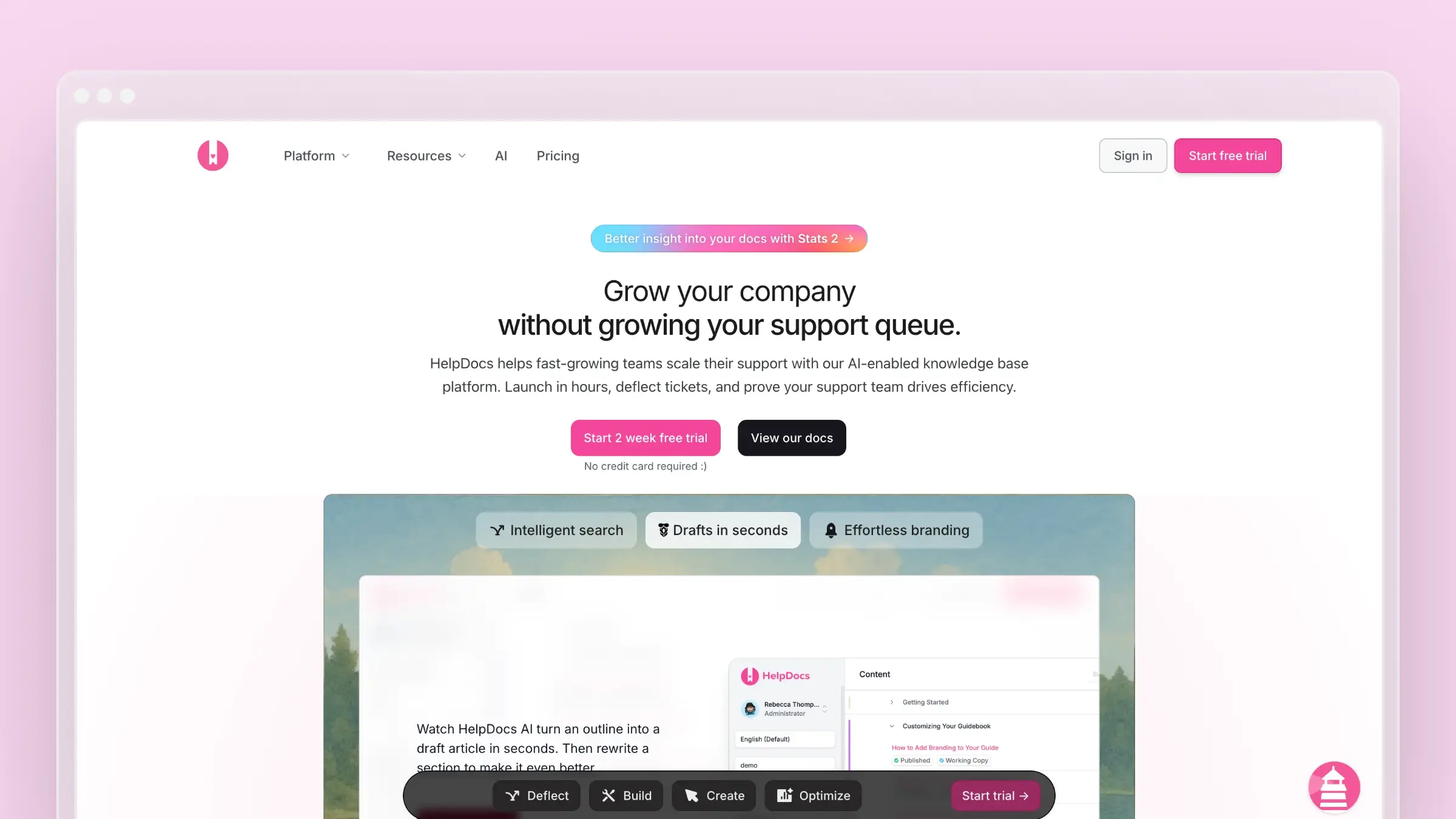
But in 2026, “simple” competes with “smart.” HelpDocs has added AI features, but wrapped them in a credit system that can leave you rationing assistance during busy periods. The question is whether simple-plus-limited-AI beats AI-native platforms that don’t make you count credits.
Here’s what HelpDocs actually delivers, what the pricing really looks like, and who should consider it.
Who Uses HelpDocs?
HelpDocs targets small and medium businesses who need customer-facing documentation without enterprise complexity. Their sweet spot includes:
SaaS companies building self-service support for customers E-commerce businesses reducing support tickets with FAQs Startups who need documentation quickly without dedicated writers Small support teams managing knowledge alongside other responsibilities
HelpDocs claims to deflect 30% of support tickets for typical customers. One user reported avoiding 100 tickets per week with their knowledge base. Those numbers matter for teams where every support request costs time.
The platform works best for teams who want to publish documentation fast and maintain it manually. If your requirements are straightforward, HelpDocs delivers without friction.
HelpDocs Pricing Breakdown
HelpDocs uses a tiered system with AI credits that determine how much AI assistance you get each month. Here’s what each plan includes:
| Plan | Price | Editors | AI Credits | Key Features |
|---|---|---|---|---|
| Sprout | $129/month | 5 | 1,000/month | Ask AI, Lighthouse widget, 3 languages |
| Bloom | $299/month | 15 | 5,000/month | 20 languages, embedded SSO (JWT), audit trail |
| Harvest | $499/month | 25 | 10,000/month | Unlimited languages, SSO, IP restriction |
Annual billing saves 20-23%. Prices in USD, EUR, and GBP available.
Additional costs:
- Extra editors: $25/user/month (Harvest only)
- Extra domains: 2 included on Harvest, no published price on Sprout or Bloom
- AI credit overages: Contact sales
For startups under 3 years old, the Greenhouse Program offers 50% off for 24 months plus 3,000 bonus AI credits. That brings Sprout to ~$65/month initially, which is competitive.
For complete pricing details, see our HelpDocs pricing breakdown.
The AI Credit System
This is the core tension in HelpDocs’ offering. They’ve built AI features, but usage is rationed:
What consumes credits:
- AI-generated meta descriptions and titles
- Article drafting and rewriting
- Content improvements and suggestions
- Ask AI chatbot interactions (on every plan)
The math problem:
Sprout gives you 1,000 credits/month. If you’re actively creating documentation, that might cover:
- 100 article drafts (10 credits each)
- Or 1,000 meta description generations (1 credit each)
- Or some combination that runs out in week two
Active teams consistently report burning through credits faster than expected. The AI features are genuinely useful, which makes the limits feel more frustrating.
Bloom’s 5,000 credits provide more breathing room but still require conscious management. Harvest’s 10,000 credits are adequate for most teams, but you’re paying $499/month at that point.
What HelpDocs Does Well
Genuinely simple interface: Reviews consistently praise the learning curve (or lack thereof). Writers can publish articles within minutes of signing up. There’s no training required, no certification needed, no implementation consultant.
Clean, modern templates: HelpDocs templates look professional out of the box. Dark mode support, accessibility features, and fast loading times are included. You can publish a respectable help center quickly.
Solid search: The search has been in development for years and handles typos, understands intent, and surfaces relevant results. For knowledge base software, search quality matters enormously, and HelpDocs does this well.
Lighthouse widget: The embedded help widget (available on every plan) lets customers access documentation without leaving your application. This reduces friction and increases self-service success.
Responsive support: Multiple reviews highlight HelpDocs’ customer support quality. They’ll write custom code to achieve specific customizations, which is unusual for a self-service product.
Clips for content reuse: Reusable content snippets that update everywhere they’re used. When your pricing changes, update one Clip instead of hunting through every article.
Multilingual support: Machine translation or manual translations for global customers, with search and content creation in 100+ languages.
What HelpDocs Doesn’t Do
No automatic content updates: HelpDocs won’t detect when your product changes. When you rename a feature or update your UI, you manually find and fix every affected article. Documentation drift is your problem.
No support ticket analysis: HelpDocs can’t read your support conversations to identify documentation gaps. You won’t know which questions customers keep asking unless you track them manually.
No codebase integration: The platform doesn’t connect to your GitHub or GitLab. There’s no way to sync documentation with code changes automatically.
Limited content auditing: Stats flags articles that haven’t been updated in over a year, but there’s no automated system to find broken links or outdated screenshots. You discover these issues when customers complain.
Limited analytics history: Even the Bloom plan only provides 180 days of analytics history, and only the top-tier Harvest plan reaches 365 days. Understanding long-term trends requires external tracking.
No multiple sites per account: Each knowledge base requires a separate login and subscription. If you manage documentation for multiple products, costs multiply.
Tables and lists are awkward: User reviews consistently mention formatting difficulties with complex content. The HTML editor exists but is discouraged.
Limited version control: HelpDocs keeps only the 10 most recent versions of each article, with compare and restore. For teams with compliance requirements, this is a gap.
The Competition Question
HelpDocs sits in a crowded market segment. Here’s how it positions against common alternatives:
vs. Ferndesk: HelpDocs costs $129-499/month, while Ferndesk Pro costs $149/month or $1,490/year with unlimited AI drafting, plus codebase sync and support ticket analysis. HelpDocs is simpler; Ferndesk is smarter.
vs. Intercom Help Center: HelpDocs is simpler and cheaper, but Intercom integrates with their full customer communication platform. Choose HelpDocs if you only need documentation.
vs. Zendesk Help Center: Similar tradeoff. HelpDocs is focused and affordable; Zendesk is enterprise-grade with enterprise complexity and pricing.
vs. GitBook: Different audiences. GitBook targets developer documentation with Git workflows; HelpDocs targets customer support teams.
vs. Document360: Document360 offers more enterprise features (version control, multiple knowledge bases) at higher prices.
vs. ProProfs KB: Similar simplicity philosophy. ProProfs uses per-author pricing; HelpDocs uses tier-based. Compare your team size to see which model fits.
When HelpDocs Makes Sense
HelpDocs is a reasonable choice if:
- You want simple documentation software without complexity
- Your team is small (5 editors or fewer)
- Manual content maintenance is acceptable
- AI assistance is helpful but not essential
- You need to publish a help center quickly
- Budget is a primary constraint
- Your documentation needs are straightforward
When to Consider Alternatives
Look elsewhere if:
- AI credits feel limiting for your usage patterns
- You need documentation that updates automatically
- Support ticket analysis would help identify gaps
- You manage multiple products requiring separate documentation
- Version control and audit trails are essential
- Complex formatting (tables, nested lists) is common in your content
- You want AI that works without counting credits
For AI without credit limits, try Ferndesk. Other alternatives include Help Scout, GitBook, or Docusaurus for open-source. For a complete comparison, see our best help center software guide.
The Problem With Rationed AI
Here’s what happens with HelpDocs’ credit system in practice: You’re onboarding a new product launch. Documentation needs to get written fast. The AI drafting is genuinely helpful, so you use it. By day 10, you’ve burned through your monthly credits. The rest of the month, you’re back to writing everything manually, or you’re paying overage fees, or you’re waiting.
We built Ferndesk because we think that’s backwards.

The AI shouldn’t ration itself. It should work as hard as you need it to, when you need it. Ferndesk Pro has no AI drafting credit limit. Use it for 10 articles or 100. It doesn’t meter your productivity.
But unlimited AI for writing is table stakes. The real difference is what Fern does that HelpDocs doesn’t do at all:
Fern reads your codebase. Connect your GitHub repository, and Fern understands when your product changes. Rename a feature? Deprecate an endpoint? Fern flags the articles that need updates before your customers notice they’re wrong.
Fern reads your support tickets. Not to answer them, but to identify patterns. When the same question shows up 40 times in a month, Fern drafts an FAQ and puts it in your review queue. Your support team stops answering the same question manually.
Fern audits your help center weekly. Stale articles, broken links, outdated screenshots. Fern finds them and tells you what needs attention. HelpDocs waits for customers to complain.
The pricing comparison is straightforward: HelpDocs Sprout costs $129/month and gives you 1,000 AI credits plus the Lighthouse widget. Ferndesk Pro costs $149/month or $1,490/year and gives you unlimited AI drafting plus codebase sync, ticket analysis, and automated audits.
If HelpDocs’ simplicity fits your workflow and you don’t mind manual maintenance, it’s a reasonable choice. If you want documentation that actively maintains itself, try Ferndesk free.
The Simplicity Tradeoff
HelpDocs built its reputation on simplicity. That’s real value for teams exhausted by enterprise bloat. You can publish documentation in minutes, the interface is intuitive, and there’s no learning curve.
But simple has limits. When your product evolves faster than your documentation, simple becomes “simple and outdated.” When support tickets reveal documentation gaps, simple can’t identify them automatically.
HelpDocs in 2026 occupies an uncomfortable middle ground: too simple for teams who need intelligent automation, but no longer the cheapest option for teams who just need basic documentation.
The AI credit system exemplifies this tension. HelpDocs added AI features because the market demanded them, but implemented them in a way that limits value. You get AI, but you have to ration it.
Bottom Line
HelpDocs delivers exactly what it promises: simple knowledge base software that teams can use immediately. The interface is clean, the search works well, and the embedded Lighthouse widget helps customers find answers. For straightforward documentation needs, HelpDocs gets the job done.
But the AI credit system creates an awkward dynamic. The features are useful enough that you want to use them, limited enough that you have to ration them. Teams either manage credits carefully or upgrade to higher tiers just for more AI access.
At $129-499/month, HelpDocs is competitively priced for a solid, manual documentation platform with some AI assistance. If simple is what you need and you’ll maintain content yourself, it’s a reasonable choice.


 Book a demo