


Zendesk Help Center is the safe choice. It’s also the expensive one.
At $55/agent/month minimum (and $115+ for AI features), you’re paying enterprise prices whether you need enterprise features or not. Add five agents and you’re spending $575/month before you’ve even touched their AI add-ons. Many teams are realizing they need a help center that actually maintains itself, not just one that integrates with their existing Zendesk tickets.
The core problem with Zendesk’s help center isn’t the interface or the feature set. It’s the model: you write articles, customers search for them, and nobody tells you when your docs go stale. The AI features bolt onto a system that was designed in 2012. The per-agent pricing punishes you for growing your team.
We evaluated 8 alternatives across pricing, AI capabilities, ease of setup, and one question most reviews ignore: does the tool help you keep your documentation accurate over time? Here’s what we found.
Quick Comparison: Best Zendesk Help Center Alternatives
| Tool | Best For | Starting Price | AI Features | Per-Agent Pricing? |
|---|---|---|---|---|
| Ferndesk | AI-native documentation | $149/month | Unlimited, proactive | No |
| Intercom | Product-led growth | $29/seat/month | Fin chatbot ($0.99/resolution) | Yes |
| Help Scout | Human-first support | $50/user/month | Basic | Yes |
| Freshdesk | Budget support teams | Free / $15/agent/month | Freddy AI (limited) | Yes (except free tier) |
| HelpDocs | Simple knowledge bases | $49/month | Credit-limited | No |
| Document360 | Enterprise KB | Pricing available on request | Built-in | No |
| Helpjuice | Internal + external KB | $120/month (4 users) | Basic | Yes |
| Zoho Desk | Zoho ecosystem teams | Free (3 agents) / $14/agent/month | Zia AI | Yes |
1. Ferndesk: Best Overall Zendesk Alternative

Zendesk gives you a place to put articles. Ferndesk gives you an AI agent that writes, updates, and audits those articles for you.
The fundamental difference is the operating model. With Zendesk, your help center is a static repository that decays the moment you publish it. Features change, UI shifts, pricing updates, but your docs sit there frozen until someone manually fixes them. With Ferndesk, an AI agent named Fern actively monitors your product and keeps everything current.
What Ferndesk does well:
- Codebase monitoring via GitHub: Fern watches your repository for changes. Rename a feature, deprecate an endpoint, ship a new flow, and Fern identifies every article that references the change and queues updates for your review. No more documentation drift.
- Support ticket analysis: Fern reads patterns across your support conversations. When the same question keeps appearing, Fern drafts an article and puts it in your review queue. The questions stop becoming tickets.
- Weekly content audits: Stale content, broken links, outdated screenshots. Fern surfaces them in a prioritized list before your customers find them. This is the hardest part of maintaining a knowledge base, and Ferndesk automates it.
- Embedded help widget: Contextual answers inside your product. The widget surfaces relevant articles based on where users are in your app, reducing the path from confusion to resolution.
- Five editors included: Additional editors cost $10/month each instead of Zendesk’s per-agent rate.
What Ferndesk doesn’t do:
Ferndesk is a help center, not a full support suite. If you need native ticketing, live chat routing, phone support, or a CRM, you’ll pair Ferndesk with a dedicated tool. It also doesn’t have the marketplace of 1,200+ integrations that Zendesk offers. If your workflow depends on obscure third-party connectors, verify compatibility first.
Pricing: $149/month or $1,490/year (Pro). Custom domains and unlimited AI drafting are included, with no per-article limits. Compare that to Zendesk’s $55/agent/month minimum, and the math isn’t close for teams with more than a few agents.
Best for: SaaS teams shipping fast who are tired of manually auditing their help center. Companies where documentation accuracy directly affects support volume.
The tradeoff: You’re choosing a newer platform over an established enterprise ecosystem. Ferndesk doesn’t try to be your entire support stack. It does one thing, keeping your help center accurate and up to date, better than anything else on the market.
Try Ferndesk free and see your first AI content audit within minutes.
2. Intercom: Best for Conversational Support Teams
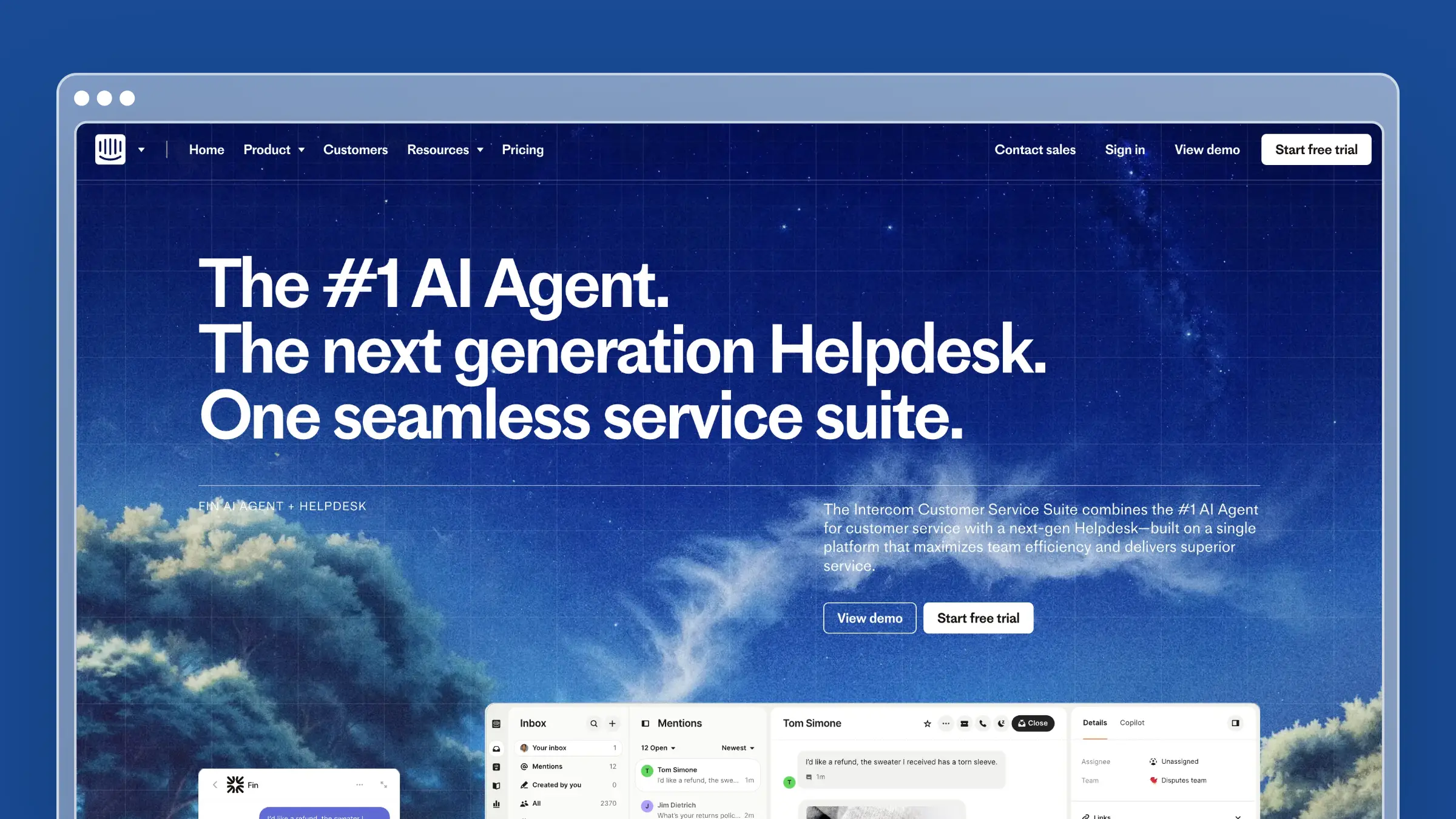
Intercom built its reputation on in-app messaging, and the help center reflects that DNA. Articles exist primarily to feed the Messenger widget and the Fin AI chatbot. If your support strategy is conversation-first, Intercom keeps everything in one place.
The Fin AI chatbot is the headline feature. It reads your help center articles and resolves customer questions automatically. When it can’t answer, it hands off to a human with full context. The experience for customers is seamless.
What Intercom does well:
- Fin AI chatbot resolves common questions without human intervention
- Messenger widget feels native inside your product
- Targeted articles based on user behavior, plan type, and lifecycle stage
- Beautiful, modern UI that your team will actually enjoy using
- Product tours and tooltips integrated with documentation
What Intercom doesn’t do:
Intercom won’t tell you when your articles are outdated. There’s no codebase sync, no automated content audits, and no proactive article suggestions. The help center is a content store for the chatbot, not an intelligent documentation system. And Fin’s pricing model ($0.99 per resolution) means your AI costs scale linearly with volume. Handle 5,000 resolutions per month and you’re adding $4,950 to your bill. That’s the core challenge with conversation-based pricing.
Pricing: $29/seat/month (Essential), $85/seat/month (Advanced), $132/seat/month (Expert). Fin AI costs $0.99 per resolution on top of seat pricing.
Best for: Product-led growth companies that want messaging, help docs, and AI chatbot in a single tool. Teams already invested in the Intercom ecosystem.
The tradeoff: You get a polished conversational experience at the cost of predictable pricing and help center depth. Intercom’s documentation features are good enough, but they’re never the priority. If your help center is a strategic asset (not just chatbot training data), you’ll outgrow what Intercom offers. See our full comparison of Intercom help center alternatives.
3. Help Scout: Best for Teams That Value Simplicity

Help Scout is the anti-Zendesk. Where Zendesk overwhelms with features and configuration, Help Scout strips things down to what support teams actually use: a shared inbox, a knowledge base, and a widget.
The Docs product is clean, fast to set up, and easy for non-technical team members to maintain. Articles support rich formatting, categories, and related articles. The Beacon widget embeds your knowledge base inside your product and doubles as a contact form when customers can’t find answers.
What Help Scout does well:
- Clean, distraction-free writing experience for documentation
- Beacon widget combines self-service and contact in one interface
- Collision detection prevents two agents from editing the same article
- Saved replies let agents link to help articles directly from tickets
- Simple permissions model that doesn’t require a certification to understand
What Help Scout doesn’t do:
AI is not Help Scout’s strength. There’s no automated content auditing, no codebase integration, and no proactive article suggestions. The platform relies on your team’s discipline to keep documentation current. For small teams with limited bandwidth, that’s a real gap. The search is decent but not intelligent. And if you need advanced analytics on content performance, you’ll find Help Scout’s reporting basic compared to dedicated KB tools.
Pricing: $50/user/month (Standard), $75/user/month (Plus). Free plan available for up to 10 contacts. See our full Help Scout pricing breakdown.
Best for: Small to mid-size teams (5-30 people) who want a straightforward support tool without enterprise complexity.
The tradeoff: You get simplicity at the cost of intelligence. Help Scout won’t tell you what’s broken, what’s missing, or what needs updating. If your documentation is a “set it and forget it” afterthought, Help Scout works fine. If you want docs that actively reduce support volume, you need something smarter. See other Help Scout alternatives.
4. Freshdesk: Best Budget Zendesk Alternative
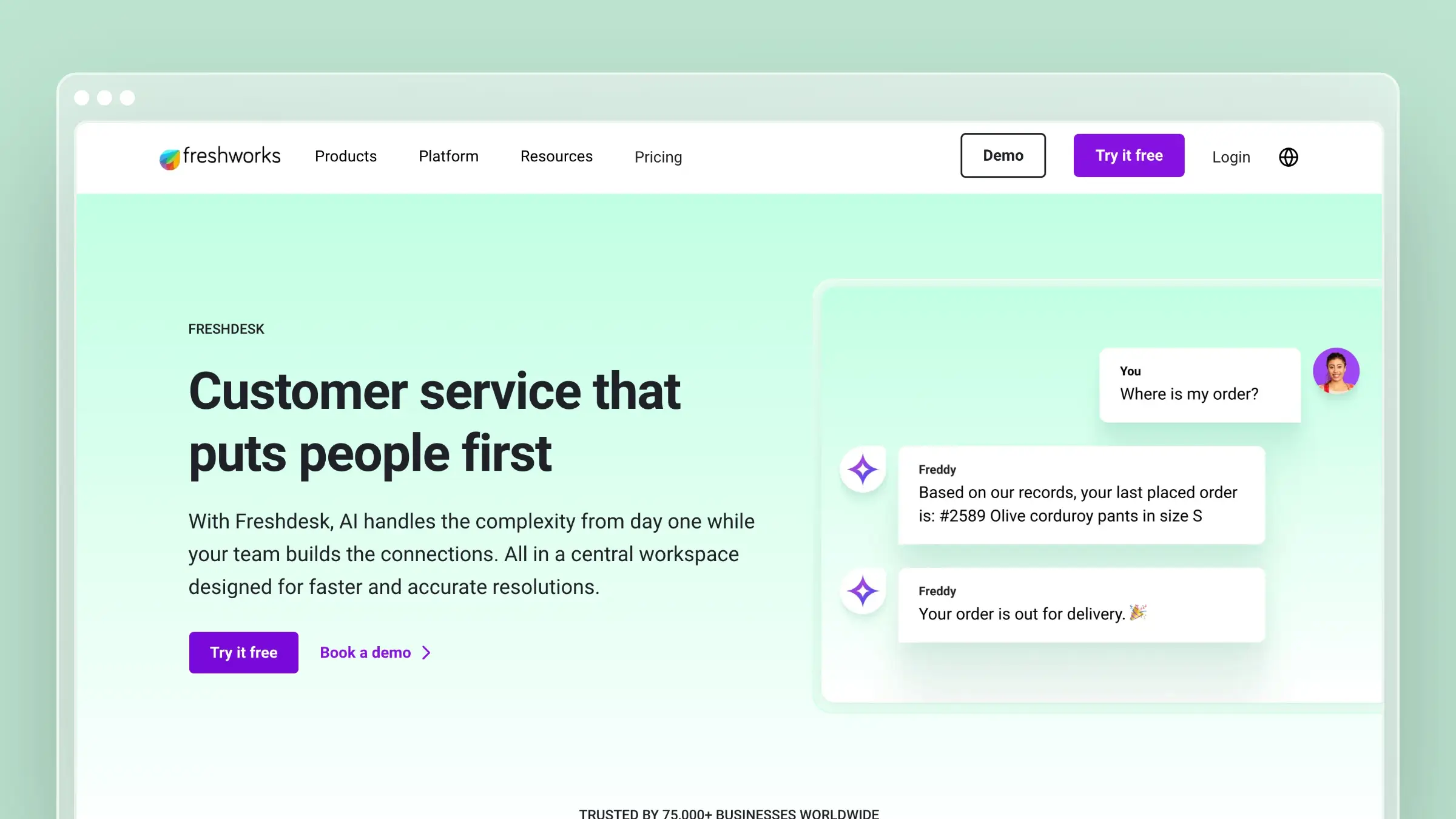
Freshdesk is the obvious first stop for teams leaving Zendesk over price. It mirrors most of Zendesk’s feature set at a fraction of the cost, including a knowledge base, ticketing, chat, and phone support. There’s even a free tier for up to two agents.
The knowledge base is functional. You get categories, folders, articles with rich formatting, SEO settings, and basic analytics. Freddy AI provides article suggestions and chatbot capabilities on higher tiers. It’s not revolutionary, but it’s competent and cheap.
What Freshdesk does well:
- Free plan includes a basic knowledge base for up to 2 agents
- Complete support suite (tickets, chat, phone, KB) in one platform
- Freddy AI provides chatbot and article suggestion features
- Canned responses link directly to knowledge base articles
- Multilingual support with automatic translation on higher plans
What Freshdesk doesn’t do:
Freshdesk’s knowledge base is a feature inside a ticketing system, not a standalone product. The editor is dated. The templates are limited. There’s no version control, no automated auditing, and the AI features are restricted to higher-priced tiers. If you’re switching from Zendesk primarily because of the help center, Freshdesk gives you the same passive model at a lower price. The underlying problem, documentation that decays silently, remains. Read our detailed Freshdesk vs Zendesk comparison for the full picture.
Pricing: Free (2 agents), $15/agent/month (Growth), $49/agent/month (Pro), $79/agent/month (Enterprise). See the complete Freshdesk pricing breakdown.
Best for: Budget-conscious teams migrating from Zendesk who need a full support suite, not just a help center.
The tradeoff: You save money but inherit the same documentation model that made Zendesk’s help center frustrating. Freshdesk is cheaper, not smarter. If your primary goal is better documentation (not just cheaper ticketing), look at purpose-built help center tools instead.
5. HelpDocs: Best for Fast, Simple Knowledge Bases
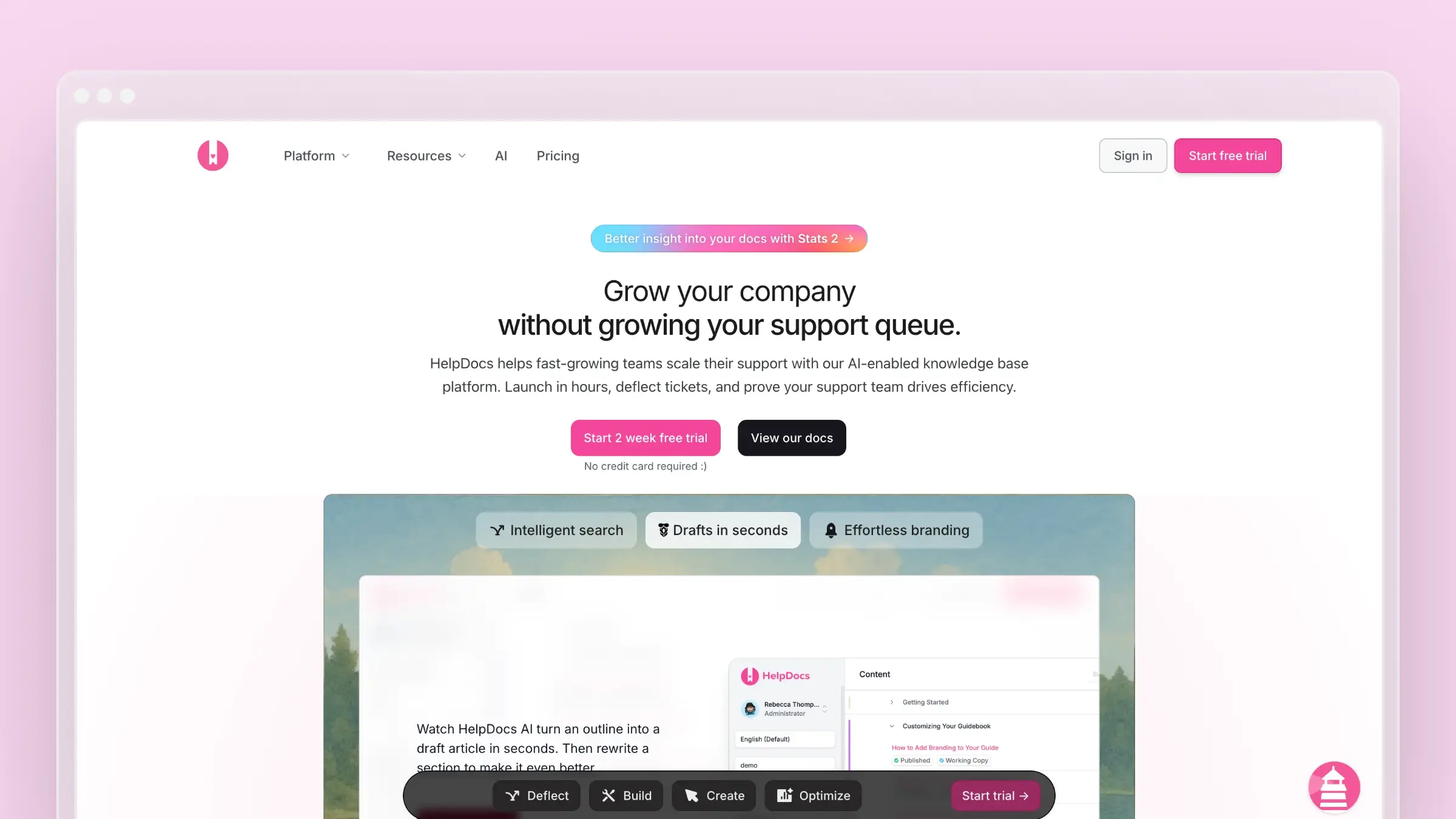
HelpDocs is the fastest path from “we need a knowledge base” to “we have a knowledge base.” Setup takes under 30 minutes. The templates are modern. The editor is clean. If you want a standalone KB without the weight of a support suite, HelpDocs is purpose-built for that.
The Lighthouse widget embeds your knowledge base inside your product with minimal code. AI features are available but credit-limited, meaning you get a fixed number of AI-assisted searches per month depending on your plan.
What HelpDocs does well:
- Fastest setup time of any tool on this list (under 30 minutes)
- Modern, responsive templates that look good without customization
- Lighthouse widget for in-app help
- Clean API for custom integrations
- Article ratings and basic analytics for content performance
What HelpDocs doesn’t do:
There’s no ticketing, no live chat, and no support workflow. HelpDocs is purely a knowledge base. The AI features use a credit system, so heavy usage hits a wall. There’s no codebase sync or automated content auditing. And the analytics, while adequate, don’t match what you’d get from Document360 or Zendesk. For a deeper look, read our HelpDocs review and HelpDocs pricing analysis.
Pricing: $49/month (Sprout), $99/month (Sapling), $249/month (Oak). No per-user pricing.
Best for: Startups and small teams that need a clean, standalone knowledge base without touching a full support platform.
The tradeoff: Simplicity means limitations. No support workflows, no advanced AI, no proactive content management. HelpDocs is a publishing tool for help articles, and it does that well. But if your docs need to actively improve themselves and adapt to product changes, you’ll need more capable software.
6. Document360: Best for Enterprise Knowledge Management
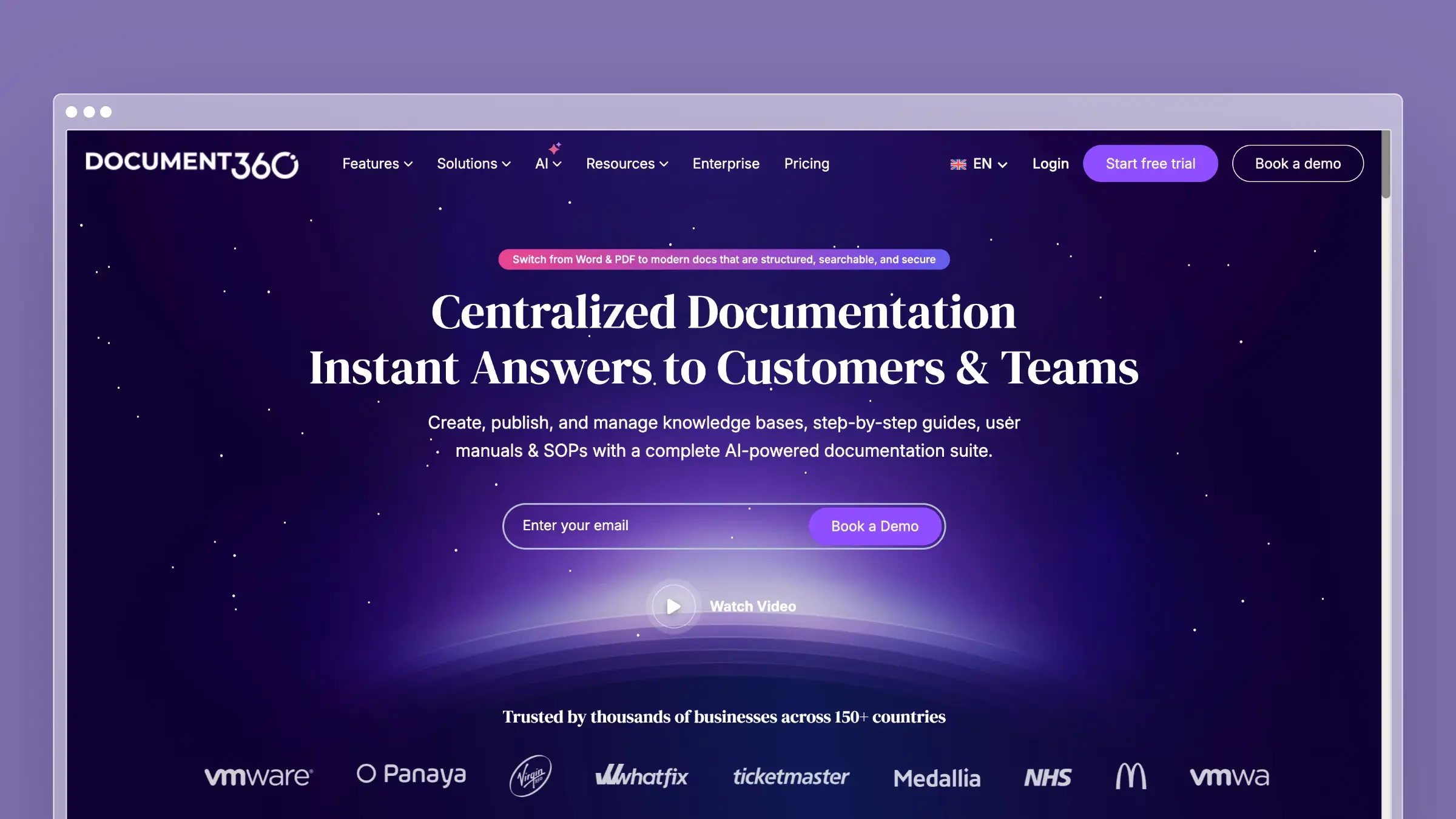
Document360 is what you get when a knowledge base tool tries to be everything for large organizations. Version control, approval workflows, public and private knowledge bases, category-level permissions, advanced analytics, and AI-powered search. It’s comprehensive.
If your team has complex content governance requirements, multiple audiences (customers, internal teams, partners), or needs detailed analytics on article performance, Document360 checks those boxes. It’s the enterprise alternative for teams who find Zendesk’s KB too simplistic but don’t want to pay for the entire Zendesk Suite.
What Document360 does well:
- Full version control with rollback on every article
- Approval workflows for content governance and compliance
- Public and private knowledge bases from one platform
- Deep analytics: article performance, search analytics, failed search terms
- AI-powered search and article suggestions (Eddy AI)
What Document360 doesn’t do:
Document360 pricing is available on request, and quotes are typically enterprise-level. The learning curve is real, this isn’t a “set up in 30 minutes” tool. The AI features (Eddy) are reactive, helping customers find existing content, not proactive about creating or updating it. There’s no codebase integration, no automated auditing, and no support ticket analysis. You’re still responsible for knowing when content is stale. For teams evaluating this tier, see our guide to the best help center software.
Pricing: Pricing available on request. Knowledge base assistants and analytics depth vary by quote.
Best for: Mid-to-large companies with dedicated documentation teams, complex approval processes, and multi-audience knowledge base requirements.
The tradeoff: You get enterprise-grade content management without enterprise-grade automation. Document360 gives you the tools to organize and govern content meticulously, but keeping that content accurate is still a manual process. If your bottleneck is content organization, Document360 solves it. If your bottleneck is content freshness, look elsewhere.
7. Helpjuice: Best for Powerful Search
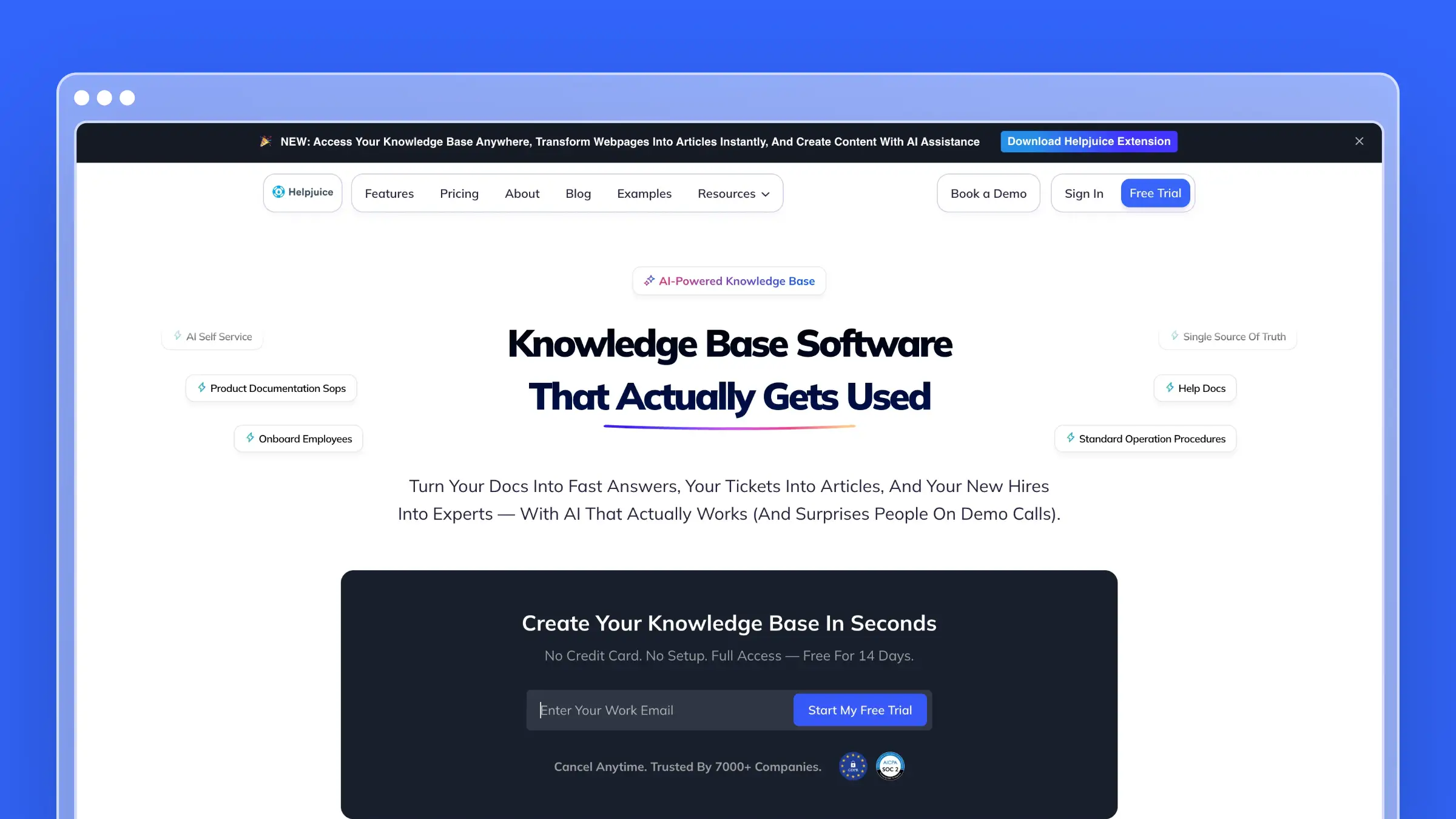
Helpjuice bets everything on search. The Google-like search engine indexes every word, image caption, and file attachment across your knowledge base. For teams where findability is the primary problem, Helpjuice delivers.
The customization options are extensive. You can modify virtually every element of your knowledge base’s design, either through their visual editor or with custom CSS/HTML. The analytics dashboard shows exactly what customers search for, what they find, and where they give up.
What Helpjuice does well:
- Best-in-class search with instant results across all content types
- Extensive theme customization (visual editor + full CSS/HTML access)
- Detailed analytics on search behavior and article effectiveness
- Multiple knowledge bases from a single account
- Supports both internal and external documentation
What Helpjuice doesn’t do:
Helpjuice is a knowledge base and nothing else. No ticketing, no chat, no AI chatbot. The AI features are basic compared to newer platforms. The interface, while functional, feels dated compared to tools like HelpDocs or Intercom. And at $120/month for just 4 users, scaling gets expensive quickly. The per-user pricing means large teams pay significantly more than flat-rate alternatives. See our Helpjuice pricing breakdown for the full cost picture.
Pricing: $120/month (4 users), with pricing increasing based on user count. See the detailed Helpjuice pricing analysis.
Best for: Teams where search quality is the primary concern. Organizations with large knowledge bases where customers struggle to find existing answers.
The tradeoff: Exceptional search, average everything else. If your problem is “we have great content but customers can’t find it,” Helpjuice solves that. If your problem is “our content is outdated and we don’t know what’s missing,” Helpjuice won’t help. Read our full Helpjuice review.
8. Zoho Desk: Best for Zoho Ecosystem Teams
If your company already runs on Zoho (CRM, Projects, Analytics, Books), Zoho Desk is the path of least resistance. The knowledge base integrates natively with every Zoho product, which means customer data, ticket history, and documentation all share the same ecosystem.
Zia AI provides basic article suggestions and sentiment analysis. The multi-brand portal lets you maintain separate knowledge bases for different products or audiences. And the free tier (3 agents) makes it accessible for small teams testing the waters.
What Zoho Desk does well:
- Native integration with the entire Zoho product suite
- Multi-brand help center for managing multiple products
- Zia AI for article suggestions and customer sentiment analysis
- Free plan for up to 3 agents with basic knowledge base
- Community forums for user-generated content and discussions
What Zoho Desk doesn’t do:
Outside the Zoho ecosystem, Zoho Desk loses most of its advantage. The knowledge base editor is basic. The templates are limited and look dated without significant customization. AI features trail behind Intercom and Ferndesk by a wide margin. And while the per-agent pricing starts low ($14/agent/month), the Professional tier ($23/agent/month) is where most useful features live. The interface carries the weight of Zoho’s enterprise-first design philosophy, which means more clicks and more menus than necessary for simple tasks.
Pricing: Free (3 agents), $14/agent/month (Standard), $23/agent/month (Professional), $40/agent/month (Enterprise).
Best for: Teams already invested in the Zoho ecosystem who want their help center, CRM, and ticketing under one roof.
The tradeoff: Ecosystem lock-in is the real cost. Zoho Desk is mediocre as a standalone help center. Its value comes entirely from Zoho integration. If you’re not already a Zoho shop, every other tool on this list is a better standalone choice. For more options in this space, see our roundup of help desk providers and Zoho Desk alternatives.
How to Choose the Right Zendesk Alternative
Stop thinking about feature checklists. Start with your actual problem.
If your docs are always outdated: This is the most common reason teams leave Zendesk. The help center looks fine on day one, then slowly decays. Ferndesk is the only tool that actively fights documentation drift with AI-powered codebase monitoring and content audits. No other platform on this list does this.
If you want cheaper Zendesk: Freshdesk mirrors the Zendesk model at lower prices. Zoho Desk does the same inside the Zoho ecosystem. But “cheaper Zendesk” still means the same passive documentation approach. You’re solving the cost problem without solving the content problem.
If your strategy is conversation-first: Intercom combines help docs with messaging and AI chatbot. The per-resolution pricing requires careful forecasting, but the unified experience is hard to beat for PLG companies.
If you need enterprise content governance: Document360 gives you version control, approval workflows, and multi-audience support. It’s the right choice when compliance and content organization are non-negotiable.
If you just need a simple KB: HelpDocs gets you from zero to published in under an hour. No bloat, no learning curve, no unnecessary features.
If search quality is everything: Helpjuice’s search engine is genuinely best-in-class. If customers have the content but can’t find it, start here.
If you want human-first simplicity: Help Scout strips away complexity. The knowledge base is clean, the widget is useful, and the whole platform is designed for teams that don’t want to become software administrators.
Ask yourself this: a year from now, will your help center have more accurate content or less? If the answer is “probably less,” you need a tool that proactively maintains documentation, not just one that hosts it. That narrows the field considerably.
Bottom Line
Zendesk is a powerful platform sold at enterprise prices to teams that mostly need a good help center. The alternatives on this list prove you don’t need to pay $55+/agent/month for documentation that still goes stale.
If you want a help center that actually maintains itself, that monitors your product for changes, analyzes your support tickets for gaps, and flags stale content before your customers find it, Ferndesk is the only tool built from the ground up to do that.
Try Ferndesk free. See your first AI content audit in minutes, not months.
Looking for more options? Read our complete guide to the best help center software or our focused list for SaaS teams.


 Book a demo