

If you’ve ever answered the same support ticket twice because a help article was three releases behind the product, you already know the real problem with knowledge bases. It isn’t search quality. It’s freshness.
Teams buy AI knowledge base software to streamline content management, keep customer answers consistent, enable self-service, and reduce support costs. But the tools that actually deliver on those promises do more than generate slick answers. They help you keep the underlying documentation current.
This roundup is for you if:
- You run a SaaS product that ships weekly and can’t keep help content in sync.
- You lead a support team drowning in tickets caused by outdated articles.
- You own docs as a technical writer and want review workflows over constant rewrites.
- You want a serious comparison based on maintenance, not marketing demos.
Each tool below is judged on the same four criteria: customer-facing AI quality, agent and editor assistance, reporting on gaps and failed answers, and how proactively it keeps documentation fresh.
How to evaluate AI knowledge base software?
AI knowledge base tools fall into different categories, so one feature checklist will not fit every product. Start with the job you need the tool to do.
Customer-facing knowledge bases
These tools should help you publish accurate documentation and reduce support tickets.
Look for:
Draft, review, approval, and version history.
AI answers with clear source citations.
Reporting on failed searches and content gaps.
Support integrations with tools like Zendesk and Intercom.
Product-change monitoring through GitHub, Linear, or changelogs.
Audits for stale articles, broken links, and outdated screenshots.
Custom domains, SEO controls, and multilingual publishing.
The key question: does it help update your docs, or only search them?
Internal knowledge bases and team wikis
These tools should make company knowledge easy to capture, find, and maintain.
Look for:
Simple editing and contribution.
Natural-language search across internal content.
Page owners, review dates, and verification reminders.
Permissions that also apply to AI answers.
Slack, Teams, Google Drive, or similar integrations.
Controls for duplicate, abandoned, or unverified pages.
The main risk is sprawl. Easy-to-create content quickly becomes difficult to trust without ownership and governance.
Enterprise knowledge and search platforms
These tools help employees search across existing systems without moving all knowledge into one platform.
Look for:
Connectors for the tools your company already uses.
Permission-aware search and AI answers.
Clear citations back to the original source.
Controls for prioritizing trusted sources.
Reporting on weak answers, missing information, and connector issues.
Enterprise requirements such as SSO, audit logs, and compliance.
These platforms improve access to knowledge. They do not automatically fix outdated source content.
Work platforms with knowledge features
These tools work best when documentation needs to sit beside projects, tasks, and workflows.
Look for:
Documents linked to boards, tasks, and projects.
Templates, permissions, ownership, and version history.
AI that can use both documents and workflow data.
Review reminders when processes change.
Reliable search and export options.
The full cost of seats, AI credits, and add-ons.
The advantage is keeping documentation close to the work. The tradeoff is usually less depth than a dedicated knowledge platform.
Questions to ask before you buy
Which category of problem is the tool built to solve?
How does it identify outdated or missing information?
Does an integration only retrieve content, or can it trigger an update?
Can users verify AI answers through source citations?
How are permissions handled?
What will it cost at full adoption?
The best tool is not the one with the most features. It is the one whose maintenance model matches how your knowledge changes.
Which integrations matter most for ai knowledge base software?
The integrations a tool supports determine how much of your existing stack it can learn from and stay synchronized with. A passive connector that reads existing docs is very different from a GitHub integration that watches code commits and flags affected articles before customers notice the change.
- Product and engineering: GitHub, Linear, and changelog tools feed product-change signals directly into the documentation maintenance queue. Ferndesk’s GitHub integration is the clearest example of this pattern.
- Support: Zendesk, Intercom, Help Scout, Crisp, and Freshdesk surface recurring ticket patterns so support signals drive article creation and updates.
- Internal wiki and collaboration: Slack, Notion, Confluence, and Google Drive are the passive connectors most AI answer layers rely on for retrieval.
- Enterprise search: Salesforce, Jira, SharePoint, and HR systems matter for large organizations where knowledge is scattered across many business systems.
When evaluating a tool, ask whether the integration triggers an action like drafting an update, or simply reads content for retrieval. Active integrations reduce maintenance burden. Passive connectors improve search without fixing the underlying freshness problem.
How we evaluated these AI knowledge base tools?
Each tool was evaluated across four dimensions: customer-facing AI quality, agent and editor assistance, reporting depth, and documentation maintenance capabilities. Maintenance was weighted most heavily because it’s the dimension most demos skip and the one that determines long-term value.
We reviewed published pricing pages, product documentation, third-party review platforms, and category research from sources covering the AI knowledge management space in 2026. Tools were included when they had a distinct fit for at least one team profile in this audience. Tools were excluded when they overlapped heavily with a stronger option in the same category or lacked meaningful AI capabilities beyond basic search.
At-a-glance comparison of all 12 tools
| Tool | Best for | Pricing model |
|---|---|---|
| Ferndesk | Fast-moving SaaS teams | $149/month |
| Document360 | Customer-facing product docs | Quote-based |
| Freshdesk | Support-led knowledge | From $19/agent/month |
| Slite | Internal team wikis | From $10/user/month |
| Guru | Governed internal knowledge at scale | From $25/user/month |
| Confluence | Atlassian-native teams | From $5.42/user/month |
| Notion | Small teams and founders | From $10/user/month |
| Tettra | Slack-centered SMBs | From $8/user/month |
| Bloomfire | Large-team knowledge sharing | Quote-based |
| Glean | Enterprise cross-tool search | Enterprise contract |
| monday AI Work Platform | Cross-functional ops teams | From $9/seat/month + AI credits |
| eesel AI | No-migration AI access | From $0.40/task or $299/month |
Category 1: Customer-facing Knowledgebase
These tools go beyond storing and retrieving content. They actively monitor product changes, support signals, and engineering activity to keep documentation current. If your team ships weekly and your docs fall behind every sprint, start here.
1. Ferndesk

Ferndesk is an AI-native help center platform built for teams that ship faster than they can write docs. An AI agent called Fern watches your GitHub commits, changelogs, support tickets, and product videos, then drafts updates for review when it spots something stale. The goal: turn documentation from a writing task into a review task so your help center stays synchronized with the product without dedicated headcount fighting to keep up.
Best for
- Fast-moving SaaS teams shipping weekly or bi-weekly.
- Support and success teams dealing with stale-doc tickets after releases.
- Developer tools companies keeping product docs and API docs synced.
What stands out for documentation maintenance
- Fern monitors GitHub, support tickets, changelogs, and product videos to spot stale content and draft updates.
- Weekly audits surface broken links, outdated screenshots, and aging articles before customers hit them.
- AI search and the self-service widget stay accurate because the source content actually stays current.
- Pro costs $149/month or $1,490/year with five editors included, and additional editors cost $10/month each.
How the active maintenance layer works in practice
Picture a normal release week. An engineer merges a pull request that renames a settings panel and changes a button flow. Ferndesk sees the merge, cross-references the docs that mention that panel, and drafts an update with new copy and refreshed screenshots. Your docs owner reviews, tweaks, and publishes. No one had to remember the article existed.
The same maintenance queue absorbs signals from support. When Fern notices the same question showing up across tickets in Intercom, Zendesk, or Help Scout, it flags the gap and drafts a new article addressing the actual pain point. Recurring tickets become new help content instead of a permanent backlog item.
“It reduces 100s of hours of support overhead, so you can instead focus on customer success” - Olly, Senja
Where it falls short
- Not built to replace a full ticketing, routing, or omnichannel support suite.
- If deep theme customization matters more than automation, it’s a weaker fit.
- Teams looking for autonomous AI resolution over doc maintenance may want a different category.
Pricing and buying notes
- Pro costs $149/month or $1,490/year, with the full active maintenance layer including codebase sync and ticket analysis.
- Frame the buying decision around time saved on documentation upkeep and support deflection, not just license cost.
2. Document360

Document360 is a dedicated documentation platform built for teams publishing polished, structured, customer-facing product docs. It layers AI search and writing assistance on top of strong content organization, versioning, and workflow controls. If your priority is external product documentation that looks professional and scales, it’s one of the most credible options in this category.
Best for
- Teams publishing customer-facing product documentation.
- Companies that care about structured help center content and polished presentation.
- Organizations that want AI assistance inside a dedicated documentation platform.
What stands out for documentation maintenance
- Purpose-built for knowledge bases and product documentation.
- AI capabilities support search and content workflows inside a docs-first product.
- Structured publishing model is stronger for external docs than a general workspace.
How the active maintenance layer works in practice
A typical Document360 workflow looks like a real editorial process. Writers draft in a dedicated editor, reviewers approve changes, categories stay clean, and versioning tracks what shipped when. AI helps with search, suggested improvements, and gap-finding during regular publishing cycles.
Where you’ll want to be honest with yourself: freshness depends on editorial discipline, not automatic detection of product changes. If someone owns docs and runs the process, you get a scalable, clean help center. If no one owns it, the platform won’t save you.
Where it falls short
- Freshness depends on process discipline rather than automated product-change detection.
- The authoring workflow assumes a dedicated docs owner, which many small teams lack.
- SEO and publishing controls require manual optimization work.
Pricing and buying notes
- Pricing is quote-based with a 14-day free trial.
- Ask for a written breakdown by editors, readers, and hosted knowledge bases on the sales call.
- If you have many contributors, compare the total against a docs-first tool with flat pricing.
3. Freshdesk
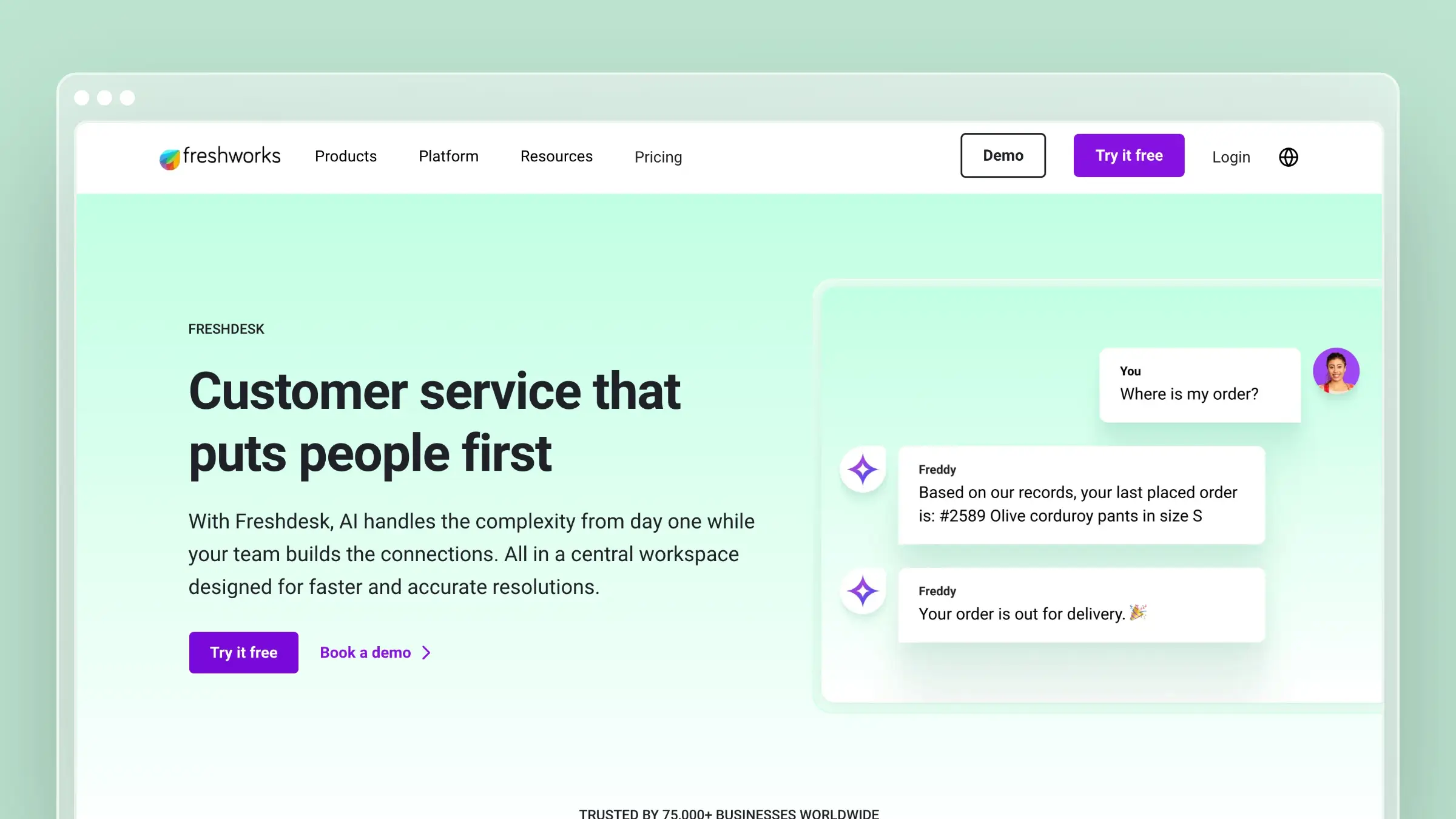
Freshdesk is a support suite with a knowledge base module attached, so docs sit close to tickets, agents, and self-service channels. Its AI self-service features are designed to deflect repetitive support questions using existing help articles. For support-led teams, it can be simpler to run knowledge next to ticketing rather than in a separate tool.
Best for
- Support teams that want AI self-service inside a broader customer support platform.
- Companies that prefer a help-desk-led approach to knowledge management.
- Teams that want docs closely connected to ticket workflows.
What stands out for documentation maintenance
- Ticket patterns help identify repetitive questions that should become help content.
- Customers and agents work from the same answer set, reducing the disconnect between agent replies and help center content.
- AI self-service is a meaningful strength when reducing repetitive support tickets is the main goal.
How the active maintenance layer works in practice
The maintenance loop is support-first. Recurring tickets expose content gaps, agents flag or draft articles, and self-service pulls from the same corpus that supports agent replies.
The signal comes from ticket volume, not from direct monitoring of product changes in engineering. If your bottleneck is that engineering ships faster than support can react, this closes the loop after the tickets arrive, not before.
Where it falls short
- Per-agent pricing rises fast as support headcount grows.
- Knowledge base is a secondary module inside a broader support suite.
- You can end up paying for ticketing capabilities you already have elsewhere.
Pricing and buying notes
- Free tier available; paid plans start at $19 per agent per month billed annually.
- Isolate the knowledge base cost so you can compare it against a standalone docs tool.
- Compare total suite cost against a docs-first tool plus your existing help desk before consolidating.
Category 2: Internal knowledge and team wikis
These tools are built for internal knowledge sharing, not external help centers. They reduce repeated questions, capture institutional knowledge, and keep distributed teams aligned. Maintenance depends on human habits and governance, not automated product-change detection.
4. Slite
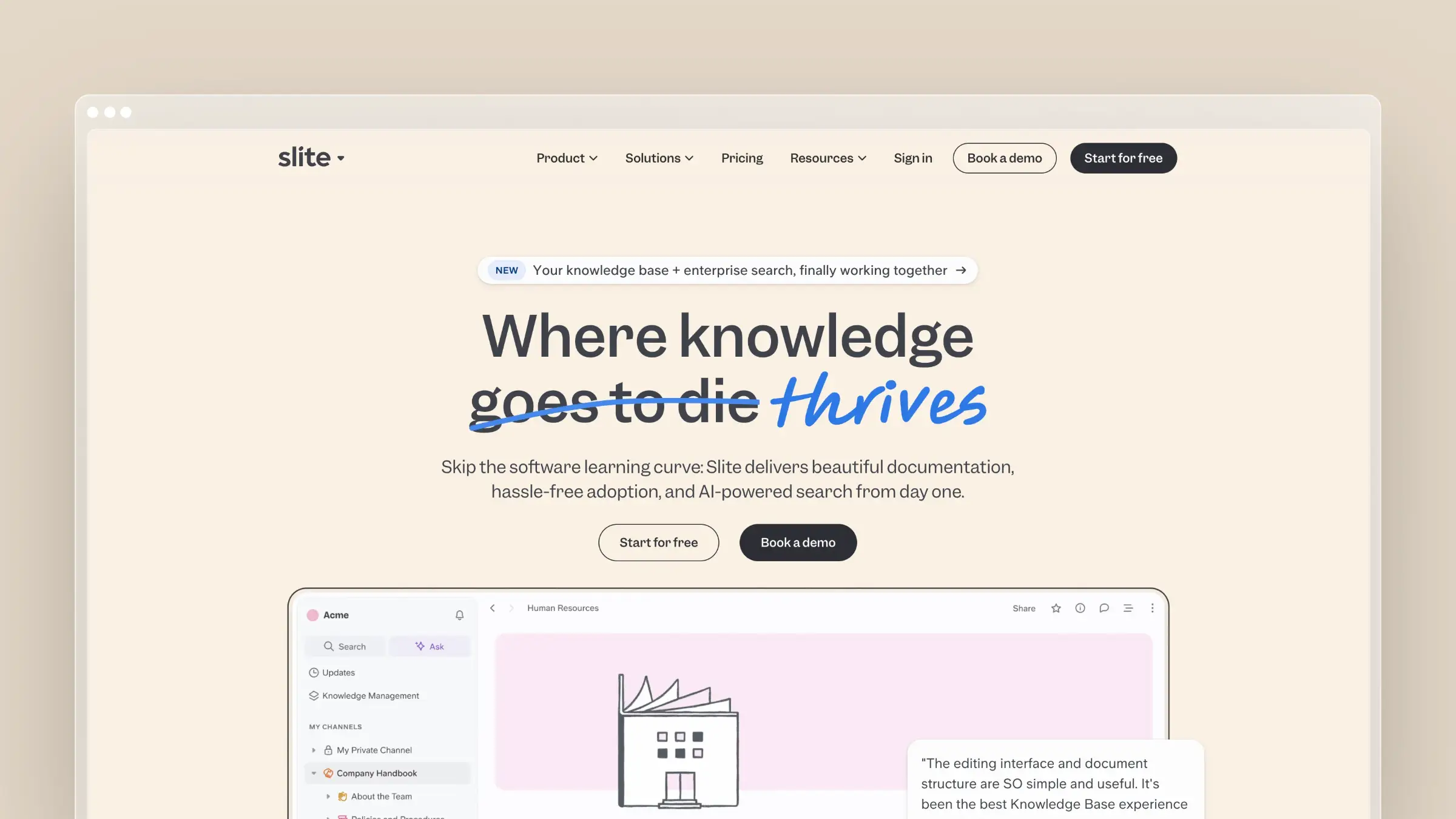
Slite is an AI-driven internal wiki designed for teams that want lightweight knowledge sharing without a heavy implementation project. It hits the sweet spot for distributed teams that want structure without ceremony, with a clean editor, strong search, and AI Q&A that surfaces answers from your existing internal content.
Best for
- Internal teams that want an AI-driven wiki with a low learning curve.
- Remote or distributed teams that need quick adoption.
- Companies that want simpler knowledge sharing before moving into heavier enterprise tooling.
What stands out for documentation maintenance
- Simplicity makes it easier to keep internal docs usable instead of abandoned.
- AI-assisted workflows help teams capture and retrieve knowledge quickly.
- Strong fit when your main need is lightweight team knowledge capture and retrieval.
How the active maintenance layer works in practice
In a typical Slite team, meeting notes, decisions, and repeated Slack questions land in the wiki instead of scrolling into oblivion. AI summarization and Q&A help teammates find what already exists so they don’t recreate the same doc for the third time.
The maintenance benefit comes from low friction, not from monitoring engineering systems. Slite makes it easier to keep an internal wiki alive; it does not automatically detect when your product changed and rewrite external docs.
Where it falls short
- Per-user pricing rises quickly as departments beyond the core team need access.
- Stronger for internal knowledge than for a branded external help center.
- Adoption often outpaces governance, so structure can degrade without an owner.
Pricing and buying notes
- Paid plans start at around $10 per user per month billed annually.
- Easy to justify for smaller teams; seat-based growth matters more once adoption expands across departments.
5. Guru
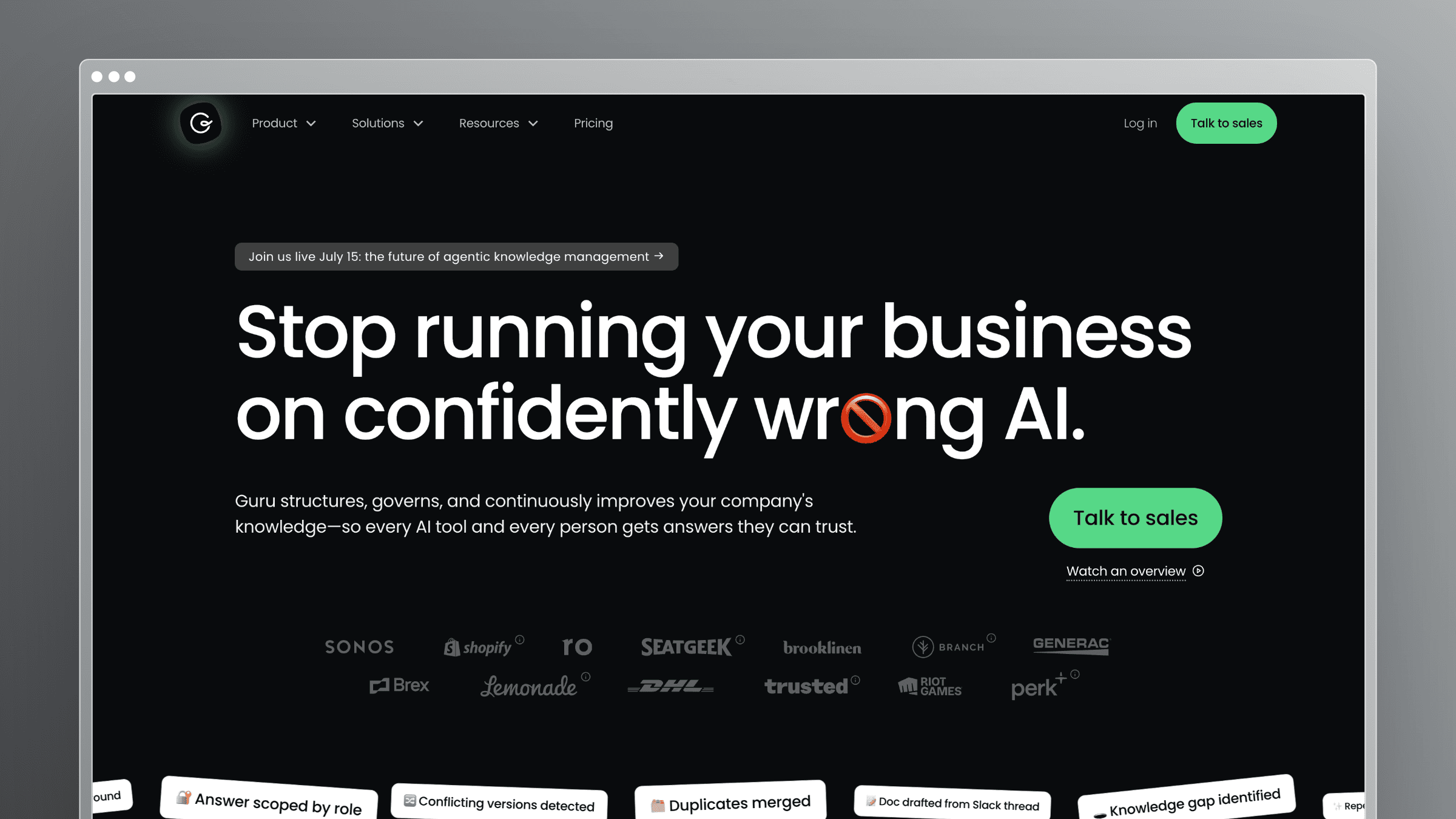
Guru is a knowledge platform built around verification. It’s designed for larger teams that need governed internal knowledge, with cards, ownership, and scheduled re-verification so that sensitive answers don’t drift. It surfaces content inside employee workflows through browser and Slack extensions, and it takes correctness seriously in a way few tools do.
Best for
- Larger teams that need governed internal knowledge.
- Regulated or process-heavy teams that care about verification controls.
- Organizations that want knowledge surfaced inside employee workflows.
What stands out for documentation maintenance
- Verification and governance are major strengths for keeping internal answers trustworthy.
- Approval and ownership controls help teams maintain critical information deliberately.
- Built for internal knowledge scale rather than ad hoc document storage.
How the active maintenance layer works in practice
A Guru workflow starts with assigned owners for each card of knowledge. Owners get pinged on a schedule to re-verify their content, and verified cards surface first in search and inside employee tools. Reps hit a browser extension mid-call and get an approved answer, not a guess.
The maintenance model is governance-led. It relies on humans committing to a review cadence, not on automated updates triggered by product releases. That produces trusted internal answers and clearer accountability, but it can slow down teams that ship weekly and don’t want to re-verify twenty cards every sprint.
Where it falls short
- Governance workflows add admin overhead that smaller teams will not use.
- Stronger as an internal knowledge tool than a public help center platform.
- Verification cycles can slow down teams that ship product changes weekly.
Pricing and buying notes
- Public reference points around $25 per user per month for legacy self-serve plans; deals are typically annual.
- Ask for per-seat rates at your expected 12-month headcount, not just today’s.
- Tie the contract to a rollout plan across the teams that need verified answers, since value hinges on adoption.
6. Confluence
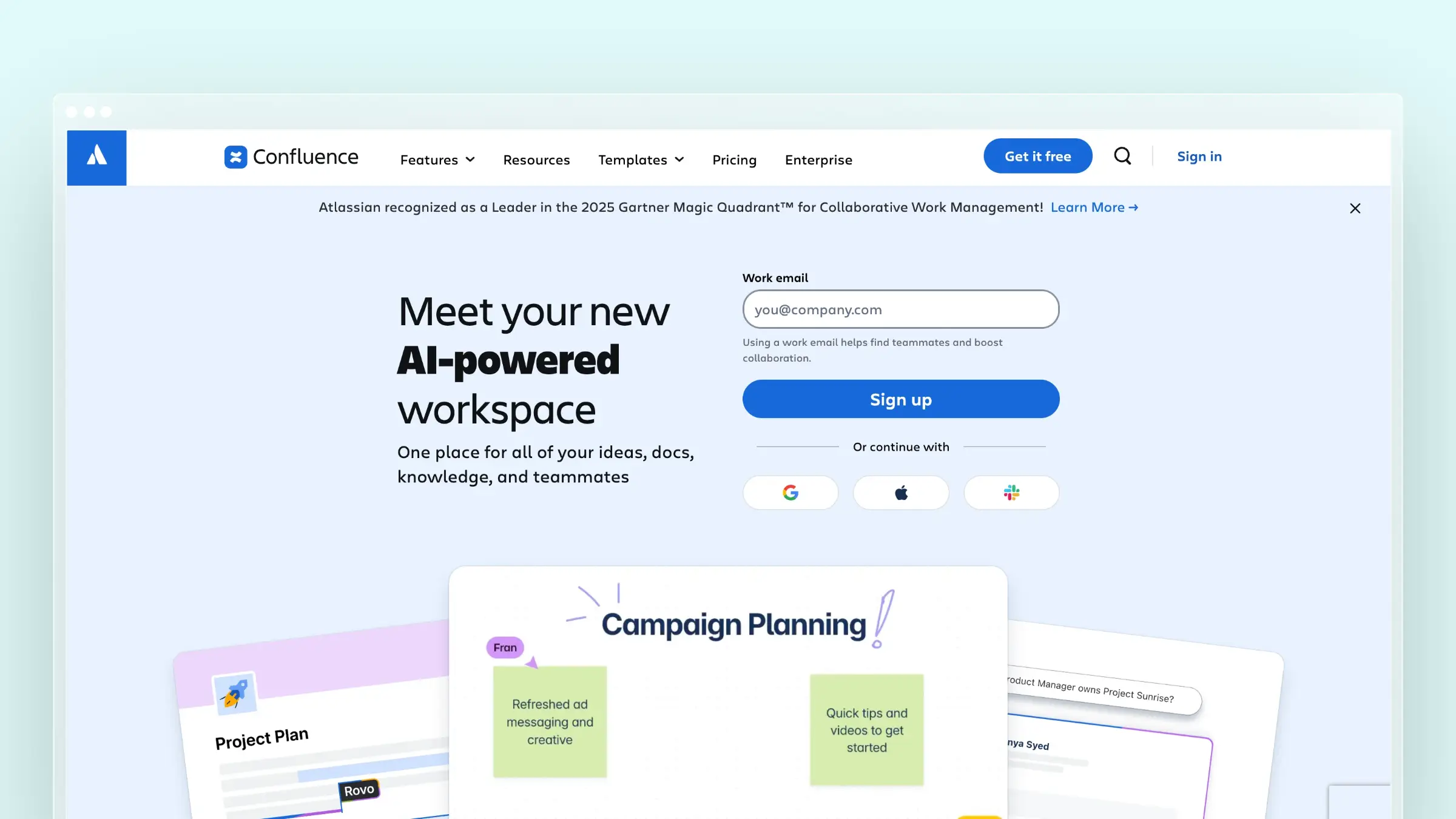
Confluence is Atlassian’s collaborative workspace for team documentation and the default for organizations already running Jira. It combines pages, spaces, whiteboards, and increasingly capable AI features inside the Atlassian ecosystem. If your product and engineering work already lives in Atlassian, the ecosystem gravity is real.
Best for
- Teams already committed to Jira and the broader Atlassian stack.
- Enterprises that want documentation close to project delivery workflows.
- Companies that need collaborative internal docs with familiar enterprise buying patterns.
What stands out for documentation maintenance
- Tight ecosystem fit when product, engineering, and ops work lives in Atlassian.
- Jira proximity makes it easier to connect documentation work to delivery workflows.
- Supports collaborative editing and large-scale documentation habits.
How the active maintenance layer works in practice
Teams update pages alongside epics, tickets, and release activity. Linked work items keep process docs closer to active delivery, so a runbook or spec update can happen right next to the ticket that triggered it.
The tradeoff is that maintenance depends almost entirely on team habits and cleanup discipline. Confluence does not proactively tell you an article is stale. Spaces sprawl, duplicates pile up, and search quality degrades until someone runs a cleanup project.
Where it falls short
- Space and page sprawl grow fast, and cleanup becomes its own ongoing project.
- Not purpose-built for customer-facing self-service knowledge bases.
- Search quality degrades as duplicate and outdated pages accumulate.
Pricing and buying notes
- Cloud plans start around $5.42 per user per month for Standard, with a free tier for up to 10 users.
- The entry price looks attractive, but governance and upkeep effort still matter.
- Easiest to justify when you already pay for and depend on Atlassian.
7. Notion
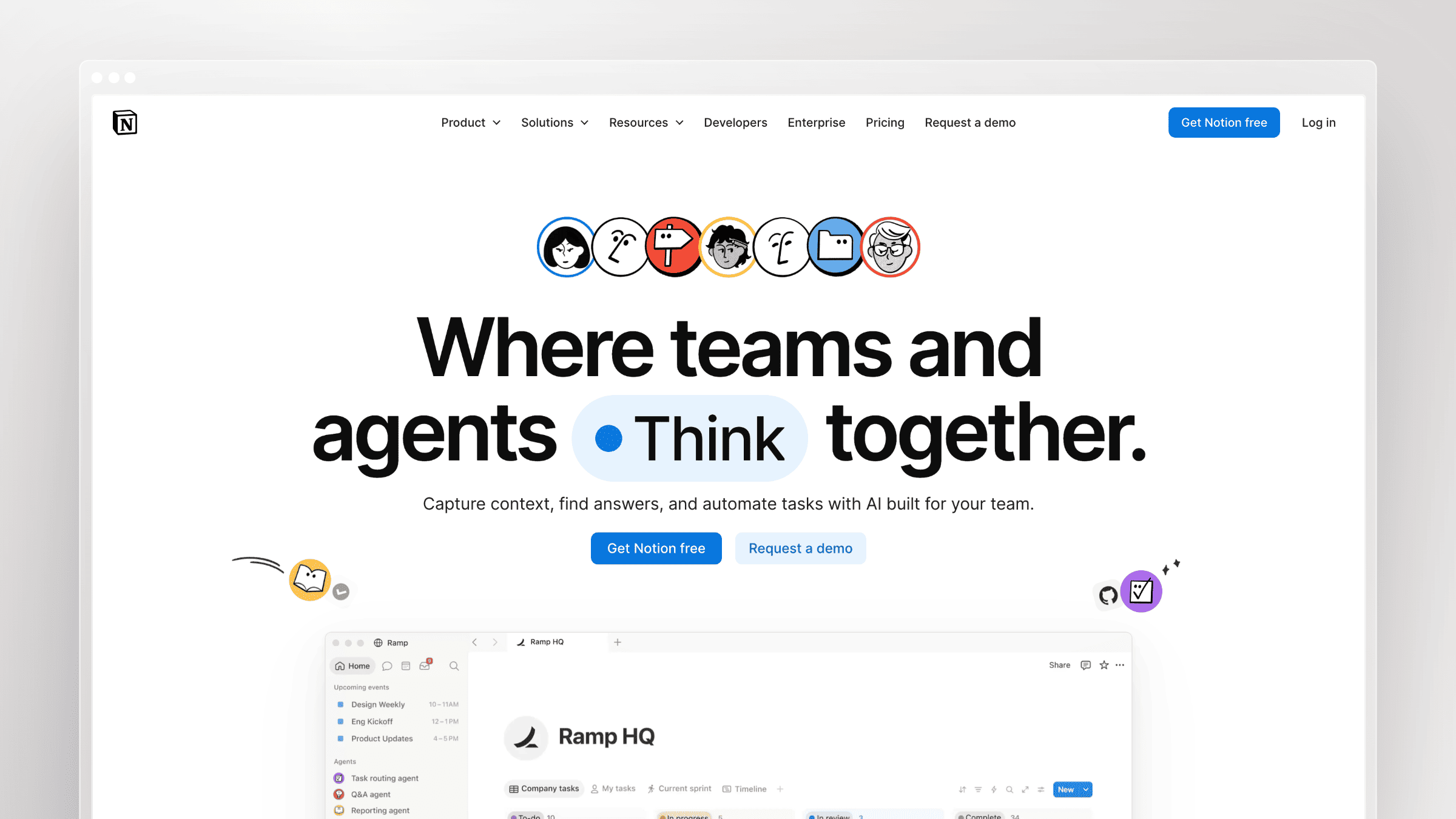
Notion is an all-in-one workspace where docs, databases, and notes live together. Small teams love it because it gets out of the way, and its AI features make it a passable lightweight knowledge base. It’s the pragmatic starting point for founders and small teams who don’t yet want a dedicated docs platform.
Best for
- Smaller teams that want an all-in-one docs and workspace tool.
- Founders and ops teams that value flexibility over structure.
- Companies that want to start simple before buying a dedicated knowledge base.
What stands out for documentation maintenance
- Flexible enough to support docs, databases, notes, and lightweight internal knowledge in one place.
- Familiar editing experience lowers friction for non-technical contributors.
- Fast setup helps teams start documenting without a heavy implementation project.
How the active maintenance layer works in practice
Small teams capture notes, SOPs, project context, and lightweight internal knowledge inside one shared workspace. Flexible pages and databases make it easy to update content as processes and priorities change.
The maintenance benefit is low-friction editing and broad contributor access, not purpose-built stale-doc detection. Pages that no one owns quietly rot alongside the ones you actually use.
Where it falls short
- Flexibility becomes sprawl, and migrating structured docs out later is a real project.
- Not built for support deflection or a branded external help center.
- SEO and publishing options for customer-facing docs are limited compared to docs-first tools.
Pricing and buying notes
- Free for individuals; paid plans start at $10 per member per month for Plus (billed annually).
- Attractive early because the buying motion is simple.
- The bigger question is whether flexibility turns into sprawl later.
8. Tettra
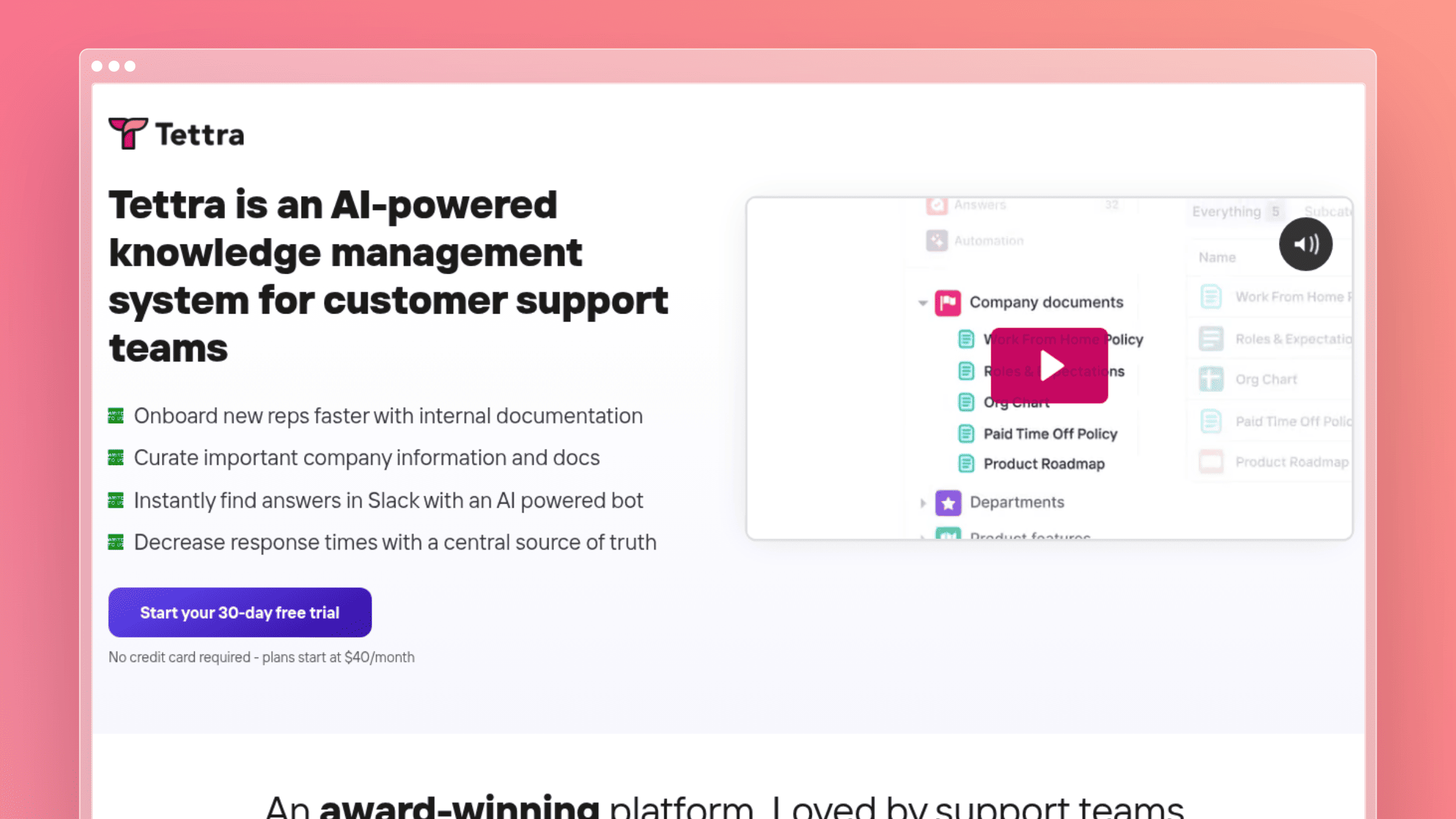
Tettra is a Slack-native internal knowledge tool built around a simple pattern: someone asks a question, someone answers it, and that answer becomes reusable knowledge. It’s approachable, lightweight, and designed for SMBs that already run their day in Slack. It turns tribal knowledge into documentation without demanding a formal process.
Best for
- SMBs that want lightweight internal knowledge management.
- Slack-centered teams handling repetitive internal questions.
- Teams that prefer Q&A-style knowledge capture over heavyweight documentation systems.
What stands out for documentation maintenance
- Helps convert repeated internal questions into reusable answers.
- Slack-centered usage reduces friction for teams already collaborating there.
- Easier to roll out than a more complex enterprise knowledge platform.
How the active maintenance layer works in practice
A teammate asks a question in Slack. Tettra captures it, routes it to the right owner, and the resulting answer gets saved as a page in the wiki. The next time someone asks, the AI surfaces the existing answer instead of pinging a human.
Maintenance is driven by repeated internal questions, not by automated monitoring of product releases or customer-facing content. For a small internal team, that’s usually enough. For a growing SaaS with formal external docs needs, you’ll outgrow it.
Where it falls short
- External publishing and SEO for a branded help center are limited.
- Designed around internal Q&A, not customer-facing self-service.
- Scales less cleanly when you need structured product docs with versioning.
Pricing and buying notes
- Paid plans start around $8 per user per month (or $6.40 billed annually) with a 30-day free trial.
- One of the easier entry points for small internal knowledge teams.
- The tradeoff is lighter specialization for external support documentation.
Category 3: Enterprise knowledge and search platforms
These tools are built for large organizations where knowledge is scattered across dozens of systems and the primary bottleneck is discovery, not authoring. They require dedicated program owners, enterprise contracts, and a clear rollout plan to deliver value.
9. Bloomfire
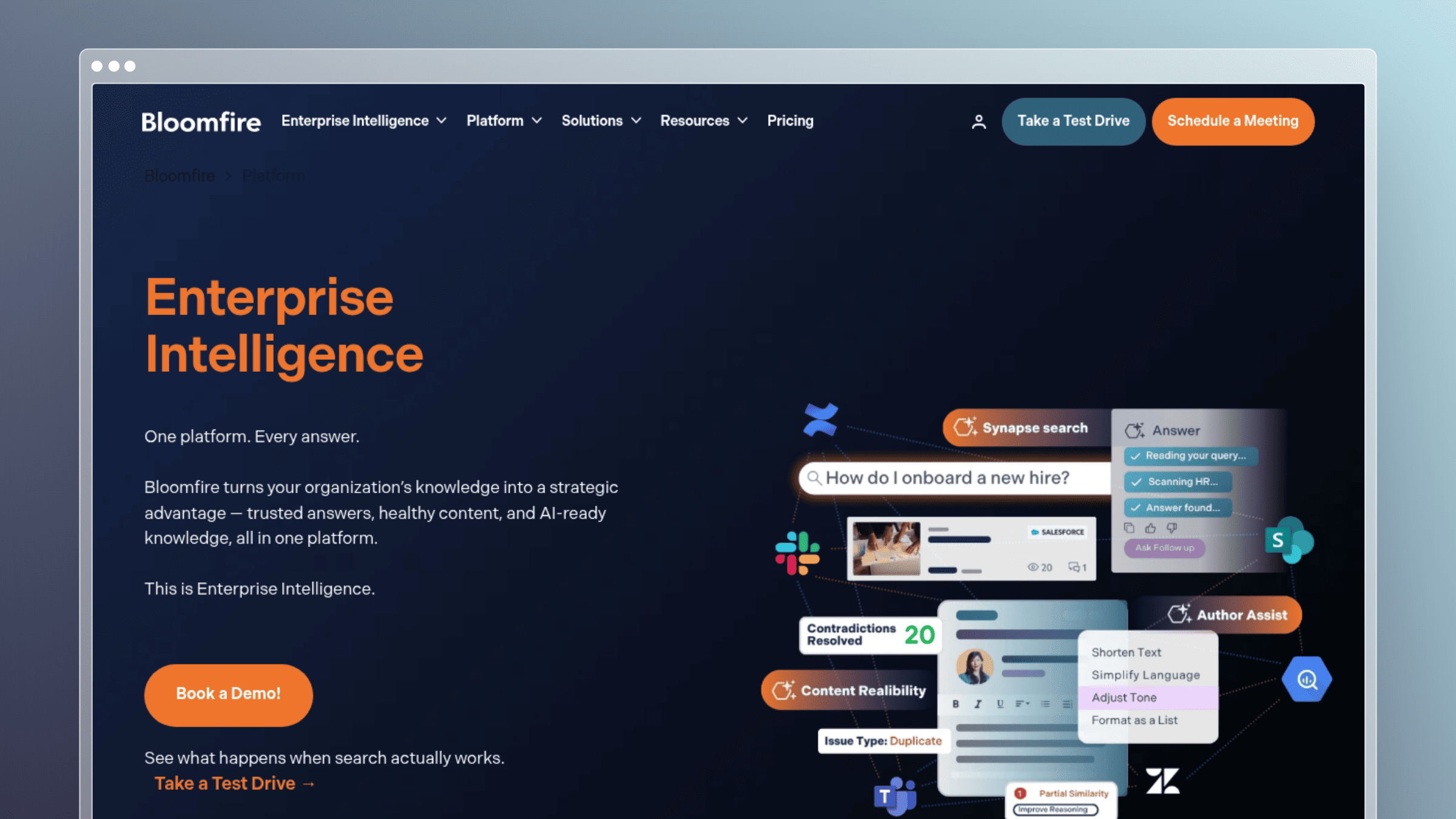
Bloomfire is enterprise knowledge management built for organizations that need to share mixed content types across a large workforce. It handles videos, decks, docs, and articles under a single AI-powered search and content upkeep layer. For larger companies with broad knowledge programs, it’s a category-standard option.
Best for
- Larger teams with broad knowledge-sharing needs.
- Organizations working with mixed content types beyond standard text articles.
- Companies that want enterprise knowledge sharing rather than a narrow docs-only tool.
What stands out for documentation maintenance
- Can centralize knowledge sharing across departments instead of only one docs team.
- Fits broader enterprise knowledge programs that include varied content formats.
- Supports teams that want one system for company-wide knowledge sharing.
How the active maintenance layer works in practice
A larger organization collects docs, decks, recordings, and videos in one platform, then relies on AI-powered search and content-upkeep workflows to keep the highest-value assets discoverable across departments.
The maintenance value is strongest for enterprise knowledge programs with dedicated owners running structured review cycles. For a small SaaS team without a knowledge operations function, it will feel oversized.
Where it falls short
- Scope is enterprise-wide, so it can feel oversized for a focused SaaS team.
- Procurement is slower because deals are sales-led and negotiated.
- Configuration and rollout require dedicated program owners.
Pricing and buying notes
- Sales-led with tiered plans; ask for a written quote by user tier and content volume.
- Expect an annual enterprise contract; ask what implementation, SSO, and analytics add on top of the base fee.
- Push for a pilot scoped to one department so you can validate adoption before signing enterprise-wide.
10. Glean
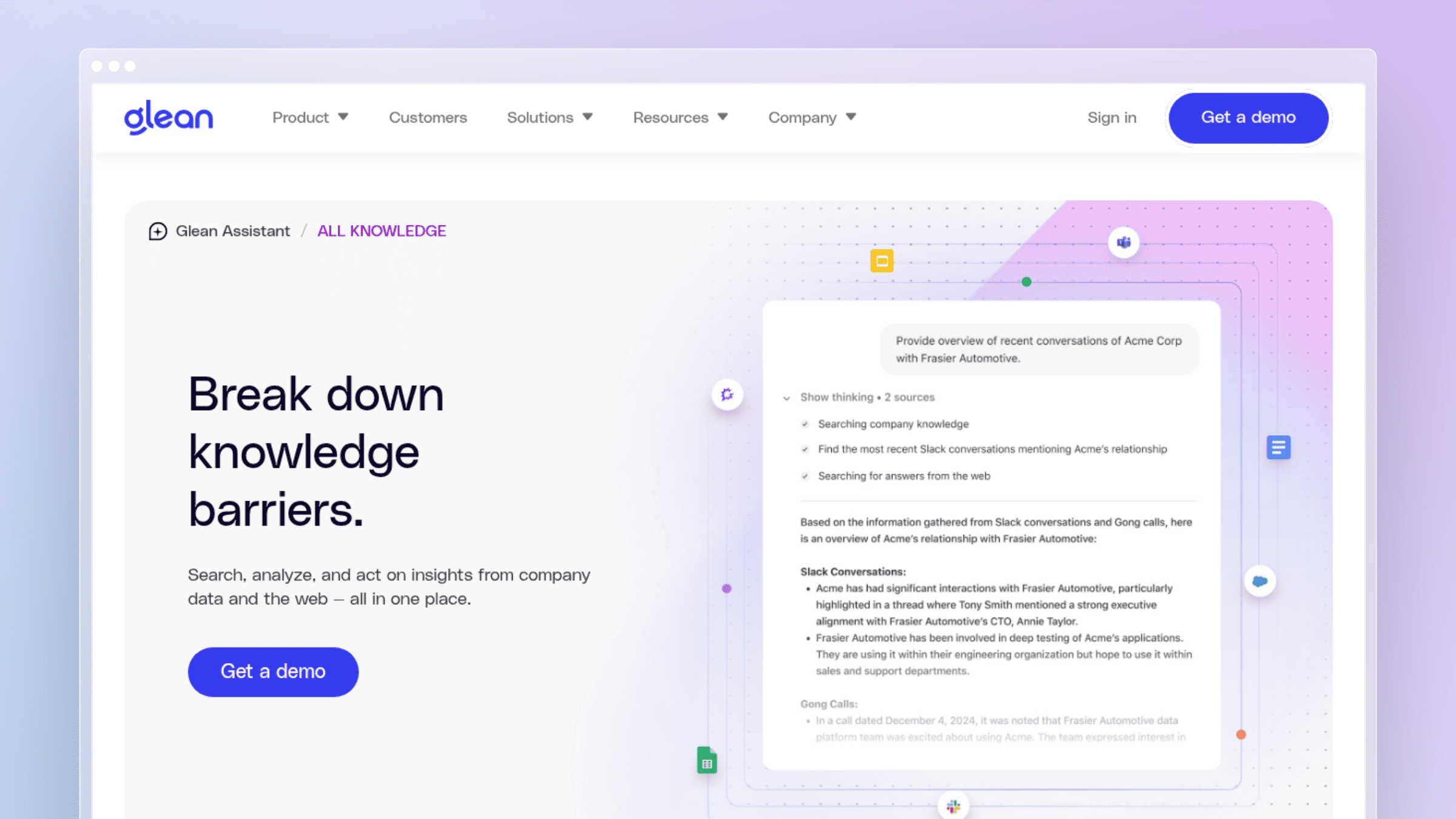
Glean is an enterprise search and answer layer that connects to your existing tools and provides one interface for cross-source retrieval. It doesn’t try to replace your docs platform; it tries to make everything you already have discoverable. For enterprises where knowledge is scattered across dozens of tools, search fragmentation is often the actual bottleneck.
Best for
- Large enterprises with knowledge spread across many tools.
- Companies that care most about cross-source answer retrieval.
- Teams solving search fragmentation more than publishing structure.
What stands out for documentation maintenance
- Enterprise-grade search is its biggest strength.
- Connector-based retrieval reduces time hunting across disconnected sources.
- Valuable when your knowledge already exists across many systems and you need one answer layer.
How the active maintenance layer works in practice
Employees search once and get answers pulled from many connected systems, with citations back to the source. Instead of opening Confluence, Google Drive, Slack, and a ticketing tool in sequence, they ask one question and get one answer.
Be clear about what it does and doesn’t do. Glean improves access to knowledge; it doesn’t improve the knowledge itself. Stale source docs stay stale, and answer quality tracks the freshness of what it’s connected to.
Where it falls short
- Sits on top of existing sources rather than replacing a help center or docs tool.
- Structured article ownership, versioning, and public publishing are not the focus.
- Does nothing to fix stale source content, so answer quality tracks source quality.
Pricing and buying notes
- Enterprise sales-led; ask for per-user pricing at your full org size, not just the pilot team.
- Typical deals are annual with connector and platform tiers; confirm which integrations are included versus paid.
- Justify it only if search across many systems is your top bottleneck, not authoring or publishing.
Category 4: Work platforms with knowledge features
These tools treat knowledge as one component of a broader operational platform. They work best when your team already lives in the platform and wants documentation to sit next to execution, not in a separate tool. They are not purpose-built knowledge bases, and that tradeoff is real.
11. Monday AI Work Platform
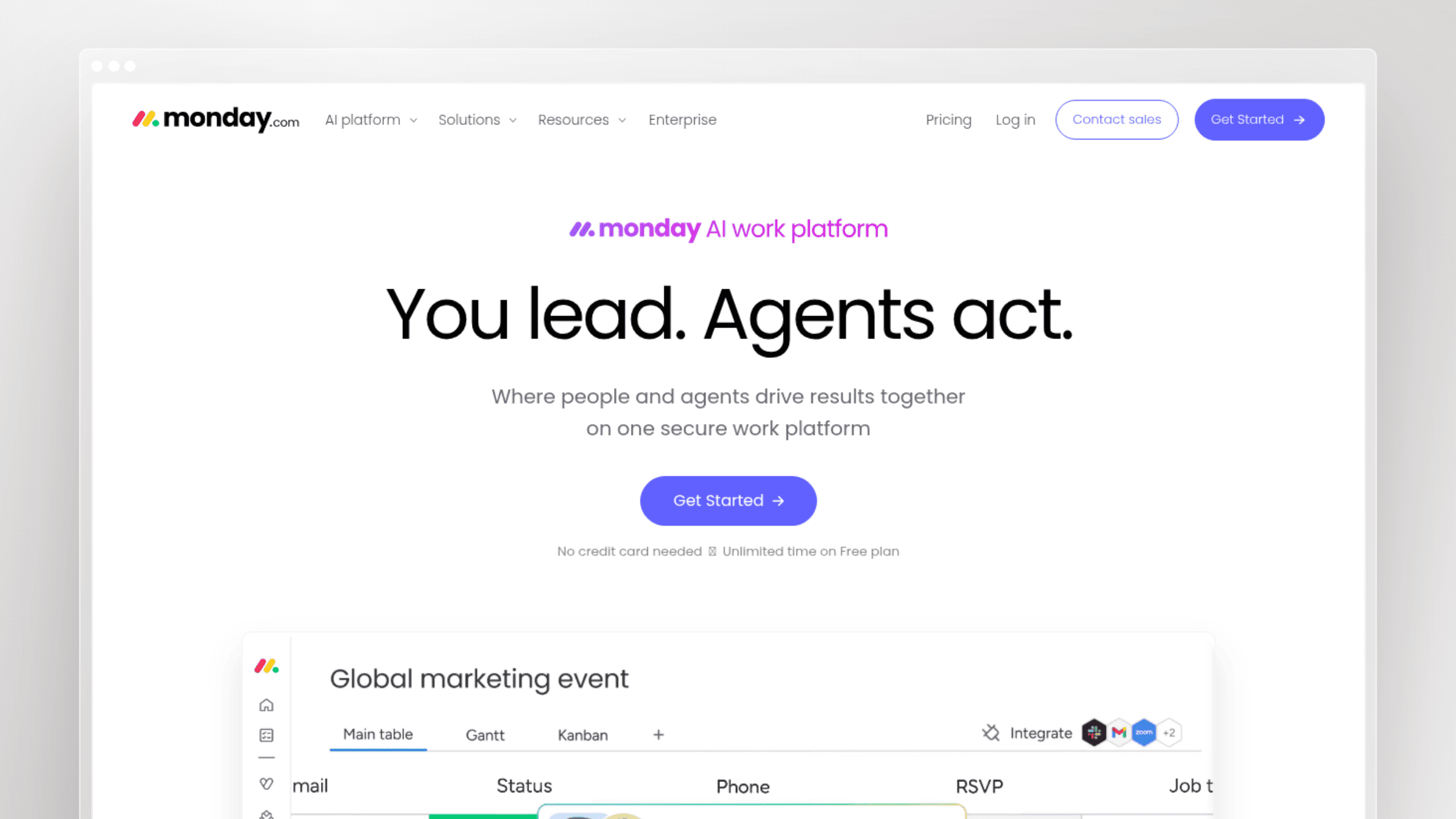
monday AI Work Platform is a work management system with AI features layered across boards, docs, and workflows. It positions knowledge as one part of a broader operational platform, sitting next to project execution rather than in a separate tool. For cross-functional ops teams, keeping process documentation next to the work itself is a legitimate strategy.
Best for
- Cross-functional teams that want work management and knowledge in the same platform.
- Operations-heavy teams tying documentation closely to ongoing workflows.
- Organizations that prefer a broad work platform over a single-purpose docs tool.
What stands out for documentation maintenance
- Works well when process documentation and operational workflows need to stay close together.
- Platform context makes it easier to keep operational knowledge tied to active work.
- AI layer is useful when teams want assistance inside a platform they already use.
How the active maintenance layer works in practice
Teams maintain process docs, project context, and operating knowledge alongside boards, tasks, and recurring work. When a workflow changes, the doc lives right next to the board that runs it, so context stays intact.
The maintenance advantage is proximity between docs and execution, not a dedicated external knowledge base maintenance engine. If you already run operations in monday, this consolidates a lot. If you don’t, it’s a big platform to buy for docs alone.
Where it falls short
- Knowledge experience is a feature inside a broader work platform, not a dedicated docs product.
- No strong external help-center or SEO story for customer-facing docs.
- You can pay for a large platform when your real need is a focused docs tool.
Pricing and buying notes
- Basic plan starts at $9 per seat per month billed annually, plus mandatory AI credit bundles.
- Ask for the delta between the base platform and any AI or knowledge-specific add-ons before you compare.
- Justify it when multiple teams already want a shared operational platform, not for docs alone.
12. eesel AI
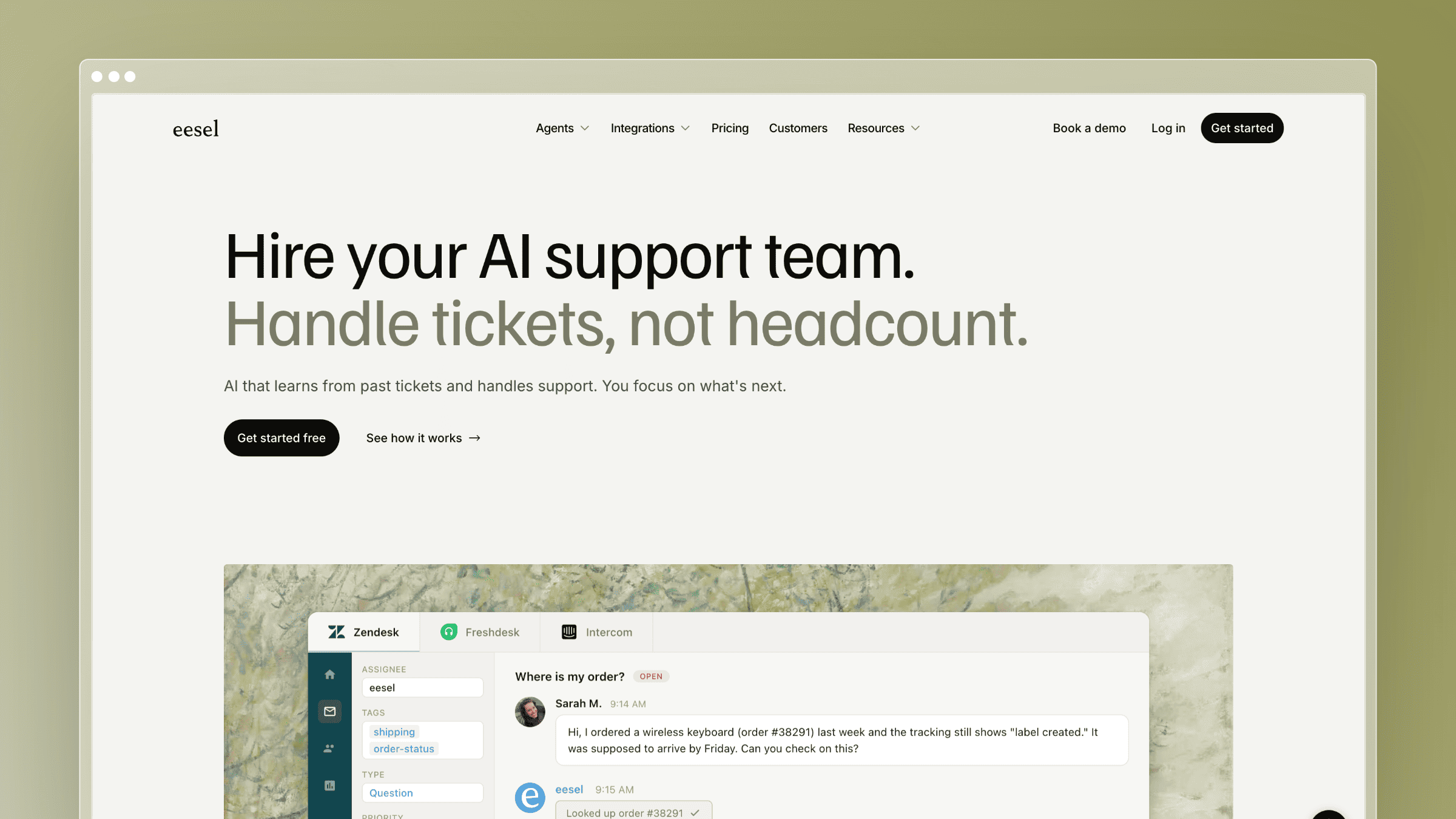
eesel AI is an AI answer layer that connects to your existing docs, wikis, and support sources without requiring a migration. It’s built for teams that need AI-enabled retrieval fast and can’t afford to pause everything to rebuild their documentation stack. For scattered knowledge environments, no-migration setups are a practical short-term win.
Best for
- Teams that want AI answers from existing knowledge sources without migrating everything.
- Organizations blocked by scattered content across many tools.
- Buyers prioritizing speed to AI search over rebuilding their documentation stack.
What stands out for documentation maintenance
- Main appeal is using existing sources rather than forcing a migration project.
- Reduces friction for teams that cannot pause work to rebuild docs.
- Practical no-migration option for scattered knowledge environments.
How the active maintenance layer works in practice
The tool connects to your existing docs, wikis, and support sources, then answers questions against that content. You can start retrieving answers in days instead of running a documentation rebuild project.
The maintenance model depends on the quality and freshness of the original sources. It does not replace structured docs ownership or fix stale source content. What you get is faster time to AI-enabled answers, which is the right tradeoff when a migration is genuinely unrealistic.
Where it falls short
- Not a hosted help center, so there is no public SEO surface for docs.
- Answer quality is capped by how current and organized your source content already is.
- Structured publishing, versioning, and ownership workflows are limited compared to docs-first tools.
Pricing and buying notes
- Pay-per-task model starting at $0.40 per task, with $50 in free credits to start.
- Ask which integrations are included by default and which count as premium connectors.
- The ROI case is strongest when you compare the fee against the internal cost of a migration project.
Conclusion: choosing the right AI knowledge base software
No single tool wins every scenario, so match the pick to your actual bottleneck. The uncomfortable truth is that AI knowledge base software is only as useful as the freshness of the documentation behind it, and most tools solve retrieval without solving maintenance.
Quick recommendations by use case:
- Best for fast-moving SaaS teams: Ferndesk, because it actively maintains docs as you ship.
- Best for customer-facing product docs: Document360, if you have a dedicated docs owner.
- Best for support-led knowledge: Freshdesk, when tickets and docs need to stay in the same system.
- Best for internal wikis: Slite or Tettra, depending on team size and Slack habits.
- Best for enterprise search: Glean, when discovery across tools is the bottleneck.
- Best for no-migration setups: eesel AI, when rebuilding your stack is unrealistic.
Shortlist two tools that match your primary constraint, then run a two-week trial focused on one question: does the tool keep your docs current, or does it just retrieve them faster? Book demos with maintenance scenarios ready. That’s the answer that matters.
FAQs: AI knowledge base software
What is AI knowledge base software?
AI knowledge base software is a system that stores, organizes, and retrieves organizational knowledge using AI features like natural language search, generative answers, and automated content workflows. The best tools also help maintain the underlying documentation, not just search it.
How AI knowledge base software works
Most AI knowledge base software follows four steps: connect sources, index content, answer questions, and improve with feedback. The catch is that answer quality is capped by source quality. Stale docs produce stale answers, no matter how good the AI is. That’s why maintenance matters as much as retrieval.
How is AI knowledge base software different from a traditional help center?
Traditional help centers store static articles that humans must update manually. AI knowledge base software adds features like generative search, cross-source retrieval, content-gap detection, and in some cases automated updates triggered by product changes or support tickets.
Do I need AI knowledge base software if I already have a wiki?
If your wiki content stays current and your team finds answers quickly, you may not need to switch. If tickets keep referencing outdated articles or employees ask questions your wiki already answers, an AI layer or a maintenance-focused tool is worth evaluating.
How much does AI knowledge base software cost in 2026?
Pricing varies from about $5 per user per month for entry plans to enterprise contracts in five and six figures. Ferndesk Pro’s $149/month base price includes five editors, with additional editors at $10/month each. Model those extra seats when comparing it with per-seat products.
How do I keep an AI knowledge base from going stale?
Choose a tool that either enforces verification cycles (like Guru) or actively monitors product changes and support tickets to draft updates (like Ferndesk). Freshness without automation depends entirely on human discipline, which fails as soon as the team gets busy.
Which AI knowledge base tool is best for developer documentation?
Ferndesk fits teams that need product docs and API docs synchronized with code changes through GitHub monitoring. Document360 fits teams that want polished, structured public docs with a dedicated editorial workflow.
Can AI knowledge base software reduce support tickets?
Yes, when the underlying content is accurate. Self-service deflection depends on the AI having correct, current answers to give, which is why maintenance capabilities matter as much as search quality. Tools that only improve retrieval without improving content freshness produce diminishing returns.


 Book a demo