

We build help center software for a living, so take the first row of this comparison with the grain of salt it deserves. The rest is the evaluation we’d run regardless: which help center platforms keep self-service content accurate after launch, what they cost, and how well they deflect support tickets. The short version: Zendesk Guide if you’re already paying for the Zendesk suite, Intercom Articles if support lives in your messenger, HelpDocs if you want a simple, cheap knowledge base, and Ferndesk if stale articles are the problem you’re trying to solve.
A scope note before the comparison table: help center software here means the self-service layer, the public knowledge base where customers find answers instead of filing a support ticket. Most of what Google shows for this search is help desk ticketing software. If that’s what you’re shopping for, our help desk providers breakdown is the better read. If you want the platform overview rather than a ranked list, see our help center software page.
The Verdict: Best Help Center Software by Use Case
| Your situation | Best pick |
|---|---|
| Docs that stay accurate as you ship fast | Ferndesk |
| You already run the Zendesk support suite | Zendesk Guide |
| Support lives in your messenger | Intercom Articles |
| Human-first support, no chatbot push | Help Scout Docs |
| Simple, cheap, live in hours | HelpDocs |
| Developer and API documentation | GitBook |
| Enterprise KB governance and workflows | Document360 |
| Budget all-in-one support suite | Freshdesk |
Smaller and AI-native tools here are not short on AI features; most claim AI search and drafting. The real difference is whether updates are grounded in your product sources (codebase, support tickets, changelogs) and reviewed by a human before publishing, or whether the AI just rewrites whatever is already there.
Quick Comparison: Best Help Center Software
| Tool | Best For | Starting Price | AI Features | Ticket Deflection Focus |
|---|---|---|---|---|
| Ferndesk | AI-native documentation | $149/month | Unlimited, proactive | High (auto-updates) |
| Zendesk | Enterprise support suites | $55/agent/month | Add-on | Medium |
| Intercom | Product-led growth | $29/seat/month | Built-in chatbot | High |
| Help Scout | Human-first support | $50/user/month | Basic | Medium |
| HelpDocs | Simple knowledge bases | $49/month | Credit-limited | Low |
| KnowledgeOwl | Established teams | $99/month | None | Medium |
| GitBook | Developer documentation | $65/site/month | Beta | Low |
| Document360 | Enterprise KB | Pricing available on request | Yes | Medium |
| Freshdesk | Budget support teams | $15/agent/month | Limited | Medium |
1. Ferndesk: Best Overall Help Center Software

Most help centers are passive: you write articles, hope customers find them, and manually update content when you remember. Ferndesk flips that model entirely.
Ferndesk is an AI-native help center where the AI agent (Fern) actively maintains your documentation. Instead of hiring someone to audit your help center quarterly, Fern does it weekly. Instead of waiting for customers to complain about outdated content, Fern flags articles that need updates when your product changes.
What makes Ferndesk different:
Codebase sync: Connect GitHub, and Fern monitors your code for changes. Rename a feature? Deprecate an API? Fern identifies every article that references it and queues updates for your approval. Your documentation stays accurate automatically.
Support ticket analysis: Fern reads patterns across thousands of support conversations. When the same question appears repeatedly, Fern drafts an FAQ and puts it in your review queue. You approve or edit, then publish. The questions stop coming.
Weekly content audits: Stale articles, broken links, outdated screenshots. Fern finds them before your customers do. You get a prioritized list of what needs attention.
Embedded help widget: Customers get answers without leaving your product. The widget surfaces relevant articles based on where users are in your app.
The distinction that matters: every update Fern drafts is grounded in your real product sources (codebase, support tickets, changelogs, product videos) and waits for human review before it publishes. She is not paraphrasing your existing articles back to you; she is reconciling them against what your product actually does now, then handing you the diff to approve.
Pricing: $149/month or $1,490/year (Pro). Custom domains included. No per-article limits. AI drafting is unlimited.
Best for: Teams who want documentation that maintains itself. SaaS companies shipping fast. Anyone tired of manually auditing their help center.
Limitations: Newer platform, smaller community than enterprise incumbents. If you need 50+ integrations or have complex compliance requirements, enterprise tools might fit better.
Try Ferndesk free and see your first AI-generated content audit.
2. Zendesk Help Center: Best for Enterprise Support Operations
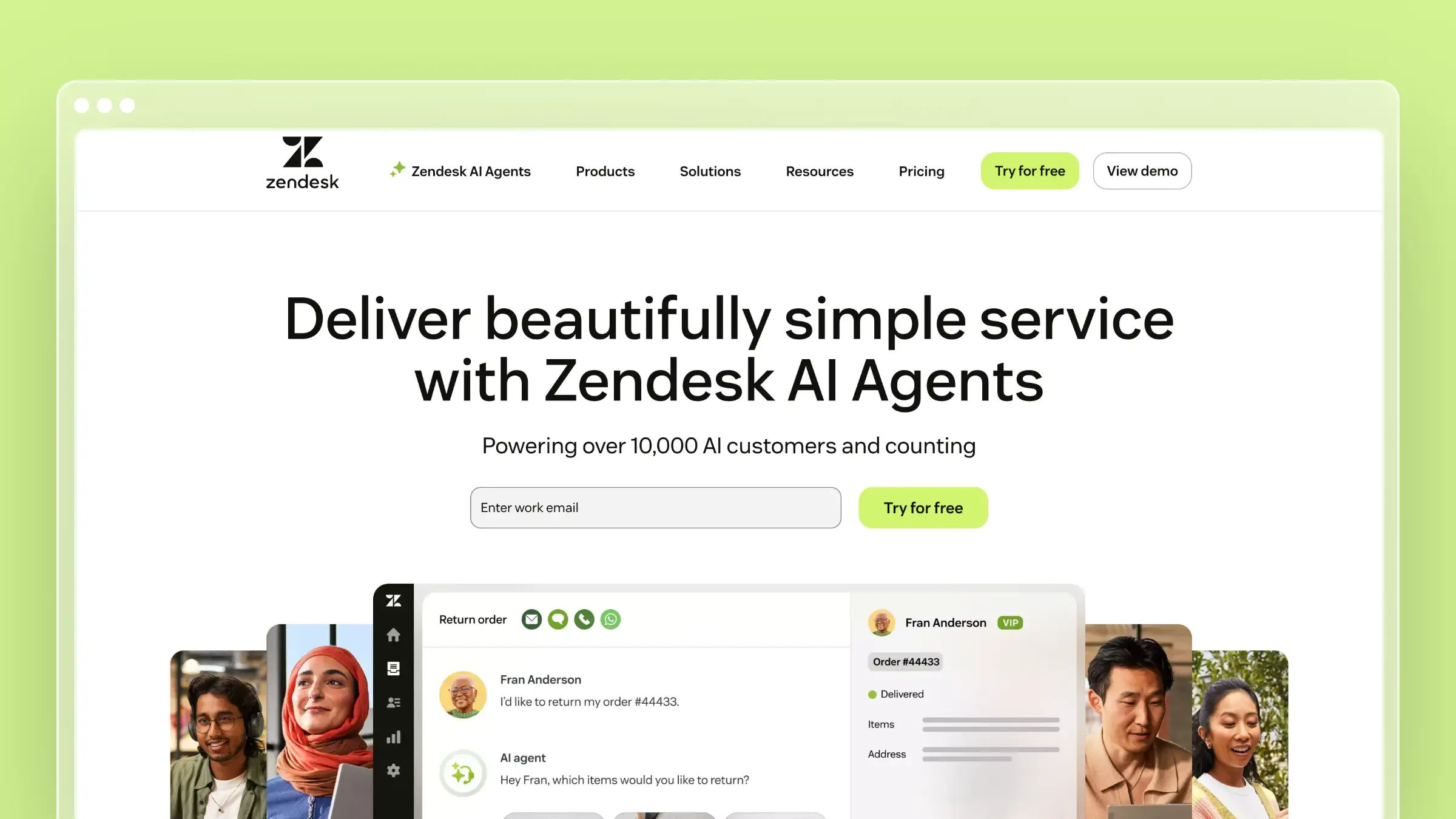
Zendesk Help Center is the safe choice for large organizations with established support operations. It’s part of the broader Zendesk Suite, which means your knowledge base connects directly to tickets, chat, and phone support.
That integration is Zendesk’s real value. When an agent closes a ticket, they can immediately create or update related documentation. When customers search your help center and fail, their queries flow into analytics so you can identify gaps.
What Zendesk does well:
- Deep integration with Zendesk’s ticketing, chat, and phone products
- Robust analytics on article performance and search behavior
- Multilingual support with professional translation workflows
- Answer Bot deflects simple questions before they become tickets
- Community forums for user-generated content
What Zendesk doesn’t do:
Zendesk won’t monitor your product for changes. It won’t read your codebase or analyze support patterns to suggest new content. The AI features (Answer Bot, generative replies) are add-ons that cost extra. And the pricing scales per agent, which gets expensive fast.
Pricing: Starts at $55/agent/month for Suite Team. Answer Bot and advanced AI features require Suite Professional ($115/agent/month) or higher.
Best for: Enterprises already using Zendesk for support. Organizations with large support teams and complex workflows. Companies that prioritize vendor stability over innovation.
The tradeoff: You’re paying for a support suite, not just a help center. If you only need documentation, Zendesk is expensive. If you’re building a complete support operation, the integration value is real.
3. Intercom Help Center: Best for Product-Led Growth Companies
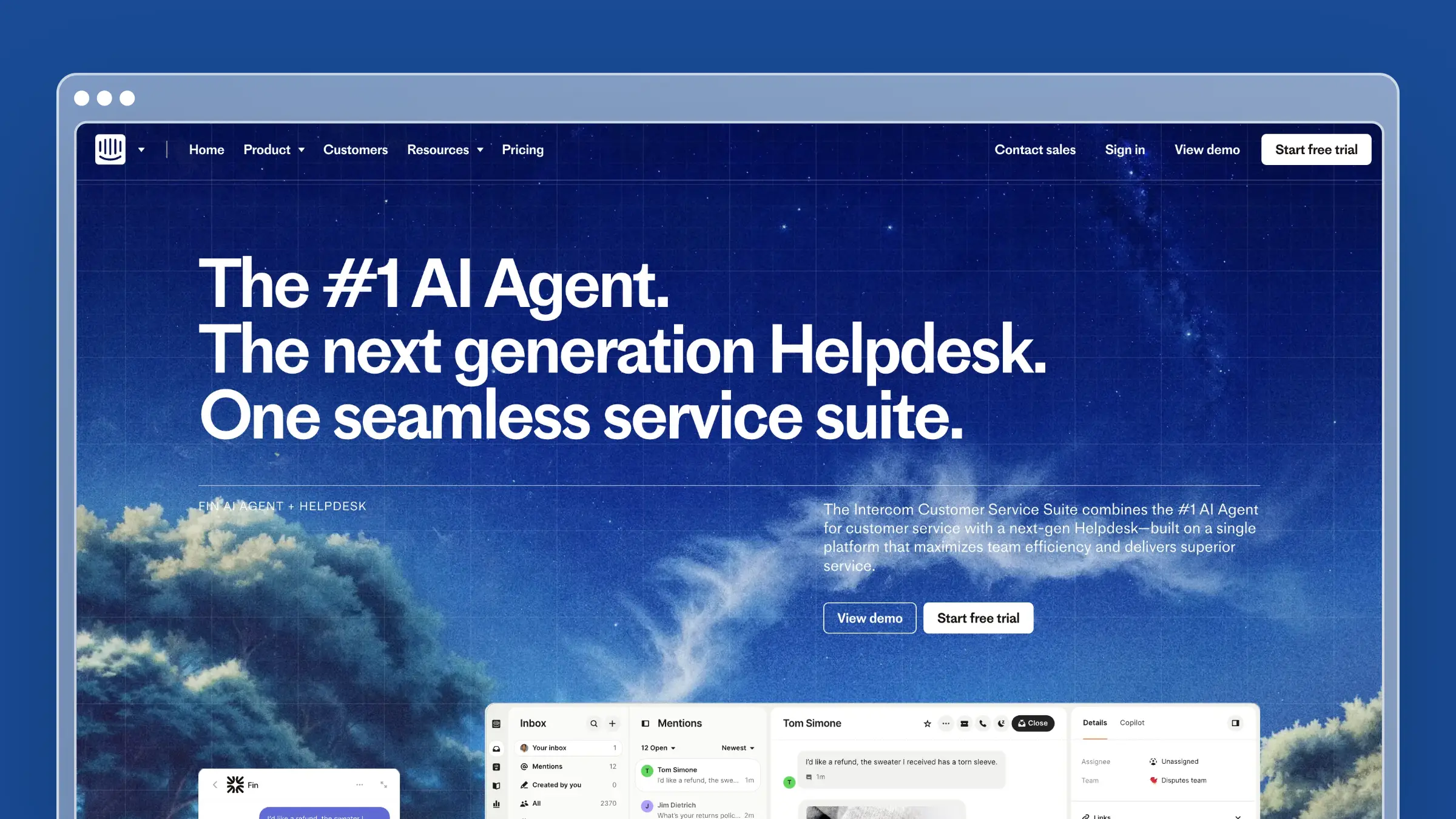
Intercom Help Center is built for companies where the product does most of the selling. The help center integrates with Intercom’s messenger, so customers get answers without switching contexts.
The standout feature is Fin, Intercom’s AI chatbot. Fin reads your help center and responds to customer questions in natural language. When Fin can’t answer, it routes to a human. When humans answer the same question repeatedly, it becomes obvious what documentation is missing.
What Intercom does well:
- Seamless integration with Intercom’s messenger and inbox
- Fin AI provides genuinely useful automated responses
- Beautiful, modern interface that matches contemporary products
- Targeted articles based on user behavior and segments
- Strong mobile experience
What Intercom doesn’t do:
Intercom optimizes for conversations, not comprehensive documentation. If you need deep technical docs, version control, or developer-focused features, look elsewhere. The pricing also scales with conversations, which can spike unpredictably during launches or incidents.
Pricing: $29/seat/month for Essential. Fin AI costs $0.99 per resolution. Enterprise pricing available.
Best for: B2C companies and PLG SaaS. Teams that want conversational support with knowledge base backup. Organizations already using Intercom for messaging.
The tradeoff: Intercom is expensive at scale. A busy help center with high Fin usage can cost more than enterprise competitors. And the documentation capabilities are lighter than dedicated knowledge base tools.
4. Help Scout: Best for Human-First Support Teams

Help Scout takes a deliberately different approach: it optimizes for human support teams, not automation. The help center (called Docs) is clean, fast, and easy to maintain. No complexity, no AI hype, just solid documentation tools.
That philosophy resonates with teams who believe great support requires humans. Help Scout makes agents efficient without making customers feel like they’re talking to robots.
What Help Scout does well:
- Clean, fast documentation with excellent search
- Beacon widget embeds help directly in your product
- Saved replies and workflows make agents faster
- Collision detection prevents duplicate work
- Reporting focused on team performance, not vanity metrics
What Help Scout doesn’t do:
Help Scout isn’t trying to automate support away. The AI features are basic compared to Intercom or Zendesk. If you want aggressive ticket deflection through bots, Help Scout won’t deliver. The platform also lacks the deep integrations of larger suites.
Pricing: $50/user/month for Standard (includes Docs). $75/user/month for Plus with advanced features. See our Help Scout pricing breakdown.
Best for: Teams that value human support over automation. Companies with technical products where customers need real help. Organizations frustrated by chatbot-first platforms.
The tradeoff: Help Scout’s human-first philosophy means you’ll need more agents as you scale. The platform doesn’t try to deflect tickets aggressively, which is either refreshing or costly depending on your perspective.
5. HelpDocs: Best for Simple, Fast Knowledge Bases
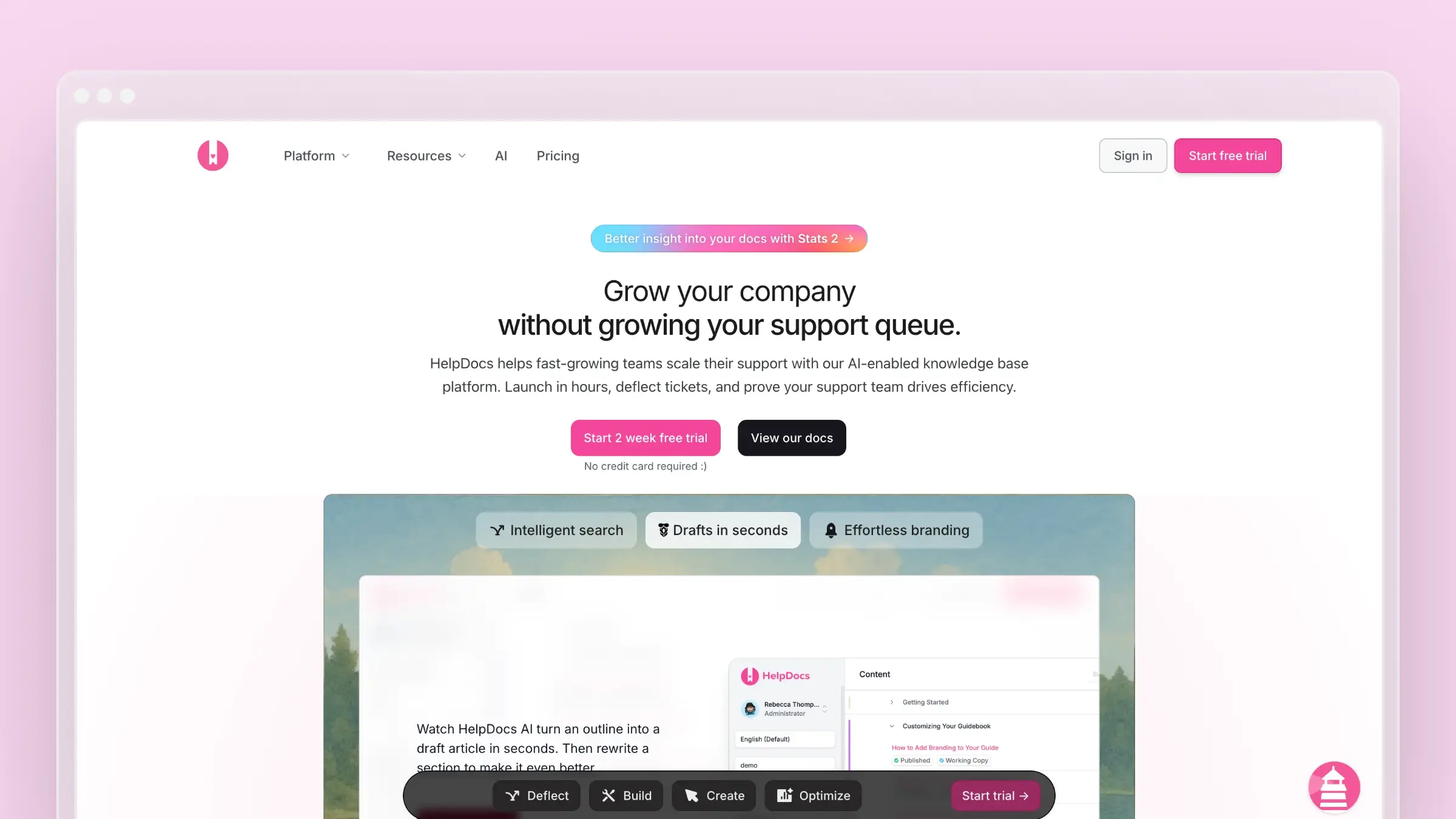
HelpDocs made its name on simplicity. You can publish a professional help center in hours, not weeks. The editor is clean, the templates are modern, and there’s no learning curve.
The AI features are useful but limited. You get credits each month for AI-assisted drafting and rewriting. Once credits run out, you’re back to manual writing until the next billing cycle.
What HelpDocs does well:
- Fastest setup of any tool on this list
- Clean, modern templates out of the box
- Lighthouse widget for embedded help
- Solid search that handles typos and intent
- Clips for reusable content blocks
What HelpDocs doesn’t do:
HelpDocs won’t monitor your product for changes or analyze support patterns. The AI is rationed through credits, which can run out during busy periods when you need help most. And there’s no version control for compliance-heavy teams.
Pricing: $49/month (Seed), $99/month (Sprout), $199/month (Bloom). See our HelpDocs review for details.
Best for: Small teams that need documentation fast. Companies with straightforward products. Anyone who values simplicity over features.
The tradeoff: HelpDocs is simple because it does less. If you outgrow it, migration is manual. The AI credit system also creates an awkward dynamic where you ration assistance during the periods you need it most.
6. GitBook: Best for Developer Documentation
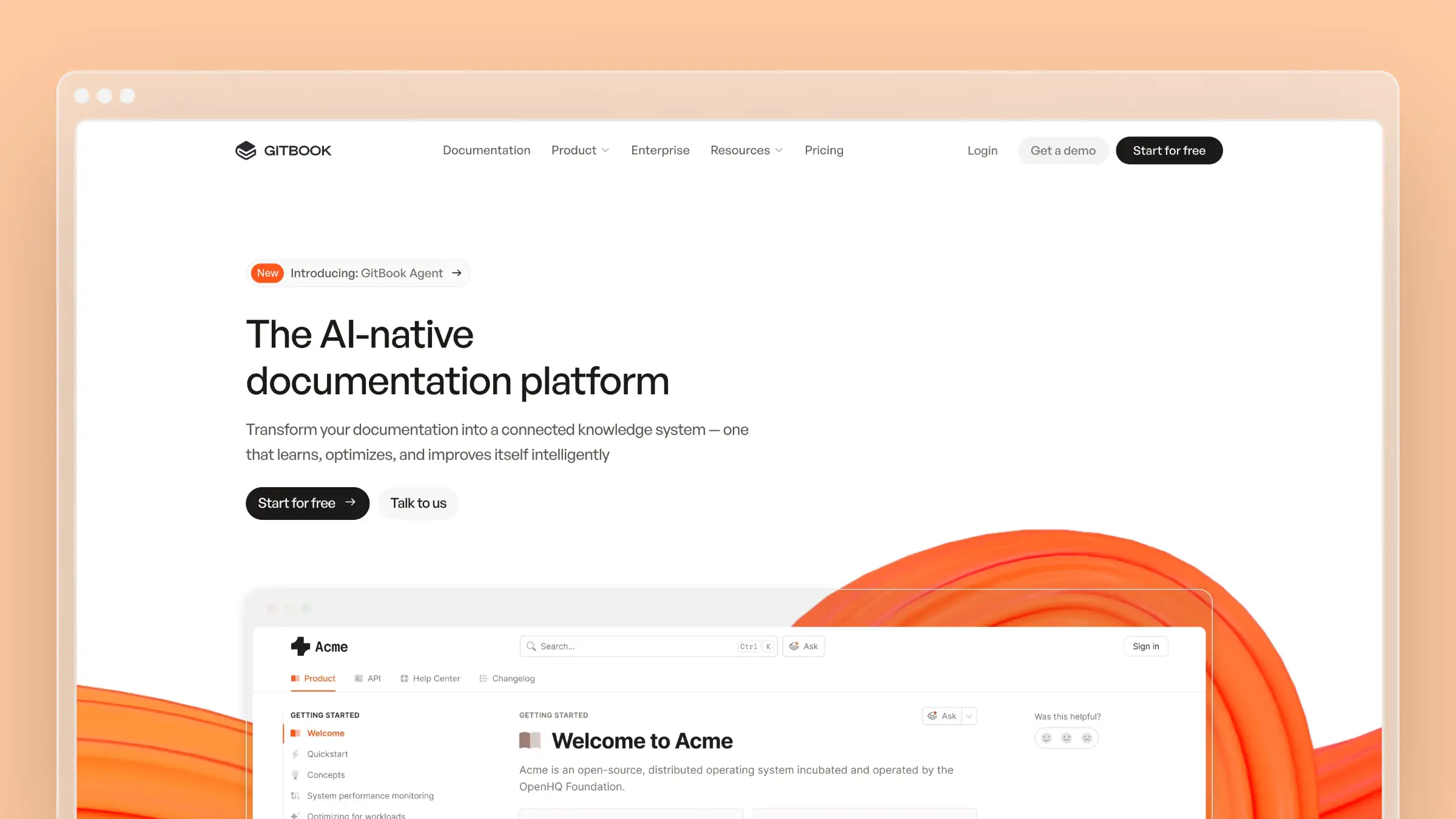
GitBook serves a specific audience well: developer-focused companies that want documentation to live alongside code. The Git sync is genuine, the reading experience is beautiful, and the platform handles technical content gracefully.
For API docs, SDK guides, and technical references, GitBook is hard to beat. For customer-facing help centers, it’s awkward.
What GitBook does well:
- Git-based workflow that developers love
- Beautiful reading experience with dark mode
- OpenAPI and GraphQL documentation support
- Versioning for multiple product releases
- AI Assistant for drafting (in beta)
What GitBook doesn’t do:
GitBook assumes technical users who understand Git. Non-developers struggle with the editing workflow. The platform also lacks help center essentials like embedded widgets, conversation routing, and support team features.
Pricing: Free for open source. $65/site/month for Plus. $249/site/month for Pro. Additional users cost $12/month each. See our GitBook review.
Best for: Developer tools and API documentation. Open source projects. Technical teams comfortable with Git workflows.
The tradeoff: GitBook is a documentation platform, not a help center. If you need both developer docs and customer support resources, you’ll end up running two systems.
7. Document360: Best for Enterprise Knowledge Management
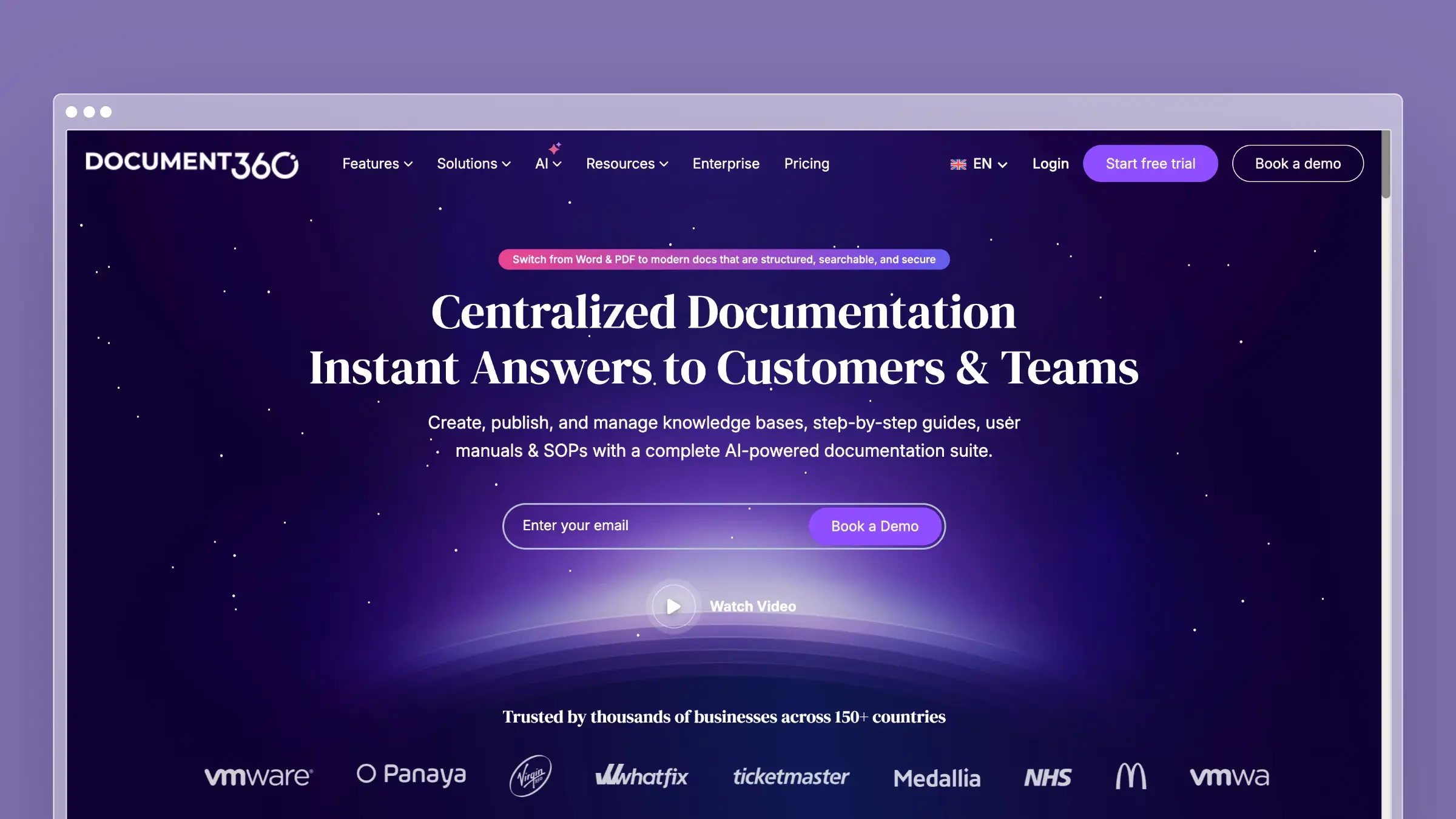
Document360 targets enterprises that need serious knowledge management: version control, approval workflows, analytics, and compliance features. It’s not the simplest tool, but it handles complexity that lighter platforms can’t touch.
The AI features (Eddy) help with drafting and summarization. The platform also offers both public and private knowledge bases from one account, which is useful for companies managing customer docs and internal wikis.
What Document360 does well:
- Enterprise-grade version control and approval workflows
- Both public and private knowledge bases
- Deep analytics on content performance
- Category and article-level permissions
- API for headless documentation
What Document360 doesn’t do:
Document360 doesn’t connect to your codebase or support tools automatically. The AI assists with writing but doesn’t proactively maintain content. And the pricing puts it out of reach for smaller teams.
Pricing: Pricing available on request.
Best for: Enterprises with compliance requirements. Companies managing multiple knowledge bases. Teams that need approval workflows and version control.
The tradeoff: Document360 solves enterprise problems at enterprise prices. If you don’t need the advanced features, you’re paying for complexity you won’t use.
8. Freshdesk: Best Budget Help Center Option
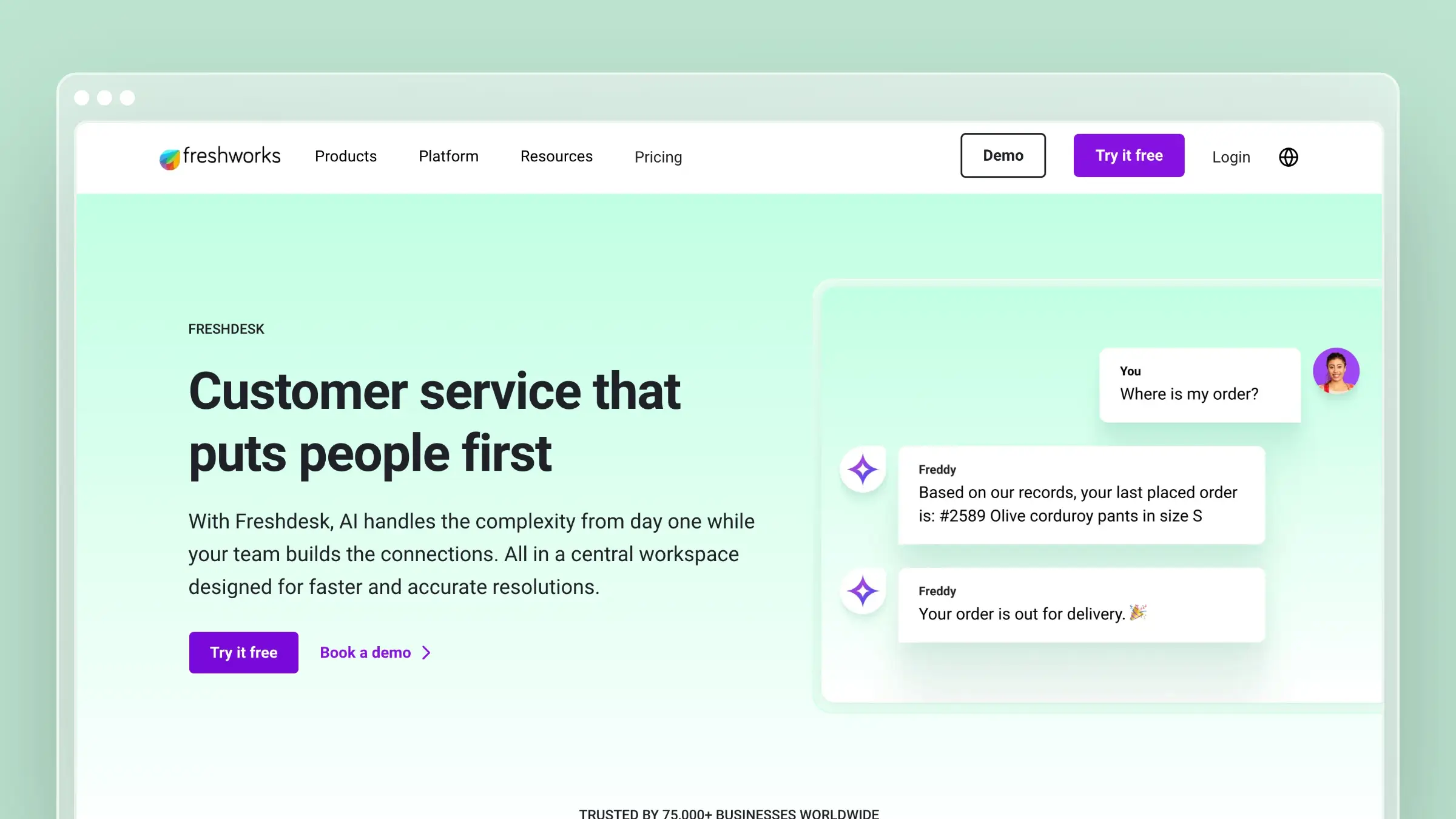
Freshdesk offers a complete support platform at prices that undercut Zendesk significantly. The knowledge base is included in most plans, and it covers the basics competently.
The AI features (Freddy) provide chatbot and automation capabilities, though they’re not as sophisticated as Intercom’s Fin or Zendesk’s Answer Bot.
What Freshdesk does well:
- Aggressive pricing that undercuts competitors
- Complete support suite with ticketing, chat, and phone
- Solid knowledge base covering the essentials
- Multilingual support for global teams
- Free plan available for very small teams
What Freshdesk doesn’t do:
Freshdesk’s knowledge base is functional, not exceptional. The AI capabilities lag behind premium competitors. And the interface feels dated compared to modern tools like Intercom or HelpDocs.
Pricing: Free plan available. $15/agent/month for Growth. $49/agent/month for Pro. See our Freshdesk pricing breakdown.
Best for: Budget-conscious teams that need a complete support platform. Companies prioritizing price over polish. Organizations that will eventually migrate to a premium tool.
The tradeoff: You get what you pay for. Freshdesk covers the basics, but the experience doesn’t match premium competitors. Plan on eventually outgrowing it.
How to Choose Help Center Software
The right tool depends on what problem you’re actually solving:
If your docs are constantly outdated: Choose Ferndesk. The AI agent monitors your product and queues updates automatically. No more quarterly audits that find problems customers discovered months ago.
If you need a complete support suite: Choose Zendesk for enterprise scale or Freshdesk for budget constraints. The integration between knowledge base and ticketing matters at scale.
If conversations drive your support: Choose Intercom. The messenger integration and Fin AI create a conversational experience that traditional help centers can’t match.
If humans are your differentiator: Choose Help Scout. The platform makes agents efficient without forcing customers through bots they don’t want.
If developers are your audience: Choose GitBook for the Git workflow and technical documentation features.
If simplicity is your priority: Choose HelpDocs. You’ll be live in hours with a clean, professional help center.
If you’re a small team on a budget: See our dedicated guide to knowledge bases for small teams, which focuses on tools that work without dedicated admins.
The Ticket Deflection Question
Every vendor claims their platform deflects tickets. Few can prove it.
The math is simple: if 50% of support questions have answers in your documentation, and customers can find those answers, your ticket volume drops. The challenge is the “if customers can find those answers” part.
Most help centers fail because:
- Content goes stale. Articles reference features that no longer exist or work differently now.
- Gaps grow invisibly. New features ship without documentation. Common questions never get answered.
- Search fails. Customers type natural questions; search requires exact keywords.
- Navigation confuses. Customers can’t find the right category or don’t know what to look for.
The best help center software addresses these failures directly. Ferndesk automates content maintenance. Intercom uses AI to bridge the search gap. Zendesk provides analytics to identify what’s missing.
Choose the approach that matches your team’s constraints. If you have time for manual maintenance, simpler tools work fine. If you’re shipping fast and documentation falls behind, automation isn’t a luxury.
Bottom Line
The best help center software is the one your team will actually maintain. Beautiful documentation that goes stale helps no one.
For most teams, that means choosing between manual simplicity (HelpDocs, Help Scout) or automated maintenance (Ferndesk). Enterprise teams with complex requirements will gravitate toward Zendesk or Document360.
If you want documentation that actively reduces support tickets without constant manual effort, Ferndesk costs $149/month or $1,490/year with unlimited AI drafting. Five editors are included, with additional editors at $10/month each. Just help center software that actually helps.
If you’re a small team weighing internal docs against a customer help center, our knowledge base software for small teams guide splits the options by lane.
How We Evaluated These Tools
We last checked pricing and AI features on June 11, 2026, using each vendor’s public pricing page. This guide is optimized for SaaS teams that ship often and care about two things: whether self-service content stays accurate after launch, and how well a platform deflects support tickets. We scored on starting price, AI grounding and review workflow, and ticket-deflection focus, not on raw feature counts. Vendor pricing changes frequently, so confirm current numbers before you buy.


 Book a demo