

ProProfs Knowledge Base sells simplicity. Their Knowledge Base product promises you can “create help sites, manuals, and documentation in minutes” without any coding or specialized training. For teams exhausted by complex enterprise tools, that’s an appealing pitch.
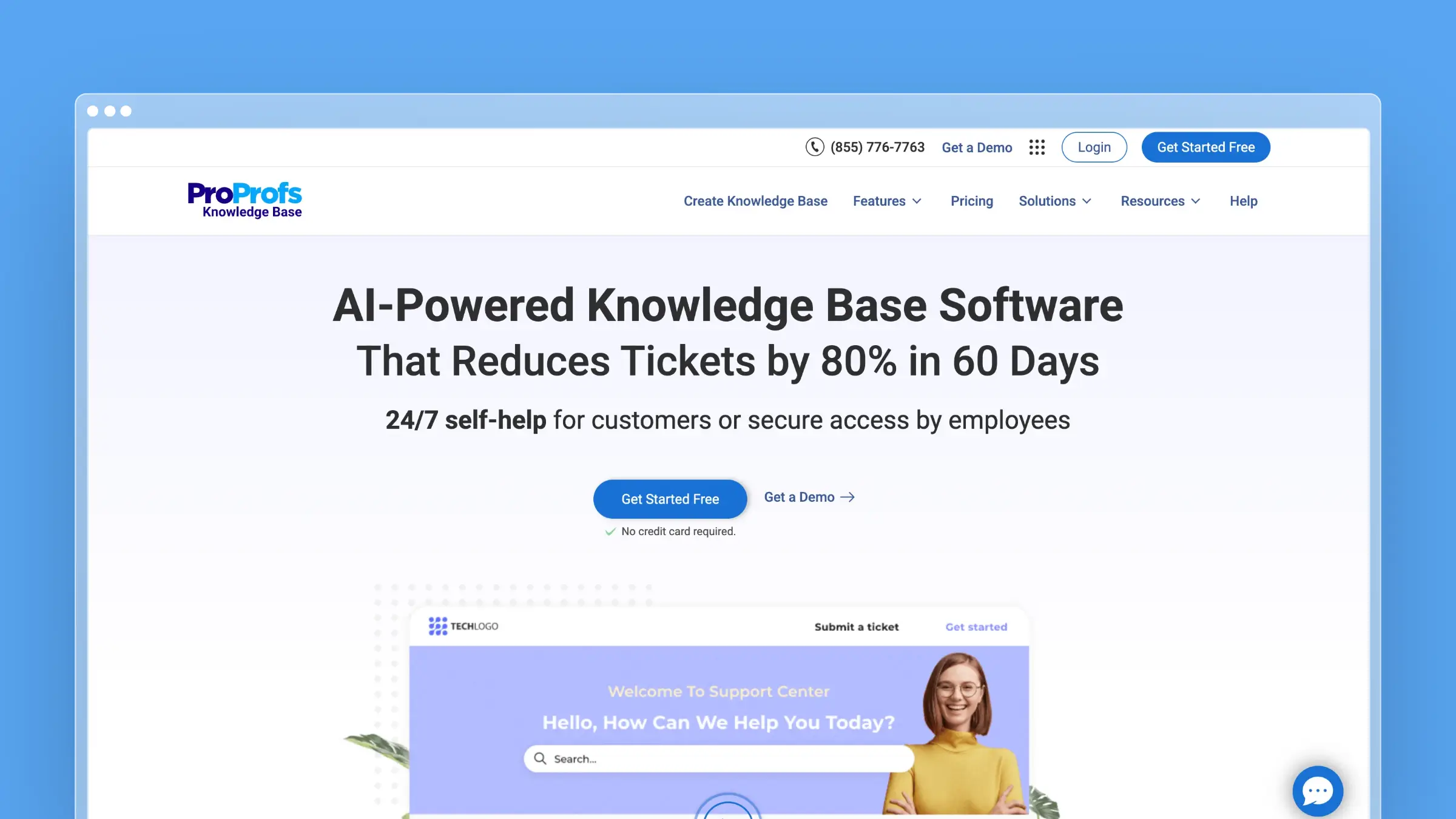
But simplicity has tradeoffs. ProProfs Knowledge Base is deliberately minimal, which makes it easy to learn and hard to outgrow. The question isn’t whether it works. The question is whether “works” is enough for your documentation needs.
Here’s what ProProfs KB actually delivers, what it doesn’t, and who should consider it.
Who Uses ProProfs Knowledge Base?
ProProfs positions their KB product for two primary audiences:
Customer-facing help centers: External knowledge bases where customers find answers to common questions, reducing support ticket volume.
Internal documentation: Employee onboarding materials, SOPs, company wikis, and HR policy documentation that stays within your organization.
The platform claims customers across industries, from small businesses to enterprises. Their broader ProProfs suite (which includes quiz makers, surveys, and training tools) gives them reach into education and HR departments specifically.
ProProfs KB works best for teams who need basic documentation without complexity. If your requirements are straightforward, the simplicity is a feature. If your requirements grow, it becomes a limitation.
ProProfs KB Pricing at a Glance
ProProfs uses per-author pricing. Readers (people who view your public knowledge base) don’t cost anything. Only the people creating and editing content pay.
| Plan | Monthly Billing | Annual Billing | Annual Cost (1 author) | Notes |
|---|---|---|---|---|
| Free | $0 | $0 | $0 | 1 author, 25 pages |
| Essentials | $79/author/month | $49/author/month | $588/year | 38% savings over monthly |
| Business | $99/author/month | $69/author/month | $828/year | 30% savings over monthly |
| Business Complete Elite | Not offered | $79/author/month | $948/year per author ($2,844 minimum) | Annual only, 3-author minimum |
15-day free trial. No credit card required.
Hidden costs to watch:
- Custom domain: $300/year extra to remove the ProProfs branding and use your own URL
- White-labeling: Included only if you pay for the custom domain add-on
The per-author model makes ProProfs affordable for small teams. A solo founder pays $49/month on Essentials (annual). A 3-person team pays around $150/month. But costs scale linearly with authors, which can get expensive for larger documentation teams. For a detailed breakdown, see our ProProfs KB pricing guide.
What You Get
ProProfs KB includes the core features you’d expect from knowledge base software:
Content creation:
- WYSIWYG editor (no markdown required)
- Import from Word docs, Excel (Business), and PowerPoint
- Customizable templates for consistent formatting
- Image and video embedding
- Article versioning (Business) and revision history
Organization:
- Folders and categories for content structure
- Drag-and-drop article reordering
- Table of contents generation
- Multiple knowledge bases from one account (3 on Business, unlimited on Elite)
Access control:
- Public knowledge bases for customers
- Private knowledge bases for internal teams (sold as separate per-user plans)
- Role-based permissions (contributor, editor, administrator, viewer), listed under Elite
- Password protection for sensitive content (on the per-user internal plans)
Search and discovery:
- Full-text search across articles
- AI-powered search with natural language understanding
- Tag-based filtering
- Related articles suggestions
- Search analytics (what people search for)
AI features:
- AI Writer for content creation
- AI-powered SEO optimization (titles, tags, meta descriptions)
- Automated tagging suggestions
- Content summarization
Integrations:
Google Analytics is on every paid tier. The wider integration set, including Zendesk, Freshdesk, Salesforce and Slack, is listed under Elite:
- Zendesk, Freshdesk, Salesforce
- Slack, Yammer
- Google Analytics
- Live chat widgets (ProProfs Chat, LiveChat, Olark, Tidio)
What ProProfs Does Well
Genuinely easy to use: Users consistently praise ProProfs for its learning curve (or lack thereof). The interface is straightforward, the editor behaves predictably, and you can publish your first article within minutes. If you’ve struggled with complex tools like Document360 or enterprise platforms, ProProfs feels refreshingly simple.
Solid search functionality: The search works. Users find what they need, even in large knowledge bases. Full-text search, keyword matching, and tags all contribute to discoverability. For a tool in this price range, the search is better than expected.
Good customization options: You can match your brand’s look without touching code. Colors, logos, fonts, and layouts are adjustable through the admin interface. The result won’t win design awards, but it will look professional and consistent.
Reliable security: ProProfs is GDPR compliant with role-based access controls. For internal knowledge bases with sensitive content, the permission system provides adequate protection.
Responsive support: Reviews consistently mention helpful customer support. When you hit issues, ProProfs support responds quickly and resolves problems. For a product sold on simplicity, good support matters.
Flexible data handling: Importing content from Word docs and exporting as PDF, JSON, XML, or CSV makes migration straightforward in both directions. You’re not locked in, and getting started doesn’t require rebuilding everything from scratch.
What ProProfs Doesn’t Do
Limited AI scope: ProProfs does offer AI features (AI Writer for content creation, AI-powered search, automated tagging), but they focus on content creation, not content maintenance. The AI can help you write faster, but on Essentials it won’t monitor your product for changes, analyze support tickets for gaps, or proactively suggest updates when documentation becomes stale. Business adds content health scores and Auto-Sync to UI Changes for step-by-step guides, and the “Self-Healing KB” is labelled “Coming Soon” on Elite.
No automatic content updates on Essentials: Your documentation is static. When your product changes, you manually find and update affected articles. There’s no connection to your codebase, no ticket analysis to surface documentation gaps, and no proactive maintenance features.
Limited editing tools: The editor is simple by design, but that means limited formatting options, no advanced collaboration features, and no real-time co-editing. If you’re used to Notion or Google Docs collaboration, ProProfs feels basic.
Basic analytics on Essentials: You can see search queries and article views, but deeper insights require the Business tier or Google Analytics integration. Understanding user journeys, identifying content gaps from behavior patterns, and measuring documentation effectiveness require manual analysis.
Template limitations: Users mention limited canned layouts and color schemes. Customization works, but you’re starting from a small set of templates rather than flexible design building blocks.
Per-author scaling gets expensive: A 10-author team pays $490/month on Essentials (annual billing). At that scale, you’re approaching the cost of more capable tools like Intercom Help Center or Help Scout, which include features ProProfs lacks.
The Simplicity Tradeoff
ProProfs made deliberate choices to stay simple. Those choices have consequences:
No workflows or approvals below Elite: You can’t set up approval chains for content publication on Essentials or Business. For regulated industries or large teams requiring review processes, this is a gap.
No content scheduling: You can’t schedule articles to publish at specific times. Everything is manual.
No conditional content on Essentials: You can’t show different content to different user segments. Everyone sees the same articles. Business adds page and folder restrictions by role, and conditional content is listed under Elite.
No embedded widgets on Essentials: There’s no help widget to embed in your application below the Business tier. Customers must navigate to your help center separately.
No ticket deflection metrics: You can’t measure how often articles prevent support tickets. ROI tracking is manual.
These aren’t bugs. They’re features ProProfs chose not to build or kept for higher tiers. The question is whether your needs fit within those boundaries.
When ProProfs KB Makes Sense
ProProfs is a reasonable choice if:
- You need simple documentation without complexity
- Your team has 1-3 content authors
- Basic features (articles, search, categories) cover your needs
- AI-assisted content creation is enough (without automated maintenance)
- Budget is a primary constraint (at small team sizes)
- You value ease of use over advanced capabilities
- Internal documentation is your primary use case
When to Consider Alternatives
Look elsewhere if:
- You need AI that proactively maintains documentation
- Your team will grow beyond 3-5 authors
- Automatic documentation updates matter to you
- You want embedded help widgets in your product without paying for the Business tier
- Advanced analytics and reporting are important
- You need workflow approvals without paying for Elite, or content scheduling
- You’re building a sophisticated customer-facing help center
For AI-powered documentation that scales without per-author fees, try Ferndesk. Other options include HelpDocs, GitBook, or Docusaurus for open-source.
The Scaling Problem
ProProfs works for one or two people managing documentation. The trouble starts when your team grows.
Add a third author and you’re paying $147/month on Essentials. Five authors costs $245/month. Then add the $300/year custom domain fee (because yourcompany.helpdocsonline.com looks unprofessional). A 5-author team with a custom domain pays effectively $270/month for a knowledge base with no embedded widgets, no automatic updates, and AI features limited to content creation.
At that price point, you should be getting more.
We built Ferndesk to solve the problems ProProfs doesn’t address.

Ferndesk Pro costs $149/month or $1,490/year for five users. Custom domain included. Additional users cost $10/month each.
But pricing is just the surface difference. What matters is what the AI actually does:
ProProfs AI helps you write. It generates articles faster. That’s useful. But when your product changes and 30 articles reference a feature you just renamed, ProProfs Essentials won’t notice. You discover the problem when customers complain.
Ferndesk AI helps you maintain. Fern connects to your GitHub repository and understands when your codebase changes. When features get renamed or deprecated, Fern flags every article that needs updating. The documentation stays accurate without you manually hunting through every page.
Fern also reads your support tickets. Not just one conversation, but patterns across thousands. When the same question keeps appearing, Fern drafts an FAQ and puts it in your review queue. Your support team stops answering repetitive questions because the documentation already covers them.
ProProfs is a solid choice if your documentation needs are genuinely simple, you have 1-2 authors, and you’ll maintain everything manually. If your team is growing or you want documentation that actually maintains itself, try Ferndesk free and see what you’ve been missing.
Bottom Line
ProProfs Knowledge Base is honest about what it is: simple documentation software that’s easy to use. The learning curve is minimal, the interface is clean, and the core features work reliably. For internal documentation or small teams with basic needs, it gets the job done.
But the knowledge base market has evolved. AI-powered maintenance is possible. Embedded help widgets let customers get answers without leaving your product. Per-author pricing models punish growth.
ProProfs hasn’t kept pace. If your documentation needs are simple and will stay simple, it’s a reasonable choice. If you expect your team or requirements to grow, you’ll eventually hit the ceiling.


 Book a demo