

You shipped a new feature last Tuesday. The documentation still describes how it worked in October.
That’s the SaaS help center problem in one sentence. Your product moves faster than your docs can keep up. Most help center software was built for businesses where content stays accurate for months or years. SaaS content goes stale in weeks.
The tools in this guide were chosen specifically for teams shipping constantly. Some automate the maintenance problem away. Others make manual updates fast enough to keep pace. All of them understand that SaaS documentation is a moving target. For the platform overview behind our own pick, see our help center software page.
What SaaS Teams Actually Need
Before the tool recommendations, let’s be specific about why SaaS help centers are different:
Rapid iteration: SaaS products change weekly or faster. Help center software needs to make updates fast and flag when content goes stale. Tools optimized for “set it and forget it” documentation don’t work.
Technical audiences: SaaS users expect API docs, integration guides, and troubleshooting that goes beyond basic FAQs. Your help center needs to handle code blocks, version-specific content, and technical depth.
Self-serve expectations: SaaS customers expect to find answers themselves. They’ll search before they email. A bad help center experience damages product perception, not just support metrics. For a deeper dive on this topic, see our guide on how to scale customer support.
Product-led onboarding: For PLG companies, documentation is part of the product experience. Embedded help, contextual tooltips, and in-app guidance matter as much as standalone articles.
Integration with dev workflows: The best SaaS help centers connect to where your team already works: GitHub, Linear, Slack. Documentation shouldn’t be a separate silo that engineers avoid.
Best Help Center Software for SaaS
| Tool | Best For | SaaS Fit | Price | AI Automation |
|---|---|---|---|---|
| Ferndesk | Fast-shipping teams | Excellent | $149/month | Proactive |
| Intercom | PLG companies | Excellent | $29/seat | Reactive |
| HelpDocs | Simple products | Good | $49/month | Limited |
| KnowledgeOwl | Established teams | Good | $99/month | None |
| Help Scout | High-touch support | Good | $50/user | Basic |
| GitBook | Developer tools | Excellent | $65/site | Beta |
| Mintlify | API-first products | Excellent | $300/month | Yes |
1. Ferndesk: Best Overall for SaaS

Ferndesk was built specifically for the SaaS documentation problem: products that change faster than documentation can keep up.
The core insight is that manual documentation maintenance doesn’t scale with feature velocity. If your team ships weekly, your documentation team (often just one person, or zero dedicated people) can’t manually review and update every affected article. Something has to automate that.
Ferndesk’s AI agent (Fern) handles the maintenance work that falls through the cracks:
Codebase monitoring: Connect your GitHub repository, and Fern watches for changes. When you rename a feature, deprecate an endpoint, or change how something works, Fern identifies articles that reference the old behavior. You get a queue of suggested updates to approve. The documentation stays accurate without anyone manually auditing every commit.
Support ticket patterns: Fern reads across your support conversations and identifies recurring questions. When the same topic keeps generating tickets, Fern drafts an FAQ. When existing articles don’t fully answer what customers ask, Fern suggests improvements. The help center evolves based on actual customer needs, not guesses.
Weekly audits: Every week, Fern scans your help center for problems: broken links, outdated screenshots, articles that reference deprecated features, content that hasn’t been updated in months. You get a prioritized list of what needs attention. No more quarterly documentation audits that find problems customers hit months ago.
Embedded widget: The help widget surfaces relevant articles based on where users are in your product. Customers get answers without leaving your app or opening a new tab.
Pricing: $149/month or $1,490/year (Pro, 5 users). Custom domains included. No per-article limits. AI drafting is unlimited.
Why it’s best for SaaS: Ferndesk solves the specific problem that kills SaaS documentation: keeping content current as your product evolves. The codebase sync is something no other help center offers. For teams shipping fast, it’s the difference between documentation that drifts out of sync and documentation that stays accurate automatically.
Limitations: Newer platform with a smaller community than decade-old incumbents. If you need 100+ native integrations or have complex compliance requirements, enterprise platforms might fit better.
2. Intercom: Best for Product-Led Growth
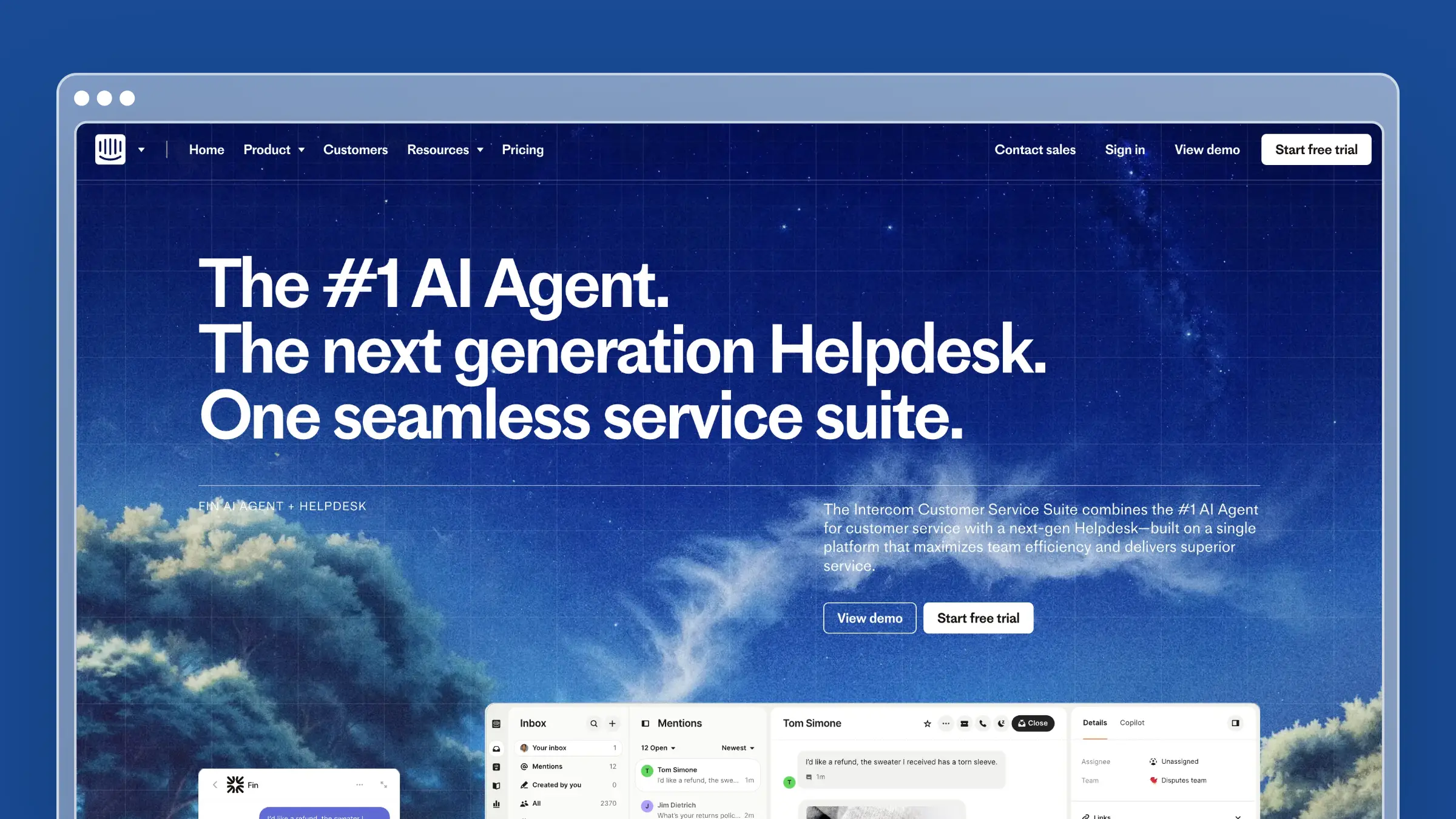
Intercom Help Center makes sense for SaaS companies where the product sells itself. The help center integrates with Intercom’s messenger, so customers get answers without breaking their product experience.
The standout feature for SaaS is Fin, Intercom’s AI chatbot. Fin reads your help center and responds to customer questions in natural language. For SaaS users who expect instant answers, Fin bridges the gap between searching documentation and waiting for human support.
SaaS-specific strengths:
- Messenger integration keeps help inside the product experience
- Fin AI deflects simple questions automatically
- Targeted articles based on user behavior and plan type
- Product tours and tooltips for onboarding (additional product)
- Strong mobile experience for SaaS apps with mobile users
Where Intercom falls short for SaaS:
Intercom optimizes for conversations, not comprehensive documentation. If you need deep technical docs, API references, or version-controlled content, Intercom’s help center is too lightweight. The platform also doesn’t monitor your codebase for changes. When you ship updates, you manually update documentation.
Pricing: $29/seat/month for Essential. Fin AI costs $0.99 per resolution. Product Tours and other features are separate products. Enterprise pricing available.
The SaaS tradeoff: Intercom is expensive at scale. A busy product with high Fin usage can cost more monthly than enterprise help center tools. Calculate your expected resolution volume before committing.
3. HelpDocs: Best for Straightforward SaaS
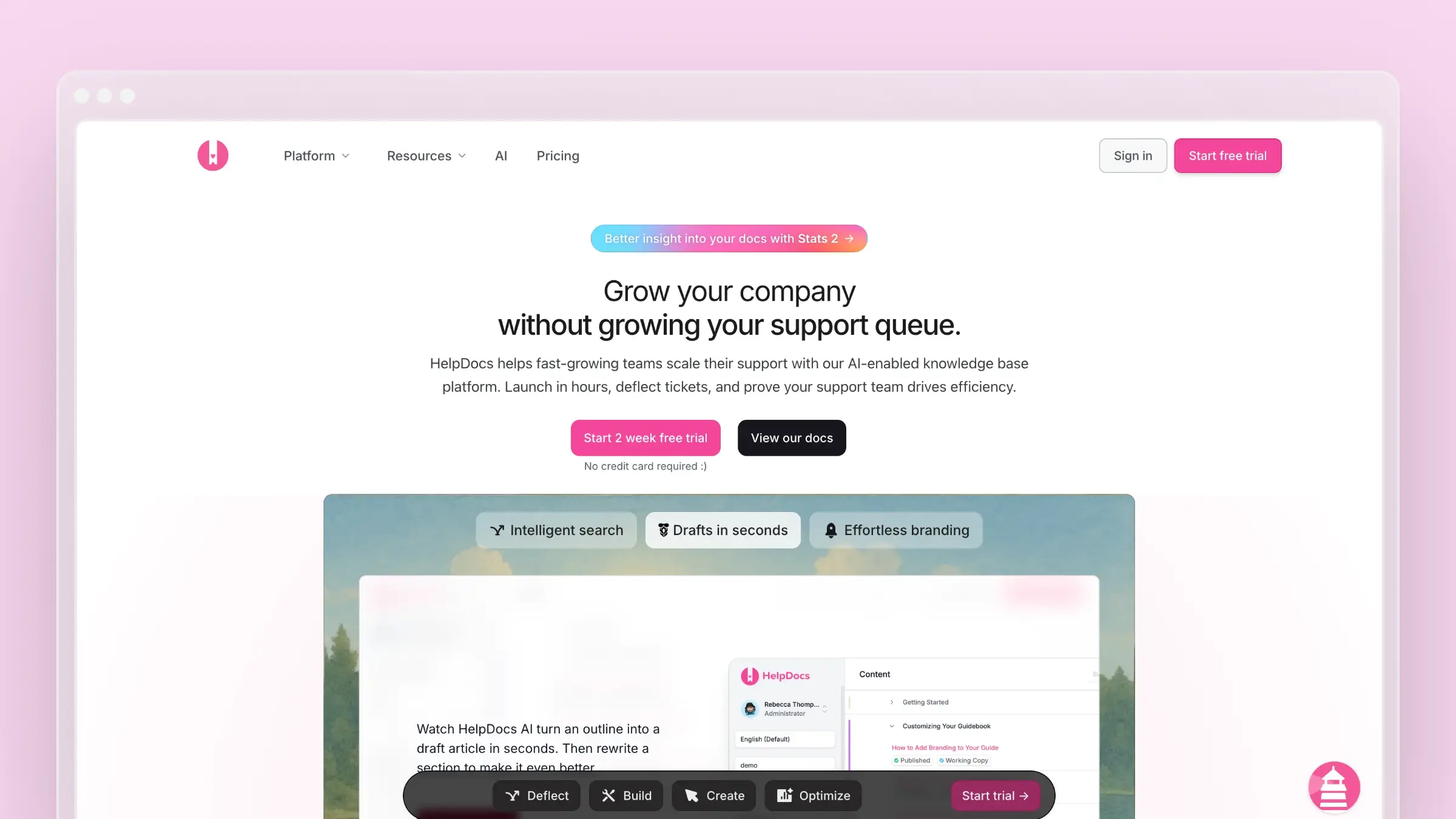
HelpDocs is the “just works” option for SaaS teams that need documentation fast without complexity. You can go from nothing to a professional help center in a single afternoon.
For SaaS products that aren’t changing constantly, or teams with dedicated documentation resources, HelpDocs’ simplicity is genuinely valuable. No learning curve, no configuration complexity, just write and publish.
SaaS-specific strengths:
- Fastest time-to-launch of any option
- Lighthouse widget for embedded help
- Clean, modern templates that match contemporary SaaS aesthetics
- Solid search that handles the way customers actually phrase questions
- Clips for reusable content (useful for repeated explanations across articles)
Where HelpDocs falls short for SaaS:
HelpDocs won’t tell you when your documentation is wrong. It won’t watch your codebase or analyze support patterns. The AI features are credit-limited, meaning you can run out of AI assistance during busy periods like product launches when you need help most.
For fast-moving SaaS teams, HelpDocs requires manual discipline. Someone has to remember to update docs when features change. That works if you have the bandwidth. It fails silently if you don’t.
Pricing: $49/month (Seed, 2 editors, 200 AI credits), $99/month (Sprout, 4 editors, 650 AI credits), $199/month (Bloom, 10 editors, 1,500 AI credits). See our HelpDocs review.
The SaaS tradeoff: HelpDocs’ simplicity becomes a liability as feature velocity increases. If your product changes faster than your team can manually track, documentation drifts out of sync without anyone noticing until customers complain.
4. Help Scout: Best for High-Touch SaaS Support

Help Scout takes a deliberately human-first approach. For SaaS companies where support quality differentiates the product, Help Scout makes agents efficient without forcing customers through chatbots they resent.
The help center (Docs) is clean and fast. The Beacon widget embeds help directly in your product. But the real value is how Docs integrates with Help Scout’s inbox: agents can surface relevant articles while responding to tickets, and easily identify content gaps from support conversations.
SaaS-specific strengths:
- Beacon widget for in-app help without breaking UX
- Integration between support inbox and knowledge base
- Collision detection prevents duplicate work on shared docs
- Reporting focused on actual team performance
- Messages feature for proactive customer communication
Where Help Scout falls short for SaaS:
Help Scout isn’t trying to automate support away. If you want aggressive ticket deflection through AI, Help Scout isn’t the tool. The platform also doesn’t connect to your codebase or proactively identify when content needs updates.
For SaaS teams scaling rapidly, Help Scout’s human-first philosophy means you’ll need more support staff than platforms that deflect tickets aggressively.
Pricing: $50/user/month for Standard (includes Docs). $75/user/month for Plus. See our Help Scout pricing analysis.
The SaaS tradeoff: Help Scout works best when human support is your competitive advantage. If you’re trying to scale support efficiency, other tools offer more automation.
5. GitBook: Best for Developer-Focused SaaS
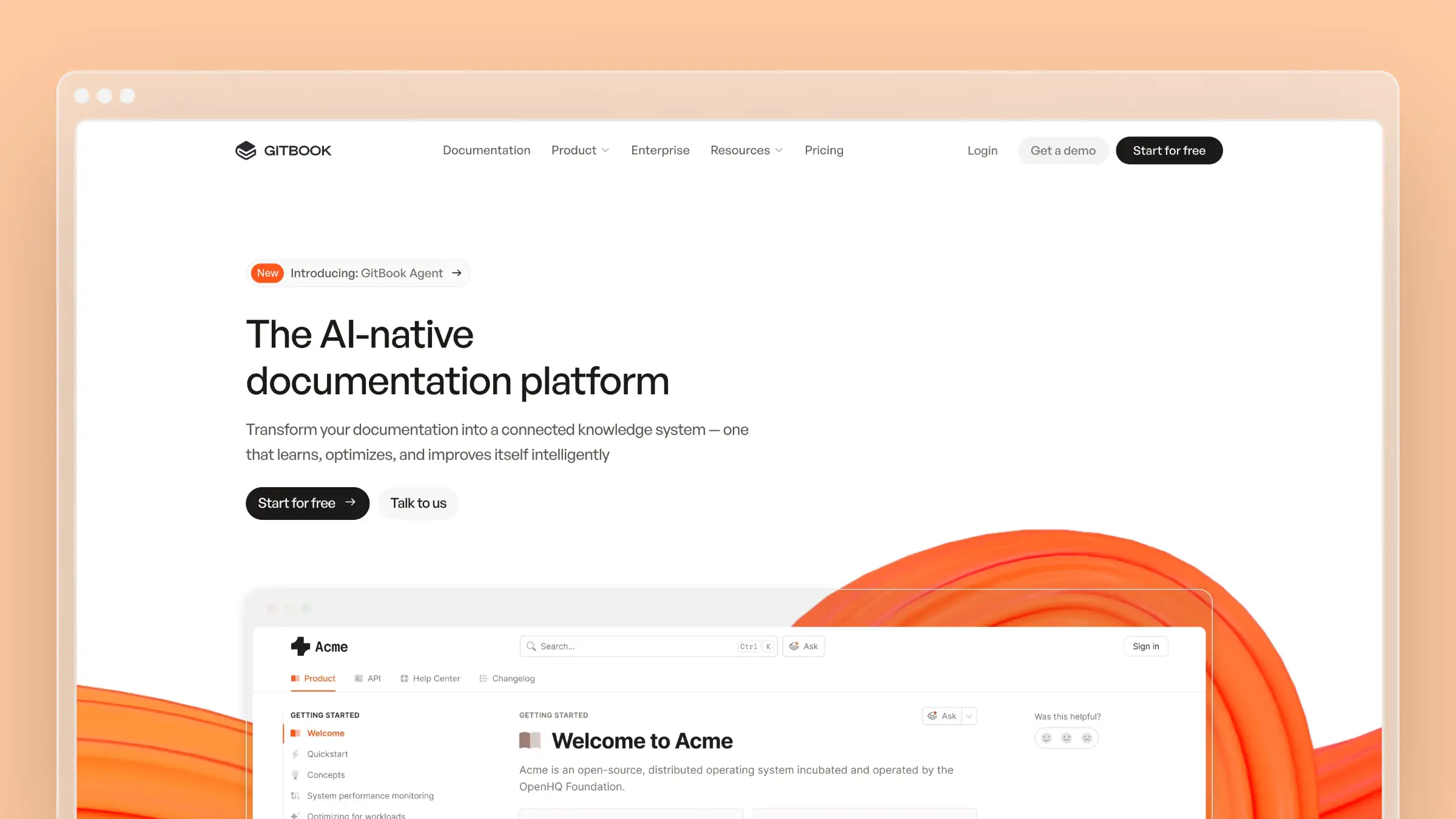
GitBook serves developer tool companies exceptionally well. The Git-based workflow means documentation lives alongside code. The platform handles API references, code samples, and technical content gracefully.
For SaaS products where the primary users are developers, GitBook’s technical focus is exactly right. For customer support documentation, it’s awkward.
SaaS-specific strengths:
- Git sync means docs can live in your repository
- OpenAPI and GraphQL documentation support
- Versioning for multiple product releases
- Beautiful reading experience developers appreciate
- AI Assistant for drafting (currently in beta)
Where GitBook falls short for SaaS:
GitBook assumes technical users. Non-developers struggle with the Git-based editing workflow. The platform also lacks help center essentials like embedded widgets, conversation routing, and support team features.
If your SaaS serves non-technical users, GitBook’s documentation will feel disconnected from your product experience.
Pricing: Free for open source. $65/site/month for Plus. $249/site/month for Pro. Additional users cost $12/month each. See our GitBook review.
The SaaS tradeoff: GitBook is documentation software, not help center software. You’ll likely need a separate tool for customer support resources.
6. Mintlify: Best for API Documentation
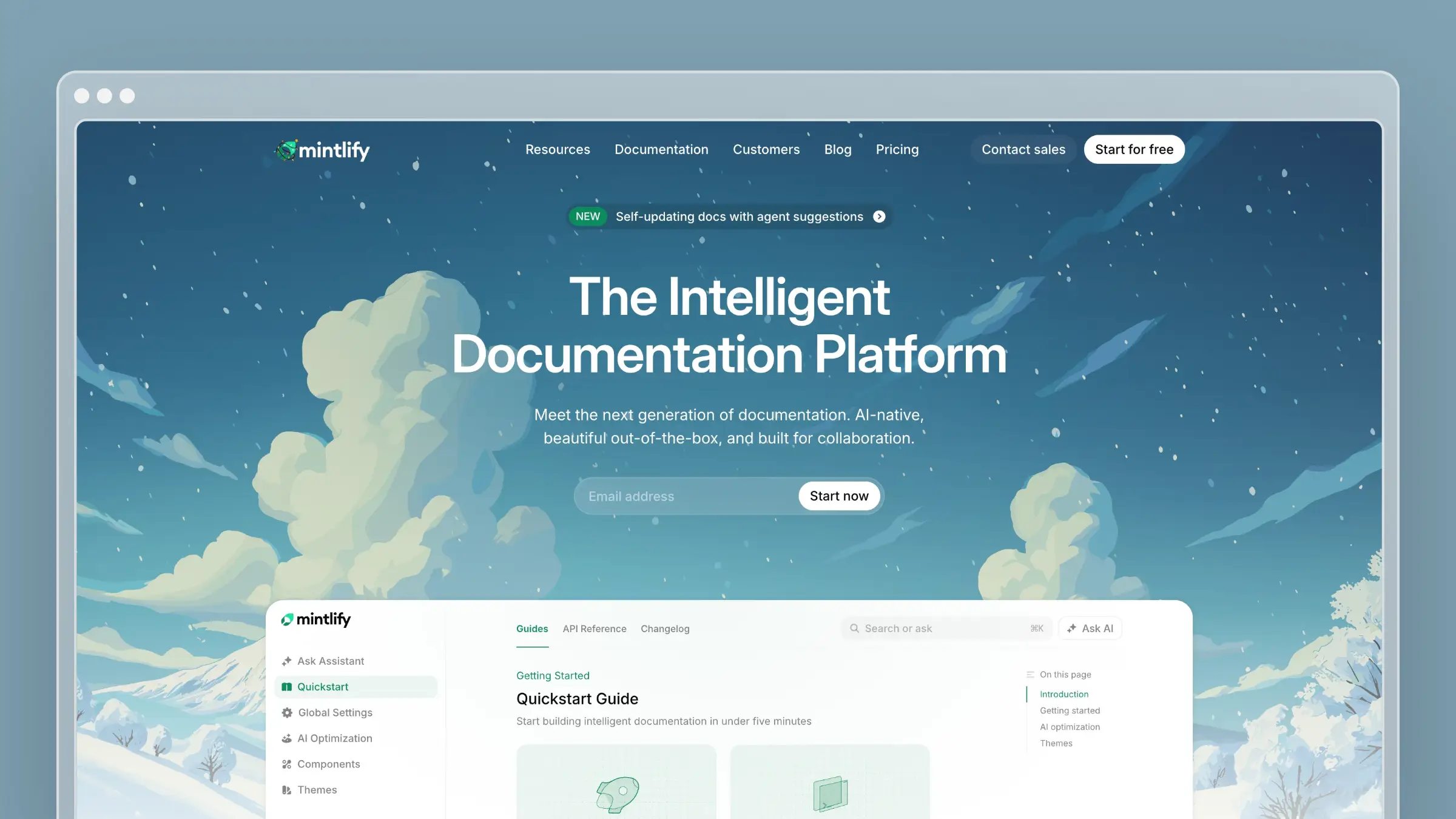
Mintlify builds beautiful documentation specifically for API-first SaaS companies. The platform generates interactive API playgrounds from your OpenAPI specs, creates SDKs documentation automatically, and makes technical content look exceptional.
For developer tools, API platforms, and infrastructure SaaS, Mintlify’s technical focus delivers documentation that matches the sophistication of the product.
SaaS-specific strengths:
- Auto-generated API playgrounds from OpenAPI specs
- Interactive code samples across multiple languages
- Git-based workflow with preview deployments
- Beautiful design that matches modern dev tools
- AI-powered search and chat (Mintlify Suggest)
Where Mintlify falls short for SaaS:
Mintlify is designed for developer documentation, not customer support. There’s no embedded widget, no conversation routing, no integration with support tools. And the pricing ($300/month for Pro) is steep for early-stage SaaS.
Pricing: $300/month for Pro. Enterprise pricing available. See our Mintlify review.
The SaaS tradeoff: Mintlify is exceptional for API docs and expensive for everything else. If developer documentation is your primary need, it’s worth the premium. If you also need customer support resources, you’ll need a separate tool.
The SaaS Documentation Lifecycle
Here’s what actually happens at most SaaS companies:
Launch phase: Someone writes initial documentation. It’s accurate because the product is simple.
Growth phase: Feature velocity increases. Documentation updates lag behind releases. Articles become partially outdated but still mostly useful.
Scale phase: Documentation debt compounds. New team members don’t know which articles are current. Customers hit outdated content and either file tickets or lose trust quietly.
Crisis phase: A major release makes significant documentation wrong. The team scrambles to update everything at once, discovers how much has drifted, and faces a multi-week recovery.
This cycle is predictable. The question is whether your help center software breaks it or accelerates it.
Tools like HelpDocs and Help Scout require manual discipline to prevent drift. That works if you have dedicated documentation resources.
Intercom deflects the consequences through AI chat, but doesn’t fix the underlying content problems.
Ferndesk attacks the drift directly. The codebase monitoring catches changes before articles become wrong. The weekly audits surface problems before customers hit them. The support ticket analysis identifies gaps before they generate repeat questions.
Making the Decision
Choose Ferndesk if:
- Your product ships weekly or faster
- Documentation keeping pace with releases is a real problem
- You want AI that maintains content, not just helps write it
- Budget is $49-119/month
Choose Intercom if:
- Product-led growth defines your go-to-market
- Conversational support fits your brand
- You’re willing to pay for Fin AI resolutions
- You already use or plan to use Intercom’s messenger
Choose HelpDocs if:
- Your product changes slowly enough for manual maintenance
- Simplicity matters more than automation
- You have someone dedicated to documentation
- Budget is $49-199/month
Choose Help Scout if:
- Human support quality differentiates your product
- You want tools that make agents efficient, not replace them
- High-touch support is worth the staffing cost
- Budget is $50-75/user/month
Choose GitBook if:
- Developers are your primary users
- Git-based workflows fit your team
- Technical documentation is the focus
- Budget is $65-249/site/month
Choose Mintlify if:
- API documentation is your primary need
- Beautiful technical docs matter for your brand
- Developer experience is worth $300+/month
- You have separate customer support resources
Bottom Line
SaaS help centers fail because the software wasn’t built for products that change constantly. Generic tools work for static content. SaaS content is never static.
The best help center software for SaaS either automates maintenance (Ferndesk) or deflects the consequences of outdated content (Intercom). Tools that require pure manual discipline work only as long as that discipline holds.
For teams shipping fast, Ferndesk costs $149/month or $1,490/year with codebase sync, support ticket analysis, and weekly content audits. AI drafting is unlimited, and five editor seats are included. Documentation that keeps pace with your product, automatically.


 Book a demo