


Archbee positioned itself as the documentation platform for product teams - docs-as-code with API documentation support and team collaboration. It works for small teams. But as you scale, the limitations become clear: limited integrations, no proactive content maintenance, and a smaller ecosystem than established competitors.
The integrations gap hurts most. Archbee doesn’t connect to your codebase to detect when documentation falls out of sync with your product. It doesn’t ingest support tickets to identify what’s missing. As your team grows, you end up with a documentation platform that’s functionally a nicer text editor - and you need more than that.
If you’re outgrowing Archbee or evaluating alternatives before committing, here are seven platforms worth considering. Each addresses a specific limitation - whether that’s AI-powered maintenance, a richer integration ecosystem, or specialized capabilities Archbee doesn’t offer.
How We Evaluated Archbee Alternatives
Every tool on this list was researched and reviewed against the same criteria. We prioritized platforms that address the specific gaps Archbee leaves open, not just tools that happen to publish documentation.
The six criteria we used:
- Integrations - Does the tool connect to codebases, support platforms, and developer workflows?
- API documentation - Does it support OpenAPI import, interactive playgrounds, and auto-sync?
- Content maintenance - Does it proactively detect stale content, or leave that to your team?
- Collaboration - Can non-technical contributors write and edit without a code-based workflow?
- Pricing - Is pricing transparent, predictable, and comparable to Archbee’s paid tiers?
- Migration ease - How hard is it to move existing Archbee content to this platform?
Tools were evaluated through hands-on testing, published documentation, and review data from G2 and Capterra.
Quick Comparison
| Tool | Best For | Starting Price | API Docs | AI Features |
|---|---|---|---|---|
| Ferndesk | AI-maintained help centers + API docs | $149/mo | Yes (OpenAPI) | Full suite (audits, codebase sync, ticket analysis) |
| GitBook | Developer documentation | Free / $65/site/mo | Yes (OpenAPI) | AI search |
| Mintlify | Beautiful dev docs | Free / $150/mo | Yes (OpenAPI) | AI search, suggestions |
| Docusaurus | Open-source projects | Free (self-hosted) | Via plugins | None |
| Document360 | Enterprise knowledge bases | Pricing on request | Yes | AI search, drafting |
| HelpDocs | Simple knowledge bases | $99/mo | No | No |
| ReadMe | API documentation | Free / $250/mo | Best-in-class | AI search |
1. Ferndesk

Ferndesk addresses Archbee’s biggest blind spot: documentation maintenance. Archbee gives you a platform to write and publish docs. Ferndesk gives you a platform that actively keeps them accurate.
The difference is fundamental. Archbee is a container for your documentation. Ferndesk is an agent that manages it. Its AI, Fern, connects to your GitHub repository, monitors your support channels, and audits your help center weekly. When your product changes and your docs don’t, Fern flags the inconsistency and suggests specific updates.
For teams switching from Archbee, the migration path is straightforward - import your existing content and let Fern run an initial audit to identify what’s already stale. Most teams discover that 30-50% of their articles need updates they didn’t know about. That’s the documentation drift problem, and it’s why switching from one static publishing tool to another doesn’t fix anything.
What Ferndesk does well:
- Codebase sync via GitHub - reads your repository and detects when code changes affect documented workflows. Archbee has no equivalent.
- Weekly AI content audits - every article is evaluated for accuracy and completeness. You get a prioritized list of what needs attention.
- Support ticket analysis - connects to your helpdesk and identifies which customer questions your docs should answer but don’t.
- OpenAPI/Swagger import - upload your spec or sync from a URL, and Ferndesk generates interactive API documentation with “Try It” on every endpoint. Auto-syncs specs every 6 hours.
- Embeddable help widget - a lightweight in-app widget backed by AI that improves answers over time.
- Production-ready design - professional default themes with no CSS required.
What users say: Teams migrating from Archbee consistently highlight the initial audit as the moment they realize how much stale content had accumulated. Review themes center on time saved on documentation maintenance and reduced support ticket volume after switching.
What Ferndesk doesn’t do: Ferndesk doesn’t support docs-as-code workflows where content lives in your Git repo as Markdown files. It doesn’t have Archbee’s inline commenting or real-time co-editing. It’s designed for customer-facing help centers that stay accurate, not internal team wikis.
Pricing: Pro costs $149/month or $1,490/year and includes five editors. Additional editors cost $10/month each.
Migration from Archbee: Easy. Ferndesk offers a done-for-you import that preserves your existing URLs to protect SEO. Setup takes minutes, not days.
Best for: SaaS teams whose documentation is customer-facing and needs to stay accurate as the product evolves.
The tradeoff: You move from a collaborative docs editor to an AI-managed help center. You lose Archbee’s inline comments and real-time editing. You gain automated maintenance - the thing Archbee fundamentally lacks. At $149/month, Ferndesk also eliminates the ongoing editorial work Archbee leaves entirely to your team.
2. GitBook
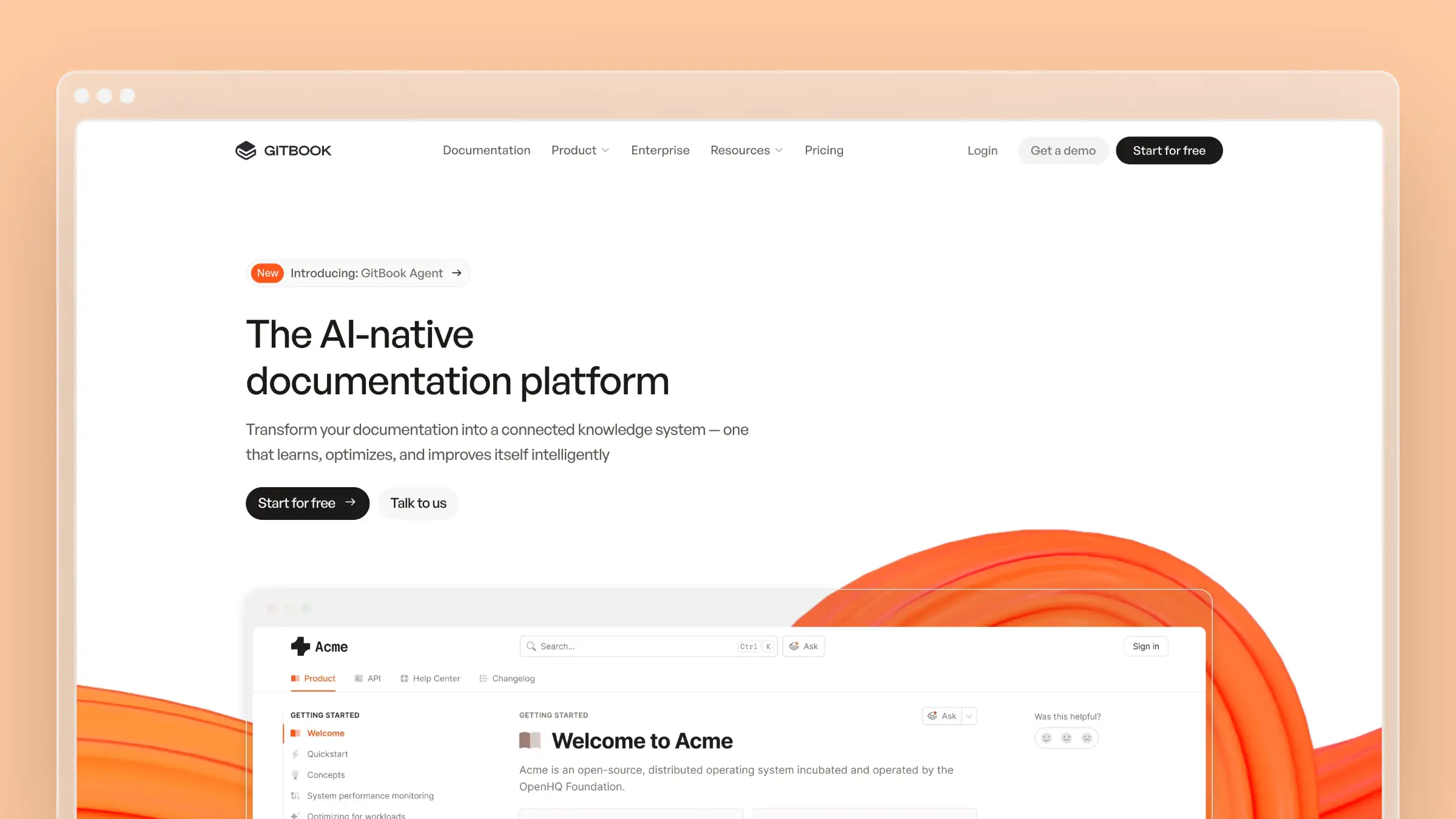
GitBook is the most mature alternative on this list. Where Archbee serves thousands of teams, GitBook serves tens of thousands - and that scale shows in its integration ecosystem, template library, and community.
The core appeal over Archbee is the Git sync. GitBook’s bidirectional GitHub/GitLab integration means your documentation lives alongside your code. Developers contribute through pull requests, changes are version-controlled, and your docs follow the same review process as your codebase. For the full analysis, read our GitBook review.
What GitBook does well:
- Robust Git sync - bidirectional sync with GitHub and GitLab that handles merge conflicts, branch-based previews, and PR-driven content workflows.
- Beautiful reading experience - consistently one of the best-looking documentation platforms.
- OpenAPI support - import your spec and get auto-generated API reference pages.
- Large ecosystem - more templates, more integrations, more community-contributed examples.
- AI-powered search (GitBook Lens) - semantic search that understands intent, not just keywords.
What users say: GitBook consistently earns strong marks for its reading experience and Git workflow reliability. Teams switching from Archbee frequently cite the larger integration ecosystem as the deciding factor.
Ratings: G2: 4.8 / 5 (183+ reviews) | Capterra: 4.5 / 5 (20+ reviews)
What GitBook doesn’t do: Like Archbee, GitBook doesn’t proactively detect stale content, connect to support tickets, or audit documentation against your codebase. It’s a better publishing platform - more integrations, more polish, more scale - but maintenance is still on you. See our best GitBook alternatives for broader context.
Pricing: Free for personal use and open-source projects. Team plans start at $65/site/month.
Migration from Archbee: Medium. GitBook supports content import, but restructuring your content model to fit GitBook’s space-and-collection hierarchy takes planning.
Best for: Developer-facing documentation that needs Git-based workflows, versioning, and a polished reading experience.
The tradeoff: GitBook is “Archbee but bigger” in most meaningful ways. You gain a mature platform with a larger feature set. Just know it still won’t solve the maintenance problem - your docs will look better, but keeping them accurate remains a manual job.
3. Mintlify
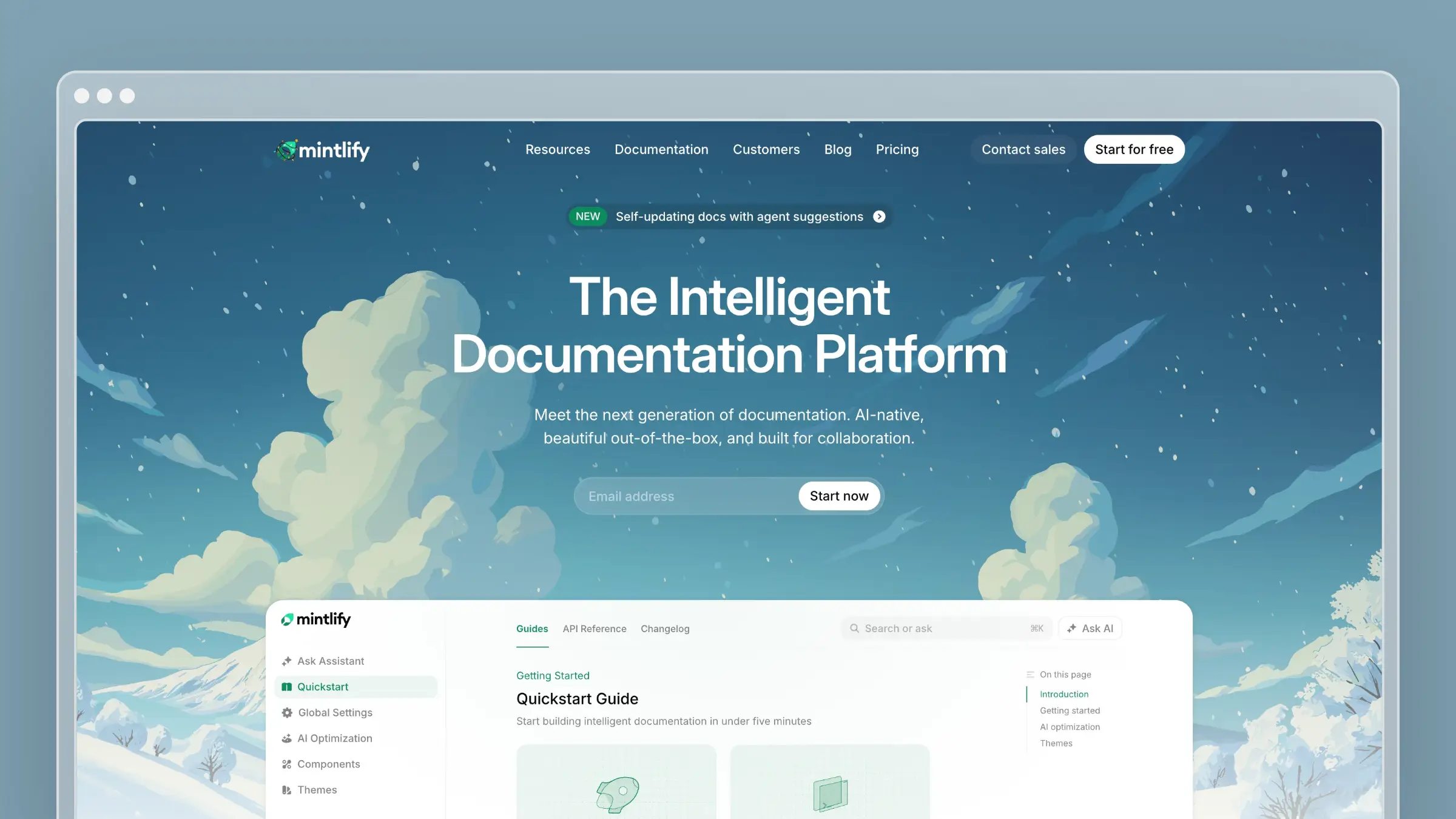
Mintlify is what happens when you take the docs-as-code philosophy and add actual design sense. Where Archbee’s output looks functional, Mintlify’s output looks stunning. Cards, tabs, code blocks, API playgrounds - everything is polished in a way that makes your documentation feel like a first-class product experience.
It’s also more opinionated than Archbee. Content lives in your repo as MDX files, you push to deploy, and Mintlify handles hosting, search, and analytics. There’s no WYSIWYG editor - this is a developer-first tool. See our Mintlify review for the full breakdown.
What Mintlify does well:
- Design quality - the best-looking default templates in the documentation space.
- Docs-as-code done right - MDX files in your repo, deploy on push, zero DevOps.
- AI features - AI-powered search and content suggestions, more capable than Archbee’s basic search.
- First-class API docs - OpenAPI integration with interactive “try it” functionality.
- Built-in analytics - page-level performance data so you know what’s working.
What users say: Mintlify earns consistent praise for visual output quality. Developer tools companies frequently cite it as the reason their docs finally look as good as their product. The main complaint in reviews is the lack of a WYSIWYG editor for non-technical contributors.
Ratings: G2: 4.6 / 5 (15+ reviews) | Capterra: not yet listed. You can check Gartner for more reviews.
What Mintlify doesn’t do: No WYSIWYG editor. If your team includes non-technical writers, Mintlify’s MDX-only approach is a barrier Archbee doesn’t create. No codebase-aware auditing, no support ticket analysis. See our Mintlify pricing guide and best Mintlify alternatives list for more context.
Pricing: Free for open-source projects. Team plans start around $150/month.
Migration from Archbee: Medium. If your Archbee content is already in Markdown, migration is manageable. If you’ve relied heavily on the WYSIWYG editor, converting to MDX requires engineering time.
Best for: Developer tools and API products that want documentation as polished as their product, where all contributors are comfortable with code-based workflows.
The tradeoff: Mintlify trades Archbee’s accessibility for design excellence. If your documentation contributors are all engineers, that’s an upgrade. If your team includes product managers or support staff who write docs, the MDX-only model will slow them down.
4. Docusaurus

Docusaurus is the free, open-source option - and the only self-hosted tool on this list. If you’re leaving Archbee because you want full control over your documentation infrastructure, Docusaurus gives you exactly that. See our Docusaurus review and best Docusaurus alternatives for the full picture.
The catch: “full control” means “full responsibility.” You handle hosting, CI/CD, search integration, and every maintenance task that hosted platforms handle for you. It’s a static site generator, not a documentation platform - the distinction matters.
What Docusaurus does well:
- Complete customization - React-based architecture means you can build literally anything.
- Free and open source - MIT licensed. No vendor lock-in, no subscription fees. The true cost is in engineering time, but the software itself costs nothing.
- MDX support - embed React components in Markdown for interactive code playgrounds and live examples.
- Community and ecosystem - thousands of plugins, themes, and examples.
- Versioning - native support for managing multiple doc versions, critical for products with breaking API changes.
What users say: Docusaurus earns strong marks from engineering teams who value full control and open-source flexibility. The most consistent criticism is setup overhead - teams frequently underestimate how much engineering time is required before the first page goes live.
Ratings: G2: Note listed yet | Capterra: not yet listed.
What Docusaurus doesn’t do: No AI features. No hosted infrastructure. No WYSIWYG editor. No support ticket analysis. No content auditing. No real-time collaboration. Docusaurus is a build tool - everything else is your problem. For teams leaving Archbee because they want less maintenance, Docusaurus is the wrong direction.
Pricing: $0 for the software. $50-$200/month for hosting. $500-$2,000/month in engineering time for setup and ongoing maintenance. Total cost often exceeds Archbee despite the “free” label.
Migration from Archbee: Hard. There is no automated import path. You export your content, convert it to MDX, set up your own hosting and CI/CD pipeline, and rebuild navigation from scratch. Budget at least a week of engineering time.
Best for: Open-source projects, teams with dedicated docs engineers, and organizations that need deep customization impossible on hosted platforms.
The tradeoff: Maximum control at maximum cost. Most teams switching from Archbee want less maintenance overhead, not more - which makes Docusaurus a counterintuitive move for the majority of use cases.
5. Document360
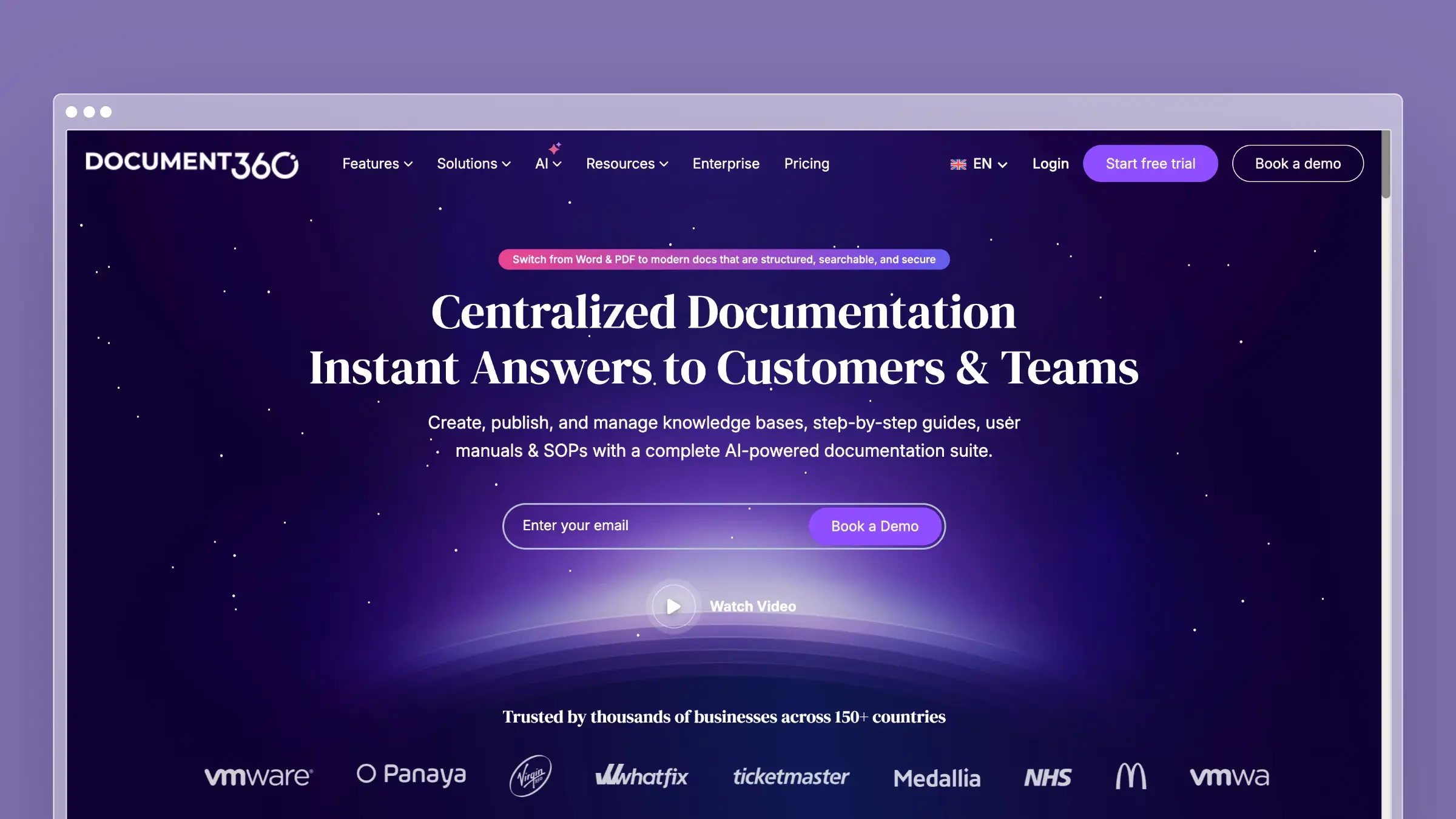
Document360 is the enterprise option. If you’re leaving Archbee because you need approval workflows, role-based access controls, and compliance-grade audit trails, Document360 is built for that world. It’s also covered in our best software documentation tools guide.
What Document360 does well:
- Approval workflows - multi-step review and publishing workflows that enterprise compliance teams require.
- Role-based access - granular permissions for who can view, edit, review, and publish content.
- AI-powered features - Eddy, their AI assistant, handles search, article drafting, and content suggestions.
- Version control - proper versioning with comparison views, rollback capabilities, and branch-based content management.
- Localization - built-in multi-language support with translation workflows more mature than Archbee’s.
What users say: Document360 earns high marks for structured workflows and enterprise feature depth. Common criticisms center on the learning curve and time required to configure approval workflows before teams can publish freely.
Ratings: G2: 4.7 / 5 (500+ reviews) | Capterra: 4.7 / 5 (200+ reviews)
What Document360 doesn’t do: No codebase integration. No support ticket analysis for gap detection. The AI features focus on content creation and search, not on detecting when existing content has gone stale.
Pricing: Available on request - typically well above Archbee’s entry point.
Migration from Archbee: Medium. Document360 supports content import, but structural differences between Archbee’s project model and Document360’s category hierarchy mean you’ll spend time reorganizing content, not just importing it.
Best for: Mid-size to enterprise organizations with formal content governance requirements, compliance needs, and non-technical contributors who need structured workflows.
The tradeoff: Document360 solves the “we need enterprise features” problem Archbee can’t address. But the cost and complexity overhead isn’t justified for smaller teams. If your team is under 20 people and content governance needs are informal, Document360 is overkill.
6. HelpDocs
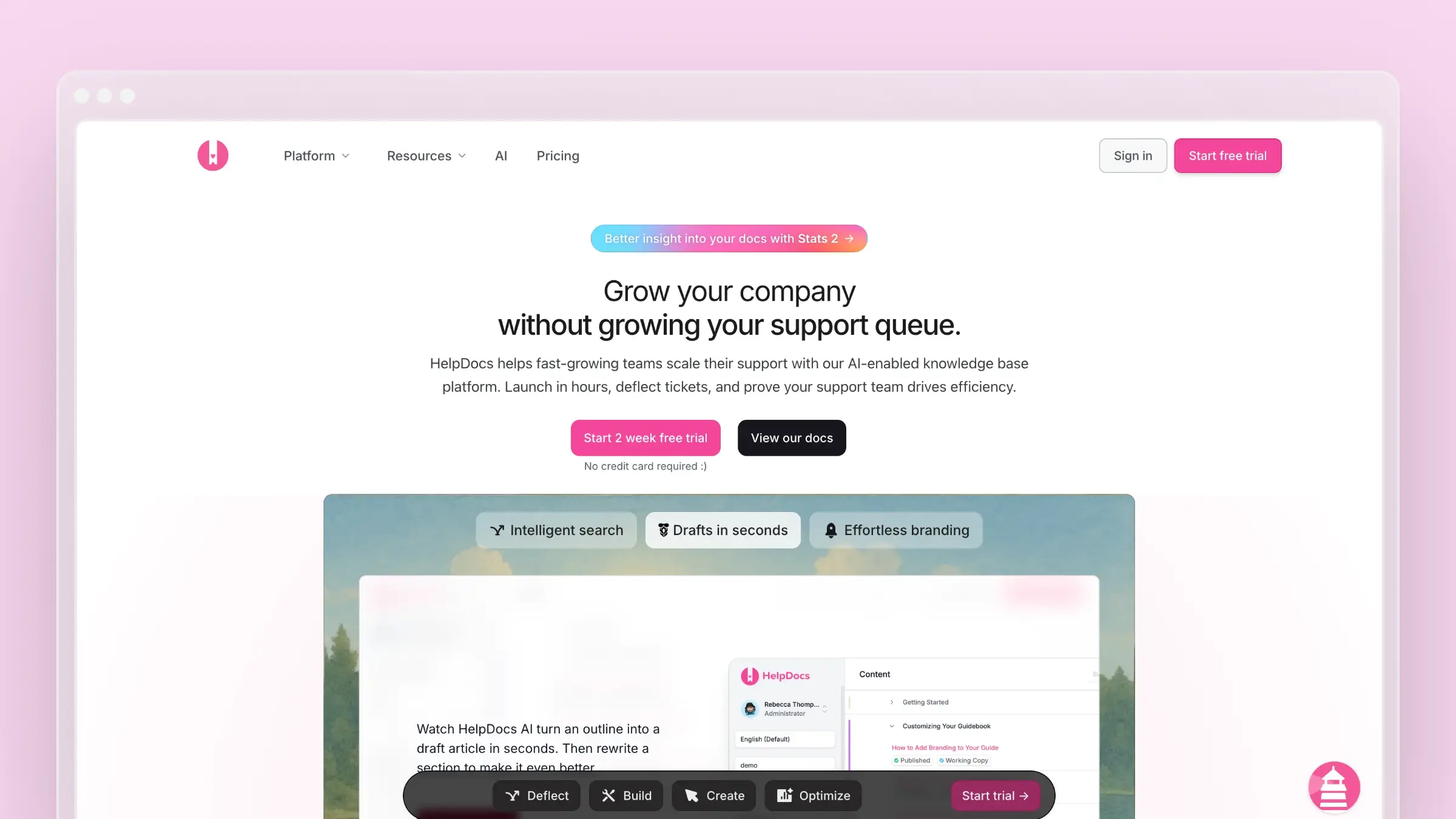
HelpDocs is the simplicity play. If Archbee is a Swiss Army knife of documentation features, HelpDocs is a sharp, well-made kitchen knife. It does one thing - customer-facing knowledge bases - and does it cleanly. Check our HelpDocs review for the detailed take.
There’s no API documentation, no docs-as-code workflow, no version control beyond basic revisions. You get a WYSIWYG editor, modern templates, and a hosted knowledge base that looks professional. For teams whose Archbee instance primarily serves customer-facing help content, HelpDocs strips away the features you’re not using.
What HelpDocs does well:
- Fast setup - live in under an hour.
- Clean templates - modern, responsive designs that work out of the box.
- Simple editing - anyone on your team can use it. No Markdown knowledge required.
- Custom domain - host on your own domain with SSL, handled automatically.
- Affordable - flat pricing with no per-seat charges.
What users say: HelpDocs earns consistent praise for how fast teams get from signup to a live knowledge base. The most common review theme is simplicity - teams overwhelmed by Archbee’s feature set appreciate a tool that does less without friction. The main criticism is the ceiling: teams that grow into needing AI features or API docs quickly outgrow it.
Ratings: G2: 4.3 / 5 (15+ reviews) | Capterra: 4.1 / 5 (5+ reviews)
What HelpDocs doesn’t do: No AI features. No API documentation. No Git integration. No codebase sync. No support ticket analysis. No version control. It’s deliberately minimal. Also see our best knowledge base for small teams guide for broader context.
Pricing: Starts at $99/month. No free tier.
Migration from Archbee: Easy. HelpDocs supports content import and most teams complete the switch within a day.
Best for: Small teams that need a customer-facing knowledge base and nothing else.
The tradeoff: HelpDocs gives you less than Archbee - deliberately. If you’ve been using 20% of Archbee’s features, HelpDocs is that 20% done better and priced appropriately. If you use Archbee’s API docs, collaboration features, or Git sync, HelpDocs won’t replace them.
7. ReadMe
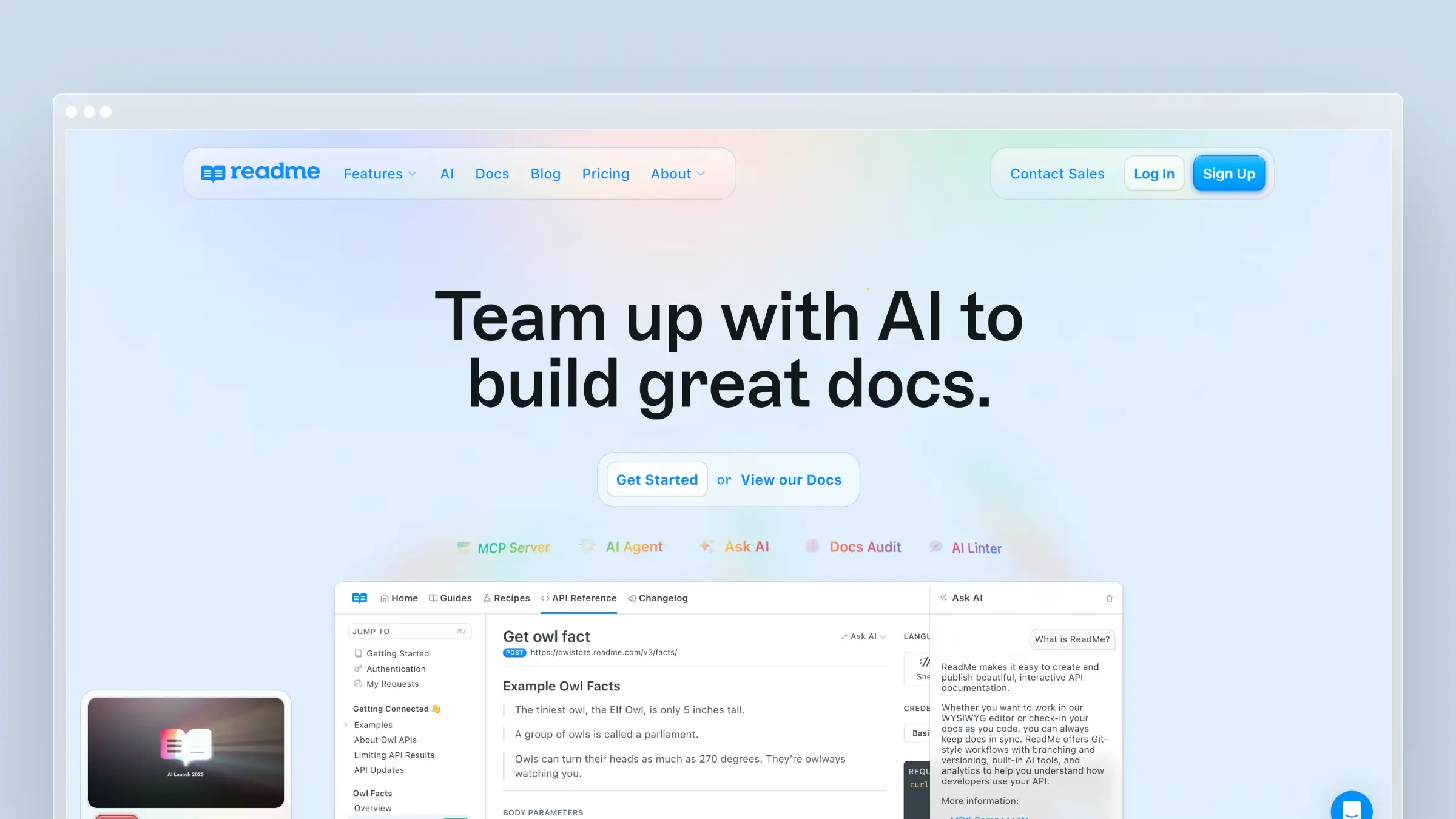
ReadMe is the API documentation specialist. If you’re on Archbee primarily for API reference docs, ReadMe does that single job better than anything else on this list. For the broader landscape, see our best API documentation tools roundup.
The interactive API explorer alone is worth evaluating. Users can make real API calls from your documentation, with requests pre-populated using their actual API keys. It turns your API docs from a reference into a hands-on learning environment.
What ReadMe does well:
- Interactive API explorer - the gold standard for “try it” functionality. Users make real requests, see real responses, debug real problems within your docs.
- Personalized documentation - authenticated users see examples with their API keys and environment-specific values pre-filled. Archbee’s API docs are static by comparison.
- Auto-sync from OpenAPI - update your specification, ReadMe updates the documentation.
- Developer metrics - see which endpoints developers call, which docs they read, and where they get stuck.
- Developer hub - combines API reference, guides, changelogs, and tutorials in a cohesive portal.
What users say: ReadMe consistently earns top marks among API-first companies. The personalized API key injection is frequently cited as the feature that makes developer onboarding noticeably faster. Teams with broader documentation needs note that ReadMe doesn’t cover those use cases.
Ratings: G2: 4.5 / 5 (40+ reviews) | Capterra: 4.3 / 5 (4 reviews)
What ReadMe doesn’t do: ReadMe is not a general-purpose documentation tool. No customer-facing knowledge base. No internal docs. No help center. If you need API docs plus any other kind of documentation, ReadMe covers only the API part.
Pricing: Free tier for basic usage (one project, limited features). Paid plans start at $250/month.
Migration from Archbee: Medium for API content, hard for everything else. ReadMe imports OpenAPI specs cleanly. Your non-API Archbee content has no direct import path and needs to be rebuilt or moved to a separate platform.
Best for: API-first companies that want best-in-class developer documentation where Archbee’s API support feels underwhelming.
The tradeoff: ReadMe is the best API documentation tool available, but it only does API documentation. If you’re using Archbee for product docs, help articles, and API reference, ReadMe only replaces one-third of that. If your API docs are your primary customer touchpoint, ReadMe is a transformative upgrade for that specific surface area.
Archbee Alternatives We Didn’t Include in the Main List
Several tools come up in Archbee comparisons that we excluded from the main seven. They solve a different problem - internal knowledge management rather than customer-facing documentation.
- Confluence - Atlassian’s team wiki for internal documentation in larger organizations. Integrates deeply with Jira, but its public documentation experience is noticeably weaker than the tools above.
- Notion - Flexible enough to serve as a documentation tool, but built for internal team use. Public Notion pages lack search quality, custom domains, and the structure customers expect from a help center.
- Guru - A knowledge management tool built for support and sales teams to access internal information quickly. Not designed for external customer documentation.
- Coda - A powerful doc-and-spreadsheet hybrid some teams use for internal wikis. Like Notion, it’s flexible but not purpose-built for customer-facing documentation or API reference.
If your primary need is internal team knowledge management, any of these four are worth evaluating. If you’re replacing Archbee for customer-facing documentation, the seven tools above are the right comparison set.
What Archbee Gets Right (And Why It Still Falls Short)
Before choosing an alternative, it’s worth acknowledging what Archbee does well. The WYSIWYG editor is genuinely good for mixed teams. The pricing is fair. The API documentation support, while basic, covers the fundamentals. For a team of 3-10 people shipping straightforward product docs, Archbee is a reasonable choice.
The problems surface when you grow past that point. Your documentation expands from 20 articles to 200. Your product ships faster than your docs team can keep up. You need to know which articles are causing support tickets, which ones are outdated, and which topics you haven’t covered at all. Archbee gives you a text editor for those problems. You need a system.
That’s the shift the best alternatives represent: from documentation editors to documentation systems. Editors help you write. Systems help you maintain, analyze, and improve. The difference matters more every month your product evolves.
How to Choose
The right Archbee alternative depends on which limitation is actually hurting you:
“Our docs go stale and nobody catches it.” Choose Ferndesk. It’s the only platform that proactively maintains your documentation through codebase sync, support ticket analysis, and AI audits. No other tool on this list solves the documentation drift problem.
“We need a bigger ecosystem and more integrations.” Choose GitBook. It’s the mature, well-integrated platform that Archbee aspires to be.
“Our docs need to look significantly better.” Choose Mintlify. If your documentation is developer-facing and visual polish matters, Mintlify delivers results Archbee can’t match.
“We want full control and don’t mind engineering overhead.” Choose Docusaurus. But understand you’re trading Archbee’s feature gaps for Docusaurus’s maintenance burden.
“We need enterprise governance and compliance.” Choose Document360. It’s built for organizations where content approval workflows and audit trails are requirements, not nice-to-haves.
“We just need a simple knowledge base.” Choose HelpDocs. It’s Archbee minus the complexity, at a comparable price.
“Our API docs need to be dramatically better.” Choose ReadMe. Nothing else comes close for interactive API documentation. See our best technical writing tools guide for related options.
“We need multiple types of documentation.” Ferndesk handles both help center content and API reference documentation, so many teams can consolidate into one platform. For teams that also need docs-as-code MDX workflows, pairing Ferndesk with GitBook or Mintlify covers both bases.
Bottom Line
Archbee is a competent documentation platform for small teams with straightforward needs. But the tools on this list each solve a specific problem Archbee doesn’t.
The most important question is whether you need a better documentation editor or a smarter documentation system. If you need better editing and more integrations, GitBook or Mintlify are solid upgrades. If you need your documentation to stay accurate as your product evolves, Ferndesk is the platform built to solve that.
Every documentation tool makes it easy to write your first draft. Very few help you keep that draft accurate six months later. The ones that do are worth investing in.
Your customers deserve documentation that reflects your actual product - not the version you shipped six months ago. The right platform makes that possible without burning your team’s time on manual audits.
Try Ferndesk free and see what self-maintaining documentation looks like.
Frequently Asked Questions About Archbee Alternatives
What is the best Archbee alternative overall?
Ferndesk is the best Archbee alternative for teams whose primary pain point is documentation going stale. GitBook is the best alternative if you need a larger ecosystem and more mature Git-based workflows. The right answer depends on whether your problem is maintenance or publishing.
Is there a free Archbee alternative?
Yes. GitBook is free for personal use and open-source projects. Mintlify is free for open-source projects. Docusaurus is free software, though hosting and engineering costs apply. ReadMe has a limited free tier for one project.
Which Archbee alternative is best for API documentation?
ReadMe is the best-in-class option, with personalized API explorers and developer metrics no other tool matches. Mintlify and Ferndesk both offer strong OpenAPI support with interactive playgrounds if you also need non-API documentation on the same platform.
Which Archbee alternative is best for developer documentation?
GitBook and Mintlify are the strongest options. GitBook suits teams that want Git-based workflows with a WYSIWYG fallback. Mintlify suits teams that want the best-looking output and are comfortable with MDX-only authoring.
What is the easiest Archbee alternative to migrate to?
Ferndesk and HelpDocs are the easiest migrations. Ferndesk offers a done-for-you import with URL preservation. HelpDocs supports content import and most teams complete the switch within a day. Docusaurus is the hardest migration, requiring manual content conversion and infrastructure setup.
Are there open-source Archbee alternatives?
Docusaurus is the primary open-source alternative. It’s MIT licensed, self-hosted, and fully customizable. The trade-off is significant engineering overhead compared to any hosted platform, including Archbee.
Which Archbee alternative works best for internal knowledge management?
None of the seven tools above are optimized for internal knowledge management. Confluence, Notion, Guru, and Coda are better fits for that use case. The tools in this guide focus on customer-facing documentation and developer docs.


 Book a demo