


Intercom is brilliant for conversations. The help center is an afterthought.
That sounds harsh, but look at how Intercom treats documentation: articles exist to train Fin, the AI chatbot. The help center editor is functional but thin. There’s no version control, no content auditing, no workflow for keeping articles current. Documentation is a supporting character in Intercom’s messaging-first story.
Then there’s Fin. At $0.99 per resolution, the pricing math gets ugly fast. Handle 3,000 AI resolutions per month and you’re adding $2,970 to your bill, on top of the $29-$132/seat/month base price. Double your volume and you’ve doubled your AI costs with zero marginal savings. That’s not how software pricing should work.
If your help center is a strategic asset, not just chatbot fuel, you need a platform that treats documentation as the primary product. We evaluated 8 alternatives that do exactly that.
Quick Comparison: Best Intercom Help Center Alternatives
| Tool | Best For | Starting Price | AI Features | Conversation-Based Pricing? |
|---|---|---|---|---|
| Ferndesk | AI-native documentation | $149/month | Unlimited, proactive | No |
| Zendesk | Enterprise support suites | $55/agent/month | Answer Bot (add-on) | No |
| Help Scout | Human-first support | $50/user/month | Basic | No |
| HelpDocs | Simple knowledge bases | $49/month | Credit-limited | No |
| Freshdesk | Budget support teams | Free / $15/agent/month | Freddy AI | No |
| Document360 | Enterprise KB | Pricing available on request | Eddy AI | No |
| Zoho Desk | Zoho ecosystem teams | Free (3 agents) / $14/agent/month | Zia AI | No |
| Stonly | Interactive guides | ~$199+/month (custom) | Guide-based | No |
Every tool on this list uses flat or per-seat pricing. None will surprise you with a $5,000 AI bill because your product went viral.
1. Ferndesk: Best Overall Intercom Alternative for Help Centers

Intercom treats your help center as a data source for a chatbot. Ferndesk treats your help center as a living product that an AI agent actively maintains.
The difference is philosophical. Intercom asks: “How do we deflect this conversation?” Ferndesk asks: “Why is this question being asked in the first place, and how do we prevent it from being asked again?” The result is a help center that gets better over time instead of slowly decaying between quarterly audits that never happen.
What Ferndesk does well:
- Proactive content creation: Fern analyzes your support ticket patterns and drafts articles for recurring questions. Instead of paying $0.99 per AI resolution, you eliminate the question entirely with documentation. That’s permanent deflection, not per-conversation billing.
- Codebase sync via GitHub: Connect your repository and Fern monitors for product changes. Ship a new feature, rename a setting, deprecate an API, Fern identifies every affected article and queues updates. Your docs stay in sync with your product automatically.
- Weekly content audits: Fern surfaces stale articles, broken links, and outdated screenshots before customers encounter them. This is the work that no team actually does consistently and Ferndesk automates it entirely.
- Embedded help widget: Contextual self-service inside your product, similar to Intercom’s Messenger but focused on documentation. Customers get answers without leaving your app.
- Flat, predictable pricing: $149/month or $1,490/year for Pro, with five editors included and additional editors at $10/month each. No per-resolution fees. No surprise bills.
What Ferndesk doesn’t do:
Ferndesk is not a messaging platform. There’s no live chat routing, no conversation threads, no chatbot that handles back-and-forth dialogue. If real-time messaging is central to your support strategy, you’ll pair Ferndesk with a dedicated messaging tool. Ferndesk also doesn’t offer product tours or in-app tooltips like Intercom does.
Pricing: $149/month or $1,490/year (Pro). Unlimited AI drafting, up to 5 team members, and custom domains included.
Best for: Teams leaving Intercom because the help center is too shallow and the AI pricing is too unpredictable. SaaS companies that want documentation which actively improves itself.
The tradeoff: You lose Intercom’s conversational UI and Fin chatbot. You gain a help center that’s smarter about content than any messaging platform will ever be. If your goal is fewer support conversations (not just cheaper ones), Ferndesk eliminates questions at the source.
Try Ferndesk free and see what proactive documentation looks like.
2. Zendesk: Best for Enterprise Support Operations
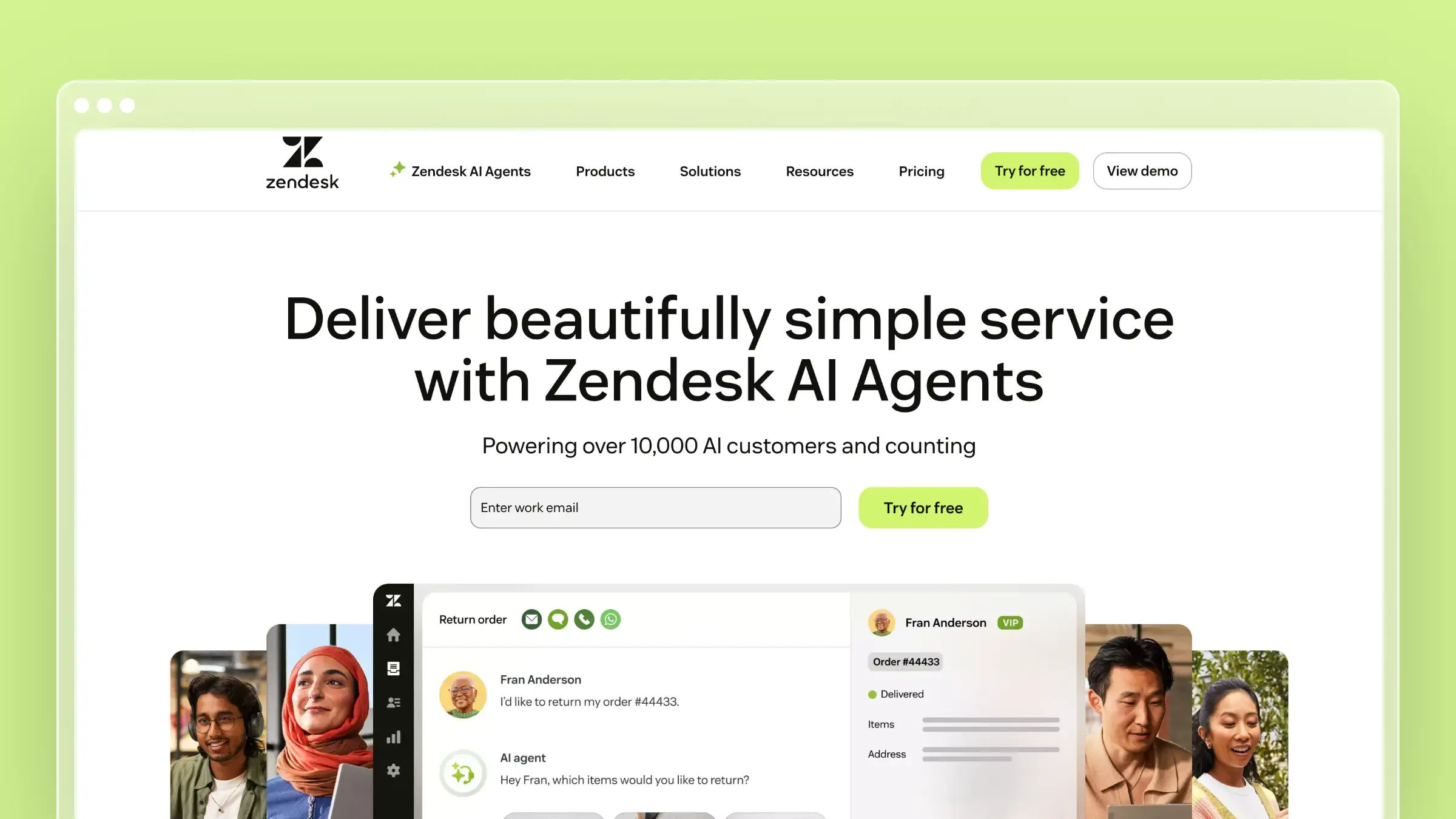
If you’re leaving Intercom for a more robust support infrastructure, Zendesk is the enterprise standard. The help center connects directly to ticketing, chat, phone, and community forums. Everything lives in one ecosystem with mature workflows.
Zendesk’s help center has been around since 2012, and it shows in both good ways (mature, stable, well-documented) and bad ways (dated editor, slow innovation, complex configuration). The Answer Bot deflects simple questions, and the analytics on search behavior and article performance are genuinely useful for identifying content gaps.
What Zendesk does well:
- Mature integration between help center, ticketing, chat, and phone
- Robust analytics on article performance and failed search terms
- Multilingual support with professional translation workflows
- Community forums let customers help each other
- Massive marketplace of 1,200+ third-party integrations
What Zendesk doesn’t do:
Zendesk’s help center is passive. It won’t tell you when content is outdated, won’t monitor your product for changes, and won’t analyze tickets to suggest new articles. The AI features are add-ons that push you into higher tiers ($115+/agent/month). And the per-agent pricing model, while not per-resolution, still makes scaling expensive. Five agents at the Professional tier costs $575/month before any add-ons. Read our full Freshdesk vs Zendesk comparison to see how pricing stacks up against budget alternatives.
Pricing: $55/agent/month (Suite Team), $89/agent/month (Suite Growth), $115/agent/month (Suite Professional). AI features cost extra on most plans.
Best for: Large organizations with complex support operations that need their help center deeply integrated with ticketing, phone, and chat. See our roundup of Zendesk help center alternatives for the complete picture.
The tradeoff: You’re trading Intercom’s modern conversational experience for Zendesk’s enterprise depth. The help center is more capable but less elegant. Pricing is per-agent instead of per-resolution, which is more predictable but still expensive at scale.
3. Help Scout: Best for Teams That Prefer Humans Over Bots

Help Scout is built for teams that believe the best support comes from people, not chatbots. The knowledge base (Docs) is clean and functional, the Beacon widget combines self-service with human contact, and the whole platform is designed to feel like email rather than enterprise software.
If Intercom felt over-engineered for your needs, or you found yourself fighting the messenger-first paradigm, Help Scout is the opposite approach. Simple tools, minimal configuration, fast setup.
What Help Scout does well:
- Beacon widget seamlessly blends self-service articles with human contact
- Clean editor that non-technical team members can use immediately
- Collision detection prevents duplicate editing
- Saved replies link directly to knowledge base articles from tickets
- Customer satisfaction ratings built into the workflow
What Help Scout doesn’t do:
AI is minimal. There’s no AI chatbot, no automated content suggestions, and no proactive auditing. The knowledge base relies entirely on your team’s discipline to stay current. Search is functional but not intelligent. Analytics are basic compared to Zendesk or Document360. If you’re leaving Intercom because the help center features are shallow, Help Scout’s docs are similarly limited, just without the per-resolution pricing. See our Help Scout pricing breakdown for full cost details.
Pricing: $50/user/month (Standard), $75/user/month (Plus). Free plan available for up to 10 contacts.
Best for: Small teams (5-25 people) that want straightforward support tools without AI complexity. Teams where personal human support is the brand differentiator.
The tradeoff: You trade Intercom’s AI sophistication for operational simplicity. Help Scout won’t scale your support through automation. It scales through clear documentation and efficient human workflows. If your team is disciplined about updating content, this works. If not, documentation entropy is inevitable. Explore more Help Scout alternatives.
4. HelpDocs: Best Standalone Knowledge Base
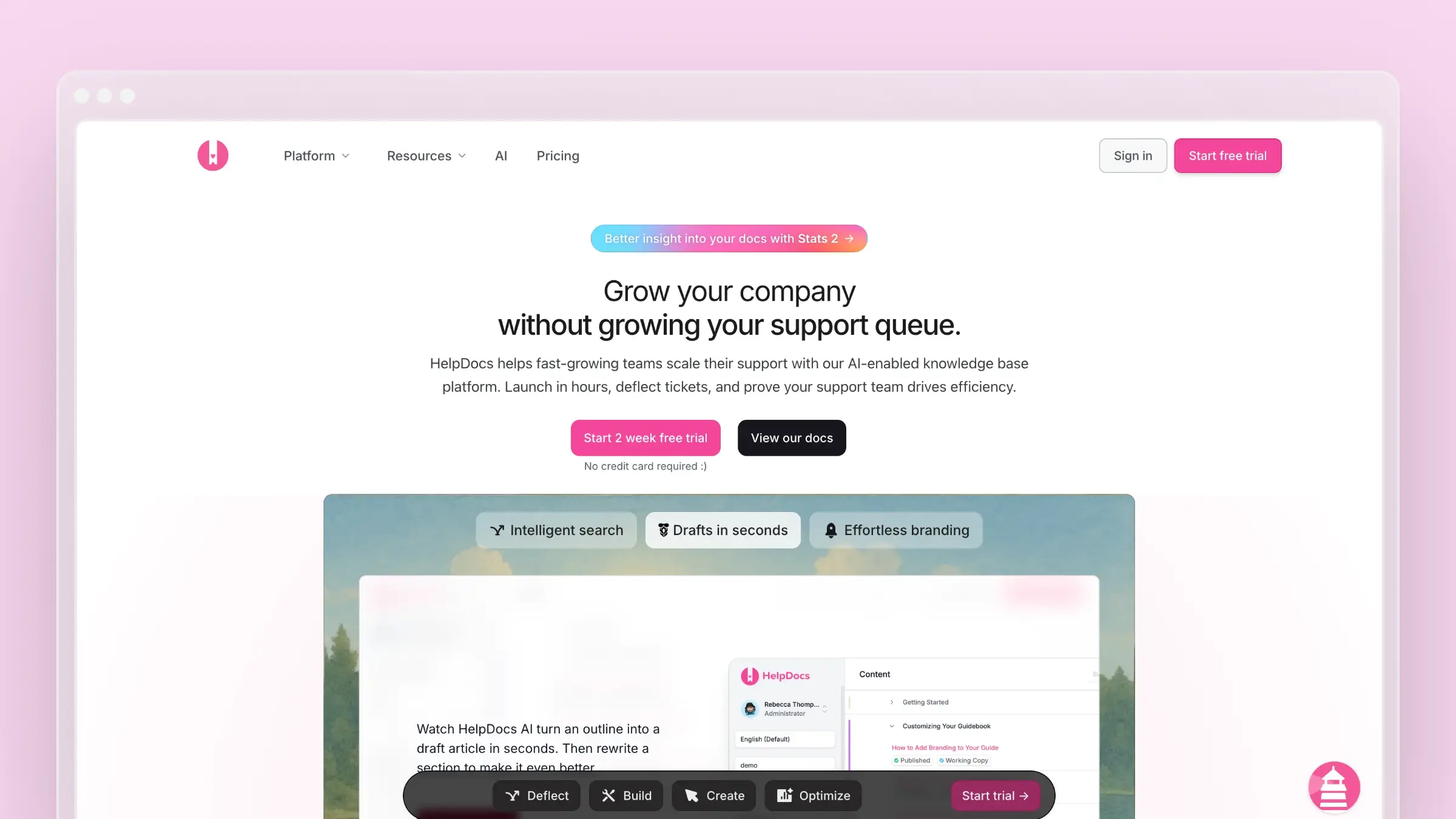
HelpDocs answers a specific question: what if you just want a really good knowledge base without the rest of the support stack? No ticketing. No messaging. No chatbot. Just a clean, fast, modern KB that you can set up in under 30 minutes and point your customers at.
For teams leaving Intercom specifically because the help center is underpowered, HelpDocs is a focused upgrade. The templates are modern, the Lighthouse widget embeds your docs in-app, and the editor prioritizes speed over complexity.
What HelpDocs does well:
- Fastest time-to-launch of any tool on this list
- Modern templates that look polished without customization
- Lighthouse widget for contextual in-app help
- Flat pricing with no per-user charges
- Clean API for building custom integrations
What HelpDocs doesn’t do:
There’s no messaging, no ticketing, and no AI chatbot. The AI features use a credit system that limits usage based on your plan. There’s no automated content auditing, codebase sync, or support ticket analysis. You’re getting a publishing tool, a good one, but the intelligence layer that keeps content accurate over time is entirely on you. For a detailed analysis, see our HelpDocs review and HelpDocs pricing guide.
Pricing: $49/month (Sprout), $99/month (Sapling), $249/month (Oak). No per-user fees.
Best for: Teams that want to decouple their knowledge base from their messaging/ticketing tool. Startups that need a standalone KB up and running this week.
The tradeoff: Maximum simplicity, minimum intelligence. HelpDocs won’t replace Intercom’s conversational support. It replaces Intercom’s mediocre help center with a purpose-built, better one. Pair it with any messaging tool you prefer. For more on choosing the right KB, see our guide to the best knowledge base tools for small teams.
5. Freshdesk: Best Budget Full-Suite Alternative
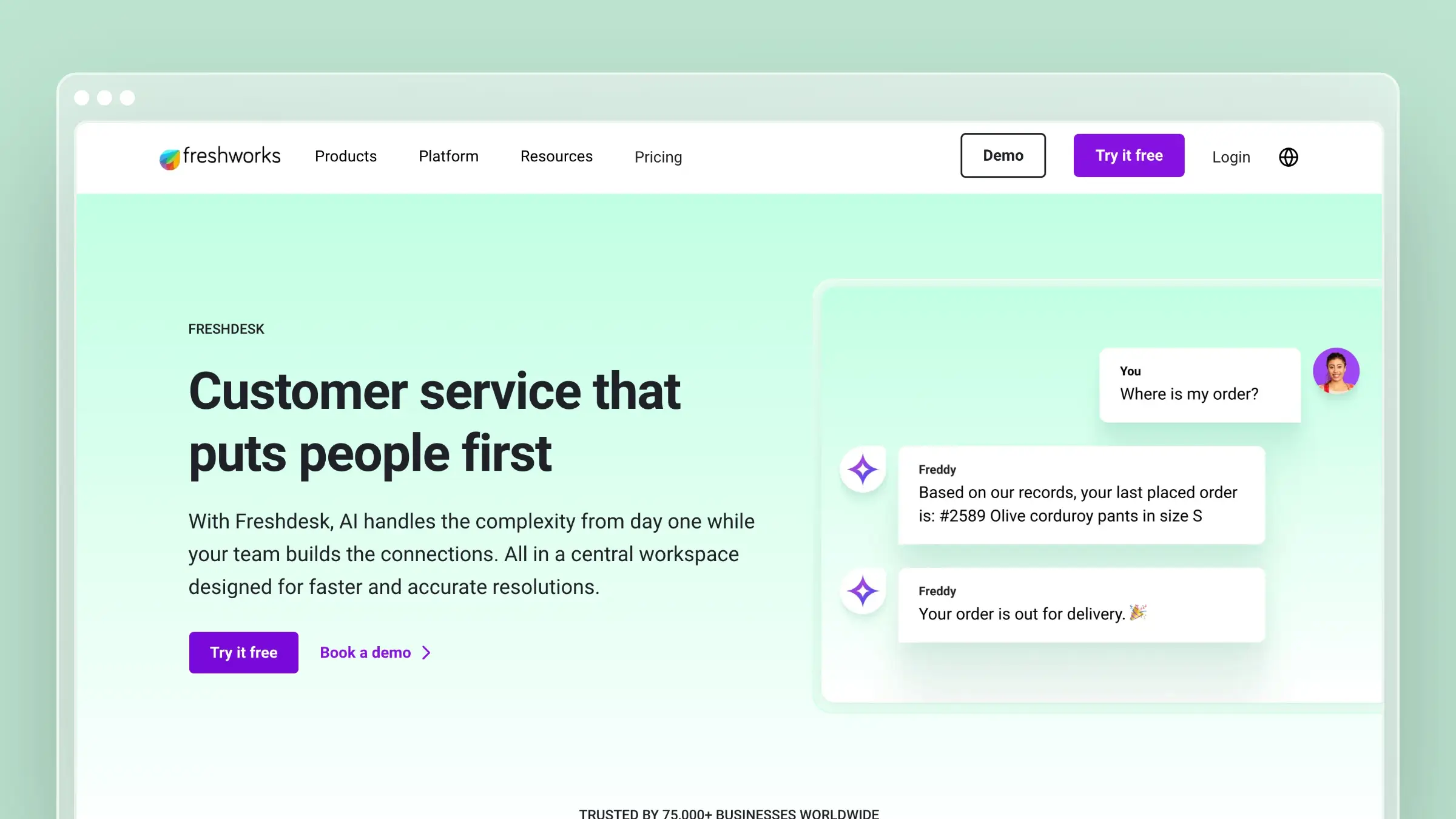
Freshdesk is what you get when you need Intercom’s breadth (ticketing, chat, KB, phone) at a fraction of the cost. The free plan supports up to 2 agents with a basic knowledge base. The paid plans start at $15/agent/month, making it the most accessible full-suite option on this list.
Freddy AI provides chatbot and article suggestion capabilities, though they’re limited compared to Intercom’s Fin. The knowledge base is functional: categories, folders, SEO settings, article versioning, and approval workflows on higher tiers.
What Freshdesk does well:
- Free tier that includes a usable knowledge base
- Complete support suite at the lowest price point in this category
- Freddy AI chatbot available on paid tiers
- Multi-product and multilingual knowledge base support
- Marketplace with hundreds of integrations
What Freshdesk doesn’t do:
The knowledge base editor feels dated. Templates are limited. The AI features on lower tiers are token gestures compared to what Intercom’s Fin delivers. There’s no codebase integration, no automated auditing, and the analytics are basic unless you’re on the Enterprise plan ($79/agent/month), at which point the budget advantage narrows. Freshdesk solves the pricing problem but not the content intelligence problem. See our Freshdesk vs Zendesk breakdown and Freshdesk pricing analysis.
Pricing: Free (2 agents), $15/agent/month (Growth), $49/agent/month (Pro), $79/agent/month (Enterprise).
Best for: Teams that need a complete support suite on a startup budget. Companies evaluating multiple tools who want to start free and scale later.
The tradeoff: You get Intercom’s feature breadth at a lower price, but the quality of each feature is proportionally lower. The help center works, but it won’t impress anyone. The AI works, but it won’t match Fin’s resolution quality. If “good enough, cheap enough” is the goal, Freshdesk delivers. For help desk provider comparisons, see our dedicated guide.
6. Document360: Best for Documentation-Heavy Organizations
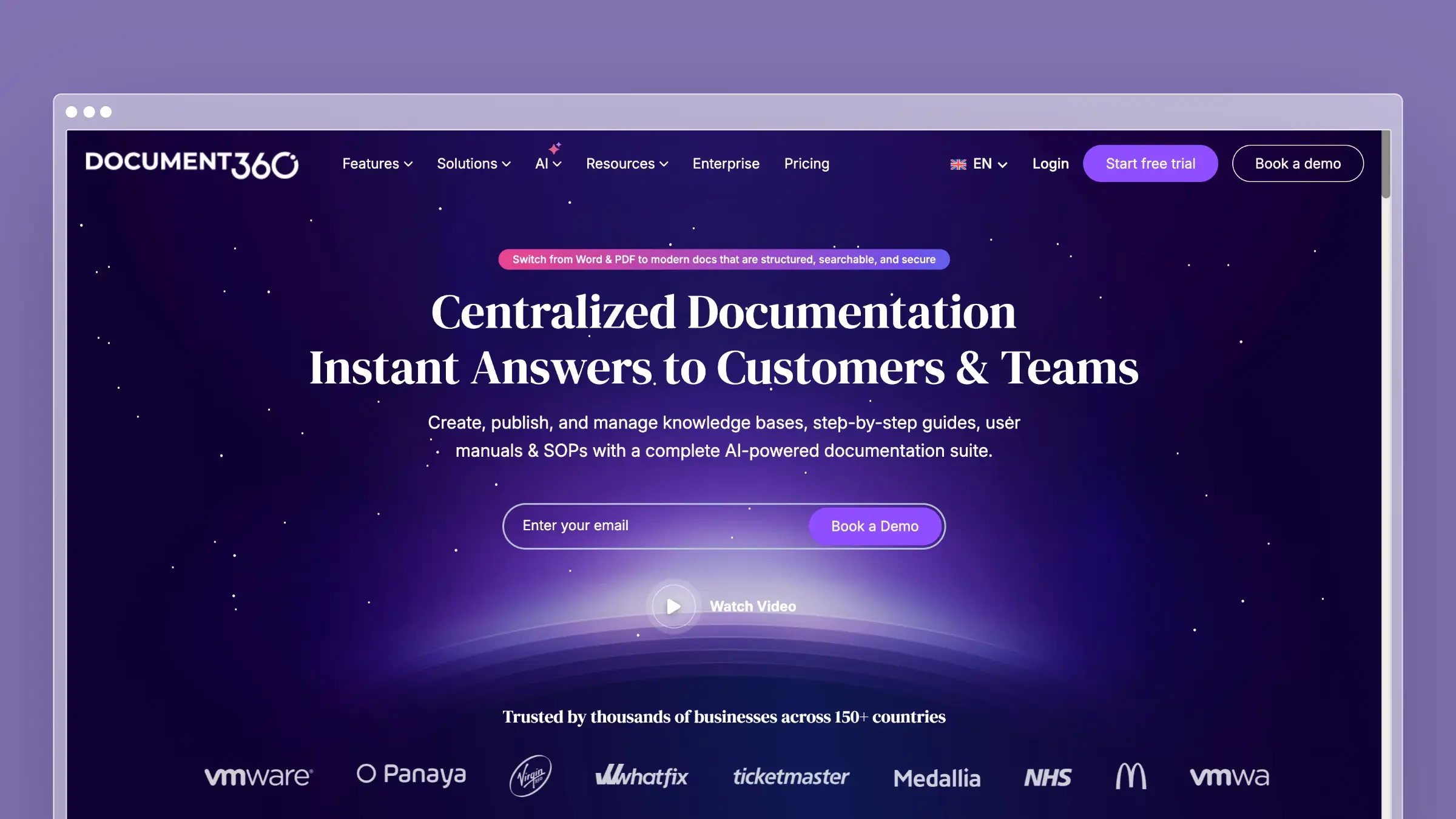
Document360 exists at the opposite end of the spectrum from Intercom. Where Intercom treats docs as chatbot training data, Document360 treats documentation as the entire product. Version control, approval workflows, category-level permissions, public and private knowledge bases, and analytics deep enough to satisfy compliance teams.
If you’re leaving Intercom because you need serious documentation infrastructure, not just a help center stapled to a chat widget, Document360 is the enterprise-grade option.
What Document360 does well:
- Full version history with rollback on every article
- Multi-tiered approval workflows for content governance
- Public and private knowledge bases from a single platform
- Eddy AI assistant for customer-facing search and suggestions
- Deep analytics: article performance, search patterns, failed queries, reading time
What Document360 doesn’t do:
There’s no messaging platform, no live chat, and no conversational AI chatbot. Eddy AI helps customers find existing content but doesn’t handle back-and-forth dialogue. The platform doesn’t monitor your codebase or analyze support tickets. With pricing available on request, you’re paying enterprise prices for content management without the intelligent automation that would justify it. The setup is also significantly more involved than lighter tools like HelpDocs or Help Scout. See Document360 alternatives for more options in this tier.
Pricing: Pricing available on request.
Best for: Organizations with dedicated documentation teams, regulatory compliance requirements, or multi-audience knowledge bases. Companies that treat documentation as a core business function.
The tradeoff: Maximum control, maximum complexity. Document360 won’t automate your content maintenance. It gives you the governance tools to manage it manually at scale. If your team has the headcount for dedicated technical writers, Document360 empowers them. If you need AI to fill that role, look at purpose-built alternatives.
7. Zoho Desk: Best for Teams Already Using Zoho
If your company runs Zoho CRM, Zoho Projects, and Zoho Analytics, adding Zoho Desk is a five-minute decision. The knowledge base integrates natively with every Zoho product, pulling customer data, ticket context, and usage patterns into a unified view.
Zia AI provides article recommendations and sentiment analysis. The multi-brand portal lets you run separate help centers for different products. And the free tier (3 agents) makes evaluation effortless.
What Zoho Desk does well:
- Seamless integration with the full Zoho product ecosystem
- Multi-brand help center for managing multiple products
- Zia AI for article suggestions and sentiment analysis
- Free plan with a functional knowledge base for up to 3 agents
- Community forums for peer-to-peer support
What Zoho Desk doesn’t do:
Outside the Zoho ecosystem, Zoho Desk is unremarkable. The KB editor is basic. The templates need work. The AI lags behind Intercom, Ferndesk, and even Freshdesk in sophistication. Documentation maintenance is entirely manual. And the interface carries enterprise complexity that feels heavy for small teams. Per-agent pricing starts low ($14/agent/month) but the useful features live in the Professional ($23) and Enterprise ($40) tiers.
Pricing: Free (3 agents), $14/agent/month (Standard), $23/agent/month (Professional), $40/agent/month (Enterprise).
Best for: Teams already running on Zoho’s ecosystem who want their entire support operation in one vendor.
The tradeoff: Ecosystem convenience vs. standalone quality. Zoho Desk’s help center is adequate inside the Zoho universe and forgettable outside it. If you’re not already a Zoho shop, any other tool on this list is a stronger standalone choice. See our list of Zoho Desk alternatives.
8. Stonly: Best for Interactive Help Content
Stonly takes a different approach to documentation entirely. Instead of traditional articles, Stonly specializes in interactive, step-by-step guides. Think decision trees, branching troubleshooters, and clickable walkthroughs that adapt based on user input.
For teams where linear articles aren’t enough, where customers need guided resolution paths through complex processes, Stonly offers something no other tool on this list does.
What Stonly does well:
- Interactive, branching step-by-step guides
- Decision trees that adapt based on customer input
- In-app guidance and contextual tooltips
- Self-service troubleshooters that walk users through complex flows
- Analytics on where users drop off within guided paths
What Stonly doesn’t do:
Stonly is not a traditional knowledge base. If you need a searchable library of articles, Stonly is the wrong tool. The pricing is custom (typically $199+/month), which makes evaluation harder. There’s no codebase monitoring or automated content auditing. The platform excels at a specific content format (interactive guides) and is limited outside of it. If your documentation needs are mostly standard articles with some interactive elements, you’re paying a premium for a specialty tool. See Stonly alternatives for other options.
Pricing: Custom pricing, typically starting around $199/month. Contact sales for a quote.
Best for: Teams with complex products that require guided troubleshooting. Companies where “read this article” isn’t enough and customers need “follow these steps based on your situation.”
The tradeoff: Stonly solves a real problem (complex troubleshooting) that other tools handle poorly. But it’s a niche solution. Most teams need a traditional knowledge base first and interactive guides second. Unless guided content is your primary documentation format, Stonly is a complement, not a replacement.
How to Choose the Right Intercom Alternative
The decision comes down to what you’re actually solving for.
If you’re leaving because of per-resolution pricing: Every tool on this list uses flat or per-seat pricing. But don’t just replace Intercom’s pricing problem with a different tool’s content problem. Ask whether the alternative will help your documentation improve over time or just host it more cheaply.
If you want smarter documentation, not just cheaper: Ferndesk is the only tool that proactively maintains your help center. Codebase monitoring, ticket analysis, weekly audits. If your real frustration with Intercom was that the help center felt like an afterthought, Ferndesk makes it the main event.
If you need a full support suite: Zendesk and Freshdesk both offer ticketing, chat, phone, and KB in one platform. Zendesk costs more but offers deeper enterprise features. Freshdesk costs less but trades quality for affordability. Check our best help center software guide for detailed comparisons.
If you want the simplest possible KB: HelpDocs. No learning curve, no bloat, live in 30 minutes. Pair it with whatever messaging tool you prefer.
If documentation governance matters: Document360 gives you version control, approvals, and compliance-ready workflows. It’s the right tool when content accuracy has regulatory implications.
If your content needs to be interactive: Stonly’s guided troubleshooters handle complexity that traditional articles can’t. It’s niche but genuinely useful for complex product flows.
Here’s the question most teams skip: is your problem that customers can’t find answers, or that the answers don’t exist (or are wrong)? Intercom’s Fin chatbot optimizes for the first problem. But if your documentation is incomplete or outdated, a smarter chatbot just delivers wrong answers faster. Fix the content first. The right tool makes that automatic. For a broader look at the landscape, see our guide to the best help center software for SaaS.
Bottom Line
Intercom built the best messaging platform in support. But a messaging platform with a bolted-on help center is still a messaging platform. If your documentation strategy is “write articles so Fin has something to reference,” you’re optimizing the wrong thing.
The teams that genuinely reduce support volume don’t just deflect conversations. They eliminate the questions. That means documentation that stays accurate, identifies gaps on its own, and adapts when your product changes.
Ferndesk does that automatically. No per-resolution fees. No manual audits. No documentation that silently rots while your chatbot confidently serves outdated answers.
Try Ferndesk free. Your help center should be smarter than a chatbot.
Want to explore more? See our rankings for AI-powered help center software, the best help center software overall, and our guide to scaling customer support.


 Book a demo