





A shared inbox where AI resolves the routine tickets and investigates the hard ones before your team picks them up, running on docs that stay up to date automatically.

  • SOC 2 Type I
  • Migrate in 10 minutes
  • No card required
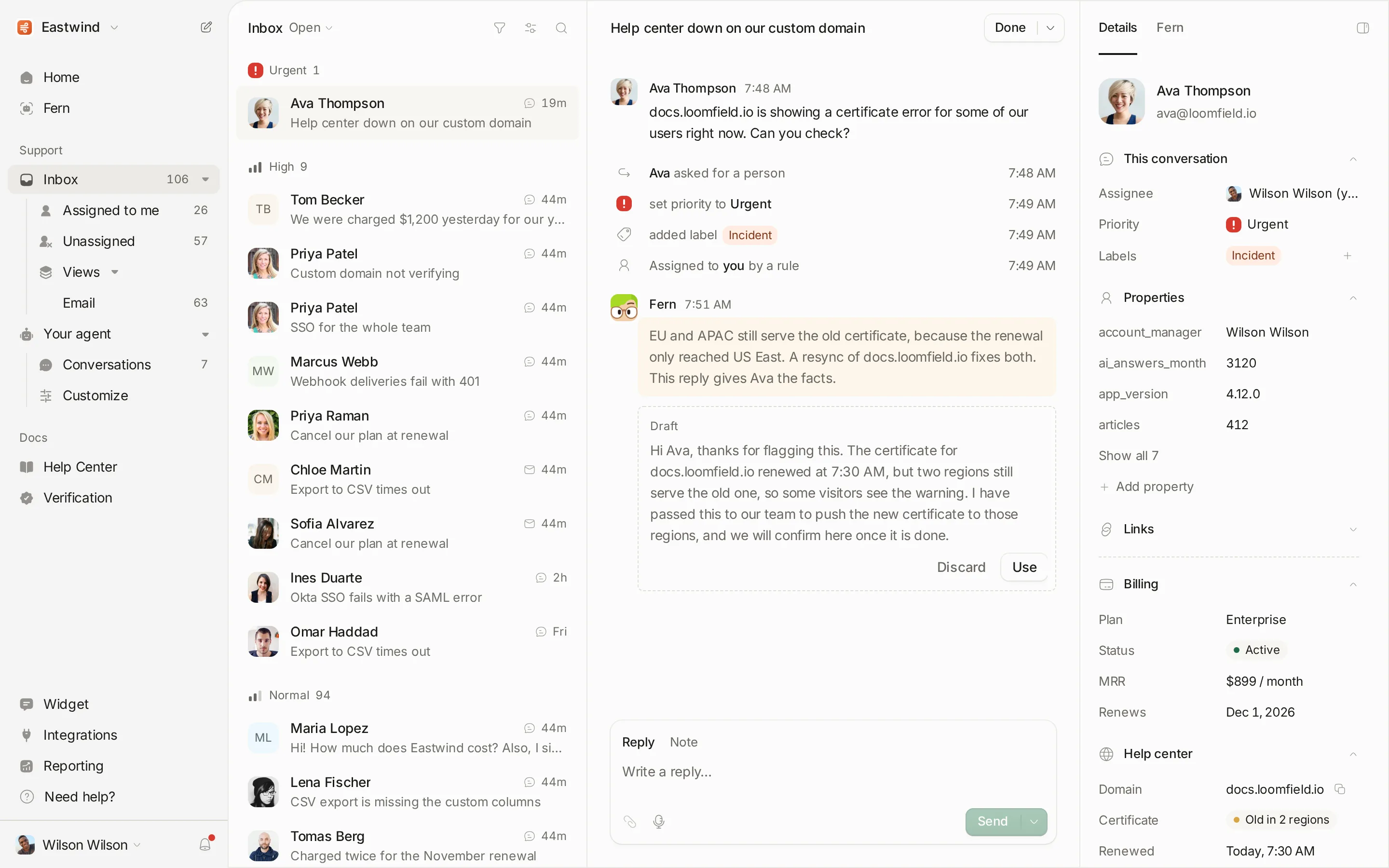
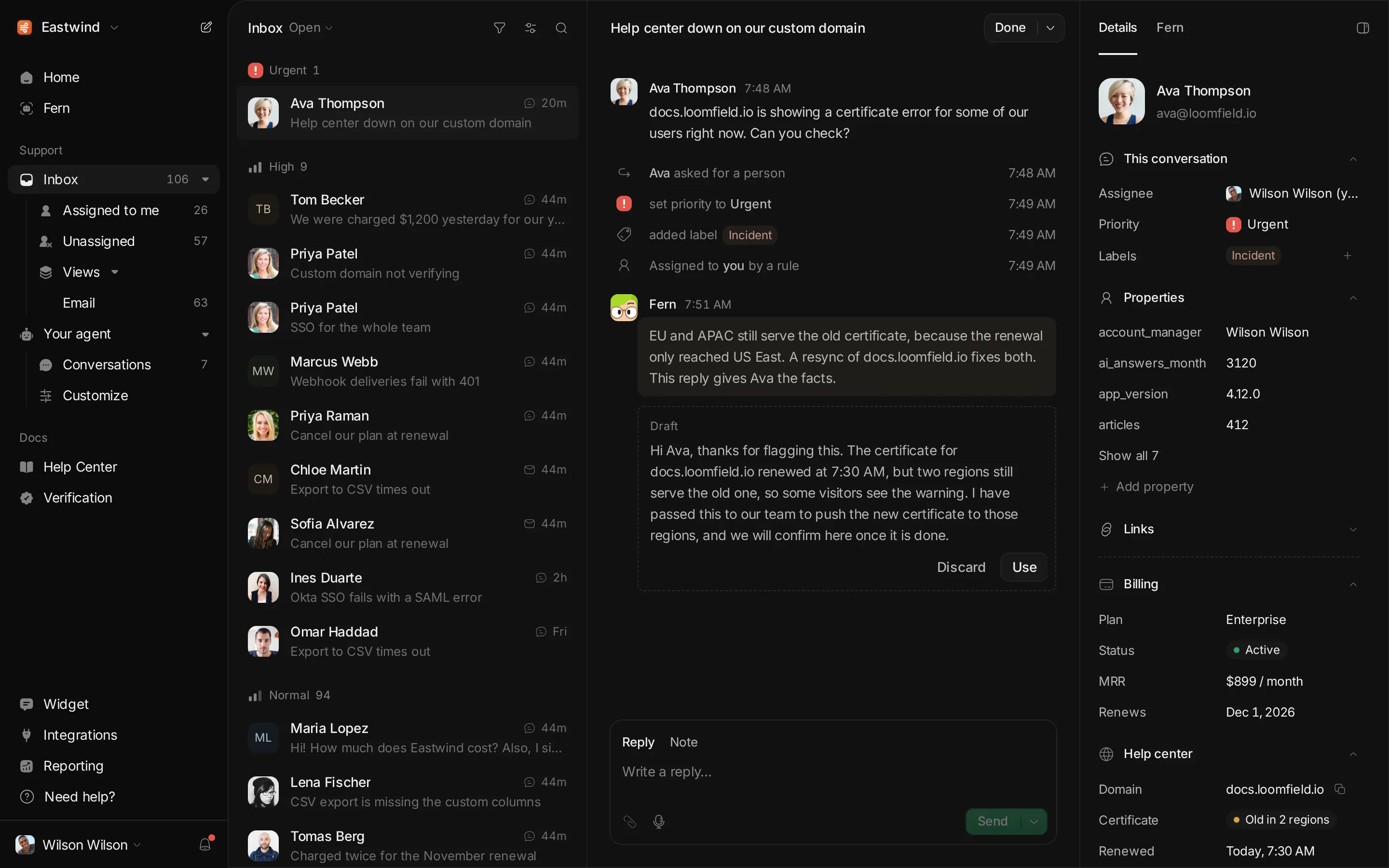
The Ferndesk inbox with an urgent chat, the customer’s billing and help center details, and Fern’s private diagnosis note
Trusted by 100+ software teams
Andri TrackFlo Metricool PixelFlow RightMessage SEO Gets Zeffy Client Portal

00 Why Ferndesk

AI support has a dirty secret.

Every AI helpdesk on the market sells the same dream: flip a switch and resolve 80% of your tickets.

What none of them mention on the sales page is that their AI expects you to show up with complete, accurate documentation. Most software teams don’t have that. Half the product was never written down, and the other half quietly went out of date months ago.

So you turn on the bot anyway, and you barely resolve a fraction of your queue. Tickets bounce straight back to your inbox, or the bot confidently sends a paying customer to a menu you removed in March. Meanwhile you’re paying per seat and per resolution, and told to go write 150 help articles yourself.

So Ferndesk starts with the knowledge. Fern, our agent, reads your codebase, your live product and your past tickets, writes the documentation you’re missing, and checks every article so it stays accurate as you ship.

Your shared inbox, help center, widget and changelog all run on that living knowledge base. Your AI agent finally has something true to read, and your team gets a fast helpdesk for one flat price.

100+ teams use Ferndesk to save 20 hours a week on support.

Wilson Wilson, founder of Ferndesk
Wilson’s signature Wilson Wilson · Founder, Ferndesk

01 Documentation

Your docs will never go stale again.

Today, every release leaves your docs behind. A guide goes out of date and a ticket waits to happen.

With Ferndesk, docs update as you ship. Customers and your AI agent always read the truth.

01

Connect your tools.

Codebase, live product, support inbox. Ten minutes, and Fern can see what your customers see.

02
This claim is no longer true
Update your billing details
− Settings → Billing + Settings → Plans & Billing
Approve & publish Review

Fern verifies every article.

Each claim checked against the code and the product. Anything wrong comes back as a change you approve, with the reason.

03
Add image editing to Fern PR #530
Fern drafted the docs
Editing images in articles NEW
Automate screenshots in your docs UPDATED

New releases document themselves.

A pull request merges. Fern writes the article before the release goes out.

Laura Simonow, Customer Success Manager, Cleverific
Cleverific
“Before Ferndesk, updating docs after a feature shipped could take weeks… What used to be days of work is down to minutes.”
Laura Simonow Customer Success Manager, Cleverific Read Cleverific’s story

02 Shared inbox

Your help desk is stuck in 2010. Your team doesn’t have to be.

One inbox for every channel. Email, chat and Slack in one fast queue.

Custom cards beside every thread. Show plan, usage or anything from your own API next to the reply.

Every channel, one queue. Email, chat and Slack land in the same inbox.

Email, chat and Slack in one inbox.

Forward your support address, embed the widget and connect shared Slack channels.


Customer context.

Stripe plan, MRR and charges beside every thread, plus custom cards that pull anything from your own API, like usage, account health or feature flags.

Triage from the keyboard.

Move with J and K, then assign, set priority or snooze until Monday.

Internal notes and live presence.

Loop in an engineer privately, link Linear or GitHub issues, and see who is already replying.

Saved views, rules and SLAs.

Queues by plan, tag or channel, VIP routing, and reply targets inside business hours.

Every gap becomes an article.

When your team answers something new, Fern drafts the help article so nobody types it twice.

Taylor Diem, CTO, TrackFlo
TrackFlo
“I have seen a 50% decrease in support tickets during the implementation.”
Taylor Diem CTO, TrackFlo Read TrackFlo’s story

03 Automate

Tickets arrive solved, or already investigated.

The Support Agent answers customers. It resolves the routine questions and handles account actions like refunds.

Fern investigates the rest. It reads your code, logs and history, then hands your team a diagnosis and a drafted reply. You review and send.

A customer asks for a refund and the Support Agent issues it. The customer then reports failing webhooks, which the agent hands to the team. Fern searches the codebase, git history, Sentry and Linear, finds the cause and drafts a reply. Wilson sends it.

04 Self-serve

Everything your customers need to help themselves.

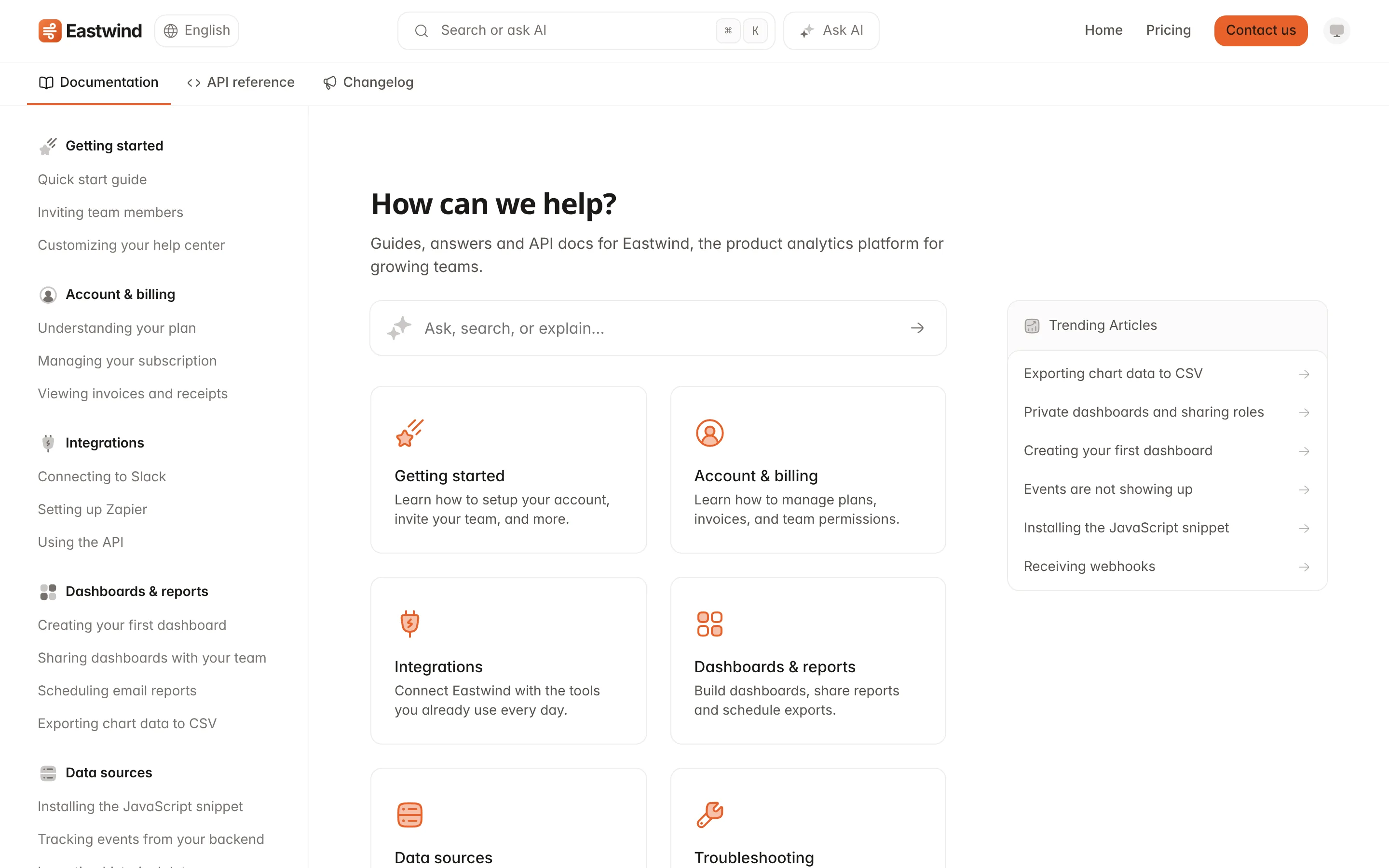
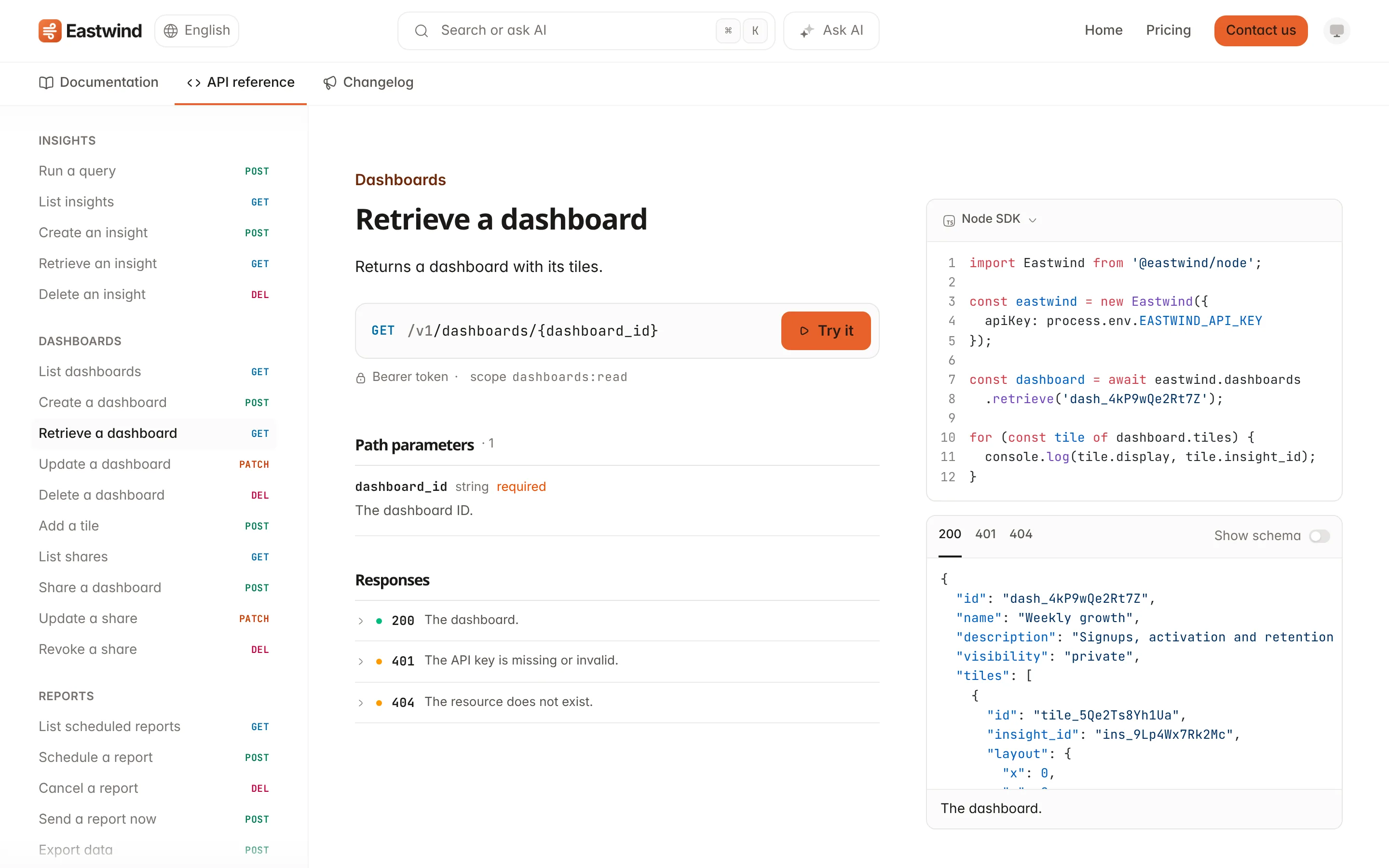
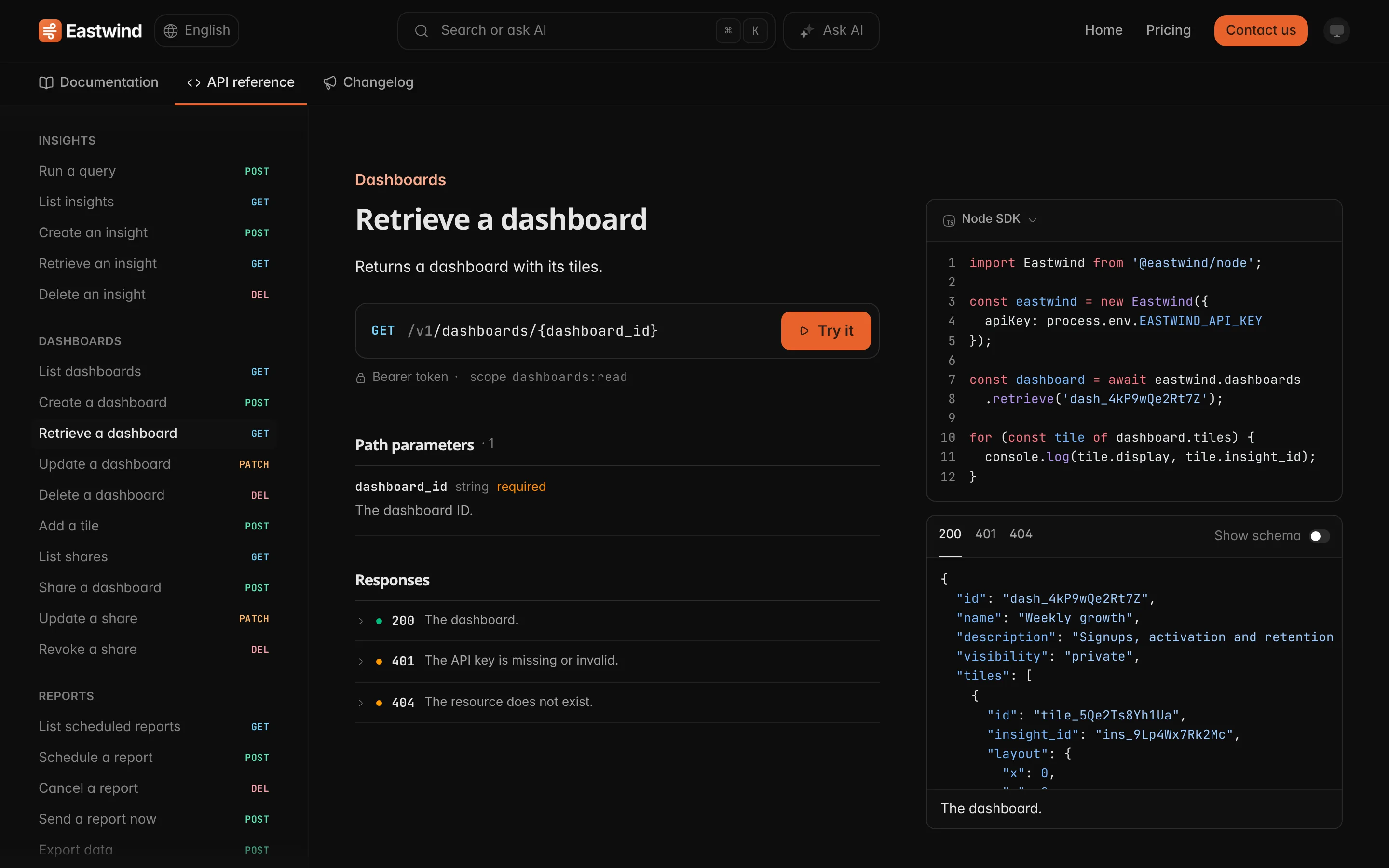
One help center. Docs, an API reference built from your OpenAPI spec and a changelog, on your domain and in your brand.

One widget in your app. Customers search, ask AI or reach your team without leaving the page they are on.

Kept current by Fern. Every time you ship, Fern checks what changed and drafts the updates, so nothing goes stale.

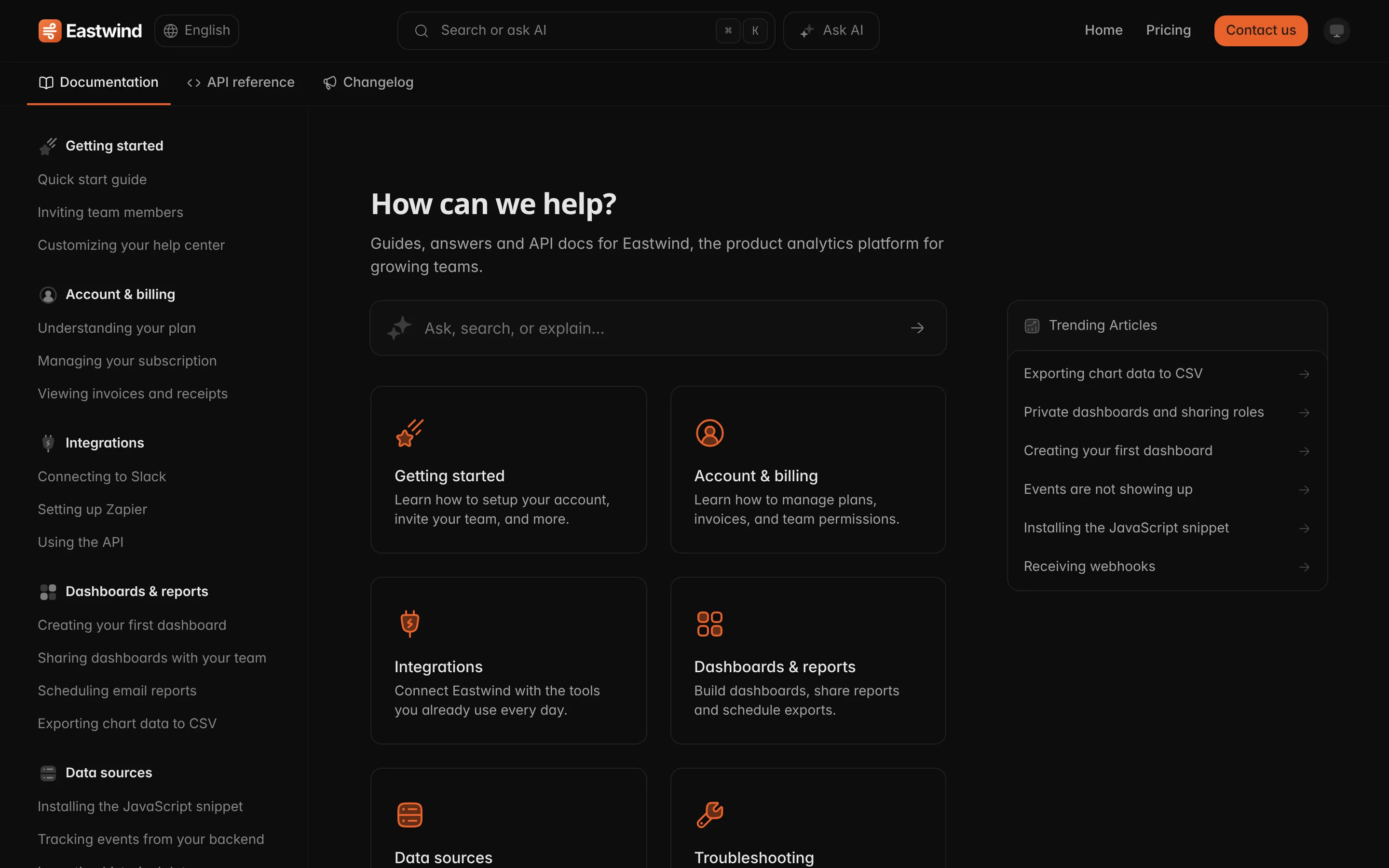
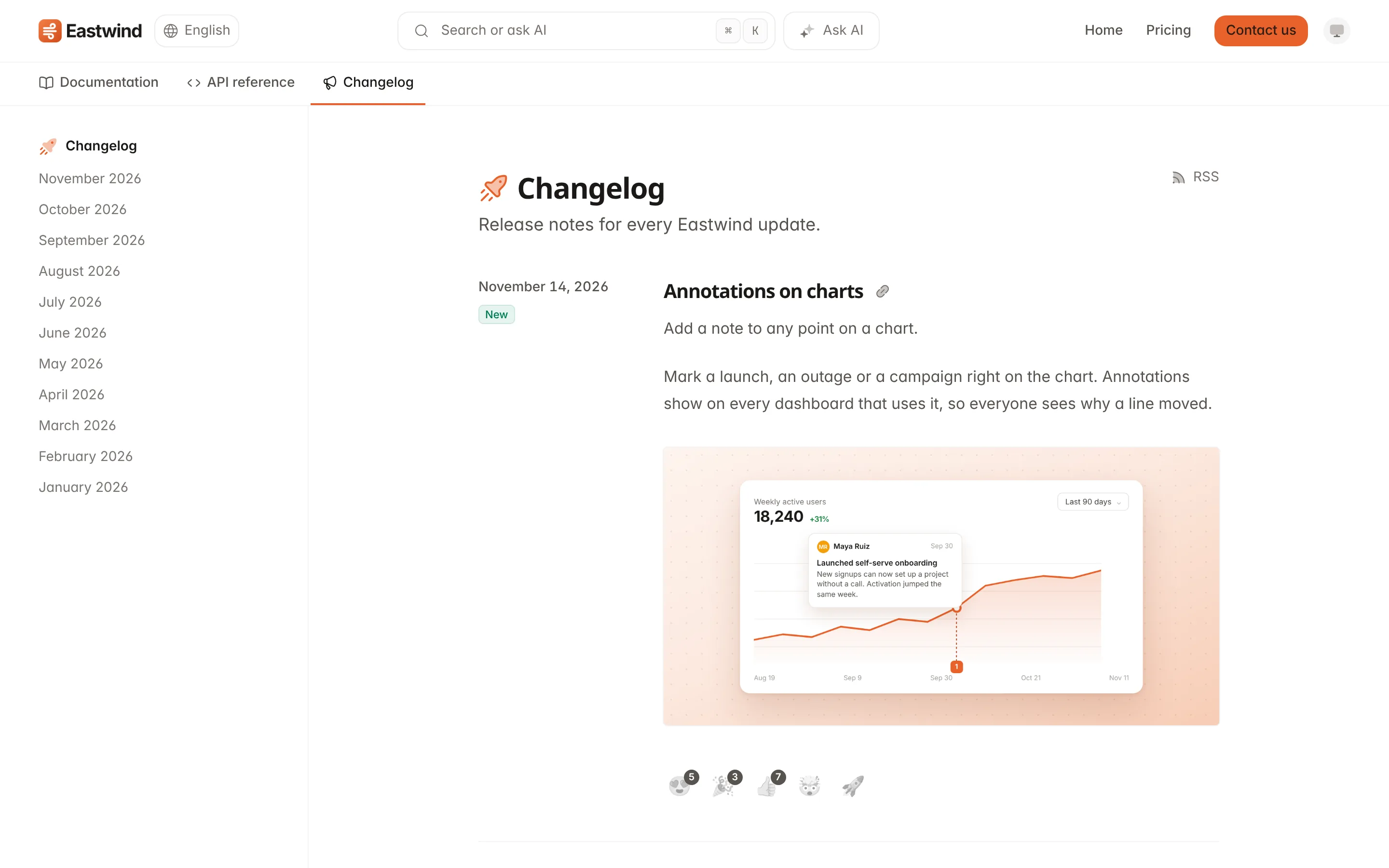
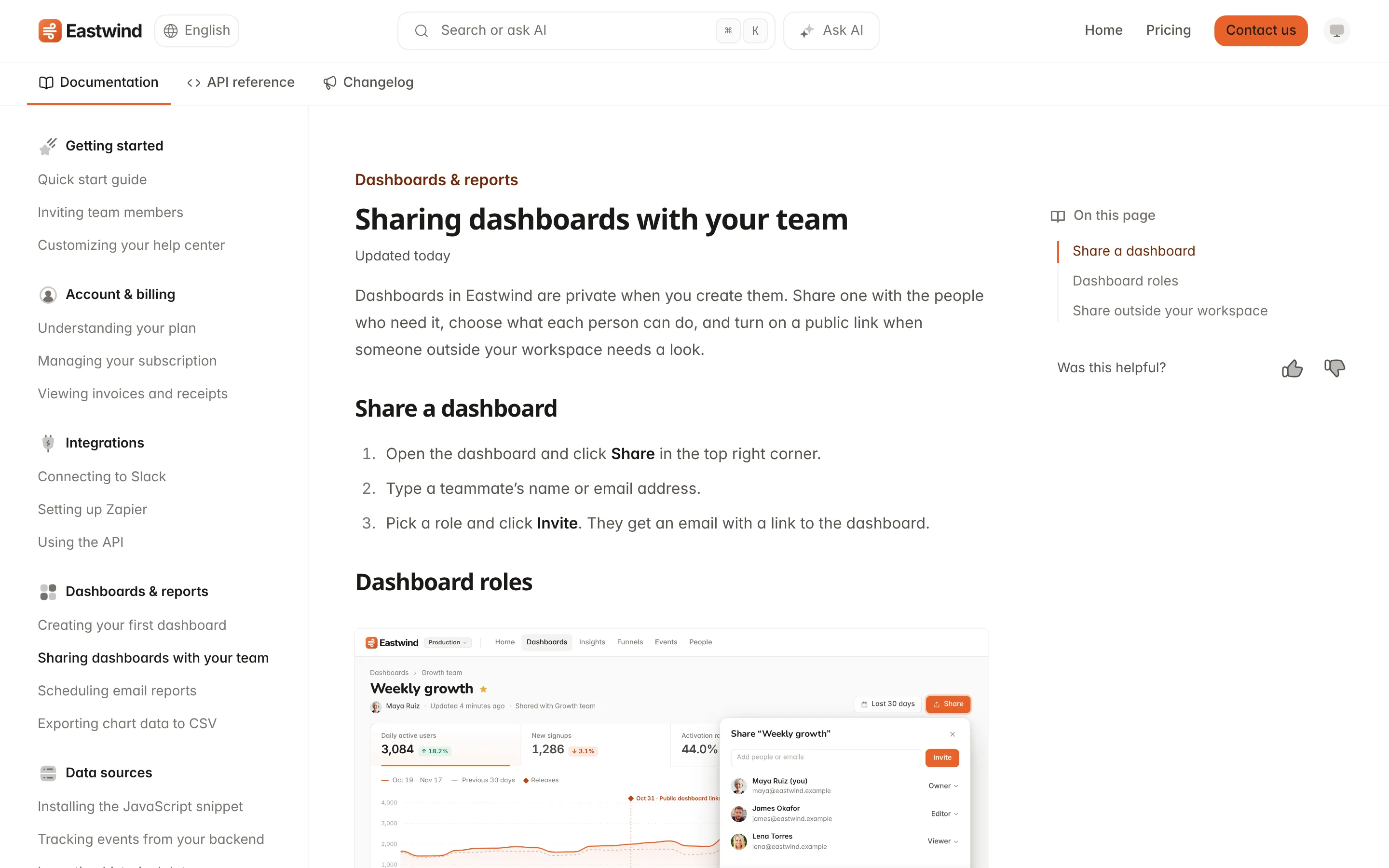
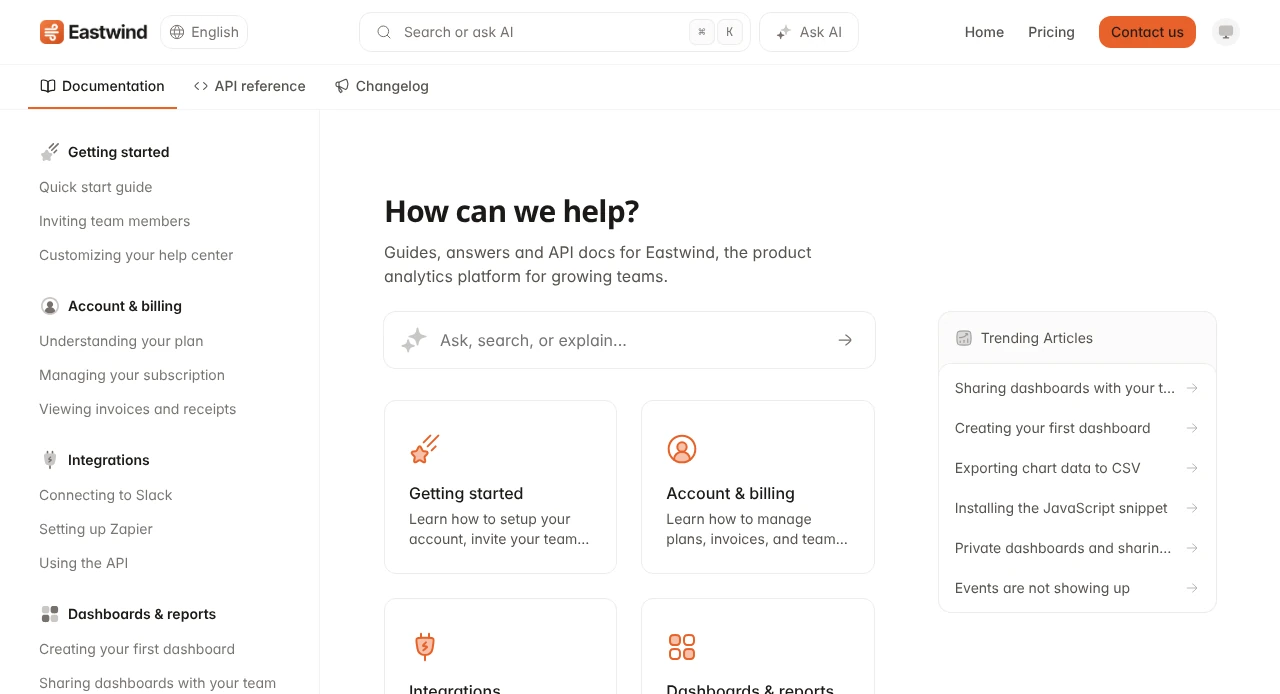
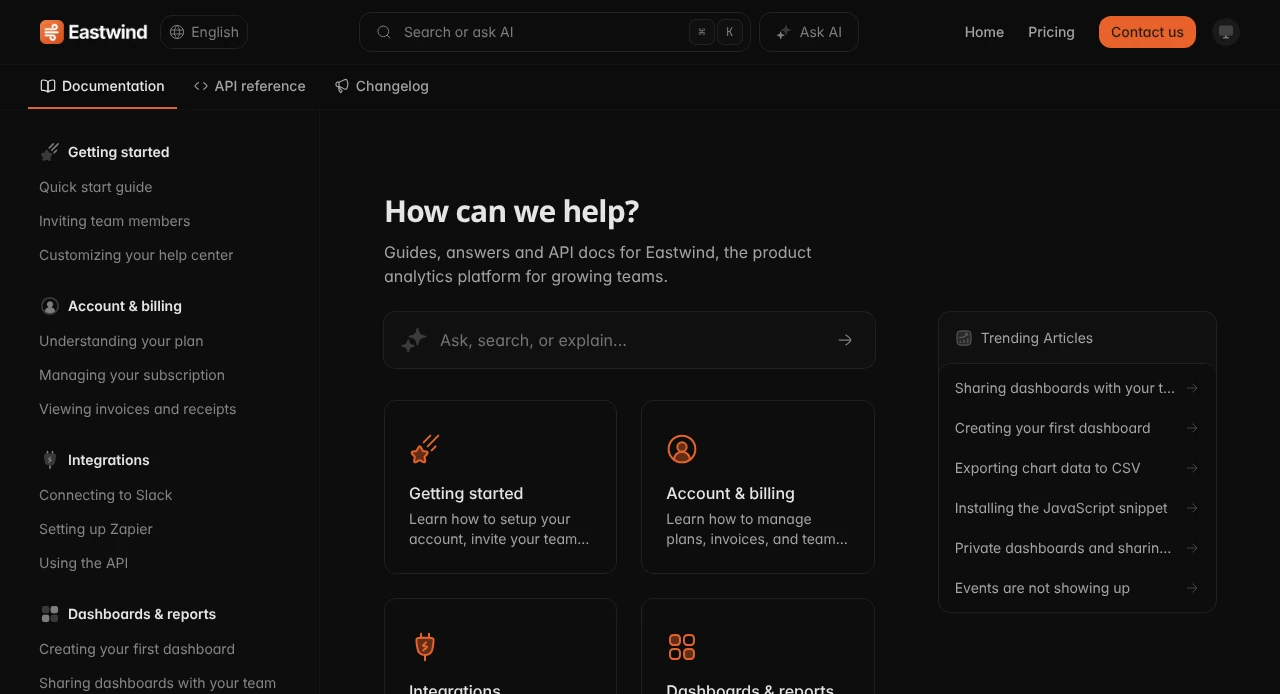
The Eastwind help center on Ferndesk, with AI search, collections and trending articles

Everything else, built in

  • Custom domain or /help

    Your domain, SSL included.

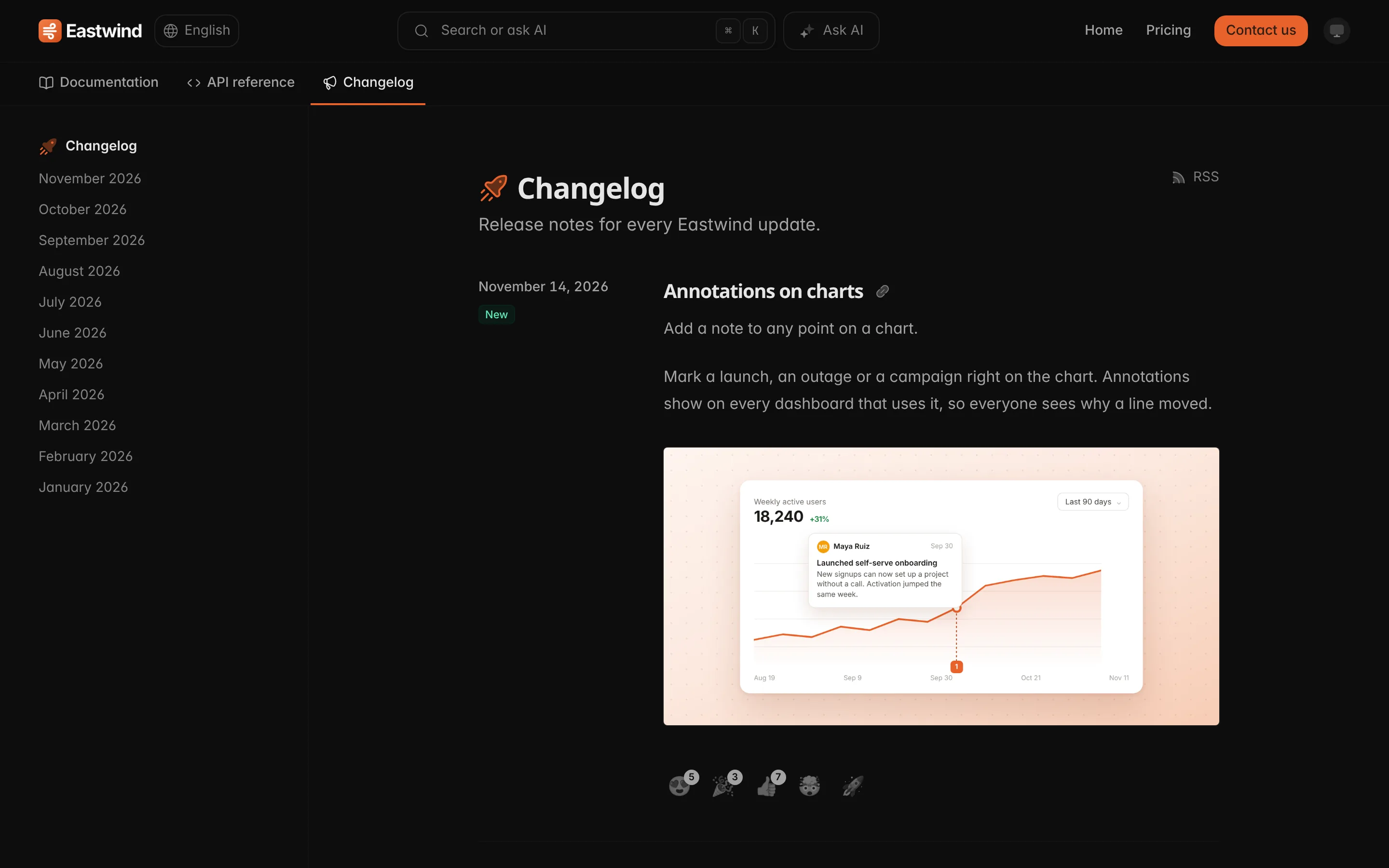
  • Product changelog

    Release notes with reactions.

  • Automatic translation

    Every language updates together.

  • Private and gated docs

    Gate a collection or all of it.

  • OpenAPI reference

    API docs beside your guides.

  • Search and gap analytics

    See what customers can’t find.

  • CSAT and reporting

    Satisfaction and reply times.

  • MCP server and API

    Work from Claude Code or Cursor.

  • 301 URL redirects

    Old links keep working.

  • Outbound webhooks

    Events streamed to your stack.

05 Migration

Switch in ten minutes, or start beside your current inbox.

Your help center moves in minutes. Paste its address and Ferndesk copies every article and image and redirects your old links.

Your support history comes too. Bring past conversations over from the tool you use today, or run beside it while you test.

Paste your help center address. Ferndesk recognises Zendesk, Intercom, Help Scout, GitBook, Mintlify and more from the address alone.

3 of 4

Migrate your docs

Enter your current help center's address. We copy every article and image and redirect your old links. Your current help center keeps working.

Help center address help.eastwind.com Zendesk
Back I don't have docs yet Migrate docs
3 of 4

Migrating your docs

This takes a minute or two. We'll email [email protected] once it's done.

Finding your help center
Reading your articles
Copying articles
Matching your branding
3 of 4

Your help center is ready

Live at help.eastwind.com. Try a search.

help.eastwind.com Open in a new tab
What we imported Zendesk
Collections
Getting started 21
Dashboards 46
Sharing and permissions 29
Integrations 58
Billing and plans 31
Account and security 29
Also migrated
Images 386
Old links redirected 220
214 articles All imported

Something look wrong? Contact support and we'll fix it by hand.

Continue
4 of 4

Import your support history

Connect the tools you answer customers in. We import your past conversations and saved replies. Nothing changes in those tools, and no customer is messaged.

Zendesk eastwind.zendesk.com 18,342 tickets Remove
Add a tool
Intercom Zendesk Gmail
Import from Last year
Back Skip for now Import history

Imports fromZendesk, Intercom, Help Scout, HubSpot, Crisp, Plain, Pylon, GitBook, Mintlify, Document360, Docusaurus, HelpDocs, Helpjuice, HelpKit, KnowledgeOwl, ProProfs, Slite, Archbee, Confluence, Fumadocs, Gleap, Stoplight

  • “We can’t move our inbox on day one.” Keep it while you test, then switch channels one by one.
  • “Moving hundreds of articles will take weeks.” Paste your address and every article and image comes over.
  • “We’ll lose our Google rankings.” Every old URL gets a 301 redirect.
  • “We don’t have engineering time for this.” Forward your email, connect your tools, add the widget.
  • “We’ll lose years of ticket history.” Import past conversations from Zendesk, Intercom or Gmail.
  • “Our team won’t want to learn another tool.” Their saved replies come over, and Fern drafts replies to send.

07 Pricing

One plan. No per-resolution fees.

Everything on one plan. Your inbox, help center, widget, changelog and both AI agents.

Priced per conversation, not per resolution. Pro includes 1,000 conversations a month, whether AI or your team answers them. Add more any time.

Pro

For teams whose product changes faster than their docs.

$149 /month Billed monthly
Start your 7-day trial No credit card required.
  • 1,000 conversations a month Need more? Add 500 conversations any time for $25.
  • 5 seats included Extra seats are $10 a month each.
  • Shared inbox for email, chat and Slack
  • Help center, widget and changelog
  • White labeling
  • Support Agent and Fern
  • Your domain or a /help subfolder
  • Done-for-you migration
Enterprise

SSO and SCIM, more conversations, a data processing agreement and help with your security review.

Early-stage rate

Fewer than 5 people? Pro is $75 a month for your first 12 months.

  • SOC 2 Type I Independently audited controls for security and access. Report on request.
  • GDPR A public subprocessor list, 30 days’ notice before any change, and data requests honored.
  • Zero training on your data Your code, docs and conversations never train AI models.
  • Read-only code access Fern reads your repository through a scoped GitHub App and never writes to it.
  • Guarded customer actions Stripe actions need a verified identity and stay inside hard limits in code.

08 Questions

Frequently asked questions

The questions that come up on almost every sales and onboarding call, answered plainly.

No. Most teams import their help center first and keep their current inbox while they test, with anything the Support Agent cannot answer handed to your existing support address. When you are ready, move email, live chat and Slack over one channel at a time.

Paste your help center address and Ferndesk copies every article, collection and image from Zendesk, Intercom, Help Scout, Crisp, GitBook, Mintlify, Document360 and more, usually in under ten minutes. If yours needs a custom migration, we do it for you at no charge.

One flat price: Pro is $149 a month for the inbox, help center, widget, changelog and both AI agents, with 1,000 conversations a month, 5 seats and no per-resolution fees. Need more? Add 500 conversations any time for $25. Early-stage teams of fewer than 5 people pay half for their first year.

Fern screens every pull request you merge and drafts updates to the articles it changes, and checks every article against your product once a month. Nothing is published until you approve it.

No, and yes. Every old URL gets a 301 redirect to its new page, and you can serve the help center on your own domain, like help.yourcompany.com, or a subfolder like yourcompany.com/help.

No. Your help center, API reference, changelog, chat widget and shared inbox live in one workspace on one plan. Open the widget from your own button, or straight to an article or the changelog.

Yes. Connect Claude, ChatGPT or Cursor to the Ferndesk MCP server and they can search, write and publish articles, edit playbooks and read your analytics. There is an API for everything else.

The Support Agent answers from your help center and playbooks, and removes any link its search did not return. When it cannot answer, it hands the conversation to your team, or to the email, WhatsApp number or page you choose.

Yes. Connect a demo account and Fern takes and annotates screenshots of your product for her drafts. When a pull request changes a screen, the draft shows the new screenshot beside the old one.

Yes. Pro includes private help centers that customers sign in to with SSO, OpenID Connect or a magic link, and you can show articles and collections only to certain groups.

That is where most teams start. Connect GitHub, your app and past support threads, and Fern drafts your first help center from how the product actually works. You review every article before it is published.

We never train AI models on your code or conversations, and every model request is sent with training turned off. Fern reads your repositories through our GitHub App with read-only access, and Ferndesk does not keep a copy of your codebase. Ferndesk is SOC 2 Type I.

Ferndesk

Automate your docs. Automate your support. $0 per resolution.

  • Migrate in 10 minutes
  • SOC 2 Type I
  • One flat monthly price

Save 20 hours a week on support and docs with Ferndesk. Import your help center in ten minutes, connect email, chat and Slack, and let Fern keep every answer accurate while you build.