


The best knowledge base software for a small team depends almost entirely on one question most listicles skip: are you documenting things for your own team, or for your customers? We build a customer-facing help center product for a living, so treat our entry in that lane with the grain of salt it deserves. The rest is the evaluation we would run for any small team without a dedicated docs person: which tools are cheap enough per seat, fast enough to set up, and honest about whether the content stays accurate past month three.
We evaluated 12 knowledge base tools on setup effort, small-team pricing, free tiers, and the thing that actually kills documentation at small companies: content drift. The short answer splits by lane. For an internal wiki, Notion is the safe default and Slab is the best free option for teams of up to 10 people. For a customer-facing help center, HelpDocs if you want simple and fast, Document360 if you need versioning and approval workflows, and our own Ferndesk if your docs go stale the moment you ship something new.
Why SaaS Companies Need Knowledge Base Software
Documentation is not a nice-to-have for SaaS teams. It is the difference between customers who succeed on their own and customers who churn because they couldn’t figure something out. The best knowledge base software for SaaS solves four problems that show up in your metrics before they show up in your inbox.
Reduce support load
Every support ticket has a documentation equivalent. A customer asking how to connect an integration, reset a setting, or understand a billing line is asking a question your help center should have already answered. Teams that publish accurate, searchable documentation deflect 20 to 40 percent of inbound tickets without adding headcount.
Improve onboarding
New users who can answer their own questions during the first week activate faster and stick longer. A structured help center with onboarding guides, quick-start articles, and in-product help widgets removes the friction that kills activation. Internal wikis serve the same function for new hires: faster ramp, fewer interruptions to senior team members.
Lower churn
Customers who feel stuck cancel. Customers who find answers stay. Documentation quality correlates directly with retention because it determines whether users can get value from your product without waiting for a support response. A stale help center is worse than no help center: it sends customers down the wrong path and erodes trust.
Support product-led growth
PLG products depend on self-service at every stage: trial, activation, expansion, and referral. A well-maintained knowledge base is the infrastructure that makes self-service possible. Without it, every growth motion eventually hits a support bottleneck.
Internal Wiki vs. Customer-Facing Help Center: Pick Your Lane First
Before comparing tools, decide what problem you are solving. The two look similar and are bought for completely different reasons.
Internal knowledge bases keep your team aligned: onboarding docs, process guides, internal wikis. The audience is employees, and the goal is reducing “hey, where do I find…” Slack messages. Flexibility and search matter most.
Customer-facing knowledge bases (help centers) serve your users: FAQs, troubleshooting, product documentation. The audience is customers, and the goal is deflecting support tickets and helping people succeed without contacting you. Accuracy, SEO, custom domains, and a help widget matter most.
Some tools claim to do both, and a few handle it reasonably well. But the tradeoffs are real: tools built for one lane tend to do that lane better than tools trying to cover both. A 10-person team that only needs one lane is almost always better off buying the tool built for that job rather than paying for features they’ll never use.
Quick Comparison: Best Knowledge Base Tools for Small Teams
| Tool | Best For | Price (Small Team) | Lane | Search | Analytics | Integrations |
|---|---|---|---|---|---|---|
| Ferndesk | Auto-updating help centers | $149/month (5 editors) | Customer-facing | Strong | Strong | Strong |
| HelpDocs | Customer-facing docs | $129/month (5 editors) | Customer-facing | Strong | Limited | Limited |
| ProProfs Knowledge Base | Public + internal from one account | $49/author/month | Both | Strong | Strong | Strong |
| Document360 | Structured KB + governance | Quote-based | Both | Strong | Strong | Strong |
| Notion | Internal wiki + workspace | $10/user/month (annual) | Internal wiki | Limited | No | Strong |
| Nuclino | Visual, lightweight wiki | $6/user/month (annual) | Internal wiki | Limited | No | Limited |
| Slite | AI-powered search | $10/user/month (annual) | Internal wiki | Strong | Limited | Limited |
| Slab | Internal knowledge | $6.67/user/month (annual) | Internal wiki | Strong | Limited | Strong |
| Tettra | Slack-integrated teams | $8/user/month (10-user minimum) | Internal wiki | Limited | No | Limited |
| Confluence | Jira users | $5.42/user/month (billed annually) | Internal wiki | Limited | Limited | Strong |
| Guru | Real-time knowledge | Custom quote | Internal wiki | Strong | Limited | Strong |
| Helpjuice | Customizable customer-facing KB | $249/month | Customer-facing | Strong | Strong | Limited |
For SaaS support teams, search quality and integrations matter most. Strong search means customers find answers without opening tickets. Strong integrations mean your knowledge base connects to the tools already in your stack: GitHub, Intercom, Zendesk, Slack. Analytics tell you which articles are working and which gaps are sending customers to your inbox. Customer-facing tools should score well on all three. Internal wikis can trade analytics depth for flexibility.
Customer-Facing Help Centers for Small Teams
If your knowledge base is public and read by customers, the buying criteria change. You care about accuracy, SEO, a custom domain, an embedded widget, and whether the content stays current when nobody on a small team has time to maintain it.
1. Ferndesk: AI That Maintains Your Help Center

Ferndesk was built specifically for the small team reality: you don’t have someone whose job is maintaining documentation. The AI agent (Fern) does that work instead.
Connect your codebase, and Fern notices when your product changes. Connect your support inbox, and she identifies questions that should become documentation. The result is a help center that stays current without constant manual effort.
What Ferndesk does well:
- Codebase sync: Fern monitors GitHub for changes and flags affected documentation
- Support ticket analysis: Recurring questions become draft articles automatically
- Weekly content audits: Stale articles, broken links, outdated content surfaced proactively
- Unlimited AI drafting: Manual drafting and automatic PR reviews are unlimited; AI conversations have a monthly plan allowance
- Embedded widget: Help appears where customers need it, in your product
Every change Fern drafts is grounded in your real sources (codebase, support tickets, changelogs, product videos) and waits for human review before it publishes. The AI does the watching and drafting; you keep the final say.
What Ferndesk doesn’t do:
Ferndesk is built primarily for customer-facing help centers, though private and authenticated help centers are supported for internal use via magic links, OIDC, JWT, or SAML. It does not handle shared inboxes, ticket routing, or agent collaboration.
Pricing for small teams:
- Pro: $149/month or $1,490/year (5 editors, unlimited PR reviews, 1,000 AI conversations)
Pro includes 5 editor seats. Additional editors cost $10/seat/month. Manual AI drafting and PR reviews are unlimited, while AI conversations have a monthly allowance.
Best for: SaaS companies shipping fast. Teams without dedicated documentation staff. Anyone tired of help centers that become outdated within months.
Skip if: You only need internal documentation. You have complex enterprise compliance requirements. You prefer established vendors over newer platforms.
2. HelpDocs: Simple External Documentation
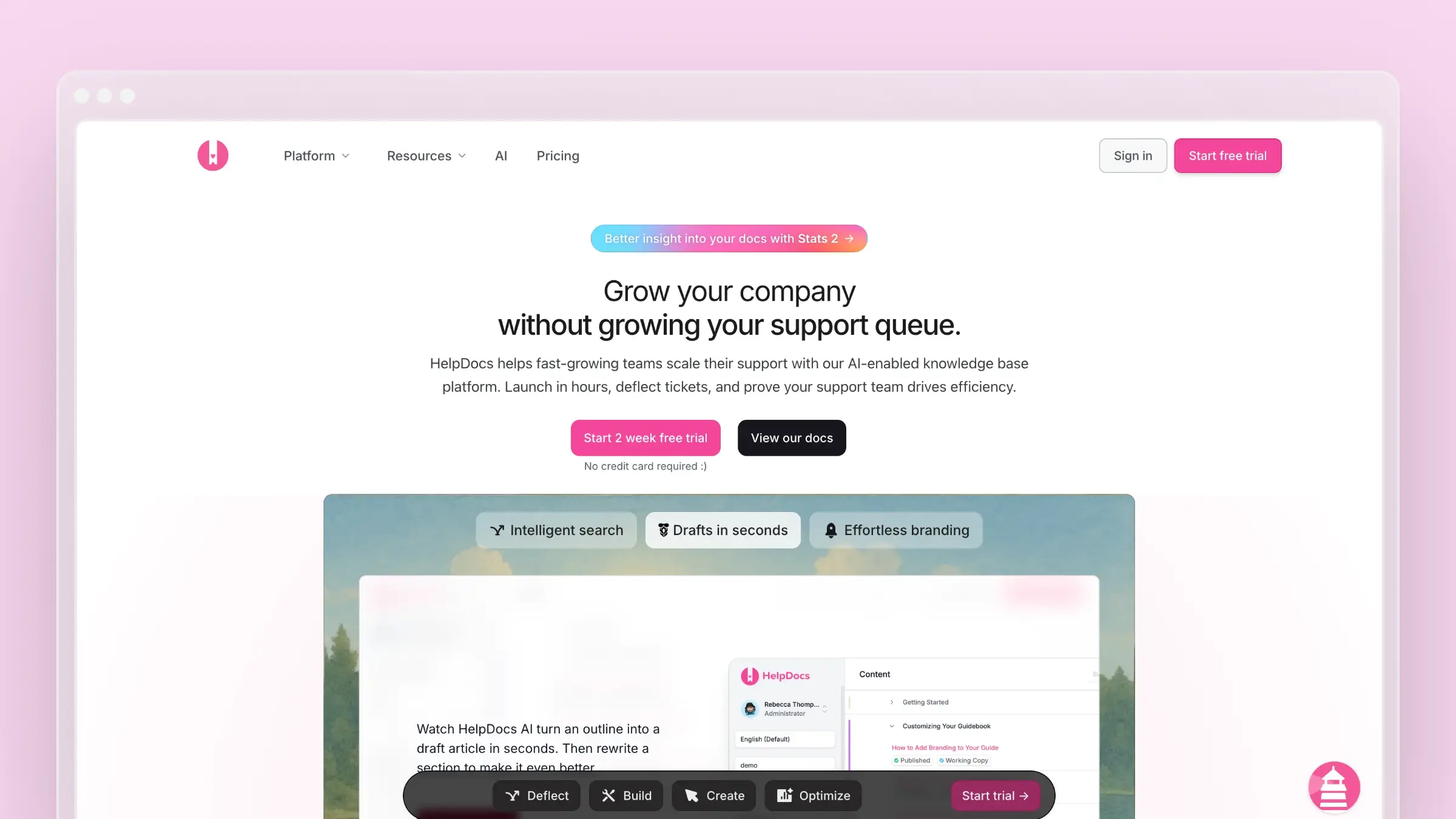
HelpDocs does one thing well: customer-facing help centers that look professional and work reliably. No complex setup, no learning curve. You can publish a help center in hours.
What HelpDocs does well:
- Fastest setup of any tool on this list
- Clean, modern templates out of the box
- Solid search with typo tolerance
- Lighthouse widget embeds help in your product
- Multilingual support included
What HelpDocs doesn’t do:
The AI features use a credit system that runs out. Once you’ve used your monthly credits, you’re back to manual writing. And there’s no codebase integration, no support ticket analysis, no automatic content updates. For a full breakdown, see our HelpDocs review.
Pricing for small teams:
- Sprout: $129/month, or $99/month billed annually (5 editors, 1,000 AI credits)
- Bloom: $299/month, or $239/month billed annually (15 editors, 5,000 AI credits)
- Harvest: $499/month, or $399/month billed annually (25 editors, 10,000 AI credits)
Startup program: 50% off any plan for two years, plus 3,000 bonus AI credits, for companies under 3 years old.
Best for: Teams wanting a simple, professional help center fast. Companies where manual content maintenance is acceptable. Startups qualifying for the discount program.
Skip if: You want AI without credit limits. You need documentation that updates automatically. Budget is extremely tight.
3. ProProfs Knowledge Base: One Account for Both Lanes
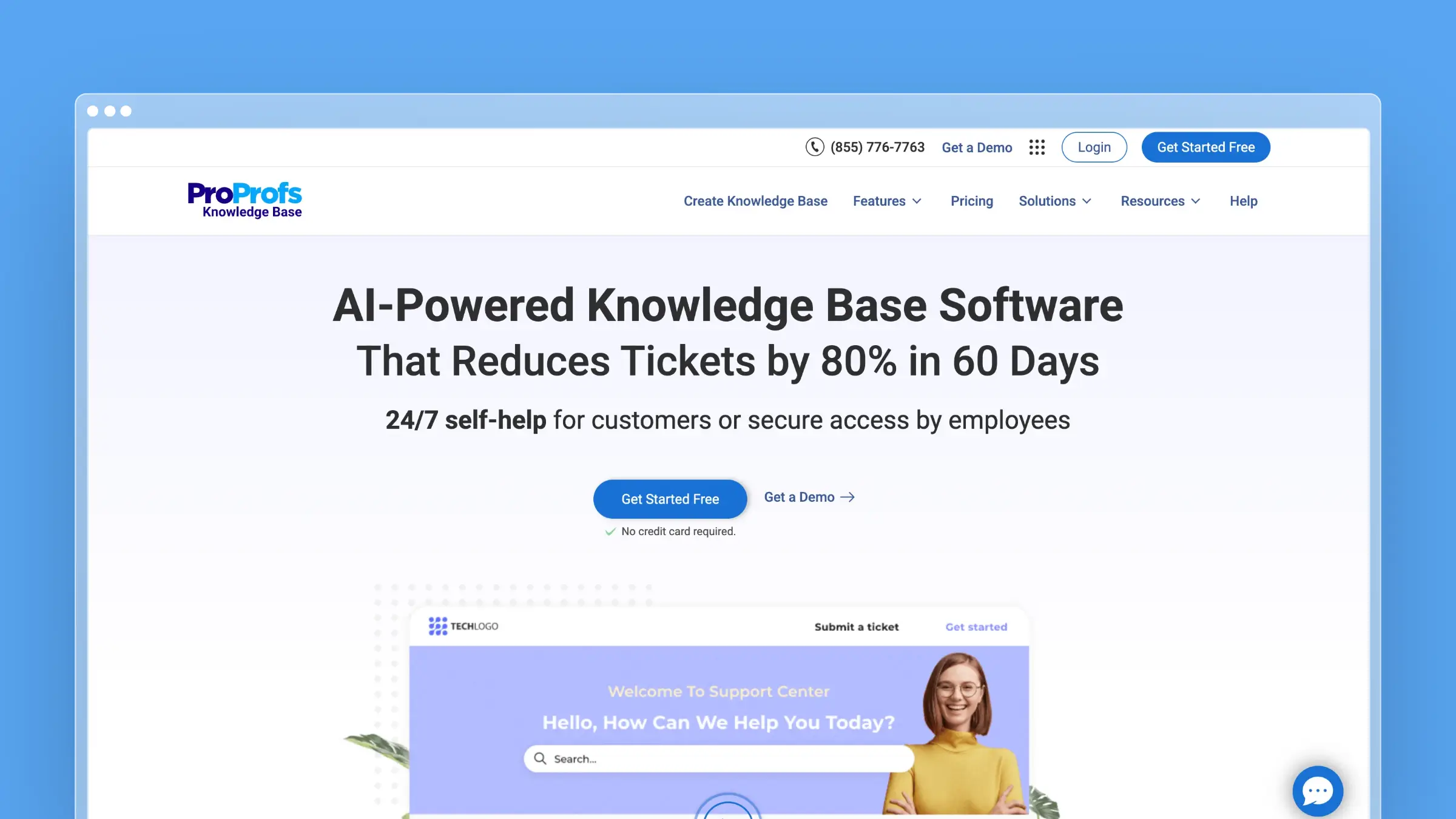
ProProfs Knowledge Base runs a public help center and an internal wiki from the same account instead of two subscriptions. It’s aimed at growing teams that need customer-facing docs and an internal wiki but don’t have separate people to run each.
What ProProfs Knowledge Base does well:
- AI re-indexes articles as soon as they’re published
- AI Writer creates articles and step-by-step guides
- Semantic search gives direct answers, not links
- Flags failed searches, broken links, and content gaps
- Separate permissions for public and internal content
- 90+ languages and 20 integrations, including Zendesk and Slack
What ProProfs Knowledge Base doesn’t do:
There is no on-premise deployment option, so teams that need to self-host for compliance or security reasons will need to look elsewhere. There is also no dark mode in either the editor or the public-facing help center.
Pricing for small teams:
- Free: $0/month (1 author, up to 25 pages)
- Essentials: $49/author/month (billed annually)
- Business: $69/author/month (billed annually)
- Business Complete Elite: $79/author/month (unlimited authors, billed annually)
Note the per-author pricing. A 5-person team on Essentials runs $245/month. That’s a meaningful jump compared to flat-rate tools.
Best for: Growing teams that need both a public help center and an internal wiki from a single account. Support, IT, and HR teams publishing to multiple audiences without running two separate subscriptions.
Skip if: You only need one lane and don’t want to pay for the other. You prefer flat, per-team pricing over per-author costs.
4. Document360: Public and Private Knowledge Bases
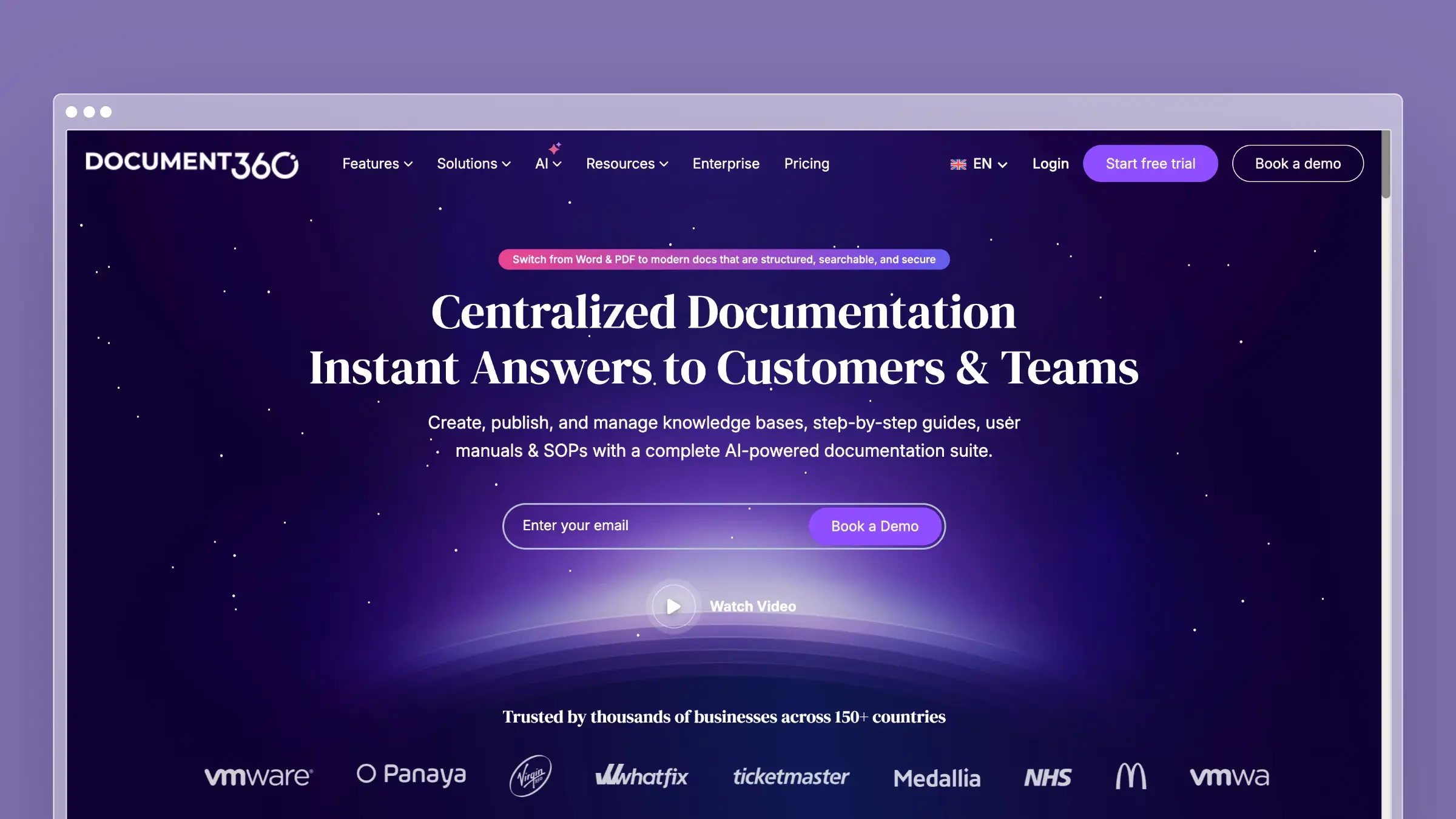
Document360 supports customer-facing and internal documentation from one workspace. It is built for teams that want more structure than a lightweight help center, with version history, approval workflows, permissions, and reporting.
What Document360 does well:
- Public and private knowledge bases in one account
- Version control, approval workflows, and role-based permissions
- Localization, custom domains, SEO controls, and a help widget
- Analytics for article performance and search behavior
- Eddy AI for drafting, search, and chatbot answers
What to weigh:
Document360 uses custom quotes rather than published plans, so it is harder to compare on price before speaking with sales. It also has more setup and administration than simpler help centers. Eddy can help create content and improve discovery, but your team still decides what needs updating and when.
Pricing for small teams:
Custom quotes. 14-day free trial. Team accounts, workspaces, languages, SSO, and AI usage all change the number.
Best for: Teams that need a public help center and internal documentation with versioning and approval workflows.
Skip if: You want a published price, a lightweight setup, or only need a simple internal wiki.
5. Helpjuice: Customizable Customer-Facing Knowledge Base
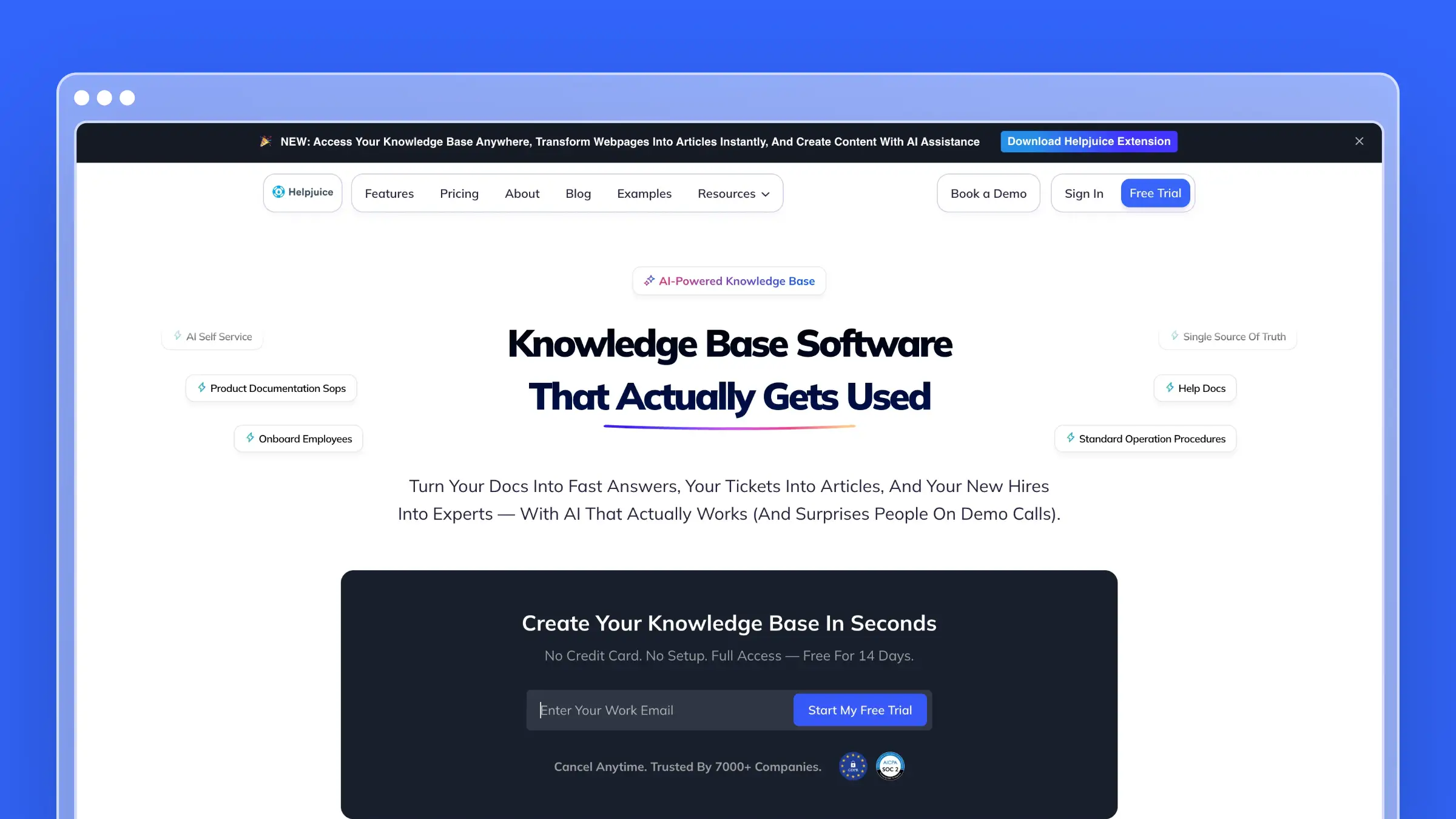
Helpjuice is a dedicated customer-facing knowledge base with a strong emphasis on customization and analytics. It’s built for teams that want full control over how their help center looks and behaves, without needing a developer to make it happen.
What Helpjuice does well:
- Themes, layouts, and branding are fully adjustable without code
- Search analytics and failed query reports show exactly where content is falling short
- Semantic AI search surfaces the most relevant article instead of a raw list of results on plans starting at $449/month
- Comments, drafts, and approval workflows keep content review on track
- User allowances scale by plan: 30 on Starter, 100 on Run-Up, and unlimited on Premium
What Helpjuice doesn’t do:
Helpjuice doesn’t monitor your codebase or support tickets to flag stale content. Updates are manual, and the $249/month starting price is higher than most tools on this list.
Pricing for small teams:
- Starter: $249/month (up to 30 users)
- Run-Up: $449/month (up to 100 users)
- Premium: $799/month (unlimited users)
Best for: Teams that want a polished, fully branded customer-facing help center with strong analytics. Companies where design and content control matter as much as automation.
Skip if: Budget is tight. You want documentation that updates itself. You need deep integrations with your existing stack.
Internal Team Wikis for Small Teams
If your knowledge base is internal, optimize for flexibility, search, and how little friction it takes your team to actually write things down. These tools are genuinely good at that job. None of them is the right answer for a public, SEO-indexed customer help center.
6. Notion: The Flexible All-in-One
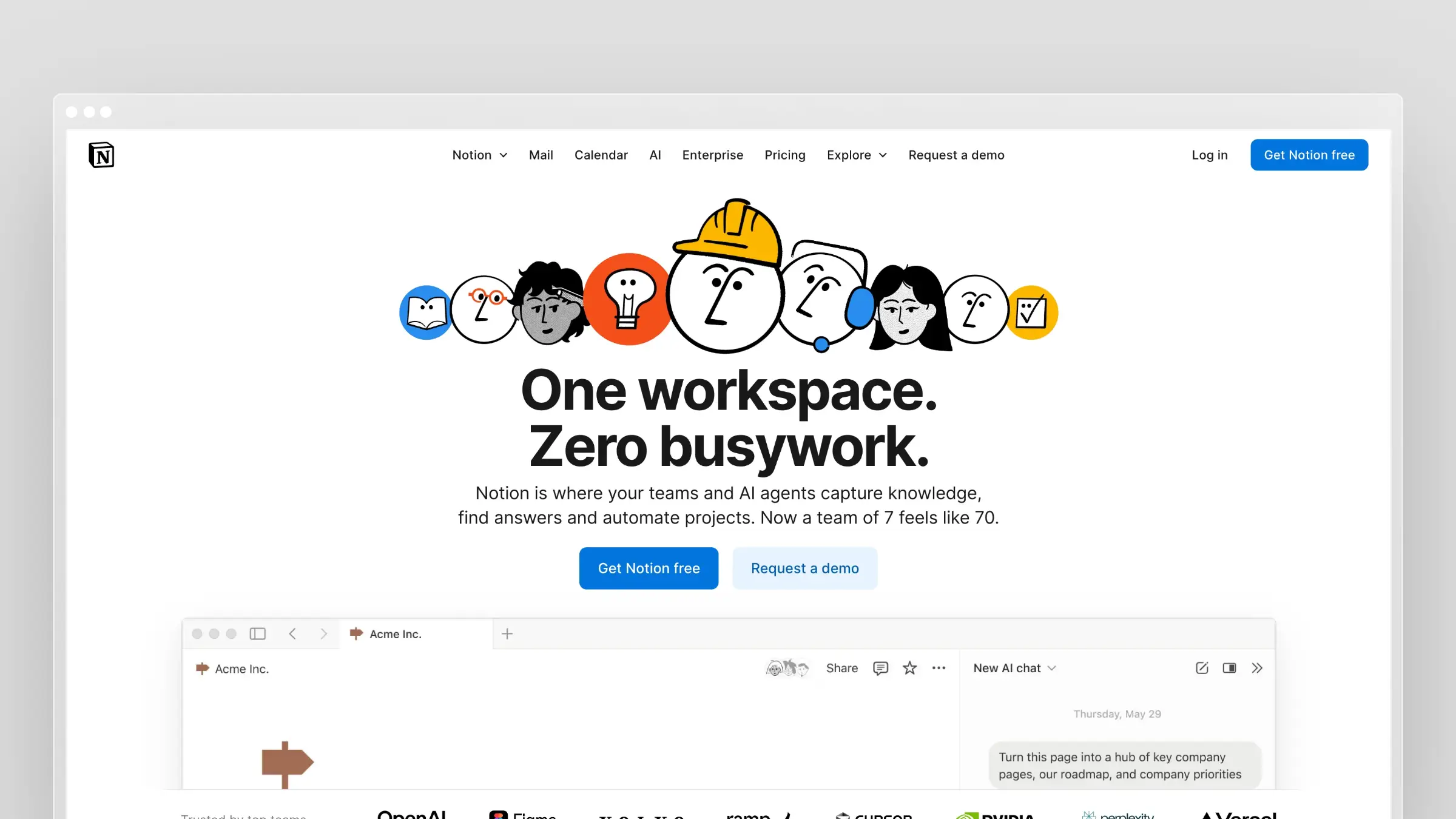
Notion has become the default choice for small team wikis, and for good reason. It’s flexible enough to handle docs, databases, project tracking, and wikis in one workspace. For teams already using Notion for other things, adding a knowledge base requires no new tools.
What Notion does well:
- Block-based editor handles text, databases, and wikis in one workspace
- Flexible structure lets teams build exactly what they need instead of conforming to rigid templates
- Free plan works for personal use and small teams testing the waters
- One workspace for docs, project tracking, and knowledge management
What Notion doesn’t do:
Notion isn’t designed for customer-facing documentation. Search is adequate internally but lacks the polish for a public help center. Full Notion AI access is included with the Business plan at $20/user/month billed annually, while Free and Plus only include trial AI capabilities.
Pricing for small teams:
- Free: $0; unlimited blocks for individuals, limited blocks for teams with 2+ members
- Plus: $10/user/month billed annually ($12/user monthly)
- Business: $20/user/month billed annually (includes Notion AI)
For a 10-person team on Plus: $100/month billed annually. Full AI access through Business brings that to $200/month billed annually.
Best for: Teams that want one workspace for everything. Startups already using Notion for product management. Internal wikis where flexibility matters more than structure.
Skip if: You need a customer-facing help center. You want AI without paying extra. Your team struggles with unstructured tools.
7. Nuclino: The Lightweight Visual Wiki
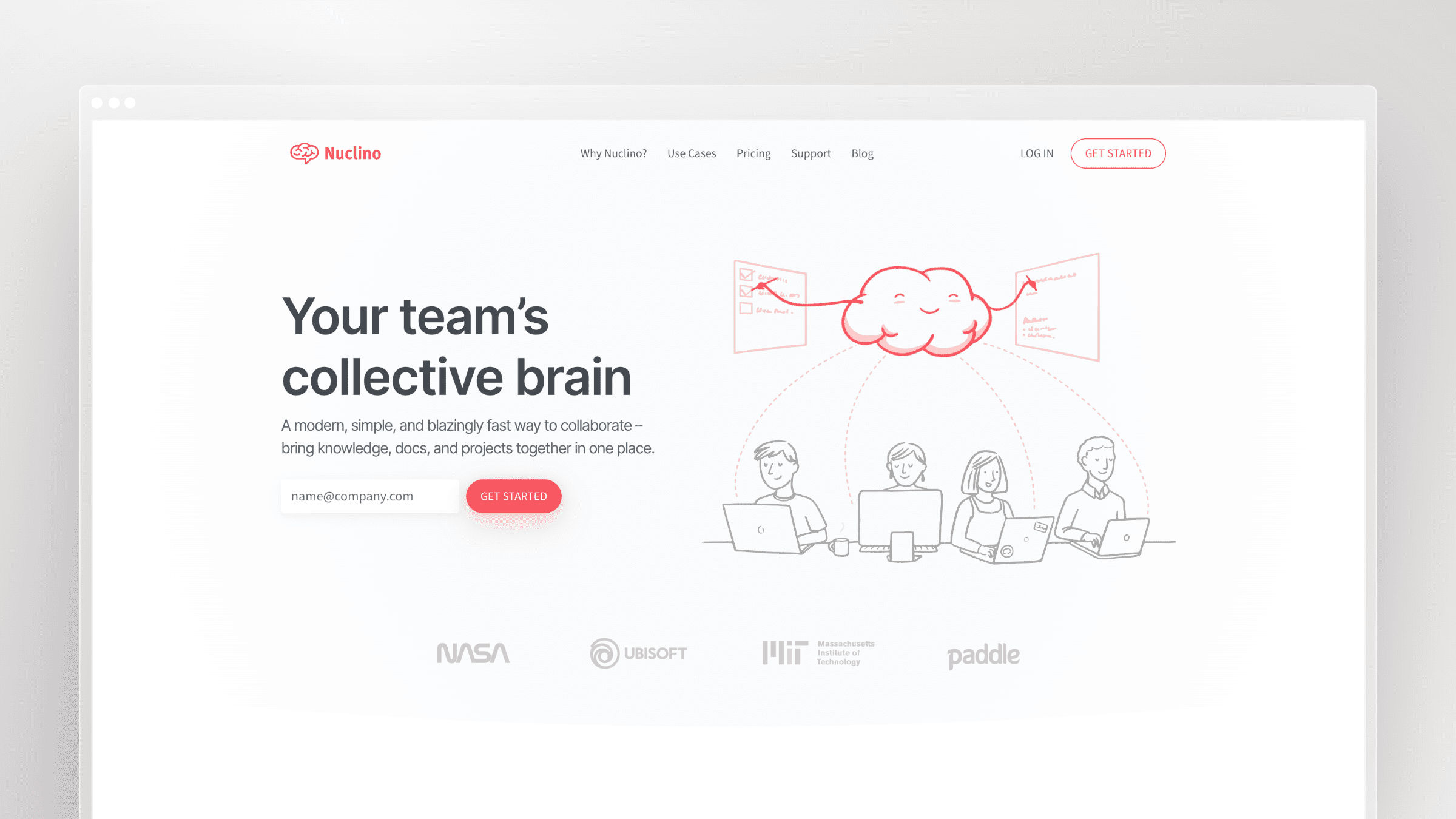
Nuclino is what happens when you strip a wiki down to essentials. No bloat, no enterprise features you’ll never use. Just fast, visual documentation that small teams can actually maintain.
The standout feature is the graph view, which shows your documentation as interconnected nodes. You can see how topics relate at a glance. It sounds gimmicky but actually helps teams understand what exists and what’s missing.
What Nuclino does well:
- Real-time collaboration without version conflicts
- Visual graph view for seeing connections between docs
- Clean, minimal interface that loads fast
- Built-in Kanban boards and task tracking
- Sidekick AI assistant for instant answers (on paid plans)
What Nuclino doesn’t do:
The free tier caps you at 50 items and 2GB storage. That’s fine for testing but not for real use. And the AI features that make Nuclino useful require the $10/user/month plan.
Pricing for small teams:
- Free: 50 items, 2GB total storage
- Starter: $6/user/month (annual)
- Business: $10/user/month (annual, includes AI)
For a 10-person team on Starter: $60/month billed annually. With AI on Business: $100/month billed annually.
Best for: Visual thinkers. Teams that want simplicity over features. Companies using multiple tools who need docs in one lightweight place.
Skip if: You need advanced permissions or enterprise features. Your team prefers folder hierarchies over graph-based organization.
8. Slite: AI-Powered Search That Works
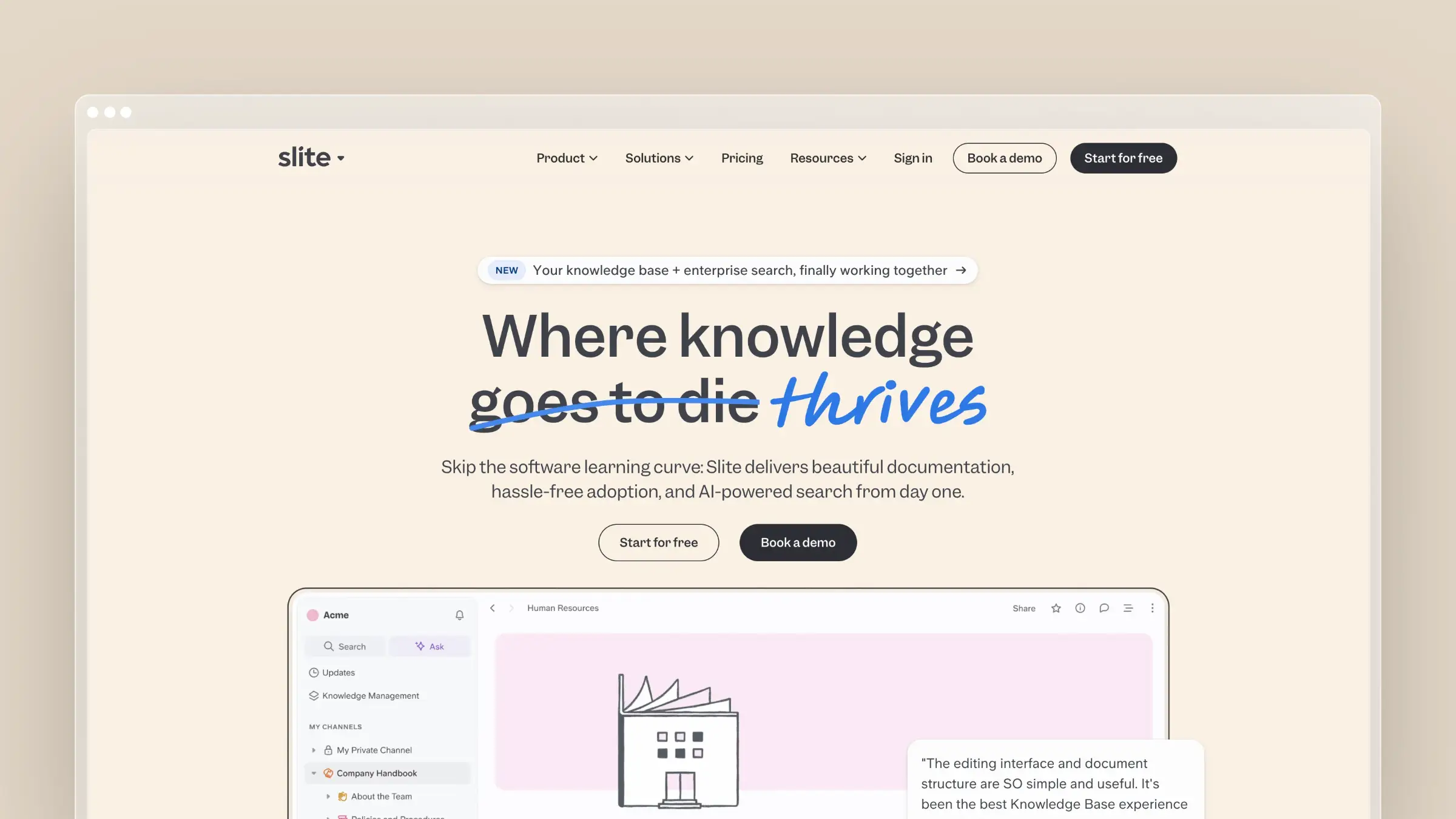
Slite built its reputation on clean design, then added genuinely useful AI. The “Ask” feature lets you query your entire knowledge base in natural language. Instead of searching for keywords, you ask questions and get answers.
For small teams drowning in documentation but unable to find anything, this solves a real problem.
What Slite does well:
- AI-powered Q&A that actually understands context
- Document verification system to mark content as “trusted”
- Knowledge management panel showing what needs review
- Clean editor that feels modern, not cluttered
- Integrations with Slack, Asana, and common tools
What Slite doesn’t do:
Slite no longer offers a permanent free plan. AI search is limited to 30 monthly questions per seat on Basic. Pro costs $20/user/month billed annually and includes 50 monthly agent credits per seat. Public API and MCP access are included on Basic.
Pricing for small teams:
- 14-day free trial: Basic and Pro features, no credit card required
- Basic: $10/user/month billed annually (30 AI questions per seat/month)
- Pro: $20/user/month billed annually (50 agent credits per seat/month)
For a 10-person team on Basic: $100/month billed annually. Pro costs $200/month billed annually.
Best for: Teams that already have documentation but can’t find anything. Companies wanting AI search without enterprise pricing. Distributed teams who need async knowledge sharing.
Skip if: You need unlimited AI on a tight budget. You need a permanent free plan. You don’t want per-seat pricing.
9. Slab: Clean Internal Documentation
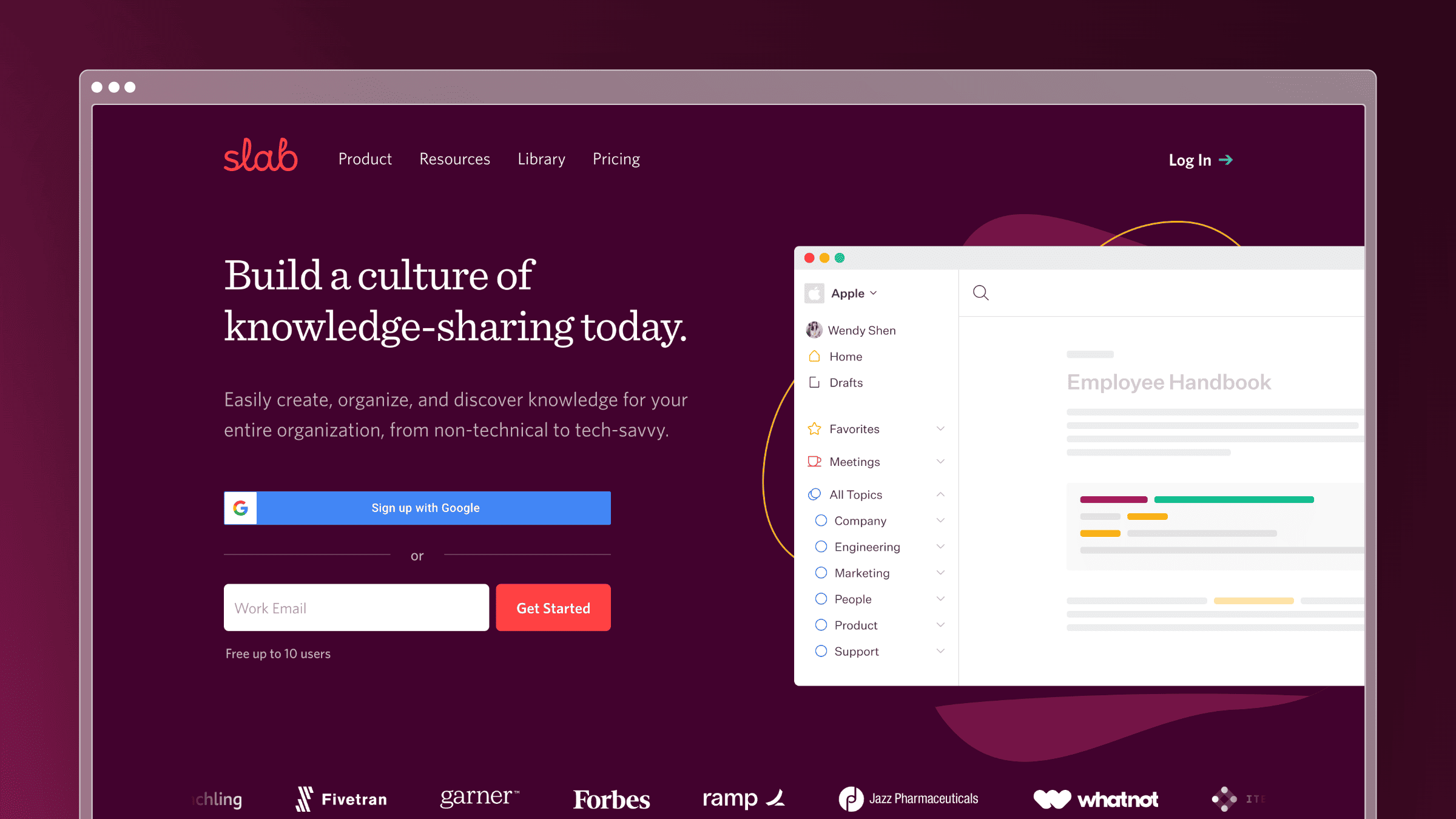
Slab focuses exclusively on internal knowledge. No customer-facing features, no help desk integration. Just clean documentation for teams. That focus shows in the product: search works across Slack, Google Drive, and GitHub. Analytics show which docs are outdated.
What Slab does well:
- Unified search across integrated tools (Slack, Drive, GitHub)
- Usage analytics showing stale and underused content
- Verification workflows for content accuracy
- Clean, modern editor without clutter
- Free for teams of up to 10
What Slab doesn’t do:
Slab is internal-only. If you need customer-facing documentation, you’ll need a second tool. The free tier lacks version history beyond 90 days. And formatting options feel limited compared to Notion or Confluence.
Pricing for small teams:
- Free: 10 users, 90 days version history
- Startup: $6.67/user/month (annual)
- Business: Custom pricing
For a 10-person team: Free. Growth beyond 10 users costs ~$67/month.
Best for: Teams of up to 10 who want professional internal docs at no cost. Companies prioritizing search quality. Teams frustrated by scattered knowledge across tools.
Skip if: You need customer-facing documentation. You have more than 10 content contributors and want to stay on free tier. You need advanced features like custom domains.
10. Tettra: Built for Slack-Heavy Teams
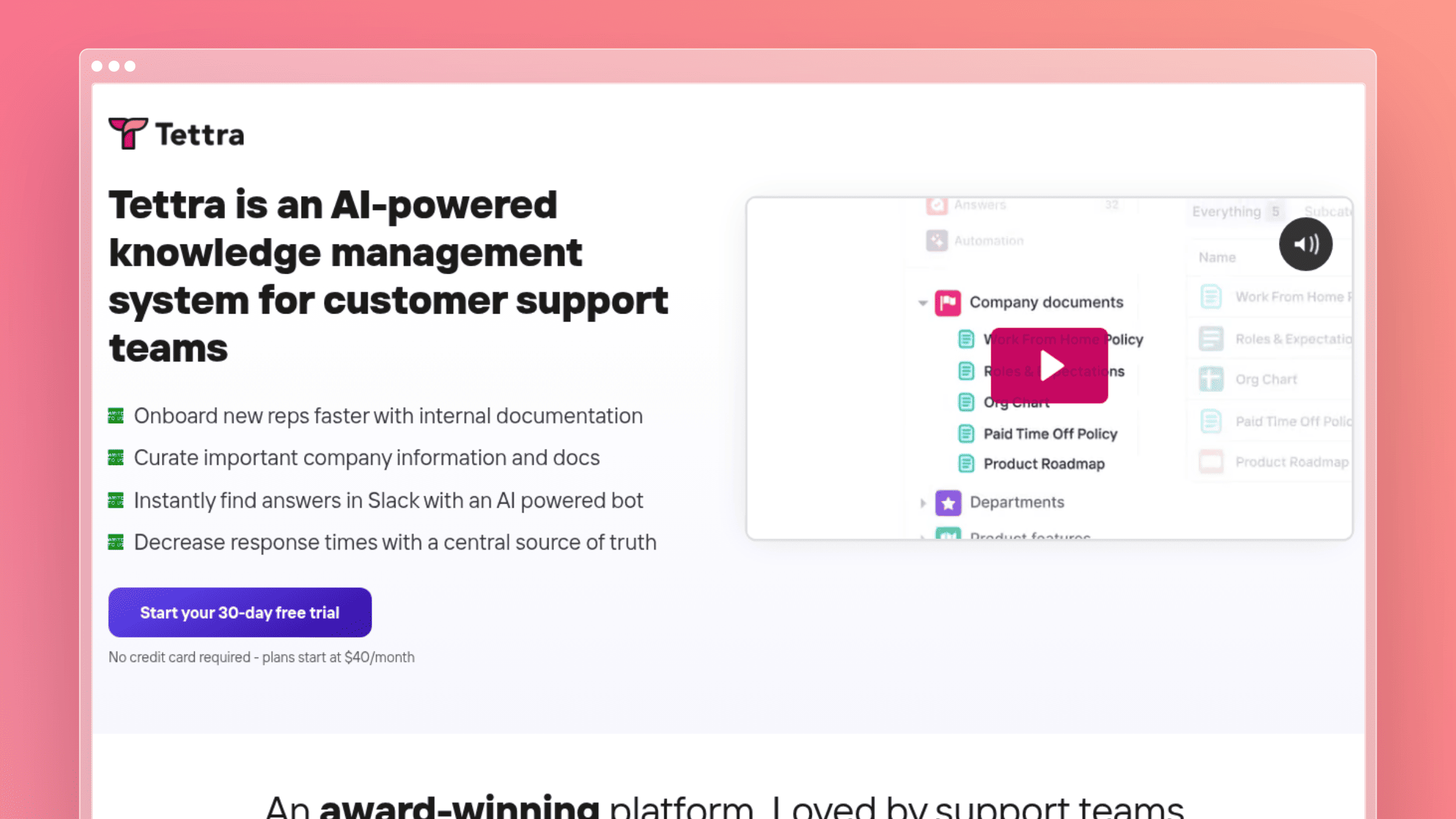
Tettra made a bet: teams that live in Slack want their knowledge base in Slack too. The integration is deep. You can search docs, answer questions, and even create content without leaving Slack.
What Tettra does well:
- Deep Slack integration for searching and creating docs
- AI answers directly in Slack channels
- Q&A workflow that captures tribal knowledge
- Verification system to keep content current
- Good for capturing answers that usually die in Slack threads
What Tettra doesn’t do:
Tettra removed their free tier in 2024. You need at least 10 users on the Scaling plan, which means the minimum cost is $80/month. For teams under 10, that’s a hard sell when alternatives offer free tiers.
Pricing for small teams:
- Scaling: $8/user/month (10 user minimum = $80/month, includes AI features)
- Enterprise: Custom
For a 10-person team on Scaling: $80/month.
Best for: Teams already living in Slack. Companies where tribal knowledge dies in chat threads. Organizations wanting to reduce “where do I find…” questions.
Skip if: Your team is under 10 people. You don’t use Slack heavily. You want a free tier to test before committing.
11. Confluence: The Enterprise Standard (Lite)
Confluence is the default if you’re already using Jira. The integration is seamless. But standalone, Confluence often feels like overkill for small teams. The free tier is generous though: 10 users, unlimited pages.
What Confluence does well:
- Free for up to 10 users with decent features
- Deep Jira integration for engineering teams
- Mature platform with years of polish
- Extensive template library
- Space-based organization that scales
What Confluence doesn’t do:
The interface feels dated compared to modern alternatives. Setup takes longer than simpler tools. And once you exceed 10 users, pricing jumps significantly. The AI features are basic and require higher tiers.
Pricing for small teams:
- Free: 10 users, 2GB storage
- Standard: $5.42/user/month billed annually
- Premium: $10.44/user/month billed annually
For a 10-person team: Free, or $54.20/month equivalent on Standard when billed annually.
Best for: Teams already using Jira. Engineering-heavy organizations. Companies that need robust permissions and spaces.
Skip if: You want a modern, fast interface. You’re not in the Atlassian ecosystem. Simplicity matters more than features.
12. Guru: Real-Time Knowledge Verification
Guru approaches knowledge differently: cards instead of articles, verification workflows built-in, and AI that surfaces relevant information where you work. It’s designed for teams where accuracy matters and knowledge goes stale fast.
What Guru does well:
- Card-based knowledge that’s easy to create and consume
- Verification workflows with expiration dates
- Browser extension surfaces knowledge in any app
- AI credits for search and content suggestions
- Integrations with Slack, Salesforce, Zendesk
What Guru doesn’t do:
Guru no longer publishes a permanent free tier or per-seat starting price. Pricing is tailored to each organization’s scale, knowledge complexity, and AI maturity.
Pricing for small teams:
- Custom pricing: Contact Guru for a tailored package
For a 10-person team: A custom quote is required; Guru does not publish a 10-person estimate.
Best for: Teams where knowledge accuracy is critical. Sales teams needing battle cards. Companies with high employee turnover who need fast onboarding.
Skip if: You need published self-serve pricing. You want simple documentation over verified knowledge cards. Budget is your primary constraint.
SaaS Knowledge Base Best Practices
Picking the right tool is step one. Building a knowledge base that actually stays useful is the harder part. These practices apply regardless of which platform you choose.
Prioritize search quality over structure
Most users never browse your help center. They search. Invest in clear article titles, consistent terminology, and a search experience that handles typos and synonyms. If customers can’t find the answer in two queries, they open a ticket.
Use consistent article templates
Every article should follow the same pattern: what the feature does, how to use it step by step, and what to do if something goes wrong. Consistent structure reduces the time it takes to write new articles and makes content easier to scan.
Assign update ownership explicitly
Documentation without an owner goes stale. Assign each section to a team member or connect your help center to the tools that trigger updates automatically. The most common failure mode is assuming someone else is keeping docs current.
Organize by customer job, not product feature
Structure your taxonomy around what customers are trying to do, not how your product is organized internally. “Set up billing” is more findable than “Billing module configuration.” Customer-facing docs should reflect customer language.
Review content on a schedule
A quarterly audit catches stale screenshots, outdated pricing references, and deprecated features before customers encounter them. Use this checklist as a starting point:
Flag any article that references a UI element changed in the last 90 days
Check search analytics for queries with no results
Review articles with low satisfaction scores or high bounce rates
Confirm that onboarding articles reflect the current signup flow
Remove or archive articles for deprecated features
What Small Teams Should Actually Evaluate
Enterprise buyers compare feature counts. Small teams should compare these instead, because they are the things that decide whether the knowledge base survives:
- No dedicated admin. Can a busy founder or support lead run this in their spare time?
- Low maintenance. Does the content stay accurate on its own, or does someone have to babysit it?
- Fast publishing. Minutes to a live article, not a week of setup.
- SEO and custom domain. Only matters for customer-facing docs, but matters a lot there.
- Easy migration. Importing existing content and not breaking links.
- Support-ticket insight. Does the tool tell you what customers actually ask?
- Predictable pricing. Per-seat pricing punishes small teams that add a part-time editor.
How to Measure ROI for Knowledge Base Software
Most teams justify knowledge base software on gut feel. A simple formula makes the case more clearly, especially when you need internal buy-in.
Monthly ROI = (Tickets deflected x Average cost per ticket) - Software subscription cost
For a 5-person SaaS team handling 200 support tickets per month at an average cost of $15 per ticket (including support staff time), deflecting 30 percent of tickets saves $900 per month. A $149/month knowledge base subscription pays for itself in the first week.
The calculation changes when you factor in maintenance labor. A self-hosted or manually maintained knowledge base that requires five hours of engineering or support time per month costs roughly $500 in labor at a $100/hour blended rate, before the subscription. Tools that automate maintenance reduce that number significantly.
Other ROI signals worth tracking:
Ticket volume trend after publishing new articles
Time-to-first-response improvement when support can link to docs instead of writing custom replies
Onboarding completion rate before and after adding a structured help center
Churn rate for customers who engage with documentation versus those who don’t
How to Choose: A Decision Framework
Choose Notion if: You want one tool for everything and already use it. Your “knowledge base” is really an internal wiki for a small team. You’ll invest time in building the right structure.
Choose Slab if: You have up to 10 people and want free internal docs. Search across multiple tools matters. You don’t need customer-facing features.
Choose Nuclino if: You’re visual thinkers. You want lightweight and fast. You’ll pay for AI features.
Choose Slite if: Finding information is your biggest problem. You want AI search that understands questions. You’re okay with per-seat pricing.
Choose Tettra if: Your team lives in Slack. You want knowledge management integrated with chat. You have at least 10 users to meet the minimum.
Choose Confluence if: You’re already using Jira. You have up to 10 users and want free. You need robust permissions and spaces.
Choose Guru if: Knowledge accuracy and verification matter more than simplicity. You’re comfortable requesting a custom quote. Your team needs knowledge in browser context.
Choose HelpDocs if: You need a customer-facing help center fast. Manual maintenance is acceptable. You qualify for the startup discount.
Choose Document360 if: You need version control, approval workflows, and both public and private knowledge bases. You’re willing to get a quote instead of picking a published plan.
Choose ProProfs Knowledge Base if: You need a public help center and an internal wiki from one account. Your team publishes to multiple audiences and doesn’t want to manage two separate subscriptions. Per-author pricing fits your team size.
Choose Helpjuice if: Branding and design control matter as much as functionality. You want strong analytics and flat pricing. Manual content maintenance is acceptable for your team’s workflow.
Choose Ferndesk if: You want a customer-facing help center that maintains itself. Your product changes faster than you can update docs. You’re tired of AI credit limits.
The Small Team Reality
Enterprise knowledge base software assumes you have dedicated staff maintaining documentation. Small teams don’t have that luxury. The developer shipping features is also the one writing docs. The support person answering tickets is also updating the FAQ.
That’s why “ease of use” matters more than feature counts. That’s why automation matters more than customization. And that’s why per-seat pricing hurts, because small teams already operate on thin margins.
The best knowledge base for small teams isn’t the one with the most features. It’s the one that stays accurate when nobody has time to maintain it.
For internal knowledge, Notion and Slab offer the best balance of capability and simplicity. For customer-facing documentation that maintains itself, Ferndesk eliminates the manual maintenance burden entirely.
Whatever you choose, pick something. Scattered knowledge across Slack, email, and random Google Docs costs more than any subscription. Start small, keep it updated, and upgrade when you actually hit limits.
Frequently Asked Questions
What is the best knowledge base software for SaaS startups?
For customer-facing documentation, Ferndesk is the strongest option for SaaS startups shipping fast, because it monitors your codebase and support tickets to keep docs current without manual effort. HelpDocs is the better pick if you want something simpler and are comfortable maintaining content manually. For internal wikis, Slab is free for up to 10 users and Notion works well for teams already using it for project management.
Can one tool handle both internal and customer-facing documentation?
Yes, but with tradeoffs. Document360 is the most complete option for teams that need public and private knowledge bases in one place. Notion can technically serve both purposes, but it lacks the SEO controls, custom domain support, and help widget that customer-facing docs require. Most small teams are better served by picking the tool that matches their primary use case rather than forcing one tool to do both jobs.
Is there a free knowledge base tool for small SaaS teams?
Several. Slab is free for teams of up to 10 users. Confluence is free up to 10 users with unlimited pages. Notion has a free tier for personal use and small teams. For customer-facing help centers, free tiers are rarer: most tools offer trials rather than permanent free plans. If budget is the primary constraint, start with Slab for internal docs and evaluate customer-facing tools once you have consistent support ticket volume to justify the cost.
How do AI features differ across knowledge base tools?
Most tools offer AI for drafting and search, but the implementation varies significantly. HelpDocs uses credit-based AI that can run out mid-month. Guru defines AI usage allowances and excess-use fees in each customer’s custom order. Slite’s AI search is strong but capped on cheaper plans. Ferndesk provides unlimited AI drafting on Pro and connects AI to live product signals like GitHub commits and support tickets, so the AI is working from current context rather than generating generic content.
How difficult is it to migrate an existing help center to a new platform?
Migration difficulty depends on the platform you’re leaving and the one you’re moving to. The main risks are broken URLs, lost SEO equity, and missing content. Ferndesk offers a done-for-you migration with URL preservation from Intercom, Zendesk, Help Scout, and other platforms. For internal wikis, most tools support CSV or Markdown import. Plan for a content audit during migration: it’s the right time to remove outdated articles rather than carry them forward.
What features matter most for a SaaS customer-facing knowledge base?
In order of impact: search quality, content accuracy, custom domain, an embedded help widget, and analytics showing which articles are failing. SEO controls matter if organic traffic is part of your acquisition strategy. Localization matters if you serve multiple markets. Content freshness matters most of all: a help center with accurate, current articles deflects tickets; one with stale content creates them.
How do I know when my knowledge base needs updating?
The clearest signal is support ticket volume on topics your docs already cover. If customers are asking questions you’ve already documented, the article is either unfindable or inaccurate. Other signals include low article satisfaction scores, high bounce rates on help center pages, and search queries with no results. Tools like Ferndesk surface these signals automatically through weekly audits and support ticket analysis.


 Book a demo