

Customer success teams in 2026 have more AI options than they can reasonably evaluate. The problem is that “AI tools for customer success” covers wildly different jobs: predicting churn, summarizing calls, deflecting tickets, and keeping self-service content current. Picking the wrong category wastes a quarter.
This guide sorts the field by the job to be done. Some tools predict risk before renewal. Some automate support conversations. Some clean up meetings and follow-ups. And some, like Ferndesk, reduce ticket volume upstream by keeping documentation in sync with a product that ships every week. The goal is to help you match the right AI layer to the pain actually costing you customers.
Before the list, five criteria used to evaluate each tool:
- Core use case: Is it built for risk scoring, support deflection, journey orchestration, meeting intelligence, or documentation?
- Where the AI adds real value: Where does the automation actually save hours, versus where it is a marketing checkbox?
- Tradeoffs: What breaks, what stays manual, and what you still need another tool for.
- Integration fit: How well it connects to your CRM, product data, help desk, and codebase.
- Pricing and implementation clarity: Whether costs are transparent and how long until you get value.
The eight tools below are organized by CS job-to-be-done and implementation fit, not brand recognition. Each solves a distinct bottleneck, so the right starting point depends on which problem is costing you the most today.
Main use cases for AI in customer success
Most CS teams have more than one pain point, but the tools that address each are genuinely different. Here is how the main use cases map to tool categories before you compare vendors.
Churn prediction
AI monitors product usage, login frequency, support volume, and engagement signals to flag accounts drifting toward cancellation before renewal arrives. Dedicated CS platforms with health scoring are the right category here. Dedicated CS platforms such as Gainsight, ChurnZero, Vitally, and ClientSuccess are the right category here.
Onboarding personalization
AI segments new customers by role, plan, or behavior and triggers the right content or check-ins at the right moment. Journey orchestration platforms and in-app messaging tools handle this best.
Support deflection and self-service
AI answers repetitive questions through chat, help widgets, and AI-powered search so customers get answers without opening a ticket. This splits across two layers: the conversation layer handled by tools like Intercom, Zendesk AI, Ada, HubSpot Service Hub, Freshdesk, and Salesforce, and the knowledge layer handled by documentation platforms like Ferndesk that keep the underlying content accurate.
Meeting intelligence
AI transcribes, summarizes, and analyzes customer calls to surface risk signals, objections, and action items buried in recordings. Conversation intelligence platforms are the right fit.
Voice of the customer analysis
AI aggregates patterns across support tickets, call transcripts, surveys, reviews, and product feedback to identify what customers are struggling with at scale. Dedicated experience-management platforms like Medallia are the strongest fit for cross-channel analysis, while support and conversation-intelligence tools provide more focused signals from tickets or meetings.
Upsell and expansion signal detection
AI identifies accounts showing high engagement or usage growth that correlates with expansion readiness. CS platforms such as Gainsight, ChurnZero, and ClientSuccess handle this alongside health scoring, renewal management, and churn prediction.
Documentation and knowledge maintenance
AI monitors product changes, support conversations, and codebases to detect stale help content and draft updates before customers encounter outdated information. This is distinct from chatbot deflection: it improves the knowledge layer every other self-service tool depends on. Documentation platforms built for this job, like Ferndesk, are the right category.
Quick comparison: 14 AI tools for customer success
| Tool | Best for | Pricing model | Best company size |
|---|---|---|---|
| Ferndesk | Stale docs and ticket deflection | Flat, published | Startup to mid-market |
| Gainsight | Portfolio health and churn prevention | Sales-led, custom | Mid-market to enterprise |
| ChurnZero | Early churn signal detection | Sales-led, custom | Mid-market |
| Totango | Lifecycle journey orchestration | Sales-led, custom | Mid-market to enterprise |
| Vitally | CSM workspace and account context | Sales-led, custom | Startup to mid-market |
| Intercom | In-product support and onboarding | Per-seat and per-resolution | Startup to mid-market |
| Zendesk AI | Support triage and routing | Per-agent with add-ons | Mid-market to enterprise |
| Gong | Meeting intelligence and risk signals | Per-seat, quote-based | Mid-market to enterprise |
| ClientSuccess | Health scoring and renewal workflows | Per-CSM, custom | Mid-market |
| HubSpot Service Hub AI | CRM-connected support automation | Per-seat plus AI usage | Startup to mid-market |
| Freshdesk Freddy AI | Accessible help desk automation | Per-agent plus AI sessions | Startup to mid-market |
| Salesforce Einstein / Agentforce | Salesforce-native service AI | Per-user plus Service Cloud | Mid-market to enterprise |
| Ada | Autonomous omnichannel support | Sales-led, custom | Mid-market to enterprise |
| Medallia | Voice-of-customer analytics | Experience-data-record tiers | Enterprise |
Which customer success KPIs AI can improve
Buying an AI tool is easier to justify when you can connect it to a metric your team already tracks. Here is how the main tool categories map to measurable CS outcomes.
- Ticket deflection rate: Documentation platforms, conversational AI
- CSAT and CES: Support automation, self-service quality
- NPS: Proactive CS platforms, onboarding tools
- Gross retention and churn rate: Health scoring platforms, early risk detection
- Onboarding completion rate: Journey orchestration, in-app messaging
- First response time: Ticket routing and triage AI
- CSM prep time per account: Meeting intelligence, unified account workspaces
- Expansion revenue: Health scoring with upsell signal detection
A simple ROI frame: if your team deflects 30 tickets per month at 15 minutes each, that is 7.5 hours of CS time recovered. At an $80,000 annual salary, each recovered hour is worth roughly $38. Documentation and self-service tools often pay back their cost in the first month at that rate. Churn prevention tools require a longer horizon but carry higher upside when a single retained account is worth tens of thousands of dollars annually.
How to roll out AI in customer success without breaking trust
Most AI rollouts in CS fail not because the tools are wrong but because teams automate customer-facing workflows before the internal foundations are right. A phased approach reduces that risk.
Phase 1: Internal admin tasks first
Start with workflows that affect your team, not your customers. Use AI to summarize meeting notes, draft internal handoff emails, flag stale documentation, and surface account context before check-ins. These wins build confidence without exposing customers to rough edges.
Phase 2: Guided customer workflows
Once internal workflows are stable, extend AI to guided customer touchpoints: onboarding sequences, proactive check-in triggers, and self-service content that has been reviewed and approved. Keep a human review step on any AI-generated content before it reaches customers.
Phase 3: Autonomous support at scale
Only automate customer-facing resolution after you have validated answer quality, content accuracy, and escalation paths. Audit AI answers monthly and monitor CSAT on deflected tickets separately from agent-handled ones. Data hygiene matters at every phase: AI tools that depend on stale or incomplete inputs will produce poor outputs regardless of how good the platform is.
Best AI Tools for Customer Success
1. Ferndesk
 Most SaaS teams ship faster than they document. A feature goes live on Tuesday, the help article still shows last quarter’s UI on Friday, and by Monday your support queue is full of tickets asking where the button went. Documentation drift is not a content problem, it is a product velocity problem, and it quietly generates a large share of the tickets your CS team handles every week.
Ferndesk is an AI-native help center built to fix that gap. An AI agent named Fern watches your GitHub commits, changelogs, support conversations, and product videos, then drafts documentation updates for a human to approve. Instead of asking a technical writer to chase every release, your docs become a review queue.
Teams switching to Ferndesk commonly report reclaiming 20 or more hours a month previously spent on manual doc updates and screenshot refreshes.
Best fit
- Best for SaaS teams shipping weekly or bi-weekly whose docs fall out of sync with the product.
- Strong fit when CS and support keep answering the same questions caused by stale help articles or missing onboarding guidance.
- Useful when you want AI to improve self-service rather than only automate agent replies.
- Especially relevant if your product, support, and documentation live in separate tools today.
Where the AI helps most
- Monitors GitHub, support tickets, changelogs, and product videos to detect when documentation is stale.
- Drafts article updates for review so documentation becomes an approval task instead of a rewrite project.
- Finds documentation gaps from recurring support questions and turns them into new help content.
- Keeps self-service stronger with automated screenshot updates, scheduled content audits, AI search, and an in-app help widget.
Tradeoffs to know
- Not a full CS platform for account planning, renewal forecasting, or book-of-business management.
- Does not replace a help desk, shared inbox, ticket routing system, or autonomous support bot.
- Value is highest when documentation quality is already affecting onboarding, ticket volume, and customer confusion.
- If your biggest problem is executive reporting or complex health scoring, you will still need another CS system.
Pricing and implementation notes
- Pro costs $149 per month or $1,490 per year, and enterprise contracts start at $399 per month.
- Pro includes five editor seats; additional seats cost $10 per month.
- Zero-code setup and one-click migration lower switching friction for teams moving from older help centers.
- Best buying angle: compare the monthly price against the time your team spends manually updating docs and screenshots.
If stale docs are quietly generating tickets, Ferndesk pays for itself in reclaimed hours before it pays for itself in deflection.
2. Gainsight
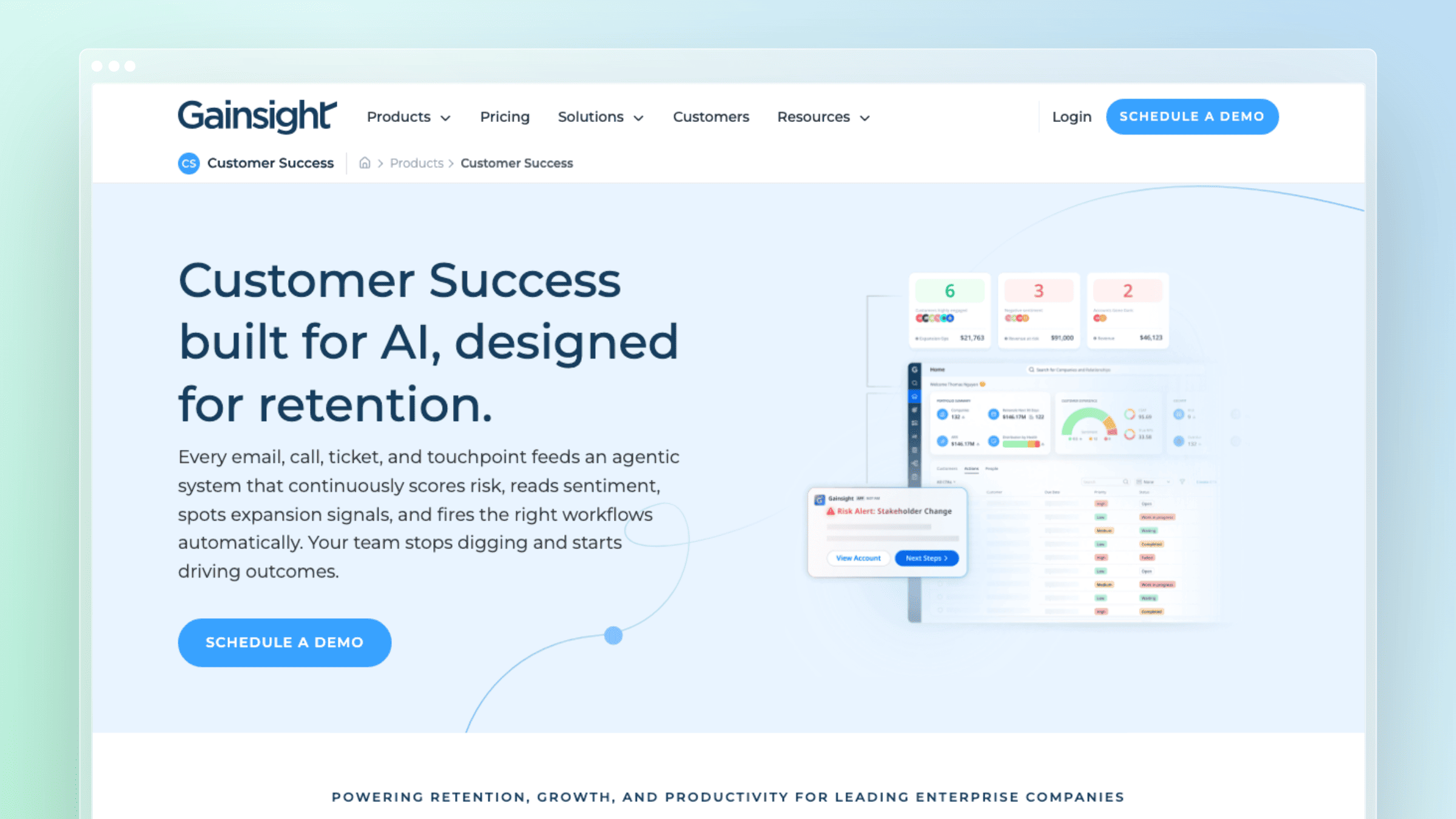 Larger CS organizations rarely lack data. They lack a single place where account health, renewal risk, and expansion signals live together. Fragmented visibility across CRM, product analytics, and support tools leaves renewals reactive and QBRs improvised. Gainsight is built for teams that have outgrown that setup.
Best fit
- Best for larger CS organizations with mature processes and a dedicated CS operations function.
- Strong fit when you need customer health, renewal visibility, and proactive account management in one system.
- Useful for teams managing complex books of business across segments and lifecycle stages.
- A better fit for organizations optimizing CS operations than for teams trying to fix documentation drift.
Where the AI helps most
Gainsight’s AI surfaces customer behavior patterns pointing to risk, expansion, or engagement drift so outreach becomes proactive. It reduces the manual prep that eats up pre-call time by pulling together usage, ticket, and lifecycle context automatically. Teams using it well have reported improvements in CSAT and NPS by intervening earlier in the lifecycle. These signals only work when your product, CRM, and lifecycle data are already reasonably clean.
Tradeoffs to know
- Implementation timelines can stretch into months, and admin ownership is a real ongoing cost.
- Advanced health scoring and workflow automation only pay off if your data hygiene is strong upfront.
- Smaller founder-led teams routinely report using only a fraction of what they pay for.
- Per-user pricing scales aggressively as your CS team grows.
Pricing and implementation notes
- Treat this as an enterprise-style evaluation, not a quick plug-in purchase.
- Budget for admin ownership, integration planning, and data cleanup before rollout.
- Ask whether your team will actually use advanced health scoring and workflow automation, or just a small slice of the platform.
- Best buying angle: choose it when operational depth matters more than setup speed.
Pick Gainsight when CS operational depth is the constraint, not speed of setup.
3. ChurnZero
 Finding out an account is churning during the renewal call is a failure of the whole system. The problem is usually late signal: usage dropped weeks ago, engagement flattened, and nothing surfaced it. ChurnZero is built specifically around catching those signals earlier and tying them to lifecycle motions.
Best fit
- Best for SaaS teams focused on retention, adoption, and churn prevention.
- Strong fit when you want CS playbooks tied to usage data and lifecycle triggers.
- Useful for teams that need clearer visibility into customer engagement changes before renewal time.
- A practical option when your biggest pain is reacting too late to risk.
Where the AI helps most
- Supports earlier identification of at-risk accounts through behavior and engagement signals.
- Helps automate playbooks and outreach around onboarding, adoption, and renewal moments.
- Makes it easier to segment customers and prioritize follow-up based on risk or opportunity.
- Fits teams that want AI connected to customer lifecycle actions, not just content generation.
Tradeoffs to know
- Signal quality collapses without clean event, CRM, and account data feeding the platform.
- Playbook automation only works if your CS team has defined lifecycle motions to encode.
- Feature overlap with an existing CS platform or CRM can create confusion about the system of record.
- The in-app messaging tools are lighter than dedicated engagement platforms.
Pricing and implementation notes
- Evaluate total buying fit based on data readiness, not just feature count.
- Ask how much setup is required for health scoring, playbooks, and alerts to become useful.
- Check how well it connects with your product usage data and CRM.
- Best buying angle: choose it when churn visibility is the main problem to solve.
ChurnZero shines when the specific problem is “we see risk too late,” not “we need one platform for everything.”
4. Totango
 If success, support, and account management all touch the same customer using different spreadsheets, work slips through the cracks. Onboarding motions vary by CSM, adoption follow-ups are ad hoc, and renewal prep gets rebuilt every quarter. Totango gives those cross-functional motions a shared shape.
Best fit
- Best for teams that want modular customer journeys and shared workflows across success, support, and revenue teams.
- Strong fit when you need more structure than spreadsheets but want flexibility in how motions are built.
- Useful for organizations that manage multiple segments or service models.
- A solid option when process orchestration matters as much as account visibility.
Where the AI helps most
- Helps prioritize accounts and next actions across customer lifecycle stages.
- Supports journey management so teams can standardize onboarding, adoption, and renewal motions.
- Improves consistency when multiple teams touch the same customer relationship.
- Works well when AI is part of a broader process layer rather than a standalone assistant.
Tradeoffs to know
Modularity is a double-edged sword. You make many setup decisions upfront, and teams without a clear opinion on their customer journeys tend to stall in configuration. Reporting has historically been a common complaint compared to more analytics-first platforms, and post-merger roadmap changes have created uncertainty for some buyers evaluating long-term fit.
Pricing and implementation notes
- Map your customer journeys before you evaluate the platform, or the demo will look better than the rollout.
- Check integration depth with CRM, support, and product data sources.
- Ask how quickly your team can launch a usable first workflow, not just how many workflows are possible.
- Best buying angle: choose it when you need customer journey orchestration more than a single narrow AI feature.
Totango is the right call when your customer motions need shared structure across teams.
5. Vitally
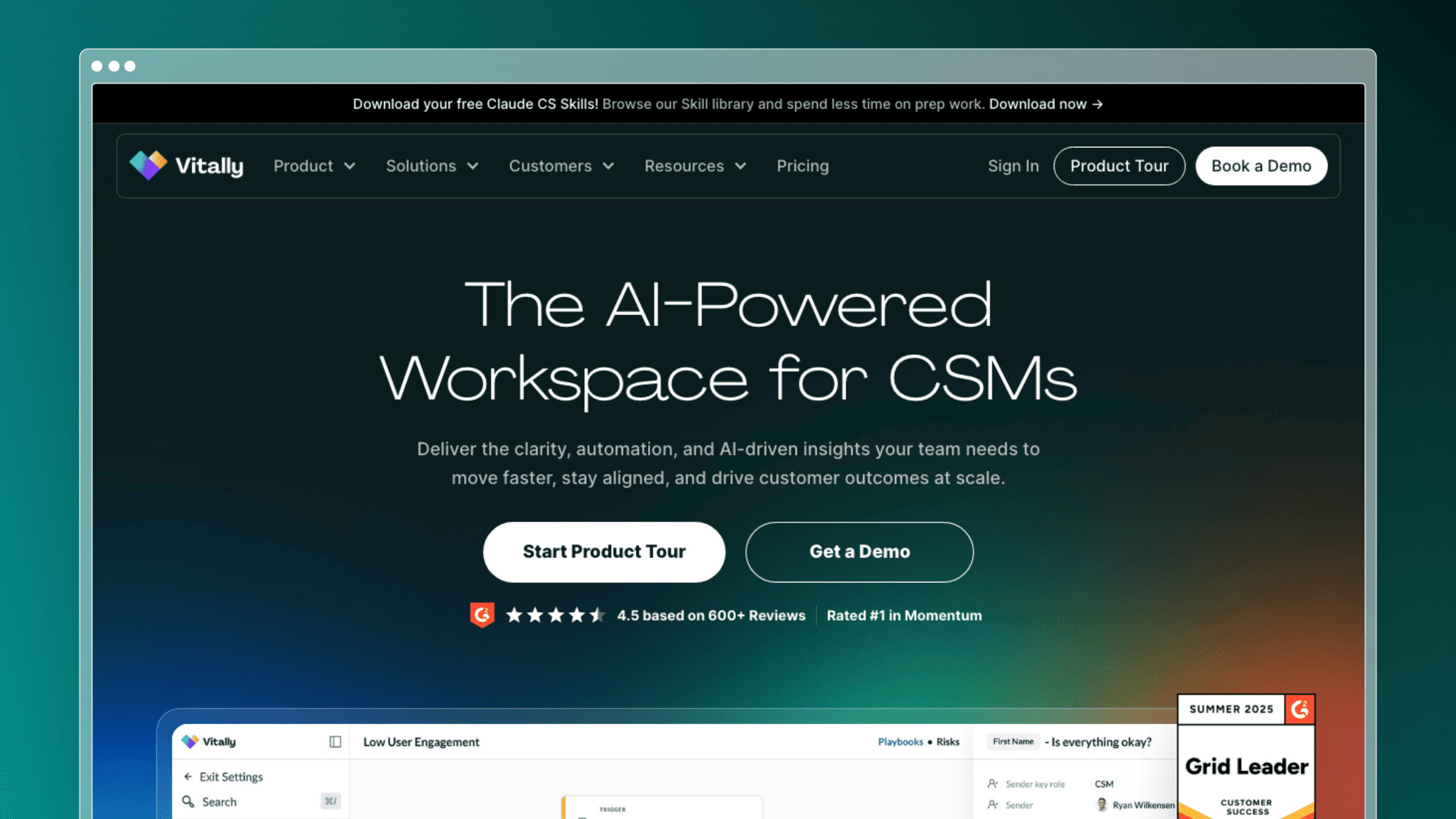 CSMs waste real time hunting for context: opening the CRM, then product analytics, then a Notion doc of prior notes, then the shared inbox. That switching tax adds up to hours per week and half-prepared check-ins. Vitally consolidates that context into a workspace CSMs actually want to live in.
Best fit
- Best for B2B SaaS teams that want a flexible CS workspace tied to product and CRM context.
- Strong fit when CSMs need one place to understand account history, usage, and next steps.
- Useful for teams that want to build their own views and workflows instead of adopting rigid defaults.
- A good choice if your customer success motion is data-driven but still evolving.
Where the AI helps most
- Helps summarize account context so CSMs can prepare faster for check-ins and renewals.
- Supports workflow automation around follow-ups, prioritization, and account monitoring.
- Makes customer visibility more usable when data already exists but is scattered across systems.
- Fits teams that want AI inside the daily account workspace rather than in a separate tool.
Tradeoffs to know
- The Notion-style workspace flexibility can become a configuration burden without a clear internal owner.
- Health scores and dashboards are only as good as the product usage data you can pipe in.
- Onboarding lifts more weight on your team than more opinionated platforms.
- Renewal forecasting and executive-level reporting are lighter than enterprise CS platforms.
Pricing and implementation notes
- Evaluate how much configuration your team wants versus how much guidance you need from the tool.
- Check whether the product usage and CRM integrations you rely on are available and easy to maintain.
- Ask what a first useful dashboard or workflow looks like in the first 30 days.
- Best buying angle: choose it when customer context and workflow flexibility matter most.
Choose Vitally when unifying scattered account context is the main win you need.
6. Intercom
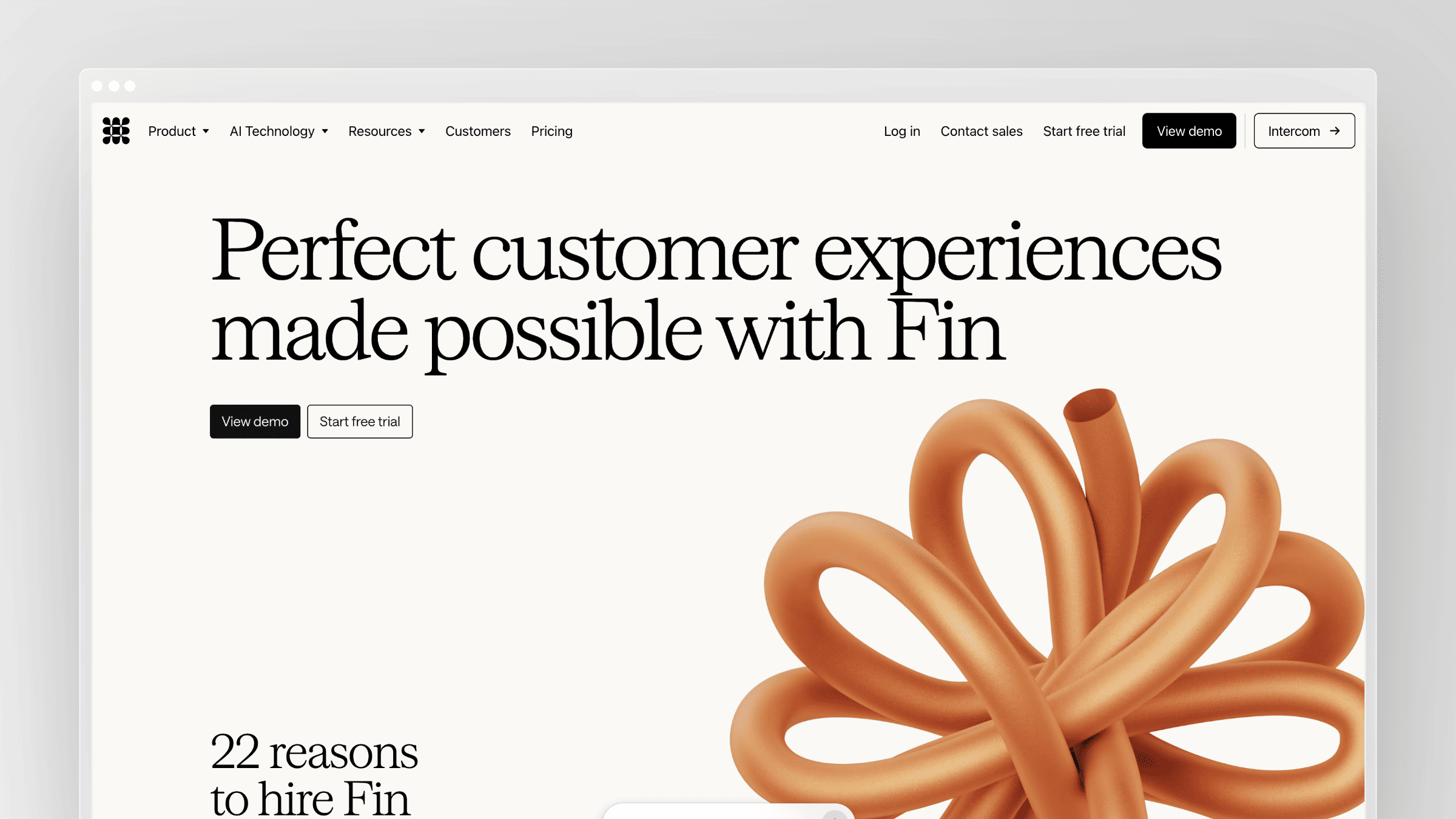 Repetitive questions during onboarding and adoption drown support and CS teams. “Where do I invite a teammate?” “How do I connect Slack?” “Why can I not see the new dashboard?” Every one of those is a moment where the customer wanted an answer inside the product, not a ticket. Intercom is built for exactly that layer.
Best fit
- Best for teams that want AI-powered support, in-app messaging, and customer self-service in one customer-facing layer.
- Strong fit when customer success and support overlap heavily during onboarding and adoption.
- Useful for SaaS companies that want to answer common questions inside the product experience.
- A better fit for support-led workflows than for code-to-doc synchronization.
Where the AI helps most
- Handles common support questions faster so customers get answers without waiting for a human reply.
- Improves self-service through help content discovery and conversational support experiences.
- Supports in-app education and messaging during onboarding or product adoption moments.
- Can reduce repetitive ticket load when your customers mostly need quick answers, not deep consulting.
Tradeoffs to know
- Fin’s $0.99-per-outcome pricing makes monthly costs unpredictable at higher deflection volumes.
- Answer quality depends heavily on the content in your existing help center, which Intercom does not maintain for you.
- Migration off Intercom becomes harder as inbox history, macros, and automations accumulate.
- Account-level CS workflows are thin; the platform’s center of gravity is support and messaging.
Pricing and implementation notes
- Model the total cost at your expected support volume, not just at your current team size.
- Check whether the AI layer depends on content quality inside your existing help center.
- Ask where customer success ends and support begins in your workflow before you buy.
- Best buying angle: choose it when you want AI to improve customer conversations and self-service at the support layer.
Intercom is strongest when conversations, not accounts, are the primary CS surface.
7. Zendesk AI
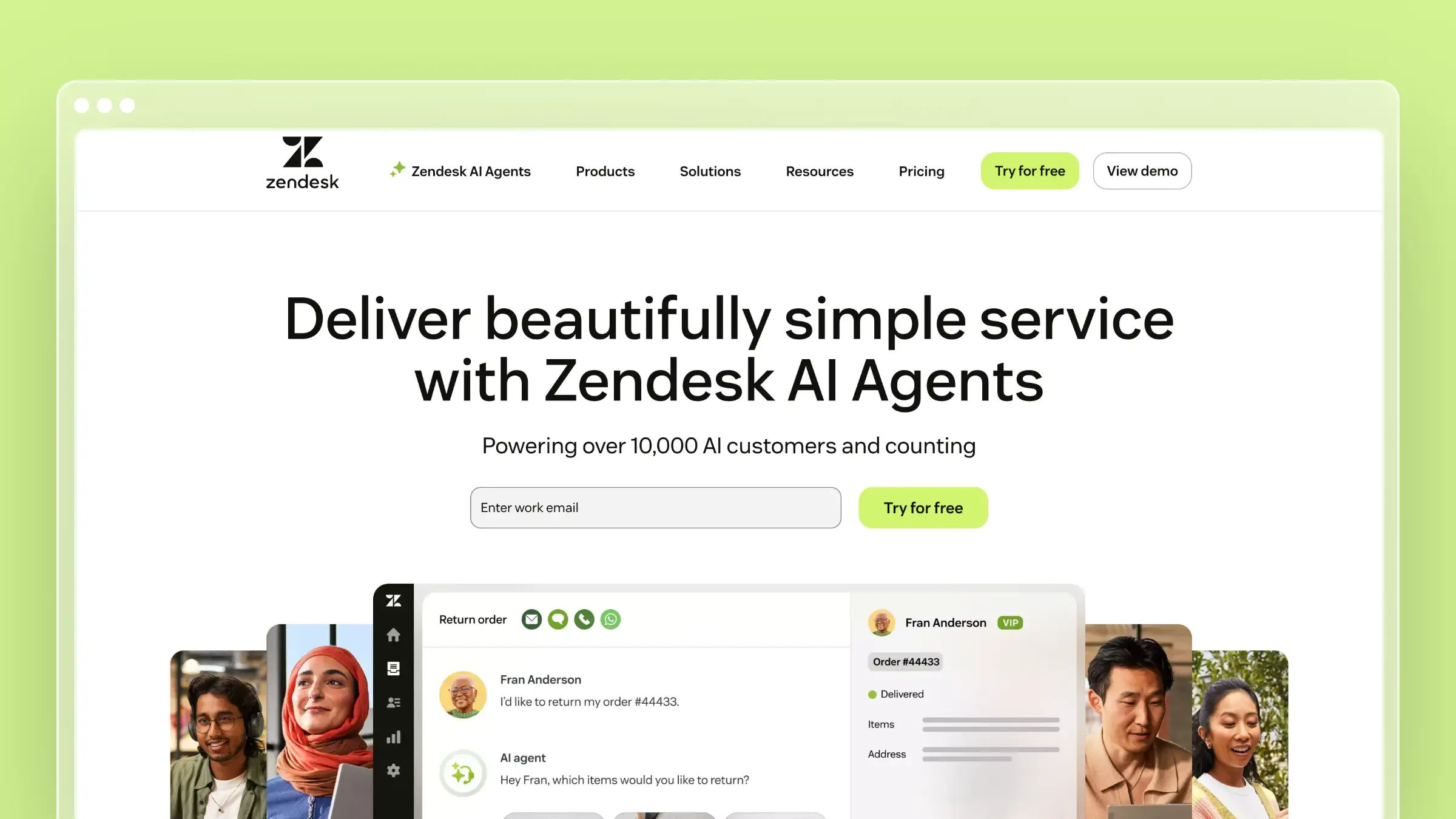 Mature support operations rarely have a strategy problem. They have a volume problem. Ticket counts outpace agent capacity, triage lags, and repetitive requests slow down the complex cases that actually need a human. Zendesk AI is built to layer automation into that established workflow.
Best fit
Zendesk AI fits support-heavy operations already running Zendesk at scale. The value shows up when CS outcomes depend on faster case handling, better triage, and consistent support at volume. It is a practical choice when support scale is the specific problem to solve first, and less useful when your CS org needs upstream retention or account planning tools.
Where the AI helps most
- Improves ticket triage, routing, and agent efficiency on repetitive requests.
- Supports self-service and answer suggestions inside the support workflow.
- Helps teams respond faster while reserving human time for more complex cases.
- Works best when your service operation is already centralized around the help desk.
Tradeoffs to know
- Advanced AI features sit behind higher-tier plans and per-agent add-ons that quickly compound.
- Setup and admin work is significant compared to lighter, modern help desks.
- The interface and configuration surface can feel dated to teams coming from newer tools.
- Account-level CS strategy lives outside the help desk, so CS leaders will need a separate system.
Pricing and implementation notes
- Review the full cost of seats, AI features, and add-ons together instead of evaluating the AI layer in isolation.
- Suite Team starts at $55 per agent per month annually, with AI Copilot roughly $50 per agent per month and automated resolutions billed separately.
- Ask whether your CS team will live inside the help desk or only consume outputs from it.
- Best buying angle: choose it when support automation is the main driver of CS improvement.
Zendesk AI earns its place when support scale, not account strategy, is your top constraint.
8. Gong
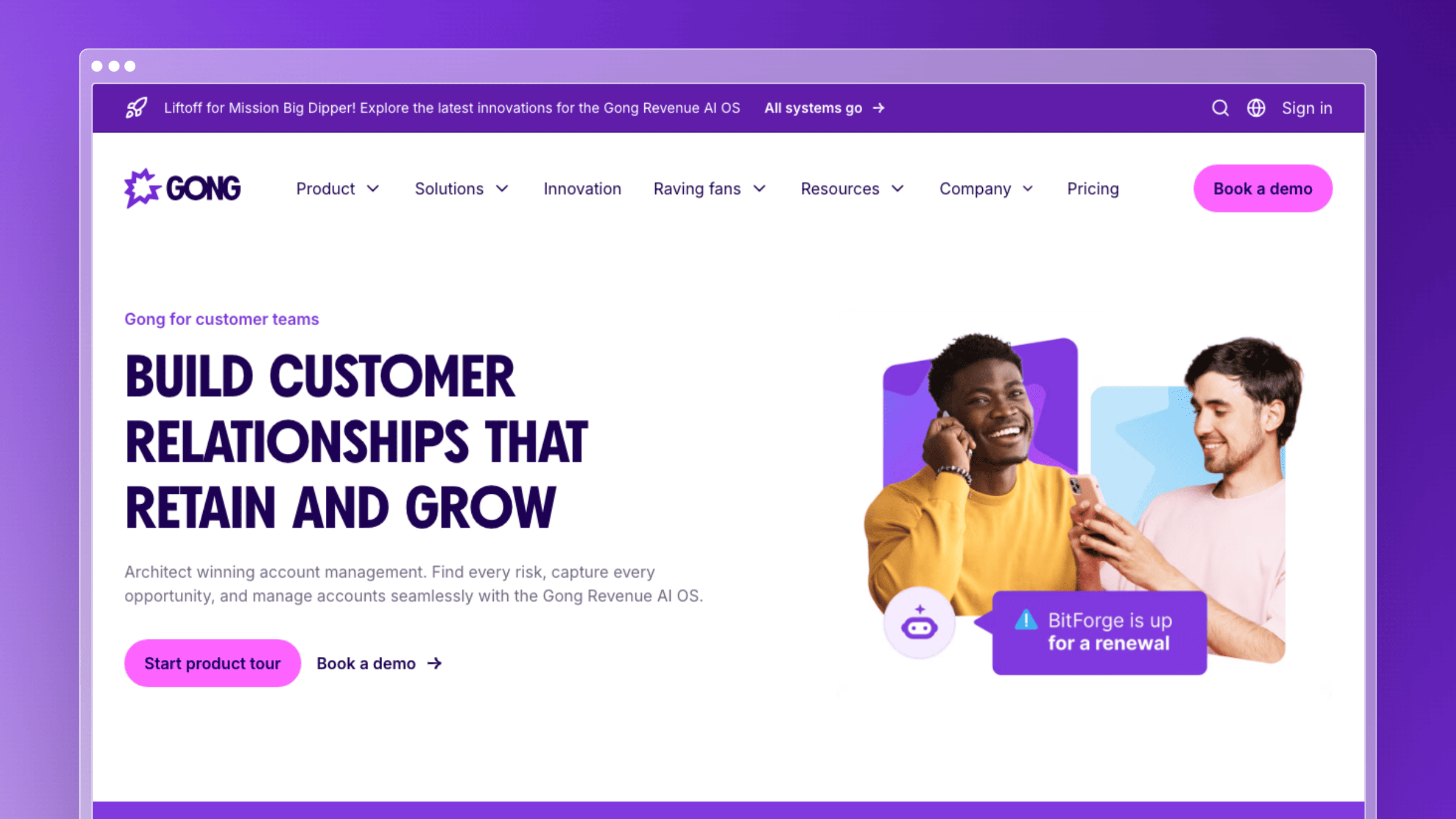 Customer risk often shows up in a meeting long before it shows up in a dashboard. A hesitant sponsor, an offhand mention of a competitor, a shift in project priority: these signals live inside recordings that nobody has time to review. Gong turns those conversations into structured signal.
Best fit
- Best for teams that want conversation intelligence across onboarding calls, business reviews, escalations, and renewals.
- Strong fit when customer risk shows up first in meetings, not in dashboards.
- Useful for CSMs who spend too much time writing follow-ups, summaries, and internal handoffs.
- A good option when better customer understanding matters more than workflow automation.
Where the AI helps most
- Creates meeting summaries so CSMs can move faster after calls.
- Surfaces themes, objections, and risk signals across customer conversations.
- Helps teams prepare for meetings with more context and less manual note review.
- Supports stronger follow-up and coaching by turning unstructured conversations into usable insights.
Tradeoffs to know
- Pricing targets revenue teams and typically lands above what small CS teams can justify alone, often $1,200 to $1,600 per user per year (estimated).
- Value depends on having a steady volume of recorded customer conversations to analyze.
- Insights need an owner and a workflow, or they pile up unused after a few months.
- Coverage of async or written customer signals is thin compared to voice and video.
Pricing and implementation notes
- Evaluate it as part of a broader workflow, not as a standalone AI win.
- Check whether summaries and risk insights actually feed your renewal, support, or onboarding motions.
- Ask who will own the insights after the calls are analyzed.
- Best buying angle: choose it when customer conversations are your richest source of signal.
Gong pays off when meetings are your most underused source of customer truth.
6. ClientSuccess
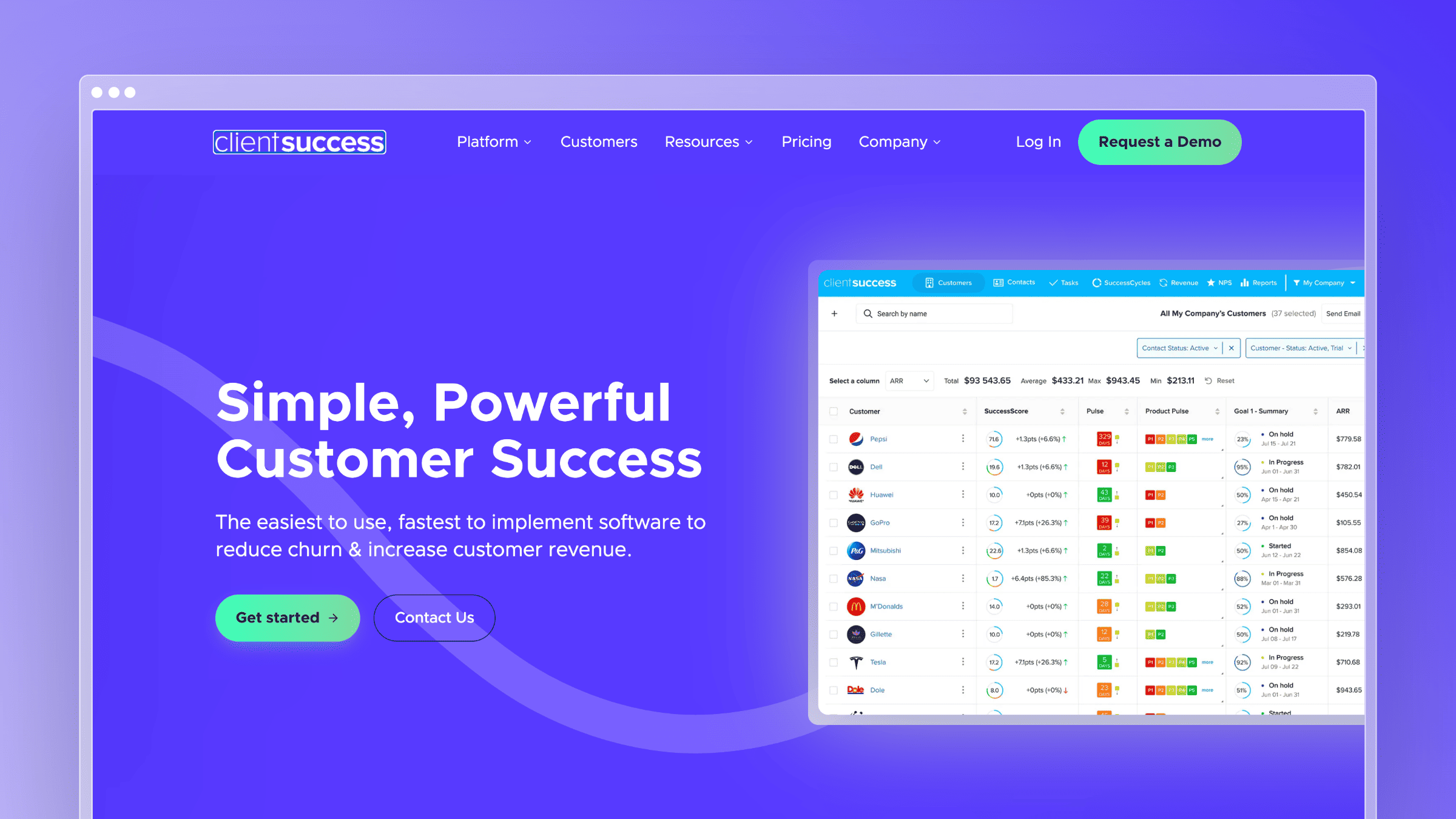
Health scores are useful only when they lead to action. Many CS teams can identify an unhealthy account but still lack a consistent process for deciding who should respond, what they should do, and how that action connects to the renewal. ClientSuccess brings health, customer journeys, renewals, and automated follow-up into one CS workspace.
Best fit
Best for mid-market SaaS companies that need a dedicated customer success platform without the operational weight of a large enterprise deployment.
Strong fit when health scoring, renewal management, onboarding, and lifecycle playbooks need to live together.
Useful for teams moving away from spreadsheets or CRM-only account management.
A practical option when Gainsight feels broader or more complex than the team requires.
Where the AI helps most
SmartCS can draft customer communications, summarize feedback, and surface recommended next actions.
Combines product usage, engagement, sentiment, and commercial context into account-health workflows.
Automates actions when health scores or lifecycle conditions change.
Helps CSMs prepare for customer interactions without manually assembling context from multiple systems.
ClientSuccess positions SmartCS as an AI copilot for customer communications, feedback summaries, recommendations, and automated actions.
Tradeoffs to know
It is a CS management platform, not a help desk or autonomous customer-support agent.
Health scoring still requires thoughtful definitions and reliable product, CRM, and support data.
Teams need clear lifecycle processes before automation becomes genuinely useful.
Very large or highly customized enterprises may need the broader administration and reporting depth of Gainsight.
Pricing and implementation notes
Pricing is based on the number of CSMs and the modules required, with quotes handled through sales.
ClientSuccess says typical implementations take four to six weeks, while larger enterprise deployments can take eight to twelve weeks.
The company states that onboarding and implementation are included without a separate setup fee.
Best buying angle: choose it when the team needs health scores to trigger consistent customer actions, not just produce another dashboard.
ClientSuccess fits teams that need a practical operating system for retention and renewals without building an enterprise-scale CS operations function.
9. HubSpot Service Hub AI
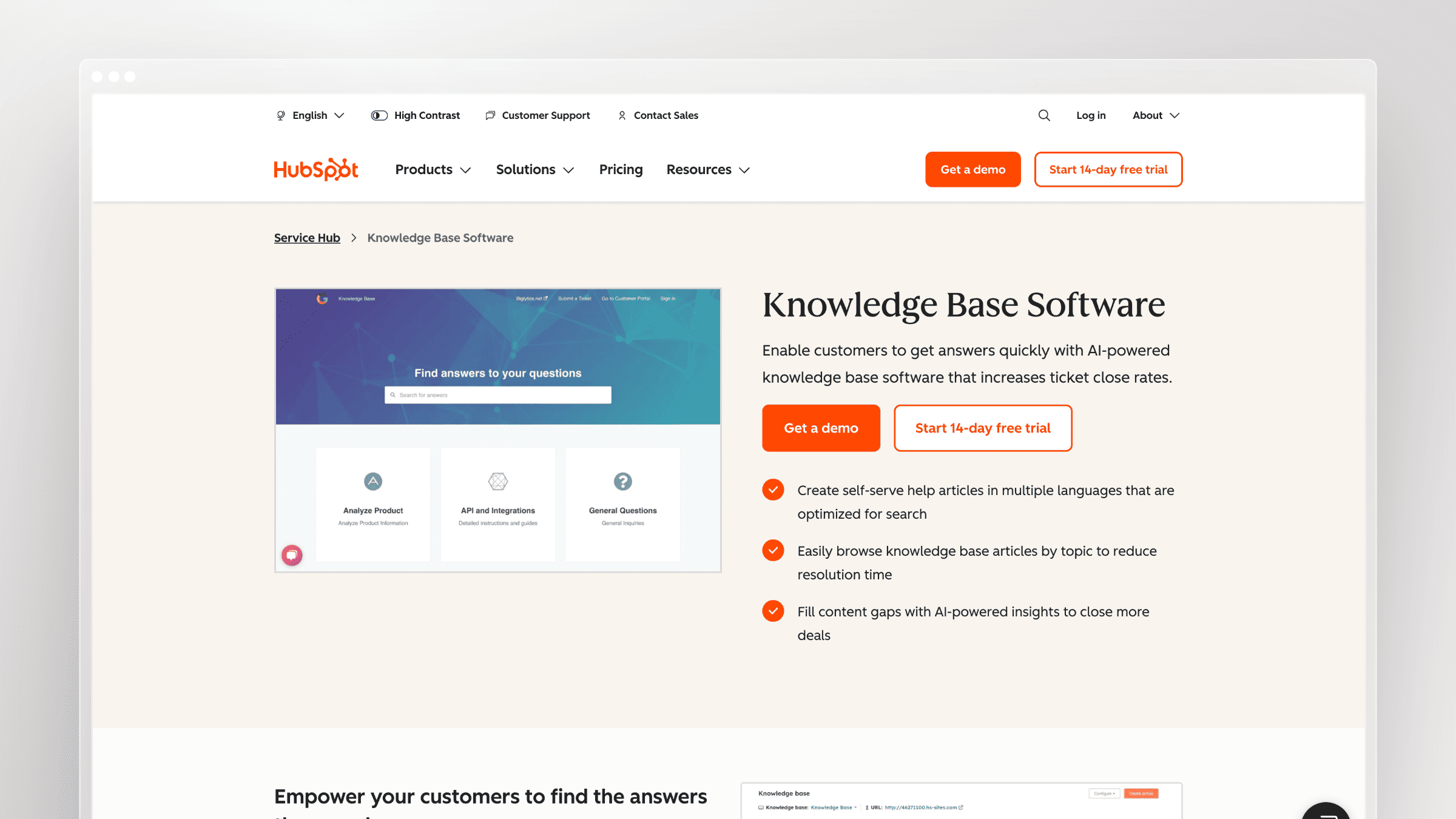
Customer support becomes fragmented when ticket history sits in one tool, customer records in another, and onboarding context somewhere else. HubSpot Service Hub reduces that fragmentation by putting support automation, customer data, and the broader CRM relationship in the same system.
HubSpot now packages much of its AI functionality under Breeze. Breeze Customer Agent can answer customer questions using existing content and CRM context, while Service Hub gives human teams a shared ticketing and customer-service workspace.
Best fit
Best for companies already using HubSpot for CRM, marketing, sales, or customer communications.
Strong fit when support teams need access to the complete customer relationship, not only ticket history.
Useful for growing SaaS companies that want ticketing, knowledge, automation, and AI support in one ecosystem.
A better fit for CRM-connected service than for advanced customer health or renewal forecasting.
Where the AI helps most
Answers common customer questions using help content and customer context.
Resolves inquiries across customer-service channels before they reach a human agent.
Summarizes and organizes customer interactions inside the support workspace.
Keeps service activity connected to the same CRM record used by sales and marketing.
Tradeoffs to know
The advantage is significantly smaller when the rest of the customer journey does not already live in HubSpot.
Customer Agent depends on the accuracy of the content and data it can access.
Service Hub does not provide the same depth of account-health modelling as a dedicated CS platform.
Costs can expand across service seats, product tiers, and AI usage.
Pricing and implementation notes
Paid Service Hub plans are priced per seat and include monthly HubSpot Credits.
Breeze Customer Agent currently costs 50 credits, or $0.50, for each resolved conversation.
Customer Agent is available to Professional and Enterprise customers.
Best buying angle: choose it when consolidating service and CRM context matters more than buying a specialized support AI product.
HubSpot Service Hub AI works best when HubSpot is already the system connecting the rest of the customer journey.
10. Freshdesk Freddy AI
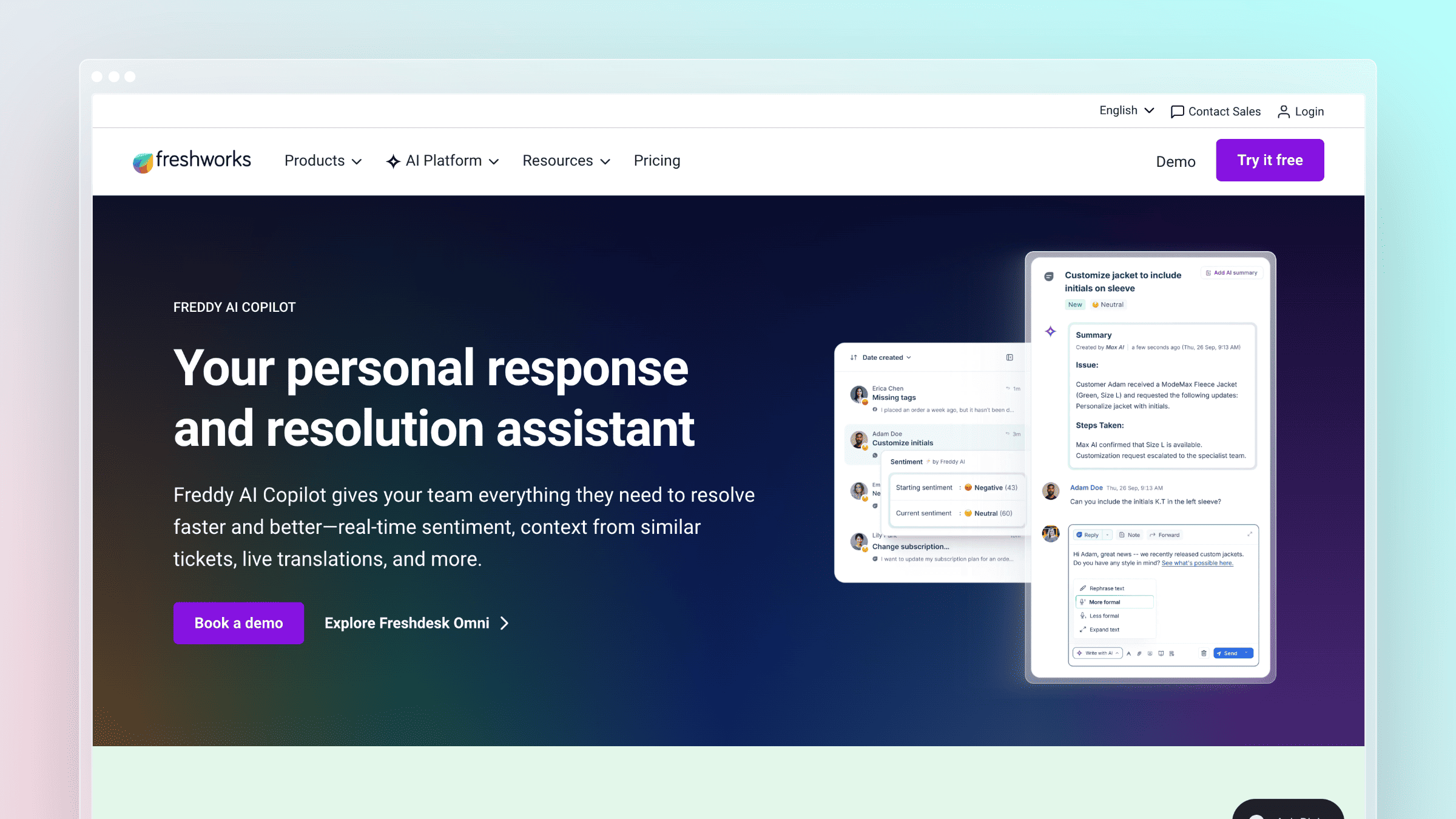
Smaller support teams often want AI triage and automation but cannot justify the pricing or administration required by enterprise help desks. Freshdesk positions Freddy AI as a more accessible combination of autonomous support, agent assistance, and operational insights.
The Freddy suite includes AI Agent for customer-facing automation, Copilot for support representatives, and Insights for managers.
Best fit
Best for startup and mid-market support teams that need a complete help desk with approachable AI functionality.
Strong fit when ticket summarization, response drafting, routing, and self-service are the immediate priorities.
Useful for companies that want an omnichannel support suite without adopting Salesforce or Zendesk.
A practical choice when implementation speed and published pricing matter.
Where the AI helps most
Prioritizes and routes customer requests while detecting customer sentiment.
Summarizes tickets and conversations for faster agent handoffs.
Drafts responses, improves tone, and recommends relevant knowledge articles.
Supports autonomous AI agents across chat and email.
Helps administrators draft new knowledge-base articles and identify content opportunities.
Tradeoffs to know
Freddy spans several products and add-ons, so buyers need to distinguish AI Agent, Copilot, and Insights.
Autonomous answers remain dependent on the quality of the underlying knowledge base.
Account-health, renewal, and expansion workflows require a separate CS platform.
Larger enterprises may need deeper governance or ecosystem flexibility than Freshdesk provides.
Pricing and implementation notes
Freshdesk Omni starts at $29 per agent per month when billed annually.
The first 500 Freddy AI Agent sessions are included; additional usage is currently $49 per 100 sessions.
Freddy AI Copilot is available as a $29-per-agent monthly add-on and can be assigned only to selected agents.
Best buying angle: choose it when you want practical support automation with a lower entry point and clearer pricing.
Freshdesk Freddy AI is a strong middle ground between a basic ticketing tool and a heavily customized enterprise service platform.
11. Salesforce Einstein / Agentforce for Service
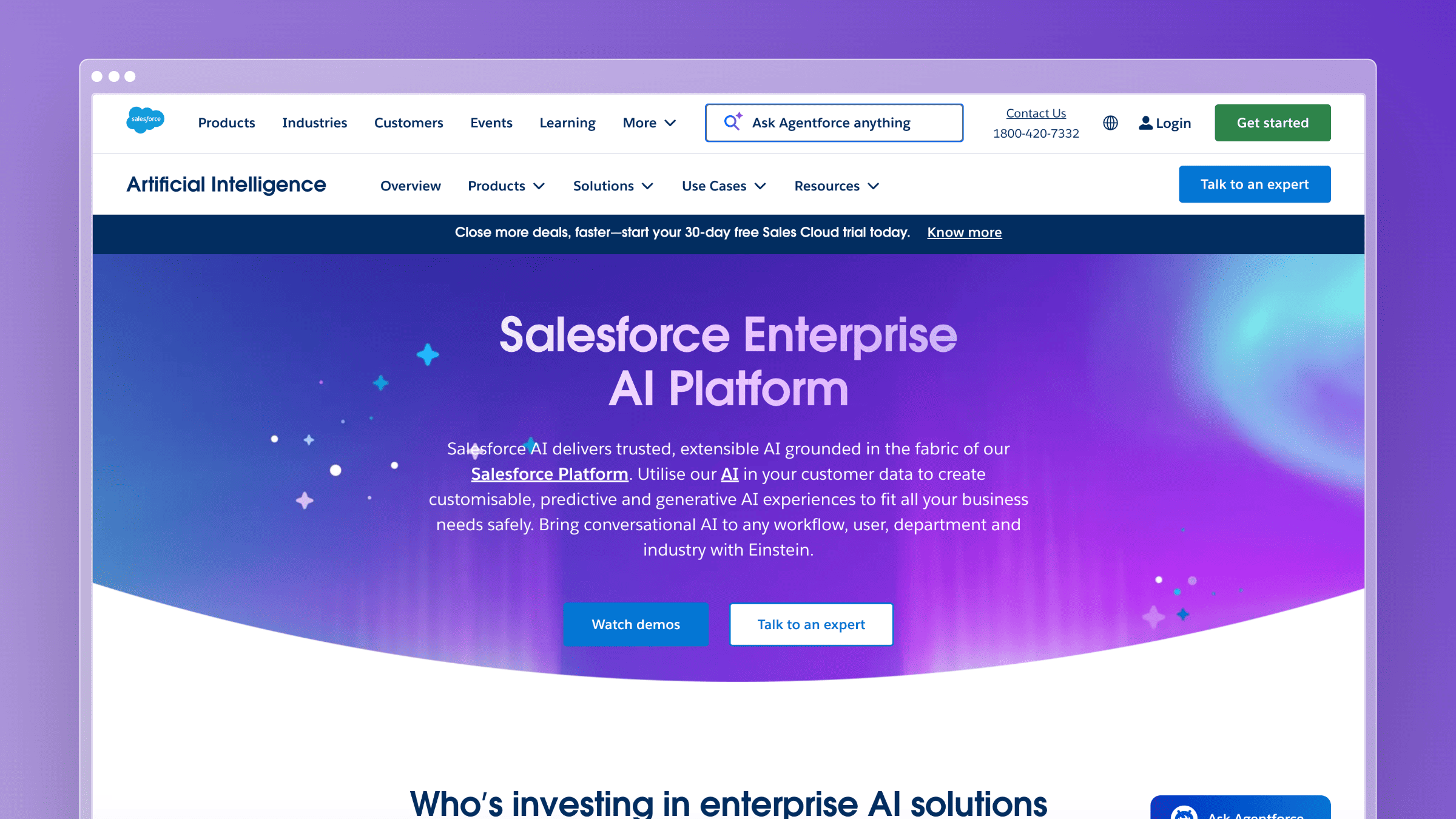
For companies already running customer operations in Salesforce, moving support AI into a separate platform can create more integration work than it removes. Salesforce’s service AI combines CRM data, knowledge, workflow automation, and customer-service activity inside Service Cloud.
Einstein remains the umbrella name for Salesforce’s AI capabilities, while Agentforce for Service is now the primary product for autonomous and assisted service workflows.
Best fit
Best for mid-market and enterprise organizations already standardized on Salesforce.
Strong fit when service automation must access CRM objects, customer history, business workflows, and existing Salesforce data.
Useful for complex service environments requiring governance, routing, and extensive customization.
A better fit for Salesforce-native operations than for teams seeking a standalone AI chatbot.
Where the AI helps most
Generates grounded service replies, conversation summaries, answers, and knowledge articles.
Classifies and routes cases based on customer and request context.
Surfaces next-best actions for human representatives.
Supports autonomous customer interactions with escalation to a human when necessary.
Can use Salesforce flows, objects, knowledge, and customer data to complete service tasks.
Tradeoffs to know
Implementation quality depends heavily on Salesforce architecture, data quality, and internal administration.
It can be excessive for teams that only need straightforward ticket deflection.
Licensing becomes difficult to compare because Service Cloud, AI functionality, seats, and usage may be priced separately.
It does not replace a dedicated CS platform for CSM portfolio management and renewal operations.
Pricing and implementation notes
Agentforce for Service requires an eligible Service Cloud foundation.
Salesforce currently lists Agentforce for Service at $125 per user per month, billed annually.
The package includes generative replies, summaries, answers, knowledge creation, employee-agent capacity, and customer-signal intelligence.
Best buying angle: choose it when service automation must work directly inside an established Salesforce environment.
Salesforce service AI is most compelling when the CRM is already the operational backbone of the customer relationship.
12. Ada
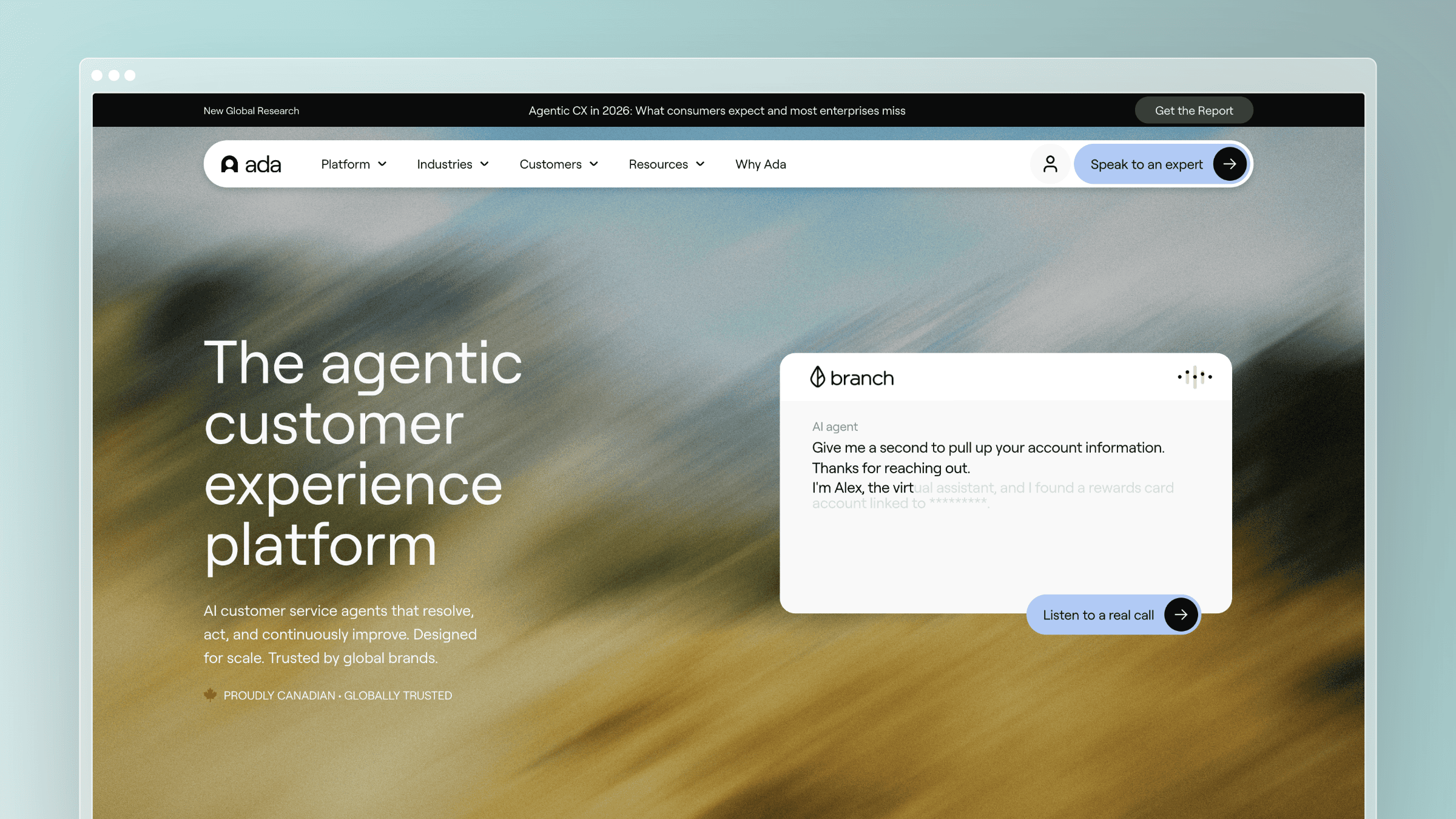
Some companies do not need another help desk. They need an AI agent capable of handling a meaningful percentage of customer interactions before those conversations reach the help desk at all. Ada is built specifically around that autonomous service layer.
Its platform supports AI customer-service agents across chat, voice, email, and social channels, with the ability to retrieve information, follow defined processes, perform actions through connected systems, and escalate to human representatives.
Best fit
Best for mid-market and enterprise companies with enough support volume to justify a dedicated automation platform.
Strong fit when support needs to work consistently across several channels and languages.
Useful when the AI must perform actions such as checking an account, changing a subscription, or processing a defined workflow.
A better fit for autonomous resolution than for basic agent writing assistance.
Where the AI helps most
Resolves common and more complex customer requests across multiple channels.
Connects to business systems through APIs so the agent can take action rather than only provide an answer.
Preserves context across automated conversations and human handoffs.
Provides conversation reviews, resolution classifications, reasoning logs, and testing tools to improve performance over time.
Tradeoffs to know
Ada is not a customer-success platform for account health, onboarding ownership, or renewal forecasting.
It requires ongoing testing, knowledge management, and operational ownership to maintain answer quality.
The economics work best at meaningful support volume.
A separate help desk is still required for escalations and human-managed cases.
Pricing and implementation notes
Ada uses a sales-led evaluation and does not publish standard package prices.
Model total cost around conversation volume, channels, integrations, and the level of implementation support required.
Ask how automated resolution is defined and measured before comparing it with competing usage models.
Best buying angle: choose it when autonomous support is a strategic program rather than an additional help-desk feature.
Ada earns its place when the goal is to automate complete customer interactions, not merely make human agents faster.
14. Medallia
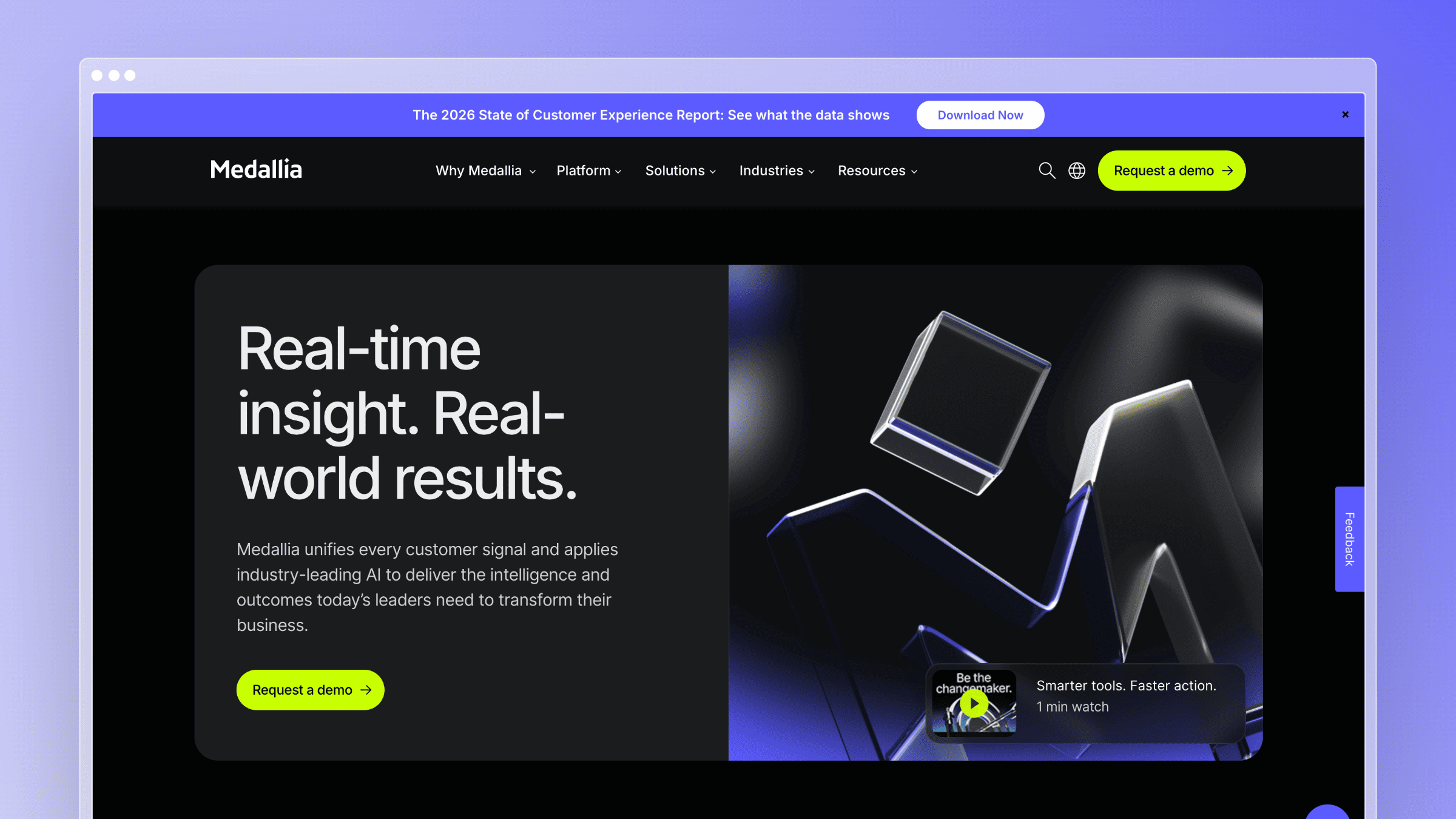
Customer feedback is often plentiful but unusable. Survey responses sit in one platform, call recordings in another, reviews somewhere else, and support conversations inside the help desk. Individual teams see fragments, but nobody sees the pattern across the entire customer experience.
Medallia is designed to unify those signals and use AI to identify the themes, sentiment, effort, and experience problems hidden inside large volumes of structured and unstructured data.
Best fit
Best for enterprises running formal voice-of-the-customer or customer-experience programs.
Strong fit when feedback must be analyzed across surveys, calls, chat, reviews, social signals, and digital interactions.
Useful when insights need to be distributed across support, product, operations, and executive teams.
A better fit for understanding experience patterns than for managing an individual CSM’s book of business.
Where the AI helps most
Uses text analytics to identify themes, intent, sentiment, empathy, effort, and emerging problems.
Applies speech analytics to large volumes of customer calls.
Detects meaningful changes and routes alerts or cases to the relevant team.
Connects customer signals to closed-loop workflows and role-based reporting.
Helps teams understand the root cause behind metrics such as CSAT and NPS rather than only reporting the score.
Tradeoffs to know
Medallia is an enterprise CX platform, not a lightweight SaaS customer-success tool.
It does not replace a help desk, CSM workspace, or autonomous support agent.
Value depends on having sufficient customer-signal volume and teams empowered to act on the findings.
Implementation requires cross-functional ownership, data connections, taxonomy decisions, and ongoing program management.
Pricing and implementation notes
Medallia prices through annual Experience Data Record tiers rather than conventional per-user pricing.
Its EDR model covers signal collection, analytics, workflows, unlimited users, reporting, and closed-loop feedback.
Exact prices require a sales conversation and depend on the volume and scope of customer interactions being analyzed.
Best buying angle: choose it when the challenge is understanding customer experience across the entire organization.
Medallia is strongest when customer feedback is abundant but the patterns inside it remain invisible.
How to choose the right AI stack for customer success
There is no single winner in this category because these tools do different jobs. The best AI tools for customer success work in combination, layered around your existing help desk and product data. Use the situation you are actually in to decide where to start.
- If your CS team keeps answering the same questions caused by stale docs: Start with Ferndesk on top of your existing help desk. Let it draft article updates from GitHub, changelogs, and support tickets so self-service actually deflects tickets instead of generating them.
- If churn visibility is your biggest gap: Pair ChurnZero or Gainsight with your CRM and product analytics, then add Ferndesk to shrink the ticket volume that inflates your CSMs’ book of work.
- If your CSMs live in meetings: Layer Gong on top of Vitally or Gainsight so meeting signal feeds account records automatically, and use Ferndesk to keep the docs your CSMs point customers to accurate between calls.
- If your company already runs on HubSpot or Salesforce: Start with the AI capabilities inside your existing CRM ecosystem before introducing another customer-service platform. The data and integration advantages may matter more than differences in individual AI features.
- If you need autonomous support across several channels: Evaluate Ada against the AI agent inside your existing help desk. Ada offers greater specialization, but the additional platform and implementation only make sense at sufficient support volume.
- If you want support AI without enterprise complexity: Freshdesk Freddy AI offers a more approachable combination of ticketing, autonomous sessions, agent assistance, and published pricing.
- If health scores exist but customer actions remain inconsistent: Consider ClientSuccess for health, lifecycle workflows, and renewals in one system.
- If customer feedback is scattered across calls, surveys, tickets, and reviews: Use Medallia to analyze voice-of-customer patterns across channels rather than expecting a CS platform or help desk to provide enterprise-wide experience intelligence.
AI in customer success works best when it removes manual work upstream so humans can spend more time on the parts of the relationship that only humans can do.
FAQs: AI tools for customer success
What are the best AI tools for customer success in 2026?
The best AI tools for customer success in 2026 depend on the specific job you are solving. Ferndesk is strongest for keeping documentation current and reducing ticket volume. Gainsight, ChurnZero, Totango, and Vitally cover account health and retention. Intercom and Zendesk AI handle support automation, and Gong covers meeting intelligence.
How does AI actually reduce customer churn?
AI reduces churn by surfacing risk earlier and removing friction from the customer experience. Behavior pattern detection flags accounts before renewal, automated support answers common questions instantly, and current documentation prevents the confusion that shows up as usage drops. The combination matters more than any single tool.
Do AI tools for customer success replace CSMs?
No. Every mature use case in this space positions AI as augmentation. AI handles admin, prep, summarization, and repetitive questions so CSMs spend more time on strategic customer conversations.
How do documentation tools like Ferndesk fit into a CS stack?
Ferndesk sits upstream of your help desk and CS platform. It keeps articles, screenshots, and self-service content in sync with your product by monitoring GitHub, support tickets, and changelogs. That lowers the ticket volume flowing into Intercom, Zendesk, or Help Scout and gives CSMs accurate content to point customers to.
What is the biggest mistake teams make when buying AI tools for customer success?
Buying a platform before defining the problem. Teams often buy an enterprise CS platform when their real pain is stale docs, or a chatbot when their real pain is late churn signal. Match the tool category to the actual bottleneck first.
How much should a small SaaS team budget for AI in customer success?
A small team can start effectively with Ferndesk Pro at $149 per month for documentation and self-service, plus their existing help desk. Adding a full CS platform like Gainsight, ChurnZero, or Totango is typically a five-figure annual commitment, so most early-stage teams wait until CSM headcount and account complexity justify it.
Which AI tool has the most predictable pricing?
Ferndesk publishes flat plan prices that include five editor seats, with additional seats and usage available as add-ons. Intercom, Zendesk AI, and Gong use combinations of per-seat, per-outcome, per-user, or platform pricing, which makes total cost harder to predict as volume grows.


 Book a demo