


HelpDocs made its name on simplicity. You can publish a professional knowledge base in hours, not weeks. That’s genuinely valuable. But simplicity has limits.
The AI is rationed through credits that run out during busy periods. There’s no codebase integration, no automatic content audits, no way to know which articles are causing support tickets instead of deflecting them. When your documentation grows beyond 50 articles, HelpDocs’ simplicity starts feeling like limitation.
If you’ve hit that wall, you’re not alone. In our HelpDocs review, we found it excellent for getting started and frustrating for staying current. The pricing is fair for what you get, but what you get has a ceiling.
Here are 8 alternatives that handle what HelpDocs can’t.
Quick Comparison: HelpDocs Alternatives
| Tool | Best For | Starting Price | AI Features | Credit-Based AI? |
|---|---|---|---|---|
| Ferndesk | AI-native documentation | $149/month | Unlimited, proactive | No |
| Document360 | Enterprise knowledge management | Pricing available on request | Eddy AI assistant | No |
| Helpjuice | Powerful search & customization | $120/month | AI search | No |
| KnowledgeOwl | Bootstrapped teams | $100/month | Semantic search | No |
| GitBook | Developer documentation | Free/$65/site/month | AI Assistant (beta) | No |
| Help Scout | Human-first support | $50/user/month | Basic | No |
| Zendesk | Enterprise support suites | $55/agent/month | Answer Bot (add-on) | No |
| Intercom | Conversational support | $29/seat/month | Fin AI chatbot | No (per-resolution) |
Every tool on this list avoids HelpDocs’ credit-based AI model. That’s not a coincidence. When you’re evaluating alternatives, the credit system is usually what pushed you to look.
1. Ferndesk: Best Overall HelpDocs Alternative

HelpDocs gives you a blank page and an AI that helps you write when credits allow. Ferndesk gives you an AI agent that reads your codebase, support tickets, and product changes, then maintains your documentation for you.
The difference isn’t incremental. It’s architectural. Fern, Ferndesk’s AI agent, doesn’t wait for you to ask for help. It monitors your GitHub repos for code changes that affect documentation. It reads support ticket patterns to identify missing articles. It runs weekly content audits to catch stale information before your customers do.
What Ferndesk does well:
- Codebase sync: Connect your repository, and Fern detects feature changes, API updates, and deprecations. Every affected article gets flagged for review with a suggested edit. Your docs stay accurate even when your team ships daily.
- Support ticket analysis: Fern identifies recurring questions that should be articles. Instead of waiting for a customer to complain, you get a draft in your review queue.
- Weekly content audits: Stale content, broken links, outdated screenshots. Fern finds them on a schedule, not when a customer reports them.
- Embedded help widget: Context-aware assistance based on where users are in your app. Customers get answers without leaving your product.
- No credit rationing: AI features work the same on day 1 and day 30 of your billing cycle. No running out during your busiest week.
What Ferndesk doesn’t do:
Ferndesk is a newer platform. It doesn’t have the 200+ integrations of Zendesk or the decade of marketplace plugins that enterprise tools offer. If you need complex compliance workflows with multi-stage approval chains, Document360 is more mature for that specific use case.
Pricing: $149/month or $1,490/year (Pro). Five editors are included, with additional editors at $10/month each. AI drafting and custom domains are included.
Best for: SaaS teams that ship fast and need documentation that keeps up. Anyone who’s tired of quarterly content audits that find problems customers discovered months ago. Teams moving from HelpDocs who want AI that actually maintains content, not just helps write it.
The tradeoff: You’re trading a mature ecosystem for genuine innovation. If your documentation needs are simple and static, HelpDocs might still be enough. If your product changes frequently and your docs fall behind, Ferndesk is the answer.
Try Ferndesk free and see your first AI-generated content audit within a week.
2. Document360: Best for Enterprise Knowledge Management
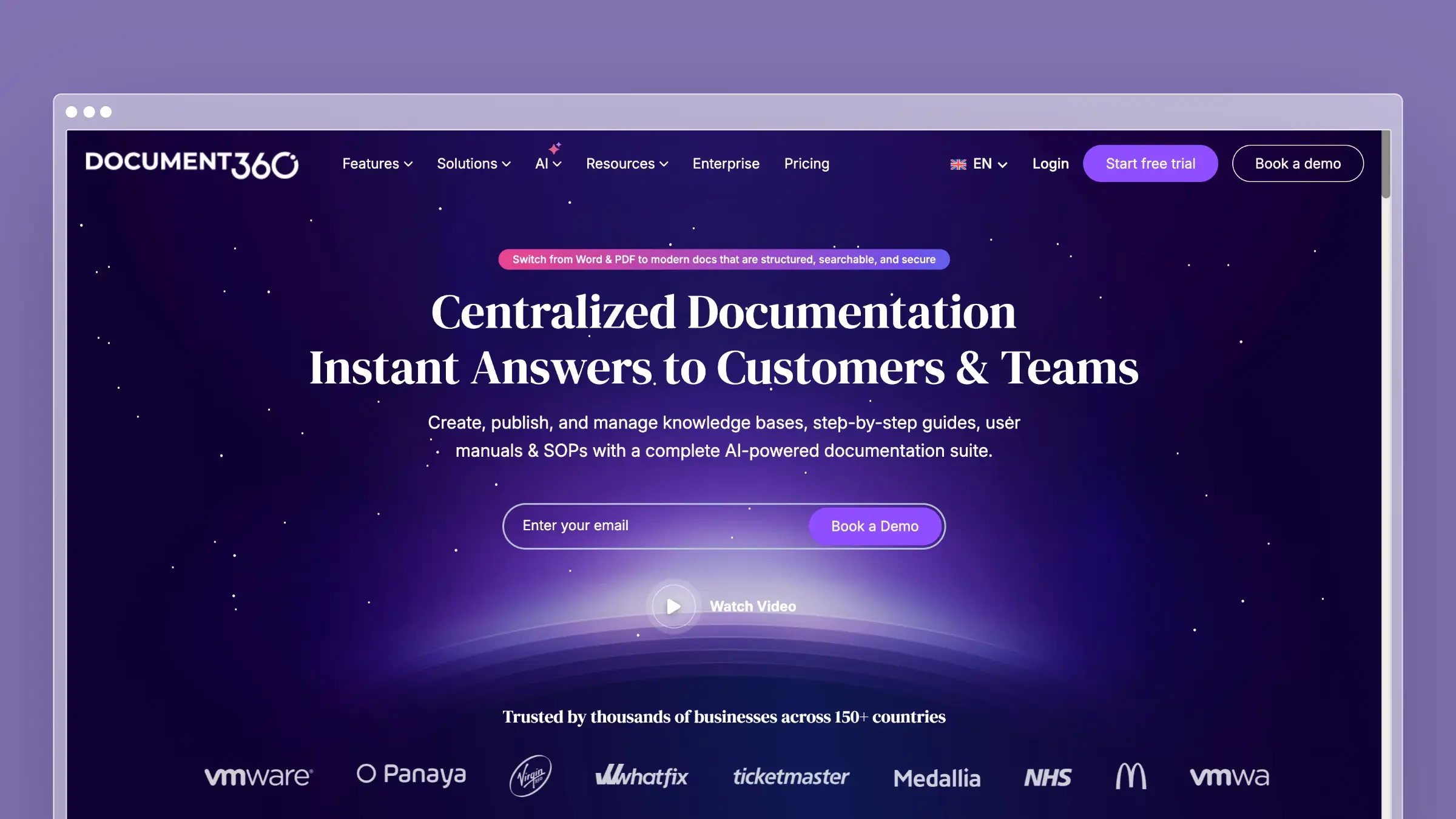
If HelpDocs felt too simple, Document360 might feel like too much. That’s not a criticism. Document360 is built for organizations that need version control, approval workflows, role-based access, and compliance-grade audit trails. It handles complexity that lighter tools collapse under.
The AI assistant, Eddy, helps with drafting and summarization. It’s not proactive like Ferndesk’s Fern, but it’s competent for on-demand writing assistance without the credit constraints that HelpDocs imposes.
What Document360 does well:
- Enterprise-grade version control with full revision history and rollback
- Approval workflows with role-based publishing permissions
- Both public knowledge bases and private internal wikis from one account
- Deep analytics on article performance, search queries, and content gaps
- API-first architecture for headless documentation deployments
- Category-level permissions for complex team structures
What Document360 doesn’t do:
Document360 doesn’t connect to your codebase. It doesn’t analyze support tickets to suggest new content. The AI assists with writing but doesn’t proactively maintain your documentation. Pricing is available on request, which puts it firmly in enterprise territory. If you’re coming from HelpDocs’ $49/month, expect a much larger quote.
Pricing: Pricing available on request.
Best for: Organizations with compliance requirements, multiple documentation audiences, and approval workflows. Companies managing 500+ articles across multiple products.
The tradeoff: You’re paying for governance features. If your team is small and moves fast, Document360’s approval workflows become bottlenecks instead of safeguards. The price-to-value ratio only makes sense at enterprise scale.
3. Helpjuice: Best for Search-Driven Knowledge Bases
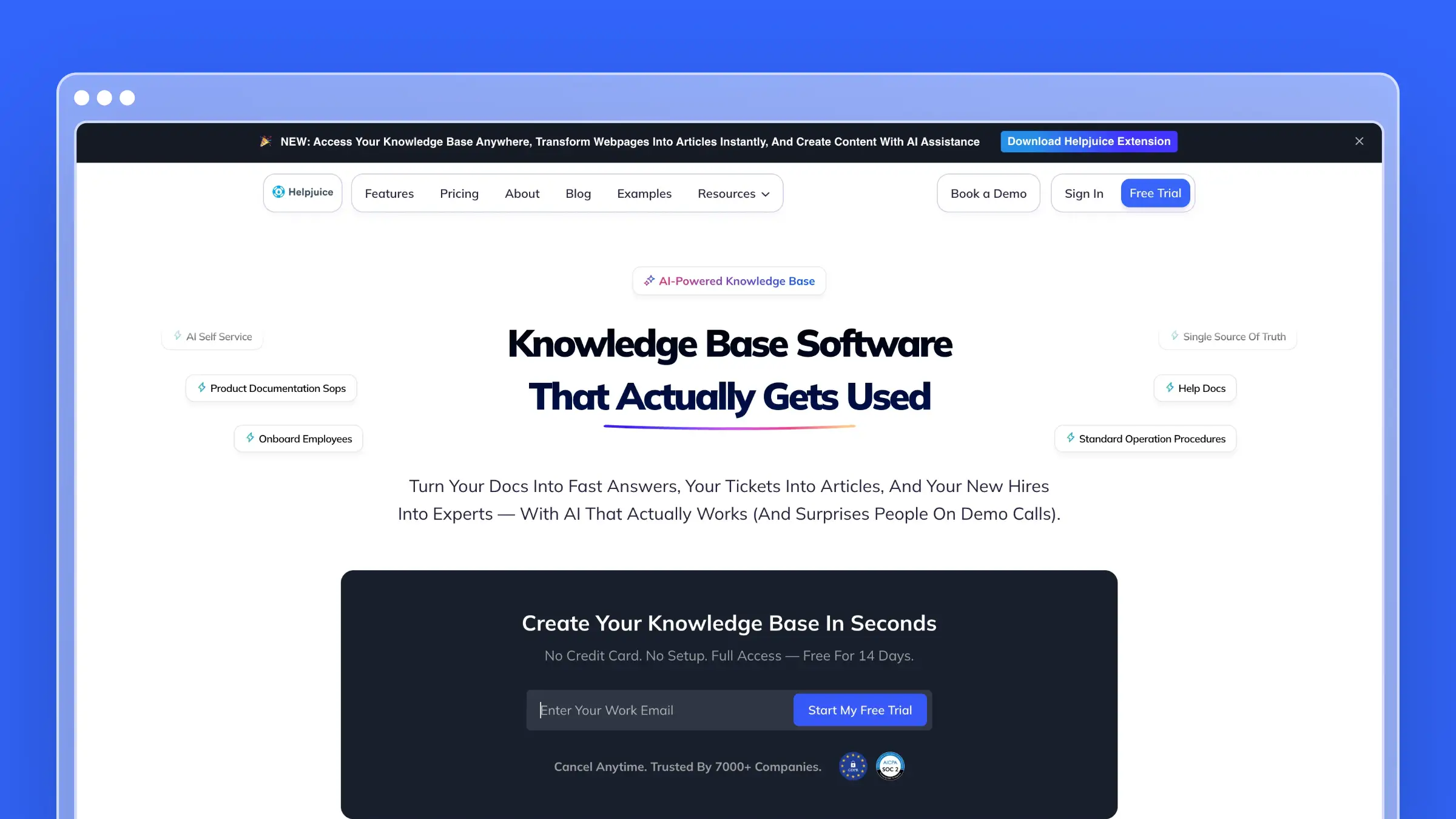
Helpjuice has one feature that justifies its existence: search. The search engine is genuinely good. It handles natural language, understands synonyms, and returns results that actually match what customers are looking for. If your biggest HelpDocs frustration is customers not finding existing content, Helpjuice solves that directly.
The platform also offers deep theming capabilities. You can make your help center look exactly like your product, which matters more than most people think for customer trust.
What Helpjuice does well:
- Industry-leading search with natural language understanding and synonym matching
- Extensive theming and customization, including full CSS/JS access
- Detailed analytics on search behavior, including failed searches
- Multi-language support with built-in translation workflows
- Smart collaboration features for team-authored content
- PDF export for offline documentation needs
What Helpjuice doesn’t do:
Helpjuice doesn’t have meaningful AI features beyond search intelligence. There’s no AI writing assistant, no content auditing, no proactive maintenance. The platform also hasn’t evolved much in recent years. The pricing is $120/month for up to 4 users, which is expensive for what amounts to a knowledge base with great search. See our list of Helpjuice alternatives if you want more for that price.
Pricing: $120/month (up to 4 users), $200/month (up to 16 users), $289/month (unlimited). All plans include all features.
Best for: Teams whose primary problem is search quality. Companies with large knowledge bases where findability matters more than freshness. Organizations that need deep visual customization.
The tradeoff: You’re paying premium prices for excellent search and customization, but getting nothing for content maintenance. If your articles are accurate but hard to find, Helpjuice is perfect. If your articles go stale, better search just helps customers find outdated content faster.
4. KnowledgeOwl: Best for Bootstrapped Teams That Need Depth
KnowledgeOwl is bootstrapped, profitable, and not trying to be everything. It builds focused knowledge base software with features that reflect years of customer feedback: semantic search, PDF export, contextual help widgets, and granular access controls.
There’s no AI writing assistant. There’s no chatbot. KnowledgeOwl believes in giving you excellent tools for creating and organizing documentation, then getting out of your way.
What KnowledgeOwl does well:
- Semantic search that understands intent, not just keywords
- PDF and print export for regulated industries that need offline docs
- Contextual help widget with page-specific article suggestions
- Granular reader groups and access controls for segmented documentation
- Clean, distraction-free writing experience
- Responsive support team that actually uses their own product
What KnowledgeOwl doesn’t do:
No AI content generation. No codebase integration. No support ticket analysis. No proactive content maintenance. KnowledgeOwl is a traditional knowledge base that relies on your team to write, update, and maintain everything manually. The pricing starts at $100/month, which is reasonable for what you get but expensive compared to tools with AI features. See our KnowledgeOwl alternatives for comparison.
Pricing: $100/month (up to 2 authors), $225/month (up to 10 authors), $400/month (unlimited). All plans include unlimited articles and custom domains.
Best for: Bootstrapped teams that value stability over hype. Regulated industries that need PDF exports and access controls. Companies that prefer a proven, focused tool over a platform trying to do everything.
The tradeoff: KnowledgeOwl won’t surprise you. It does exactly what it says. The risk is that “exactly what it says” doesn’t include any content automation, which means your documentation is only as current as your last manual update.
5. GitBook: Best for Developer-Facing Documentation
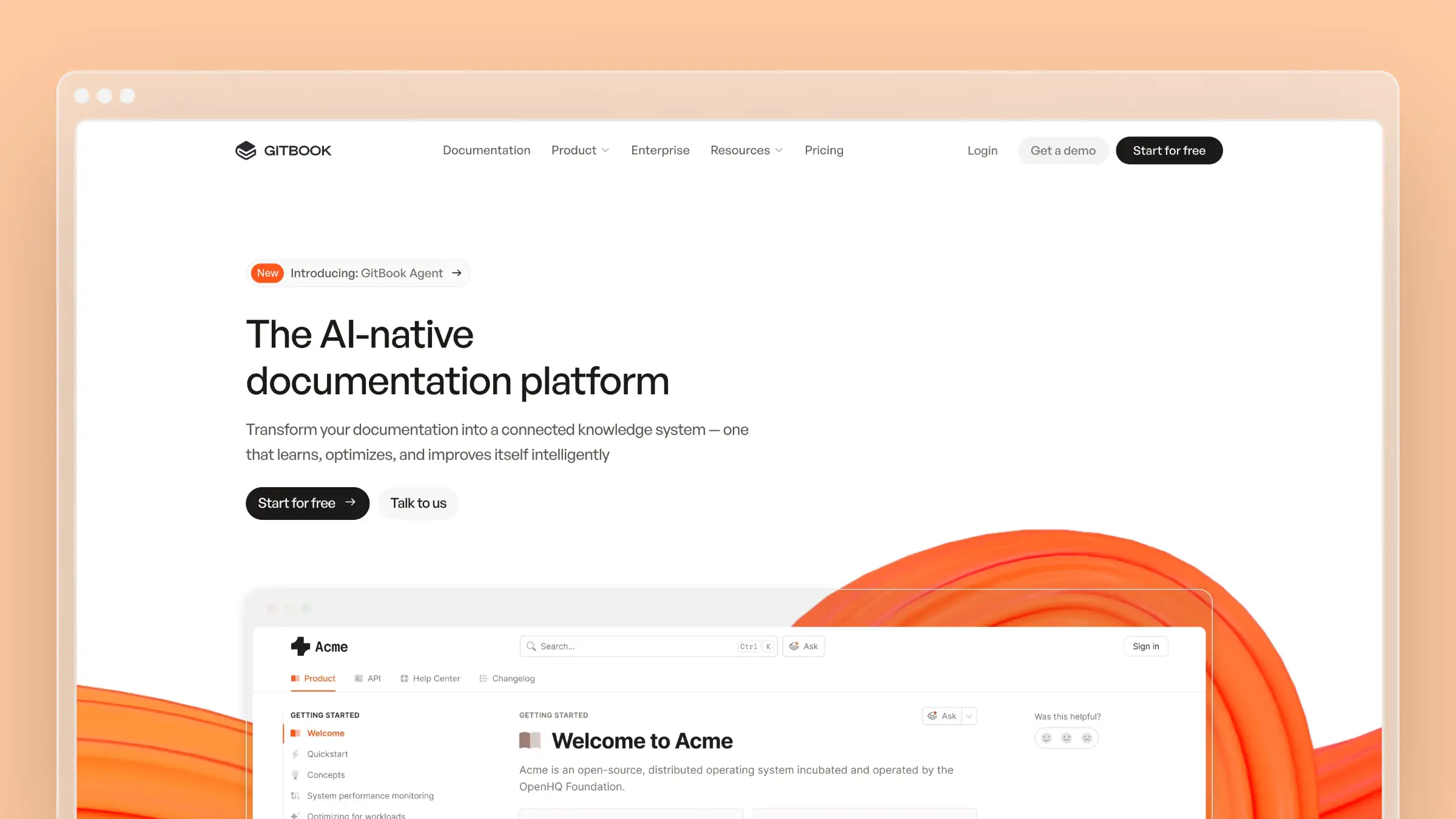
If your knowledge base serves developers, GitBook is worth serious consideration. The Git-based workflow means documentation lives alongside code. Pull request reviews for docs. Version branches for different releases. Markdown source files that developers already know how to edit.
For API references, SDK guides, and technical documentation, GitBook’s reading experience is among the best. For customer-facing help centers, it’s a poor fit.
What GitBook does well:
- Native Git sync with GitHub, GitLab, and Bitbucket
- Beautiful reading experience with automatic dark mode
- OpenAPI and GraphQL documentation rendering
- Version spaces for documenting multiple product releases
- AI Assistant for drafting and search (currently in beta)
- Free for open source projects
What GitBook doesn’t do:
GitBook assumes your audience is technical. Non-developers find the editing workflow confusing. There’s no embedded help widget, no ticket integration, no customer support features. It’s a documentation platform, not a help center. If you need both developer docs and customer-facing articles, you’ll run two separate systems. Read our take on the best GitBook alternatives for tools that bridge that gap.
Pricing: Free (open source/personal), $65/site/month (Plus), $249/site/month (Pro). Additional users $12/month each. See our GitBook pricing breakdown.
Best for: Developer tools, API documentation, and technical references. Open source projects. Teams where engineers write and maintain the docs.
The tradeoff: GitBook excels in a narrow lane. If your audience is developers, it’s excellent. If your audience includes non-technical customers, you need a different tool or a second system alongside GitBook.
6. Help Scout: Best for Teams That Prioritize Human Support

Help Scout takes a philosophically different approach from HelpDocs. Instead of just giving you a knowledge base, it gives you a complete support platform where documentation and human support work together. The Docs product is clean and capable, and it integrates directly with Help Scout’s shared inbox.
The Beacon widget is Help Scout’s standout. It embeds in your product and surfaces relevant articles based on the page your customer is viewing. When articles don’t answer the question, customers can start a conversation without leaving your app.
What Help Scout does well:
- Beacon widget provides contextual, embedded help inside your product
- Tight integration between knowledge base and shared inbox
- Collision detection prevents two agents from answering the same ticket
- Saved replies and workflows make human agents faster
- Clean documentation editor that non-technical team members can use
- Reporting focused on actionable metrics, not vanity numbers
What Help Scout doesn’t do:
Help Scout’s AI features are basic. There’s no proactive content maintenance, no AI chatbot comparable to Intercom’s Fin, and no codebase integration. The per-seat pricing at $50/user/month makes it expensive as your team grows. See our Help Scout pricing analysis and the full list of Help Scout alternatives for alternatives with better automation.
Pricing: $50/user/month (Standard), $75/user/month (Plus). Docs included on all plans. Free plan available for up to 50 contacts/month.
Best for: Teams that believe human support is a differentiator. Companies with technical products where customers need real conversations. Organizations that want documentation and support in one platform without enterprise complexity.
The tradeoff: Help Scout costs scale linearly with headcount. Every new support hire is another $50-75/month. If you’re looking for AI to reduce that headcount, Help Scout isn’t optimizing for that outcome.
7. Zendesk Help Center: Best for Enterprise Support Operations
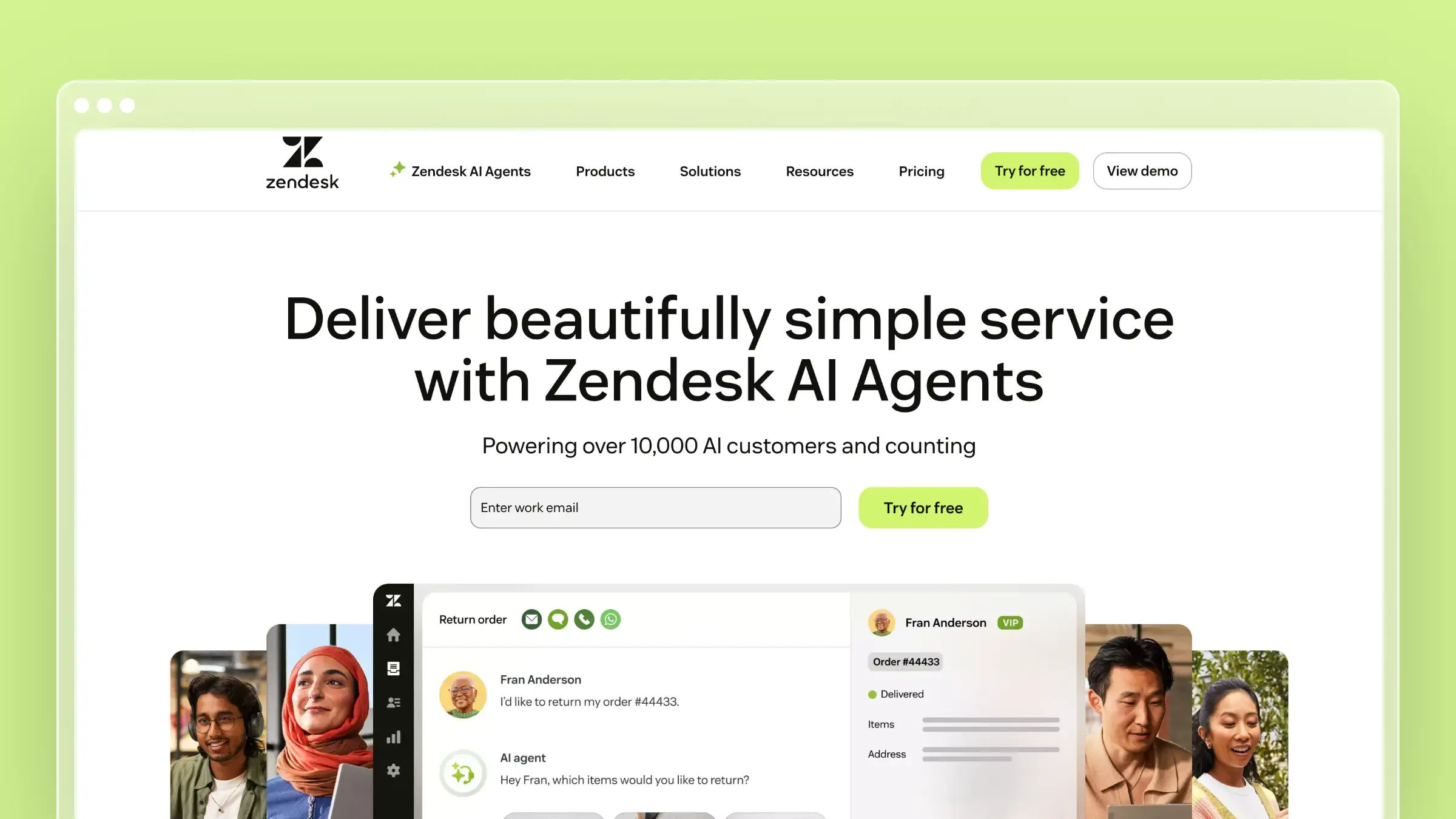
Zendesk is the enterprise default. If you’re evaluating HelpDocs alternatives because your organization outgrew it, Zendesk is probably on your shortlist. The knowledge base integrates with Zendesk’s ticketing, chat, phone, and community forums. Everything connects.
Answer Bot deflects simple questions by surfacing relevant articles. The analytics show you which articles resolve issues and which generate more tickets. For organizations with established support operations, the integration value is real.
What Zendesk does well:
- Deep integration across the entire Zendesk support ecosystem
- Answer Bot deflects routine questions before they become tickets
- Robust analytics on article performance, search failures, and content gaps
- Multilingual support with professional translation workflows
- Community forums for peer-to-peer support
- Marketplace with 1,000+ integrations and apps
What Zendesk doesn’t do:
Zendesk doesn’t monitor your product for changes. The AI features are add-ons that cost extra. The knowledge base editor feels dated compared to modern tools. And the pricing is per-agent, which gets expensive fast when you factor in the Suite Professional tier needed for the good AI features.
Pricing: $55/agent/month (Suite Team), $89/agent/month (Suite Growth), $115/agent/month (Suite Professional with Answer Bot). Enterprise pricing available.
Best for: Organizations already using Zendesk for ticketing. Large support teams that need everything in one ecosystem. Companies where vendor stability and market presence matter.
The tradeoff: You’re buying an entire support suite when you might only need a knowledge base. Zendesk is powerful but expensive and complex. If you came from HelpDocs because you wanted more features, be prepared for significantly more complexity too.
8. Intercom: Best for Conversational Help Experiences
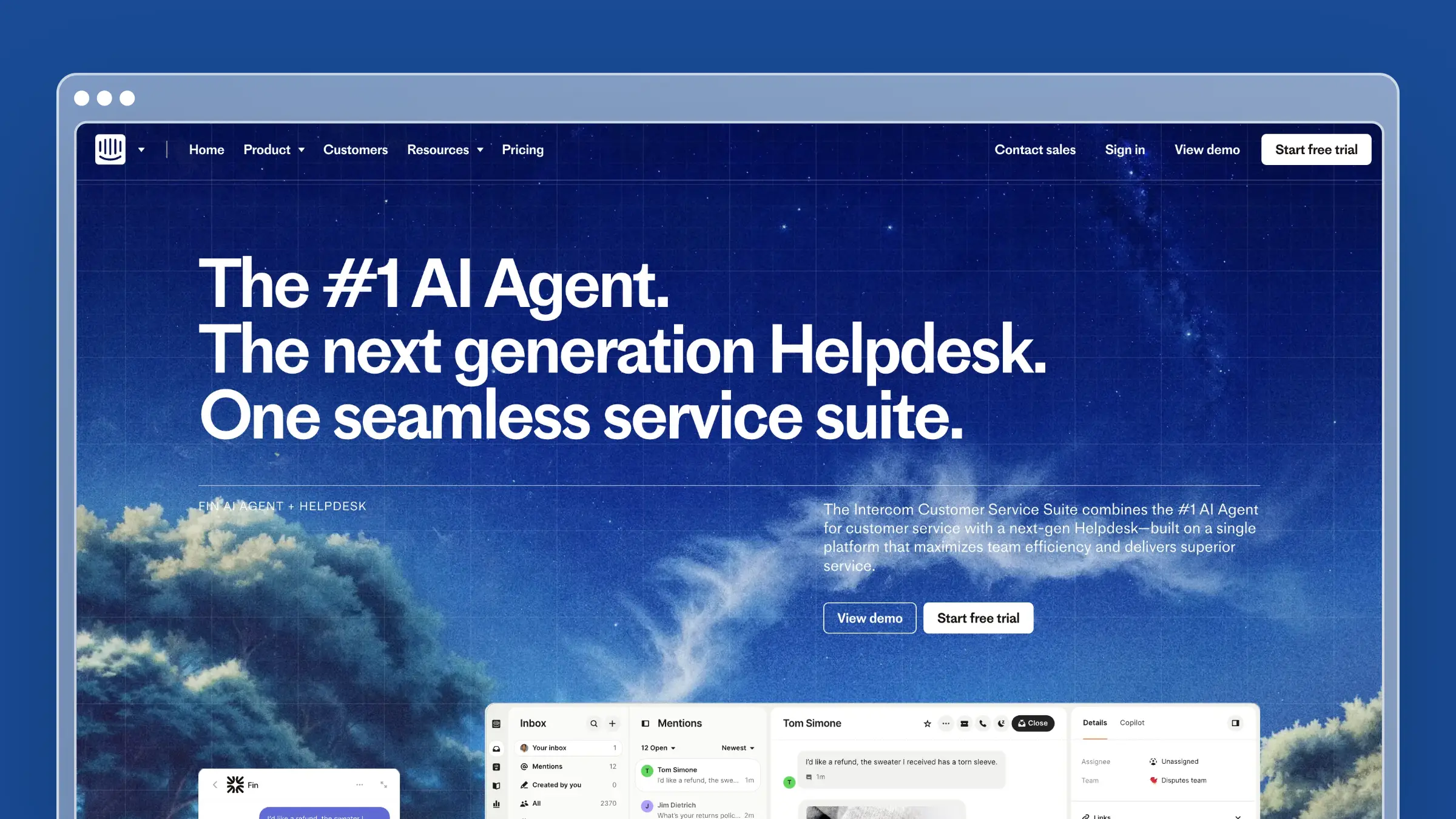
Intercom reimagines the help center as a conversation. Instead of customers browsing categories and scanning articles, they ask questions and get answers. Fin, Intercom’s AI chatbot, reads your knowledge base and responds in natural language. When Fin can’t answer, it hands off to a human seamlessly.
If your HelpDocs frustration is that customers don’t read articles even when you write them, Intercom’s conversational approach is worth considering. Some customers prefer asking to searching.
What Intercom does well:
- Fin AI chatbot provides genuine, useful automated responses from your docs
- Seamless handoff from AI to human when questions require it
- Beautiful, modern interface that integrates with your product’s look and feel
- Targeted articles and messages based on user behavior and segments
- Strong mobile experience for both customers and agents
- Product tours and tooltips for proactive onboarding
What Intercom doesn’t do:
Intercom optimizes for conversations, not comprehensive documentation. The knowledge base editor is basic compared to dedicated tools. Deep technical docs, version control, and developer-focused features are not Intercom’s strength. And the pricing gets unpredictable: $0.99 per Fin resolution on top of per-seat costs means a spike in traffic creates a spike in your bill.
Pricing: $29/seat/month (Essential), $85/seat/month (Advanced), $132/seat/month (Expert). Fin AI costs $0.99 per resolution on top of seat pricing.
Best for: B2C and PLG SaaS companies where conversations drive the support experience. Teams already using Intercom for messaging. Organizations that want aggressive ticket deflection through AI chat.
The tradeoff: Intercom can get very expensive at scale. A busy help center with high Fin usage easily exceeds what you’d pay for Zendesk or Ferndesk. And the knowledge base itself is lighter than any dedicated KB tool on this list.
How to Choose the Right HelpDocs Alternative
The right choice depends on which HelpDocs limitation is actually hurting you:
If your docs go stale because your product changes faster than you can write: Choose Ferndesk. Codebase sync and weekly audits solve the maintenance problem at its root. Nothing else on this list does that.
If you need enterprise governance and compliance: Choose Document360. Version control, approval workflows, and audit trails for organizations that can’t publish without review.
If customers can’t find your existing content: Choose Helpjuice. The search is best-in-class. If your content is accurate but hard to find, this is the fix.
If you want proven stability without hype: Choose KnowledgeOwl. A focused, bootstrapped tool that does exactly what it promises.
If your audience is developers: Choose GitBook. Git-based workflows and technical documentation features that developer tools need.
If you want documentation and support in one tool: Choose Help Scout for a human-first approach, Zendesk for enterprise scale, or Intercom for AI-first conversations.
For more options, see our full guides to the best help center software, best knowledge bases for small teams, and best free knowledge base software.
Beyond the Credit System
HelpDocs’ credit-based AI is the canary in the coal mine. When a vendor rations AI assistance, they’re telling you two things: the AI is expensive to run, and they don’t think most customers need it enough to justify unlimited access.
That might be true for teams with 20 static articles. It’s not true for growing companies where documentation changes weekly, support tickets reveal new gaps daily, and customers expect accurate answers immediately.
The question isn’t whether you need AI in your knowledge base. It’s whether you need AI that works when you need it most, or AI that runs out precisely during your busiest periods.
Every alternative on this list avoids credit-based rationing. But they differ dramatically in what the AI actually does. Most offer AI-assisted writing. Only Ferndesk offers AI-driven maintenance. That distinction matters more than any feature comparison table can capture.
Bottom Line
HelpDocs is a good starting point. It’s fast to set up, clean to use, and honest about what it is. But “good starting point” implies you’ll eventually move past it.
When that time comes, the alternatives split into two camps: tools that give you more features for writing and managing content manually (Document360, Helpjuice, KnowledgeOwl), and tools that automate the maintenance problem entirely (Ferndesk).
If you want a knowledge base that maintains itself, monitors your product for changes, and tells you what content is missing before customers complain, Ferndesk costs $149/month or $1,490/year with unlimited AI drafting.


 Book a demo