


Mintlify builds beautiful developer documentation. But beautiful docs that go stale are just pretty lies.
Mintlify’s strength is design and developer experience. The MDX workflow is smooth, the API playground is excellent, and your docs look like they were designed by a team of ten. Companies like Anthropic, Perplexity, and Cursor chose Mintlify for good reason.
Its weakness is that it doesn’t proactively maintain your content beyond code-level changes. When your API changes, Autopilot catches it. But when your pricing updates, when a feature gets renamed in the UI, when your onboarding flow changes, when a third-party integration breaks - someone still has to manually find and fix every affected page.
At $450/month billed annually or $540 with monthly billing for the Pro plan, that’s a lot of money for a tool that still requires manual content maintenance.
If you’re reconsidering Mintlify, the question isn’t whether the docs look good. They do. The question is whether looking good is enough when the content underneath slowly becomes inaccurate.
Here are nine alternatives that approach that problem differently. If you want your API reference and customer help center in one place, start with our API documentation software overview.
Why look for a Mintlify alternative?
Most teams don’t leave Mintlify because the product is bad. They leave because it doesn’t fit how their team works or what they need documentation to do. Here are the most common reasons:
- Cost at scale. Mintlify’s Pro plan costs $450/month billed annually or $540 with monthly billing. For early-stage teams or companies with multiple documentation sites, that’s a hard number to justify when cheaper or free alternatives cover the same ground.
- Docs-as-code rigidity. Mintlify’s MDX workflow is excellent for developers but locks out everyone else. Product managers, support leads, and marketers can’t contribute without learning Git and Markdown.
- Content maintenance isn’t automated. Mintlify’s Autopilot catches API spec changes. It doesn’t catch renamed UI features, updated pricing pages, or broken onboarding flows. Someone still has to find and fix those manually.
- No enterprise governance. Mintlify doesn’t offer multi-step approval workflows, audit logs, or role-based content permissions. Regulated industries and larger organizations need those controls before they can ship documentation changes.
- API lifecycle gaps. Mintlify renders API reference beautifully but doesn’t support design-first workflows, spec linting, or API style enforcement. Teams that govern their API design process need tools built for that.
- No customer help center layer. Mintlify is built for developer documentation. If you need a single platform for both API docs and customer-facing support content, you’re managing two separate tools.
How we evaluated Mintlify alternatives
Each tool below was assessed against the criteria that matter most when switching from Mintlify. The goal was to surface the best fit for different team types, not to rank tools on a single dimension.
| Criterion | Why it matters |
|---|---|
| Docs workflow | Whether the tool supports MDX, WYSIWYG, or both determines who can contribute |
| API documentation | OpenAPI support, interactive playgrounds, and spec linting vary significantly across tools |
| AI maintenance | Proactive content audits and drift detection prevent stale docs without manual effort |
| Pricing model | Per-seat, per-site, and flat-rate models produce very different costs at team scale |
| Team fit | Some tools are built for developers only; others support mixed technical and non-technical teams |
| Governance | Approval workflows, permissions, and audit logs matter for regulated industries and larger orgs |
Quick Comparison
| Tool | Best For | Starting Price | Docs-as-Code | AI Features |
|---|---|---|---|---|
| Ferndesk | AI-maintained help centers + API docs | $149/month | GitHub codebase sync | Proactive audits, ticket analysis, auto-drafts |
| GitBook | Cross-functional teams | Free ($65/mo Premium) | Git sync + WYSIWYG | Docs Agent (beta), AI search |
| Docusaurus | Open source projects | Free (self-hosted) | Native Git/MDX | None built-in |
| Document360 | Enterprise knowledge bases | Pricing available on request | Import/export | AI search, generation |
| Archbee | Product documentation | Free (Pro $50/mo) | GitHub/GitLab sync | AI assistant |
| HelpDocs | Simple knowledge bases | $49/month | None | AI search |
| ReadMe | API documentation hubs | Free (Pro $250/mo annual) | CI/CD sync | AI suggestions |
| Redocly | Design-first API docs | Free (Pro $59/mo) | OpenAPI-native | Lint, style enforcement |
| Stoplight | API governance teams | Free (Starter $99/mo) | OpenAPI + Git | Style guides, linting |
1. Ferndesk
 Mintlify’s Autopilot is reactive to code changes. Ferndesk’s Fern agent is reactive to everything - code changes, support tickets, product releases, and the passage of time itself.
Here’s the difference in practice. Mintlify watches your repository. When an OpenAPI spec changes, Autopilot creates a PR to update the affected docs. That’s useful for API reference pages. But most documentation staleness doesn’t come from code changes. It comes from product decisions, UX redesigns, pricing updates, policy changes, and the hundred other things that shift between releases.
Fern connects to your GitHub repositories to detect code-level drift, yes. But it also ingests up to 5,000 support tickets per month from Intercom, Help Scout, Zendesk, or Crisp. It reads what your customers are actually struggling with and identifies the gaps between their questions and your documentation. Then it drafts articles to fill those gaps.
Every week, Fern runs a full content audit. Not a build check - a semantic review. It reads your existing articles, compares them against your current product state, and flags anything that smells stale. Articles that reference removed features. Screenshots that no longer match. Pricing that changed two months ago but the docs still show the old numbers.
This is a fundamentally different model from Mintlify. Mintlify helps you create beautiful docs. Ferndesk helps you keep them true.
What Ferndesk does well:
- Full-spectrum drift detection - monitors code, support tickets, and product changes
- Support ticket analysis - surfaces documentation gaps from real customer questions
- Weekly content audits - catches staleness before customers file tickets
- OpenAPI/Swagger import with interactive API documentation - import your spec (file or URL with auto-sync) and get “Try It” functionality on every endpoint
- Embedded help widget - in-app help without switching context
- Predictable pricing - Pro costs $149/month or $1,490/year and includes 5 editors, with extra seats available for $10/month each
What Ferndesk doesn’t do: Ferndesk doesn’t support MDX-based docs-as-code workflows where content lives in your Git repo as source files. If your team lives in MDX and deploys docs through CI/CD, Mintlify’s workflow is more native. Ferndesk also doesn’t match Mintlify’s depth of design customization - you get beautiful defaults, not pixel-level component control.
Pricing:
| Plan | Price | Key Features |
|---|---|---|
| Pro | $149/month or $1,490/year | Unlimited AI drafting and automatic PR screenings, 1,000 AI conversations/month, scheduled audits, private help centers, 5 languages, 5 editors |
| Enterprise | From $399/month | Everything in Pro, 2,500 AI conversations/month, SAML SSO and SCIM, custom integrations, priority support |
Best for: SaaS companies that need documentation for customers and developers. Teams where support ticket volume matters as much as API reference quality.
The tradeoff: You lose Mintlify’s gorgeous design system and docs-as-code purity. You gain a system that actively maintains your content instead of passively hosting it - and now handles API reference documentation with OpenAPI import and interactive API docs. If your documentation problem is accuracy, not aesthetics, the math works out.
2. GitBook
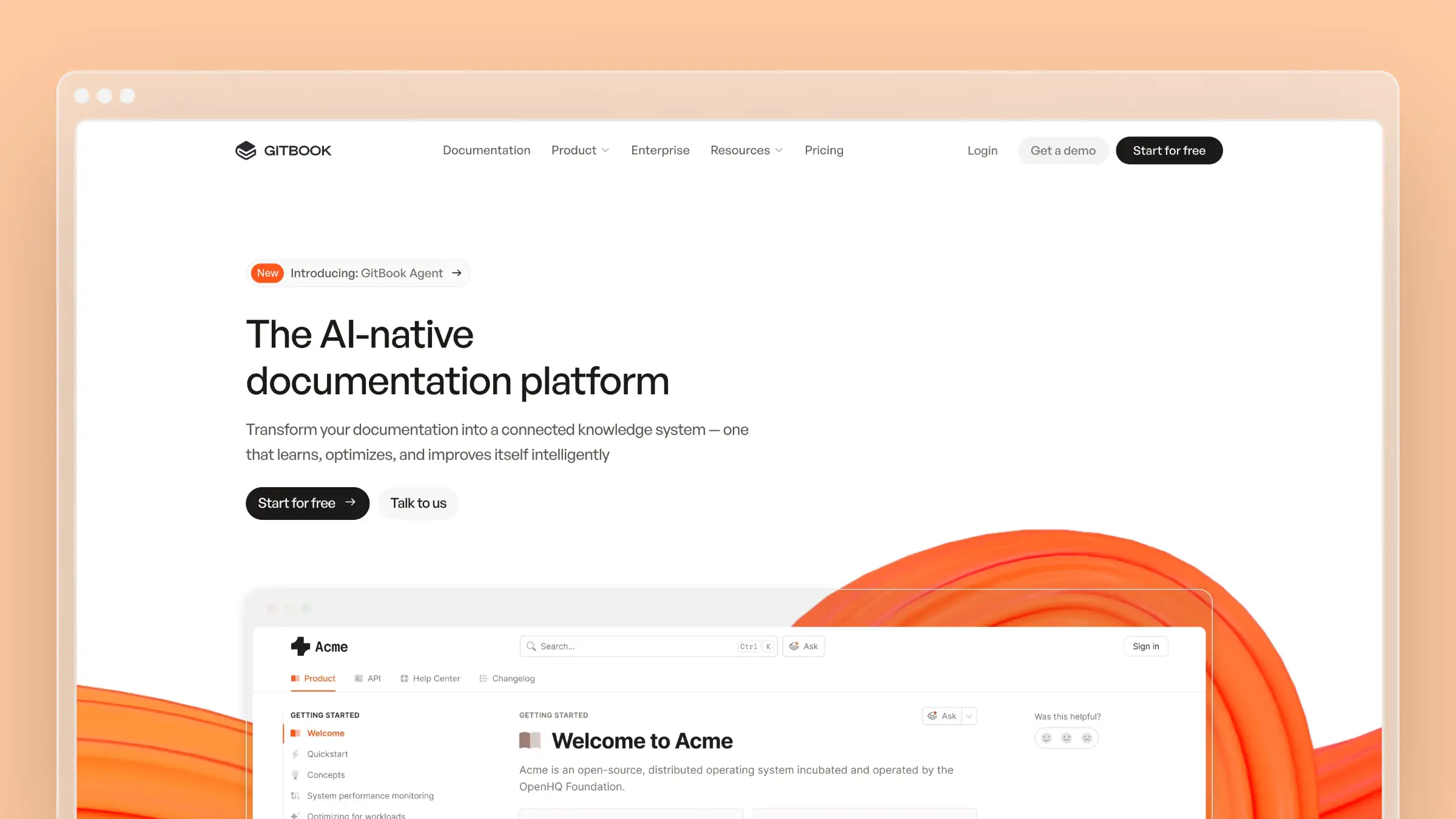 GitBook is the obvious Mintlify alternative for teams that want docs-as-code flexibility without being locked into MDX and a developer-only workflow.
GitBook’s editor is its main advantage. It’s a Notion-like block editor that non-developers can use immediately. Product managers, support leads, and marketers can contribute documentation without learning Git or Markdown. For cross-functional teams, that accessibility matters more than any other feature.
The Git sync works bidirectionally - edit in the browser and changes push to your repo, or push to the repo and GitBook updates. This hybrid approach means developers can use their preferred workflow while non-technical contributors use the visual editor.
GitBook’s AI features include a Docs Agent (currently in beta) that analyzes customer conversations to suggest documentation improvements, and AI-powered search across your content.
What GitBook does well:
- WYSIWYG + Git - visual editor synced bidirectionally with your repository
- Cross-functional collaboration - non-developers can contribute without learning code
- Free tier - generous for open-source and public documentation
- OpenAPI/GraphQL support - auto-generated API reference pages
- Site sections - organize different products or audiences in one space
What GitBook doesn’t do: GitBook’s AI features are still early-stage compared to both Mintlify’s Autopilot and Ferndesk’s Fern. The pricing model charges per-site plus per-user, which gets expensive for teams with multiple documentation sites. And the platform has undergone several pricing changes in recent years, making cost predictability a concern.
Pricing: Free for public docs. Premium at $65/site/month + $12/user/month. Ultimate at $249/site/month + $12/user/month. Enterprise is custom.
Best for: Teams with mixed technical and non-technical contributors who need a single platform for collaboration. If Mintlify’s MDX-only workflow excludes too many team members, GitBook’s visual editor opens the door.
The tradeoff: You get a more accessible editing experience than Mintlify, but the design quality isn’t as polished, and the AI features are less mature. GitBook is a better collaboration tool. Mintlify is a better developer documentation tool. Neither proactively maintains your content.
See also: GitBook review | GitBook pricing | GitBook vs Mintlify | Best GitBook alternatives
3. Docusaurus
 Docusaurus is what you build when you want Mintlify’s docs-as-code philosophy without Mintlify’s price tag or constraints.
Meta built Docusaurus for React’s own documentation, and it shows. The framework is mature, extensible, and completely free. You write MDX, create custom React components, integrate any plugin you need, and deploy wherever you want. No monthly bill. No vendor lock-in. No artificial feature gates.
The customization ceiling is orders of magnitude higher than Mintlify. Need a custom interactive tutorial? Build it in React. Need diagrams rendered from code? Add Mermaid. Need versioned docs across multiple product releases? Built-in. Mintlify gives you a polished default experience. Docusaurus gives you a blank canvas with professional-grade tools.
What Docusaurus does well:
- Completely free - zero licensing costs at any scale
- Unlimited customization - full React/MDX component model
- Plugin ecosystem - versioning, i18n, search, diagrams, blogs
- Self-hosted - deploy on Vercel, Netlify, GitHub Pages, or your own servers
- Battle-tested - React, Jest, and hundreds of major projects use it
What Docusaurus doesn’t do: Everything that Mintlify does for you automatically, you build yourself. No managed hosting, no AI features, no analytics dashboard, no visual editor, no brand themes. Setup requires a developer. Ongoing maintenance requires a developer. Non-technical team members are effectively locked out. There’s zero content maintenance automation - your docs rot at whatever rate your team neglects them.
Pricing: Free. Budget $0–20/month for hosting and search (Algolia). Budget significant developer time for setup, customization, and ongoing maintenance.
Best for: Engineering teams that want total control and have developers willing to own the documentation infrastructure long-term. If Mintlify’s $450/month annual price ($540 with monthly billing) feels like paying for things you’d rather build yourself, Docusaurus is the free alternative.
The tradeoff: You trade Mintlify’s polish and managed experience for freedom and zero cost. That’s a great deal if you have strong frontend engineers who enjoy documentation tooling. It’s a terrible deal if you don’t - you’ll spend more in engineering hours than you’d ever pay Mintlify.
See also: Docusaurus review | Docusaurus pricing | Best Docusaurus alternatives
4. Document360
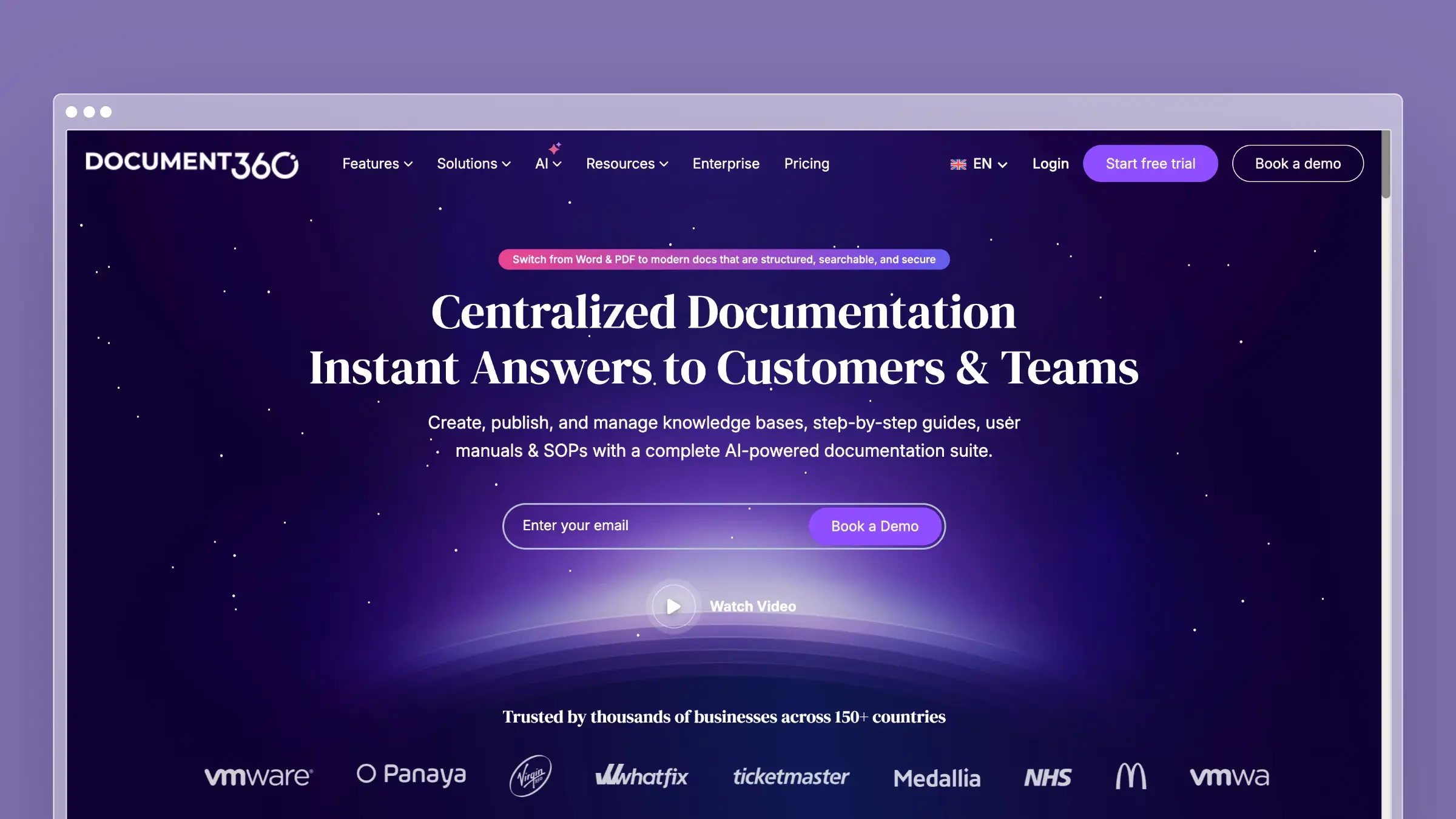 Document360 occupies a completely different space than Mintlify. Where Mintlify is a developer documentation tool that happens to have enterprise features, Document360 is an enterprise knowledge base that happens to support API documentation.
The strength here is governance. Multi-step approval workflows, role-based permissions, article versioning with diffs, category-level access control, and audit logs. For regulated industries or large organizations where “anyone can push a change” is terrifying, Document360 provides the structure that Mintlify and GitBook lack.
Document360 supports both public customer-facing knowledge bases and private internal wikis on the same platform. The editor offers Markdown and WYSIWYG modes. Analytics go beyond page views - you can track article effectiveness, identify search queries that return no results, and measure whether documentation deflects support tickets.
What Document360 does well:
- Enterprise governance - approval workflows, permissions, and audit trails
- Dual-purpose platform - public KB and internal wiki under one roof
- Advanced analytics - failed searches, article effectiveness, reader behavior
- Version control - full history with visual diffs between versions
- Multi-language support - built-in localization workflows
What Document360 doesn’t do: Document360 doesn’t connect to your codebase. It doesn’t create pull requests when documentation drifts. It doesn’t analyze support tickets to find content gaps. The AI features (Eddy assistant, content generation) are helpful utilities, not proactive maintenance systems. Pricing is available on request, with meaningful features often gated behind enterprise packaging.
Pricing: Pricing available on request.
Best for: Organizations that need strict governance and compliance around documentation, especially in regulated industries. If you’re looking for the enterprise documentation platform that Mintlify isn’t trying to be.
The tradeoff: You get governance and structure that no docs-as-code tool provides. You lose the developer-friendly workflow, the design quality, and the community. Document360 solves the “who approved this change” problem. It doesn’t solve the “this content is two months out of date” problem.
See also: Best Document360 alternatives | Best software documentation tools
5. Archbee
Archbee positions itself as the documentation platform for product teams - not just developers, not just support, but the whole product organization. It combines product documentation, API docs, and internal wikis in a single workspace.
The editor is clean and Notion-like, with block-based editing that feels modern without being overly complex. GitHub and GitLab sync gives technical teams their preferred workflow. OpenAPI and GraphQL rendering generates API reference pages from your specs. Inline commenting lets reviewers leave feedback directly on documentation, similar to how design tools handle reviews.
For teams that need one tool for all their documentation - internal specs, external guides, and API references - Archbee bundles what you’d otherwise assemble from two or three separate tools.
What Archbee does well:
- Unified workspace - product docs, API docs, and internal wikis together
- Inline commenting - contextual feedback directly on content
- GitHub/GitLab sync - docs-as-code for technical contributors
- OpenAPI + GraphQL - auto-generated API documentation
- Affordable pricing - Standard at $50/month, significantly less than Mintlify
What Archbee doesn’t do: Archbee’s AI features are basic - search assistance and some content generation. No codebase monitoring, no support ticket analysis, no proactive content maintenance. The platform is younger and smaller than the alternatives, with fewer integrations and a smaller community. And the design quality, while clean, doesn’t match Mintlify’s polish.
Pricing: Free tier with limited features. Standard at $50/month. Premium at $100/month. Enterprise is custom.
Best for: Product teams that need documentation, API docs, and a wiki without paying for three separate tools. If Mintlify’s $450/month annual price ($540 with monthly billing) is hard to justify and you need more than just API docs, Archbee offers a compelling middle ground.
The tradeoff: You get breadth instead of depth. Archbee does product docs, API docs, and wikis adequately. Mintlify does developer docs exceptionally. If API documentation quality is your primary concern, Mintlify wins. If you need a single tool for a broader range of documentation needs at a lower price, Archbee makes more sense.
See also: Best Archbee alternatives | Best technical writing tools
6. HelpDocs
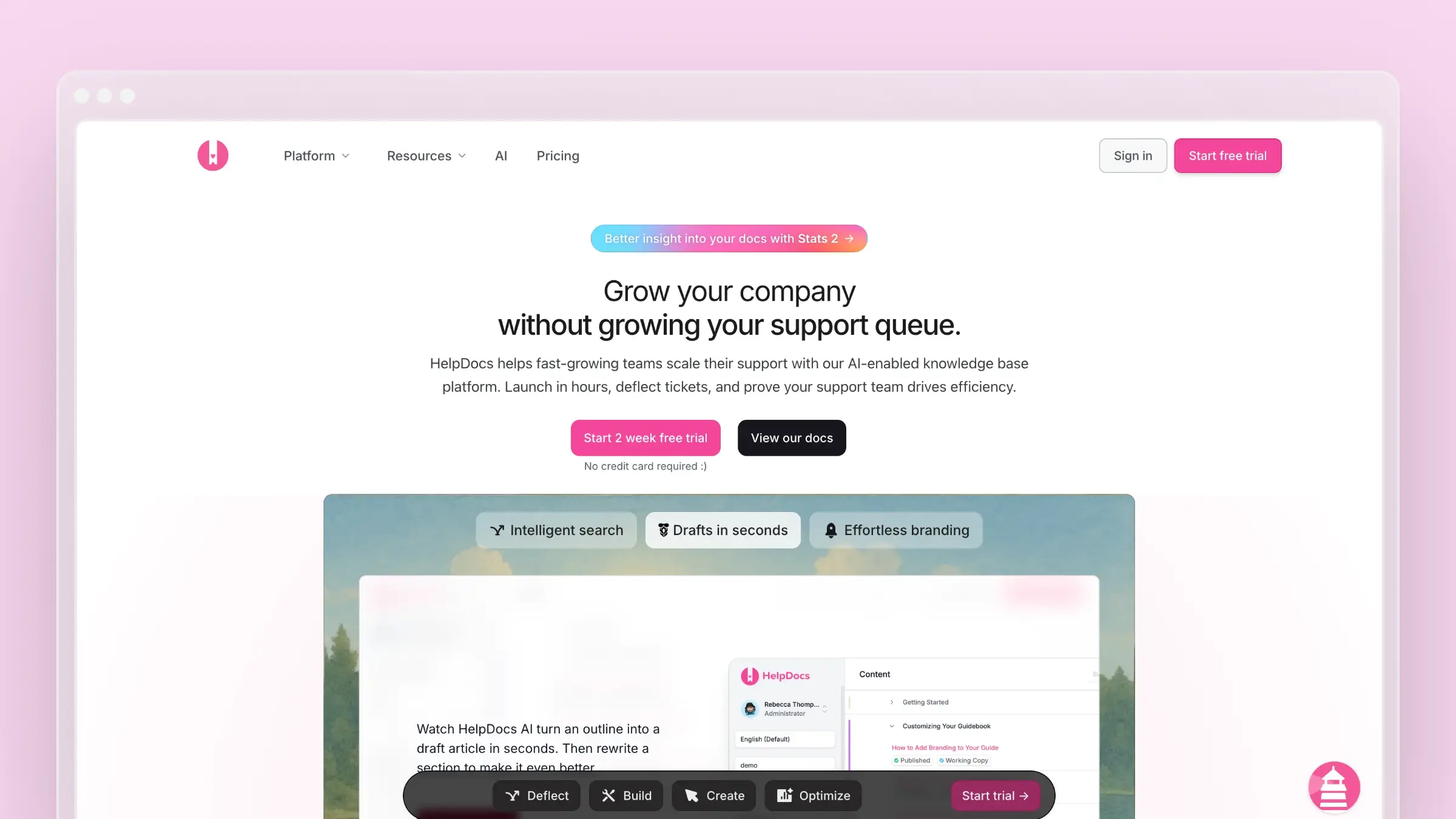 HelpDocs exists at the opposite end of the spectrum from Mintlify. Where Mintlify is a sophisticated docs-as-code platform for developer documentation, HelpDocs is a straightforward knowledge base for customer support content.
There’s no Git workflow. No MDX. No build pipeline. You sign up, pick a template, customize your colors, and start writing articles. The entire setup takes less than 30 minutes. For teams that found Mintlify’s developer-oriented approach too complex for their customer support documentation, HelpDocs is a relief.
The Lighthouse widget embeds in your product, giving customers contextual help without leaving your app. The templates look professional out of the box. The search works. The analytics show what’s read and what’s not.
What HelpDocs does well:
- Immediate setup - live knowledge base in under 30 minutes
- Modern templates - professional without any design work
- Lighthouse widget - in-app help for your customers
- Simple pricing - flat rate, predictable costs
- Fast performance - pages load quickly, search returns instantly
What HelpDocs doesn’t do: HelpDocs is intentionally simple. No API documentation, no docs-as-code, no versioning, no Git integration. No proactive AI content maintenance, no codebase monitoring, no support ticket analysis. If you’re leaving Mintlify for a tool that does more, HelpDocs is not it. If you’re leaving because Mintlify does too much for what you need, HelpDocs strips away the complexity.
Pricing: Starter at $49/month. Grow at higher tiers. See our HelpDocs pricing breakdown for details.
Best for: Non-technical teams that need a customer-facing knowledge base without developer involvement. If your documentation is customer support content, not developer API docs, HelpDocs matches that use case at a fraction of Mintlify’s cost.
The tradeoff: HelpDocs trades sophistication for simplicity. You lose everything that makes Mintlify powerful - the design system, the API playground, the docs-as-code workflow, the AI agent. You gain something Mintlify doesn’t offer: a tool that non-technical people can fully own and operate without developer support.
See also: HelpDocs review | HelpDocs pricing | Best help center software
7. ReadMe
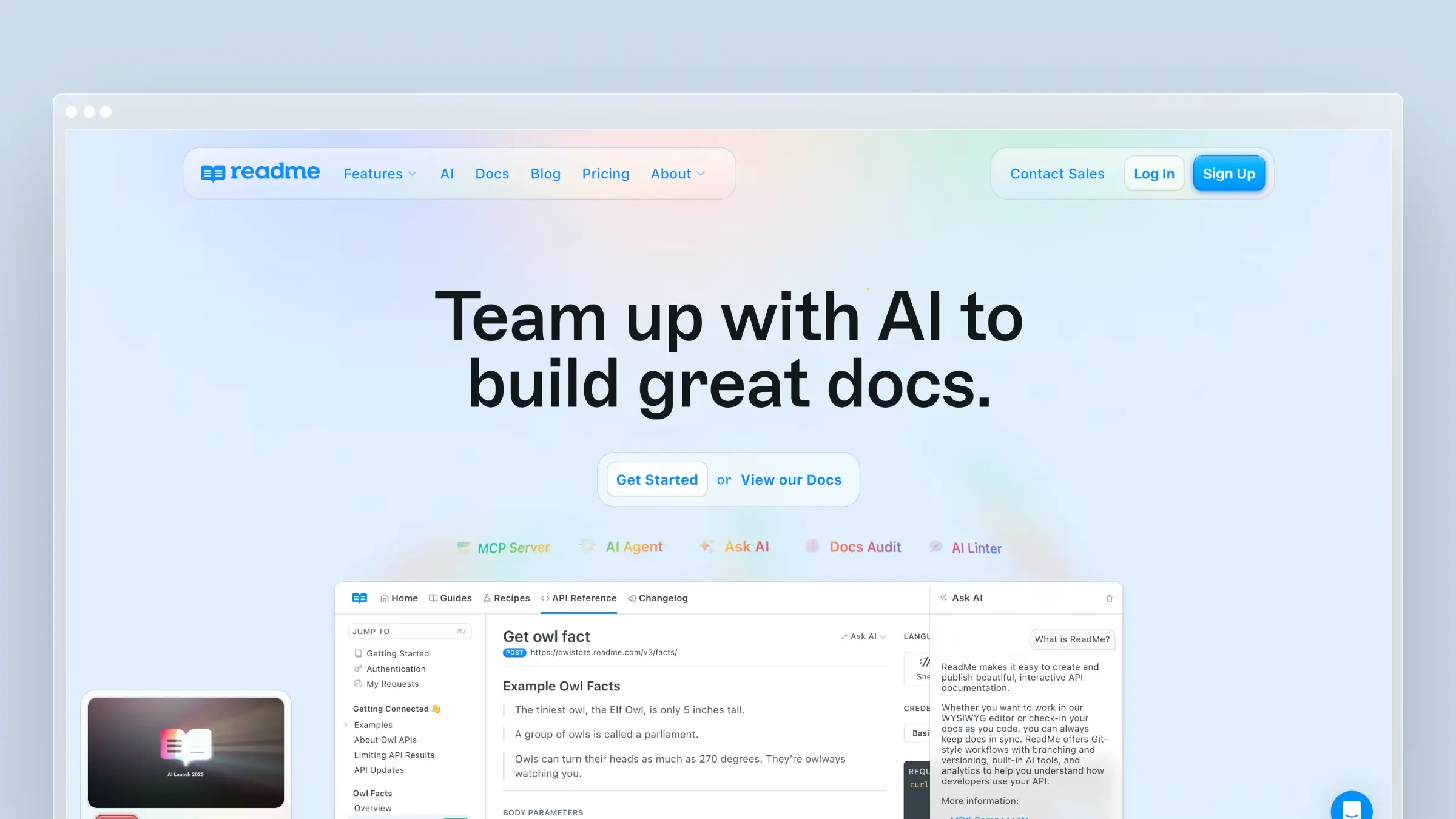 ReadMe is the only tool on this list that competes directly with Mintlify’s core strength: API documentation. While Mintlify gives you beautiful static API docs, ReadMe gives you interactive, personalized API docs that know who the developer is.
The killer feature is personalization. When developers log in, they see their own API keys pre-filled in code examples, their actual usage stats, and error logs specific to their implementation. Instead of generic documentation, every developer gets a custom experience tailored to their account.
ReadMe also provides API usage analytics that Mintlify doesn’t touch. You can see which endpoints are called most, which ones error frequently, which are never used, and how individual developers interact with your API. That data informs both your documentation priorities and your product decisions.
What ReadMe does well:
- Personalized docs - developers see their own API keys, usage, and errors
- Interactive API explorer - real API calls directly from documentation
- Usage analytics - endpoint-level data on how developers use your API
- Developer hub - custom landing pages, guides, changelogs, and recipes
- CI/CD sync - push OpenAPI specs automatically from your build pipeline
What ReadMe doesn’t do: ReadMe is API-only. No general knowledge base, no customer help content, no internal wikis. The design flexibility is limited compared to Mintlify - you work within ReadMe’s layout system, not with custom MDX components. There’s no proactive content maintenance - stale guides and tutorials stay stale until someone manually updates them. Pricing jumps sharply from the free Starter plan to Pro at $250/month billed annually, while Enterprise starts at $3,000/month with annual billing only.
Pricing: Starter is free. Pro costs $250/month billed annually. Enterprise starts at $3,000/month with annual billing only.
Best for: API-first companies that prioritize developer experience over everything else. If your developers need to test endpoints, see their own usage data, and debug from within your docs, ReadMe is purpose-built for that workflow.
The tradeoff: ReadMe vs Mintlify comes down to interactivity vs design. ReadMe’s personalized, interactive experience is unmatched. Mintlify’s design quality and customization flexibility is unmatched. If your developers need to use your docs (test calls, check logs), ReadMe wins. If they need to read your docs (tutorials, guides, conceptual content), Mintlify wins.
See also: Best API documentation tools | Best software documentation tools
8. Redocly: Best Mintlify alternative for design-first API docs
Redocly is purpose-built for teams that treat their OpenAPI spec as the source of truth for everything. Where Mintlify renders API reference beautifully after the fact, Redocly is designed to govern the spec itself before a single line of code ships.
The core workflow is design-first. You define your API in an OpenAPI spec, run Redocly’s linter against your style guide, catch inconsistencies before they reach production, and publish reference docs that stay synchronized with the spec automatically. For API-first companies with multiple teams contributing to the same spec, that governance layer is the entire value proposition.
Redocly also supports multi-file OpenAPI specs, custom decorators, and a developer portal that combines API reference with guides and changelogs. The output is clean and fast. The customization is deeper than Mintlify’s API reference layer without requiring MDX component work.
What Redocly does well:
- Spec linting - enforces API style guides before docs are generated
- Design-first workflow - spec changes drive documentation, not the other way around
- Multi-file OpenAPI support - handles large, complex specs without flattening them
- CI/CD integration - lint and publish in your existing pipeline
- Developer portal - combines API reference, guides, and changelogs in one site
What Redocly doesn’t do: Redocly is API documentation only. No customer knowledge base, no support content, no internal wikis. There’s no proactive content maintenance for non-API pages. If your documentation needs extend beyond API reference, you’re still managing a second tool.
Pricing: Free tier for open-source projects. Pro at $59/month. Enterprise is custom.
Best for: API-first teams that need to enforce consistency across a large or multi-team OpenAPI spec. If Mintlify’s API reference layer is too passive and you need governance built into the documentation workflow, Redocly is the right tool.
9. Stoplight: Best Mintlify alternative for API governance
Stoplight approaches API documentation from the governance end of the lifecycle. It’s less about making your published docs look good and more about ensuring your API design is consistent, versioned, and validated before it ever reaches users.
The platform includes a visual API designer, a spec editor, and a style guide engine that enforces rules across every API your team produces. Teams can define naming conventions, required fields, response formats, and error structures, then lint every new spec against those rules automatically. For organizations managing multiple APIs across multiple teams, that consistency layer prevents the kind of drift that makes API documentation unreliable.
Stoplight also publishes developer hubs with API reference, guides, and changelogs. The published output is clean and functional, though it doesn’t match Mintlify’s design quality.
What Stoplight does well:
- API style guides - define and enforce naming, structure, and format rules across all APIs
- Spec linting - catch design inconsistencies before they reach production
- Visual API designer - build OpenAPI specs without writing raw YAML
- Git integration - specs and docs live in your repository
- Multi-API governance - manage consistency across an entire API portfolio
What Stoplight doesn’t do: Stoplight is not a general documentation platform. No customer help content, no support ticket analysis, no proactive content maintenance. The published docs are functional but not as polished as Mintlify’s output. If design quality matters as much as governance, Stoplight will feel like a step down visually.
Pricing: Free tier available. Starter at $99/month. Business and Enterprise are custom.
Best for: Engineering organizations that produce multiple APIs and need consistent design standards enforced at the spec level. If your Mintlify pain is about API consistency and lifecycle governance rather than content maintenance, Stoplight addresses that directly.
Best free and open-source Mintlify alternatives
If cost is the primary reason you’re evaluating Mintlify alternatives, several free and open-source documentation platforms are worth considering. Each handles the hosting, customization, and API support question differently.
| Tool | Hosting model | MDX support | API docs support |
|---|---|---|---|
| Docusaurus | Self-hosted | Native | Via plugins |
| Scalar | Self-hosted or cloud | No | OpenAPI-native |
| Fumadocs | Self-hosted (Next.js) | Native | Via OpenAPI plugin |
| MkDocs | Self-hosted | No (Markdown) | Via plugins |
Docusaurus is the most mature option and the closest to Mintlify’s docs-as-code philosophy. Scalar is worth considering if your primary need is a beautiful, interactive API reference without a monthly bill. Fumadocs is a newer Next.js-based framework that suits teams already building on that stack. MkDocs is the simplest entry point for Python-adjacent teams that want Markdown-based docs with minimal setup.
The honest caveat: every free option trades managed hosting and built-in features for engineering time. If your team doesn’t have a developer willing to own the documentation infrastructure, the free tools cost more in practice than a paid platform.
How to Choose
Choosing a Mintlify alternative depends on what gap you’re trying to fill.
Your docs look great but the content is wrong. This is the most common complaint. Mintlify nails the presentation but doesn’t proactively maintain accuracy. Ferndesk solves this with AI-driven content audits, codebase monitoring, and support ticket analysis. If documentation drift is your primary pain, Ferndesk addresses it directly.
You need non-developers to contribute. Mintlify’s MDX workflow is a barrier for product managers, support teams, and marketers. GitBook’s visual editor brings everyone into the documentation process without requiring Git knowledge. If collaboration across roles matters more than developer workflow purity, GitBook is the move.
You need to spend less money. Mintlify’s Pro plan at $450/month billed annually or $540 with monthly billing is a hard sell for early-stage startups. Docusaurus is free and infinitely customizable. Archbee offers a multi-purpose platform at $50–100/month. Ferndesk Pro costs $149/month. HelpDocs starts at $49/month. Any of these reduce your documentation costs significantly.
You need better API tooling. ReadMe’s personalized, interactive API docs go beyond what Mintlify offers. If developer experience inside your API documentation matters more than design polish, ReadMe delivers features Mintlify doesn’t have. If you need API governance, style enforcement, or design-first workflows, Redocly and Stoplight address those needs directly.
You need enterprise governance. Document360 provides approval workflows, compliance features, and permission structures that Mintlify doesn’t prioritize. For regulated industries, that governance isn’t optional.
You just need something simpler. HelpDocs. Clean knowledge base, fast setup, no engineering required. If Mintlify is overkill for customer support content, HelpDocs matches the use case perfectly.
Here’s the framework I’d use: Separate your creation problem from your maintenance problem.
Mintlify solves the creation problem beautifully. Your docs look incredible. The workflow is smooth. But six months later, 30% of your pages have inaccurate information and you don’t know which ones.
The tools that matter in 2026 are the ones solving the maintenance problem. Not with better editors - with systems that actively monitor, audit, and update your content.
Bottom Line
Mintlify built a genuinely great product for creating developer documentation. The design quality set a new standard for what docs should look like. That matters.
But documentation isn’t a design problem. It’s an accuracy problem. Pretty pages with wrong information actively harm your users and generate support tickets. According to research, 80% of knowledge bases are out of date. Making them prettier doesn’t change that statistic.
Ferndesk takes a different approach. Instead of making it easier to create docs, it makes it harder for docs to go stale. The AI agent monitors your codebase, reads your support tickets, audits your content weekly, and drafts updates for your review. Documentation stays accurate not because your team is disciplined, but because the system won’t let it decay.
Try Ferndesk free and let the first content audit show you what’s already drifted.
FAQs about Mintlify alternatives
What is the best Mintlify alternative overall?
It depends on why you’re leaving. For teams that need documentation to stay accurate as the product changes, Ferndesk is the strongest alternative because it monitors your codebase and support tickets to draft updates proactively. For teams that need non-developers to contribute, GitBook’s visual editor is the better fit. For API governance, Redocly or Stoplight are purpose-built for that workflow.
Is there a free Mintlify alternative?
Yes. Docusaurus is the most direct free alternative, with native MDX support and a mature plugin ecosystem. Scalar is a strong free option specifically for API reference documentation. GitBook offers a hosted free tier for public documentation. Self-hosted options like Docusaurus require developer setup and ongoing maintenance, while hosted free tiers reduce that burden but come with plan limits.
Which Mintlify alternative is best for API documentation?
ReadMe for interactive, personalized API docs where developers see their own keys and usage data. Redocly for design-first workflows where the OpenAPI spec drives everything. Stoplight for API governance across multiple APIs and teams. Ferndesk for teams that need API reference alongside a customer-facing help center in one platform.
Which Mintlify alternative is best for non-technical teams?
GitBook and HelpDocs are the clearest answers. GitBook’s block editor lets product managers and support leads contribute without learning Git or Markdown. HelpDocs is even simpler, with a setup time under 30 minutes and no developer involvement required. Neither requires any code to operate day-to-day.
Which Mintlify alternative is best for enterprise documentation?
Document360 is the strongest enterprise option, with multi-step approval workflows, role-based permissions, audit logs, and compliance features that Mintlify doesn’t prioritize. For enterprises that also need API governance, Stoplight adds style enforcement and spec linting on top of the documentation layer.
Does any Mintlify alternative automatically update documentation?
Ferndesk is the only tool on this list built specifically for proactive documentation maintenance. Its AI agent monitors GitHub pull requests, ingests support tickets, and runs weekly content audits to flag stale articles and draft updates for review. Mintlify’s Autopilot catches API spec changes but doesn’t address broader content drift.
Can I migrate from Mintlify without losing my SEO rankings?
Most platforms support custom domain hosting and URL configuration, but URL preservation during migration varies. Ferndesk offers a done-for-you migration service that preserves existing URLs to protect search rankings. For other platforms, you’ll need to manually configure redirects or rebuild your URL structure, which carries SEO risk if not handled carefully.


 Book a demo