

Helpjuice positions itself as the “world’s most powerful knowledge base software.” It’s been around since 2011 and has built a solid reputation for customization and search capabilities.
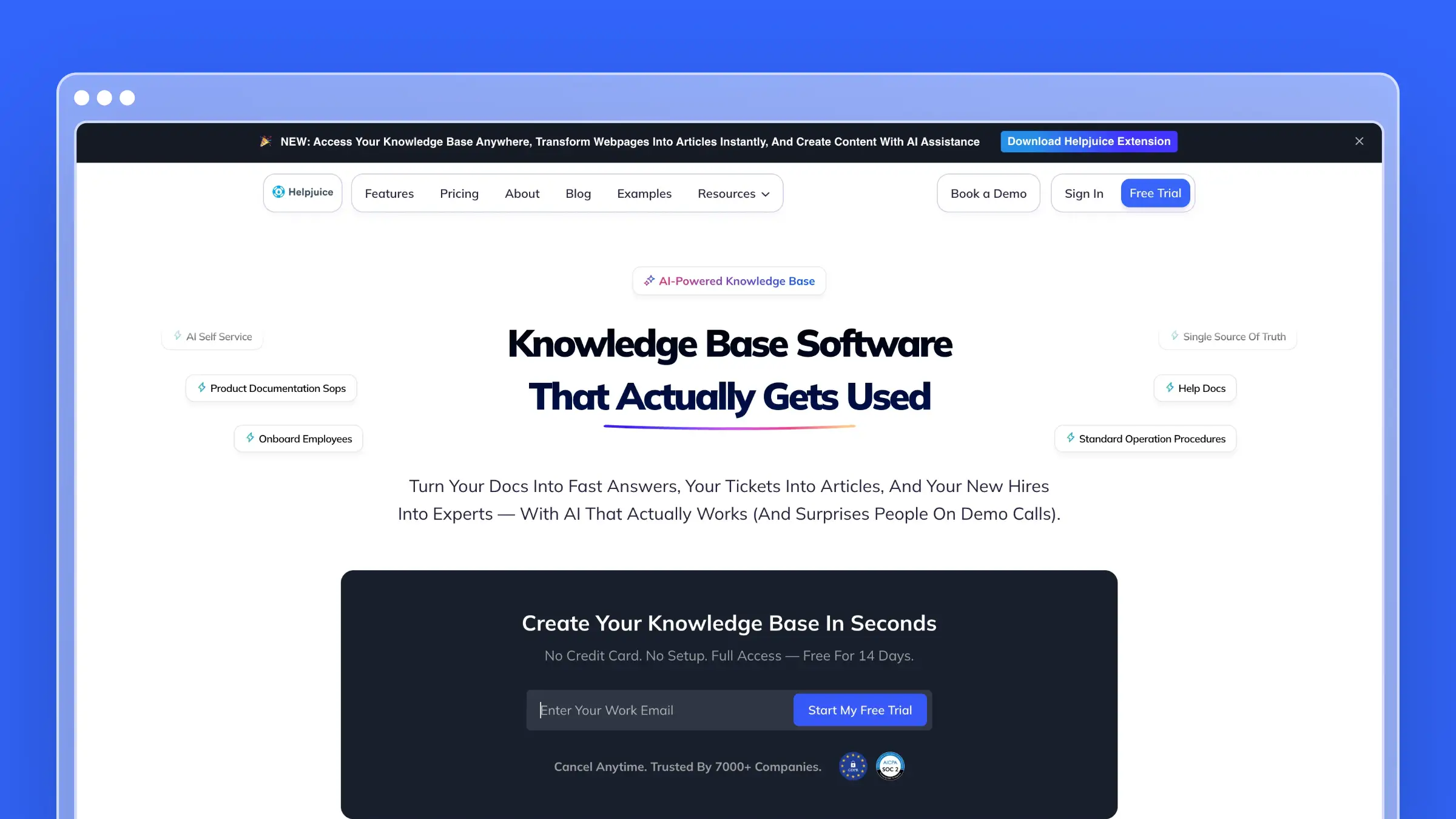
But Helpjuice is also one of the most expensive knowledge base platforms on the market. With plans starting at $249/month-and AI features locked behind higher tiers-the cost can add up quickly. Here’s what you need to know before committing.
Helpjuice Pricing at a Glance
Helpjuice uses a tiered model based on the number of users (authors/editors and internal viewers, not public readers). All plans include unlimited articles and unlimited public viewers.
| Plan | Price | Users | Storage | AI Suite |
|---|---|---|---|---|
| Knowledge Base | $249/month | Up to 30 | 12GB | No |
| AI-Knowledge Base | $449/month | Up to 100 | 24GB | Yes |
| Unlimited AI-KB | $799/month | Unlimited | 38GB | Yes |
14-day free trial available. No credit card required. 100% money-back guarantee.
Note: Some sources list older pricing tiers starting at $120/month for 4 users. Helpjuice appears to have recently simplified their pricing to three tiers with higher minimums.
Knowledge Base Plan ($249/month)
The base plan is designed for teams who need a solid knowledge base without the AI Suite.
What’s included:
- Up to 30 users (authors/editors and internal viewers)
- 12GB file storage
- Unlimited articles
- Unlimited public readers/viewers
- Rich text editor with real-time collaboration
- Version control and content approval workflow
- Advanced analytics and search insights
- 40+ language support with AI translation
- Custom branding and themes
- 100+ integrations + Zapier access
- API access
- GDPR compliance
- 24x5 support
What’s missing:
- No AI Suite (Swifty chatbot, AI search, AI writer)
- No Wizardshot tutorial builder
- No Chrome extension
- No AI-powered content suggestions
Reality check: At $249/month, this is one of the priciest “basic” knowledge base plans available. For context, GitBook Premium is $65/month, HelpDocs starts at $99/month, and Help Scout’s knowledge base is included in their $25/user/month plan. You’re paying a premium for Helpjuice’s customization and search capabilities-but without the AI Suite, you’re doing all the writing and maintenance yourself.
AI-Knowledge Base Plan ($449/month)
The mid-tier plan unlocks Helpjuice’s AI capabilities.
What’s included:
- Everything in Knowledge Base
- Up to 100 users
- 24GB file storage
- SSO (Okta, Azure AD, Auth0)
- Complete AI Suite:
- Swifty AI Chatbot (24/7 AI support trained on your content)
- Swifty Helpbar (embeddable search + AI assistant)
- AI-powered search with category filtering
- AI Writer assistance
- AI keywords and description generation
- AI tag manager
- Wizardshot tutorial builder (AI-powered step-by-step guides)
- Chrome extension
What’s missing:
- User limits still apply (100 max)
- Storage caps (24GB)
- No unlimited customization credits
Cost perspective: The jump from $249 to $449 is an 80% increase ($200/month more) just to access AI features. That’s $2,400/year extra for the AI Suite. For many teams, this is where Helpjuice starts to feel expensive.
Unlimited AI-Knowledge Base Plan ($799/month)
The top tier removes user limits and adds premium customization.
What’s included:
- Everything in AI-Knowledge Base
- Unlimited users
- 38GB file storage
- Unlimited customization credits (claimed “$1M equivalent value”)
- Priority support
What’s missing:
- Still has storage limits (38GB)
- No dedicated account manager mentioned
- No custom SLAs
Cost perspective: At $799/month ($9,588/year), you’re paying enterprise pricing. This makes sense for large organizations with many content authors-but for most teams, this tier is overkill.
The “Free Customization” Promise
Helpjuice heavily promotes their free customization service. They claim to personally design your knowledge base theme until it’s “pixel-perfect” at no extra charge.
What this actually means:
- They’ll apply custom CSS/HTML to match your brand
- Minor adjustments are $20, comprehensive overhauls are $175
- Initial setup customization is included; ongoing changes may incur fees
- The “free” customization is essentially an onboarding service
This is genuinely useful-many competitors charge separately for design services. But don’t assume all future customization work is free.
Additional Costs to Consider
Storage overages: Each plan has storage limits (12GB, 24GB, or 38GB). Heavy use of images, videos, and file attachments can push you into overage territory.
Translation at scale: While AI translation is included, organizations with extensive multilingual needs may find limits on translation volume or quality.
Implementation and training: Helpjuice offers onboarding assistance, but complex migrations or custom integrations may require professional services.
What Helpjuice Does Well
Exceptional customization: Helpjuice offers more design flexibility than most competitors. You can achieve nearly any look with their visual editor, code editor, and expert customization services.
Powerful search: Their AI-powered search is genuinely fast and accurate. It searches within PDFs and images, not just text content. The search analytics also show you exactly what customers are looking for.
Swifty AI Chatbot: The AI chatbot is well-implemented. It trains on your content, provides citations for answers, and knows when to say “I don’t know” rather than hallucinating. It can be embedded anywhere on your site.
Wizardshot tutorials: The AI-powered tutorial builder creates step-by-step guides automatically. Useful for product walkthroughs and onboarding flows.
Real-time collaboration: Multiple authors can work on the same article simultaneously with comments and feedback workflows.
Strong security: SSO support, IP restrictions, encrypted URLs, and GDPR compliance make Helpjuice suitable for enterprise security requirements.
What Helpjuice Doesn’t Do
No proactive documentation updates: Helpjuice won’t detect when your product changes or suggest content updates. You’re still responsible for keeping everything current manually. The AI assists with writing-but it doesn’t maintain your knowledge base automatically. For more on this problem, see our guide on how to refresh an out-of-date help center.
No support ticket analysis: Helpjuice doesn’t connect to your support inbox to identify FAQ patterns or automatically generate articles from common questions. You have to manually decide what to document.
No codebase integration: There’s no way to connect Helpjuice to your GitHub repository and have it generate documentation from code changes, changelogs, or release notes. If this matters to you, check out our AI documentation generators guide.
No content auditing: There’s no automated system to flag stale articles or content that needs refreshing. You’re flying blind on content quality.
Expensive entry point: At $249/month minimum, Helpjuice is priced out of reach for many startups and small teams. Competitors like HelpDocs ($99/month) and Ferndesk ($149/month) offer similar core features at a lower cost. If budget is a concern, see our guide to best free knowledge base software.
AI locked behind higher tiers: The AI Suite-arguably Helpjuice’s main differentiator-requires the $449/month plan. The base plan is essentially a traditional knowledge base at premium pricing.
Editor inconsistencies: User reviews mention issues with old vs. new editor compatibility, formatting challenges, and a learning curve for the content management system.
Limited support SLAs: 24x5 support is decent, but no guaranteed response times or dedicated account management unless you negotiate enterprise terms.
When Helpjuice Makes Sense
Helpjuice is a reasonable choice if:
- Design customization is critical and you need pixel-perfect branding
- You have 30+ content authors who need collaboration features
- Your organization requires enterprise security (SSO, IP restrictions, GDPR)
- You’re willing to pay $449+/month to access AI features
- Search accuracy and analytics are top priorities
- You have dedicated technical writers to maintain content
When to Consider Alternatives
You might want to look elsewhere if:
- Budget is a concern ($249/month minimum is steep)
- You want AI on a lower-cost plan
- You need documentation that updates itself automatically
- You want to generate docs from support tickets or codebase
- Your team is small (under 10 authors)
- You prefer predictable, flat-rate pricing
For a detailed feature comparison, see our Helpjuice alternatives guide. You might also want to compare GitBook pricing, HelpDocs pricing, Help Scout pricing, or Mintlify pricing if you’re evaluating multiple options.
If you’re interested in the broader landscape, check out our guides on best AI-powered help center software, best free knowledge base software, open source knowledge base software, and automated knowledge base solutions.
How Ferndesk Compares

| Feature | Helpjuice | Ferndesk |
|---|---|---|
| Starting price | $249/month | $149/month |
| AI features | $449/month+ required | Pro |
| AI documentation agent | No | Yes (drafts & updates automatically) |
| Support ticket analysis | No | Yes |
| Content gap detection | Swifty article requests ($449+ plan) | Yes, weekly audits |
| Codebase integration | No | Yes (GitHub sync) |
| Team members included | 30 (base), 100 (mid) | 5 included |
| Custom domain | Yes | Yes |
| AI chatbot | Yes ($449+ plan) | AI-powered search included |
Helpjuice and Ferndesk take fundamentally different approaches to documentation.
Helpjuice gives you powerful tools-you do the work. The editor is robust, the customization is excellent, and the AI assists with writing. But you’re still responsible for creating, updating, and maintaining every article. If your product changes and documentation falls behind, Helpjuice won’t notice or help.
Ferndesk gives you an AI agent that does the work. Instead of just assisting with writing, Ferndesk’s AI agent (Fern) actively maintains your help center:
- Reads your codebase to understand product changes and draft relevant documentation
- Analyzes support tickets to identify FAQ patterns and generate articles automatically
- Audits content weekly to find stale articles and suggest updates
- You approve changes-Fern proposes, you control what gets published
The pricing difference is significant:
For a small team (5 authors):
- Helpjuice: $249/month (base) or $449/month (with AI) = $2,988-5,388/year
- Ferndesk: $149/month or $1,490/year (Pro plan with unlimited AI drafting)
That’s a savings of $1,498-3,898/year-money better spent on building your product.
Real results from Ferndesk users:
- ISMS Copilot reduced documentation time from 1 hour to 5 minutes per article
- Cap.so generated 20+ articles in 5 minutes (previously 20-30 minutes each)
- PixelFlow saved 100+ hours within days of switching
Bottom Line
Helpjuice is a capable knowledge base platform with excellent customization and search. If you have the budget and a team of technical writers to create and maintain content, it’s a solid choice.
But the pricing is hard to justify for most teams. At $249/month for basic features-and $449/month to access AI-you’re paying enterprise prices for a tool that still requires manual documentation work.
If you want a help center that maintains itself, Ferndesk offers AI-native documentation for $149/month or $1,490/year. The AI agent drafts articles from your codebase and support tickets, audits content weekly, and keeps your help center current automatically.
At roughly 40% lower cost with proactive AI maintenance, Ferndesk is the smarter choice for teams who’d rather ship product than write docs.


 Book a demo