

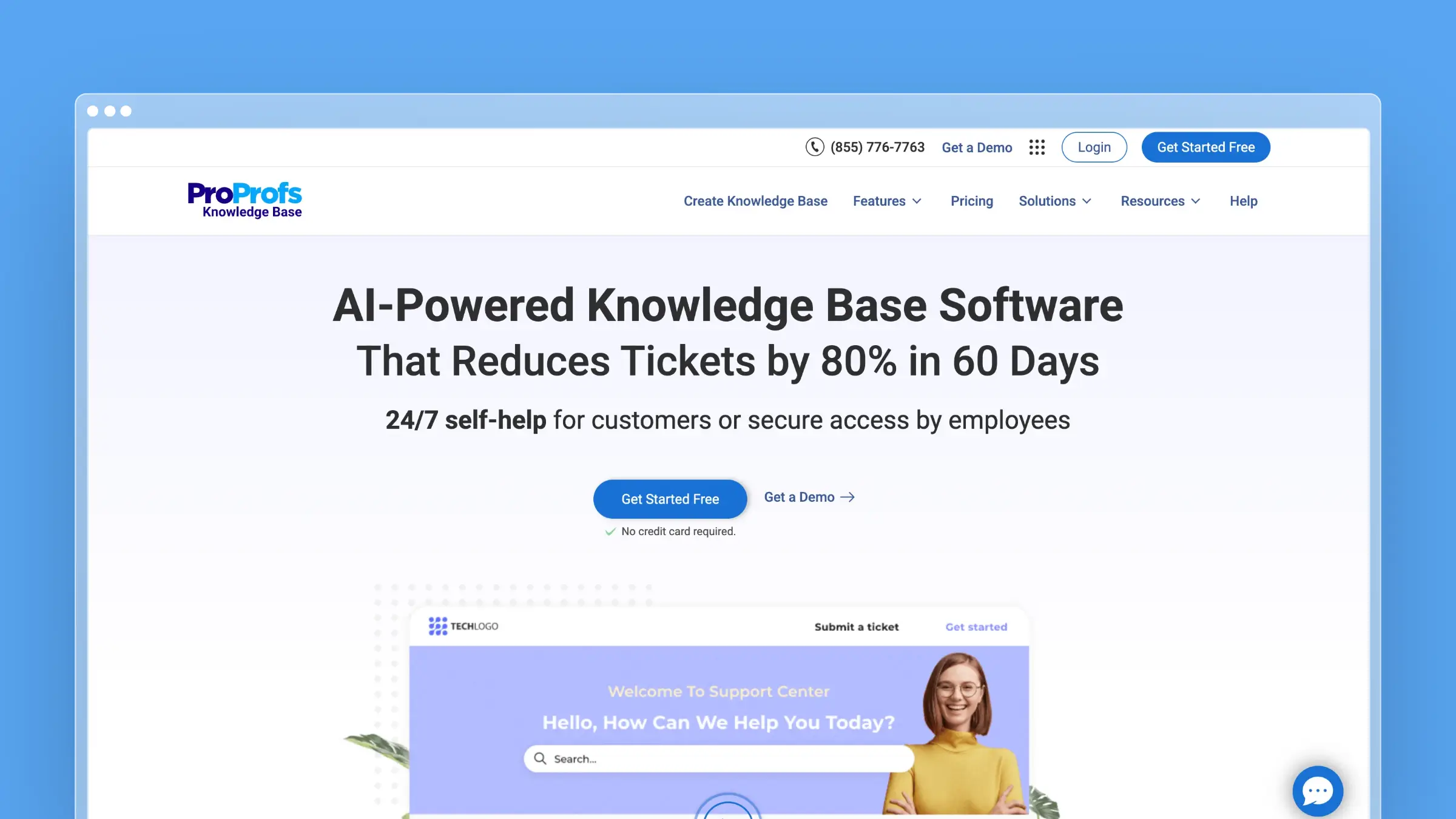
ProProfs Knowledge Base uses a straightforward per-author pricing model. Unlike tools that charge per site, ProProfs charges based on how many people create and edit content. For a full feature breakdown, see our ProProfs KB review.
That simplicity is appealing, but the costs scale linearly with your team size. Here’s what you need to know.
ProProfs KB Pricing at a Glance
| Plan | Monthly Billing | Annual Billing | Annual Cost (1 author) | Savings vs Monthly |
|---|---|---|---|---|
| Free | $0 | $0 | $0 | - |
| Essentials | $79/author/month | $49/author/month | $588/year | 38% |
| Business | $99/author/month | $69/author/month | $828/year | 30% |
| Business Complete Elite | Not offered | $79/author/month | $948/year per author ($2,844 minimum) | - |
15-day free trial. No credit card required.
ProProfs sells three paid tiers plus a free plan (1 author, 25 pages), each with its own feature set, and variable pricing based on billing cycle and team size.
What’s an “Author”?
Understanding ProProfs’ pricing requires knowing who counts as an author:
Authors are team members who log into your knowledge base to:
- Create and edit articles
- Manage content structure
- Configure settings
- View analytics
Users/Viewers are free:
- Readers accessing your public knowledge base don’t count
- You can have unlimited viewers
The exception is internal knowledge bases: ProProfs sells them as separate plans priced per user, from $0.99 per user/month with a 50-user minimum.
This model works well if you have a small team creating content for many readers. It becomes expensive if you need multiple people editing documentation.
Monthly vs Annual: The Math
On Essentials, the 38% savings on annual billing is substantial:
| Team Size | Monthly Billing | Annual Billing | Annual Savings |
|---|---|---|---|
| 1 author | $948/year | $588/year | $360 |
| 2 authors | $1,896/year | $1,176/year | $720 |
| 3 authors | $2,844/year | $1,764/year | $1,080 |
| 5 authors | $4,740/year | $2,940/year | $1,800 |
For teams planning to use ProProfs long-term, annual billing makes financial sense. But that’s a significant upfront commitment for a tool you haven’t tested beyond the 15-day trial.
The Hidden Cost: Custom Domain
Whichever tier you pick, custom domains cost extra:
Custom domain add-on: $300/year
This fee covers:
- Using your own URL (help.yourcompany.com instead of yourcompany.helpdocsonline.com)
- Removing “Powered by ProProfs” branding
- White-label appearance
For customer-facing knowledge bases, this is essentially mandatory. A ProProfs-branded subdomain looks unprofessional for most businesses.
Real cost for a 2-author team:
- 2 authors on Essentials (annual): $1,176/year
- Custom domain: $300/year
- Total: $1,476/year (~$123/month)
That’s competitive with alternatives, but no longer the budget option it first appears.
What’s Included
ProProfs splits its features across the three paid tiers. Essentials covers the basics below, and anything marked Business or Elite needs the higher tier:
Content creation:
- WYSIWYG editor
- Import from Word, Excel (Business), PowerPoint
- Article templates
- Image and video embedding
- Version history
Organization:
- Categories and folders
- Multiple knowledge bases (3 on Business, unlimited on Elite)
- Table of contents
- Drag-and-drop reordering
Access control:
- Public and private knowledge bases (private ones are sold as separate per-user Internal plans)
- Role-based permissions (Elite)
- Password protection (per-user Internal plans)
- User groups (Elite)
Search and analytics:
- Full-text search
- AI-powered search
- Tag filtering
- Search analytics
- Article performance metrics
AI features:
- AI Writer for content creation
- AI-powered SEO optimization
- Automated tagging suggestions
Integrations:
Google Analytics is on every paid tier. The wider integration set, including Zendesk, Freshdesk, Salesforce and Slack, is listed under Elite:
- Zendesk, Freshdesk, Salesforce
- Slack, Yammer
- Google Analytics
- Live chat tools
What’s NOT Included
ProProfs lacks some features that competitors offer, or keeps them for higher tiers:
AI is creation-focused: ProProfs includes AI Writer and AI-powered search, but no automated content maintenance on Essentials. The AI helps you write faster, but on that tier it won’t monitor your product for changes or analyze support tickets to identify documentation gaps. Business adds Auto-Sync to UI Changes for step-by-step guides, and the “Self-Healing KB” is labelled “Coming Soon” on Elite.
No embedded widgets on Essentials: You can’t embed a help widget in your application below the Business tier. Customers must navigate to your help site separately.
No version control beyond history on Essentials: There’s no branching, no approval workflows, no scheduled publishing. Version control starts on Business and the approval workflow on Elite.
No advanced analytics on Essentials: Basic metrics only. Detailed analytics start on Business. Understanding user behavior requires Google Analytics integration.
Team Pricing: When to Contact Sales
ProProfs’ published pricing covers teams directly, with a few rules worth knowing:
- Business Complete Elite starts at 3 authors and is annual only, so its smallest bill is $2,844/year (3 × $948)
- The Elite author slider runs from 3 to 15 authors
- Sales comes in for the bundles: the Customer Delight Suite and the Smarter Employee Suite each start at $499/month
If you’re evaluating ProProfs for a team of 5+ authors, get a custom quote rather than relying on published pricing.
How ProProfs Compares on Price
| Tool | Starting Price | Model | AI Features |
|---|---|---|---|
| ProProfs KB | $49/author/month | Per-author | Yes (creation) |
| Ferndesk | $149/month | 5 users included | Unlimited drafting |
| HelpDocs | $99/month | Tiered (5 users) | Yes (limited) |
| GitBook | $65/site/month | Per-site + user | Yes |
| Helpjuice | $249/month | Tiered (30 users) | Yes (extra) |
| Mintlify | $450/month | Tiered | Yes |
ProProfs is affordable for 1-2 author teams. Beyond that, the per-author model becomes less competitive:
- 1 author: ProProfs ($49) is cheaper than GitBook ($77)
- 3 authors: ProProfs ($147) costs more than HelpDocs ($99) or GitBook ($101)
- 5 authors: ProProfs ($245) costs more than HelpDocs ($99) or GitBook ($125)
The per-author model that makes ProProfs affordable for solo users makes it expensive for teams.
When ProProfs Pricing Makes Sense
ProProfs is cost-effective if:
- You have 1-2 content authors maximum
- AI-assisted content creation is sufficient (without automated maintenance)
- Annual billing works for your budget
- The custom domain fee ($300/year) is acceptable
- Simple features are sufficient
When to Consider Alternatives
Look elsewhere if:
- Your team will grow beyond 2-3 authors
- You need AI that proactively maintains documentation
- Per-seat pricing feels limiting
- You need embedded help widgets without paying for the Business tier
- The custom domain fee feels like nickel-and-diming
For a complete feature comparison, see our ProProfs KB review. For AI-powered documentation without per-author fees, try Ferndesk. Other alternatives include HelpDocs, GitBook, or Docusaurus.
How Ferndesk Compares

The per-author pricing model punishes growth. Every new team member costs another $49 to $79/month. Ferndesk charges one workspace fee with five editors included, so the gap widens as the team grows.
| Feature | ProProfs KB | Ferndesk |
|---|---|---|
| Starting price | $49/author/month | $149/month (5 users included) |
| 5-author team cost | $245/month on Essentials | $149/month |
| Custom domain | $300/year extra | Included |
| AI features | Content creation | Creation + maintenance |
| Embedded widget | Business tier and up | Yes |
| Support ticket sync | No | Yes |
A 5-person team on ProProfs Essentials pays $245/month plus the $300/year custom domain fee. That’s $270/month for a knowledge base with no embedded widgets and no automatic updates.
The same team on Ferndesk Pro pays $149/month or $1,490/year. Custom domain included. And Fern does work ProProfs Essentials doesn’t touch:
Fern watches your codebase. Connect GitHub, and Fern flags articles that need updates when your product changes. ProProfs Essentials waits for customers to find outdated docs.
Fern reads your support tickets. Patterns across thousands of conversations surface as FAQ drafts in your review queue. Your team stops answering the same questions.
Fern embeds in your product. Customers get answers without leaving your app. ProProfs Essentials requires a separate help site visit.
Bottom Line
ProProfs Knowledge Base pricing is simple: pay per author, and the tier decides the features. That model works for solo founders or tiny teams where one person manages documentation.
The moment you need 3+ authors, the math changes. A 5-author team on ProProfs pays more than alternatives that include AI features, embedded widgets, and automatic content updates.
Add the $300/year custom domain fee, and ProProfs’ “affordable” positioning evaporates for professional deployments.
If you want documentation that maintains itself, Ferndesk costs $149/month or $1,490/year with five editors and AI-powered automation included. Try it free and see the difference between paying per author and paying for results.


 Book a demo