


Docusaurus is “free” the way a puppy is “free.” Meta open-sourced it, you pay nothing to download it, then you spend engineering hours on setup, hosting, CI/CD, custom plugins, and maintenance. For companies with dedicated docs engineers, that’s fine. For everyone else, the hidden costs add up fast.
And here’s the part nobody talks about: Docusaurus has zero AI features. No automatic content audits. No stale article detection. No intelligent search. No support ticket analysis. In 2026, that’s not a minor gap - it’s a fundamental design limitation. Your documentation drifts from reality the moment you ship a new feature, and Docusaurus has no mechanism to tell you. Documentation drift is already the leading cause of knowledge base decay, and Docusaurus has no answer for it.
We covered the full cost picture in our Docusaurus pricing breakdown and the feature-level analysis in our Docusaurus review. This article is about what to use instead.
Here are seven alternatives, ranging from fully managed AI-native platforms to developer-focused hosted tools. Every one of them eliminates at least some of the engineering overhead that makes Docusaurus expensive in practice.
The common thread: these tools trade Docusaurus’s “assemble it yourself” approach for opinionated platforms that handle infrastructure, hosting, and increasingly, content maintenance. Some are free. Some are not. All of them cost less than the engineering time Docusaurus quietly consumes. For a managed option that hosts your API reference and help center together, see our API documentation software overview.
Quick Comparison
| Tool | Best For | Starting Price | Self-Hosted | AI Features | Setup Time |
|---|---|---|---|---|---|
| Ferndesk | AI-maintained help centers + API docs | $149/mo | No | Full suite | Under 1 hour |
| GitBook | Developer documentation | Free / $65/site/mo | No | Basic AI search | 1–2 hours |
| Mintlify | Beautiful dev docs | Free / $150/mo | No | AI search, suggestions | 1–2 hours |
| Document360 | Enterprise knowledge bases | Pricing available on request | No | AI search, drafting | 2–4 hours |
| Archbee | Product team docs | Free / $50/mo | No | Basic AI | 1–2 hours |
| HelpDocs | Simple knowledge bases | $49/mo | No | No | Under 1 hour |
| ReadMe | API documentation | Free / $99/mo | No | AI search | 2–3 hours |
Now let’s get specific about each one.
1. Ferndesk

Ferndesk is the opposite of Docusaurus’s DIY philosophy. Where Docusaurus gives you a build tool and says “figure out the rest,” Ferndesk gives you a fully managed help center that maintains itself.
The core idea: connect Ferndesk to your GitHub repository, support channels, and product changelog, and its AI agent (Fern) reads those sources to keep your documentation accurate. It doesn’t just host your docs - it audits them weekly, flags articles that have drifted from your actual product, and analyzes support tickets to identify what’s missing.
For teams migrating from Docusaurus, the relevant comparison is total cost of ownership. Docusaurus costs $0 in software licensing and $500–$2,000/month in engineering time (hosting, CI/CD, plugin maintenance, content updates). Ferndesk costs $149/month and handles all of that for you.
What Ferndesk does well:
- Codebase sync via GitHub - connects to your repo and detects when code changes make documentation outdated. This is the feature Docusaurus fundamentally cannot replicate because it has no awareness of your product.
- Weekly AI content audits - Fern scans every article for accuracy, consistency, and completeness, then surfaces specific issues for your team to address.
- Support ticket analysis - ingests tickets from your helpdesk and identifies which questions your docs should be answering but aren’t. Directly reduces documentation drift.
- OpenAPI/Swagger import - upload your spec or sync from a URL, and Ferndesk generates interactive API documentation with “Try It” on every endpoint. No Docusaurus plugins or custom React components needed.
- Embeddable help widget - a lightweight widget you can drop into your app, so users find answers without leaving your product.
- Beautiful default design - production-ready out of the box, no CSS tweaking or theme customization required.
What Ferndesk doesn’t do: It’s not a static site generator, and it doesn’t give you the kind of low-level control Docusaurus offers. You can’t write custom React components or build arbitrary page layouts. If your documentation needs include custom interactive code playgrounds or embedded MDX components, Ferndesk isn’t the right fit. But for help centers and API reference documentation, it handles both without requiring a single line of code.
Pricing: Pro costs $149/month or $1,490/year. No engineering overhead, no hosting costs, no CI/CD pipeline to maintain.
Best for: SaaS teams that want a professional help center without dedicating engineering resources to documentation infrastructure. Teams that are tired of their docs going stale.
The tradeoff: You trade full design control for zero maintenance burden. For most teams, that’s the right trade. For teams building open-source developer tools with complex documentation needs, it may not be enough customization. But if your docs are currently outdated because nobody has time to maintain them, Ferndesk solves that problem directly. And unlike Docusaurus, you won’t spend a single hour debugging build failures or configuring deployment pipelines.
2. GitBook
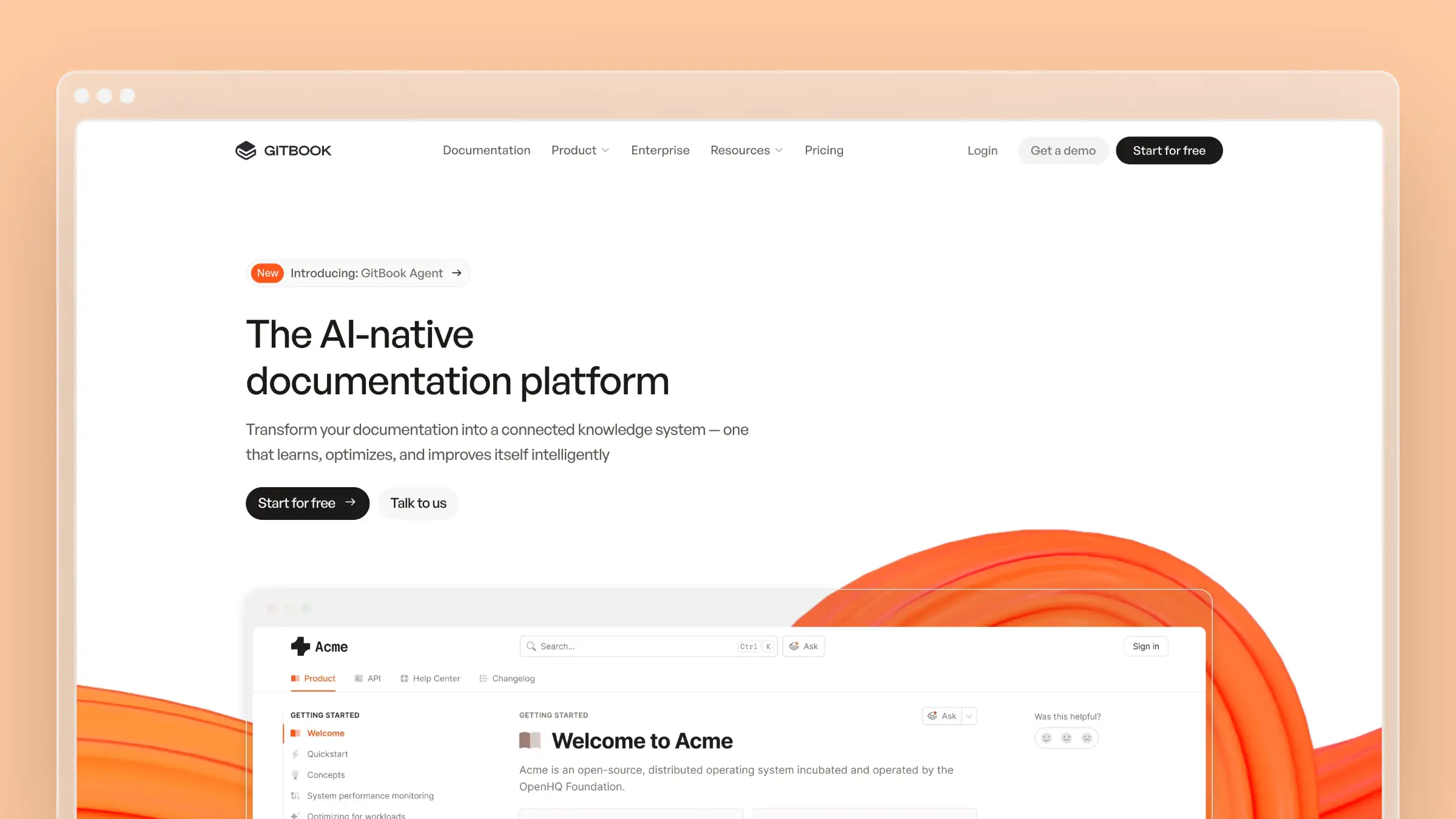
GitBook is the most popular hosted alternative to Docusaurus, and the reason is obvious: it gives you the Git-based workflow developers love without the build pipeline developers hate.
You write in Markdown, content syncs with GitHub, and GitBook handles hosting, search, and rendering. The reading experience is excellent - clean typography, fast page loads, and a navigation structure that works well for large doc sets. For a full breakdown, read our GitBook review.
What GitBook does well:
- Git sync - bidirectional sync with GitHub/GitLab means your docs live alongside your code. Developers contribute through PRs, which is familiar and frictionless.
- Beautiful reading experience - one of the best-looking documentation platforms available, with sensible defaults that require zero design work.
- OpenAPI support - import your API spec and GitBook generates interactive API reference pages automatically.
- Versioning - manage multiple versions of your docs cleanly, which matters for products with breaking changes across releases.
- AI-powered search - GitBook Lens provides semantic search across your content, a significant upgrade over Docusaurus’s keyword-based Algolia integration.
What GitBook doesn’t do: GitBook doesn’t monitor your codebase for changes that affect documentation. It doesn’t analyze support tickets. It doesn’t proactively tell you when content goes stale. It’s a better host than Docusaurus, but it still treats documentation as a static artifact that humans are responsible for maintaining. For the pricing implications, see our GitBook pricing breakdown.
Pricing: Free for personal use and open-source projects. Paid plans start at $65/site/month for teams. Enterprise pricing available. Compared to Docusaurus’s hidden costs, GitBook is often cheaper in practice - see our best GitBook alternatives comparison for context.
Best for: Developer-facing products that want a Git-based workflow without the infrastructure overhead. Open-source projects that need versioned, professional-looking docs.
The tradeoff: GitBook is a much better Docusaurus. But it’s still fundamentally a publishing tool, not a maintenance tool. Your docs will look great and be easy to edit. Whether they stay accurate depends entirely on your team’s discipline. If you’re coming from Docusaurus primarily to escape the DevOps burden, GitBook is the most natural transition. If you’re also worried about content accuracy, you’ll need something more proactive.
3. Mintlify
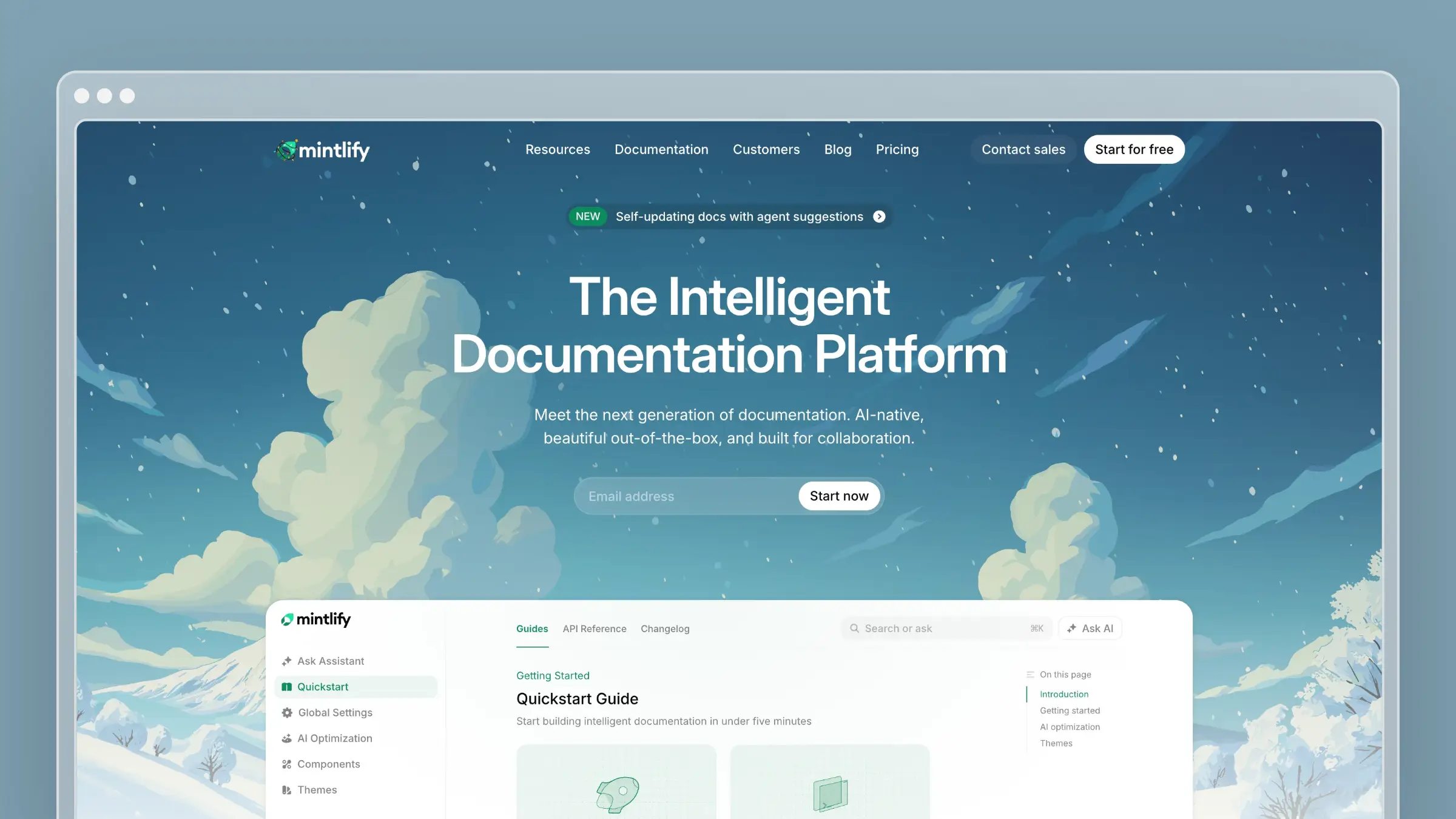
Mintlify is the docs-as-code platform that actually looks like it was designed in 2026. Where Docusaurus sites tend to look… like Docusaurus sites, Mintlify produces documentation that feels modern and polished out of the box.
It’s the closest competitor to Docusaurus in philosophy - you write MDX, you store it in Git, you push to deploy. But Mintlify handles hosting, search, and analytics, which strips away most of the engineering overhead. See our Mintlify review for the detailed breakdown.
What Mintlify does well:
- Design quality - the default templates are genuinely beautiful. Cards, tabs, accordions, and API playgrounds all look sharp without custom CSS.
- Docs-as-code workflow - content lives in your repo as MDX files. Push to main, docs update. No build pipeline to configure.
- AI features - AI-powered search and content suggestions. More than Docusaurus offers (which is nothing), though less comprehensive than Ferndesk’s audit system.
- API documentation - first-class OpenAPI support with interactive “try it” functionality built in.
- Analytics - built-in page-level analytics so you know which docs people actually read.
What Mintlify doesn’t do: Mintlify doesn’t connect to your support tickets or your codebase to detect drift. It has AI features, but they’re focused on search and suggestions rather than proactive maintenance. It’s also more opinionated than Docusaurus about structure and design - you get less customization freedom, which is usually a positive but can be limiting for complex documentation needs. For pricing details, see our Mintlify pricing guide. Also check our best Mintlify alternatives comparison.
Pricing: Free tier for open-source. Paid plans start around $150/month for teams. Significantly cheaper than maintaining Docusaurus when you factor in engineering time.
Best for: Startups and developer tools that want gorgeous documentation with minimal effort. Teams that love docs-as-code but hate DevOps.
The tradeoff: Mintlify is the “it just works” alternative to Docusaurus. You lose deep customization and gain beautiful defaults, built-in hosting, and basic AI features. The gap compared to Ferndesk is on the maintenance side - Mintlify helps you publish better docs, but it doesn’t help you keep them accurate over time. For a broader perspective on where Mintlify fits in the documentation landscape, see our best software documentation tools roundup.
4. Document360
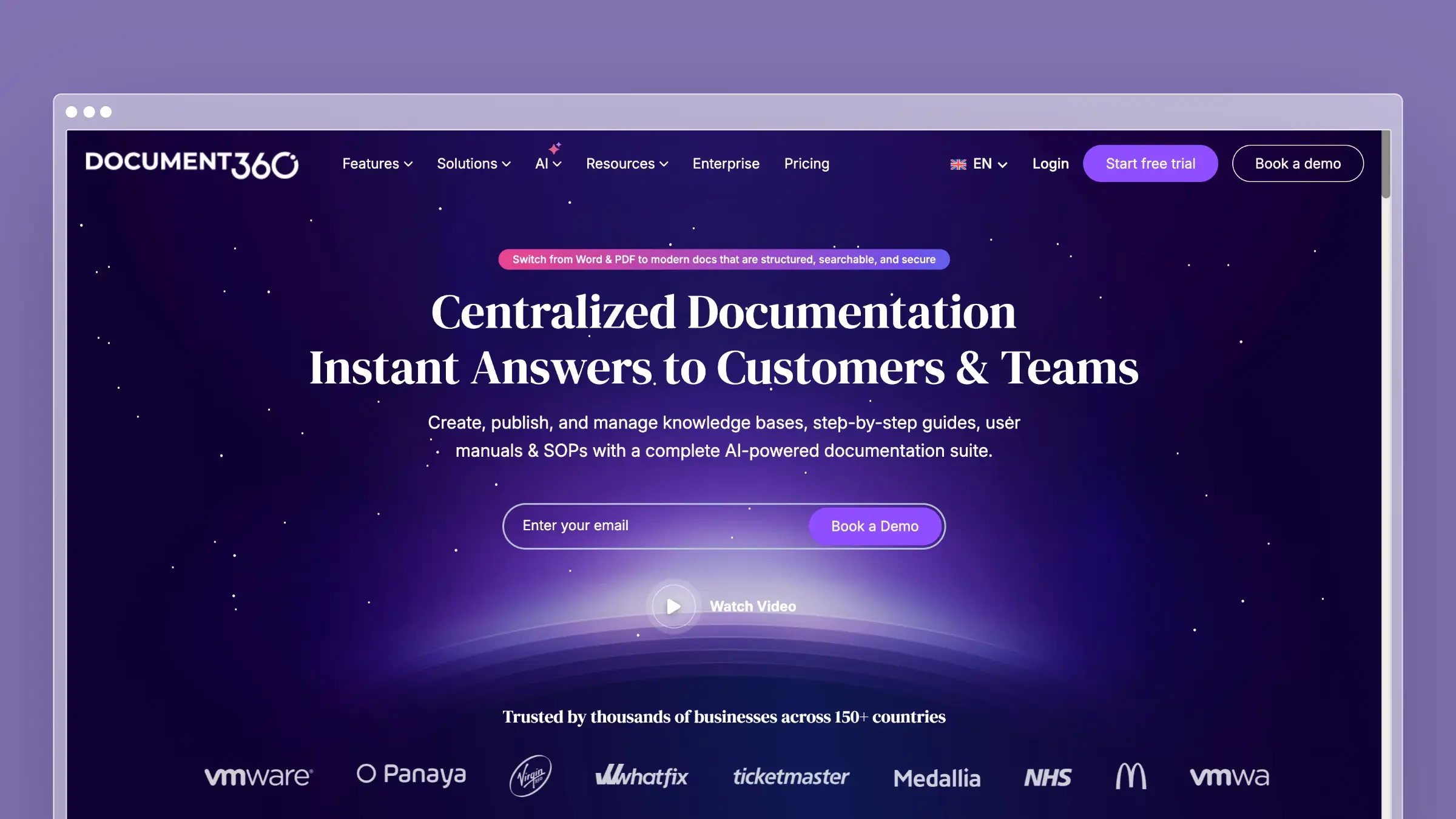
Document360 is the enterprise-grade option on this list. If you’re evaluating Docusaurus alternatives because your organization needs approval workflows, role-based access, and audit trails, Document360 is built for that world.
It’s a fundamentally different product from Docusaurus - a SaaS knowledge base platform rather than a static site generator. The editor is WYSIWYG (with Markdown support), content is stored in their cloud, and the feature set skews toward content management rather than developer experience.
What Document360 does well:
- Version control and approval workflows - multiple versions, review cycles, and publishing controls that enterprise compliance teams demand.
- Category management - deep hierarchy support with drag-and-drop organization, which Docusaurus handles through file system conventions (less intuitive for non-technical editors).
- AI-powered search and drafting - Eddy, their AI assistant, can draft articles and answer user questions. More capable than basic keyword search.
- Analytics - detailed content performance metrics, including search analytics and user feedback.
- Multi-language support - built-in localization workflows, which in Docusaurus require the i18n plugin plus manual translation management.
What Document360 doesn’t do: It doesn’t connect to your codebase. It doesn’t analyze support tickets to identify documentation gaps. The AI features are focused on search and drafting, not on proactive content maintenance. With pricing available on request, it is often expensive for what you get compared to more modern alternatives. It’s covered in our best software documentation tools roundup for additional context.
Pricing: Pricing available on request.
Best for: Enterprise teams with complex approval workflows, compliance requirements, and non-technical content contributors who need a visual editor.
The tradeoff: Document360 solves the “our docs team isn’t technical” problem that Docusaurus creates. But it doesn’t solve the “our docs are outdated” problem. You’re trading engineering overhead for a content management overhead - structured, governed, but still manual. The price jump from Docusaurus ($0 in licensing) to Document360 (pricing available on request) is steep, but the engineering hours you save on infrastructure often make the math work for larger organizations.
5. Archbee
Archbee positions itself as the documentation platform for product teams. It combines a clean editor, API documentation support, and team collaboration features in a package that’s simpler than Docusaurus to set up and maintain.
The pitch is appealing: docs-as-code without the “code” part being mandatory. You can use their WYSIWYG editor, import Markdown, or connect a Git repo. It tries to be flexible enough for both technical and non-technical contributors.
What Archbee does well:
- Flexible authoring - WYSIWYG editor, Markdown, and Git sync. Different team members can work in whatever mode suits them.
- API documentation - OpenAPI/Swagger import with auto-generated reference docs. Less polished than ReadMe or Mintlify, but functional.
- Team collaboration - inline comments, document-level discussions, and real-time co-editing.
- Lightweight setup - you can go from signup to published docs in under an hour, compared to Docusaurus’s multi-hour initial configuration.
What Archbee doesn’t do: No codebase integration for drift detection. No support ticket analysis. Limited integrations compared to GitBook or Document360. The smaller ecosystem means fewer templates, fewer examples, and a thinner community to draw from when you hit edge cases. For a broader view of documentation tools for small teams, see our guide.
Pricing: Free tier available with limitations. Paid plans start at $50/month. Reasonable for small teams.
Best for: Small product teams that want a simple, collaborative documentation platform without the engineering overhead of Docusaurus.
The tradeoff: Archbee is easy to start with but can feel limiting as you grow. The feature set is thinner than GitBook or Mintlify, the ecosystem is smaller, and there’s no AI-powered maintenance to help you scale. It’s a good stepping stone away from Docusaurus, but you may outgrow it. If you’re looking for something that grows with your team long-term, GitBook or Ferndesk are safer bets - Archbee fills a niche for teams that need something between a bare-bones knowledge base and a full documentation platform.
6. HelpDocs
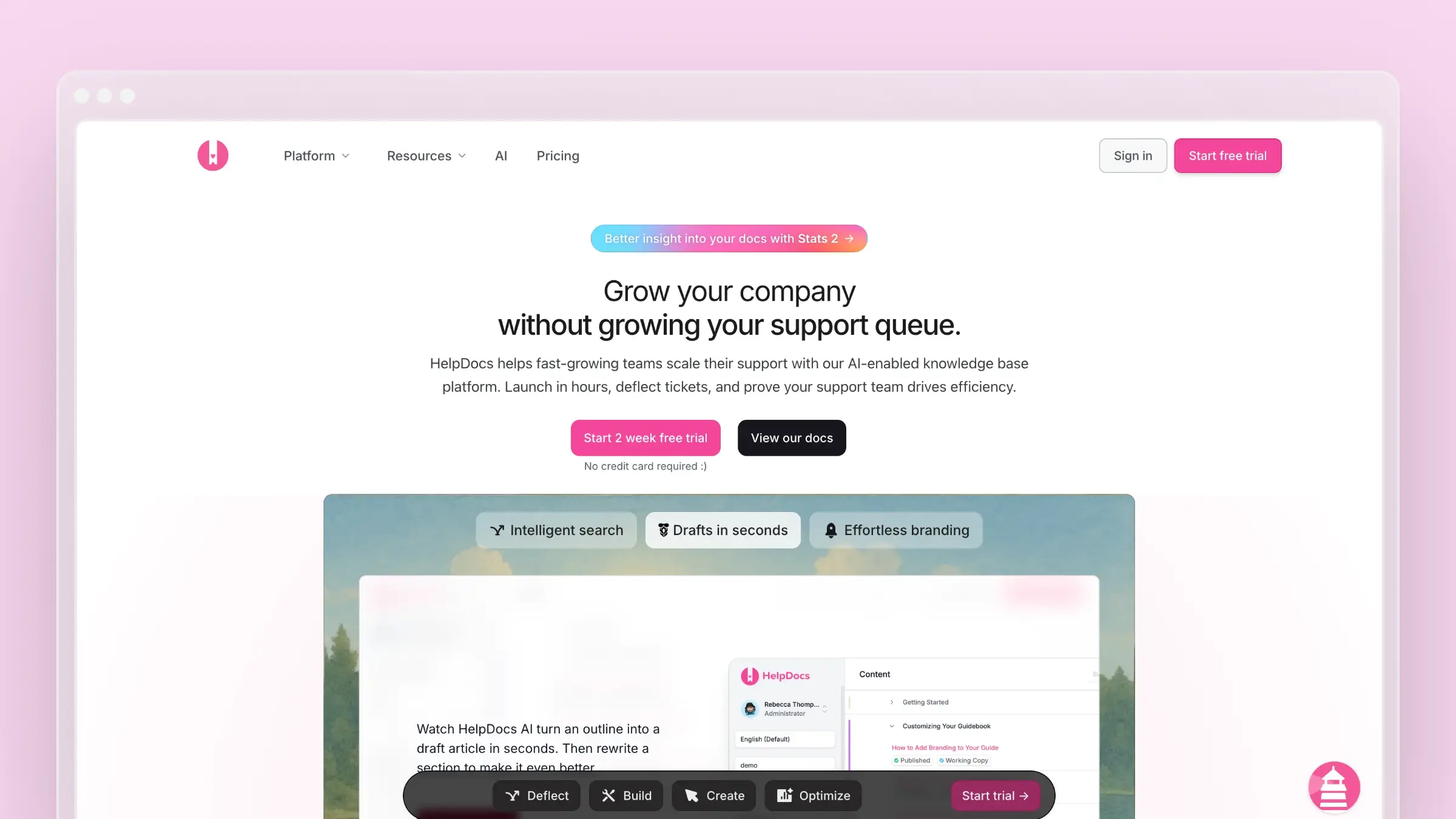
HelpDocs is the simplest tool on this list, and that’s by design. If Docusaurus is overengineered for your needs - you just want a clean, searchable knowledge base - HelpDocs delivers exactly that with minimal setup. We covered it in detail in our HelpDocs review.
There’s no Git integration, no MDX, no plugin system. You get a WYSIWYG editor, modern templates, and a hosted knowledge base that looks professional. That’s it. And for many teams, that’s everything they need.
What HelpDocs does well:
- Speed to launch - you can have a fully functional, branded knowledge base live in under an hour. Docusaurus can’t match that.
- Modern templates - clean, responsive designs that look good without customization. Multiple template options to match your brand.
- Custom domain support - host on your own domain with SSL, no infrastructure work needed.
- Simple editor - non-technical team members can create and edit content without learning Markdown or MDX.
What HelpDocs doesn’t do: No AI features. No codebase integration. No API documentation support. No version control beyond basic revision history. It’s deliberately simple, which means it lacks the advanced features that larger teams need. It’s also covered in our best free knowledge base software comparison.
Pricing: Starts at $49/month. No free tier. Straightforward pricing with no per-seat charges.
Best for: Small teams that want a customer-facing knowledge base without any technical complexity. Support teams migrating away from a Docusaurus instance that nobody wants to maintain.
The tradeoff: HelpDocs is anti-Docusaurus in every way - zero engineering required, zero customization available. If you want simplicity above all else, it delivers. If you want AI features, developer-oriented workflows, or deep customization, look elsewhere on this list. HelpDocs works best as a customer support knowledge base, not a developer documentation site - keep that distinction in mind if your Docusaurus site serves primarily technical audiences.
7. ReadMe
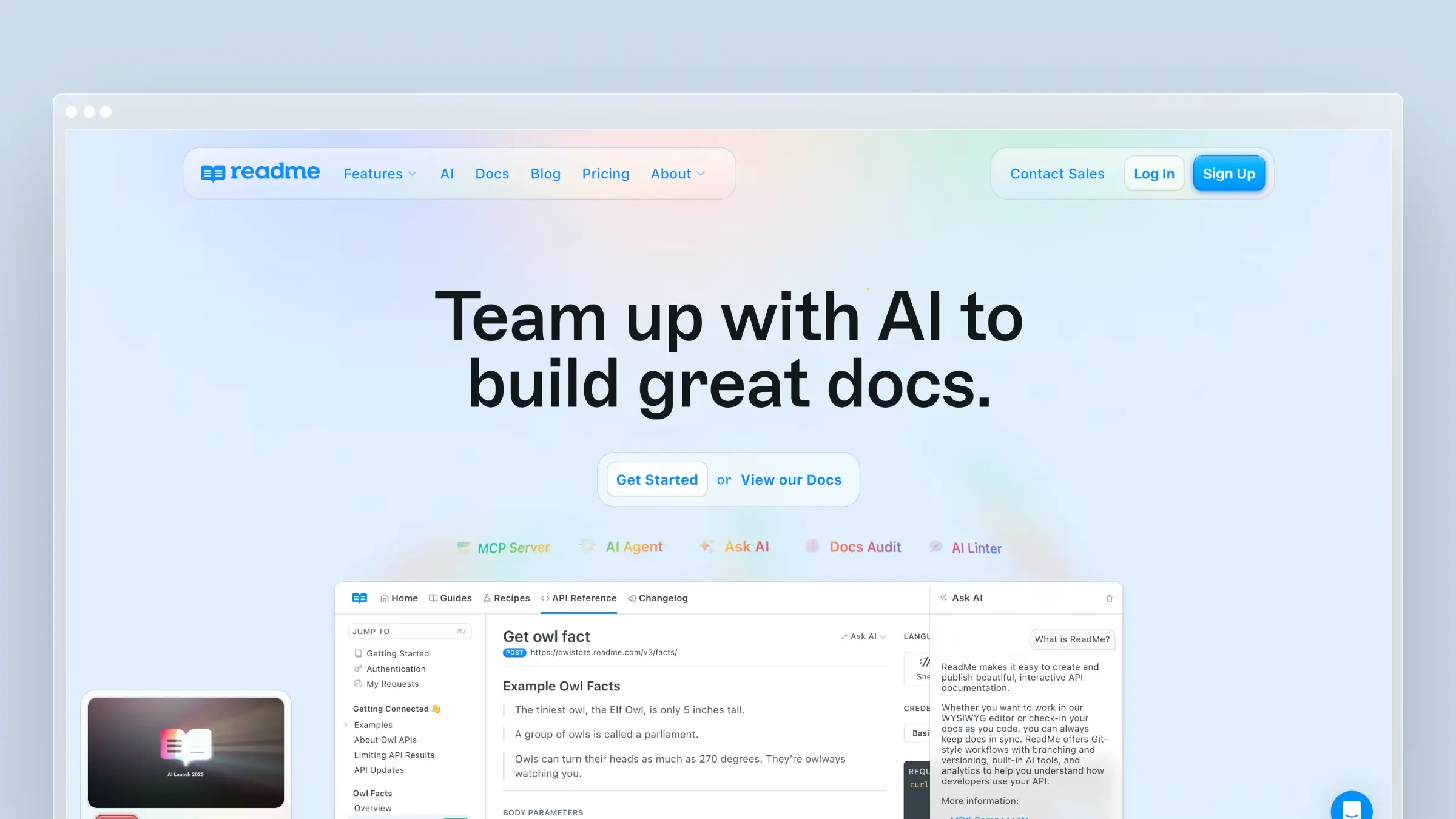
ReadMe is the specialist on this list. While Docusaurus tries to be a general-purpose documentation framework, ReadMe focuses specifically on API documentation and developer experience.
If you’re switching from Docusaurus because your primary use case is API reference docs - and you’re tired of configuring Swagger UI plugins and custom MDX components - ReadMe handles all of that natively. For broader context, see our best API documentation tools roundup.
What ReadMe does well:
- Interactive API explorer - upload your OpenAPI spec and get a fully interactive “Try It” experience. Users can make real API calls from the documentation. This alone takes weeks to build on Docusaurus.
- Developer hub - combines API reference, guides, changelog, and recipes in a cohesive developer portal.
- Personalized docs - users log in and see API examples pre-populated with their actual API keys and project data.
- Auto-sync from OpenAPI - update your spec, ReadMe updates the docs. Closer to the automated maintenance model than most tools on this list.
- Metrics - see which endpoints developers actually use, which docs they read, and where they get stuck.
What ReadMe doesn’t do: ReadMe is not a general-purpose documentation tool. It’s purpose-built for API docs and developer hubs. If you need a help center, a general knowledge base, or customer-facing support documentation, ReadMe isn’t the right choice. It also doesn’t do codebase-aware content audits or support ticket analysis.
Pricing: Free tier for basic usage (one project, limited features). Paid plans start at $99/month. Enterprise pricing available.
Best for: API-first companies that want best-in-class developer documentation. Teams whose Docusaurus instance is primarily serving API reference docs.
The tradeoff: ReadMe is the best at what it does - interactive API documentation. But it only does that one thing. If you need API docs plus a help center plus general product documentation, you’ll need ReadMe alongside another tool (like Ferndesk for the help center side). For a deeper comparison of API documentation tools, including how ReadMe stacks up against Swagger UI and Postman Docs, see our dedicated guide.
The Hidden Cost Nobody Talks About
Before we get to the decision framework, there’s one more thing worth addressing. Docusaurus’s real cost isn’t just the engineering hours for setup and hosting. It’s the opportunity cost of stale documentation.
When your Docusaurus site falls behind your product - and it will, because no static site generator can track product changes - the consequences compound. Customers submit support tickets for problems your docs should solve. Your support team wastes time answering questions that should be self-service. New users churn because onboarding articles reference features that no longer work the way they’re described.
This is the documentation drift problem, and it affects every team that treats documentation as a “publish and forget” artifact. The tools on this list vary in how they address it: some (HelpDocs, Archbee) don’t address it at all. Some (GitBook, Mintlify) make it easier to update content when you notice drift. Only Ferndesk detects drift proactively and alerts you before customers notice.
When you factor in the support cost of stale docs - extra tickets, slower onboarding, higher churn - the price of any tool on this list is trivial by comparison.
How to Choose
Here’s a simple decision framework:
Choose Ferndesk if your primary problem is documentation maintenance. If your docs are outdated, you’re drowning in support tickets, and nobody has time to keep content fresh, Ferndesk’s AI-native approach solves that directly. Best for SaaS help centers.
Choose GitBook if you want a Docusaurus-like workflow (Git, Markdown) without the infrastructure burden. You’re comfortable maintaining content manually, and your team is primarily developers.
Choose Mintlify if design quality matters and you want docs-as-code with zero DevOps. Your docs are developer-facing and you want them to look exceptional with minimal effort.
Choose Document360 if you’re in an enterprise environment with compliance requirements, approval workflows, and non-technical content contributors.
Choose Archbee if you’re a small product team that wants simple, collaborative docs without overthinking the tooling.
Choose HelpDocs if you want the simplest possible knowledge base. No learning curve, no engineering needed, just a clean help center.
Choose ReadMe if your documentation is primarily API reference docs and you want an interactive developer experience.
Stay on Docusaurus if you have dedicated docs engineers, you need deep customization, and you’re building documentation for an open-source project where community contributions via PRs are essential.
The key question isn’t which tool has the most features. It’s whether you want to spend engineering time on documentation infrastructure or on your actual product. For most teams, the answer is obvious.
And one more thing to consider: Docusaurus won’t tell you when your docs are wrong. Every tool on this list at least removes the infrastructure burden. The best ones - Ferndesk especially - go further and tackle the content accuracy problem too. If you haven’t read our analysis of documentation drift, it’s worth understanding the scope of the problem before choosing your next platform.
Bottom Line
Docusaurus is a powerful tool - for organizations with the engineering resources to wield it. For the rest of us, the “free” price tag obscures real costs in setup, hosting, and maintenance that add up to thousands per year.
The alternatives on this list eliminate that overhead. And the best ones - Ferndesk in particular - go further by actively keeping your documentation accurate, so your team can focus on building product instead of maintaining docs.
Documentation drift is the silent killer of customer experience. If your Docusaurus site is slowly going stale because nobody has bandwidth to maintain it, that’s not a tooling problem you can solve with better plugins. It’s an architecture problem that requires a fundamentally different approach.
If you’re ready to stop maintaining documentation infrastructure and start maintaining documentation quality, that’s the shift these tools enable. And if you want the platform that takes maintenance furthest - the one that actually reads your codebase and tells you what’s wrong - there’s only one option.
Try Ferndesk free and see what an AI-maintained help center looks like.


 Book a demo