


GitBook started as a way to write books in Markdown. It became the default for open source docs. Now it’s trying to be an enterprise platform with AI features still in beta and pricing that’s changed multiple times.
At $65/site/month (plus $12/user), costs add up fast for growing teams. A 10-person team running two documentation sites pays $305/month before you get a single AI feature. The Git sync is great, but Git sync doesn’t keep your docs accurate when your product changes.
The real problem with GitBook isn’t the editor or the Git workflow. It’s that your documentation still rots. Features ship, APIs change, pricing updates, UI gets redesigned - and GitBook does nothing to tell you which articles just became wrong. You find out when a customer files a support ticket about instructions that no longer match reality.
If you’re looking for a GitBook alternative, the question isn’t “which tool has a better editor?” It’s “which tool actually keeps my documentation accurate?”
Here are 11 alternatives, ranked by how well they solve that problem. If you want the reference and your help center hosted together, see our API documentation software overview.
Quick Comparison
| Tool | Best For | Starting Price | Git Workflow | AI Features |
|---|---|---|---|---|
| Ferndesk | AI-maintained help centers + API docs | $149/month | GitHub codebase sync | Proactive content audits, auto-drafts |
| Mintlify | Developer API docs | Free (Pro $450/mo annual, $540 monthly) | Full docs-as-code | Autopilot agent, AI assistant |
| Docusaurus | Open source projects | Free (self-hosted) | Native Git/GitHub | None built-in |
| Document360 | Enterprise knowledge bases | Pricing available on request | Import/export | AI search, generation |
| Archbee | Product documentation | Free (Pro $50/mo) | GitHub/GitLab sync | AI assistant |
| HelpDocs | Simple knowledge bases | $49/month | None | AI search |
| ReadMe | API documentation hubs | Free (Pro $250/mo annual) | CI/CD sync | AI suggestions |
| Wiki.js | Self-hosted internal wikis | Free (self-hosted) | Git storage backend | None |
| BookStack | Self-hosted internal knowledge bases | Free (self-hosted) | None | None |
| MkDocs | Open source project docs | Free (self-hosted) | Native Git/GitHub | None |
| Read the Docs | Open source library docs | Free for open source ($50/mo commercial) | Auto-builds from Git | None |
1. Ferndesk
 GitBook’s fundamental weakness is passivity. You write docs, GitBook hosts them, they decay. Ferndesk takes the opposite approach: an AI agent named Fern actively monitors your product and keeps your help center current.
Here’s how it works. Fern connects to your GitHub repositories and watches for code changes. When your API adds a new parameter, when a feature gets renamed, when a workflow changes - Fern detects the drift between your codebase and your documentation. Then it drafts updates for your review.
But codebase sync is only half the story. Fern also analyzes your support tickets from Intercom, Help Scout, Zendesk, or Crisp. It reads up to 5,000 tickets per month, identifies patterns, and surfaces the questions your customers keep asking that your documentation doesn’t answer. Instead of guessing what to write, you see exactly what’s missing.
Every week, Fern runs a content audit. It flags stale articles, identifies gaps, and drafts new content. You review, tweak, and publish. The documentation stays accurate not because you’re vigilant, but because the system is.
What Ferndesk does well:
- Codebase sync via GitHub - detects when product changes invalidate existing docs
- Support ticket analysis - identifies documentation gaps from real customer questions
- Weekly content audits - proactively flags stale articles before customers notice
- OpenAPI/Swagger import - upload a spec or sync from a URL, and Ferndesk generates interactive API documentation with “Try It” on every endpoint
- Embedded help widget - customers get answers without leaving your product
- Five editors included - additional editors cost $10/month each
What Ferndesk doesn’t do: Ferndesk doesn’t support docs-as-code workflows with MDX files in your repo - the content lives in Ferndesk’s editor, not your codebase. It also doesn’t offer API design or testing tools like Apidog or Postman. If you need a full API development lifecycle platform, Ferndesk isn’t that - but for publishing and maintaining API reference documentation alongside your help center, it handles both in one platform.
Pricing:
| Plan | Price | Key Features |
|---|---|---|
| Pro | $149/month or $1,490/year | Unlimited AI drafting and PR auto-updates, 1,000 AI conversations, scheduled audits, 5 editors |
Best for: SaaS teams shipping fast who can’t afford dedicated technical writers to manually audit documentation. If your docs are already stale and you need a system that fixes itself, this is it.
The tradeoff: You’re trading GitBook’s Git-native workflow for something fundamentally different - an AI-driven maintenance loop. If you love managing docs through pull requests, that’s gone. But if you chose GitBook hoping Git sync would keep docs accurate and found it didn’t, Ferndesk solves the actual problem.
2. Mintlify
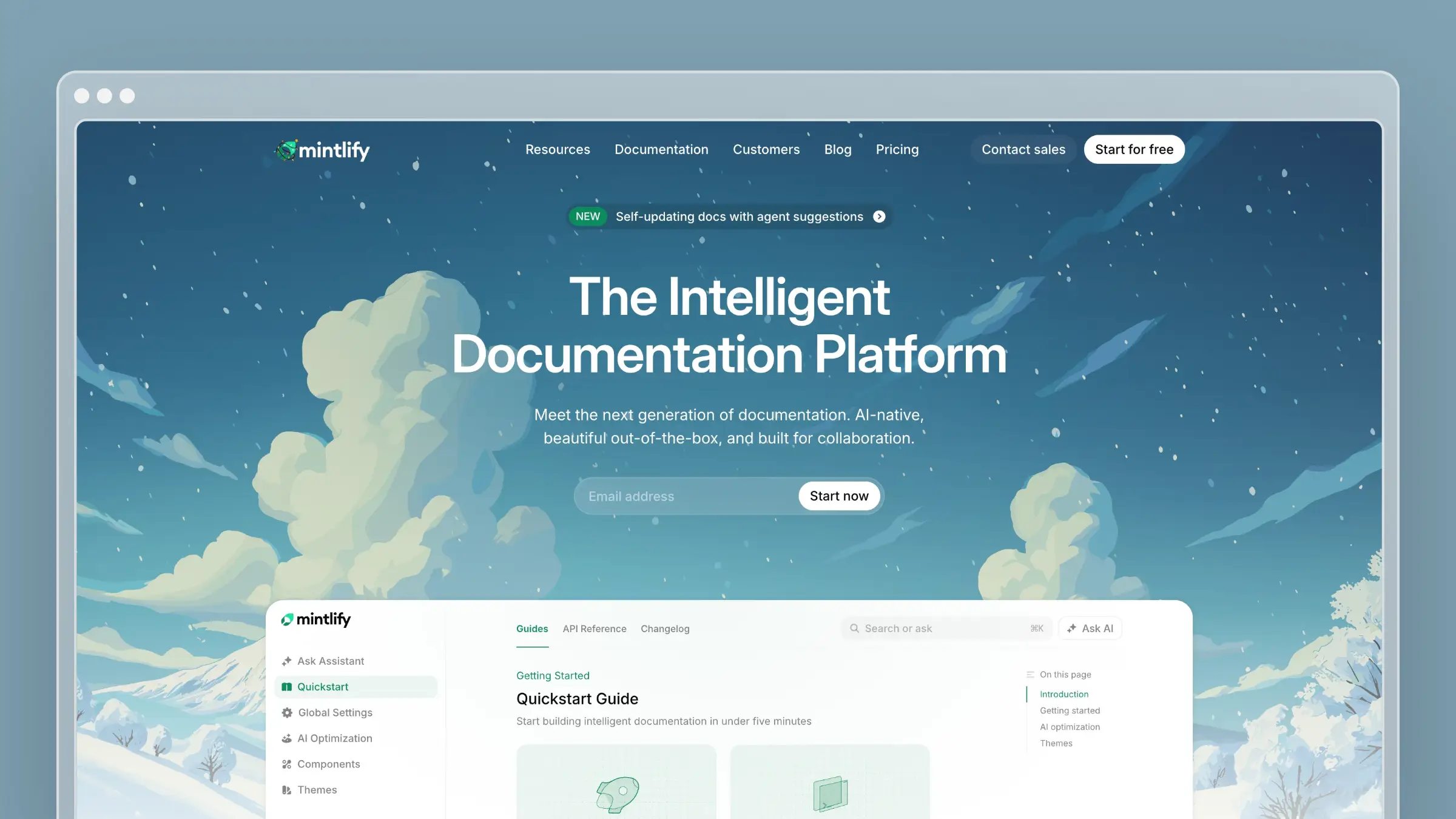 Mintlify is the closest spiritual successor to GitBook for developer-focused teams. It takes the docs-as-code approach and polishes it to a shine. Your documentation lives as MDX files in a Git repository, deploys through your existing CI/CD pipeline, and looks stunning out of the box.
Companies like Anthropic, Zapier, Cursor, and Perplexity use Mintlify. The design quality is genuinely best-in-class. Clean typography, responsive layouts, dark mode, and a component library that makes your docs look like they were designed by a dedicated team.
Mintlify’s AI agent, Autopilot, monitors your codebase and creates pull requests when documentation needs updating. It’s focused on technical reference docs - when your OpenAPI spec changes, Autopilot catches it. The AI assistant helps users find answers across your docs without reading every page.
What Mintlify does well:
- Best-in-class design - docs look polished without custom CSS
- Full docs-as-code - MDX in Git with PR-based workflows
- API playground - interactive endpoint testing from OpenAPI specs
- Autopilot agent - creates PRs when code changes affect docs
- MCP integration - AI coding assistants can query your docs directly
What Mintlify doesn’t do: Mintlify is developer documentation only. No customer help center, no support ticket integration, no embedded widget for your product. The Autopilot agent catches code-level changes but doesn’t analyze customer conversations to find documentation gaps. And at $450/month billed annually or $540 with monthly billing for Pro, it’s expensive for what’s essentially a static site generator with AI features.
Pricing: Starter is free. Pro costs $450/month billed annually or $540 with monthly billing. Enterprise pricing is custom.
Best for: API-first companies with engineering resources to maintain a docs-as-code workflow. If your docs are primarily technical reference for developers, Mintlify is excellent.
The tradeoff: You get better design and a more modern docs-as-code experience than GitBook, but you inherit the same fundamental limitation: the tool doesn’t proactively maintain your content for non-code changes. When your pricing changes, when your onboarding flow gets redesigned, when a feature gets deprecated - someone still has to manually update the docs.
See also: GitBook vs Mintlify | Mintlify pricing | Best Mintlify alternatives
3. Docusaurus
 Docusaurus is Meta’s open-source documentation framework. It’s free, battle-tested (React’s own docs run on it), and gives you complete control over every pixel.
If you left GitBook because you wanted more customization, Docusaurus is the nuclear option. It’s a React-based static site generator. You write MDX, extend with React components, style with CSS modules or Tailwind, and deploy anywhere - Vercel, Netlify, GitHub Pages, your own servers.
The plugin ecosystem handles versioning, search (via Algolia), i18n, and blog functionality. Community plugins extend it further. You’ll never hit an artificial feature wall because there isn’t one.
What Docusaurus does well:
- Completely free - no licensing costs, ever
- Unlimited customization - full React component model
- Plugin ecosystem - versioning, search, i18n, diagrams, and more
- Self-hosted - no vendor lock-in, you control the infrastructure
- Strong community - 60k+ GitHub stars, active development
What Docusaurus doesn’t do: Docusaurus gives you a framework, not a product. There’s no WYSIWYG editor, no AI features, no analytics dashboard, no support ticket integration. You need a developer to set it up, maintain it, and handle deployments. Non-technical team members can’t contribute without learning Markdown and Git. And like GitBook, there’s nothing preventing your docs from going stale - it’s entirely on you.
Pricing: Free. But budget for hosting ($0–20/month on Vercel/Netlify), search (Algolia free tier or self-hosted), and most importantly, developer time to maintain it.
Best for: Open source projects and engineering teams who want complete control and have developers willing to own the documentation infrastructure. For detailed pricing analysis, see our breakdown.
The tradeoff: You trade GitBook’s managed experience for total freedom. No monthly fee, no feature limitations, no vendor dependency. But you also trade away every convenience feature - collaboration, AI, analytics, hosting - and become responsible for building or integrating those yourself. The ”documentation drift” problem gets worse, not better, because there’s zero automated maintenance.
See also: Docusaurus review | Docusaurus pricing | Best Docusaurus alternatives
4. Document360
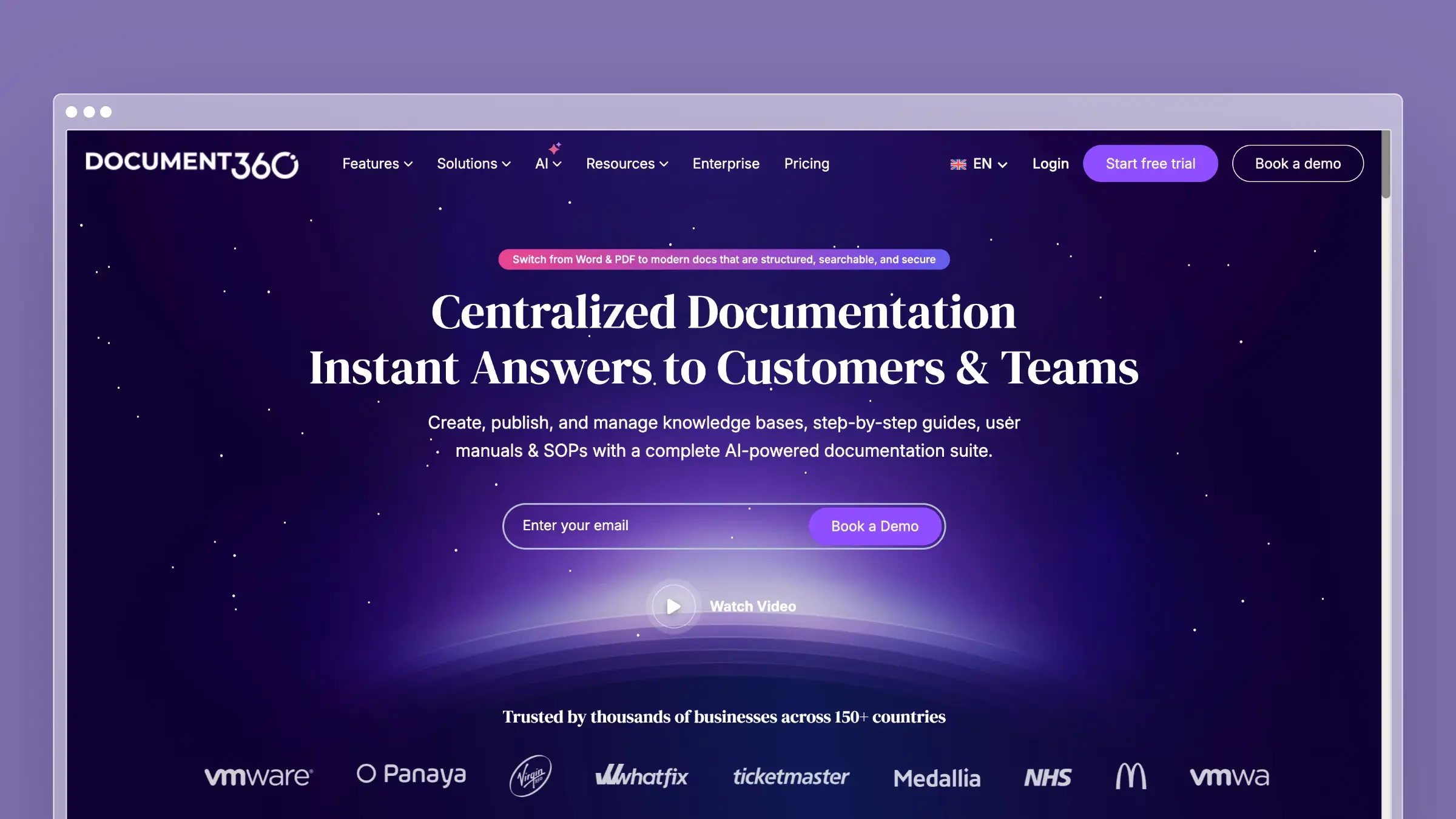 Document360 is the enterprise knowledge base that GitBook wants to be when it grows up. Where GitBook adds enterprise features as afterthoughts, Document360 was built for enterprise from day one - approval workflows, version control, role-based permissions, and compliance features are core to the product.
The platform handles both public customer-facing knowledge bases and private internal wikis. The editor supports Markdown and WYSIWYG modes. Analytics show which articles get read, which get abandoned, and which generate follow-up support tickets.
Document360’s AI features include Eddy, an AI assistant for search, and AI-powered content generation. They work for finding and creating content, but they don’t proactively maintain it. You still need a human to identify what’s outdated.
What Document360 does well:
- Approval workflows - multi-step review processes with role-based permissions
- Version control - full article history with diff comparisons
- Public + private KB - one platform for customer docs and internal wikis
- Category-level permissions - granular access control across teams
- AI-powered search - Eddy assistant answers questions from your content
What Document360 doesn’t do: Document360 doesn’t connect to your codebase, doesn’t analyze support tickets for content gaps, and doesn’t flag when articles become stale. It’s a well-built container for documentation, but the maintenance burden is entirely yours. Pricing is available on request, and enterprise packaging can push costs significantly higher.
Pricing: Pricing available on request.
Best for: Mid-market and enterprise teams that need governance, compliance, and approval workflows. If your documentation process requires multiple reviewers and strict version control, Document360 delivers.
The tradeoff: You get enterprise governance that GitBook lacks, but you pay enterprise prices and get no automation around content freshness. Document360 solves the “who can edit what” problem exceptionally well. It doesn’t touch the “is this content still accurate” problem.
See also: Best Document360 alternatives | Best software documentation tools
5. Archbee
Archbee is the documentation tool built specifically for product teams who need to ship docs alongside features. It combines API documentation, product guides, and internal wikis in a single platform with a clean Notion-like interface.
The docs-as-code workflow supports GitHub and GitLab sync. Inline commenting lets your team review documentation the way they review designs. The API documentation features include OpenAPI rendering and GraphQL support.
Archbee’s AI assistant helps with search and content generation, but it’s a reactive tool - you ask questions, it finds answers. There’s no proactive monitoring or content auditing.
What Archbee does well:
- Unified platform - product docs, API docs, and internal wikis in one place
- Inline commenting - review documentation collaboratively
- GitHub/GitLab sync - docs-as-code workflow for technical teams
- OpenAPI + GraphQL - auto-generated API documentation
- Clean editor - Notion-like blocks without Notion’s performance issues
What Archbee doesn’t do: Archbee doesn’t analyze your codebase for documentation drift, doesn’t integrate with support tools, and doesn’t run content audits. The AI features are limited to search and generation. The platform is also less mature than GitBook - smaller community, fewer integrations, less battle-tested at scale.
Pricing: Free tier with limited features. Standard at $50/month. Premium at $100/month. Enterprise is custom.
Best for: Product teams that need documentation, API docs, and an internal wiki in one tool without paying Document360 enterprise prices.
The tradeoff: Archbee gives you a more integrated workspace than GitBook at a lower price point. But it’s a smaller company with a smaller team, which means slower feature development and fewer integrations. You trade GitBook’s ecosystem maturity for a more focused product experience.
See also: Best Archbee alternatives | Best technical writing tools
6. HelpDocs
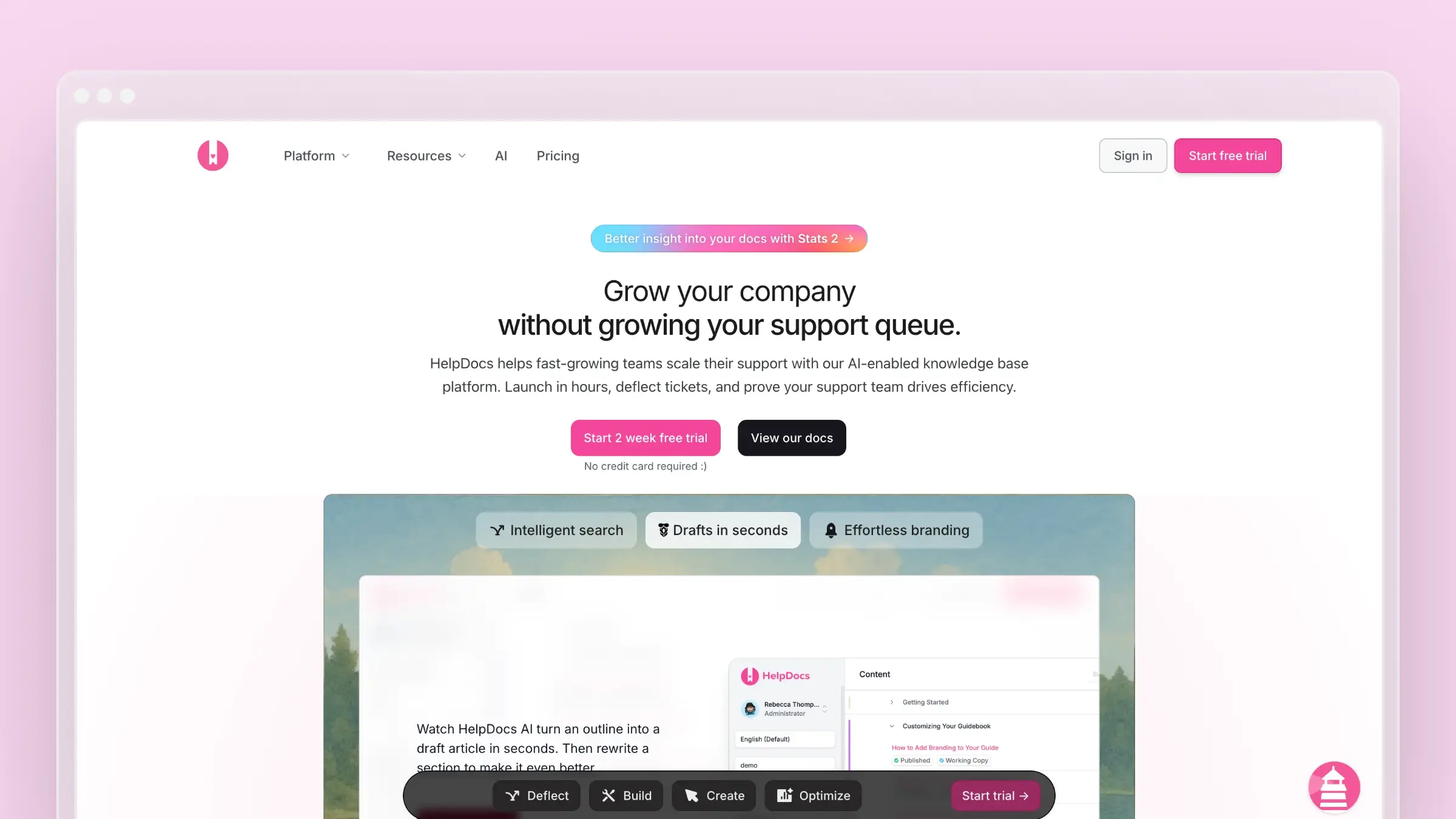 HelpDocs is the anti-complexity documentation tool. While GitBook keeps adding features and raising prices, HelpDocs stays focused on one thing: getting a clean, fast knowledge base live in minutes.
The setup experience is the fastest on this list. Pick a template, customize your branding, start writing. No Git setup, no build pipeline, no configuration files. The Lighthouse widget embeds in your product for in-app help. The templates are modern and responsive without requiring any CSS knowledge.
HelpDocs focuses on simplicity, and that simplicity is the product. The editor is straightforward, the search works, and the analytics tell you what’s being read.
What HelpDocs does well:
- Fastest setup - live knowledge base in under 30 minutes
- Modern templates - professional design without customization work
- Lighthouse widget - embedded help in your product
- Simple pricing - flat rate, no per-user fees
- Solid fundamentals - fast page loads, good SEO, reliable search
What HelpDocs doesn’t do: HelpDocs is deliberately simple. No Git workflow, no API documentation features, no docs-as-code, no version control beyond basic history. The AI features are limited to search - there’s no content generation, no maintenance automation, no codebase integration. If you’re leaving GitBook because you need more features, HelpDocs isn’t the answer.
Pricing: $49/month (Starter). Higher tiers for custom domains and advanced features. See our HelpDocs pricing breakdown for details.
Best for: Small teams that need a knowledge base, not a documentation platform. If GitBook feels overcomplicated for what you’re doing, HelpDocs cuts the noise.
The tradeoff: You trade GitBook’s power and flexibility for speed and simplicity. HelpDocs won’t grow with you into complex documentation needs - no versioning, no branching, no API docs. But if all you need is a customer-facing knowledge base that looks good and works reliably, it does that job at a lower price with less friction.
See also: HelpDocs review | HelpDocs pricing | Best help center software
7. ReadMe
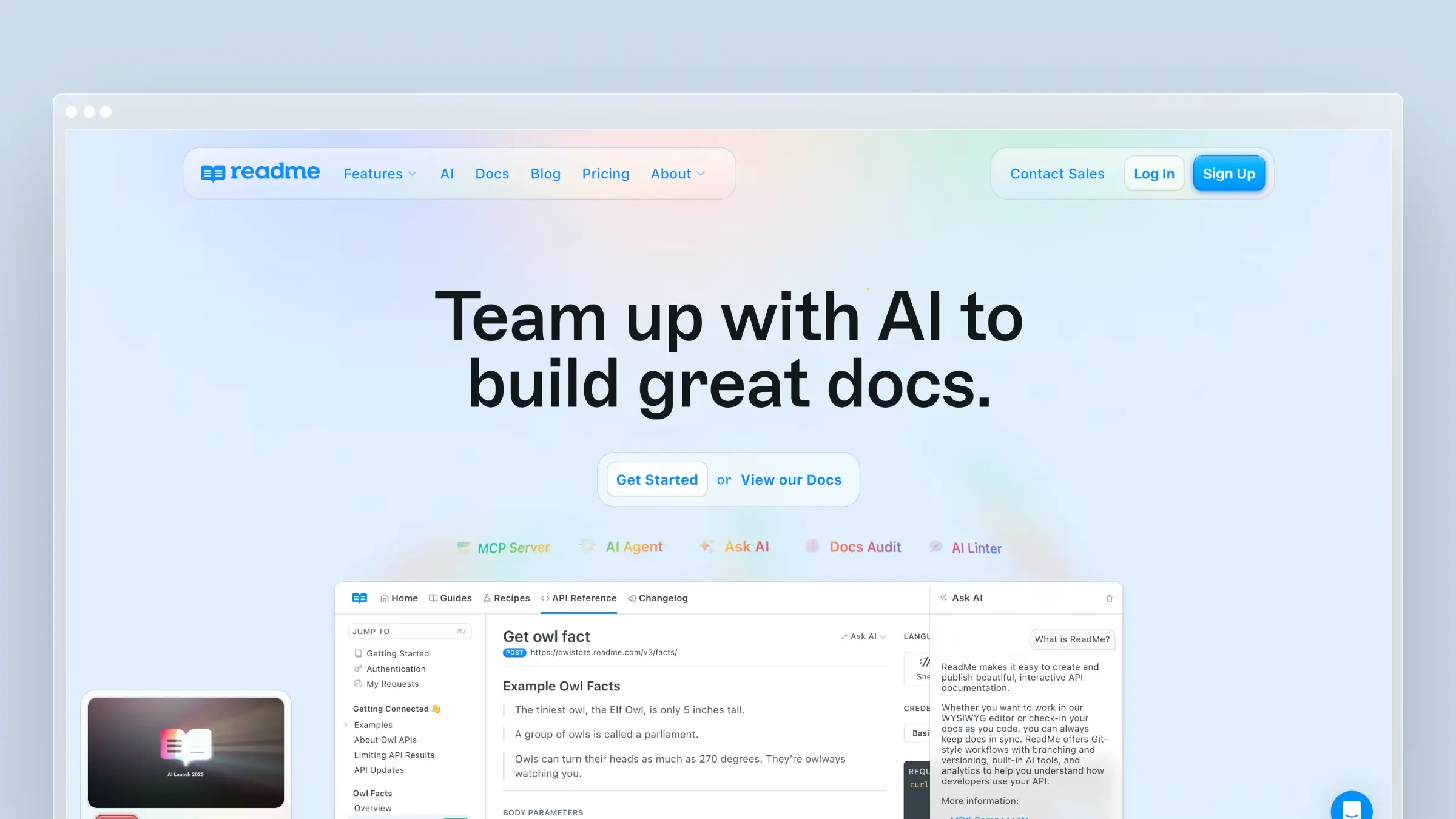 ReadMe is purpose-built for API documentation. While GitBook bolts API features onto a general documentation tool, ReadMe makes the API experience the entire product. Interactive API explorer, personalized docs, usage analytics, and a developer hub that makes your API feel polished and professional.
The standout feature is personalized documentation. Developers log in, and ReadMe shows them their actual API keys, real request examples with their credentials, and usage data specific to their account. Instead of generic placeholder docs, every developer sees documentation tailored to them.
ReadMe also tracks API usage - which endpoints get called, which fail, which are never used. That data helps you understand how developers actually interact with your API, not just how they read your docs.
What ReadMe does well:
- Interactive API explorer - test endpoints with real credentials
- Personalized docs - developers see their own API keys and usage
- Usage analytics - track which endpoints developers actually call
- Developer hub - custom landing pages, changelogs, and guides
- CI/CD sync - push OpenAPI specs from your pipeline
What ReadMe doesn’t do: ReadMe is API documentation only. No general knowledge base, no customer help center, no internal wikis. The platform doesn’t analyze support tickets, doesn’t connect to your codebase for drift detection, and doesn’t proactively flag stale content. Pricing jumps sharply from the free Starter plan to Pro at $250/month billed annually, while Enterprise starts at $3,000/month with annual billing only.
Pricing: Starter is free. Pro costs $250/month billed annually. Enterprise starts at $3,000/month with annual billing only.
Best for: Companies whose primary documentation need is an API developer hub with interactive features and usage analytics.
The tradeoff: ReadMe gives you the best API documentation experience available, far beyond what GitBook offers. But it’s a specialist tool. If you need both API docs and a customer help center, you’ll need ReadMe plus something else. And like every other tool on this list except Ferndesk, maintaining content accuracy is your problem, not the platform’s.
See also: Best API documentation tools | Best software documentation tools
Self-Hosted GitBook Alternatives
If you want to own your infrastructure and avoid vendor lock-in entirely, these open-source tools are worth evaluating. None of them solve the documentation maintenance problem, but they give you complete control over hosting, data, and customization.
Wiki.js
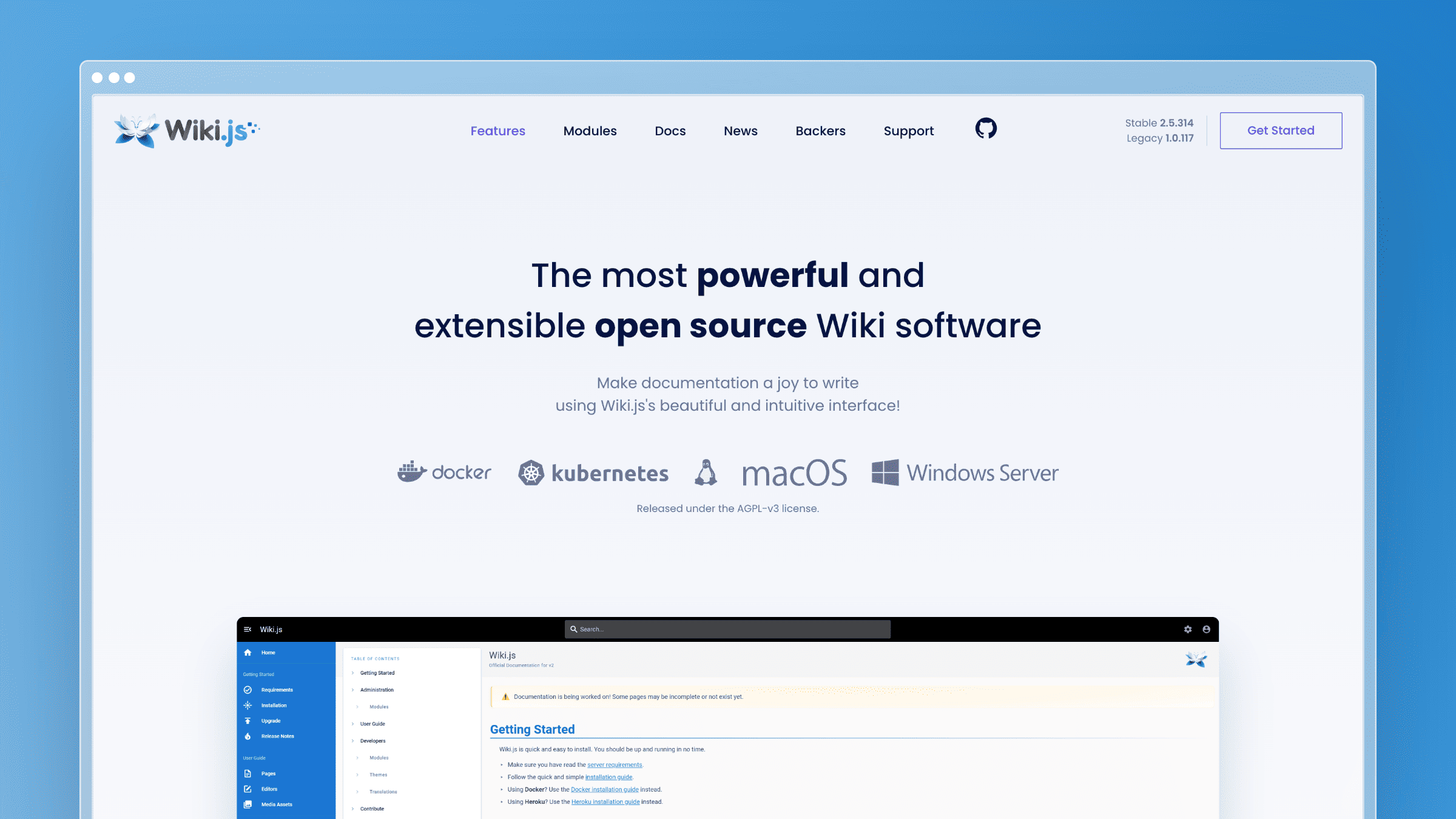
Wiki.js is a modern, feature-rich open-source wiki built on Node.js. It supports Markdown, WYSIWYG, AsciiDoc, and even a visual HTML editor, giving contributors multiple ways to write without forcing everyone into the same workflow.
Authentication options include LDAP, SAML, OAuth via Google and GitHub, and local accounts, so it fits into most enterprise identity setups. You deploy it on your own server or a cloud VM and connect it to a PostgreSQL, MySQL, MariaDB, or SQLite database. The admin panel is polished for an open-source project, with a visual navigation editor and a module system that lets you toggle features on or off without touching config files.
What Wiki.js does well:
- Git storage backend - sync content to a Git repository automatically, giving you a full audit trail and the ability to restore any page to any previous state
- Multiple editors - Markdown, WYSIWYG, code, diagram (Draw.io), and AsciiDoc editors in one platform, so technical and non-technical contributors can coexist
- Granular permissions - page-level and path-level access control with role-based groups, useful for separating internal and external content
- Self-hosted - full data ownership, no vendor dependency, and no per-seat licensing costs regardless of team size
- Search flexibility - built-in search engines include database search, Elasticsearch, and Manticore, so you can match your existing infrastructure
What Wiki.js doesn’t do: No AI features, no codebase monitoring, and no support ticket integration. Content maintenance is entirely manual. Setup requires server administration knowledge, and upgrades between major versions have historically required careful migration steps. There is no hosted cloud option, so your team owns the infrastructure permanently.
Pricing: Free and open source. Hosting costs vary by provider.
Best for: Engineering teams that need an internal wiki with Git-backed storage and want to self-host on their own infrastructure.
The tradeoff: Wiki.js gives you more editor flexibility and a more polished admin experience than most self-hosted wikis. But that flexibility comes with operational overhead. Someone on your team owns the server, the database, the backups, and the upgrades. Documentation drift is entirely your problem - there is nothing in Wiki.js that tells you when a page becomes inaccurate. You trade vendor dependency for infrastructure dependency.
BookStack
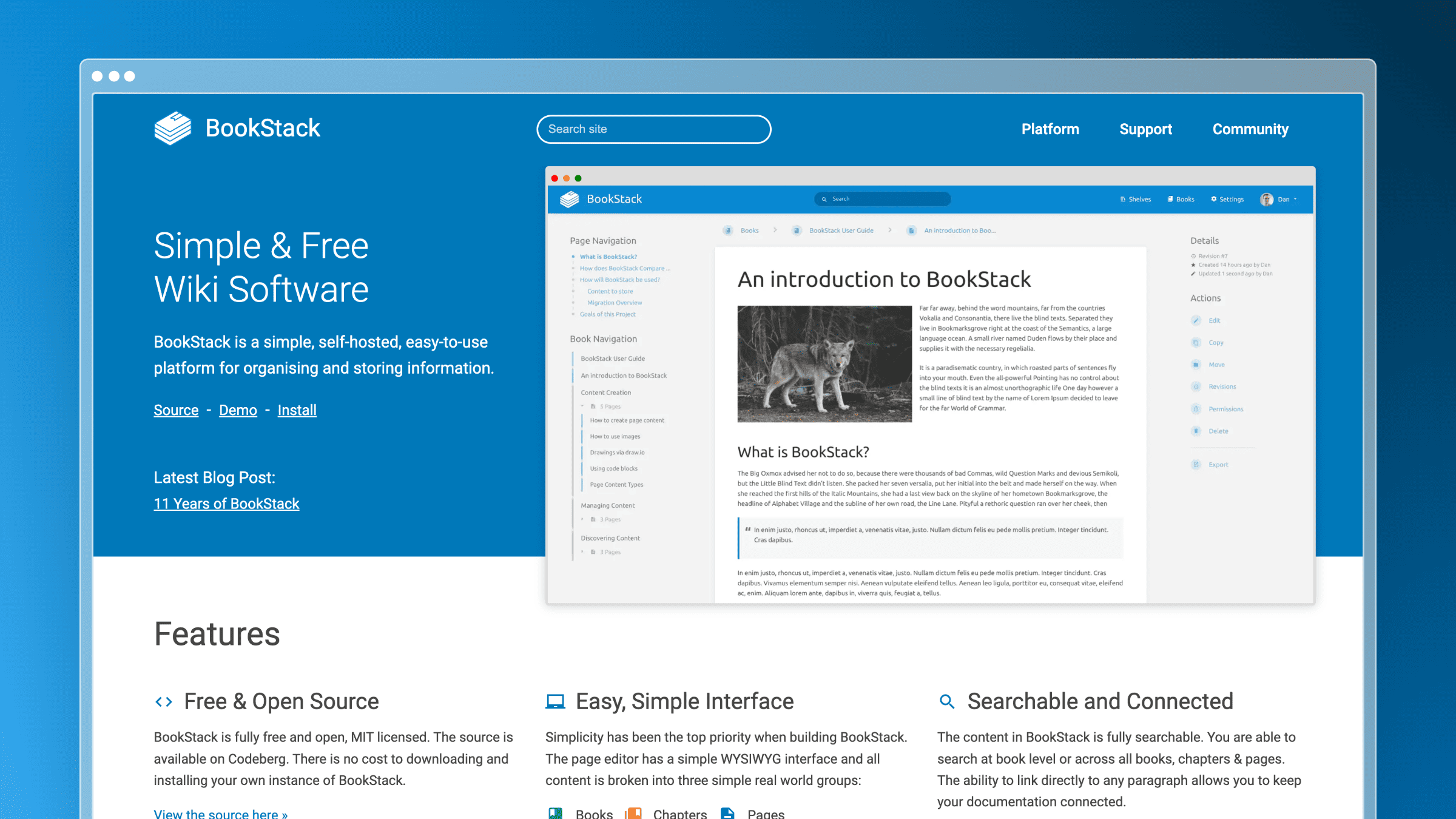
BookStack organizes documentation into a Books, Chapters, and Pages hierarchy that mirrors how most teams actually think about content structure. It is a PHP-based application you deploy on your own server, with a clean WYSIWYG editor and built-in full-text search.
The interface is deliberately approachable - it looks and feels closer to a traditional document editor than a developer tool, which makes it one of the easiest self-hosted options for non-technical contributors to adopt. BookStack also includes a drawing tool powered by Draw.io, inline image management, and page templates so teams can standardize how content gets written.
What BookStack does well:
- Intuitive hierarchy - Books, Chapters, and Pages map naturally to documentation structure without requiring contributors to think about file paths or folder conventions
- WYSIWYG editor - non-technical contributors can write, format, and embed images without learning Markdown or Git
- LDAP and SAML auth - integrates with existing identity providers for single sign-on in enterprise environments
- Export options - PDF, HTML, Markdown, and plain text exports per page or per book, useful for compliance or offline distribution
- Audit log - tracks who changed what and when, giving you a basic accountability trail without needing a separate tool
What BookStack doesn’t do: No Git workflow, no API documentation features, and no AI capabilities of any kind. It is a self-hosted wiki, not a developer documentation platform. There is no versioning beyond a basic page revision history, no branching, and no way to connect BookStack to your codebase or support channels. Requires PHP server setup and ongoing maintenance, including security patches.
Pricing: Free and open source.
Best for: Teams that want a self-hosted internal knowledge base with a familiar document hierarchy and no per-seat licensing costs.
The tradeoff: BookStack is the most approachable self-hosted wiki on this list for non-technical teams. The hierarchy makes sense immediately, and the editor does not intimidate people who have never used Markdown. But approachability has limits. BookStack was designed for internal wikis, not customer-facing documentation or developer references. If your team ships product updates regularly, nothing in BookStack will tell you which pages are now wrong. The maintenance burden lands entirely on whoever owns the content.
MkDocs
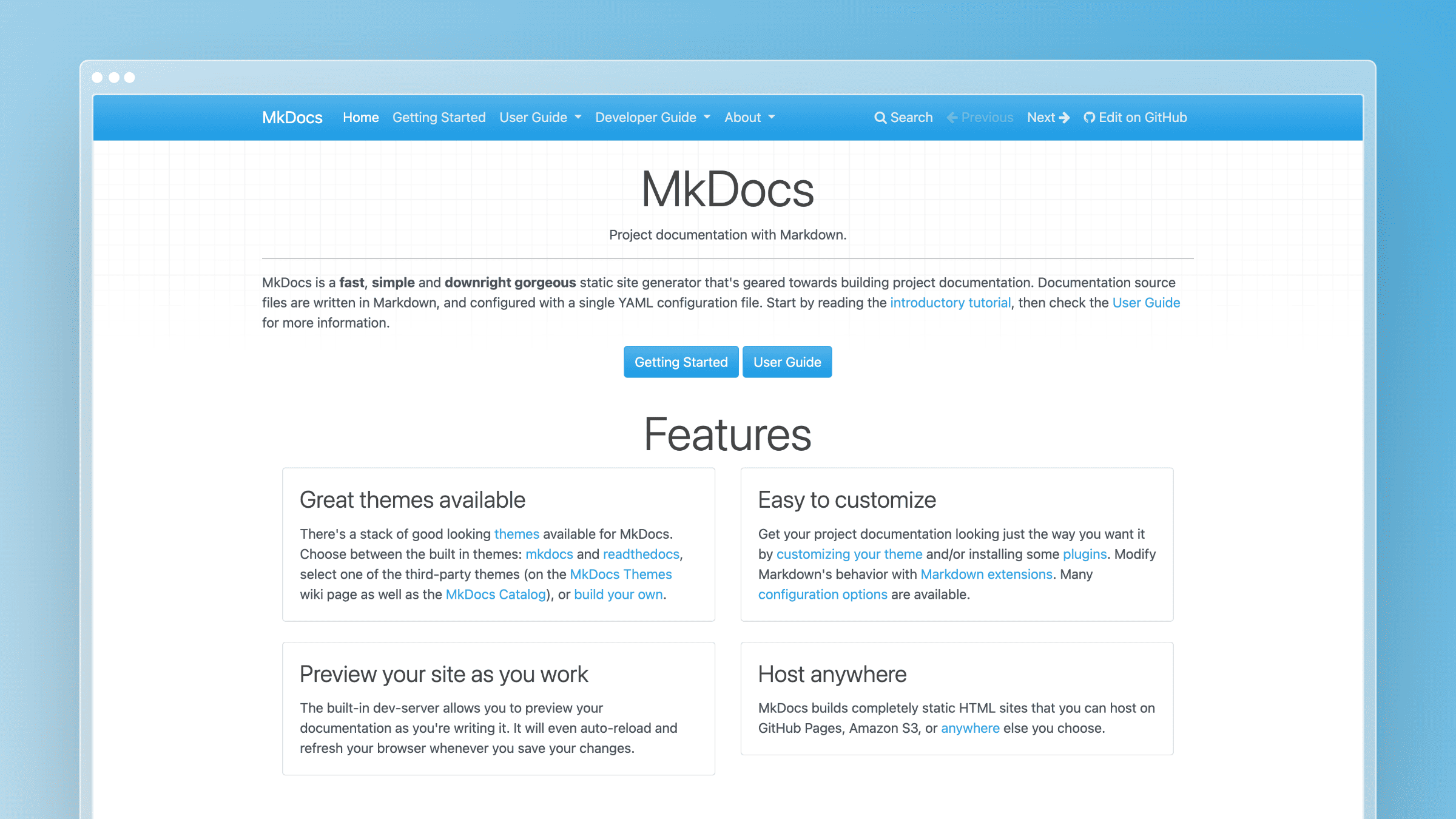
MkDocs is a Python-based static site generator designed specifically for project documentation. You write in Markdown, configure a single YAML file, and run one command to build a static site you can deploy anywhere.
The Material for MkDocs theme has become the de facto standard for open-source project docs - it ships with search, dark mode, tabbed navigation, admonitions, code block syntax highlighting, and a responsive layout that looks professional without a single line of custom CSS. MkDocs also supports plugins for versioning (mike), PDF export, social cards, and blog functionality, so it scales beyond basic documentation without requiring a framework switch.
What MkDocs does well:
- Simple setup - one config file, one build command, and a static site ready to deploy in under an hour
- Material theme - polished design with search, dark mode, tabbed content, and navigation out of the box, used by projects like FastAPI, Pydantic, and Typer
- Python ecosystem - natural fit for Python projects, data teams, and ML libraries where contributors already work in Python
- Deploy anywhere - static output works on GitHub Pages, Netlify, S3, Cloudflare Pages, or your own server with no runtime dependencies
- Plugin system - extend with versioning, redirects, PDF export, and social card generation without forking the core tool
What MkDocs doesn’t do: No WYSIWYG editor, no collaboration features, no AI, and no analytics beyond what you add yourself via Google Analytics or Plausible. Non-technical contributors need to learn Markdown and Git before they can write a single word. There is no hosted option - you own the build pipeline and the deployment. Like Docusaurus, documentation drift is entirely your responsibility, and nothing in MkDocs will surface stale content automatically.
Pricing: Free and open source.
Best for: Python projects and engineering teams comfortable with a docs-as-code workflow who want a lightweight, zero-cost alternative to GitBook.
The tradeoff: MkDocs with Material is the fastest path to a good-looking, self-hosted documentation site for engineering teams. The setup is genuinely simple compared to Docusaurus, and the output is fast and SEO-friendly. But it is a creation tool, not a maintenance tool. Once your docs are live, MkDocs does nothing to keep them accurate. Every product change, API update, or UI redesign requires a human to find the affected pages and rewrite them manually. For teams shipping weekly, that gap compounds quickly.
Read the Docs
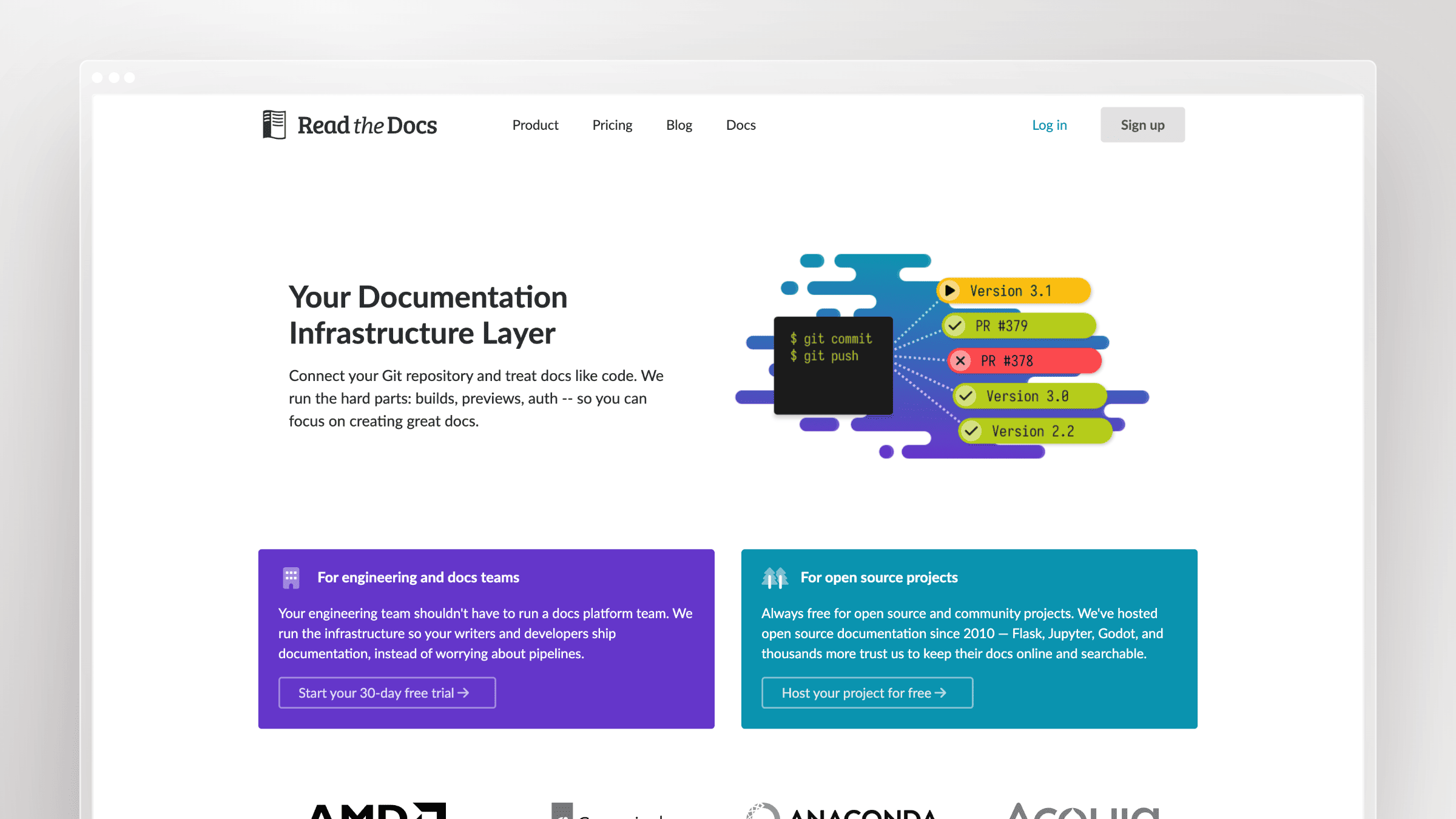
Read the Docs is the standard hosting platform for open-source project documentation. It builds and hosts Sphinx or MkDocs documentation automatically from your Git repository. Push a commit, and Read the Docs rebuilds your docs within minutes.
It is where most Python library documentation lives - NumPy, Django, Requests, and thousands of other projects rely on it. The platform handles versioning automatically: tag a release in Git, and Read the Docs creates a versioned documentation URL for it. Readers can switch between versions from a dropdown without you managing any redirects or static file hosting manually.
What Read the Docs does well:
- Automatic builds - rebuilds docs on every Git push, so your published site always reflects your latest commit without a manual deploy step
- Version management - host docs for multiple versions simultaneously, with automatic version dropdowns and stable, latest, and tagged URL patterns
- Free for open source - no cost for public projects, which is why it dominates the Python and scientific computing ecosystem
- Sphinx and MkDocs support - works with the two most common Python documentation frameworks without requiring configuration changes to your existing setup
- Pull request previews - builds a preview of documentation changes on every PR so reviewers can see rendered output before merging
What Read the Docs doesn’t do: No WYSIWYG editor, no AI features, no support ticket integration, and no help center functionality. It is a hosting and build platform, not a documentation editor - you still write everything in Markdown or reStructuredText in your local environment. The free tier for open-source projects displays ads. Commercial projects require a paid plan, and the Business tier pricing scales with the number of projects and users. There is no mechanism for detecting stale content or flagging documentation drift.
Pricing: Free for open-source projects. Read the Docs for Business starts at $50/month.
Best for: Open-source projects and Python library maintainers who need versioned documentation hosting with automatic builds from Git.
The tradeoff: Read the Docs solves a specific problem exceptionally well: hosting versioned documentation for software libraries with zero deployment overhead. If that is your use case, nothing else on this list comes close at the price. But it is not a general-purpose documentation platform. There is no editor, no collaboration layer, no analytics beyond basic traffic data, and no way to surface content that has become inaccurate. For SaaS teams maintaining a customer-facing help center, Read the Docs is the wrong tool entirely. For open-source library maintainers, it remains the default for good reason.
How to Choose
The right GitBook alternative depends on why you’re leaving.
Leaving because of cost? HelpDocs ($49/month) or Docusaurus (free) give you functional documentation at a fraction of GitBook’s price. Archbee ($50/month) adds API docs to the mix. Ferndesk ($149/month) adds AI maintenance features GitBook doesn’t have.
Leaving because your docs are always stale? This is the big one. GitBook’s Git sync creates an illusion of freshness - your docs are version-controlled, so they feel maintained. But version control doesn’t mean accuracy. Ferndesk is the only tool on this list that actively monitors your product and support channels to keep documentation current.
Leaving for better developer docs? Mintlify gives you better design and a smoother docs-as-code experience. ReadMe gives you interactive API exploration. Docusaurus gives you unlimited customization. All three are stronger than GitBook for pure developer documentation.
Leaving for enterprise features? Document360 has the governance, permissions, and approval workflows that GitBook’s enterprise tier promises but doesn’t fully deliver.
Leaving because you just need something simpler? HelpDocs. No contest. It does one thing well and doesn’t pretend to be a platform.
Leaving because you want to self-host? Wiki.js, BookStack, MkDocs, and Read the Docs are all free and open source. They give you full infrastructure control and no vendor dependency. The tradeoff is real though: you own the server, the upgrades, and every maintenance decision. None of them will tell you when a page goes stale.
Here’s the honest question to ask yourself: Is your documentation problem a creation problem or a maintenance problem?
If you need a better way to write docs, any tool on this list will work. Mintlify, Docusaurus, and Document360 all have capable editors and workflows.
If you need a way to keep docs accurate - to catch documentation drift before your customers do - then you need a tool that actively participates in maintenance. That narrows the field considerably.
Bottom Line
GitBook is a good documentation tool that hasn’t solved the hard problem. The hard problem isn’t writing docs. It’s keeping them accurate as your product evolves.
Most GitBook alternatives on this list share that limitation. They give you different editors, different workflows, different price points - but the same maintenance burden.
Ferndesk is the exception. It connects to your codebase, analyzes your support tickets, runs weekly audits, and drafts updates before your customers notice the drift. That’s not a feature. That’s a fundamentally different approach to documentation.
Try Ferndesk free and see what your AI agent finds in your first content audit.


 Book a demo