


KnowledgeOwl is a bootstrapped, seven-person team from Colorado. They’re B Corp certified, never took venture money, and the CEO calls herself “Chief Executive Owl.” All of that is admirable. But admirable company values don’t fix the product’s limitations: $100/month for a single author (without even a custom domain), no AI features worth mentioning, and a platform that hasn’t kept pace with modern alternatives. At those prices, you deserve a knowledge base that actively maintains itself.
The KnowledgeOwl pricing model punishes you twice: once with a high base cost and again when you need features that competitors include by default. Custom domains cost extra. Multiple knowledge bases cost extra. Every additional author costs extra. Meanwhile, the editor is adequate but not modern, the templates are functional but not beautiful, and there’s no AI to help you write, audit, or maintain your content.
We tested 7 alternatives against KnowledgeOwl on the dimensions that matter: AI capabilities, pricing transparency, design quality, and whether the tool helps your documentation stay accurate over time. Read our full KnowledgeOwl review for the complete breakdown, but here’s the short version: every tool on this list gives you more for less.
Quick Comparison: Best KnowledgeOwl Alternatives
| Tool | Best For | Starting Price | AI Features | Custom Domain Included? |
|---|---|---|---|---|
| Ferndesk | AI-native documentation | $149/month | Unlimited, proactive | Yes |
| Document360 | Enterprise KB | Pricing available on request | Eddy AI (built-in) | Yes |
| HelpDocs | Simple, fast setup | $49/month | Credit-limited | Yes |
| Helpjuice | Powerful search | $120/month (4 users) | Basic | Yes |
| Zendesk Help Center | Enterprise support suite | $55/agent/month | AI add-on ($50+/agent) | Yes |
| Help Scout | Human-first support | $50/user/month | Basic | Yes |
| GitBook | Developer documentation | Free / $65/site/month | AI search | Yes |
Every single alternative includes custom domains. KnowledgeOwl charges you extra for that. Let that sink in.
1. Ferndesk: Best Overall KnowledgeOwl Alternative

KnowledgeOwl gives you a place to write articles. Ferndesk gives you an AI agent that writes, updates, and audits those articles automatically.
The difference isn’t incremental. KnowledgeOwl is a content management system for help docs. Ferndesk is an intelligent documentation platform where an AI agent named Fern actively monitors your product, reads your support tickets, and keeps your help center accurate without waiting for someone to notice a problem. Ferndesk Pro costs $149/month versus KnowledgeOwl’s $100/month Basic plan.
What Ferndesk does well:
- Codebase monitoring via GitHub: Fern watches your repository for changes. Ship a new feature, deprecate an endpoint, rename a setting, and Fern identifies every affected article and queues updates for review. This is the biggest gap in traditional knowledge bases and Ferndesk closes it completely.
- Support ticket analysis: Fern reads patterns across your support conversations. When the same question keeps appearing without a corresponding article, Fern drafts one and puts it in your review queue.
- Weekly content audits: Stale content, broken links, outdated screenshots, articles that contradict each other. Fern surfaces them in a prioritized list. This is what KnowledgeOwl should have built years ago.
- Embedded help widget: Contextual answers inside your product. The widget surfaces relevant articles based on where users are in your app, reducing the path from confusion to resolution.
- Five editors included: Additional editors cost $10/month each, compared with KnowledgeOwl’s $25/month per additional author.
What Ferndesk doesn’t do:
Ferndesk is a help center, not a full support suite. You won’t find native ticketing, live chat routing, or phone support. If you need those, pair Ferndesk with a dedicated support tool. It’s also a newer platform, so the third-party integration library is smaller than what KnowledgeOwl offers through Zapier.
Pricing: $149/month or $1,490/year (Pro). Custom domains and unlimited AI drafting are included, along with five editors; additional editors cost $10/month each. Compare that to KnowledgeOwl’s $100/month for a single author.
Best for: SaaS teams who want their help center to maintain itself. Companies where documentation accuracy directly reduces support volume. Anyone paying KnowledgeOwl prices and wondering what they’re getting for it.
The tradeoff: You’re choosing an AI-native platform over an established, no-frills knowledge base. If you genuinely need zero AI and prefer a static content repository, KnowledgeOwl’s simplicity has value. But if documentation drift is costing you support tickets and customer trust, Ferndesk solves a problem KnowledgeOwl doesn’t even acknowledge.
Try Ferndesk free and see your first AI content audit within minutes.
2. Document360: Best for Enterprise Knowledge Management
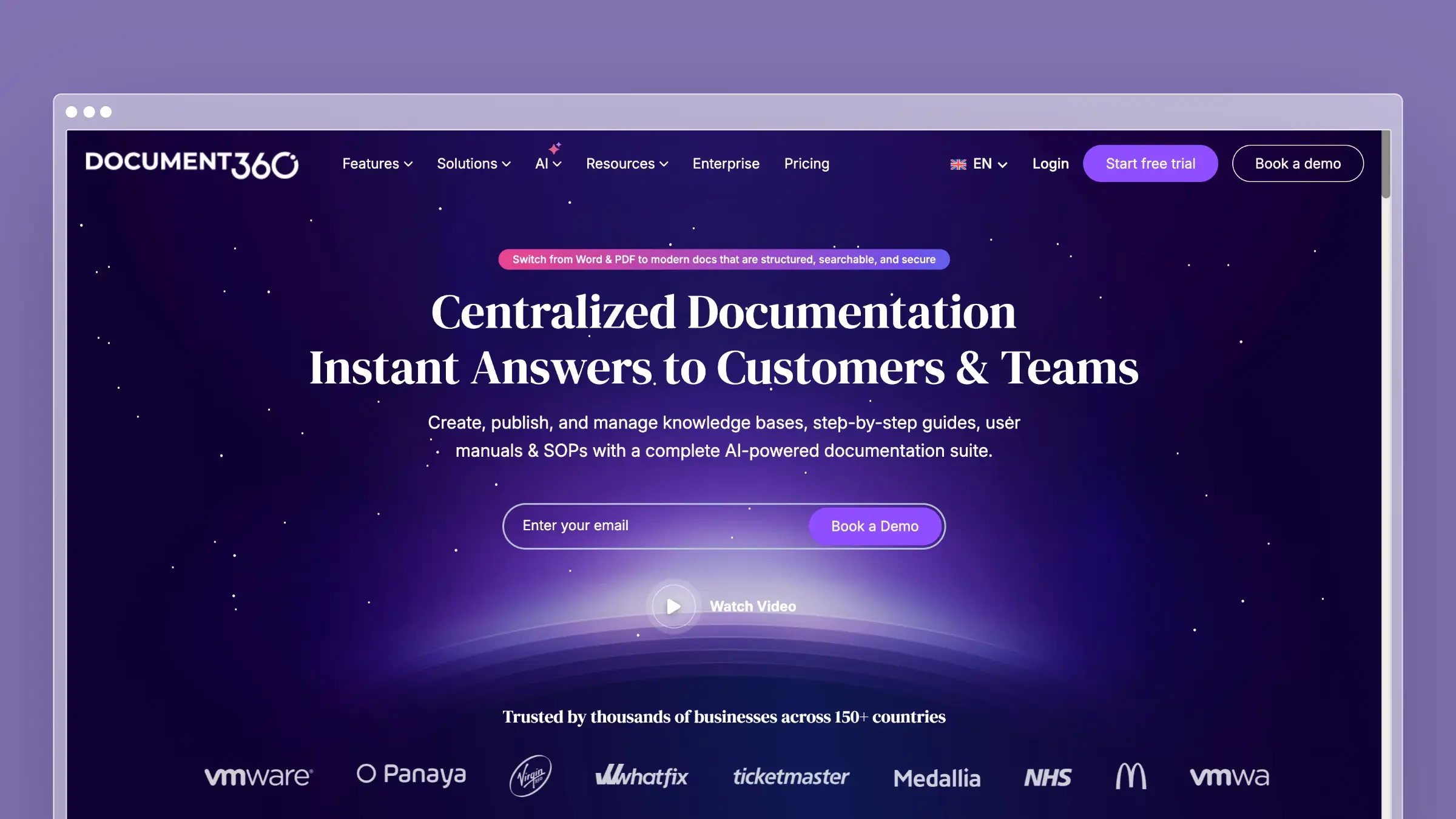
Document360 is the enterprise-grade alternative for teams with complex content governance needs. Version control, approval workflows, public and private knowledge bases, category-level permissions, and analytics that actually tell you something useful. It costs more than KnowledgeOwl, but you get substantially more capability.
Where KnowledgeOwl offers a single-purpose knowledge base, Document360 gives you a content platform with real editorial workflows. Multiple team members can collaborate on drafts, route articles through approval chains, and roll back any change. If your organization has compliance requirements or multi-audience documentation needs, Document360 handles that complexity gracefully.
What Document360 does well:
- Full version control with rollback on every article
- Approval workflows for content governance and compliance
- Public and private knowledge bases from a single account
- Eddy AI for search, article suggestions, and content summarization
- Deep analytics: article performance, search behavior, failed search terms
What Document360 doesn’t do:
Document360 pricing is available on request, and quotes are typically expensive relative to KnowledgeOwl’s published tiers. The learning curve is steeper than KnowledgeOwl’s, and the feature depth can overwhelm small teams. Eddy AI is reactive (helping customers find content) rather than proactive (telling you when content is stale). There’s no codebase integration and no automated auditing. The power is in organization and governance, not intelligence.
Pricing: Pricing available on request. More expensive than KnowledgeOwl for many teams, but includes features KnowledgeOwl doesn’t offer at any price tier.
Best for: Mid-to-large companies with dedicated documentation teams, compliance requirements, and multi-audience knowledge base needs.
The tradeoff: You get enterprise content governance without enterprise content intelligence. Document360 excels at organizing and controlling content. Keeping that content accurate is still your job. If your bottleneck is editorial workflow, Document360 is the answer. If your bottleneck is freshness, consider other alternatives.
3. HelpDocs: Best for Speed and Simplicity
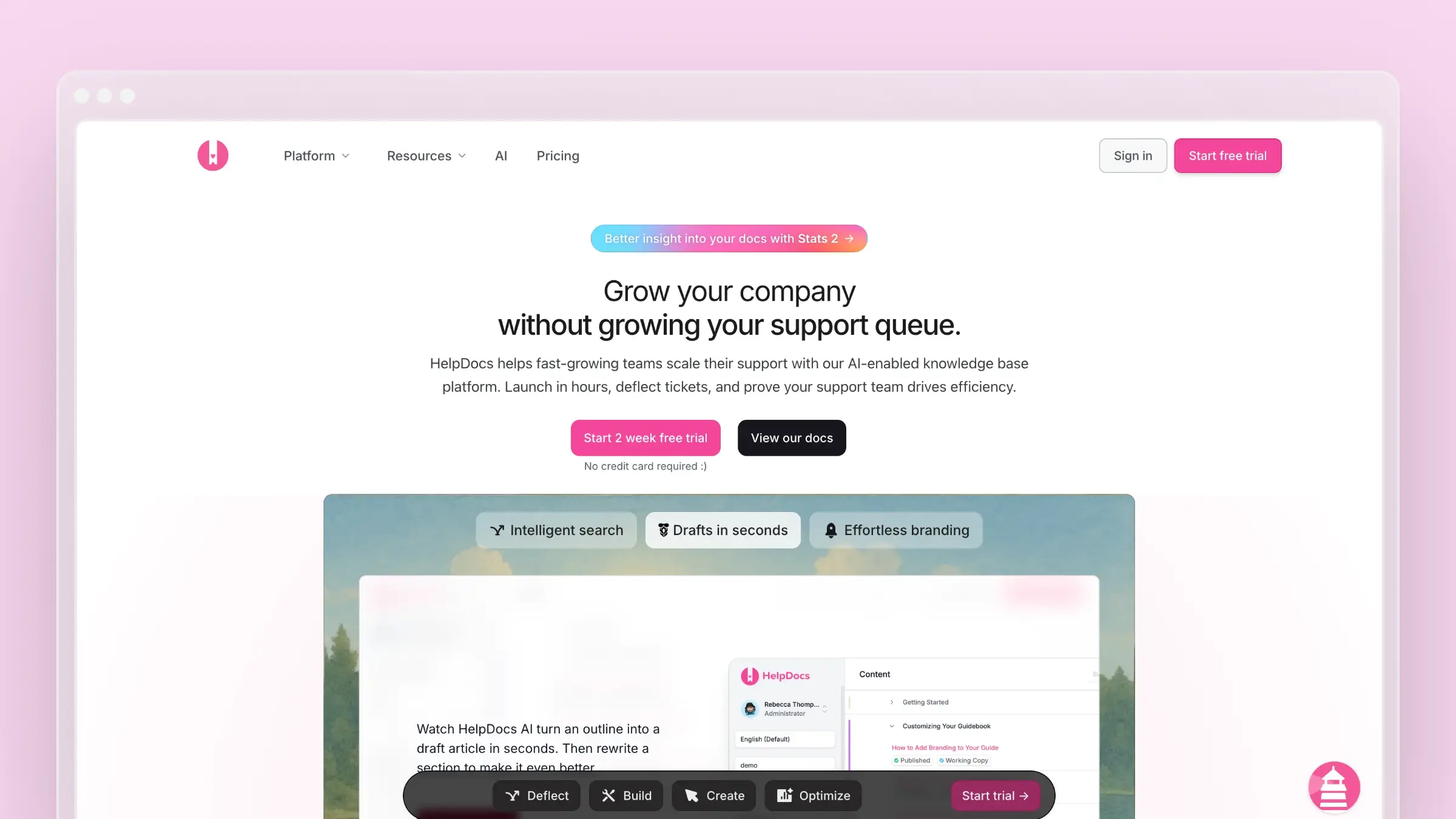
HelpDocs is the antithesis of KnowledgeOwl’s complexity-for-a-price model. It’s faster to set up, cheaper to run, and looks better out of the box. If you just want a clean, modern knowledge base without feature bloat, HelpDocs delivers in under 30 minutes.
The Lighthouse widget embeds your knowledge base inside your product. The templates are responsive and modern without needing CSS customization. The editor is distraction-free. And at $49/month, you’re paying half of what KnowledgeOwl charges for a comparable (honestly, better) feature set. See our HelpDocs pricing breakdown for the full tier comparison.
What HelpDocs does well:
- Fastest setup time of any tool on this list (under 30 minutes)
- Modern, responsive templates that look professional without customization
- Lighthouse widget for in-app contextual help
- Clean API for custom integrations
- No per-author pricing at any tier
What HelpDocs doesn’t do:
There’s no ticketing, no live chat, and no advanced AI. The AI features use a credit system, which means heavy usage hits a ceiling. There’s no codebase sync, no automated content auditing, and the analytics are adequate rather than exceptional. HelpDocs is a publishing tool for help articles, and it deliberately stays in that lane. For teams needing more, read our list of HelpDocs alternatives.
Pricing: $49/month (Sprout), $99/month (Sapling), $249/month (Oak). No per-user pricing. Custom domains included at every tier.
Best for: Startups and small teams that want a clean knowledge base without the overhead of a support platform. Teams switching from KnowledgeOwl who want half the price and twice the design quality.
The tradeoff: Simplicity means boundaries. No support workflows, no proactive content management, no deep analytics. HelpDocs publishes help articles and does it well. If your documentation needs to adapt to product changes automatically, you’ll need more capability. But if KnowledgeOwl felt like paying $100/month for a glorified CMS, HelpDocs gives you a better CMS for less.
4. Helpjuice: Best for Search-Driven Knowledge Bases
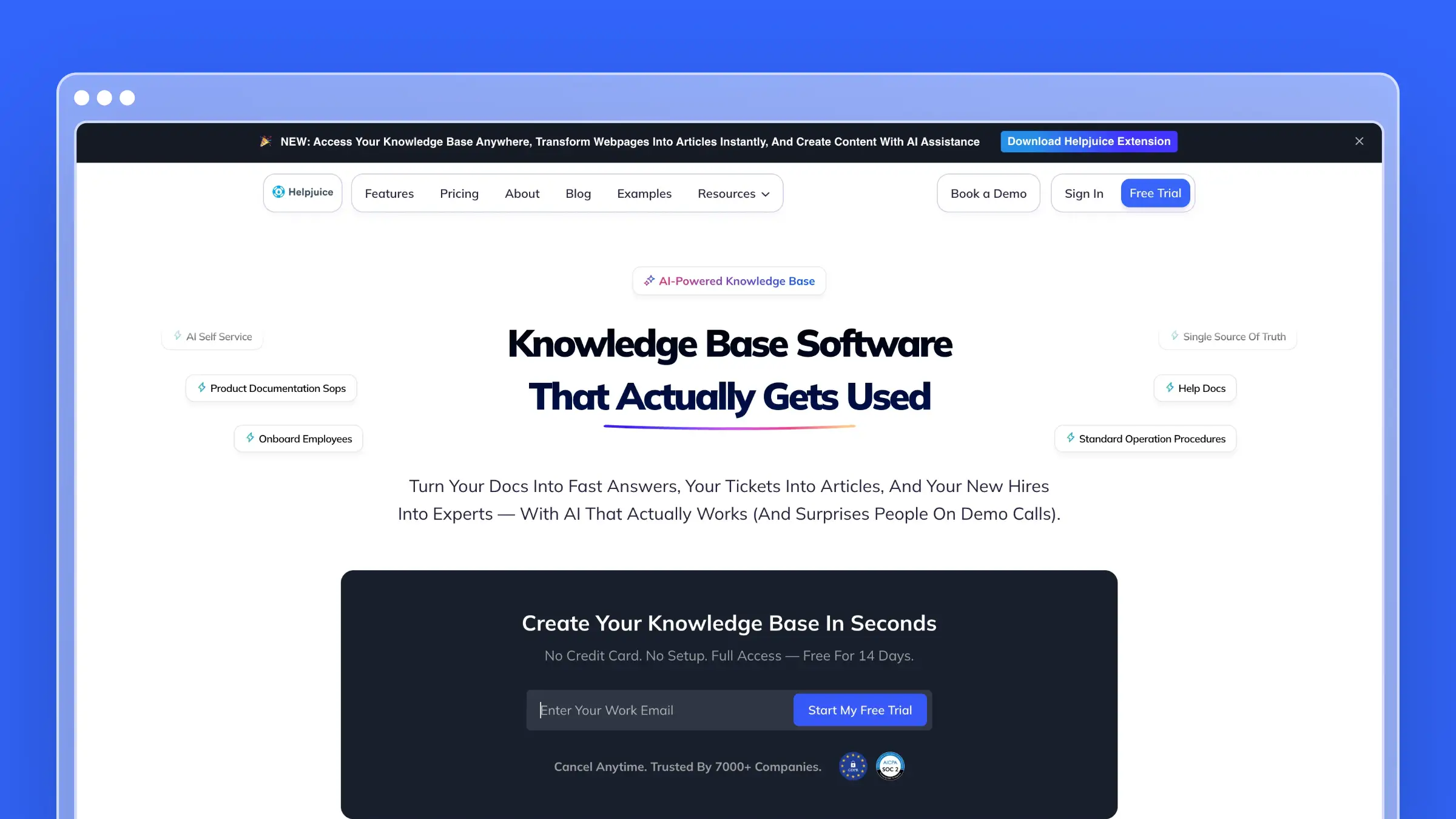
Helpjuice wins on one dimension and wins convincingly: search. The Google-like search engine indexes every word, caption, and file attachment across your entire knowledge base. If your customers have the content but can’t find it, Helpjuice solves that problem better than any other tool here.
The customization depth is also notable. You can modify virtually every element of your knowledge base design through a visual editor or with custom CSS and HTML. The analytics dashboard shows what customers search for, what they find, and critically, where they give up. That insight alone can reshape your content strategy. See our Helpjuice pricing analysis for the full cost picture.
What Helpjuice does well:
- Best-in-class search with instant results across all content types
- Extensive theme customization (visual editor + full CSS/HTML access)
- Detailed analytics on search behavior, article effectiveness, and content gaps
- Multiple knowledge bases from a single account
- Both internal and external documentation support
What Helpjuice doesn’t do:
At $120/month for 4 users, Helpjuice isn’t cheap, and the per-user pricing means costs climb as your team grows. The AI features are basic compared to newer platforms. The interface feels dated next to tools like HelpDocs or Ferndesk. There’s no automated content auditing, no codebase integration, and no proactive suggestions. Search is exceptional; everything else is adequate.
Pricing: $120/month (4 users), with tiered pricing as user count increases. Per-user pricing makes this expensive for large teams.
Best for: Organizations with large knowledge bases where findability is the primary problem. Teams whose customers complain about not finding answers that actually exist.
The tradeoff: You get the best search on the market wrapped in an average knowledge base platform. If your content is good but undiscoverable, Helpjuice is worth the premium. If your content is stale or incomplete, better search just helps customers find outdated information faster. Explore Helpjuice alternatives if search isn’t your primary concern.
5. Zendesk Help Center: Best for Enterprise Support Suites
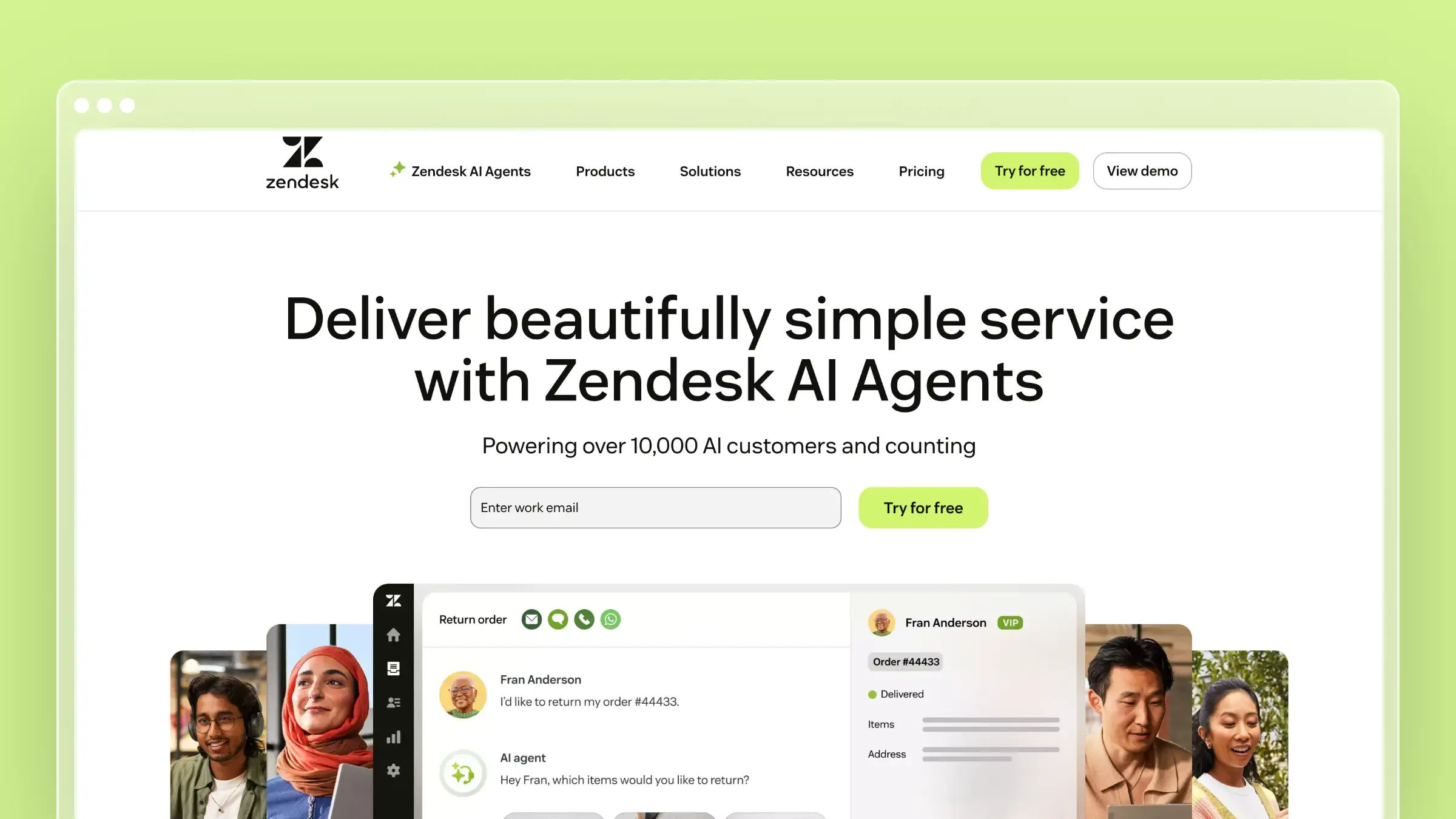
Zendesk Help Center is the opposite end of the spectrum from KnowledgeOwl: maximum capability, maximum price, maximum complexity. If you’re already running Zendesk for ticketing and want a help center inside that ecosystem, it works. If you’re evaluating it standalone, the math rarely makes sense.
At $55/agent/month (Suite Team) to $115/agent/month (Suite Professional, where the AI features actually live), five agents cost you $275-$575/month before AI add-ons. KnowledgeOwl is overpriced; Zendesk is overpriced and over-engineered. But if enterprise integration is non-negotiable, the help center is competent.
What Zendesk does well:
- Tight integration with Zendesk ticketing, chat, and phone
- 1,200+ third-party integrations via the marketplace
- AI-powered answer bot on higher tiers
- Multilingual support with dynamic content
- Mature analytics and reporting
What Zendesk doesn’t do:
Zendesk won’t tell you when your articles go stale. The AI features bolt onto a system designed in 2012. Per-agent pricing punishes growing teams. The help center is a feature inside a support suite, not a standalone product. If your primary goal is a great knowledge base, you’re overpaying for capabilities you don’t need. Read our guide to the best Zendesk alternatives for a deeper comparison.
Pricing: $55/agent/month (Suite Team), $89/agent/month (Suite Growth), $115/agent/month (Suite Professional). AI features require Professional tier or separate add-ons.
Best for: Enterprise teams already invested in the Zendesk ecosystem who need a help center that plugs into their existing support infrastructure.
The tradeoff: You get enterprise-grade integration at enterprise-grade prices. If you’re leaving KnowledgeOwl because of cost, Zendesk moves you in the wrong direction. The help center is solid but you’re paying for the entire suite to access it. For small teams, this is overkill.
6. Help Scout: Best for Human-First Support

Help Scout strips support software down to what teams actually use: a shared inbox, a knowledge base, and a help widget. No dashboards with 47 tabs. No admin certifications required. Where KnowledgeOwl adds complexity through add-on pricing, Help Scout removes complexity through opinionated design.
The Docs product is clean and fast to learn. The Beacon widget embeds your knowledge base inside your product and doubles as a contact form. For teams where the knowledge base is one part of a broader support operation, Help Scout bundles everything at a predictable price. See our Help Scout pricing breakdown for tier details.
What Help Scout does well:
- Clean, distraction-free writing experience for documentation
- Beacon widget combines self-service and direct contact in one interface
- Collision detection prevents two agents from editing the same article
- Saved replies let agents link to knowledge base articles from tickets
- Simple permissions that don’t require training to understand
What Help Scout doesn’t do:
AI is not Help Scout’s strength. No automated content auditing, no codebase integration, no proactive article suggestions. The search is decent but not intelligent. Analytics are basic. If you need your knowledge base to actively improve itself, Help Scout relies entirely on your team’s discipline. For teams with limited bandwidth, that’s a meaningful gap.
Pricing: $50/user/month (Standard), $75/user/month (Plus). Per-user pricing, so costs scale with team size.
Best for: Small to mid-size teams (5-30 people) who want a clean support tool that includes a solid knowledge base, without enterprise bloat.
The tradeoff: You get simplicity at the cost of intelligence. Help Scout won’t tell you what’s broken, missing, or outdated. If documentation is a strategic asset that directly impacts support volume, you need something smarter. If it’s a complement to your human support team, Help Scout works well. See other Help Scout alternatives for more options.
7. GitBook: Best for Developer Documentation
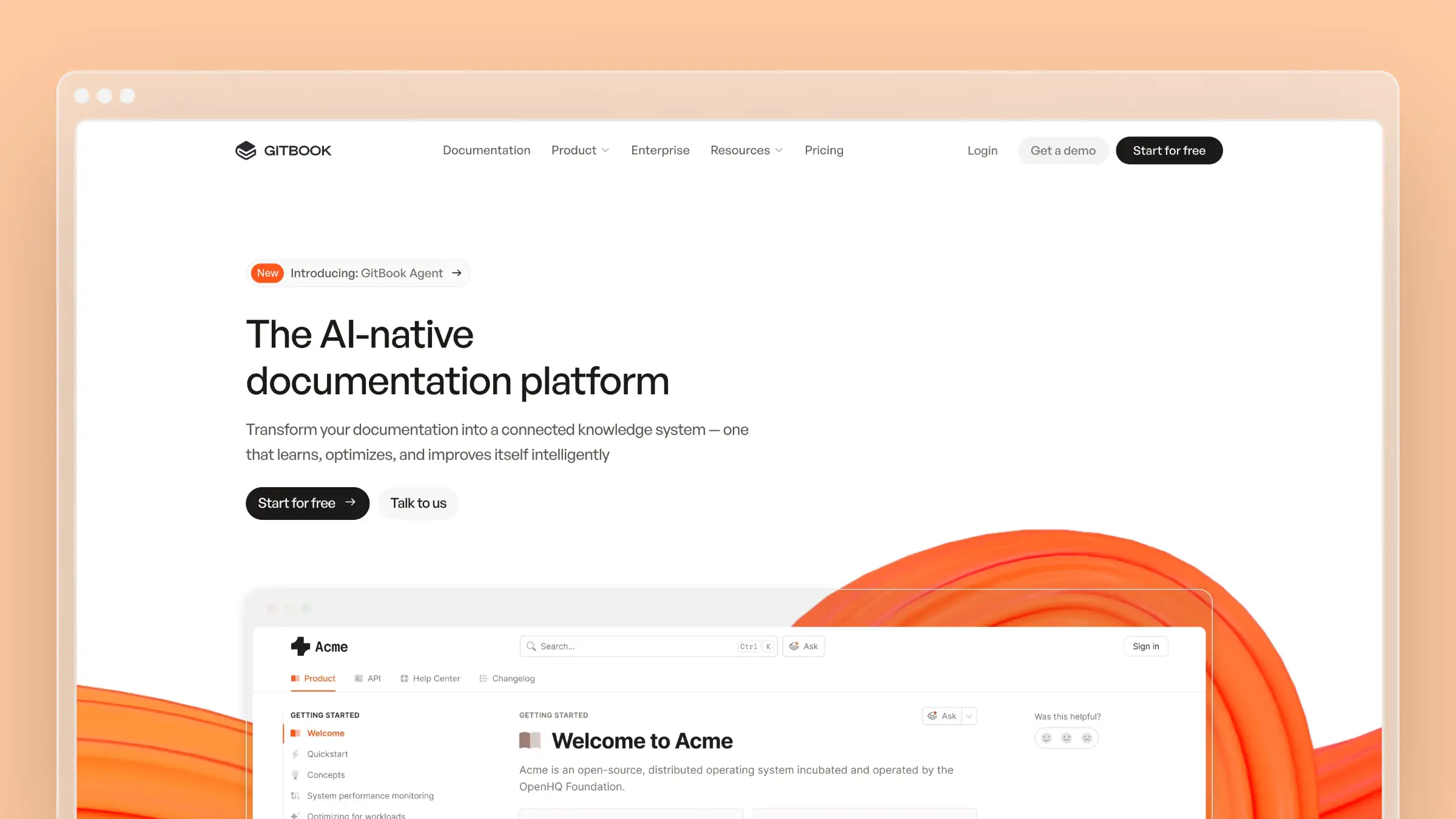
GitBook occupies a unique niche: documentation for technical teams that think in Git. If your knowledge base lives closer to your codebase than your support desk, GitBook’s version control, Markdown-first editing, and GitHub/GitLab sync make it a natural fit. It’s fundamentally different from KnowledgeOwl, which is built for support teams, not developers.
The free tier is generous for open-source projects. AI-powered search helps users find content quickly. And the Git-based workflow means your documentation changes go through the same review process as your code. For developer-facing products, that’s a significant advantage.
What GitBook does well:
- Git-based workflow with GitHub and GitLab sync
- Markdown-first editing that developers actually enjoy
- AI-powered search across your documentation
- Free tier for open-source and small teams
- Clean, fast documentation sites with minimal configuration
What GitBook doesn’t do:
GitBook is developer documentation, not a customer-facing help center. There’s no help widget, no ticket integration, no support workflows. The customization options are limited compared to tools like Helpjuice or Document360. And the AI doesn’t proactively audit content or suggest updates. For non-technical teams, the Git-based workflow is a barrier, not a benefit. Read our full GitBook review and explore GitBook alternatives if you need more than developer docs.
Pricing: Free (personal/open-source), $65/site/month (Plus), custom pricing (Enterprise). The free tier is generous; the paid tier jumps significantly.
Best for: Developer-facing products that need API docs, technical guides, and internal documentation with Git-based version control.
The tradeoff: If your audience is developers and your team thinks in Git, GitBook is hard to beat. If your audience is end users who need how-to guides and your team includes non-technical writers, GitBook creates friction that tools like HelpDocs or Ferndesk eliminate. It’s the right tool for a specific use case, not a general-purpose KnowledgeOwl replacement.
How to Choose the Right KnowledgeOwl Alternative
Forget feature matrices. Start with the problem you’re actually trying to solve.
If your documentation is always outdated: This is the real cost of any static knowledge base, including KnowledgeOwl. Ferndesk is the only tool that actively fights documentation drift with codebase monitoring, support ticket analysis, and weekly content audits. Nothing else on this list does this. If stale content is driving support tickets, this is your answer.
If you want simpler and cheaper: HelpDocs gives you a cleaner product at half the price. No add-on fees, no per-author charges, no custom domain surcharges. It’s what KnowledgeOwl should cost. Setup takes 30 minutes, the templates look modern, and you can be publishing articles before lunch.
If you need enterprise content governance: Document360 delivers version control, approval workflows, and multi-audience support. It costs more than KnowledgeOwl but gives you enterprise capability that KnowledgeOwl lacks entirely. This is the right choice when compliance or multi-team content governance is non-negotiable.
If search quality is your primary pain point: Helpjuice’s search is best-in-class. If your customers have the answers but can’t find them, start here. The search analytics alone will reshape your content strategy.
If you need a full support suite: Zendesk or Help Scout bundle ticketing, knowledge base, and chat. The per-agent pricing adds up, but you get a complete support operation in one tool. Help Scout is the simpler option; Zendesk is the more powerful one.
If your audience is developers: GitBook’s Git-based workflow and Markdown editing fit technical teams better than any general-purpose knowledge base. The free tier is generous, and documentation changes go through the same review process as your code.
If you’re on a tight budget: Check our list of free knowledge base software. GitBook’s free tier is solid for open-source and small teams. Help Scout also offers a free plan for up to 10 contacts.
The question to ask yourself: do you want a tool that stores documentation, or one that maintains it? If you’re paying $100+/month to KnowledgeOwl for storage, every alternative on this list is a better deal. If you want maintenance, Ferndesk is the only real option.
Bottom Line
KnowledgeOwl is a good-faith effort from a small team that cares about their product. But caring about the product isn’t the same as keeping pace with the market. At $100+/month with no AI, no proactive maintenance, and extra charges for basic features like custom domains, KnowledgeOwl is the most expensive way to get the least automation.
Every alternative on this list includes custom domains by default. Most cost less than KnowledgeOwl. Several include AI features that KnowledgeOwl doesn’t offer at any price. The value equation isn’t close.
If you want a help center that actively maintains itself, that watches your codebase for changes, reads your support tickets for content gaps, and flags stale articles before customers find them, Ferndesk is built from the ground up to do exactly that. Pro costs $149/month or $1,490/year. Custom domains and unlimited AI drafting are included, along with five editors; additional editors cost $10/month each.
Try Ferndesk free. See your first AI content audit in minutes, not months.
Looking for more options? Read our complete guide to the best help center software, our focused list for small teams, our roundup of the best help center software for SaaS, or our breakdown of KnowledgeOwl’s pricing.


 Book a demo