


Zoho Desk wins on price. Free for 3 agents, $14/agent/month for Standard. That’s hard to argue with.
But price is only part of the equation. The interface feels dated compared to modern tools. The knowledge base features are basic: you get articles, categories, and a search bar that returns results roughly in the order you’d expect. The AI assistant (Zia) handles simple tasks like sentiment analysis and ticket tagging, but can’t match competitors like Intercom’s Fin or Ferndesk’s Fern. And if you’re not already in the Zoho ecosystem, the integration advantage disappears entirely.
The real cost of Zoho Desk isn’t the monthly bill. It’s the support tickets that a better help center would have deflected, the stale articles your team never gets around to updating, and the customers who gave up looking for answers and either contacted support or churned silently. When you factor in those costs, the cheapest tool on paper becomes expensive in practice.
When you’re ready for a help center that does more than exist, here are 7 alternatives worth evaluating.
Quick Comparison: Best Zoho Desk Alternatives
| Tool | Best For | Starting Price | AI Features | Free Plan? |
|---|---|---|---|---|
| Ferndesk | AI-native help center | $149/month | Proactive, unlimited | No |
| Zendesk | Enterprise support suite | $55/agent/month | Advanced AI add-on | No |
| Intercom | Conversational support | $29/seat/month | Fin chatbot ($0.99/resolution) | No |
| Help Scout | Human-first support | $50/user/month | Basic AI drafts | No |
| Freshdesk | Budget support teams | Free / $15/agent/month | Freddy AI (limited) | Yes (10 agents) |
| HelpDocs | Standalone knowledge base | $49/month | Credit-limited | No |
| Document360 | Enterprise knowledge base | Pricing available on request | Built-in AI | No |
1. Ferndesk: Best for AI-Native Documentation That Stays Accurate

Zoho Desk gives you a knowledge base that collects dust. Ferndesk gives you an AI agent that writes, updates, and audits your help center automatically.
The difference is fundamental. Zoho’s knowledge base is a static file cabinet. You write articles, organize them into categories, and hope someone updates them when the product changes. Ferndesk’s AI agent, Fern, monitors your codebase, reads your support tickets, and watches for product changes. When something shifts, Fern identifies every affected article and queues updates for your review. Your documentation stays accurate without manual effort.
If you’re leaving Zoho Desk because the help center feels like an afterthought, Ferndesk treats it as the core product.
What Ferndesk does well:
- Codebase sync via GitHub: Fern watches your repository. Ship a new feature, rename an endpoint, deprecate a flow, and Fern flags every article that needs updating. This is the hardest part of maintaining a knowledge base, and Ferndesk automates it.
- Support ticket analysis: Fern identifies patterns in your support conversations. When the same question keeps coming up, Fern drafts an article before you even think to write one. Questions stop becoming tickets.
- Weekly content audits: Stale content, broken links, outdated screenshots. Fern surfaces them in a prioritized list. No more quarterly “let’s review the docs” sprints that never actually happen.
- Embedded help widget: Contextual answers inside your product, surfacing relevant articles based on where users are in your app. This is the self-service strategy that actually scales.
- Flat pricing, no per-agent gates: $149/month or $1,490/year for Pro, with five editors included and additional editors at $10/month each. Compare that to Zoho’s per-agent model where costs creep up as you grow.
What Ferndesk doesn’t do:
Ferndesk is a help center, not a full support suite. You won’t find native ticketing, live chat routing, or phone support. If you need those, you’ll pair Ferndesk with a dedicated tool. It also doesn’t have the deep Zoho ecosystem integrations (CRM, Books, Inventory) that make Zoho Desk appealing to all-Zoho shops.
Pricing: $149/month or $1,490/year (Pro). Five editors and unlimited AI drafting are included. No feature gating that forces you into the enterprise tier for basic functionality.
Best for: SaaS teams who want their help center to actively reduce support volume, not just warehouse articles. Teams shipping fast who can’t afford to manually audit documentation every sprint.
The tradeoff: You’re choosing a focused help center tool over an all-in-one support suite. If you need ticketing, live chat, and a knowledge base in a single bill, Zoho Desk’s bundled pricing is hard to beat. But if your goal is a help center that actually deflects tickets, Ferndesk Pro costs $149/month and is built specifically for that job.
Try Ferndesk free and see your first AI content audit within minutes.
2. Zendesk: Best for Enterprise Teams That Need Everything
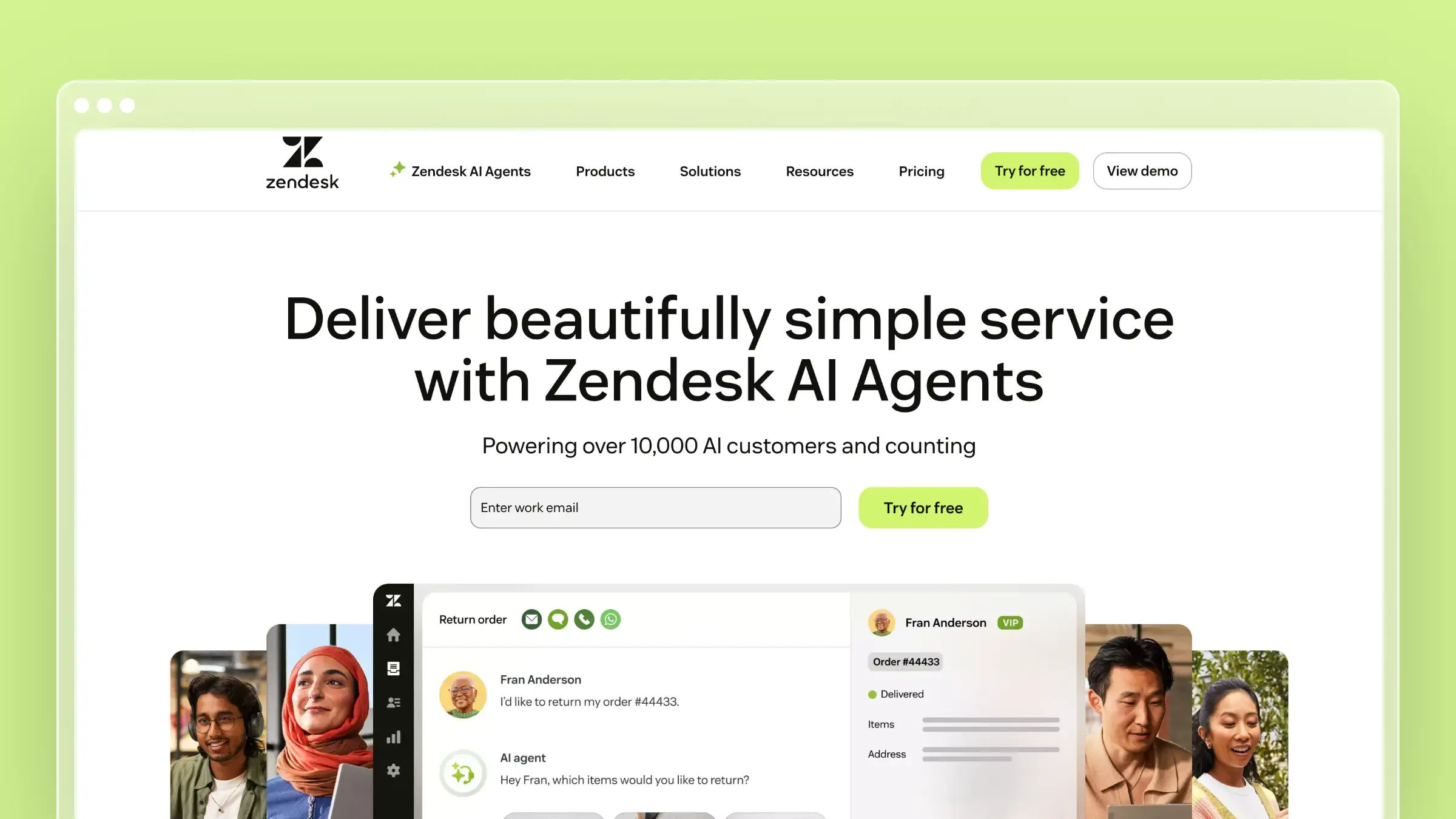
If Zoho Desk feels too small, Zendesk is the obvious step up. It’s the largest support platform on the market, with deep integrations, robust ticketing, and a help center that handles complex content hierarchies. The question is whether you need all of it.
Zendesk Guide (their help center product) is solid. Multi-language support, content blocks for reusable snippets, community forums, and granular permissions. The editor is better than Zoho’s. The search is smarter. The analytics tell you what articles are working and which ones aren’t. And the ecosystem of 1,200+ integrations means Zendesk connects to virtually every tool in your stack.
The question isn’t whether Zendesk is better than Zoho Desk. It obviously is. The question is whether it’s better enough to justify 4-8x the cost.
What Zendesk does well:
- Mature help center with content blocks, multi-brand support, and deep customization
- 1,200+ marketplace integrations covering almost every tool in your stack
- Advanced AI add-on with generative replies, article suggestions, and intent detection
- Enterprise-grade compliance, security, and audit trails
- Omnichannel routing across email, chat, phone, and messaging
What Zendesk doesn’t do:
Zendesk doesn’t keep your documentation up to date. Articles still go stale. Screenshots still break. Pricing changes still get missed. The AI features are reactive, answering questions from existing content, not proactive about maintaining that content. And at $55/agent/month (Suite Team) or $115/agent/month for AI features, the costs add up fast. Our Freshdesk vs Zendesk comparison breaks down the pricing math in detail.
Pricing: $55/agent/month (Suite Team), $89/agent/month (Suite Growth), $115/agent/month (Suite Professional). Advanced AI is an add-on at $50/agent/month on top of Suite Professional. Five agents on Suite Professional with AI: $825/month.
Best for: Enterprise teams with complex support operations, multiple brands, and the budget to match. Teams already using Zendesk for ticketing who want a unified platform.
The tradeoff: You’re paying 4-8x what Zoho Desk costs for a more polished version of the same model: static articles, manual maintenance, and AI that bolts onto legacy architecture. If you’re leaving Zoho for better features, Zendesk delivers. If you’re leaving because the help center model itself feels broken, look at newer approaches to help center software. Worth reading our full best help center software for SaaS roundup for tools built with modern SaaS workflows in mind.
3. Intercom: Best for Product-Led Teams Who Think in Conversations
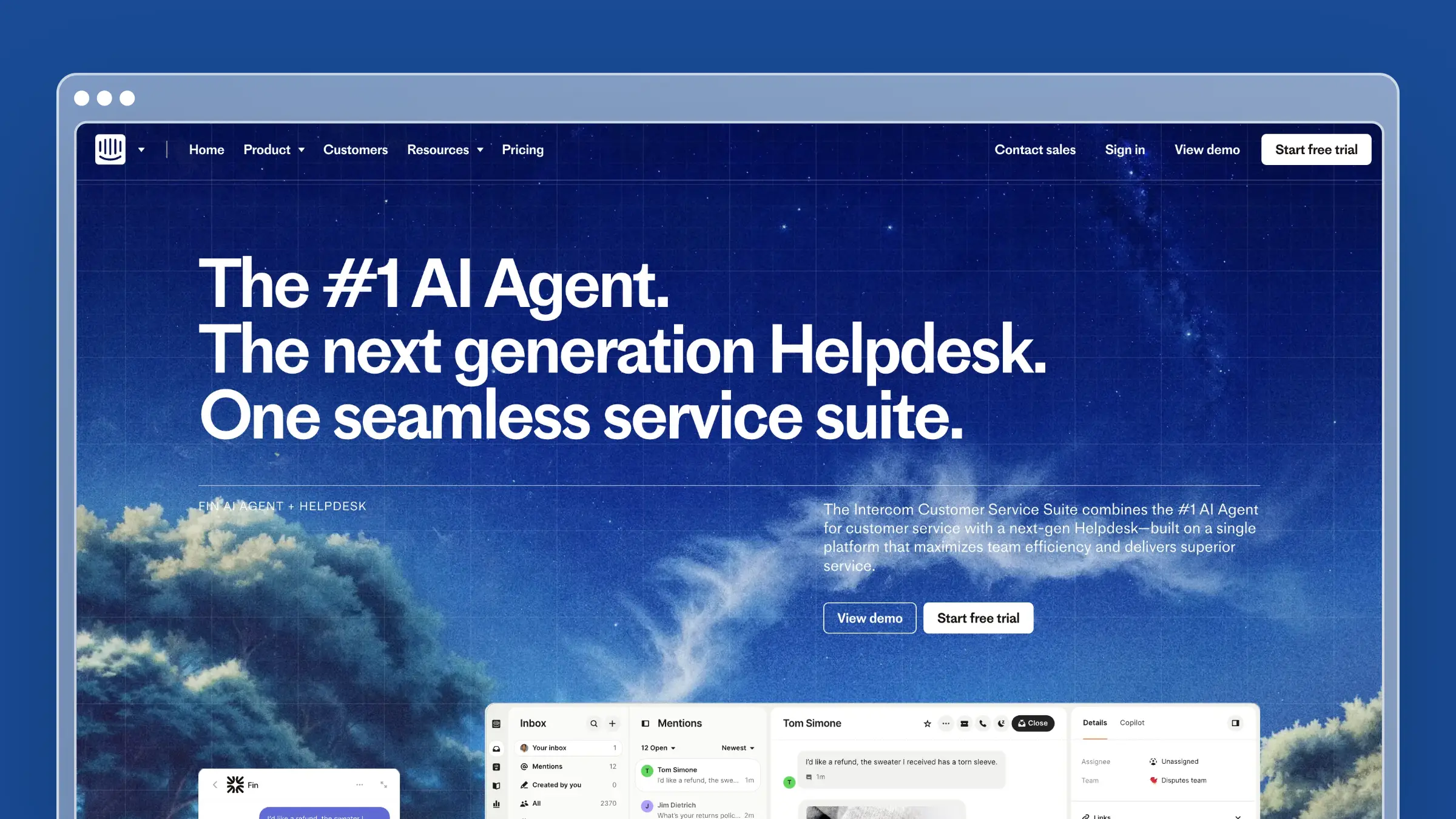
Intercom approaches support differently than Zoho Desk. Where Zoho organizes everything around tickets and queues, Intercom organizes around conversations. The help center exists primarily to feed the Messenger widget and the Fin AI chatbot.
Fin is the standout. It reads your help articles, resolves questions automatically, and hands off to humans with full context when it can’t. At $0.99 per resolution, the economics work well for teams with high volume and repetitive questions.
What Intercom does well:
- Fin AI chatbot handles routine questions with impressive accuracy
- Messenger widget feels native inside your product
- Targeted articles based on user behavior, plan type, and lifecycle stage
- Product tours and tooltips integrated with documentation
- Modern, polished interface that teams actually enjoy using
What Intercom doesn’t do:
The help center itself is secondary to the conversational experience. The article editor is decent but not exceptional. Search is adequate but not as powerful as dedicated KB tools. Content organization tops out at two levels of nesting. And the pricing model is per-seat plus per-resolution for AI, which makes costs unpredictable at scale. If your primary goal is a great help center for SaaS, Intercom’s help center is a feature, not the product.
Pricing: $29/seat/month (Essential), $85/seat/month (Advanced), $132/seat/month (Expert). Fin AI costs $0.99 per resolution on top of seat pricing. Five agents on Advanced with moderate Fin usage: $625+/month.
Best for: Product-led SaaS teams that want conversational support deeply integrated into their app. Teams where the Messenger widget is the primary support channel.
The tradeoff: Intercom is brilliant at real-time conversations. It’s adequate at static documentation. If you want a help center that actively maintains itself, Intercom won’t do that. If you want a chat-first support experience with a knowledge base attached, Intercom is best in class. Many teams pair Intercom’s chat with a dedicated help center like Ferndesk or HelpDocs for the best of both worlds: conversational support layered on top of accurate, maintained documentation.
4. Help Scout: Best for Teams That Prioritize the Human Touch

Help Scout is the anti-Zendesk. Where Zendesk optimizes for enterprise complexity, Help Scout optimizes for simplicity and human connection. The knowledge base (Docs) is clean, fast, and surprisingly capable for its understated design.
Coming from Zoho Desk, the UX improvement is immediately obvious. The article editor is intuitive. The Beacon widget lets customers search your help center and contact support from one place. The reporting shows you which articles are resolving issues and which ones need work. It’s everything Zoho’s knowledge base should be but isn’t.
What Help Scout does well:
- Clean, modern knowledge base with excellent search
- Beacon widget embeds help + contact options inside your product
- Collision detection prevents agents from duplicating work on the same ticket
- Customer satisfaction ratings built into every interaction
- Simple setup with almost no learning curve
What Help Scout doesn’t do:
Help Scout’s AI features are limited compared to Intercom or Ferndesk. There’s no proactive content maintenance. No codebase monitoring. No automated article generation from support patterns. The knowledge base is well-designed but fundamentally manual: you write it, you maintain it, you hope someone notices when it goes stale. Help Scout’s pricing also scales per-user, which gets expensive as teams grow.
Pricing: $50/user/month (Standard), $75/user/month (Plus). Five agents on Standard: $250/month. No free plan, but a free trial is available.
Best for: Small-to-medium teams that value simplicity and personal customer relationships. Companies where support quality matters more than support automation.
The tradeoff: Help Scout is comfortable. The UX is great, the learning curve is flat, and your team will be productive on day one. But comfort has limits. As your product grows, the gap between “manually maintained knowledge base” and “AI-maintained knowledge base” widens fast. At 50 articles, manual updates are manageable. At 500, they’re a full-time job nobody signed up for. You’re trading the automation headroom of tools like Ferndesk for the warmth of a human-first platform.
5. Freshdesk: Best Budget Alternative with a Free Tier
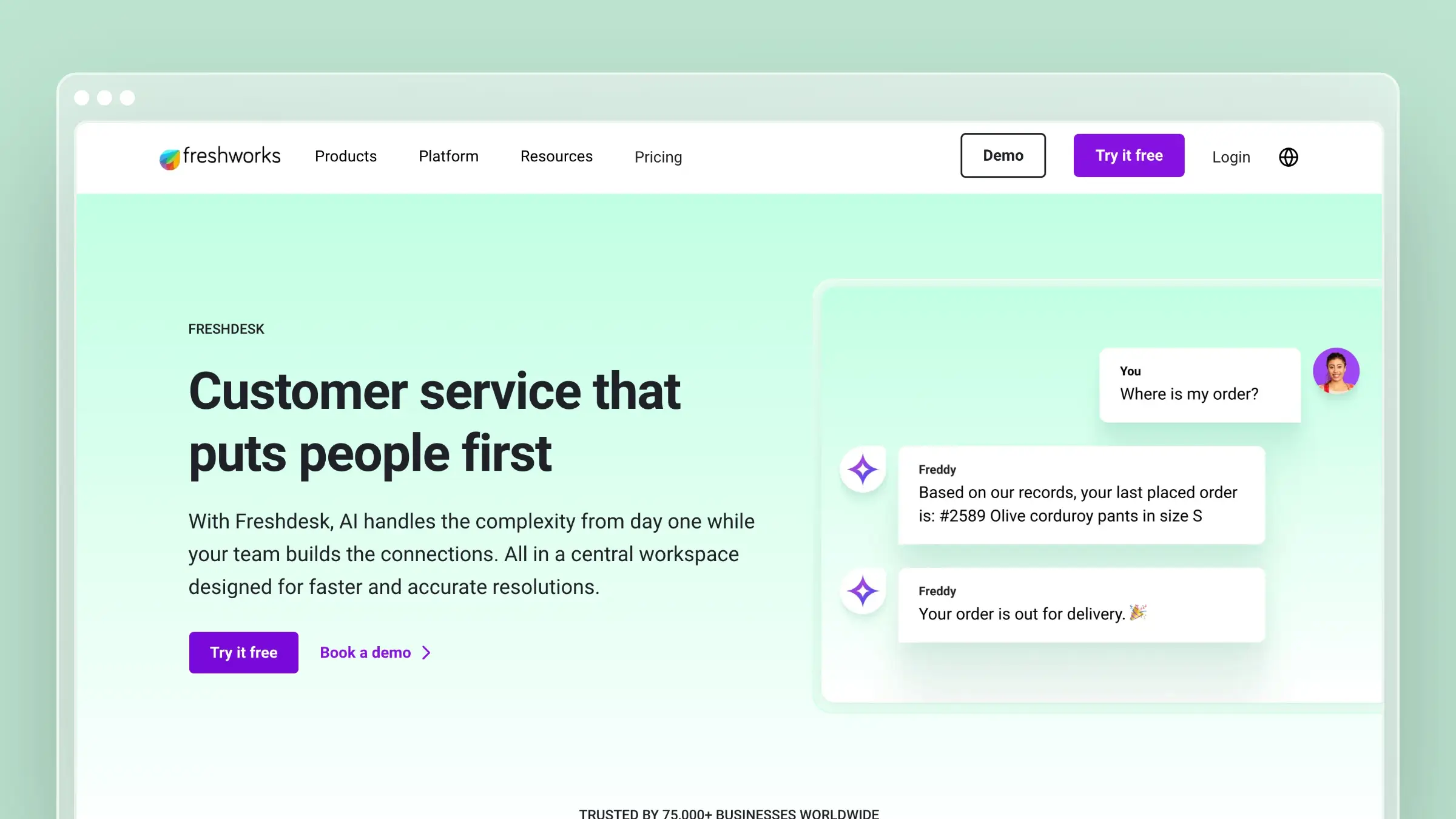
If you’re on Zoho Desk primarily because of price, Freshdesk is the most direct competitor. Free for up to 10 agents (Zoho caps at 3). Paid plans start at $15/agent/month. The knowledge base is included at every tier. And the feature set is broader than Zoho’s at comparable price points.
Freshdesk’s knowledge base supports article versioning, SEO metadata, approval workflows, and folder-level permissions. The Freddy AI assistant can suggest articles to agents and auto-categorize tickets. It’s not revolutionary, but it’s competent and well-integrated.
What Freshdesk does well:
- Free tier for up to 10 agents with basic knowledge base included
- Freddy AI for ticket classification, canned responses, and article suggestions
- Multi-product, multi-language knowledge base support
- Approval workflows for content governance
- Solid marketplace with 1,000+ integrations
What Freshdesk doesn’t do:
Freddy AI is limited on lower tiers and doesn’t approach the sophistication of Intercom’s Fin or Ferndesk’s Fern. The knowledge base editor feels functional rather than polished. Customization options are restricted without CSS knowledge. And like Zoho, the per-agent pricing means your bill grows linearly with your team. For a detailed comparison, see our Freshdesk vs Zendesk review.
Pricing: Free (up to 10 agents), $15/agent/month (Growth), $49/agent/month (Pro), $79/agent/month (Enterprise). Five agents on Pro: $245/month.
Best for: Budget-conscious teams that need a full support suite with ticketing, knowledge base, and basic AI without paying enterprise prices. Teams outgrowing Zoho Desk’s free tier who want more agents at no cost.
The tradeoff: Freshdesk is Zoho Desk with better UX and a more generous free tier. It solves the “clunky interface” problem. It doesn’t solve the “my help center articles are outdated and nobody notices” problem. If price is your primary constraint, Freshdesk is the obvious move. If you want your help center to actively reduce ticket volume through AI, look at dedicated help center platforms instead. For a deeper comparison between the two budget heavyweights, see our Freshdesk pricing breakdown.
6. HelpDocs: Best Standalone Knowledge Base for Small Teams
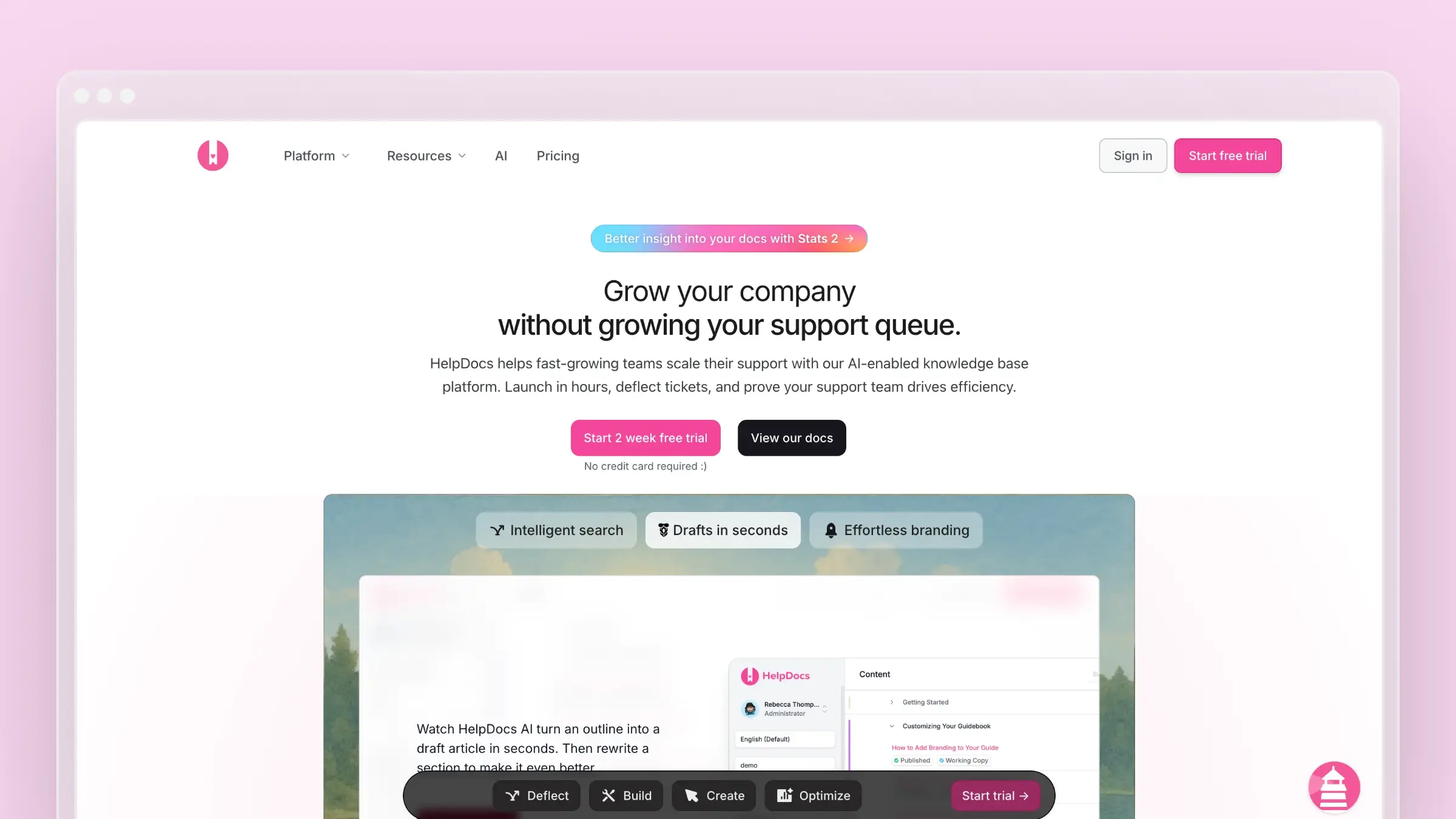
HelpDocs is what you get when a team decides to build the best possible knowledge base and nothing else. No ticketing. No live chat. No CRM. Just articles, search, and a clean design that makes your documentation look professional without hiring a designer.
Coming from Zoho Desk’s knowledge base, HelpDocs feels like a generation ahead. The templates are modern. The editor is fast. The search actually works. You can have a polished help center live in under an hour, which is not an exaggeration.
What HelpDocs does well:
- Beautiful, modern templates that look professional out of the box
- Lightning-fast search with instant results
- Custom domains, custom CSS, and white-labeling on all plans
- API access for programmatic content management
- Simple, focused UX that stays out of your way
What HelpDocs doesn’t do:
HelpDocs is a knowledge base, period. No ticketing, no chat, no AI agent that maintains your content. The AI features are credit-limited and focused on article generation, not ongoing maintenance. If you need a full support suite, you’ll pair HelpDocs with another tool. And at $49/month for the base plan, it’s more expensive than Zoho’s knowledge base (which comes bundled with ticketing). See our comparison of knowledge base options for small teams for more context. You might also want to explore HelpDocs alternatives if you need more AI capabilities.
Pricing: $49/month (Sprout), $99/month (Blossom), $199/month (Fruit). All plans include unlimited articles and custom domains.
Best for: Small teams that want a standalone, beautifully designed knowledge base without the overhead of a full support suite. Teams already using a separate ticketing tool who want dedicated documentation.
The tradeoff: HelpDocs is excellent at being a knowledge base. But “excellent static knowledge base” is increasingly table stakes. The AI features are limited compared to Ferndesk, and the platform won’t tell you when your articles go stale. You’re paying for design polish and simplicity, not intelligence. For teams scaling customer support, that gap matters more over time.
7. Document360: Best for Enterprise Knowledge Management
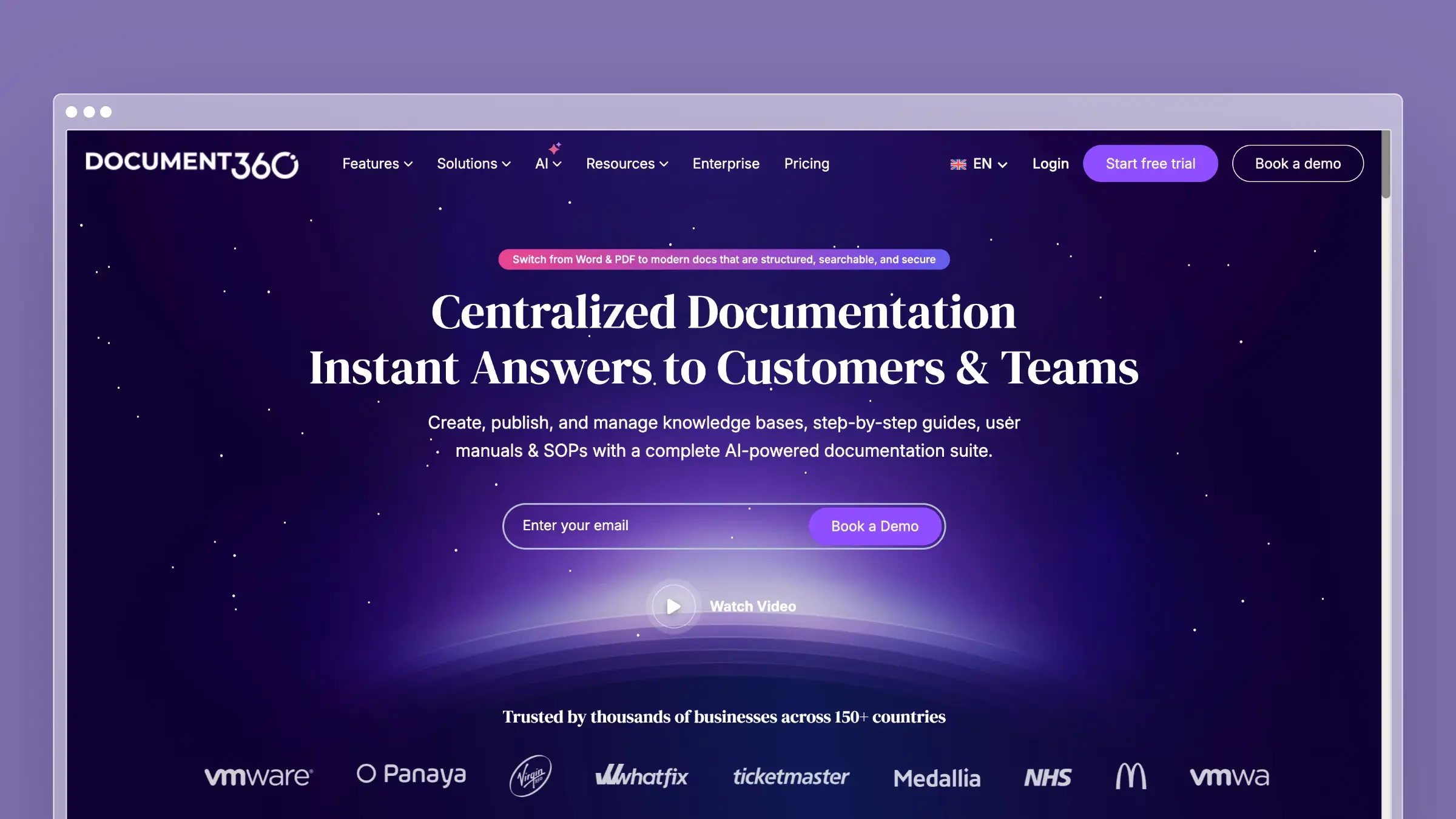
Document360 is built for companies that take documentation seriously. Version control, workflow approvals, role-based permissions, advanced analytics, and a markdown editor that developers actually like. It’s the enterprise knowledge base that Zoho Desk’s help center wants to be when it grows up.
The platform supports both internal and external knowledge bases from a single workspace. Category-level permissions let you control who sees what. The analytics dashboard shows article performance, search analytics, and content gaps. If documentation is a strategic asset in your organization, Document360 treats it like one.
What Document360 does well:
- Full version control with rollback capabilities
- Advanced workflow approvals and content governance
- Dual editor: WYSIWYG and markdown side by side
- Built-in AI search and article generation
- Category-level permissions for internal vs. external content
What Document360 doesn’t do:
Document360 pricing is available on request, which is typically a significant jump from Zoho Desk’s published pricing. The platform is complex, and the learning curve reflects that. There’s no codebase integration, no automated content auditing based on product changes, and no support ticket analysis to identify documentation gaps. It’s a powerful manual tool, but it’s still manual.
Pricing: Pricing available on request.
Best for: Mid-to-large companies with dedicated documentation teams, compliance requirements, and complex content hierarchies. Organizations managing both internal and external knowledge bases.
The tradeoff: Document360 gives you the most control over your documentation workflow. But control and automation are different things. You’ll have version history, approval chains, and granular permissions, and you’ll still need someone to actually notice when articles are out of date. With pricing available on request, you’re paying enterprise prices for enterprise governance without the AI-driven maintenance that modern help center software provides.
How to Choose the Right Zoho Desk Alternative
The decision depends on what’s actually broken in your current setup:
If the interface is the problem: Help Scout or HelpDocs give you a dramatically better UX at reasonable prices. Freshdesk is the closest feature match with a more modern feel.
If you need better AI: Ferndesk (proactive, content-maintaining AI) or Intercom (conversational AI with Fin) are the leaders. Zoho’s Zia doesn’t compete at this level.
If you need a full support suite: Zendesk (enterprise) or Freshdesk (budget) replace Zoho Desk feature-for-feature. Both include knowledge bases, ticketing, and multi-channel support.
If documentation accuracy is the real issue: Ferndesk is the only platform that actively monitors your product for changes and keeps your help center in sync. Every other tool on this list, including Zendesk and Intercom, requires manual maintenance.
If you need enterprise documentation governance: Document360 gives you version control, approvals, and permissions that Zoho Desk’s knowledge base can’t match.
If price is still the top priority: Freshdesk’s free tier (10 agents) beats Zoho’s (3 agents). But consider this: the cheapest help center is the one that prevents the most tickets. A $149/month tool that deflects 30% more questions can be cheaper than a free tool that doesn’t.
Bottom Line
Zoho Desk is fine for what it is: an affordable, basic help desk for teams deep in the Zoho ecosystem. But “affordable and basic” has a ceiling. When your support volume grows, when your product changes faster than your docs, when customers start complaining that your help articles don’t match your actual product, you need something smarter.
The pattern across every alternative on this list is the same: better UI, more features, higher price. That’s true whether you go with Zendesk, Intercom, Help Scout, or any other tool. The one exception is Ferndesk, which changes the model entirely. Instead of giving you a nicer place to manually maintain articles, it gives you an AI agent that does the maintaining for you.
Ferndesk was built for exactly that moment when manual documentation breaks down. An AI agent that reads your codebase, analyzes your support tickets, and keeps your help center accurate without manual intervention. Pro includes five editors, with additional editors at $10/month each, plus unlimited AI drafting. No quarterly documentation audits that everyone dreads.
If you want a deeper dive into help center software options or specifically tools built for SaaS, we’ve written those guides too.
Start your free trial at ferndesk.com and see how an AI-native help center compares to what you have today.


 Book a demo