


Stonly made a bet on interactive guides: step-by-step walkthroughs, decision trees, and visual troubleshooters instead of traditional help articles. It’s a clever approach for specific use cases. Complex onboarding flows, multi-path troubleshooting, and situations where users genuinely don’t know which branch of a decision tree applies to them.
But most teams don’t need every support article to be an interactive flowchart. They need accurate, findable, well-maintained documentation. And at custom enterprise pricing (typically $199+/month), Stonly is solving a narrow problem at a broad price.
The reality is that self-service works when users can find the right answer quickly. That’s less about interactivity and more about accuracy, search quality, and content that stays current. A well-written article that answers the question in 30 seconds beats a five-step interactive guide that takes two minutes to click through. And an AI agent that keeps those articles accurate beats both.
Here are 7 platforms that take a wider, more practical approach to self-service support.
Quick Comparison: Best Stonly Alternatives
| Tool | Best For | Starting Price | Interactive Guides | AI Features |
|---|---|---|---|---|
| Ferndesk | AI-native help center | $149/month | No (AI-driven instead) | Proactive, unlimited |
| Intercom | Conversational self-service | $29/seat/month | Product tours | Fin chatbot ($0.99/resolution) |
| HelpDocs | Simple, fast knowledge base | $49/month | No | Credit-limited |
| Document360 | Enterprise knowledge base | Pricing available on request | No | Built-in AI |
| Zendesk | Enterprise support suite | $55/agent/month | Limited | Advanced AI add-on |
| Help Scout | Human-first support | $50/user/month | No | Basic AI drafts |
| WalkMe | Digital adoption platform | $10,000+/year | Full walk-thrus | Analytics + guidance |
1. Ferndesk: Best for Self-Service That Maintains Itself

Stonly assumes the problem with self-service is format: articles aren’t interactive enough, so users can’t find their answer. Ferndesk assumes the problem is accuracy: articles go stale, and users find the wrong answer.
Ferndesk is right more often.
Most self-service failures aren’t because the article needed a decision tree. They’re because the article described a flow that changed two months ago, or referenced a button that was renamed, or missed a new edge case that’s now generating 40% of tickets on the topic. Interactive guides don’t help when the content inside them is wrong.
Ferndesk’s AI agent, Fern, solves this at the root. It monitors your codebase for product changes, analyzes support ticket patterns, and keeps every article in your help center current. The result is a help center where customers actually find correct answers, which is the whole point of self-service.
What Ferndesk does well:
- Codebase monitoring: Fern watches your GitHub repository. When you ship changes, Fern identifies every article affected and queues updates for review. This is the automated documentation maintenance that Stonly doesn’t even attempt.
- Support ticket analysis: Fern reads your support conversations and identifies recurring questions that should be articles. New articles get drafted automatically. The questions stop becoming tickets.
- Weekly content audits: Stale content, broken links, outdated screenshots. Fern catches them before your customers do. No more documentation drift silently degrading your self-service rates.
- Embedded help widget: Contextual answers surfaced inside your product based on where users are. Not a decision tree, but direct answers to the specific question they’re likely asking on that page.
- Flat pricing: $149/month or $1,490/year (Pro), with five editors included and additional editors at $10/month each. No resolution fees. Predictable billing regardless of support volume.
What Ferndesk doesn’t do:
Ferndesk doesn’t build interactive step-by-step guides or decision trees. If your use case genuinely requires branching walkthroughs (like complex troubleshooting with hardware diagnostics), Stonly’s format has an edge. Ferndesk also isn’t a full support suite: no ticketing, no live chat routing, no phone support. It’s a help center, and it’s the best AI-powered help center available, but it’s focused on documentation.
Pricing: $149/month or $1,490/year (Pro). Five editors and unlimited AI drafting are included. Compare that to Stonly’s custom pricing that typically starts above $199/month for meaningful functionality.
Best for: SaaS teams that want self-service deflection to actually work, driven by accurate, current documentation rather than interactive formatting. Teams where product changes outpace documentation updates.
The tradeoff: You lose Stonly’s interactive guide format. You gain an AI agent that ensures every article in your help center reflects your actual product. For most teams, accuracy beats interactivity. Users don’t care whether the answer is a flowchart or a paragraph, they care whether the answer is right.
Try Ferndesk free and see your first AI content audit within minutes.
2. Intercom: Best for In-App Conversational Self-Service
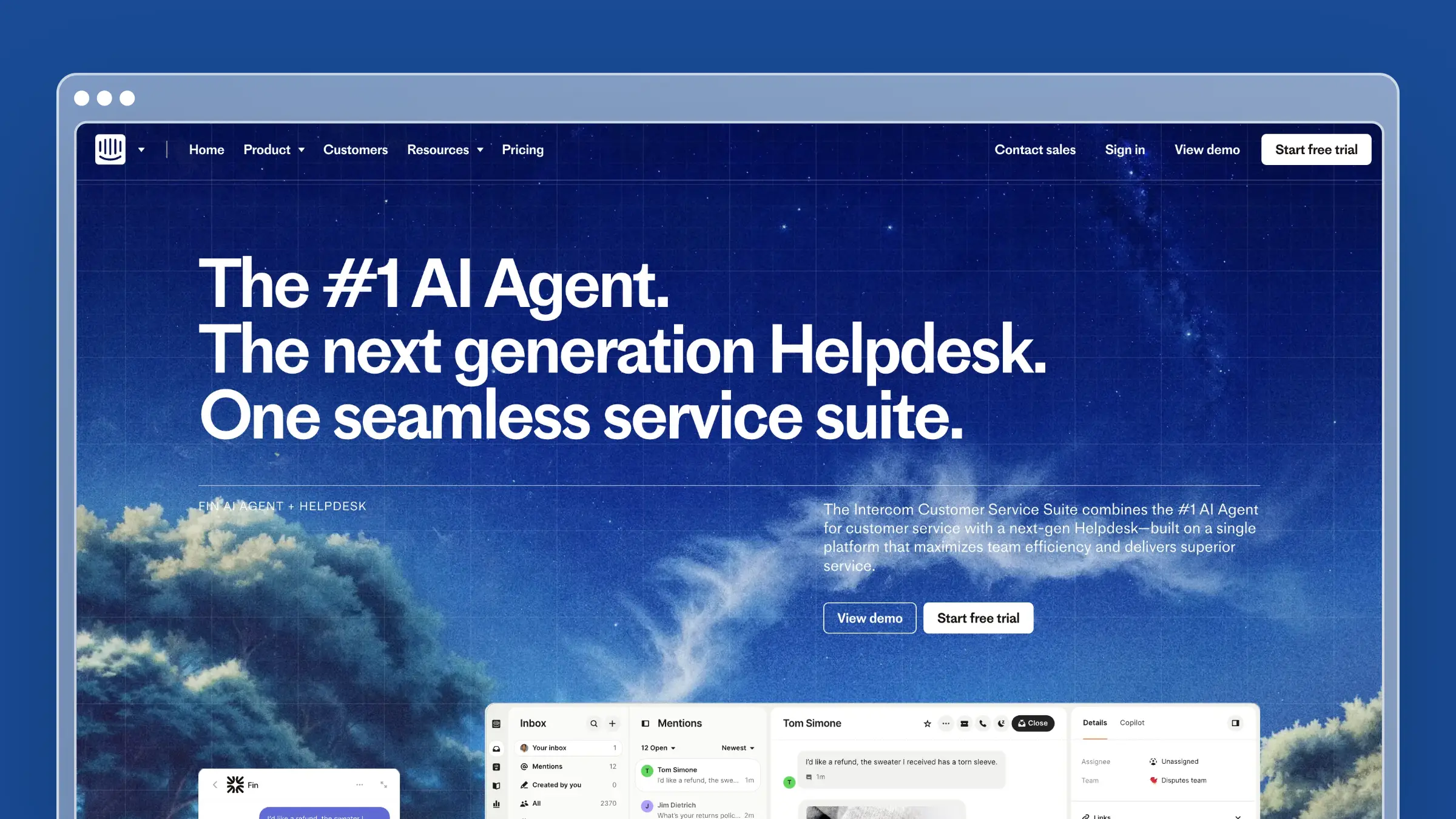
If Stonly’s appeal was embedding help directly inside your product, Intercom does the same thing through a different model. Instead of interactive guides, Intercom gives you a Messenger widget with an AI chatbot (Fin) that answers questions conversationally using your help center content.
The experience is more natural than a decision tree. Users describe their problem in plain language, Fin finds the relevant article, and delivers a synthesized answer. When Fin can’t resolve it, the conversation seamlessly escalates to a human agent with full context preserved. No dead-end flowcharts. No “this guide didn’t cover my situation” frustration.
What Intercom does well:
- Fin AI chatbot resolves common questions with high accuracy and natural language understanding
- Product tours and tooltips provide in-app guidance without separate guide infrastructure
- Messenger widget integrates natively into your product
- Targeted content delivery based on user behavior, plan type, and lifecycle stage
- Single platform for chat, help center, and product tours
What Intercom doesn’t do:
Intercom doesn’t maintain your help center content. Fin is only as good as the articles it reads from, and those articles still need manual updates. The help center editor is functional but basic compared to dedicated KB tools. Content nesting is limited to two levels. And the pricing gets complex: per-seat plus per-resolution for Fin, making costs hard to predict at scale. For a deeper look, see our breakdown of Intercom alternatives.
Pricing: $29/seat/month (Essential), $85/seat/month (Advanced), $132/seat/month (Expert). Fin AI: $0.99 per resolution. Five agents on Advanced with 500 Fin resolutions/month: $920/month.
Best for: Product-led SaaS teams that want conversational self-service embedded in their app. Teams where the chat widget is the primary support entry point.
The tradeoff: Intercom replaces Stonly’s interactive guides with conversational AI, which is generally more flexible. But it’s also more expensive and doesn’t solve the content maintenance problem. If your articles are outdated, Fin will confidently deliver outdated answers, which is worse than no answer at all. Pair Intercom’s chat with a tool like Ferndesk for content maintenance if accuracy is critical. The combination of Intercom for conversations and Ferndesk for content accuracy is increasingly common among fast-scaling SaaS teams.
3. HelpDocs: Best Lightweight Knowledge Base for Quick Setup
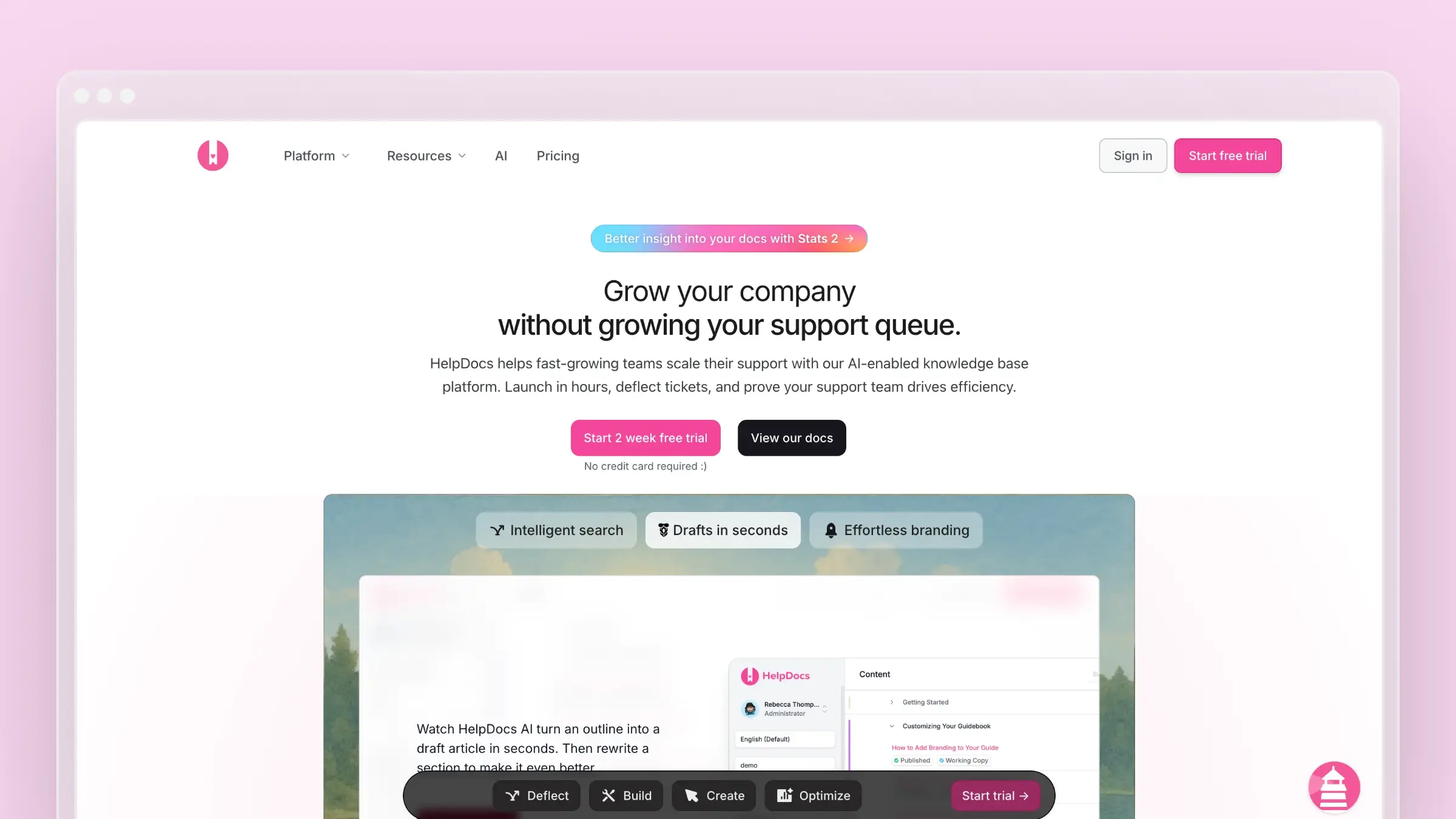
HelpDocs makes the opposite bet from Stonly. Where Stonly adds interactivity to make content more engaging, HelpDocs strips everything back to make content more findable. Fast search. Clean templates. Articles that load instantly and rank well in Google.
The argument is simple: most users don’t want an interactive walkthrough. They want to type their question, find the answer, and get back to work. HelpDocs optimizes for that workflow with almost zero friction.
Setup takes under an hour. Templates look professional without customization. The editor is fast and distraction-free. For teams that want a standalone knowledge base without the complexity of a full support suite or the niche interactivity of Stonly, HelpDocs delivers.
What HelpDocs does well:
- Instant search with fast, accurate results
- Modern templates that look polished out of the box
- Custom domains and full white-labeling on all plans
- API access for programmatic content management
- Sub-hour setup time with minimal configuration needed
What HelpDocs doesn’t do:
No interactive guides, no product tours, no decision trees. The AI features are credit-limited and focused on article generation rather than ongoing maintenance. No ticketing or live chat. At $49/month for the base plan, you’re paying for a standalone KB that requires manual upkeep. See our roundup of HelpDocs alternatives and knowledge base tools for small teams for context on where HelpDocs fits in the market.
Pricing: $49/month (Sprout), $99/month (Blossom), $199/month (Fruit). All plans include unlimited articles and custom domains.
Best for: Small teams that want a clean, fast knowledge base without overhead. Teams already using a separate ticketing tool (like Zendesk or Intercom) who need a dedicated documentation layer.
The tradeoff: HelpDocs trades Stonly’s interactivity for simplicity and speed. If your self-service problem is “users can’t find answers,” HelpDocs’ search and design solve that. If your problem is “users need guided walkthroughs for complex flows,” HelpDocs won’t help. For most SaaS documentation, findability matters more than interactivity. The bigger question is whether a static knowledge base, however well-designed, is enough when your product changes weekly. For more on that problem, read our take on documentation drift.
4. Document360: Best for Complex Documentation at Scale
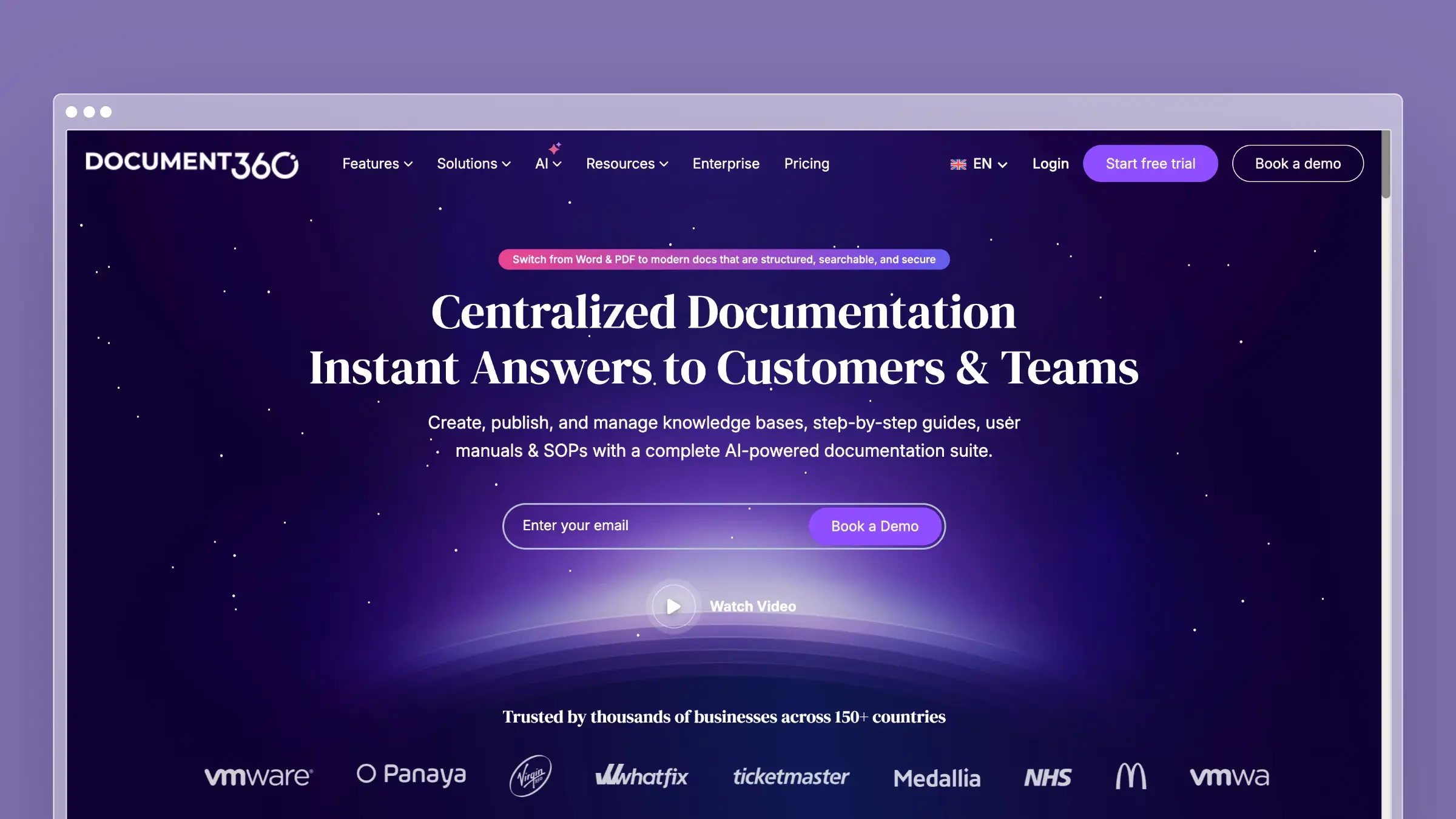
Document360 is for organizations where documentation is a serious, governed process. Version control, approval workflows, role-based permissions, and analytics that show you exactly which articles are failing. If Stonly is interactive guides for end users, Document360 is enterprise-grade knowledge management for documentation teams.
The platform handles both internal and external knowledge bases from a single workspace. The dual editor (WYSIWYG and markdown) keeps both technical writers and non-technical contributors happy. Category-level permissions let you control visibility precisely. And the analytics go deep: search analytics, article ratings, content gaps, and reading patterns.
What Document360 does well:
- Full version control with diff views and rollback
- Workflow approvals and publishing governance
- Dual WYSIWYG/markdown editor that works for technical and non-technical writers
- Built-in AI-powered search and article generation
- Category-level permissions for internal vs. external content segmentation
What Document360 doesn’t do:
No interactive guides, no product tours, no in-app walkthroughs. The AI features assist with writing and search but don’t proactively maintain your content. With pricing available on request, it is often expensive for smaller teams. The complexity introduces a learning curve that smaller teams may not need. And despite the governance features, articles still go stale when no one notices the product has changed.
Pricing: Pricing available on request.
Best for: Companies with dedicated documentation teams, compliance requirements, and complex content hierarchies. Organizations managing thousands of articles across internal and external audiences.
The tradeoff: Document360 gives you the most governance and control over your documentation. Stonly gives you the most interactivity. Neither automatically keeps content accurate. If your self-service problem is content governance (who can edit, approve, and publish), Document360 wins. If your problem is content accuracy over time, look at AI-native tools like Ferndesk that address the root cause of knowledge base decay.
5. Zendesk: Best for Teams That Need Self-Service Inside a Full Suite
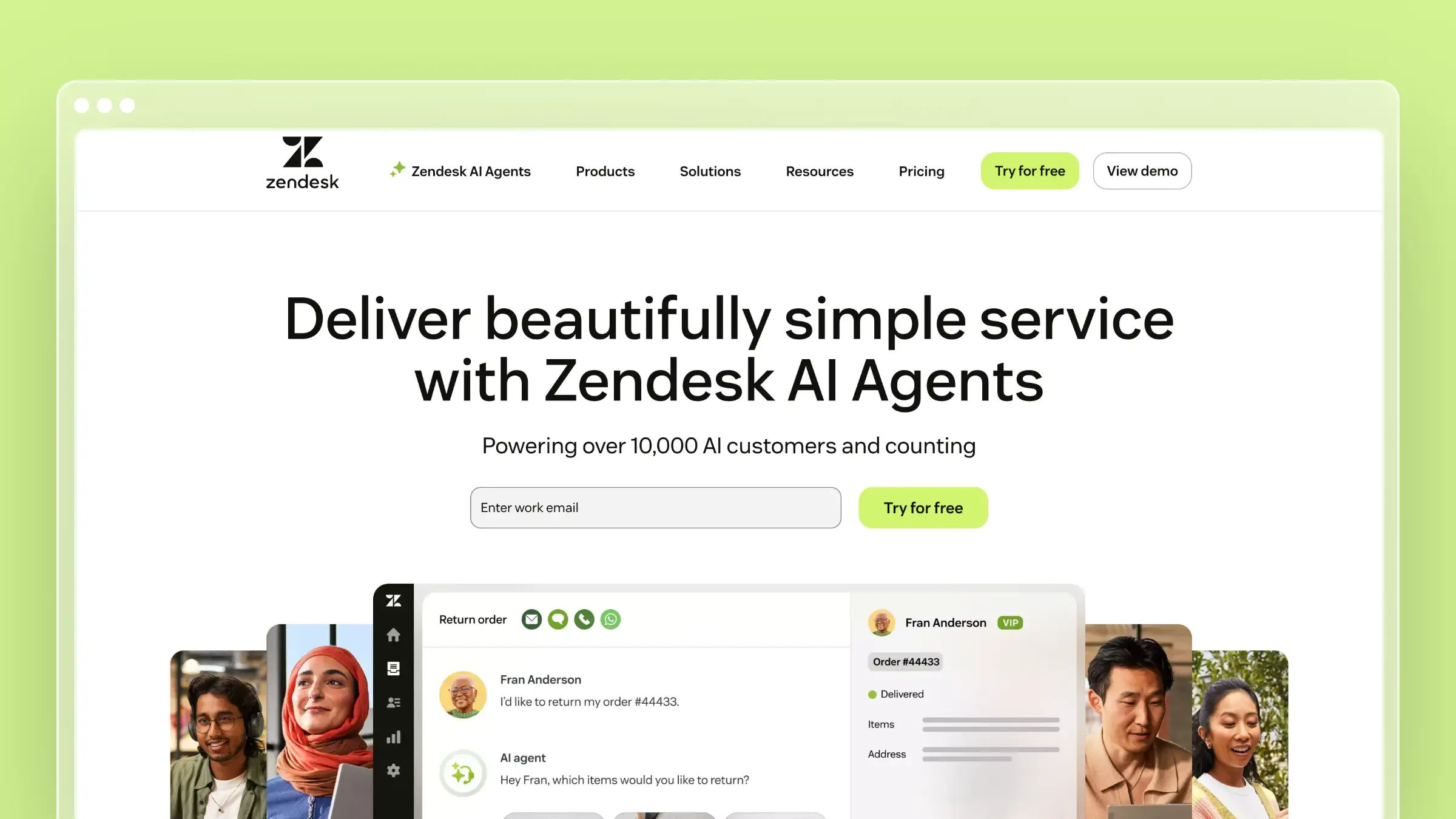
Zendesk Guide is the help center component of the largest support platform on the market. If you need self-service as part of a complete support operation (ticketing, live chat, phone, community forums), Zendesk bundles everything together.
Zendesk Guide supports multi-language content, content blocks for reusable snippets, community forums, and Answer Bot for automated deflection. The help center is customizable with a theme marketplace and full HTML/CSS access. For enterprise teams, the depth of integrations (1,200+) and compliance certifications make it a safe choice.
What Zendesk does well:
- Complete support suite with help center, ticketing, chat, and phone
- Content blocks and reusable snippets for consistent documentation
- Answer Bot deflects common questions before they reach agents
- Multi-brand support for organizations with multiple products
- 1,200+ marketplace integrations
What Zendesk doesn’t do:
Zendesk doesn’t keep your help center current. Articles still require manual maintenance. The AI features are reactive (answering from existing content) rather than proactive (identifying content that needs updating). The per-agent pricing is punishing at scale. And the help center, while capable, is one module in a massive platform that can take months to fully configure. For the full pricing picture, see our Zendesk alternatives guide and the Freshdesk vs Zendesk comparison.
Pricing: $55/agent/month (Suite Team), $89/agent/month (Suite Growth), $115/agent/month (Suite Professional). Advanced AI add-on: $50/agent/month on top of Suite Professional. The help center is included at all tiers.
Best for: Enterprise teams running complex, multi-channel support operations who want a single vendor for everything. Organizations where compliance requirements limit vendor choices.
The tradeoff: Zendesk replaces Stonly’s focused interactivity with a comprehensive platform. You get more features, more integrations, and more complexity. The self-service capabilities are solid but not innovative. If you’re leaving Stonly because you need a full support suite, Zendesk covers it. If you’re leaving because you want smarter, more automated self-service, Zendesk offers incremental improvement, not a paradigm shift. Look at our guide to the best help center software for broader options.
6. Help Scout: Best for Small Teams That Want Simple, Effective Self-Service

Help Scout takes a human-first approach to support. The knowledge base (Docs) is clean and well-designed. The Beacon widget embeds search and contact options inside your product. Everything is simple, purposeful, and quick to set up.
Where Stonly adds complexity to make help more interactive, Help Scout reduces complexity to make help more accessible. The Beacon widget lets users search your knowledge base, read articles, and start a conversation, all without leaving the page they’re on. It’s not a decision tree, but for most users it’s faster than one.
What Help Scout does well:
- Beacon widget combines help search + contact in a single, clean interface
- Knowledge base with clear organization and strong search
- Collision detection prevents duplicate agent responses
- Customer satisfaction ratings integrated into the workflow
- Almost no learning curve, productive within hours
What Help Scout doesn’t do:
No interactive guides, no product tours, no AI-driven content maintenance. The AI features are basic: suggested replies and AI-assisted drafts, but nothing that monitors your product for changes or keeps articles up to date. The per-user pricing (detailed breakdown here) gets expensive as teams grow. And the feature set, while polished, is deliberately limited. Help Scout chose simplicity over capability, which is great until you need the capability.
Pricing: $50/user/month (Standard), $75/user/month (Plus). Five users on Standard: $250/month.
Best for: Small-to-medium teams that value a clean, no-friction self-service experience without the complexity of interactive guides or enterprise platforms. Teams that want self-service to supplement, not replace, human support.
The tradeoff: Help Scout makes self-service approachable. Stonly makes self-service interactive. Neither makes self-service automatic. If your team is small enough that manual content maintenance is still feasible, Help Scout’s simplicity is a genuine advantage. As you scale, the lack of automation becomes the bottleneck. For teams approaching that inflection point, see our guide on how to scale customer support.
7. WalkMe: Best for Enterprise Digital Adoption at Scale
WalkMe is the heavy-duty alternative for teams that loved Stonly’s interactive concept but need it at enterprise scale with deeper analytics, broader deployment, and organizational-level adoption tracking.
Where Stonly builds interactive guides for help center content, WalkMe builds Smart Walk-Thrus that overlay any web application. The scope is larger: employee onboarding, software adoption across the organization, change management, and customer-facing guidance. WalkMe isn’t just a help tool, it’s a digital adoption platform (DAP).
What WalkMe does well:
- Smart Walk-Thrus with branching logic, conditions, and deep application integration
- ShoutOuts and Launchers for contextual announcements and action prompts
- Insights dashboard showing adoption rates, friction points, and completion metrics
- Works across any web application, not just your product
- Enterprise compliance, SSO, and deployment infrastructure
What WalkMe doesn’t do:
WalkMe is not a help center. It doesn’t host articles, provide search, or generate documentation. The pricing is enterprise-only ($10,000+/year), making it inaccessible for small teams. The implementation requires dedicated resources, often including WalkMe professional services. And the ongoing maintenance of Walk-Thrus faces the same problem as Stonly’s guides: when the underlying application changes, someone has to manually update every walkthrough. For most teams looking to improve self-service, WalkMe is overkill. It solves a broader digital adoption problem, not a help center problem.
Pricing: Enterprise pricing starting around $10,000+/year. Custom quotes based on application coverage, user volume, and deployment scope. No self-serve plans.
Best for: Large enterprises rolling out complex software internally and needing guided adoption across thousands of users. Organizations with dedicated digital adoption teams and budget to match.
The tradeoff: WalkMe is Stonly’s concept taken to its logical extreme: interactive guidance overlaid on everything, with enterprise analytics tracking every step. If your problem is “users don’t know how to use our enterprise software,” WalkMe is purpose-built for that. If your problem is “customers can’t find answers in our help center,” WalkMe is the wrong tool entirely. Most teams looking for Stonly alternatives need a better help center, not a bigger adoption platform. And at $10,000+/year, WalkMe’s price point alone disqualifies it for most SaaS companies under 500 employees.
How to Choose the Right Stonly Alternative
Start with what’s actually broken in your self-service experience:
If content accuracy is the problem: Ferndesk. Interactive guides don’t help when the content inside them is wrong. Fern keeps every article synchronized with your actual product. This is the AI-powered approach to help centers that eliminates documentation drift.
If users need conversational help, not guided flows: Intercom. Fin answers questions in natural language, which is more flexible than any decision tree. Users describe their problem, Fin finds the answer.
If you just need a clean, fast knowledge base: HelpDocs. Strips away the complexity. Fast search, modern design, under an hour to launch. Most users prefer finding a quick article over stepping through a multi-page guide.
If you need enterprise documentation governance: Document360. Version control, approval workflows, and granular permissions for large documentation teams.
If you need a full support suite: Zendesk. Help center, ticketing, chat, phone, and 1,200+ integrations in one platform.
If you want simplicity and human touch: Help Scout. Beacon widget, clean knowledge base, and a platform designed to make support feel personal.
If you need enterprise-scale interactive walkthroughs: WalkMe. It’s Stonly’s concept with enterprise infrastructure, but at enterprise pricing and complexity.
Bottom Line
Stonly’s interactive guides are a creative solution to a real problem. But for most teams, the problem isn’t that articles aren’t interactive enough. The problem is that articles aren’t accurate enough, aren’t findable enough, or don’t exist for the questions customers are actually asking.
Think about your last 100 support tickets. How many were caused by a user needing an interactive walkthrough? And how many were caused by documentation that was outdated, missing, or impossible to find? For most SaaS teams, the second category outnumbers the first by a wide margin.
Ferndesk addresses all three root causes. An AI agent that monitors your product for changes, analyzes support tickets for gaps, and keeps your entire help center current without manual maintenance. At $149/month with five editors included, it undercuts Stonly’s custom pricing while delivering broader self-service impact. For more context on how AI is reshaping this space, see our guide to AI-powered help center software.
Interactive guides have their place. Accurate, maintained, AI-powered documentation has a bigger one.
Start your free trial at ferndesk.com and see the difference an AI-native help center makes.


 Book a demo