Generate documentation screenshots automatically
Screenshots break every time you ship. Ferndesk captures, annotates, and updates your documentation visuals automatically, so your help center always matches your product.
 Book a demo




Screenshots are the most tedious part of documentation. You capture them, annotate them, embed them, then ship a feature and they're all outdated. Nobody wants to own this work.
Fern navigates your product, captures screenshots, adds callouts to the right elements, and updates everything when your UI changes. You focus on shipping.
Describe the shots. Fern does the rest.
Tell Fern what you need. Fern navigates to the page, locates the element, and captures it with professional annotations, ready for your help center.

A help center that's always picture-perfect
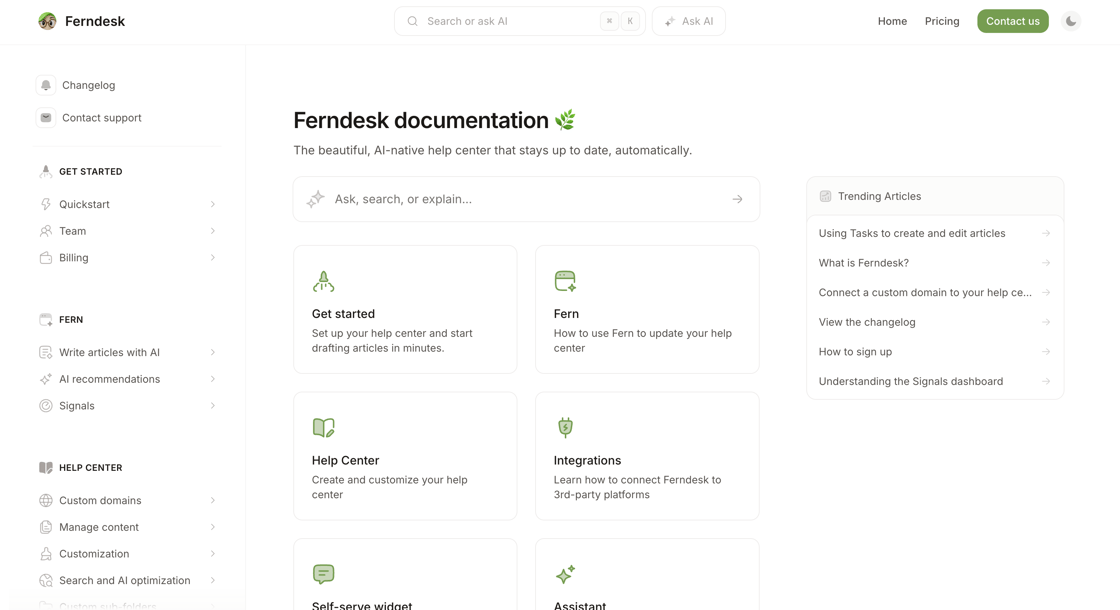
Your screenshots live in a fully customizable, SEO-optimized help center. Custom domains, built-in analytics, and a world-class editor. Everything you need to help customers help themselves.
Your docs have been stale for months. Fix them in ten minutes.
Import your help center and Fern checks every article against your product, drafts the fixes, and keeps them current from then on. You approve, she publishes.
- 7-day free trial, no card
- Import in 10 minutes, URLs preserved
- Your support tool stays where it is
- Nothing publishes without you