


Helpjuice built its reputation on search. Their Google-like search engine finds answers fast, and the customization options let you build a knowledge base that matches your brand perfectly. But at $249/month for the base plan - and $449/month to unlock AI features - the pricing is steep for what you get. There’s no codebase integration, no automatic content maintenance, and the AI capabilities are gated behind a tier that costs nearly 2x the starting price.
Search is important. But search only works when the content it surfaces is accurate. And that’s where Helpjuice falls short: it helps customers find your articles but doesn’t help you keep those articles correct. When your product changes weekly, great search pointing to outdated documentation creates a worse experience than no documentation at all.
Here are 7 alternatives that deliver more automation, better pricing, or both. For a broader view, see our guide to the best help center software. And for a deep dive into what you’d be leaving behind, read our Helpjuice review and Helpjuice pricing breakdown.
Why teams leave Helpjuice
Helpjuice’s search is genuinely good. The frustrations are elsewhere:
- The AI paywall. AI features (Swifty chatbot, AI-assisted search, AI writer) require the $449/month tier. That’s an 80% jump from the base plan. Every other modern knowledge base includes some level of AI at the starting tier. Paying $449/month for what competitors offer at $39-149/month feels wrong.
- No proactive maintenance. Helpjuice analytics show you which articles are popular and which searches return no results. But it won’t tell you which articles have become inaccurate since your last product update. Finding content is solved. Keeping content accurate is not.
- Customization complexity. Full HTML/CSS/JS theme control sounds great until you’re maintaining a custom theme alongside your knowledge base. Every platform update risks breaking your customizations. Teams without a dedicated front-end developer end up stuck on a theme they can’t safely modify.
Quick Comparison: Helpjuice Alternatives
| Tool | Best For | Starting Price | Search Quality | AI Features |
|---|---|---|---|---|
| Ferndesk | AI-native auto-maintenance | $149/month | AI-powered | Proactive, unlimited |
| Document360 | Enterprise knowledge management | Pricing available on request | Strong | Eddy AI (included) |
| HelpDocs | Simple, fast setup | $49/month | Good | Credit-limited |
| KnowledgeOwl | Semantic search | $100/month | Semantic | Credit-limited |
| Zendesk | Enterprise support suites | $55/agent/month | Good | Add-on (extra cost) |
| Help Scout | Human-first support | $50/user/month | Solid | Basic |
| GitBook | Developer documentation | Free/$65/site/month | Good | Beta |
1. Ferndesk: Best Overall Helpjuice Alternative

Helpjuice finds answers. Ferndesk keeps the answers right. That’s the difference that matters.
Ferndesk is an AI-native help center where the AI agent, Fern, actively maintains your documentation. While Helpjuice’s Swifty chatbot can answer questions from your existing content, Fern goes further: it monitors your codebase for changes, reads support ticket patterns, and flags articles that need updates before customers encounter stale information.
The search is strong too - AI-powered, context-aware, and improving continuously. But search is the baseline. What sets Ferndesk apart is everything that happens before a customer searches.
What Ferndesk does well:
- Codebase sync: Connect GitHub, and Fern watches your code. When features change, Fern identifies every affected article and queues updates. Helpjuice has no equivalent. Your documentation stays accurate without manual audits.
- Support ticket analysis: Fern identifies recurring questions across support conversations and drafts articles to address them. Instead of guessing what content is missing, you get data-driven suggestions.
- Weekly content audits: Stale articles, broken links, outdated screenshots. Fern catches documentation drift before it erodes customer trust. Helpjuice’s analytics tell you what articles are popular. Fern tells you which ones are wrong.
- Embedded help widget: Contextual answers based on where users are in your product. No context switching, no searching for the right category.
- Flat, predictable pricing: $149/month or $1,490/year for Pro, with five editors included and additional editors at $10/month each. No AI drafting locked behind a 2x price jump.
What Ferndesk doesn’t do:
Ferndesk doesn’t match Helpjuice’s depth of visual customization. If you need full HTML/CSS/JS theme control to make your knowledge base look exactly like a custom-built site, Helpjuice’s theme engine is more flexible. Ferndesk offers solid branding options - custom domains, colors, logos - but not the pixel-level control Helpjuice provides. The platform is also newer, with a smaller integration ecosystem.
Pricing: $149/month or $1,490/year (Pro). Unlimited AI drafting and custom domains included. No per-article limits; five editors are included and additional editors cost $10/month each.
Best for: SaaS teams that ship fast and need documentation that keeps pace. Teams without dedicated documentation staff. Anyone paying $249-449/month for Helpjuice and wondering if there’s a better way.
The tradeoff: You lose Helpjuice’s deep theme customization and its decade-long track record. You gain AI that actively maintains your content instead of just searching it. For teams where accuracy matters more than pixel-perfect branding, it’s not a close call.
Try Ferndesk free and see your first AI-generated content audit within minutes.
2. Document360: Best for Enterprise Knowledge Management
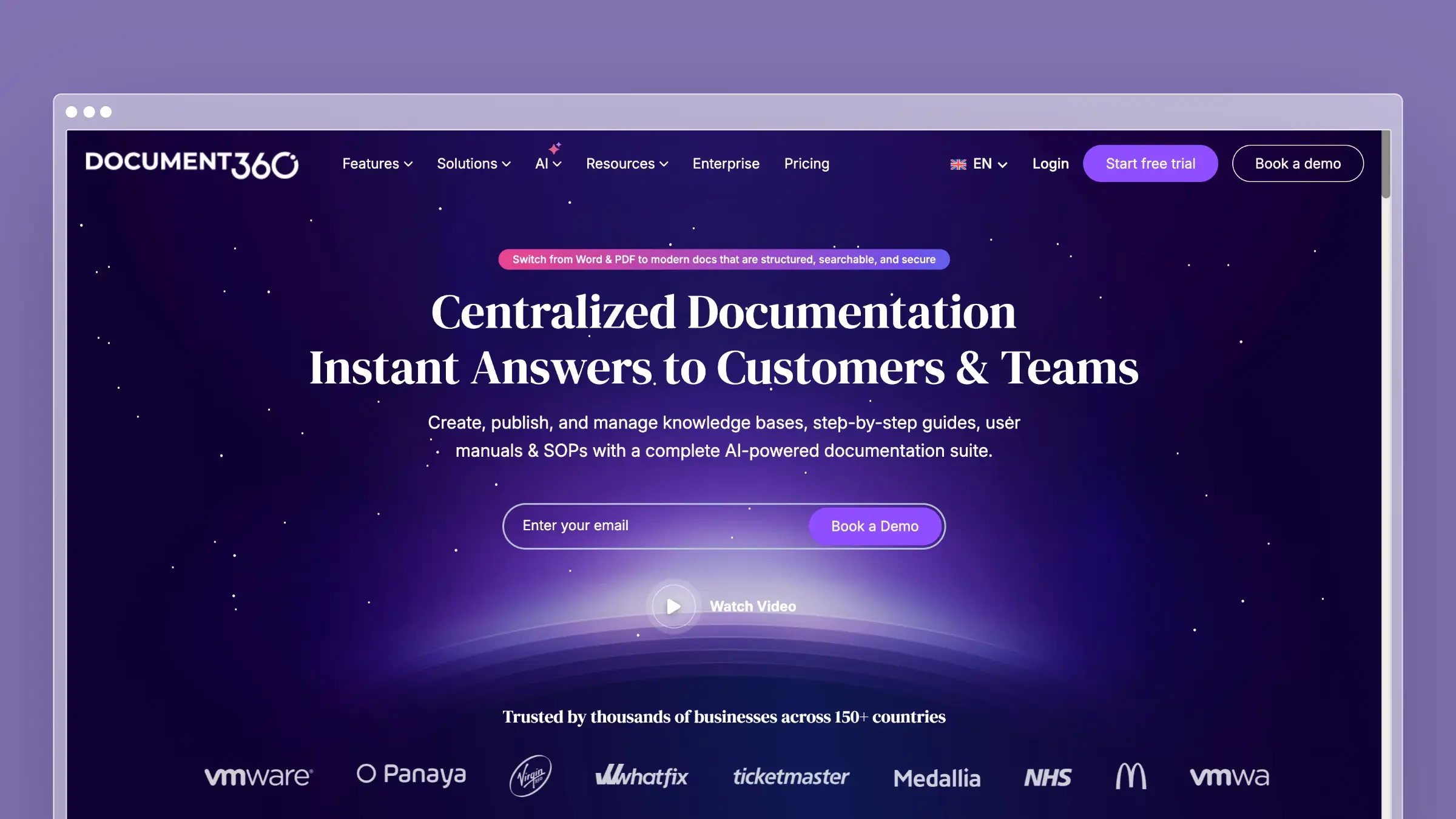
Document360 is the enterprise knowledge base that tackles complexity head-on. Version control with diff views, multi-level approval workflows, category-level permissions, and both public and private knowledge bases from a single account. If Helpjuice’s strength is search, Document360’s strength is governance.
The AI assistant (Eddy) comes included on all plans - unlike Helpjuice, where AI requires the $449/month tier. Eddy handles drafting, summarization, and content suggestions. It’s not proactive like Ferndesk’s Fern, but it’s available without a massive price jump.
What Document360 does well:
- Enterprise-grade version control with visual diffs
- Multi-level approval workflows for regulated industries
- Both public and private knowledge bases in one account
- Eddy AI included on all plans for drafting and search
- Deep analytics on content performance and knowledge gaps
- API for headless documentation delivery
What Document360 doesn’t do:
Document360 doesn’t monitor your codebase or support tickets. Eddy helps you write but doesn’t tell you what needs rewriting. The platform is complex - setup takes days, not hours - and pricing available on request reflects the enterprise positioning. Quotes vary, but many teams find Helpjuice’s published AI tier more expensive on paper.
Pricing: Pricing available on request.
Best for: Enterprises with compliance requirements and multi-team documentation workflows. Companies managing both internal wikis and customer-facing help centers. Teams that need audit trails and approval processes.
The tradeoff: You get enterprise governance that Helpjuice lacks, but you’re still manually maintaining content. The AI assists but doesn’t automate. If your problem with Helpjuice is price, Document360 doesn’t solve it. If your problem is missing enterprise features, it does.
3. HelpDocs: Best for Teams That Value Simplicity
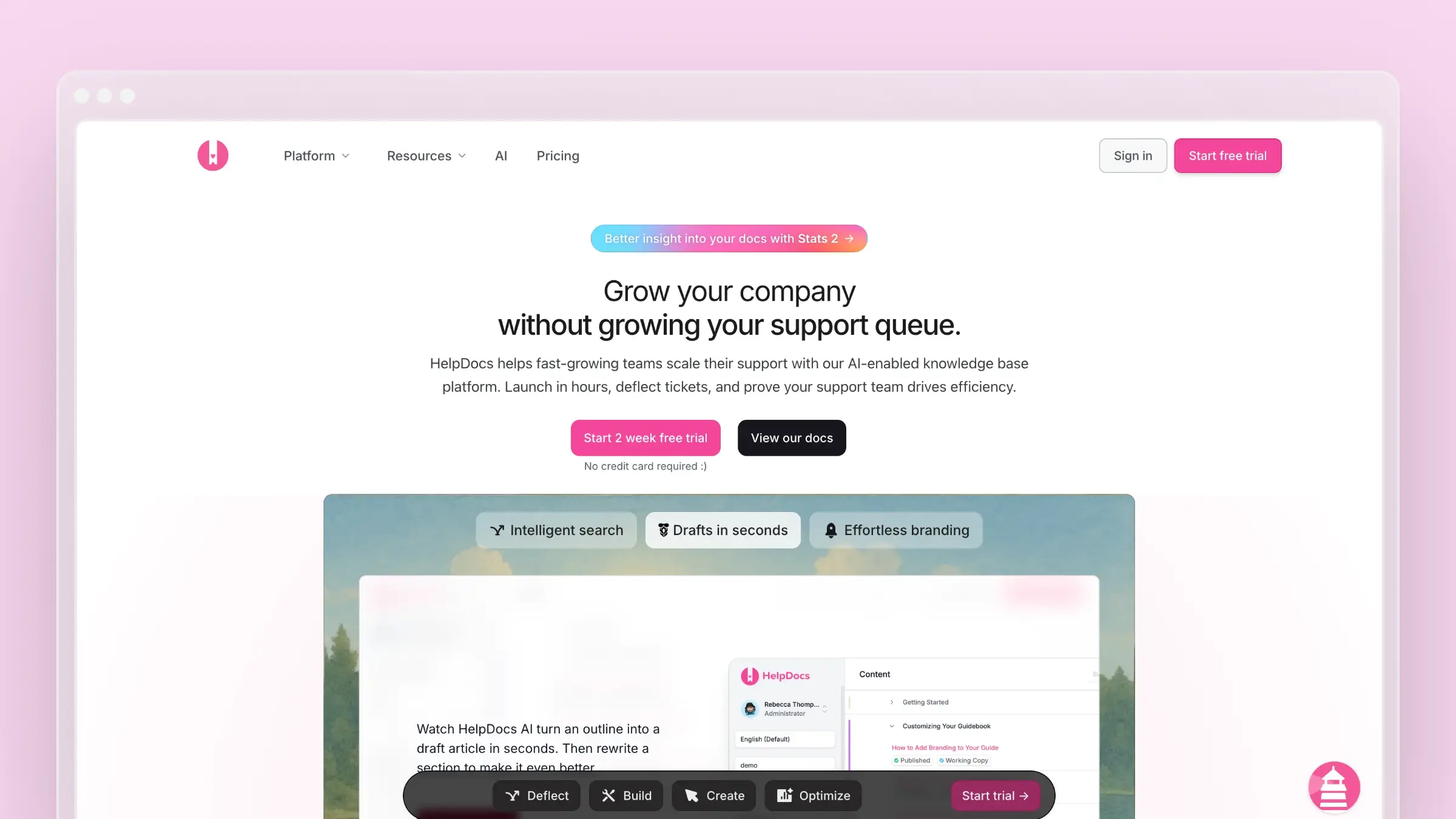
HelpDocs is what happens when you strip away everything Helpjuice and Document360 layer on top of documentation and ask: what if writing and publishing help articles was just easy?
You can have a branded, professional help center live in a few hours. The editor is clean. The templates look modern. The Lighthouse widget embeds help in your product. No configuration hell, no enterprise setup process, no 30-page admin guide. Check our HelpDocs alternatives comparison for the full landscape.
What HelpDocs does well:
- Fastest time-to-live of any tool on this list
- Clean, modern templates that look professional immediately
- Lighthouse widget for contextual in-app help
- Clips for reusable content blocks across articles
- Good search with typo tolerance and intent matching
What HelpDocs doesn’t do:
No version control. No approval workflows. No codebase monitoring. The AI features run on a credit system - monthly allocation for drafting and rewriting, and when you burn through credits during a product launch, you wait until next month. At $49/month, the price is right. But you’re trading Helpjuice’s powerful search and customization for simplicity that has hard limits.
Pricing: $49/month (Seed), $99/month (Sprout), $199/month (Bloom). See our HelpDocs pricing breakdown for details.
Best for: Small teams that need a help center fast. Companies with straightforward products. Teams that found Helpjuice’s $249 starting price impossible to justify for their documentation needs.
The tradeoff: HelpDocs is simple because it does less. Helpjuice’s search is meaningfully better. Helpjuice’s customization is deeper. But HelpDocs costs 80% less at the starting tier. If your documentation needs are straightforward, that math wins.
4. KnowledgeOwl: Best for Semantic Search

If search quality is why you chose Helpjuice, KnowledgeOwl deserves a look. Their semantic search understands meaning, not just keywords. It’s a different approach than Helpjuice’s Google-style engine, and for documentation with specialized terminology, semantic search often performs better.
KnowledgeOwl is a bootstrapped seven-person team - no VC funding, B Corp certified, building a sustainable business. That independence means they’re responsive to users but slower to ship new features. The KnowledgeOwl alternatives guide covers more options if semantic search is your priority.
What KnowledgeOwl does well:
- Semantic search that understands meaning and context
- PDF export for offline documentation and compliance
- Contextual help widget with page-specific targeting
- Glossary and tooltip features for technical content
- Clean reading experience without visual clutter
What KnowledgeOwl doesn’t do:
The pricing is confusing and adds up fast. Basic plan: $100/month for one author without a custom domain. Pro plan: $250/month - that’s where it gets usable. Each extra author costs $25/month. Each extra knowledge base costs $50/month. A 5-person team with 2 knowledge bases on Pro runs $400/month. AI features are credit-limited: 25/month on Basic, 100 on Pro, 250 on Business. No codebase integration, no automatic maintenance. See the KnowledgeOwl pricing deep-dive for the real math.
Pricing: $100/month (Basic, 1 author). $250/month (Pro). $500/month (Business). +$25/author. +$50/knowledge base.
Best for: Teams where semantic search meaningfully outperforms keyword search. Organizations with specialized technical vocabularies. Companies that want to support an independent, bootstrapped business.
The tradeoff: At realistic team sizes, KnowledgeOwl costs more than Helpjuice while offering fewer features. The semantic search is excellent, but the overall platform is less capable. You’re paying a premium for a specific search philosophy and a company you want to root for.
5. Zendesk Help Center: Best for Full Support Suites
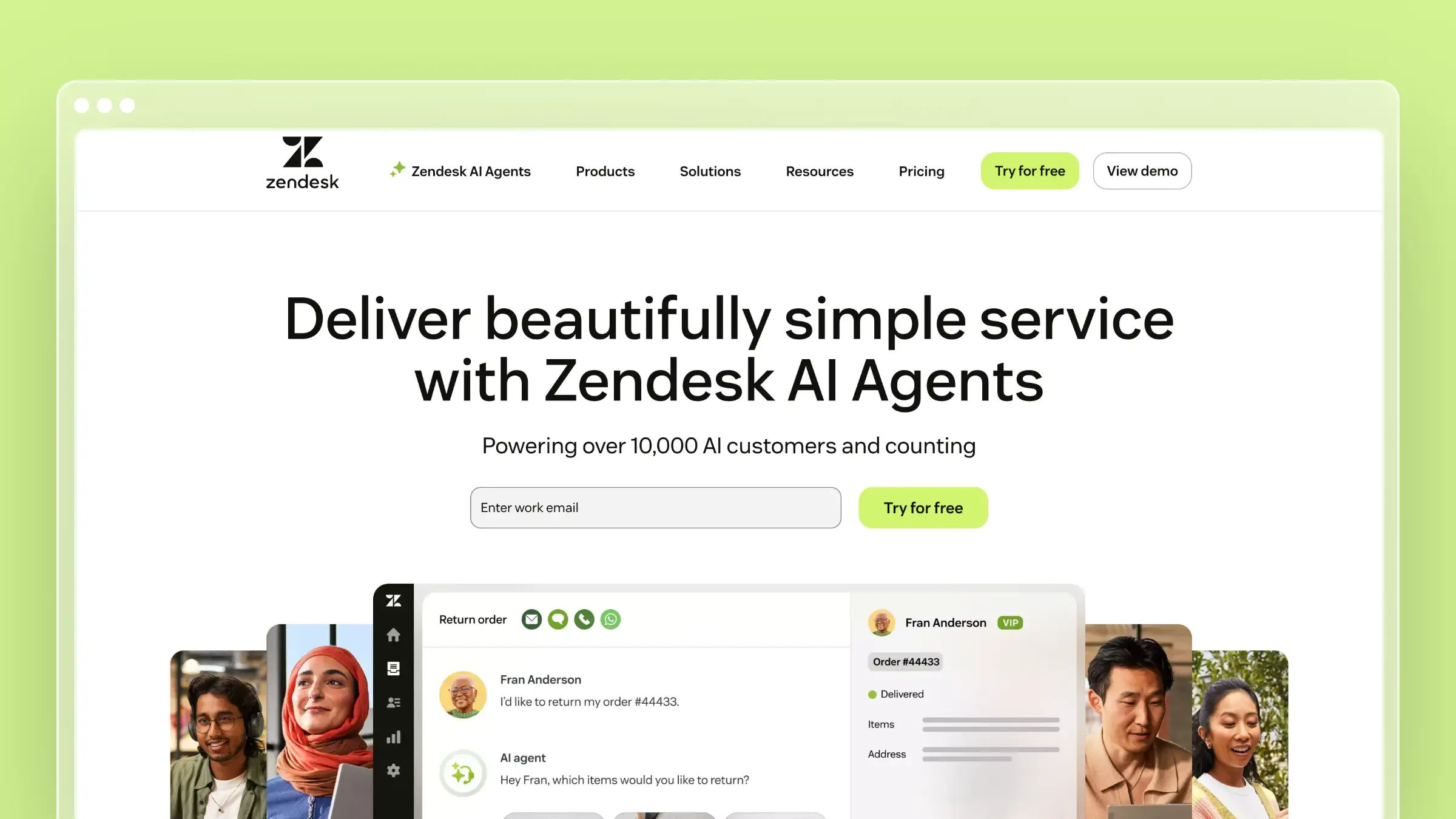
Zendesk Help Center plays a different game entirely. You’re not buying a knowledge base - you’re buying a support ecosystem. The help center connects to ticketing, live chat, phone support, and community forums. Everything is integrated, and the data flows between systems.
That integration is something neither Helpjuice nor any standalone knowledge base can replicate. When agents resolve tickets, they can immediately update related articles. When customers search and fail, the analytics surface what’s missing. The feedback loop is built into the workflow, not bolted on.
What Zendesk does well:
- Seamless integration with ticketing, chat, and phone
- Answer Bot deflects simple questions before they become tickets
- Analytics that connect search failures to content gaps
- Multilingual support with translation workflows
- Community forums for peer support and user-generated content
What Zendesk doesn’t do:
Zendesk’s knowledge base, isolated from the suite, is mediocre. The editor is clunky compared to Helpjuice or HelpDocs. The search is adequate but not exceptional. AI features (Answer Bot, generative replies) require Suite Professional at $115/agent/month. And per-agent pricing makes it expensive fast: 10 agents on Professional costs $1,150/month. You’re paying for the ecosystem, not the documentation tool.
Pricing: $55/agent/month (Suite Team). $115/agent/month (Suite Professional). Enterprise pricing available.
Best for: Organizations already invested in Zendesk. Enterprises running complex support operations. Companies that need knowledge base analytics tied directly to ticket data.
The tradeoff: If you’re evaluating Helpjuice specifically for its knowledge base capabilities, Zendesk’s documentation features are a step down. But if your real problem is connecting documentation to support operations, Zendesk’s integration value is real.
6. Help Scout: Best for Human-Centered Support Teams

Help Scout takes a philosophically different approach: great support requires great humans, and the tool’s job is to make those humans more efficient. The knowledge base (called Docs) is clean, fast, and easy to maintain. The Beacon widget embeds help directly in your product with a warmth that chatbots lack.
Help Scout doesn’t try to automate support away. It tries to make every human interaction better. If Helpjuice is the search-first knowledge base, Help Scout is the people-first support platform with a solid knowledge base attached. For detailed cost analysis, see our Help Scout pricing guide.
What Help Scout does well:
- Clean, fast documentation with excellent native search
- Beacon widget embeds contextual help in your product
- Saved replies and workflows make support agents faster
- Collision detection prevents duplicate work on tickets
- Reporting focused on team performance and customer satisfaction
What Help Scout doesn’t do:
Help Scout’s AI is basic. There’s no aggressive ticket deflection, no codebase monitoring, no automatic content maintenance. The search is good but not Helpjuice-level. And the platform lacks the deep customization options - no full theme control, no CSS/JS access for the knowledge base. Per-user pricing at $50/month (Standard) or $75/month (Plus) means costs scale with team size.
Pricing: $50/user/month (Standard, includes Docs). $75/user/month (Plus).
Best for: Teams that believe human support is a competitive advantage. Companies with technical products where customers need real expertise. Organizations frustrated by chatbot-first platforms that create friction.
The tradeoff: Help Scout is a support platform, not a knowledge base platform. The Docs feature is solid but secondary. If your primary need is comprehensive documentation with powerful search, Help Scout’s knowledge base won’t match Helpjuice’s depth. If your primary need is efficient human support with good documentation backing it, Help Scout delivers.
7. GitBook: Best for Developer Documentation
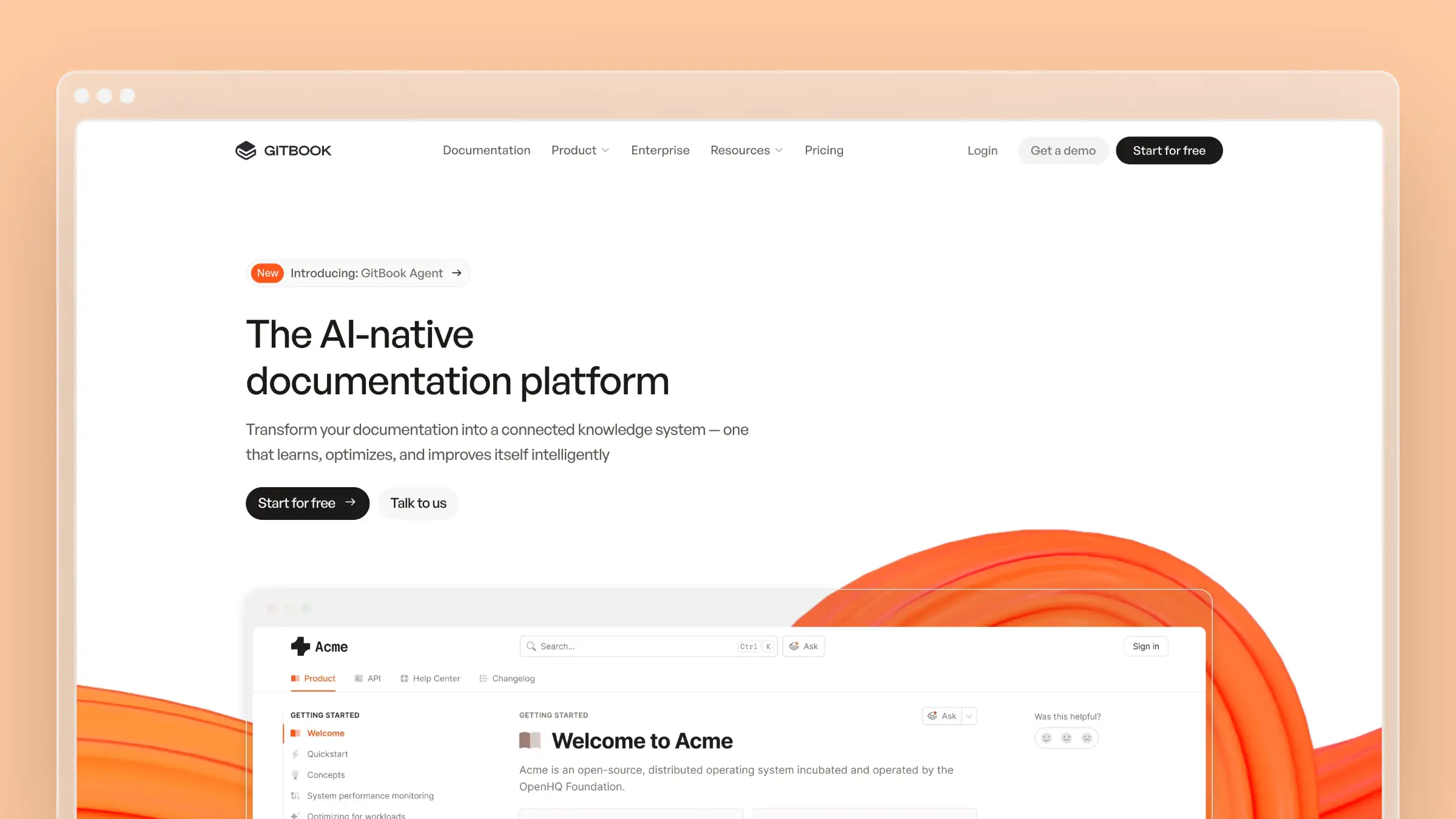
GitBook serves developers who want documentation to live in the same workflow as code. The Git sync is genuine: write docs in your IDE, push to a branch, merge through a PR, and the documentation updates. It’s the docs-as-code workflow done right.
For API references, SDK guides, and technical content, GitBook’s reading experience is the best in class. Dark mode works. Code blocks render properly. OpenAPI specs become interactive documentation. If your audience is developers, GitBook speaks their language. For more GitBook alternatives, see our dedicated comparison.
What GitBook does well:
- Real Git-based workflow with branch, PR, and merge support
- Beautiful reading experience with proper dark mode
- OpenAPI and GraphQL documentation rendering
- Content versioning tied to product releases
- Free tier for open source projects
What GitBook doesn’t do:
GitBook assumes technical users. Non-developers struggle with the editing experience. There’s no embedded help widget for end users, no ticket integration, no support team features. The AI Assistant is in beta with limited capabilities. And the pricing model ($65/site/month for Plus, $249/site/month for Pro, plus $12/user/month) gets expensive for teams with many contributors.
Pricing: Free for open source. $65/site/month (Plus). $249/site/month (Pro). +$12/user/month.
Best for: Developer tools, API documentation, and SDK guides. Engineering teams that want documentation in their Git workflow. Open source projects needing professional free hosting.
The tradeoff: GitBook and Helpjuice serve almost entirely different audiences. If your users are developers, GitBook wins on workflow and reading experience. If your users are non-technical customers, GitBook doesn’t have the features they need. Most teams choosing between these two know immediately which camp they’re in.
Search Quality vs. Content Quality
Helpjuice’s entire value proposition rests on search. And good search matters - if customers can’t find answers, they file tickets regardless of how good your documentation is.
But here’s what Helpjuice’s analytics won’t show you: the cost of finding the wrong answer. When a customer searches, finds an article, follows outdated instructions, and then contacts support anyway, you’ve wasted their time and yours. That’s worse than a failed search, because the customer trusted your documentation and it let them down.
The knowledge base tools that matter in 2026 aren’t just search engines. They’re content quality engines. They watch your product for changes, identify what’s stale, and fix it before customers encounter it. Search is a solved problem. Content accuracy is the frontier.
If your help center has fewer than 50 articles, any tool’s search will work fine. If you have hundreds of articles across dozens of product areas, the question isn’t “can customers find content?” - it’s “is the content they find still correct?” That reframing changes which tool you should choose.
How to Choose a Helpjuice Alternative
Start with what’s actually broken:
If the price is the problem: Ferndesk at $149/month gives you AI-powered search and proactive content maintenance below Helpjuice’s base price. HelpDocs at $49/month trades Helpjuice’s power features for simplicity at 80% lower cost. See our best free knowledge base software guide if budget is the primary constraint.
If content accuracy is the problem: Ferndesk is the only tool on this list that monitors your codebase and support tickets to keep documentation accurate automatically. Helpjuice’s search finds content; Ferndesk ensures the content is worth finding.
If you need enterprise governance: Document360 offers approval workflows, version control, and compliance features that Helpjuice lacks. Pricing is available on request, which many teams find more favorable than Helpjuice’s published AI tier.
If you need a complete support platform: Zendesk or Help Scout integrate your knowledge base with ticketing and live support. Standalone knowledge bases like Helpjuice don’t connect to your support workflow.
If developers are your audience: GitBook delivers a Git-native workflow and reading experience that Helpjuice can’t match for technical content.
If you want the simplest possible tool: HelpDocs gets you live in hours, not days. For small teams on a budget, simplicity beats features every time.
Bottom Line
Helpjuice is a good knowledge base with excellent search. But at $249/month without AI and $449/month with it, you’re paying premium prices for a tool that still expects you to manually maintain every article, monitor every product change, and identify every content gap yourself.
The knowledge base market has moved past “write articles, hope customers find them.” The new standard is AI that actively maintains your content, flags what’s stale, and drafts what’s missing.
Ferndesk costs $149/month or $1,490/year with unlimited AI drafting, codebase sync, and weekly content audits. Five editors are included, with additional editors at $10/month each. No $200 paywall between you and the AI features. Just a help center that stays accurate automatically.
Stop paying enterprise prices for a search engine. Try Ferndesk free and see what an AI-native help center actually looks like.


 Book a demo