

Your team doesn’t need another AI demo. It needs fewer repetitive tickets, faster resolutions, and a support operation that doesn’t grow linearly with volume. That’s a different problem than “add a chatbot,” and the tools that solve it look different too.
This roundup compares the best AI tools for customer support scaling across SaaS, ecommerce, and B2B use cases. Some tools automate the front line, some assist your agents, and one keeps the underlying documentation current so fewer tickets get created in the first place.
What AI customer support tools actually do
Before comparing platforms, it helps to name the function you actually need. Most AI customer support tools combine two or three of the categories below. Knowing which one solves your bottleneck narrows the list faster than reading every product page.
- Autonomous resolution: the AI handles the full conversation and closes the ticket without a human. Best for high-volume, repetitive inbound. Tools: Intercom Fin, Ada, Decagon.
- Agent assist (copilot): the AI drafts replies, summarizes threads, and suggests next steps for a human to approve. Best when you want speed without removing humans from the loop. Tools: Zendesk AI, Freshdesk, Help Scout.
- Triage and routing: the AI reads incoming tickets and assigns them to the right queue or priority. Best when misrouting is a major source of delay. Tools: Zendesk AI, Freshdesk, Gorgias.
- Workflow automation: the AI triggers actions across your stack based on ticket content or resolution outcome. Best for teams with complex escalation paths or CRM dependencies. Tools: HubSpot Service Hub, Zendesk AI, Gorgias.
- Multilingual support: the AI translates conversations in real time so one team can serve multiple language markets. Best when language coverage is the scaling constraint. Tools: Comm100, Ferndesk (AI-assisted translation for help center content).
- Knowledge maintenance: the AI monitors product changes, support tickets, and codebases to keep documentation current. Best when stale docs are the root cause of repetitive tickets. Tools: Ferndesk.
What changed in AI support tools in 2026
The 2026 landscape looks different from two years ago. The shift is not just more AI, it’s AI that takes action rather than only suggesting it, and buyers are now asking harder questions about cost, control, and content quality.
- Action-taking agents replaced suggestion engines. The dominant design in 2026 is an AI that can look up an order, issue a refund, or update a record, not just draft a reply. Decagon and Ada represent this shift most clearly.
- Per-resolution pricing became the new per-seat debate. As autonomous resolution rates climbed, vendors moved to outcome-based billing. Intercom Fin’s $0.99 per resolution model is now the reference point buyers benchmark against, and it forces teams to model 12-month costs more carefully.
- Documentation quality emerged as the AI ceiling. Teams that deployed autonomous agents in 2024 and 2025 discovered that resolution rates plateau when help content is stale. In 2026, documentation maintenance is a prerequisite for AI performance, which is why tools like Ferndesk appear on support shortlists alongside ticketing platforms.
- Governance requirements increased. Enterprise buyers now ask for audit logs, human override controls, PII handling policies, and escalation guardrails before signing.
- Voice AI entered the support stack. Several platforms added voice-based AI resolution for phone and async audio channels. It’s still early, but teams with high phone volume should ask vendors directly about voice capability before assuming chat-only coverage.
What to compare before you pick an AI support tool
Scaling support with AI is less about picking the flashiest tool and more about matching automation to your real bottleneck. Response speed, resolution rate, agent time, and content quality are different problems with different winners.
What customer support scaling actually means
Scaling support means handling more conversations without adding headcount at the same rate. It depends on more than reply speed.
- Scaling is about deflection and resolution, not average handle time alone.
- A fast first response is not a resolution. Tickets that bounce back to humans still cost you.
- The core outcomes to measure are ticket deflection, autonomous resolution rate, agent productivity, and knowledge freshness.
- Contrarian angle: if your docs are stale, even a strong AI agent will answer badly. Bad content limits the ceiling.
How this list evaluates the best AI tools for customer support scaling
- Integration depth: how well it connects to your current help desk, CRM, and knowledge base.
- Response quality: whether the tool can resolve, route, summarize, or only suggest.
- Ease of setup: how much engineering time it takes to go live.
- Scalability of pricing: flat, per-seat, per-resolution, or custom, and how each behaves as volume climbs.
- Workflow fit: channel mix coverage across chat, email, help center, and ticket triage.
- Ability to improve: feedback loops and whether the tool gets smarter as your content and history grow.
Quick comparison of the 12 tools
Use this table to narrow the list before reading each product section. G2 ratings shift frequently, so treat scores as directional and recheck before purchase.
| Tool | Best For | Pricing Model to Watch | G2 Rating |
|---|---|---|---|
| Ferndesk | Fast-shipping SaaS with stale docs | Flat monthly, 5 editors | Not yet rated |
| Zendesk AI | Enterprise support orgs | Per-agent plus AI add-ons | 4.3 / 5 |
| Intercom Fin | Chat-first companies | Seat fee plus per-resolution | 4.5 / 5 |
| Freshdesk | SMB and mid-market | Per-agent, AI on higher tiers | 4.4 / 5 |
| Help Scout | Lean, human-centric teams | Per-user plus per-resolution AI | 4.4 / 5 |
| Gorgias | Ecommerce support | Ticket-based tiers | 4.6 / 5 |
| Ada | Autonomous AI as primary lever | Custom enterprise, usage-based | 4.5 / 5 |
| Zoho Desk | Zoho ecosystem buyers | Per-agent, ecosystem-priced | 4.4 / 5 |
| HubSpot Service Hub | CRM-connected support | Per-seat inside HubSpot | 4.4 / 5 |
| Tidio | Small business chat | Conversation-based plus AI add-ons | 4.7 / 5 |
| Comm100 | Multilingual global support | Per-agent plus AI add-ons | 4.4 / 5 |
| Decagon | AI-agent-first buyers | Custom, usage-based | 4.9 / 5 |
1. Ferndesk
 Ferndesk is an AI-native help center platform built around a specific bet: most repetitive tickets are created by stale documentation, and no amount of front-line automation fixes that. An AI agent named Fern monitors your GitHub commits, Linear tickets, support conversations, and product changes, then drafts documentation updates for you to review. The result is a help center that stays in sync with what you actually ship, improving AI search answers, in-app self-service, and search visibility all at once.
Best for
- SaaS teams shipping product changes weekly, where docs fall out of date the moment they publish.
- Support leaders who want deflection through better self-service, not only automated replies.
- Founder-led and technical teams that need documentation upkeep without hiring for it.
What helps you scale support
- Fern monitors GitHub, Linear, changelogs, and support tickets to identify stale content and draft updates before customers hit outdated instructions.
- Self-updating documentation lifts the ceiling on every AI layer above it, from help-center search to in-app widget answers.
- Automated screenshot generation, weekly content audits, and ticket analysis eliminate stale-content tickets before they land in your queue.
- Pro includes five editor seats, giving product, support, and engineering room to collaborate before additional seats cost $10/month each.
Limits to know
- Ferndesk is not an omnichannel ticketing suite, shared inbox, or queue manager, and does not replace your help desk.
- Teams needing routing logic, SLA management, or agent collaboration still run those workflows in their existing platform.
- The ROI case is strongest when documentation quality is a real support bottleneck.
Pricing and fit notes
- Pro costs $149/month or $1,490/year, while enterprise contracts start at $399/month, with a 7-day free trial.
- If engineering or support currently spends multiple hours a week on manual doc upkeep, a flat monthly fee is almost always cheaper.
- This is the pick when your scaling problem starts with content freshness rather than reply throughput.
2. Zendesk AI
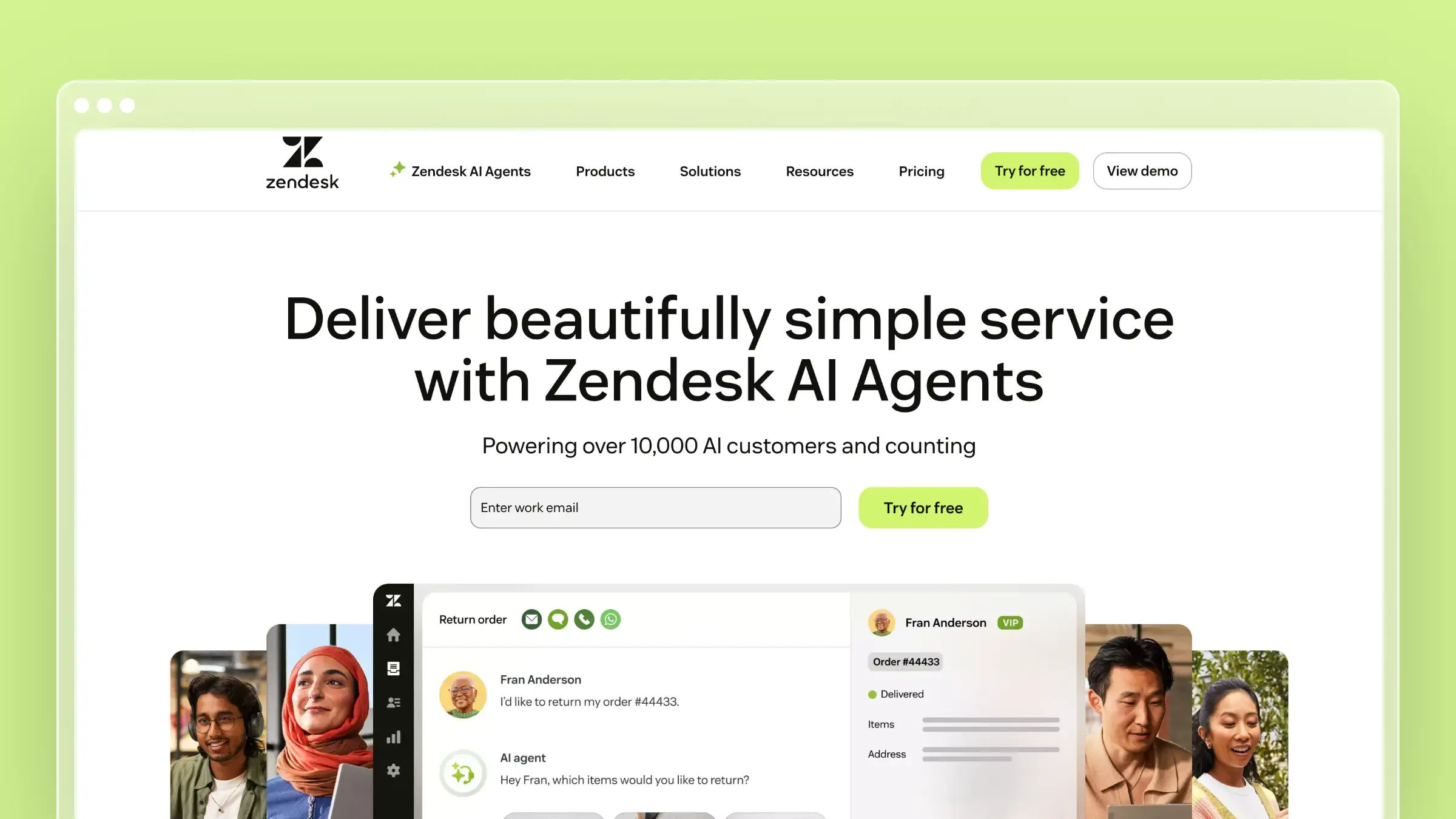 Zendesk AI layers automation, agent copilots, and AI resolution into one of the most mature support platforms on the market. It’s not the newest AI story, but it’s the one most large support orgs already have in production. If you’re running a complex service operation with routing rules, SLAs, and multiple channels, Zendesk AI extends what you already own instead of forcing a rip-and-replace.
Best for
- Larger support organizations that need enterprise-grade routing, reporting, and channel breadth.
- Teams already on Zendesk who want to extend the platform with AI rather than migrate.
What helps you scale support
- AI agents, Copilot for humans, and workflow automation cover the front line, the agent seat, and the operations layer.
- Deep reporting and process controls support consistent service at scale, especially with governance requirements.
- Broad channel and integration coverage removes the “which channel handles this” question during rollout.
Limits to know
- Smaller teams often find the platform heavy on setup and configuration before AI value shows up.
- Automation quality still depends on well-maintained knowledge and clean workflow definitions.
- Enterprise depth can slow time to value if underlying processes aren’t already documented.
Pricing and fit notes
- Suite plans start at $55/agent/month billed annually, with Copilot at $50/agent/month and AI agents priced per automated resolution beyond plan allowances.
- Compare total platform cost, not just the AI add-on line item, because seat fees compound quickly.
- Best fit for scale and governance. Overkill for low-complexity teams with a handful of agents.
3. Intercom Fin
 Intercom Fin is the AI agent purpose-built for Intercom’s messenger, and one of the most talked-about autonomous chat products on the market. For chat-first companies, it handles a meaningful share of front-line questions without human involvement. Fin’s answer quality depends heavily on the content it’s grounded in, so teams with strong help centers see much better resolution rates than teams shipping it into a thin knowledge base.
Best for
- Chat-first companies wanting AI to handle a high share of front-line messenger conversations.
- Teams already using Intercom for messaging who want to extend the same stack.
What helps you scale support
- Fast deployment inside existing Intercom workflows shortens time to first resolution.
- Fin resolves common questions directly in chat, cutting the volume that reaches human agents.
- Works best when your help content and support flows are already well organized.
Limits to know
- Combined per-seat and per-resolution pricing can produce surprising monthly totals as chat volume grows.
- Weak or outdated documentation caps answer quality regardless of model strength.
- Fin is strongest in chat-led support models. Email-heavy operations should test channel fit before committing.
Pricing and fit notes
- Priced at $0.99 per resolution with a 50-resolution monthly minimum, plus Intercom seat fees starting around $39/seat/month billed monthly.
- Model 12-month cost at projected ticket volumes, not just current volume, because per-resolution costs compound.
- Strong shortlist choice when fast AI chat resolution is your primary scaling goal.
4. Freshdesk
 Freshdesk is the pragmatic middle path for SMB and mid-market teams. It offers a broad help desk with AI features layered in, without the setup gravity of enterprise suites. If you want a familiar ticketing experience and room to add automation over time, this is a comfortable place to start.
Best for
- SMB and mid-market teams that want AI in a broad help desk without a full platform rebuild.
- Teams who prefer a familiar help desk experience with headroom to add automation.
What helps you scale support
- Contextual conversation routing sends tickets to the right queue based on content, cutting reassignment loops.
- AI-assisted replies help agents move faster on common questions without templating everything by hand.
- Adoption is generally lighter than enterprise suites, which matters when you don’t have a dedicated admin.
Limits to know
- Some advanced AI capabilities sit behind higher plans, so evaluate features against tier before buying.
- Freshdesk is a broad platform first, not a specialized documentation maintenance tool.
- Best value depends on how many premium AI features your team actually uses day to day.
Pricing and fit notes
- Free plan for up to two agents for six months; paid tiers start at $19/agent/month billed annually (Growth), $55 (Pro), and $89 (Enterprise).
- Verify which AI functions are included in your target tier versus paid add-ons before committing.
- Compare against Zendesk and Intercom on simplicity and total complexity, not just the price sticker.
5. Help Scout
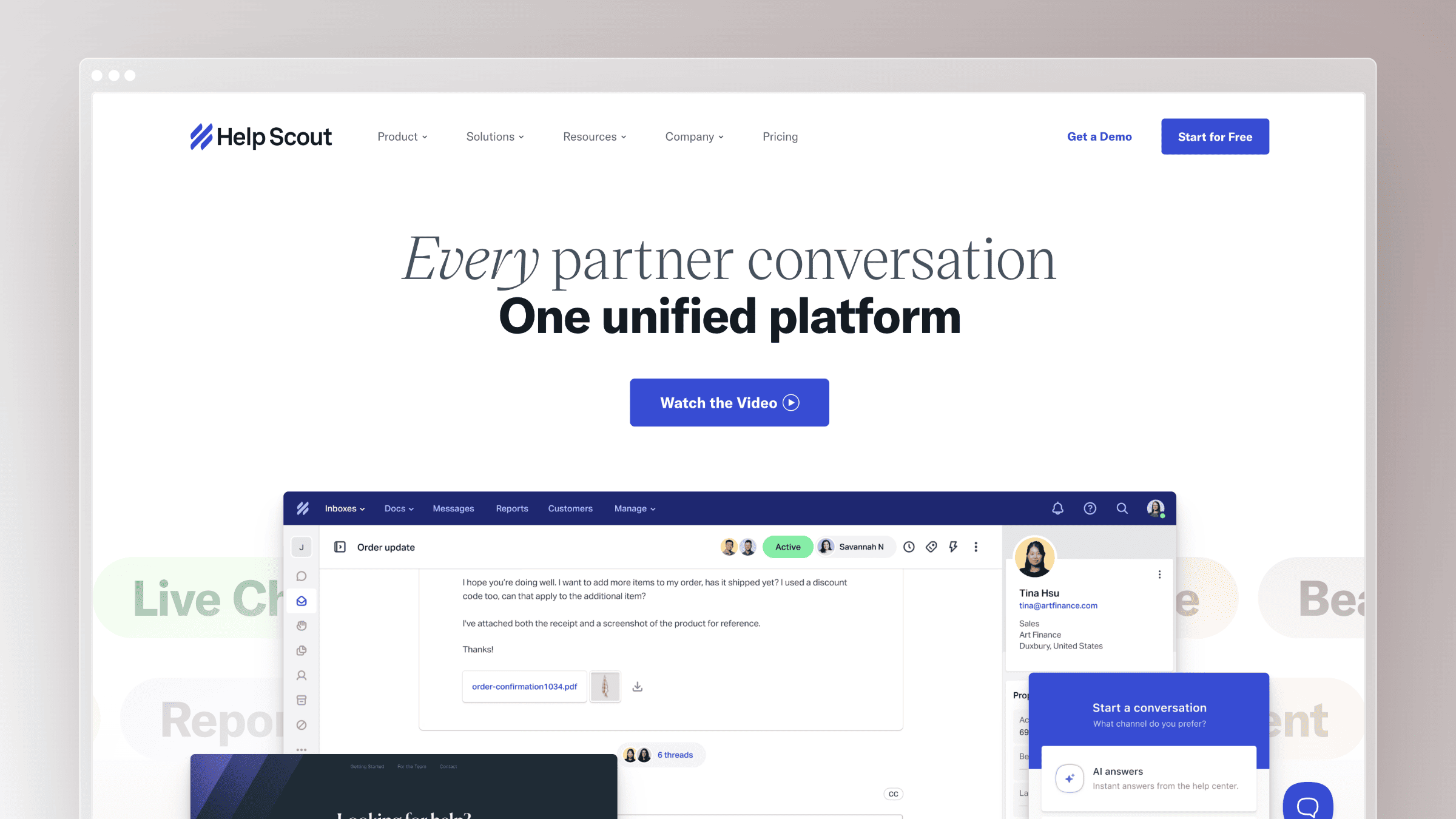 Help Scout is the quiet favorite of lean, human-centric support teams. It layers AI features on top of an interface that still feels like a shared inbox, not a call center console. The tool nudges productivity without pushing your support toward feeling robotic, which matters when brand voice is part of the customer experience.
Best for
- Lean, human-centric support teams that want AI assistance without losing a personal tone.
- Teams that value simplicity, clean workflows, and lightweight adoption over dashboard depth.
What helps you scale support
- AI helps with drafting replies, summarizing threads, and speeding up day-to-day agent work.
- The clean UI and low operational friction keep small teams productive without a dedicated admin.
- You scale agent productivity even without fully autonomous support handling every conversation.
Limits to know
- Help Scout is less aggressive on autonomous AI than AI-first vendors like Ada or Decagon.
- It’s not built around code-to-doc sync or automated documentation maintenance.
- Teams chasing maximum automation depth may eventually outgrow it.
Pricing and fit notes
- Free tier for up to 5 users; paid plans at $25/user/month (Standard), $45 (Plus), and $75 (Pro) billed annually. AI Answers cost $0.75 per resolution.
- Verify which AI capabilities are bundled and which incur per-resolution costs.
- Ideal when your support culture values quality and clarity over heavy automation.
6. Gorgias
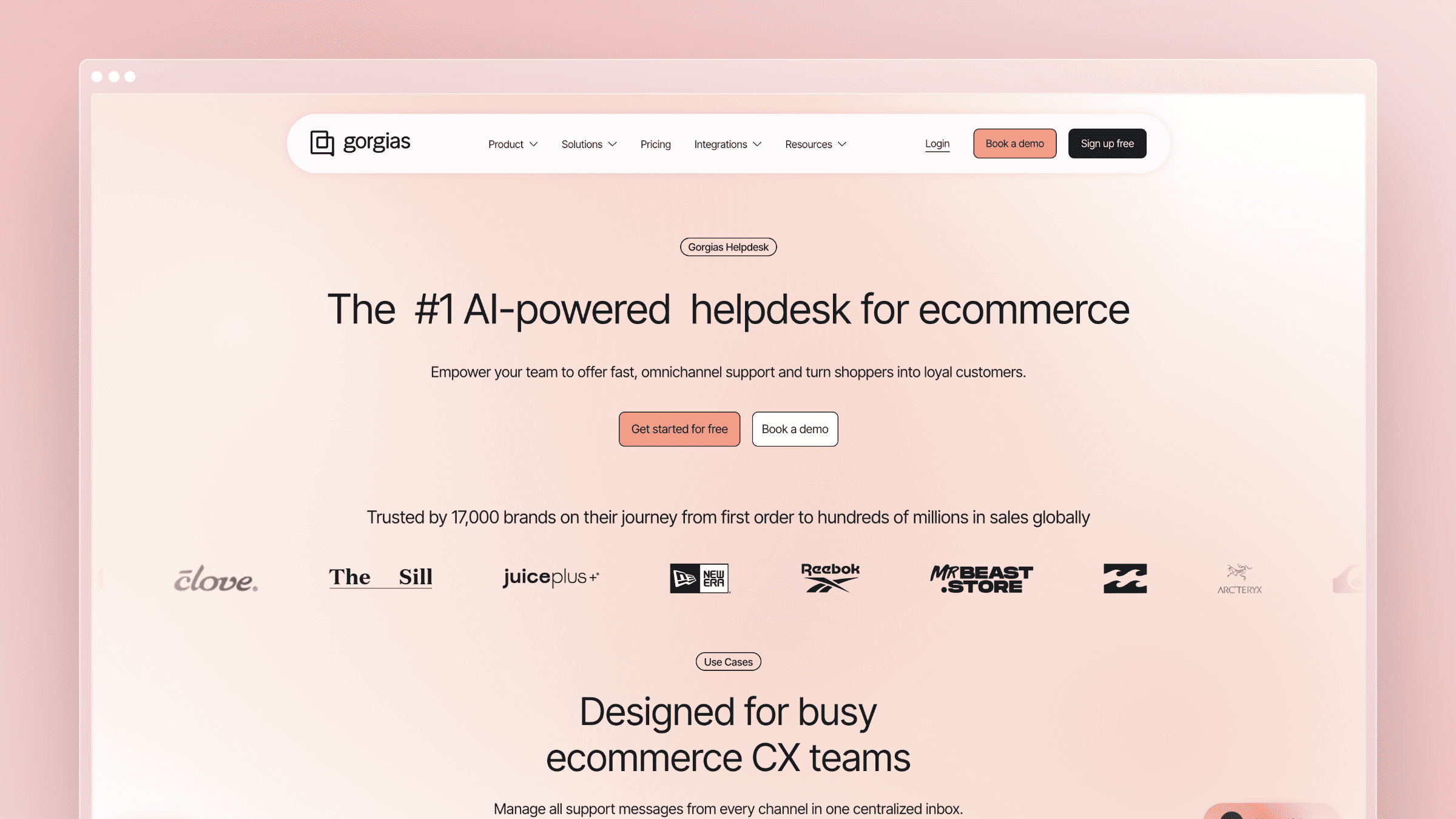 Gorgias is the specialist for ecommerce support. It’s built around the reality that most ecommerce tickets are variations of “where’s my order,” “can I return this,” and “why was I charged,” and those questions need commerce context to answer well. If your support load comes from Shopify, WooCommerce, or a similar stack, this vertical fit shows up quickly.
Best for
- Ecommerce support teams handling order status, shipping, returns, and store-related tickets.
- Merchants who need support tightly integrated with commerce systems.
What helps you scale support
- AI automation tied to ecommerce workflows resolves common transactional questions with the right data attached.
- Store context improves routing, macros, and resolution speed on repetitive buyer issues.
- Category-specific design is a strength when your ticket mix matches, not a universal platform.
Limits to know
- The strongest advantages show up in ecommerce, not general B2B SaaS support.
- Teams outside commerce pay for specialization they don’t fully use.
- Documentation maintenance is not the primary scaling lever with Gorgias.
Pricing and fit notes
- Ticket-based pricing starting at $10/month for 50 tickets (Starter) and climbing to $900/month on Advanced (5,000 tickets), with AI resolutions billed per outcome on top.
- Verify AI resolution costs alongside base ticket allowances before comparing to per-agent platforms.
- Compare against general help desks on vertical fit, not on breadth.
7. Ada
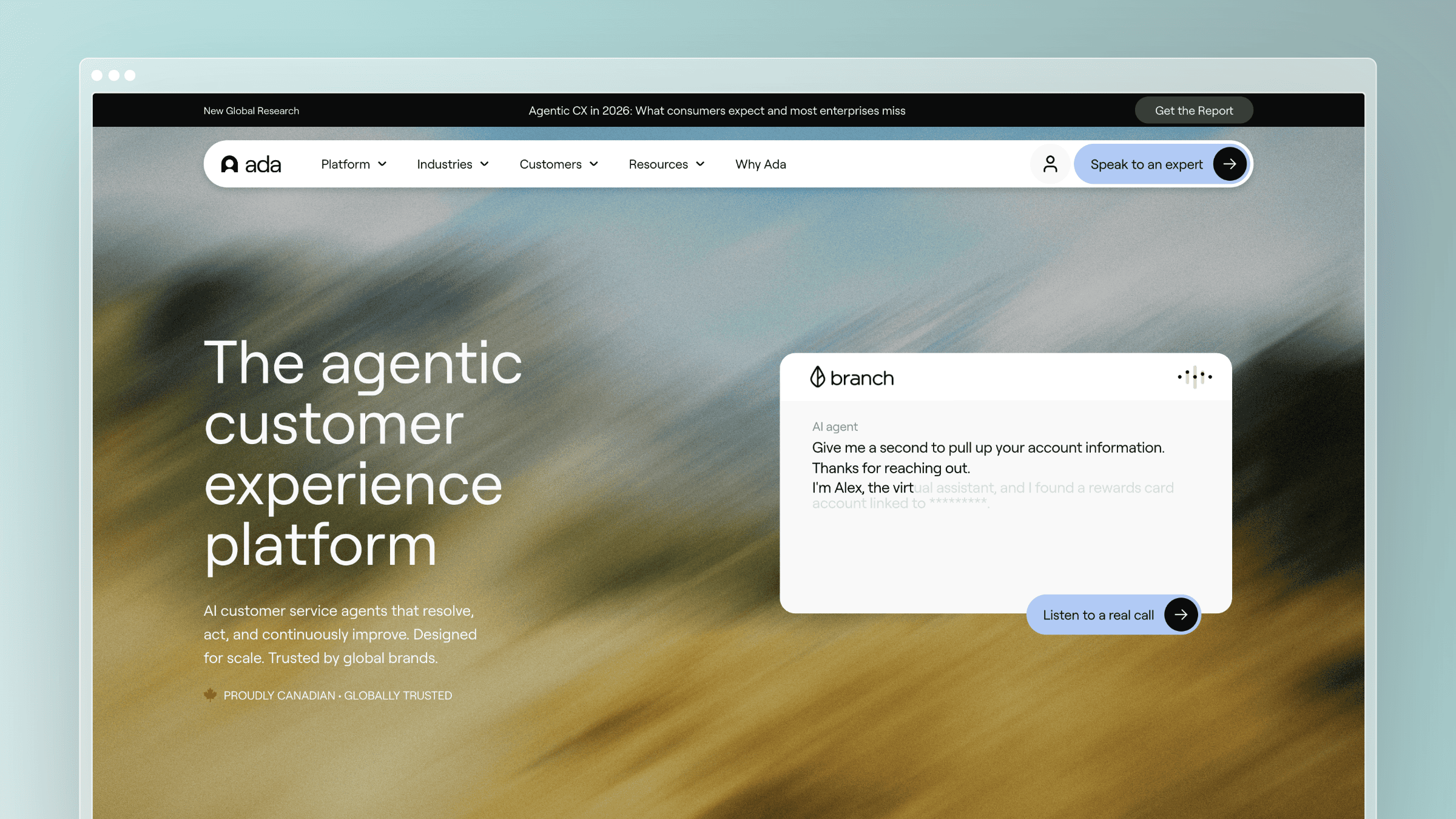 Ada is one of the original autonomous AI support platforms and remains a serious option when self-service is your primary scale lever. It’s built for high volumes of repetitive inbound questions across web, in-app, and messaging channels. The pitch is not “help your agents” but “resolve without your agents,” which is a different design philosophy than most help desks.
Best for
- Teams treating autonomous AI as the primary way to absorb volume growth.
- Organizations ready to invest in a dedicated AI service layer with a clear ownership model.
What helps you scale support
- Deep automation and AI-driven self-service handle repetitive inbound questions across channels.
- Built for large volumes, so it’s designed around resolution rate rather than agent seats.
- Stronger fit when the bot needs to actually resolve issues, not just suggest answers to humans.
Limits to know
- Autonomous tools still depend on strong content, clear policies, and human oversight of edge cases.
- Ada can be more than smaller teams need if ticket volume is still moderate.
- Fit depends heavily on channel mix and support process maturity, not just budget.
Pricing and fit notes
- Custom quote-based enterprise contracts, typically starting around $30,000/year with usage-based elements.
- Position it as a premium automation choice rather than a starter tool.
- Compare against Intercom Fin and Decagon on automation depth and operating model.
8. Zoho Desk
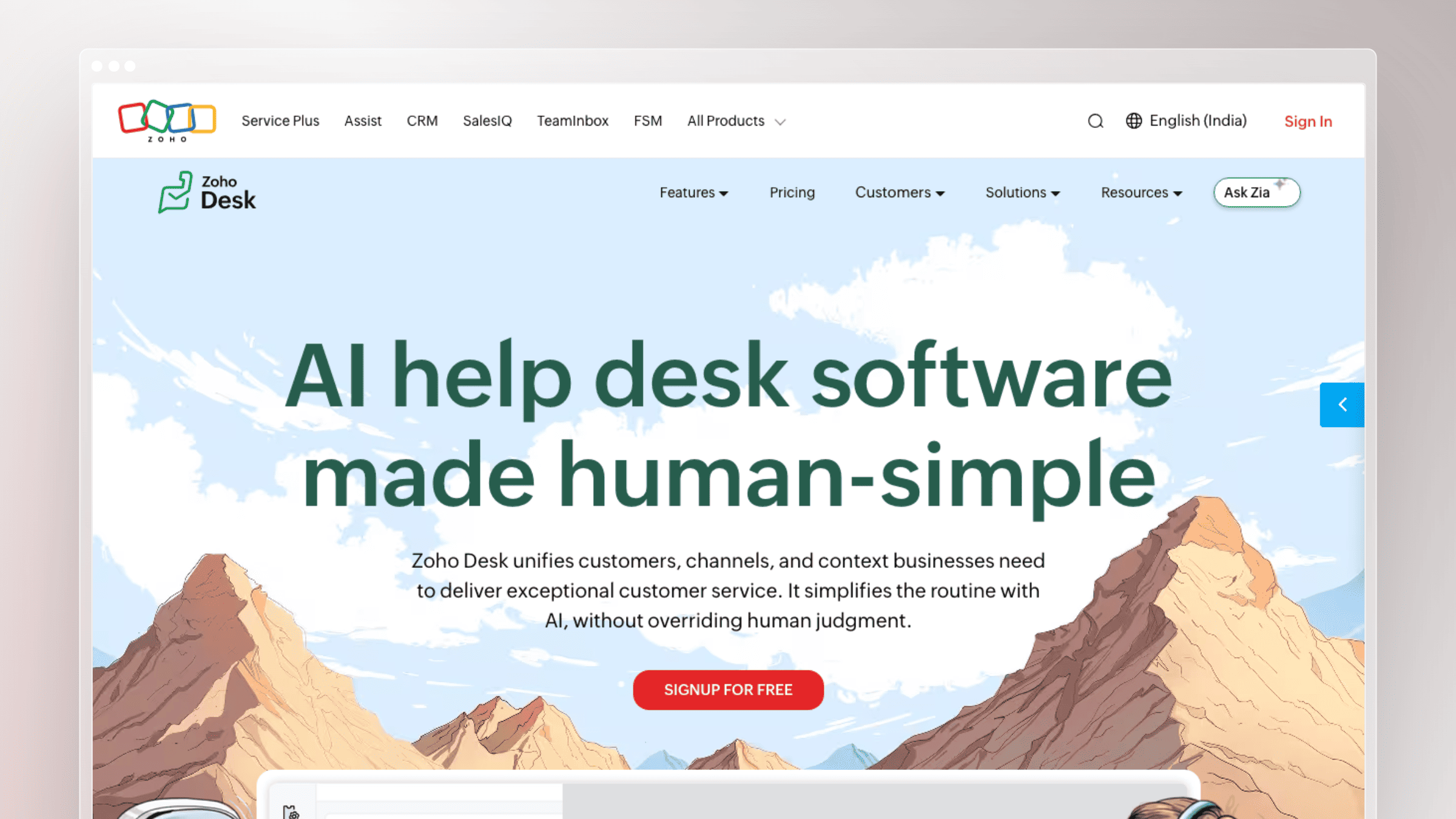 Zoho Desk is the pragmatic pick for teams already inside the Zoho ecosystem. It offers broad service tooling at a lower price point than enterprise suites, with AI features layered into a familiar help desk. If your CRM, marketing, and finance stack already runs on Zoho, the integration story pays off.
Best for
- Budget-conscious teams already using Zoho CRM or other Zoho tools.
- Teams that want broad service tooling with lower upfront complexity than enterprise alternatives.
What helps you scale support
- General AI and automation features live inside a familiar help desk, keeping the learning curve short.
- Ecosystem convenience matters when customer records already live in Zoho CRM.
- Practical choice when cost and suite alignment matter more than category-leading AI depth.
Limits to know
- Not known for proactive documentation maintenance or code-linked content updates.
- Teams looking for best-in-class AI specialization often find it more generalist than dedicated AI vendors.
- Performance improves substantially when you use more of the surrounding Zoho stack.
Pricing and fit notes
- Paid tiers start at $7/agent/month (Express), $14 (Standard), $23 (Professional), and $40 (Enterprise), all billed annually, with a free plan for up to 3 users.
- Verify AI inclusion by plan and any add-on requirements before comparing to standalone AI tools.
- Compare against Freshdesk for pragmatic SMB buying decisions.
9. HubSpot Service Hub
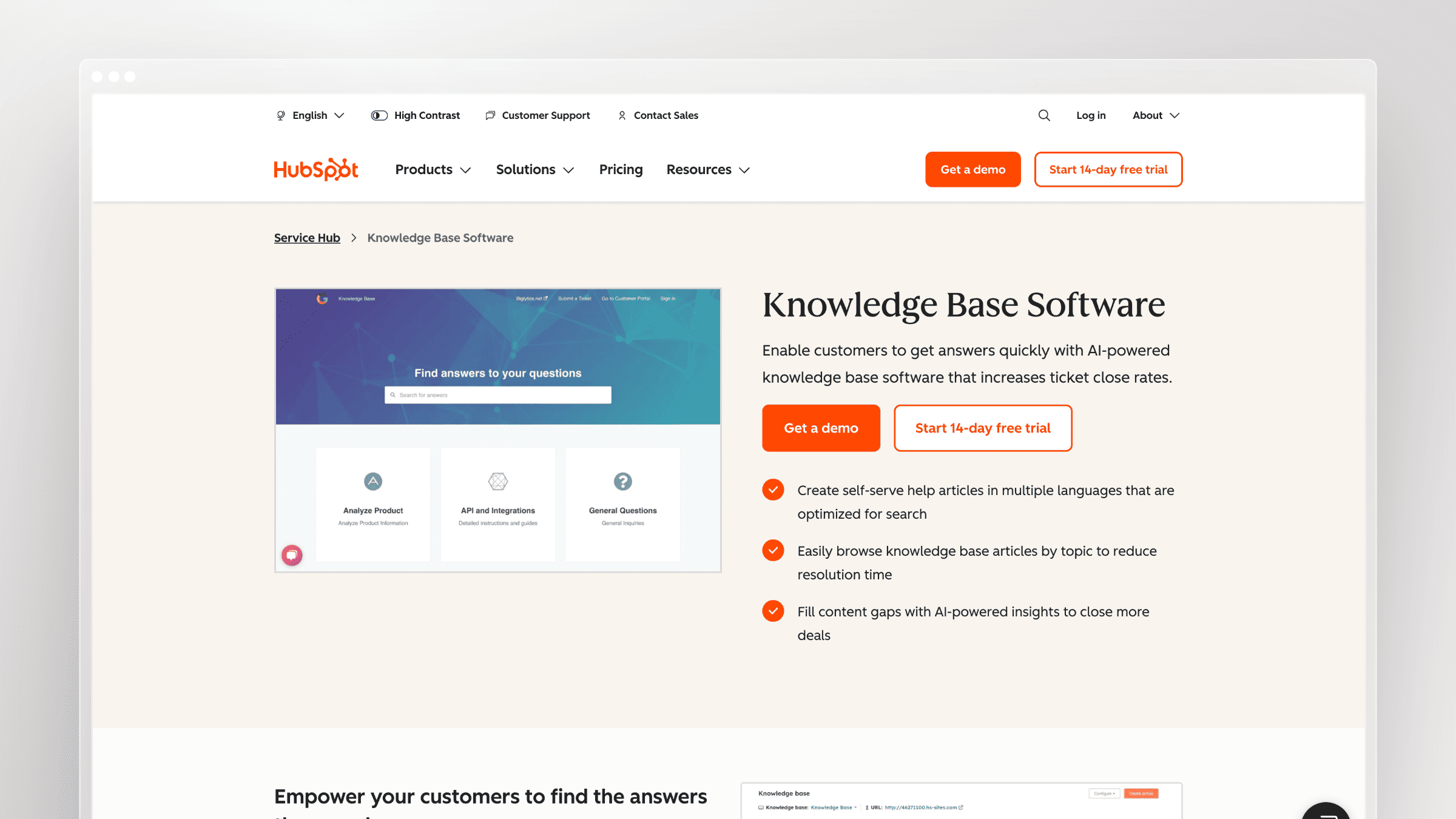 HubSpot Service Hub is the pick when support is part of a larger revenue conversation. Tickets, contacts, deals, and lifecycle data live in the same system, so agents see full account context without tab-switching. For revenue-led organizations that treat support as retention and expansion, this connection is worth more than isolated AI features.
Best for
- Teams that want support tightly connected to CRM, sales, and lifecycle data.
- Revenue-led organizations that view support as part of retention and expansion motions.
What helps you scale support
- Unified customer context across support, marketing, and sales records speeds up agent work on complex accounts.
- Workflow automation stretches across service and CRM, not just inside the ticketing view.
- Improves handoffs between support, CS, and sales as a cross-functional tool.
Limits to know
- Can be more platform than you need if support is your only buying trigger.
- AI value climbs substantially when the rest of HubSpot is already deployed.
- Specialized support teams sometimes prefer tools built more narrowly for service operations.
Pricing and fit notes
- Service Hub plans include Free ($0), Starter (from $7/seat/month billed annually), Professional ($90), and Enterprise ($150), all per seat.
- Verify current packaging and whether AI features are bundled or layered across HubSpot products.
- Better fit for CRM-centric buyers than teams wanting the lightest possible support stack.
10. Tidio
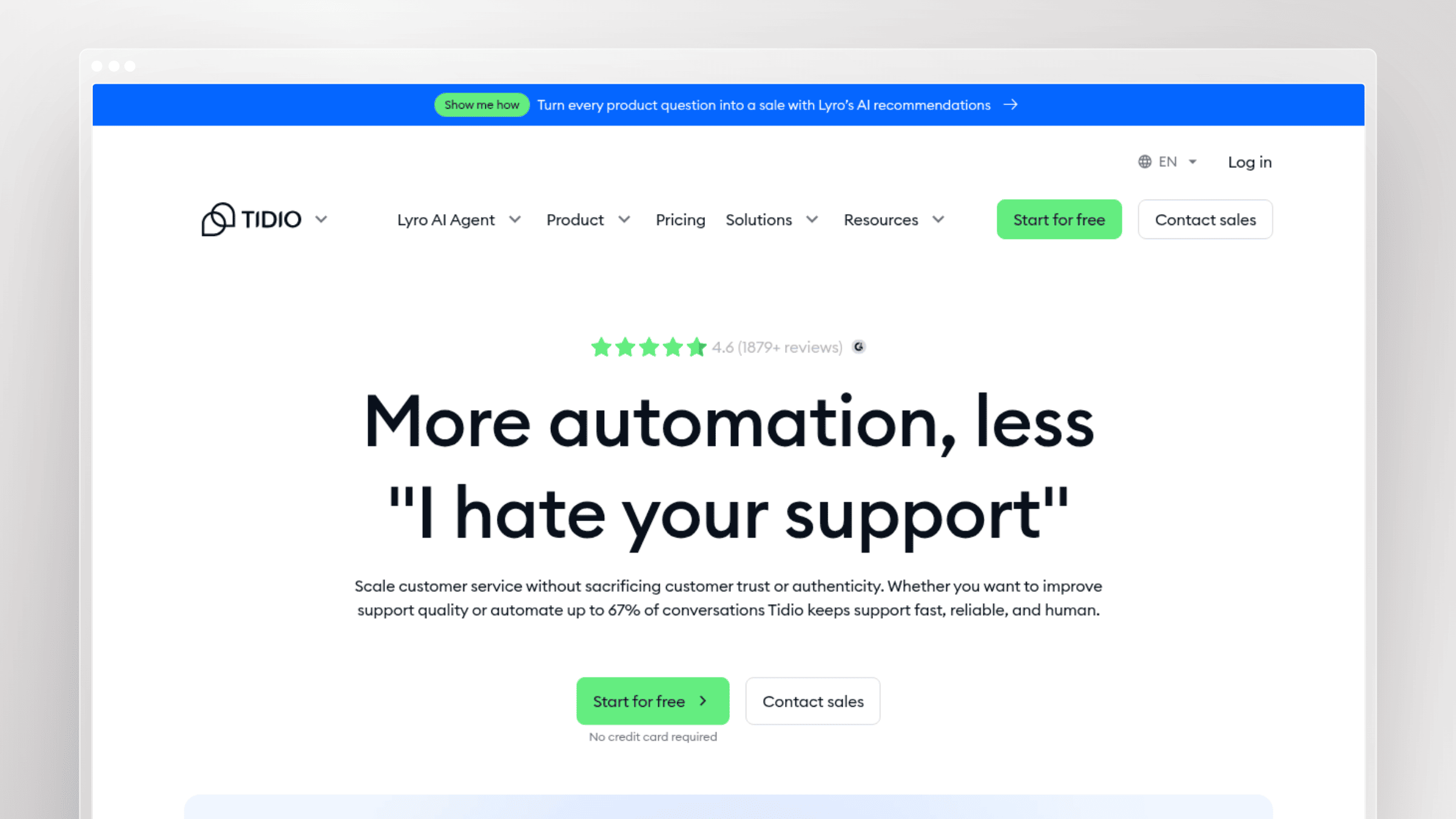 Tidio is the low-friction entry point into AI support for small businesses. It’s easier to set up than enterprise platforms and cheaper than category leaders, which makes it a natural starting point. Just plan for the ceiling: it’s built for smaller ticket volumes and simpler workflows, not enterprise governance.
Best for
- Small businesses wanting quick AI chat automation without enterprise overhead.
- Teams that need a lower-cost entry point into AI support automation.
What helps you scale support
- Fast setup and prebuilt chatbot flows let you absorb repetitive questions before they reach humans.
- Lyro AI handles common inbound questions in chat as an add-on to base plans.
- Regularly cited as a budget option for smaller teams under moderate ticket volume.
Limits to know
- Smaller-ticket tools show limits as workflows, channels, and reporting needs grow more complex.
- Less suited for teams needing deep B2B account context or enterprise controls.
- Long-term fit depends on how fast your support operation is scaling.
Pricing and fit notes
- Plans include Free (50 conversations/month), Starter at ~$24.17/month billed annually, and Growth from ~$49.17/month, with Lyro AI and Flows as separate add-ons.
- Verify current AI feature caps and conversation limits at time of purchase.
- Strong starter option, not the final destination for every scaling team.
11. Comm100
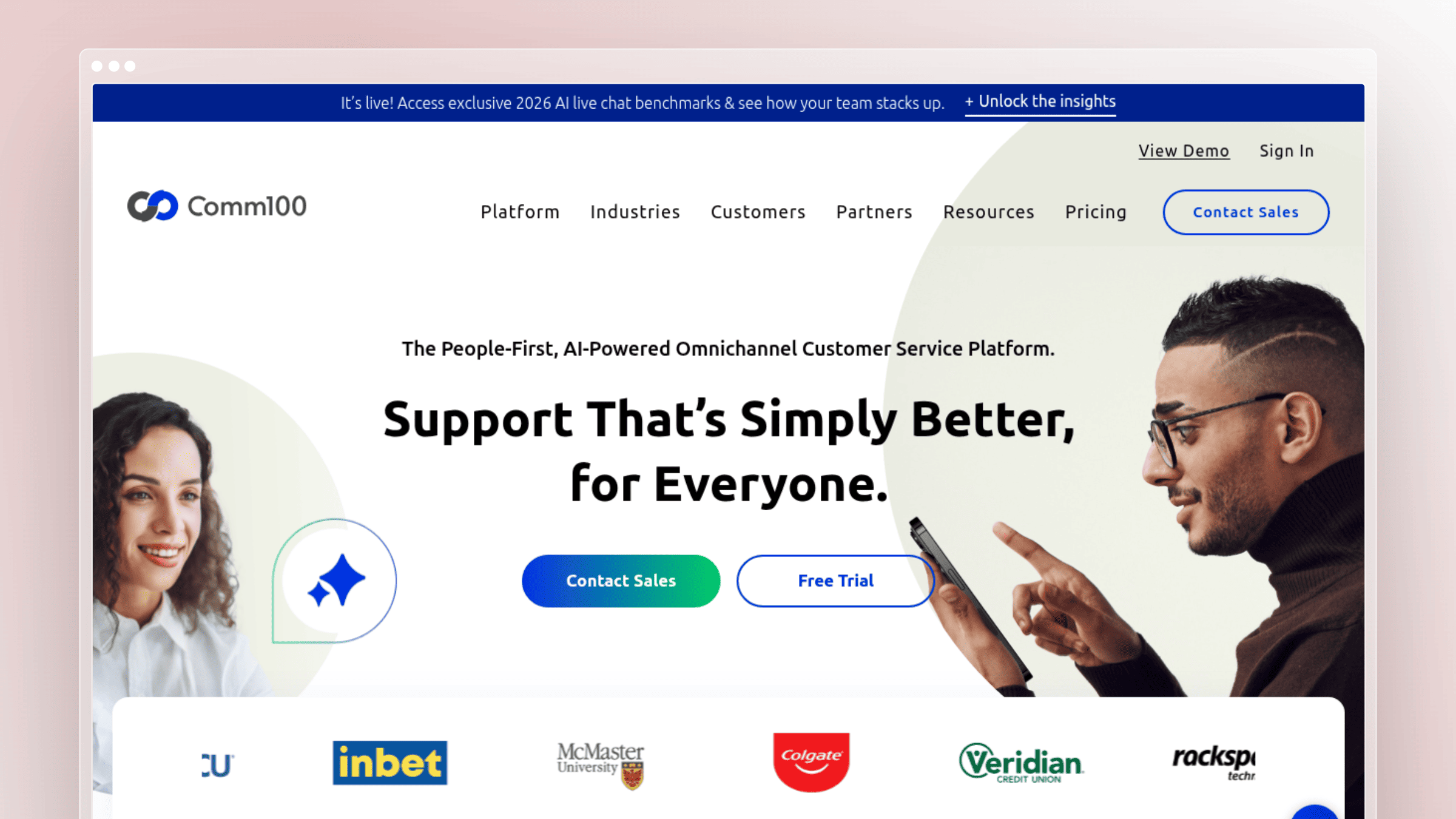
Comm100 stands out for teams whose scale problem is language coverage, not autonomous resolution. Real-time multilingual chat translation across 30+ languages lets a single team serve customers globally without staffing every market natively. If your bottleneck is “we can’t hire enough native speakers,” this differentiator matters more than automation depth.
Best for
- Teams with global customers and strong multilingual live chat needs.
- Companies where language coverage is a bigger constraint than autonomous resolution depth.
What helps you scale support
- Real-time multilingual chat translation supporting 30+ languages is the clearest differentiator.
- Language flexibility lets one team serve more regions without matching headcount in every market.
- Smart pick when international support complexity is the real bottleneck.
Limits to know
- Language coverage alone doesn’t fix knowledge gaps or thin documentation.
- Teams buying primarily for AI autonomy will find stronger options elsewhere.
- Vertical and workflow fit still matter beyond translation quality.
Pricing and fit notes
- Live Chat plans start at $31/agent/month billed annually (Startup) and $55/agent/month (Plus); Ticketing and Messaging starts at $47/agent/month, with AI add-ons via sales.
- Verify whether translation and AI features are plan-limited or bundled.
- Compare on multilingual strength rather than all-around breadth.
12. Decagon
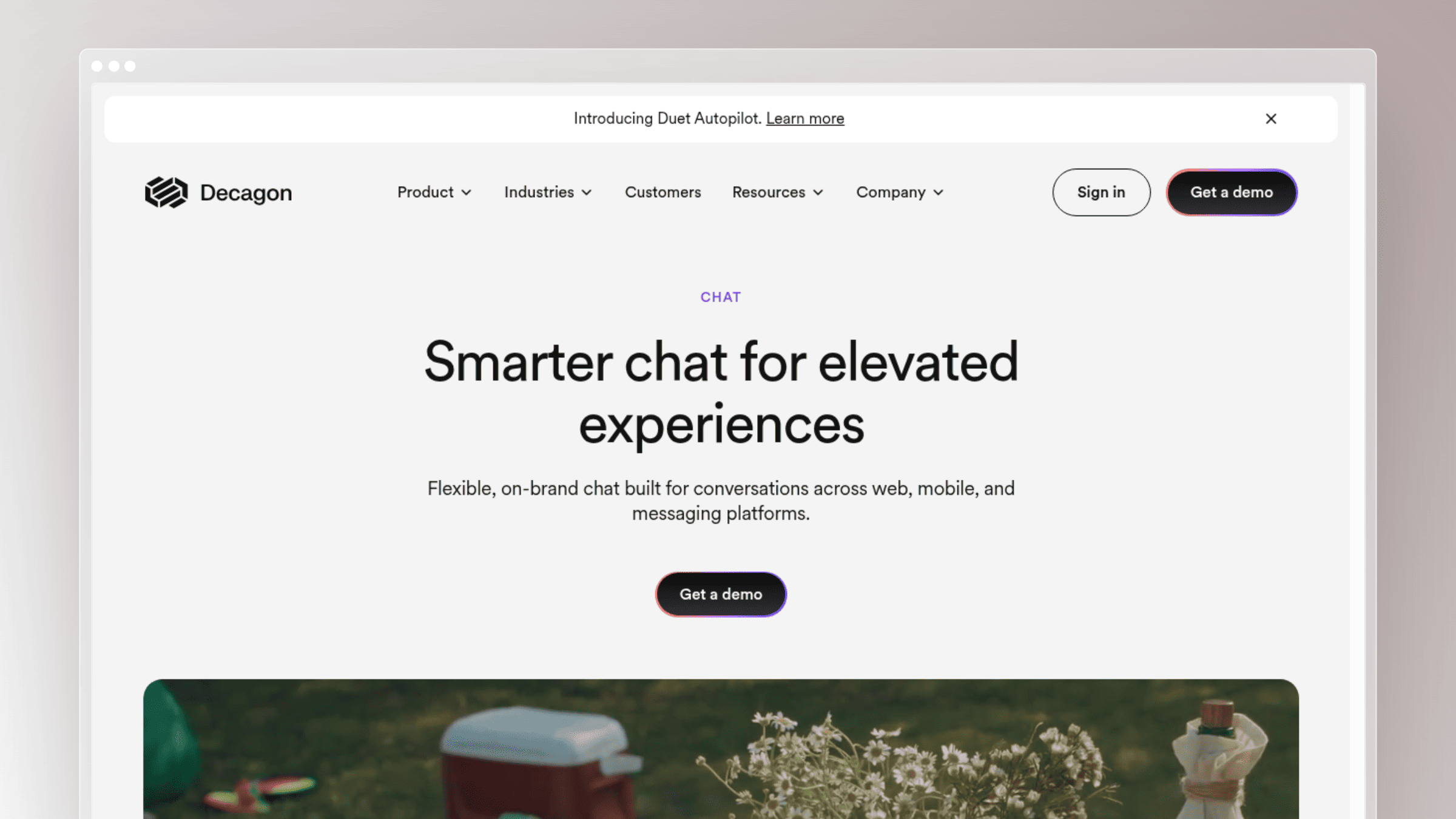
Decagon is one of the newer AI-agent-first platforms getting attention from teams that want to move beyond legacy help desks. It’s built around autonomous resolution and action-taking, not agent suggestions. That ambition is exactly the appeal for high-growth teams and exactly why buyers need to test carefully before rolling it out.
Best for
- Teams evaluating AI-agent-first platforms and comfortable running proof-of-concepts.
- Companies willing to test modern AI orchestration outside legacy help desk models.
What helps you scale support
- AI agent capabilities and higher autonomous resolution rates are the core value story.
- The category is about moving beyond suggestions to actual issue handling and action-taking inside your systems.
- Forward-leaning option for teams optimizing around resolution rate as the north-star metric.
Limits to know
- Newer AI-agent vendors require careful proof of fit, guardrails, and workflow validation before rollout.
- Test failure handling, handoff quality, and knowledge dependence during evaluation, not after go-live.
- Not every team needs this level of AI ambition, and simpler tools may deliver ROI faster.
Pricing and fit notes
- Custom, usage-based enterprise pricing with per-conversation and per-resolution options; no public rates are published.
- Verify how usage is measured before comparing costs to per-seat or per-resolution alternatives.
- Compare against Ada and Intercom Fin on autonomy versus stack familiarity.
How to choose the right tool without getting trapped by pricing
Every tool above wins in a specific context and loses in another. Name your real bottleneck first, then model 12-month cost at projected volumes, not just month one.
Match the tool to your real bottleneck
- If repetitive questions come from stale docs, prioritize documentation maintenance and self-service quality (Ferndesk).
- If chat volume is the pain, prioritize autonomous front-line resolution (Intercom Fin, Ada, Decagon).
- If agent time is the pain, prioritize summaries, drafts, and routing assistance (Zendesk AI, Freshdesk, Help Scout).
- If international coverage is the pain, prioritize multilingual support (Comm100).
- If account context is the pain, prioritize CRM-connected support platforms (HubSpot Service Hub).
Compare pricing models before you compare logos
Pricing models scale differently, and the cheapest starting point is often the most expensive at 12 months. Intercom Fin’s combined seat plus per-resolution model is the clearest example: costs move on two axes independently.
| Pricing Model | How It Scales | Hidden Risk | Best Fit |
|---|---|---|---|
| Flat monthly | Predictable base fee; seats added only past the included count | Feature caps at higher volumes | Docs-first teams with a small editor group |
| Per-seat | Grows with headcount | Punishes hiring and contributor access | Stable-team support orgs |
| Per-resolution | Grows with successful outcomes | Costs spike with volume; forecast carefully | High-volume chat automation |
| Combined seat + per-resolution | Grows on two axes | Both dimensions compound; hardest to forecast | Chat-first ops with steady volume |
| Custom enterprise | Negotiated; usage-based | Opaque; harder to benchmark | Complex, high-volume operations |
Model your projected 12-month cost at current volume and at 2x and 3x volume before signing. A cheap starting point can become expensive when tickets rise faster than expected.
FAQs: best AI tools for customer support scaling
Can AI actually reduce support headcount growth?
Yes, but only when the tool improves resolution or deflection, not just first-response speed. The gain shows up when tickets are resolved by AI or deflected by self-service, not just replied to faster.
- Documentation quality, workflow design, and escalation logic determine how much of the theoretical savings you keep.
- Measure success by resolution rate and cost per contact, not by response time alone.
What matters more, chatbot automation or a better knowledge base?
Usually both, but the knowledge base sets the ceiling. Top AI support tools reach resolution rates north of 60 percent, but only when their content is fresh and structured.
- Stale documentation weakens every AI layer above it, including chatbots, help-center search, and in-app widgets.
- A great model on bad content produces confident wrong answers, which erode customer trust faster than no answer at all.
- A tool like Ferndesk that keeps the knowledge base current works underneath whatever chatbot or agent you already use.
Which tools are best for small teams versus enterprise teams?
Small teams typically prioritize speed to value and predictable cost. Enterprise teams prioritize governance, integration depth, and audit trails.
- Likely SMB fits: Tidio, Freshdesk, and Help Scout for lower cost and lighter setup.
- Likely enterprise fits: Zendesk AI, Ada, and Decagon for platform depth, autonomous resolution, and governance.
- Ferndesk is a strong fit for either size when the real bottleneck is documentation maintenance keeping pace with product velocity.
How do you test an AI support tool before committing?
Run a small live workflow rather than a slide-deck evaluation. Use a clean FAQ set and real ticket samples to see how the tool behaves on your content.
- Measure ticket deflection, autonomous resolution rate, handoff quality, and answer accuracy on your real data.
- Test failure modes, not just happy paths, including what happens when the AI doesn’t know an answer.
- Model pricing sensitivity across current and 2x volume before rollout, especially for per-resolution models.
Does Ferndesk replace my existing help desk?
No. Ferndesk is a documentation platform, not a ticketing suite. It works alongside your existing help desk, whether that’s Zendesk, Intercom, Help Scout, or Freshdesk, and analyzes those tickets to identify documentation gaps and improve self-service.
Conclusion
The best AI tool for customer support scaling depends on where your volume actually comes from. For chat-heavy operations, autonomous AI in the messenger wins. For CRM-driven teams, unified context matters more. For fast-shipping SaaS teams, the biggest lever is often stopping stale documentation from creating tickets in the first place.
Match the tool to the bottleneck, model 12-month cost at projected volumes, and validate answer quality on your real content before committing.
- Best for self-updating documentation: Ferndesk
- Best for enterprise breadth: Zendesk AI
- Best for chat-first support: Intercom Fin
- Best for SMB value: Freshdesk
- Best for ecommerce: Gorgias


 Book a demo