


For any growing software company, scattered knowledge is a massive drain. Engineers are answering basic questions, support teams are overwhelmed, and product details are lost across different platforms. This knowledge management chaos costs time, frustrates your staff, and directly hurts customer satisfaction.
You need a centralized knowledge base—the key foundation for scaling. It gives customers instant customer self service and frees your team to focus on core work. To avoid high fees while maintaining full control and advanced customization, a free knowledge base software is a good choice.
This guide examines 7 knowledge base software options that are genuinely free or have a generous free tier to help you find the ONE.
Quick Comparison: At-a-Glance
| Tool | Best For | Standout Feature | Key Limitation |
|---|---|---|---|
| ProProfs | Simple setup | Community forums | Hidden features |
| LiveAgent | Multilingual support | Multiple languages | Outdated UI |
| Bitrix24 | All-in-one suite | AI CoPilot assistant | Steep learning curve |
| Nuclino | Visual organization | Graph view | Limited depth |
| Flowlu | Small businesses | Project integration | Steep learning curve |
| Slab | Internal knowledge base | Unified search | Documentation-only |
| Softr | Custom portals | Access control | Requires external DB |
Want the detailed breakdown? Keep reading.
What Makes a Knowledge Base Actually Useful?
Before diving into specific tools, here’s what separates great knowledge base platforms from digital filing cabinets:
For Technical Teams:
Markdown support and source code syntax highlighting
Version control with change tracking and revision history
Fast search across technical expertise keywords in a searchable database
For Collaboration:
Collaborative Editing across multiple users without conflicts
Access control with role-based permissions to restrict access
Review workflows before publishing knowledge base content
For Scale:
Integration with existing tools you already use (GitHub, Slack, Jira) and third party tools
Performance with thousands of knowledge base articles and high traffic websites
Reusable content blocks and storing documents efficiently
Multi language support and language support for global teams
Now let’s see which free knowledge base software options deliver these capabilities.
The Simple, Focused Options
ProProfs
Best for: Teams wanting a straightforward, no-fuss knowledge base solution
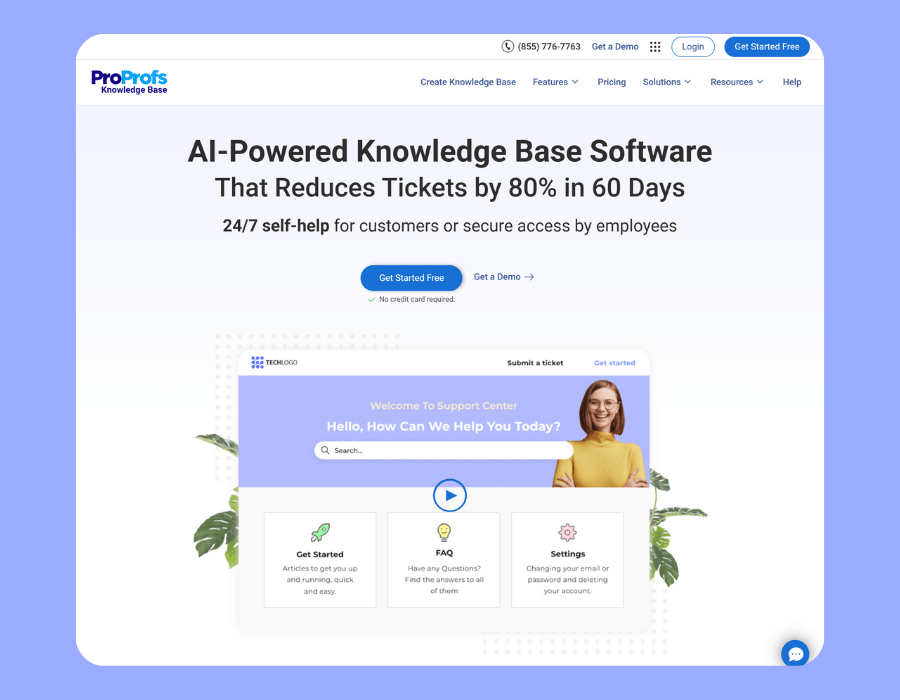
ProProfs gets you up and running fast with no technical expertise required. The standout feature is built-in community forums where customers can help each other through knowledge sharing, reducing your support tickets load and enabling better self service.
Key capabilities: Document management, customer support resources, and basic version management for keeping your team on the same page.
The catch: Features are poorly labeled and hard to find You’ll waste time hunting for settings that should be obvious.
Nuclino
Best for: Visual thinkers who want to see connections in their online knowledge base
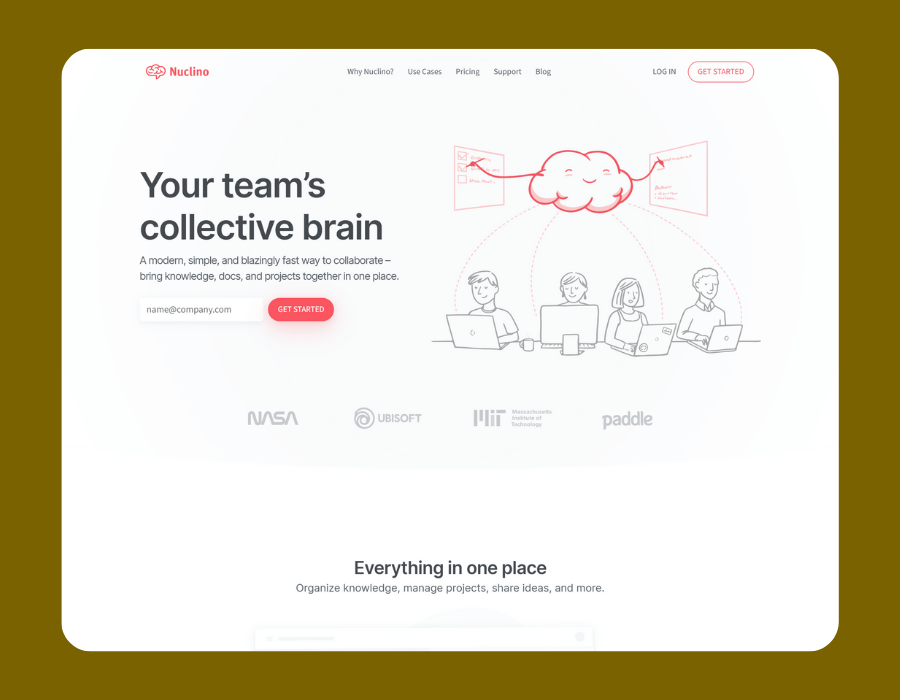
Nuclino’s “Graph View” displays your documentation as an interconnected web of nodes. You can embed diagrams and whiteboards directly in documents without switching to other tools. It serves as a centralized repository for internal teams.
Key capabilities: Visual knowledge sharing, embedded collaboration, and basic access control for multiple users.
The catch: Great for simplicity, but lacks the depth for complex enterprise needs. Storage limits on the free version constrain growth and extensive customization options.
Slab
Best for: Fast, focused internal knowledge base documentation
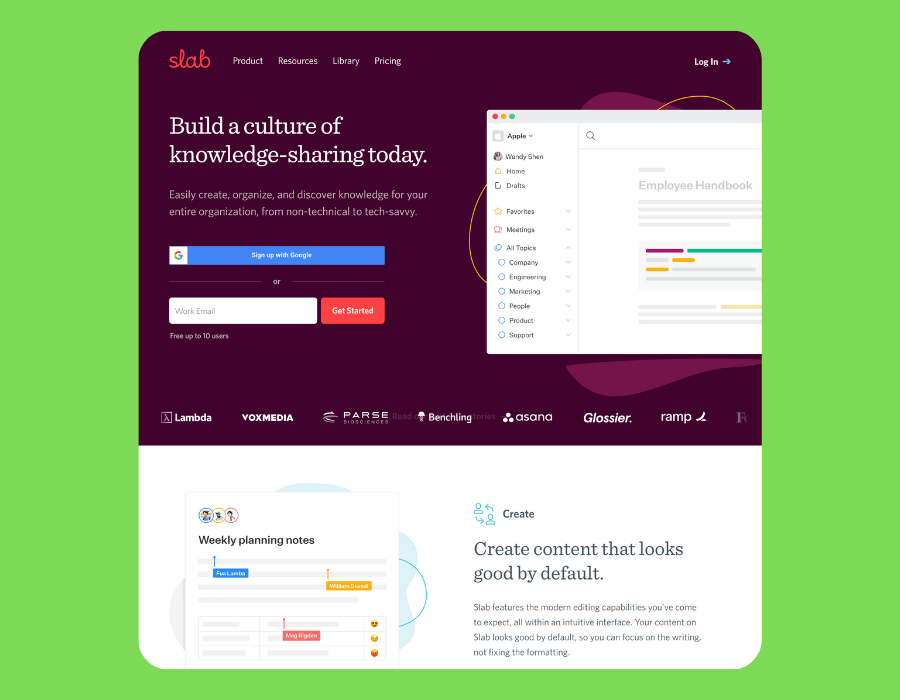
Slab does one thing exceptionally well: internal knowledge base management for teams. Its unified search spans Slack, Google Drive, and GitHub, letting you find information across tools from one place. Smart analytics show which docs are outdated or underused, helping maintain relevant articles.
Key capabilities: Collaborative editing, version history, unified search across existing tools, and content management for internal teams.
The catch: Limited to documentation only. Fewer integrations than other knowledge base software competitors, and formatting options can feel restrictive for non technical users.
The All-in-One Platforms
LiveAgent
Best for: Managing multiple brands with international language capabilities
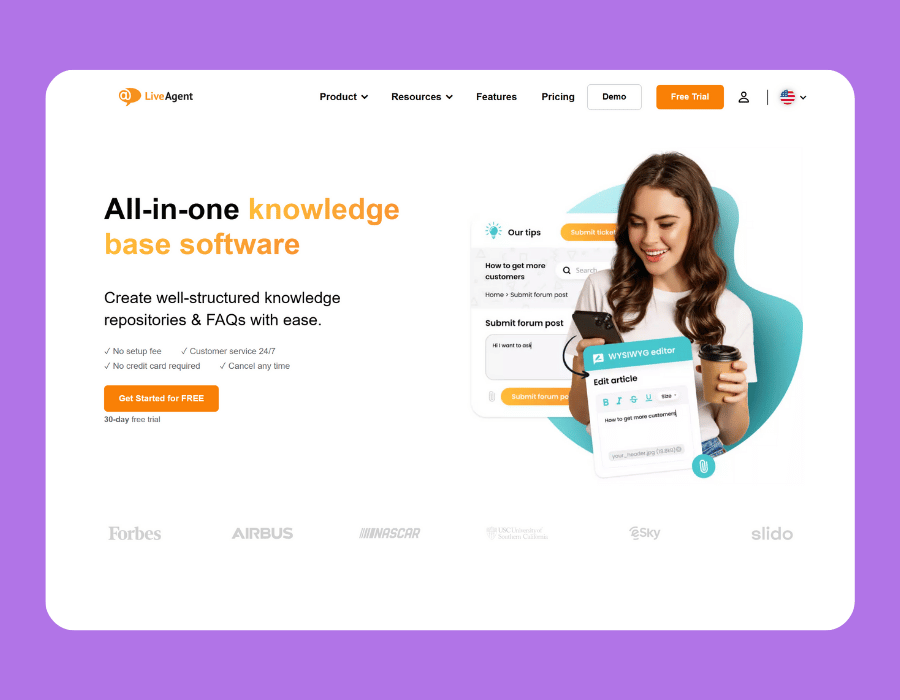
Create unlimited separate customer portals from one account—each with unique branding, documentation library materials, and settings. Perfect for companies supporting different products or regions with various languages. Consolidates all customer assistance channels (email, chat, social) in one interface, reducing inquiry volume.
Key capabilities: Cross-language functionality, concurrent user administration, reduced inquiry volume through self-help documentation libraries, and comprehensive customer self-help options.
The catch: The interface feels dated. AI features and premium capabilities require expensive upgrades from this vendor.
Bitrix24
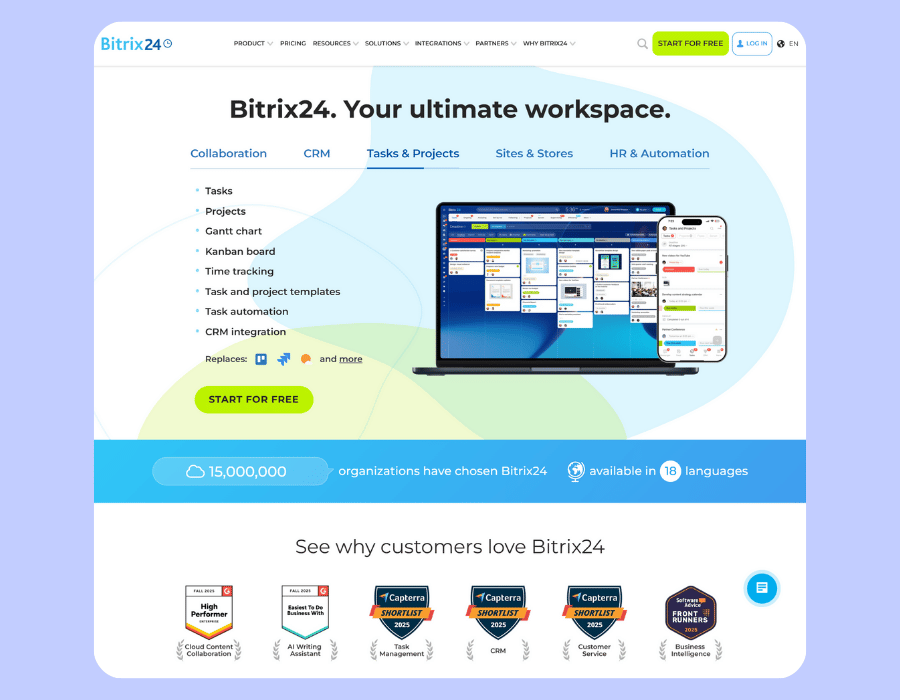
Best for: Teams needing CRM + project management + docs in one information management system
Bitrix24’s AI CoPilot writes, structures, and summarizes documentation library materials directly in the editor. Your documentation hub connects with CRM and project tools, so documentation isn’t isolated from business operations. Handles confidential information with security features.
Key capabilities: AI-powered information organization, revision tracking, all-in-one file organization, and integration with current material systems.
The catch: Cluttered interface with a challenging onboarding process. Some features are buried within other features. Customer assistance is slow and unhelpful from this vendor.
Flowlu
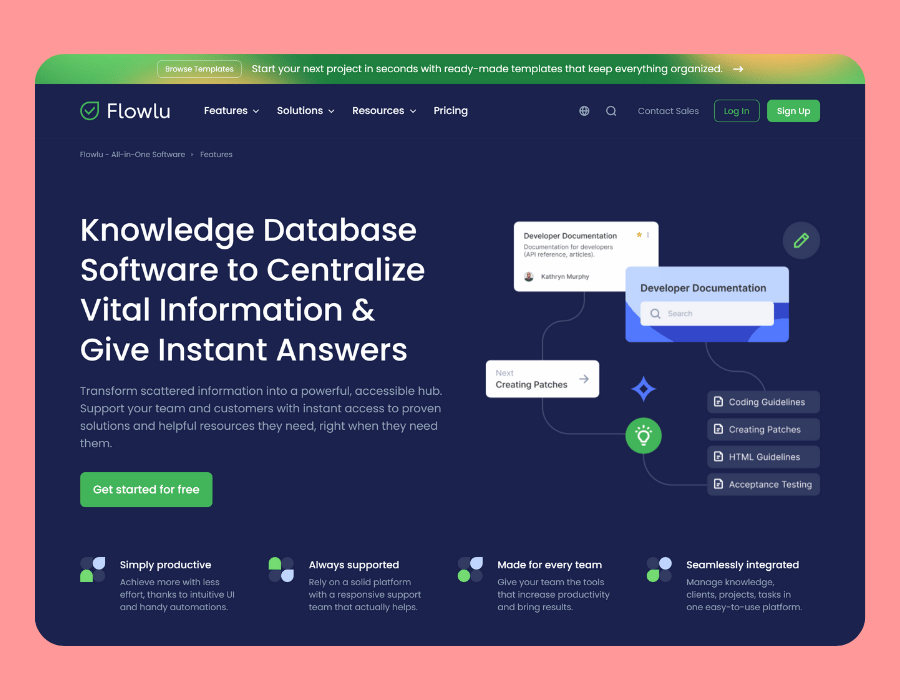
Best for: Freelancers and small businesses juggling everything
Combines CRM, finances, project management, and documentation hub in one place. Strong task management with Kanban boards and priority tracking. Good for teams that need total authority over their workflows.
Key capabilities: All-in-one business suite, file organization, revision tracking, and basic information management functionality.
The catch: The complimentary tier is limited—automation and full CRM require paid capabilities on subscription plans. Challenging onboarding process takes time to configure all the modules.
The Customization Specialists
Softr
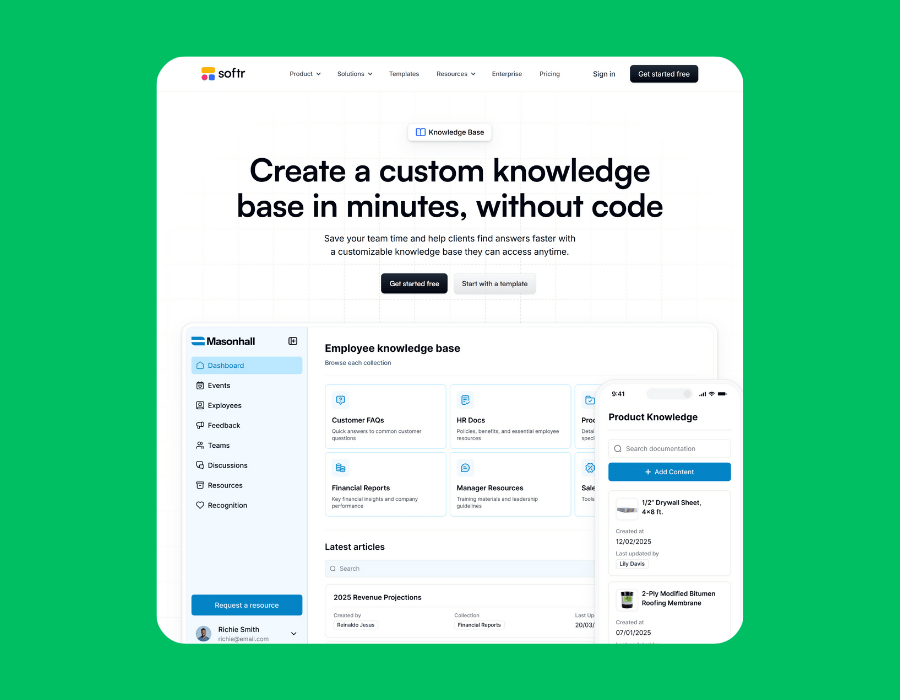
Best for: Teams needing detailed permission settings and building their custom documentation system
Build tailored information management solutions by connecting to current platforms and data in Airtable, Google Sheets, or SQL databases. Changes sync in real-time with your current materials. Create detailed user groups with exact permissions to limit viewing rights and control who can view, edit, or manage each section of your protected documentation hub.
Key capabilities: Detailed permission settings, real-time data sync with current platforms, custom information management system building, and comprehensive personalization for your tailored documentation hub.
The catch: Requires bringing your own database (primarily Airtable). Performance degrades significantly with 20+ concurrent simultaneous users.
When Free Isn’t Enough: The Upgrade Decision
Free knowledge base software works well when you’re starting out—small team, limited knowledge base content, tight budget. But you’ll hit walls as you scale:
Usage caps force workarounds or prevent growth across concurrent users
Manual maintenance consumes hours keeping documentation entries current
Basic capabilities can’t handle complex workflows or high-volume websites
Generic branding makes your assistance portal feel disconnected
Limited assistance from the solution vendor leaves you troubleshooting alone
Change logs and historical revisions tracking becomes inadequate
Difficulty managing instructional documentation and assistance portal resources efficiently
Our Solution: Ferndesk (SaaS Knowledge Base Software)
We built Ferndesk specifically for B2B software companies who’ve outgrown free knowledge base software. Here’s what changes when you upgrade to Ferndesk:
Fern AI keeps your entire knowledge base current automatically Monitors your GitHub commits, support tickets, and product announcements to identify outdated knowledge base content. Drafts updates for one-click approval—no manual content management grind. Maintains version control automatically.
Reduces support tickets volume through smart self service Analyzes recurring questions to auto-generate accurate FAQs and relevant articles. Customers find answers instantly through customer self service instead of creating support tickets. Optimized for search engines to improve discoverability.
Delivers the advanced features you need Advanced customization, custom branding, CRM integration with third party tools, usage analytics, and dedicated support. Granular access control to manage sensitive data and restrict access appropriately. Your solution becomes an active part of your workflow, not a document graveyard.
Perfect for support teams : Empowers support agents with tools to create and maintain knowledge base articles efficiently. Enables collaborative editing across teams while serving customer self service needs. Keeps everyone on the same page with real-time updates.
Bottom Line
Start with free knowledge base software to validate your knowledge base strategy . But when when outdated knowledge base content hurts customer satisfaction or support tickets overwhelm your support team—investing in the right software and right knowledge base software like Ferndesk pays for itself quickly.
Ready to build a secure knowledge base? Try Ferndesk free today.
For more options beyond free tools, see our best help center software comparison or our SaaS-specific guide.


 Book a demo