


Document360 is the enterprise knowledge base that does everything. Version control, approval workflows, category permissions, API access, private and public knowledge bases. It’s impressive. You won’t find plan prices on the site anymore — you request a quote, which usually means enterprise packaging and a sales cycle before you know the final number. The AI assistant (Eddy) helps with drafting but doesn’t proactively maintain your content. For many teams, that’s a lot of process and money for documentation that still needs manual upkeep.
The core problem: Document360 was built for large organizations with dedicated documentation teams. If you have 3 people writing help articles between shipping features and answering tickets, you don’t need approval workflows with 4 levels of review. You need a tool that keeps your docs accurate without requiring a full-time librarian.
Here are 7 alternatives that cost less, do more with AI, or both. If you’re also evaluating the broader landscape, see our guide to the best help center software.
Why teams leave Document360
The common complaints aren’t about quality. Document360 is well-built software. The issues are structural:
- Price-to-value mismatch. You’re weighing tools with published tiers against one that requires a sales call. Even after you get a quote, seat limits and packaging rarely line up cleanly with how your team actually works — and the documentation itself still gets written and updated by hand.
- AI that assists but doesn’t act. Eddy can help draft an article or summarize content. But it won’t tell you which articles are stale, which topics are missing, or which screenshots show last year’s UI. You still need a human auditing content regularly.
- Complexity tax. Approval workflows, category permissions, version branches - these features exist for enterprises with documentation governance requirements. For a 10-person SaaS team, they add friction without adding value.
Quick Comparison: Document360 Alternatives
| Tool | Best For | Starting Price | Version Control | AI Features |
|---|---|---|---|---|
| Ferndesk | AI-native auto-maintenance | $149/month | Change tracking | Proactive, unlimited |
| Zendesk | Enterprise support suites | $55/agent/month | Basic | Add-on (extra cost) |
| HelpDocs | Simple, fast setup | $49/month | None | Credit-limited |
| Helpjuice | Search and customization | $249/month | Yes | $449/month tier |
| KnowledgeOwl | Bootstrapped, semantic search | $100/month | Yes | Credit-limited |
| GitBook | Developer documentation | Free/$65/site/month | Git-native | Beta |
| Archbee | Product docs and API docs | Free/$50/month | Yes | Basic |
1. Ferndesk: Best Overall Document360 Alternative

Document360 gives you tools to manage documentation. Ferndesk manages the documentation for you. That’s the fundamental difference.
Ferndesk is an AI-native help center where the AI agent, Fern, actively maintains your content. It reads your codebase, watches your support tickets, and flags articles that need updates before your customers notice they’re wrong. Document360’s Eddy can help you draft an article. Fern tells you which articles are broken and fixes them.
What Ferndesk does well:
- Codebase sync: Connect GitHub, and Fern monitors your code for changes. Rename a feature, deprecate an endpoint, change a workflow - Fern identifies every article affected and queues updates for your approval. This is the feature Document360 doesn’t have and can’t replicate with plugins.
- Support ticket analysis: Fern reads patterns across your support conversations, identifies recurring questions, and drafts new articles automatically. You review, edit, publish. The questions stop coming.
- Weekly content audits: Stale content, broken links, outdated screenshots. Fern finds them before customers do. Document360 has analytics. Fern has action.
- Embedded help widget: Customers get contextual answers without leaving your product. The widget surfaces relevant articles based on where users are in your app.
- Flat pricing: $149/month or $1,490/year for Pro, with five editors included and additional editors at $10/month each. No AI drafting credit rationing or feature gates that force you to triple your spend.
What Ferndesk doesn’t do:
Ferndesk is a newer platform, so it doesn’t have Document360’s depth of enterprise compliance features like granular role-based permissions with 4+ approval levels, or its 50+ integration marketplace. If your procurement team requires SOC 2 Type II certification and you need SAML SSO with custom attribute mapping, Document360’s enterprise tier handles that today. Ferndesk is building toward enterprise readiness, but the current sweet spot is teams of 2-50.
Pricing: $149/month or $1,490/year (Pro). Custom domains and unlimited AI drafting included. No per-article limits.
Best for: SaaS teams shipping fast who need documentation that keeps up with their product. Anyone tired of paying enterprise rates for a tool that still requires manual audits. Teams without dedicated documentation staff.
The tradeoff: You’re trading Document360’s enterprise compliance depth for AI that actually maintains your content. For most teams under 50 people, that’s a trade worth making. Your docs stay accurate without hiring someone to keep them that way.
Try Ferndesk free and see your first AI-generated content audit within minutes.
2. Zendesk Help Center: Best for Teams Already on Zendesk
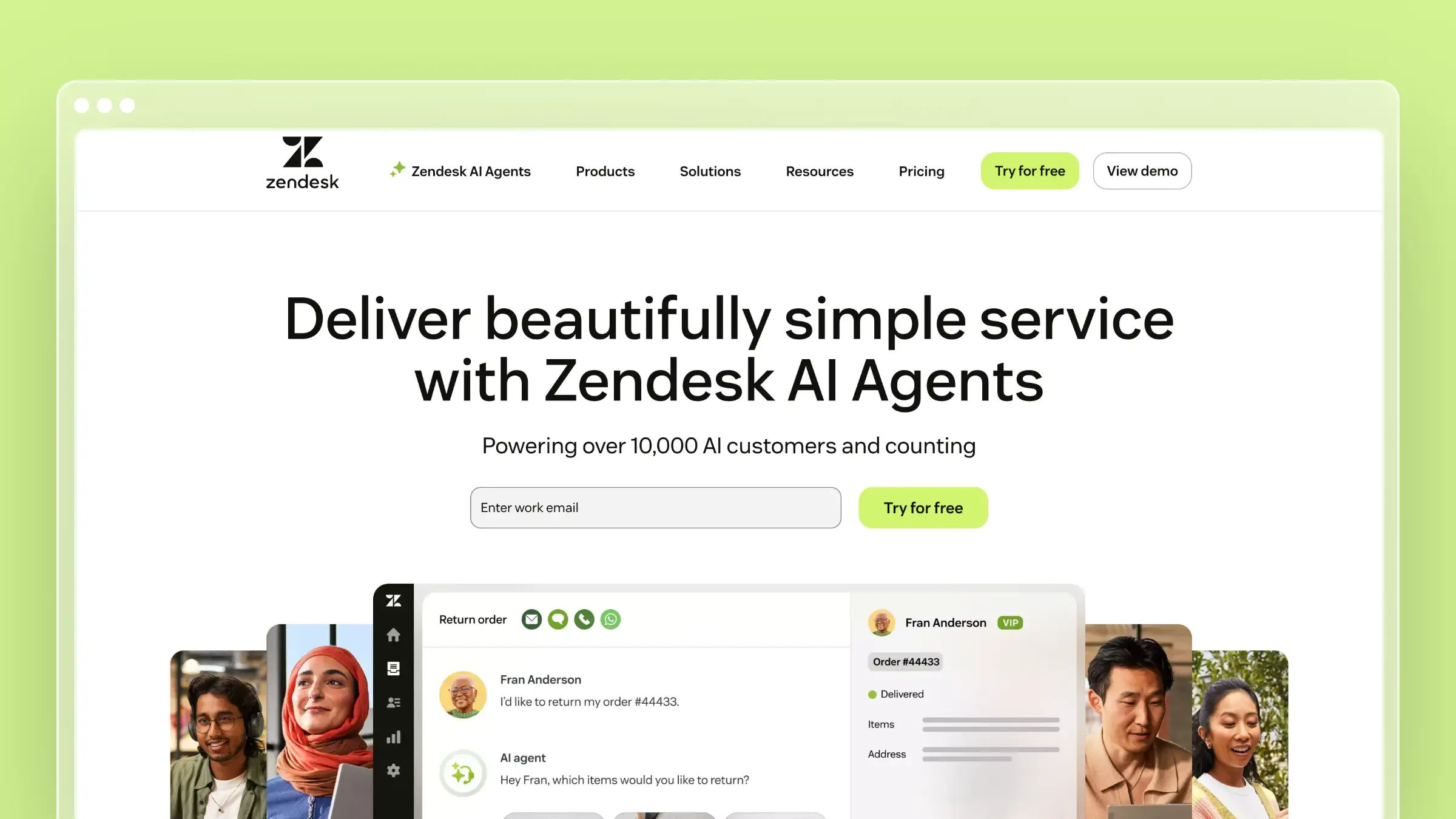
If you’re evaluating Document360, you might also be looking at Zendesk Help Center. The value proposition is different: Zendesk’s knowledge base is part of a complete support suite, not a standalone documentation tool. The help center connects directly to tickets, live chat, and phone support.
That integration creates a feedback loop Document360 can’t match. When agents close tickets, they can immediately create or update related articles. When customers search and fail, the failed queries feed into analytics. The knowledge base isn’t separate from support - it’s embedded in it.
What Zendesk does well:
- Deep integration with Zendesk’s ticketing, chat, and phone products
- Answer Bot deflects simple questions before they become tickets
- Robust analytics on article performance and search behavior
- Multilingual support with professional translation workflows
- Community forums for user-generated content
What Zendesk doesn’t do:
Zendesk won’t monitor your codebase or proactively suggest content updates. The AI features (Answer Bot, generative replies) are add-ons that cost extra - $115/agent/month for Suite Professional. And the per-agent pricing model means your costs scale linearly with team size. A 10-agent team on Suite Professional pays $1,150/month before add-ons. Document360 at least caps per-user costs.
Pricing: $55/agent/month (Suite Team). $115/agent/month (Suite Professional) for advanced AI. Enterprise tiers available.
Best for: Organizations already running Zendesk for support. Enterprises with large support teams and complex routing workflows. Companies that need their knowledge base tightly coupled with ticketing.
The tradeoff: You’re buying a support platform, not a documentation tool. If you only need a knowledge base, Zendesk is overkill. If you need the full support stack, the integration value justifies the price.
3. HelpDocs: Best for Getting Live Fast
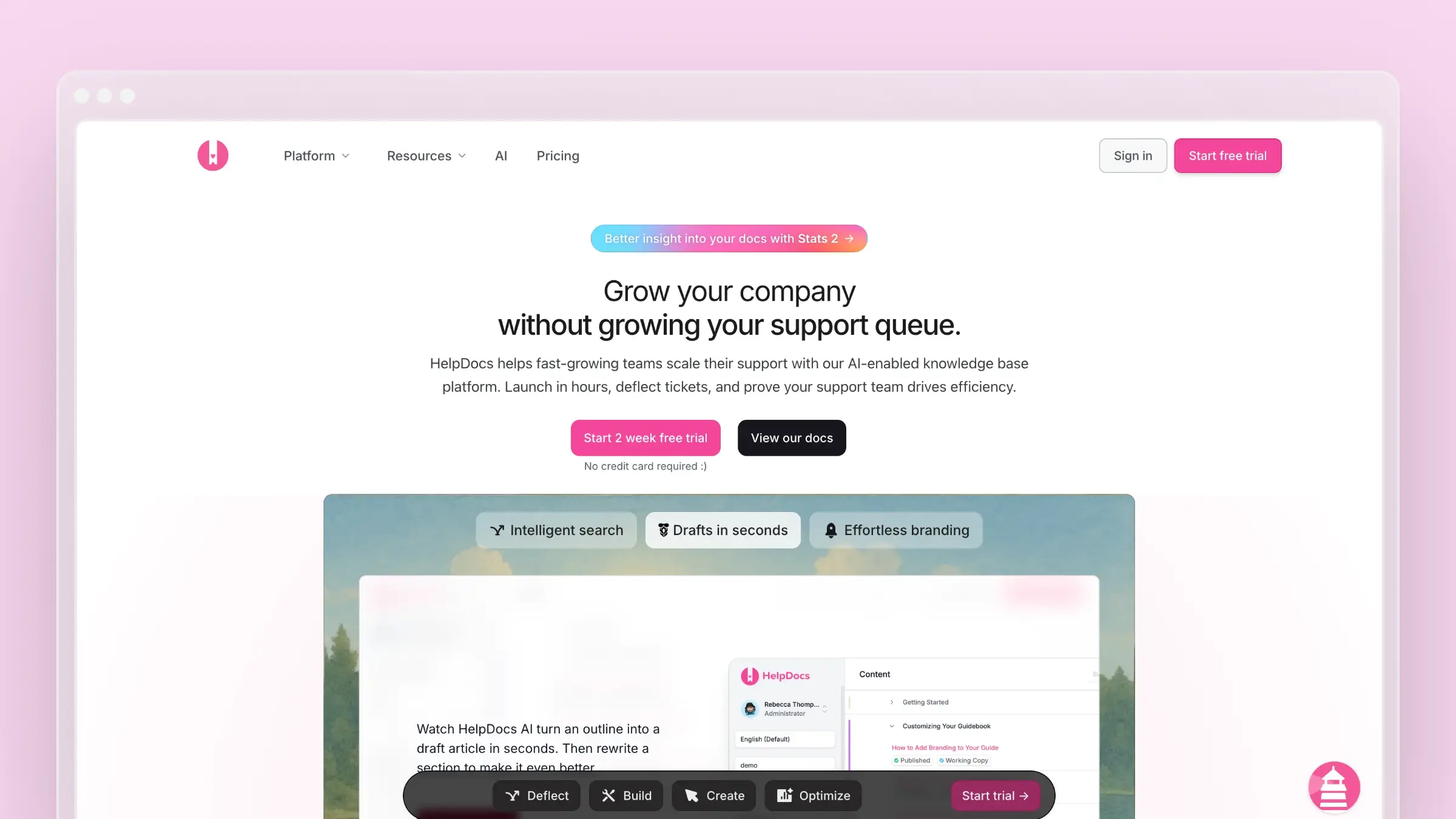
HelpDocs is the opposite of Document360 in philosophy. Where Document360 adds features, HelpDocs removes friction. You can have a professional, branded help center live in a few hours. No approval workflows to configure, no permission trees to build, no enterprise setup process.
The templates look good out of the box. The editor is clean and fast. The Lighthouse widget embeds help directly in your product. If your biggest problem with Document360 is that it’s too much tool for your team, HelpDocs is the antidote. For a detailed cost comparison, see our HelpDocs pricing breakdown.
What HelpDocs does well:
- Fastest time-to-live of any knowledge base on this list
- Clean, modern templates that look professional without customization
- Lighthouse widget for contextual embedded help
- Clips for reusable content blocks across articles
- Solid search that handles typos and intent matching
What HelpDocs doesn’t do:
HelpDocs has no version control, no approval workflows, and no codebase integration. The AI features use a credit system - you get a monthly allocation for AI-assisted drafting and rewriting. When credits run out mid-month, you wait. There’s no automatic content maintenance, no support ticket analysis, and no proactive staleness detection. For teams currently using Document360’s advanced features, HelpDocs will feel like a downgrade in capability. If you’re looking for more HelpDocs alternatives, we’ve covered those separately.
Pricing: $49/month (Seed), $99/month (Sprout), $199/month (Bloom).
Best for: Small teams that need a help center yesterday. Companies with straightforward products and simple documentation needs. Teams that found Document360’s complexity more burden than benefit.
The tradeoff: Simplicity means fewer features. If you outgrow HelpDocs, migration is manual. But if Document360 felt like driving a semi-truck to the grocery store, HelpDocs is the right size vehicle.
4. Helpjuice: Best for Search-Obsessed Teams
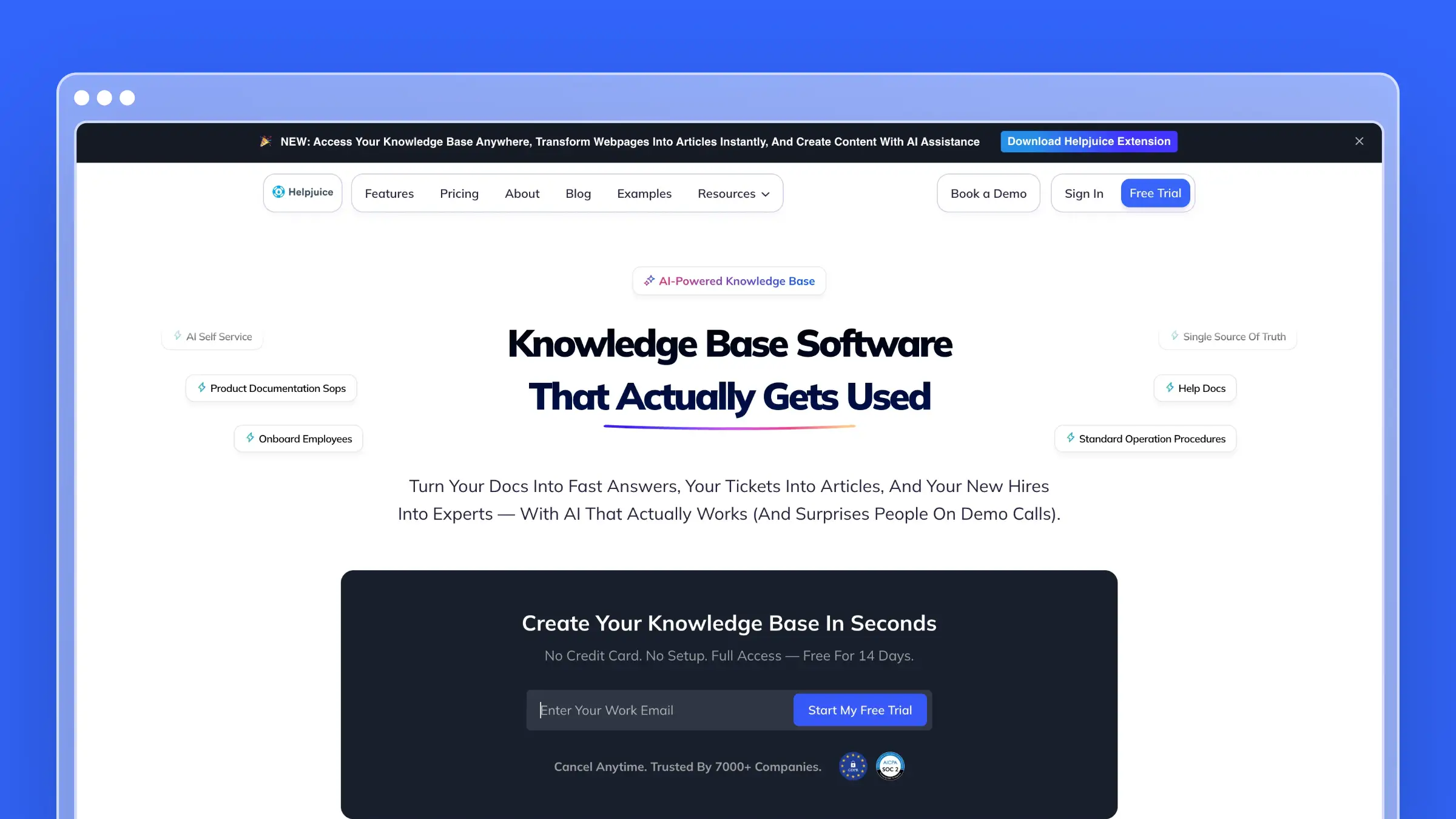
Helpjuice competes directly with Document360 on features but leads with search. Their Google-like search engine is genuinely excellent - fast, accurate, and handles natural language queries well. The customization options are also deep, letting you build a knowledge base that matches your brand exactly with full HTML/CSS/JS access.
But the pricing is a problem. Helpjuice starts at $249/month for up to 30 users without AI features. The AI Suite (Swifty chatbot, AI search, AI writer) requires the $449/month tier. At least Helpjuice puts the number on the website. Document360 doesn’t — you’d need quotes from both to compare fairly. Teams who run both evaluations often find Helpjuice’s published tiers steeper once AI is in scope. For a deep dive into whether the cost is justified, see our Helpjuice pricing analysis.
What Helpjuice does well:
- Best-in-class search with natural language understanding
- Deep visual customization with full theme control
- Real-time collaboration and co-authoring
- Detailed analytics on search behavior and content gaps
- 300+ language support with AI-powered translation
What Helpjuice doesn’t do:
Helpjuice has no codebase integration, no automatic content maintenance, and no support ticket analysis. The AI features are locked behind a $449/month paywall. The platform is powerful for manual documentation management, but it won’t help you keep content accurate as your product evolves. It finds answers well but doesn’t tell you when those answers are wrong. For other Helpjuice alternatives, we’ve compared the full landscape.
Pricing: $249/month (Knowledge Base, 30 users). $449/month (AI-Knowledge Base, 100 users). $799/month (Unlimited).
Best for: Teams where search quality is the top priority. Organizations with extensive documentation that needs to be findable. Companies with budget for premium tools and dedicated documentation staff.
The tradeoff: You’re paying top dollar for search that’s only marginally better — and you might still lose on price to a favorable Document360 quote, depending on your deal. If search is your bottleneck, Helpjuice delivers. If content accuracy is your bottleneck, neither tool solves it automatically.
5. KnowledgeOwl: Best Bootstrapped Alternative

KnowledgeOwl is a seven-person bootstrapped team out of Colorado that’s built a respectable knowledge base platform without venture capital. They’re B Corp certified, never taken outside funding, and the CEO calls herself “Chief Executive Owl.” The company story is charming.
The software is solid but expensive for what it delivers. The Basic plan starts at $100/month for a single author without a custom domain. The Pro plan at $250/month is where it becomes usable, with custom domains, API access, and semantic search. Each additional author costs $25/month. Each additional knowledge base costs $50/month. The math adds up fast. For the full cost breakdown, see our KnowledgeOwl pricing analysis.
What KnowledgeOwl does well:
- Semantic search that understands meaning, not just keywords
- PDF export for offline documentation distribution
- Contextual help widget with page-specific targeting
- Glossary and tooltip features for technical documentation
- Clean, distraction-free reading experience
What KnowledgeOwl doesn’t do:
No codebase integration. No automatic content maintenance. The AI features are credit-limited - 25 credits/month on Basic, 100 on Pro, 250 on Business. Once credits run out, you’re back to manual writing. The platform also lacks the approval workflows and granular permissions that Document360 offers. For teams used to Document360’s enterprise features, KnowledgeOwl feels stripped down. If you want to explore more KnowledgeOwl alternatives, we’ve written a separate guide.
Pricing: $100/month (Basic, 1 author). $250/month (Pro). $500/month (Business). +$25/author/month. +$50/knowledge base/month.
Best for: Teams that value supporting independent companies. Organizations that need strong semantic search. Companies with a single dedicated documentation author.
The tradeoff: KnowledgeOwl’s per-author pricing means a 5-person team on Pro pays $350/month — in the ballpark of what a mid-tier Document360 quote might run, but without the enterprise governance features. You’re paying for search quality and a good company, not for automation.
6. GitBook: Best for Developer-Facing Documentation
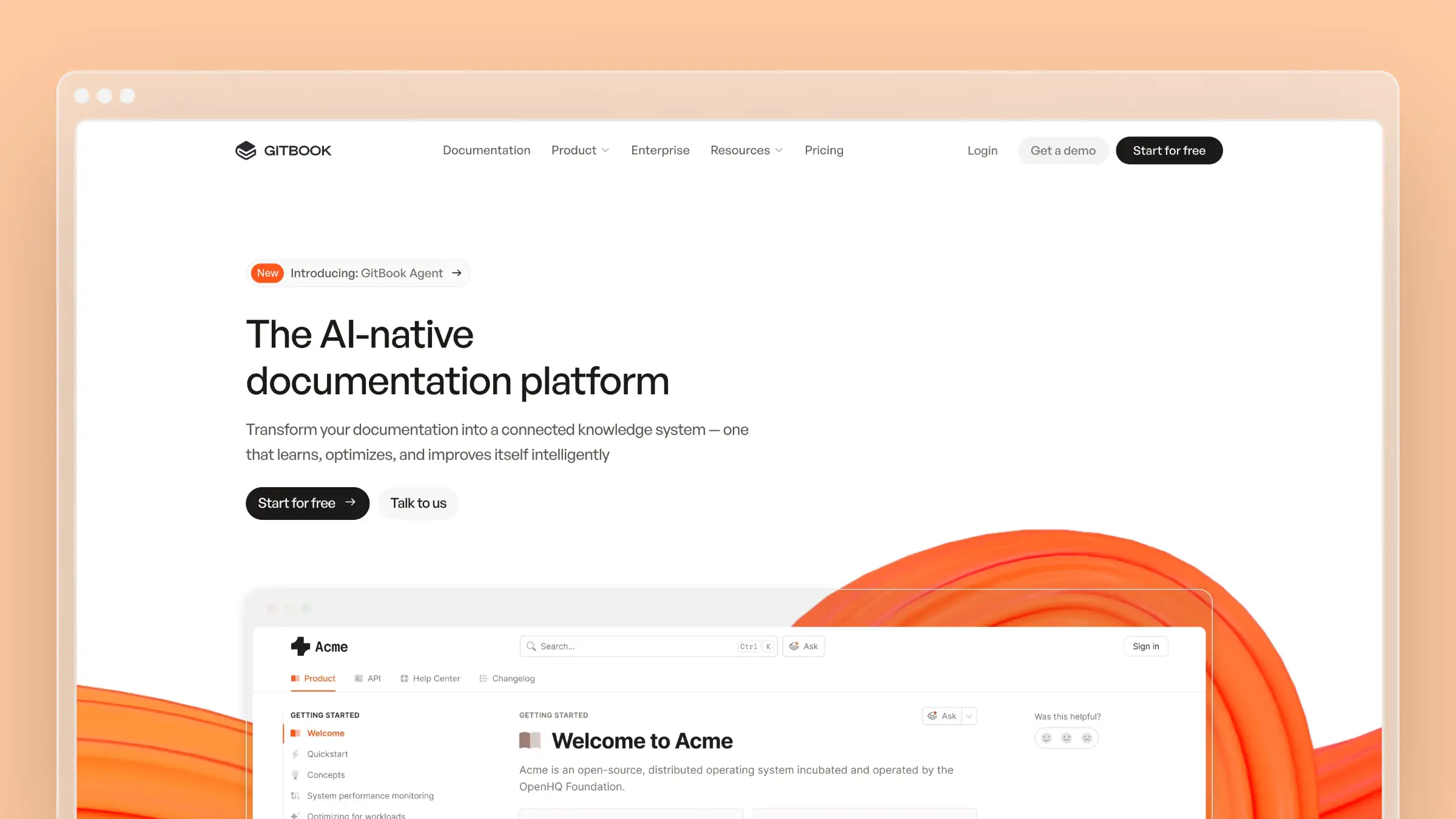
GitBook serves a specific audience that Document360 only partially addresses: developer teams that want documentation to live alongside code. The Git sync is real - not a marketing checkbox, but a genuine two-way sync between your repository and your documentation. Developers can write docs in their IDE, push to Git, and the help center updates automatically.
For API documentation, SDK guides, and technical references, GitBook is hard to beat. The reading experience is clean, dark mode works properly, and the platform handles code blocks, OpenAPI specs, and technical content gracefully. For more GitBook alternatives, we’ve written a dedicated guide.
What GitBook does well:
- Genuine Git-based workflow that developers actually use
- Beautiful reading experience with proper dark mode
- OpenAPI and GraphQL documentation rendering
- Content versioning tied to releases and branches
- Free tier for open source projects
What GitBook doesn’t do:
GitBook assumes technical users comfortable with Git. Non-technical team members struggle with the editing workflow. The platform also lacks help center essentials: no embedded support widget, no conversation routing, no ticket integration, no support team features. The AI Assistant is in beta and limited to drafting. If you need both developer docs and a customer help center, you’ll run two platforms.
Pricing: Free for open source. $65/site/month (Plus). $249/site/month (Pro). Additional users $12/month each.
Best for: Developer tools and API documentation. Engineering teams that want docs-as-code. Open source projects needing free documentation hosting.
The tradeoff: GitBook is a documentation platform, not a help center. Document360 at least tries to serve both audiences. If your users are developers, GitBook wins. If your users include non-technical customers, GitBook doesn’t have the features they need.
7. Archbee: Best for Product Documentation Teams
Archbee targets product teams that need to maintain multiple types of documentation: user guides, API references, internal wikis, and changelogs - all from one platform. It’s lighter than Document360 but more structured than a wiki.
The standout feature is the API documentation renderer. You can import OpenAPI specs and get interactive documentation that lets developers test endpoints directly. Combined with the knowledge base and internal wiki features, Archbee handles the “multiple docs needs” problem that often pushes teams toward Document360. For other Archbee alternatives, we’ve covered the landscape.
What Archbee does well:
- Unified platform for product docs, API docs, and internal wikis
- Interactive API documentation with endpoint testing
- Real-time collaboration with inline comments
- Clean, minimalist editor that stays out of the way
- Free tier for small teams (up to 5 users)
What Archbee doesn’t do:
Archbee’s AI features are basic - limited to drafting assistance. There’s no codebase monitoring, no automatic content maintenance, and no support ticket analysis. The customization options are limited compared to Document360 or Helpjuice. And the platform is smaller, which means fewer integrations and a smaller community for support.
Pricing: Free (up to 5 users). $50/month (Growing). Custom pricing for Enterprise.
Best for: Product teams juggling multiple documentation types. Startups that need API docs and a help center in one tool. Teams that want Document360’s breadth without the price tag.
The tradeoff: Archbee does many things adequately but few things exceptionally. If API documentation is critical, it delivers. If you need deep customization, enterprise compliance, or AI-powered content maintenance, Archbee falls short.
The Content Maintenance Problem
Every tool on this list helps you create documentation. Only one actively maintains it.
This matters because documentation drift is the silent killer of help centers. Your product ships updates weekly. Your documentation gets audited quarterly - if you’re lucky. In between, articles accumulate inaccuracies: renamed features, changed workflows, deprecated settings, outdated screenshots.
Document360 gives you version control to track changes you make. But it doesn’t track changes your product makes. That gap is where customer trust erodes and support tickets multiply.
The question isn’t whether your docs will go stale. It’s how quickly you’ll know about it. Most tools on this list answer “when a customer complains.” Ferndesk answers “before a customer notices.”
How to Choose a Document360 Alternative
The right alternative depends on what’s actually driving you away from Document360:
If the price is the problem: Ferndesk at $149/month or HelpDocs at $49/month deliver core documentation features without quote-based pricing. Ferndesk adds AI that Document360 doesn’t have. HelpDocs trades features for simplicity.
If content maintenance is the problem: Ferndesk is the only platform on this list that proactively maintains your documentation. If your articles go stale between quarterly audits, this is the fix. Read more about documentation drift and why it kills help centers.
If you need a complete support suite: Zendesk integrates your knowledge base with ticketing, chat, and phone. The knowledge base alone doesn’t justify the cost, but the complete platform might.
If developers are your primary audience: GitBook or Archbee handle technical documentation better than Document360. Git workflows, API renderers, and code-first editing that Document360 treats as secondary.
If search quality matters most: Helpjuice has the best search engine in this category. It’s expensive on paper, and Document360 might undercut it or not depending on your quote — but if users can’t find answers, that debate comes second.
If you want something simple that works: HelpDocs gets you live in hours. No setup complexity, no enterprise overhead. See our guide to the best knowledge base tools for small teams for more options in this category.
For teams evaluating software documentation tools or IT documentation platforms more broadly, we’ve written dedicated guides covering those specific use cases.
Bottom Line
Document360 is a capable enterprise knowledge base. If you need SOC 2 compliance, multi-level approval workflows, and granular permissions for a 50-person documentation team, the platform can justify a serious budget — you’ll just negotiate it with sales instead of picking a plan from a pricing page.
But most teams don’t need that. Most teams need documentation that stays accurate, a help center that reduces support tickets, and a price that doesn’t require budget committee approval.
Ferndesk costs $149/month or $1,490/year for Pro, with unlimited AI drafting that actively maintains your content - codebase sync, support ticket analysis, weekly audits. Five editors are included, with additional editors at $10/month each. No enterprise pricing for features you’ll actually use.
Your documentation should work as hard as your team does. Try Ferndesk free and see the difference AI-native makes.


 Book a demo