


Help Scout is the nice guy of customer support. Clean interface, no chatbot-first mentality, genuine focus on making human agents efficient. There’s a lot to like.
But at $25/user/month billed annually, the “human-first” philosophy means your costs scale linearly with your support team. Every new hire is another seat. Every ticket that could have been self-served is another interaction your agents handle manually. When you’re ready to let AI handle the routine stuff so your humans can focus on what actually requires humans, these alternatives are worth evaluating.
We’ve covered Help Scout’s pricing in detail. The short version: it’s fair for the product, but the per-seat model punishes growth. A 10-person support team costs $250-750/month before you’ve paid for anything else.
Here are 12 alternatives that break the per-seat cost curve.
How We Evaluated These Help Scout Alternatives
Eight tools made this list. Here is how we narrowed the field and ranked them.
Pricing model: We compared per-seat costs against flat-rate alternatives. A 10-person team paying $25/user/month at Help Scout pays $250/month before any add-ons. That baseline shaped every pricing comparison.
AI feature scope: We evaluated whether AI is included in base pricing or locked behind add-ons, whether it handles deflection, content creation, or both, and whether usage is capped or unlimited.
Channel coverage: Some tools replace Help Scout’s full stack (inbox, docs, chat). Others replace only the Docs product. We noted which is which so you know what you still need to buy.
Ease of setup: We weighted tools that can be live within a day over platforms requiring weeks of configuration, because switching costs are real and often underestimated.
Documentation maintenance: We specifically evaluated whether each tool helps keep content current after publishing, not just whether it can host articles.
Scalability: We considered how pricing and capability hold up as teams grow from 5 to 50 support staff.
Pricing reflects publicly listed rates as of August 2026. AI feature descriptions are based on each vendor’s published documentation and plan pages. No vendor paid for inclusion.
Why Teams Leave Help Scout
The interface is clean and the inbox workflow is straightforward. But loyalty has limits, and several recurring themes appear across Reddit threads and community discussions when teams start evaluating alternatives.
Pricing predictability: When Help Scout experimented with per-interaction pricing, the reaction was swift. Even after reverting to per-seat pricing, some customers had already migrated. One user with 13 years on the platform wrote: “Helpscout lost all trust with this flip-flopping on pricing.” The pricing model itself matters less than the confidence that it won’t change. (r/SaaS)
Cost relative to usage: A team handling one or two tickets per day paying $125/month is a cost-to-value mismatch, not a product failure. Help Scout’s pricing works well at volume. For low-volume teams or those with heavy spam, the math stops making sense. (r/clickup)
Outgrowing an inbox-only workflow: Teams that need deals, revenue projections, sequences, and task management eventually find Help Scout too narrow. One team that migrated to HubSpot noted: “It wasn’t cutting it for our company anymore.” This is a product-category mismatch, but it’s a common one. (r/hubspot)
Private documentation requirements: Help Scout’s Docs product historically lacked customer login and access control. Teams needing authenticated, customer-only knowledge bases moved to tools like KnowledgeOwl. Help Scout launched a Customer Portal in August 2026 for Plus and Pro plans, so this is now a historical trigger rather than a current gap. (r/SaaS)
Product regressions and unresolved bugs: One long-term customer who migrated to another software cited “reported and verified bugs in the Help Scout app that went for years without being fixed.” A separate user flagged a Docs editor update that made an established workflow harder to use. When pricing pressure coincides with product frustration, the decision to leave accelerates. (r/Freescout)
Teams leave Help Scout when its pricing becomes hard to justify, when they need functionality beyond a shared inbox, or when product changes interfere with workflows they depended on.
Quick Comparison: Help Scout Alternatives
| Tool | Best For | Starting Price | AI Features | Per-Seat Pricing? |
|---|---|---|---|---|
| Ferndesk | AI-native documentation | $149/month | Unlimited AI drafting | 5 editors included; $10/extra |
| Zendesk | Enterprise support suites | $55/agent/month annually | AI agents (usage-based) | Yes |
| Intercom | Conversational AI support | $29/seat/month annually | Fin AI chatbot | Yes |
| HelpDocs | Simple knowledge bases | $99/month annually | Credit-limited AI | 5 editors included |
| Freshdesk | Budget support platform | $19/agent/month annually | First 500 AI sessions included | Yes |
| Helpjuice | Search & customization | $249/month | AI search from $449/month | No |
| KnowledgeOwl | Bootstrapped KB teams | $100/month | Semantic search | 1 author included; $25/extra |
| Zoho Desk | Budget Zoho ecosystem | Free/$14/agent/month annually | Zia AI from $23/agent/month | Yes |
| Front | Gmail-native shared inbox | $25/seat/month annually | AI drafts and summaries | Yes |
| HubSpot Service Hub | CRM-native support | Free/$7/seat/month annually; KB from $90 | Breeze AI | Yes |
| Document360 | Structured knowledge management | Custom quote | AI search and drafting | No |
| Groove | Small team Help Scout clone | $28/user/month annually | AI replies on Plus and Pro | Yes |
Notice the pattern: per-seat tools charge you more as your team grows. Flat-rate tools include a fixed number of editors before add-on fees. If scaling costs drove you to look for alternatives, that column matters.
1. Ferndesk: Best Overall Help Scout Alternative
 Help Scout makes humans efficient. Ferndesk makes humans unnecessary for the questions that never needed a human in the first place.
That’s not a knock on human support. It’s an economic argument. If 60% of your support tickets have answers that could exist in your documentation, the most cost-effective move isn’t hiring another agent at $25/month. It’s making sure those answers exist, stay accurate, and are easy to find.
Ferndesk’s AI agent, Fern, doesn’t just help you write articles. It reads your codebase for product changes, analyzes support ticket patterns to find missing content, and runs weekly audits to catch stale information. Your documentation maintains itself.
What Ferndesk does well:
- Codebase sync: When your product changes, Fern identifies every article that needs updating. No more shipping features and forgetting to update the docs. No more customers filing tickets about instructions that reference deprecated features.
- Support ticket analysis: Fern reads patterns across your support conversations. When five customers ask the same question in a week, Fern drafts an article and puts it in your review queue. The sixth customer gets a self-service answer.
- Weekly content audits: Broken links, outdated screenshots, stale instructions. Fern finds them systematically instead of waiting for customer complaints.
- Embedded help widget: Context-aware help based on where users are in your product. Like Help Scout’s Beacon, but backed by AI that keeps the content current.
- Flat pricing: $149/month or $1,490/year with 5 editors included. Additional editors cost $10/month each.
What Ferndesk doesn’t do:
Ferndesk is a help center platform, not a shared inbox. It doesn’t replace Help Scout’s email ticketing, collision detection, or agent workflows. If you need a complete support platform with human agent tools, you’ll need Ferndesk alongside a ticketing system, or choose Zendesk/Freshdesk instead.
Pricing: Pro costs $149/month or $1,490/year, while enterprise contracts start at $399/month. Pro includes 5 editors, with additional editors at $10/month each, unlimited AI drafting, 1,000 AI conversations per month, and custom domains.
Best for: Teams that want to reduce ticket volume instead of hiring more agents to handle it. SaaS companies where documentation falls behind product development. Anyone paying $500+/month in Help Scout seats and wondering if better self-service could reduce that number.
The tradeoff: Ferndesk replaces Help Scout’s Docs product, not the entire Help Scout platform. If you love Help Scout’s shared inbox and just want better documentation, Ferndesk is the complement. If you want to replace everything, you’ll need to pair Ferndesk with a ticketing solution.
Try Ferndesk free and see how many of your current tickets could have been self-served.
2. Zendesk: Best for Enterprise Teams Outgrowing Help Scout
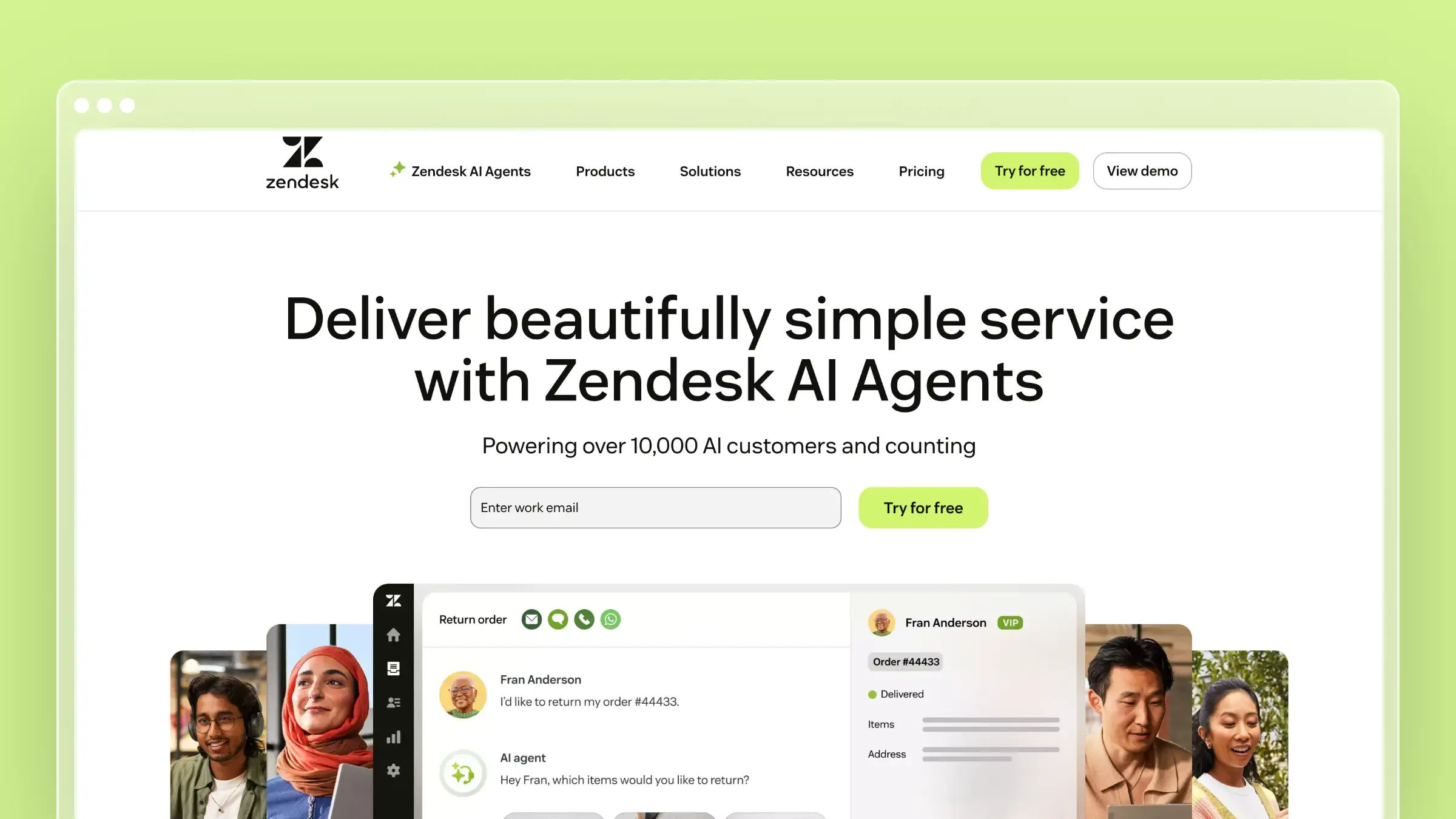 Zendesk is where Help Scout users land when they need enterprise scale. The integration depth is unmatched: ticketing, live chat, phone support, knowledge base, community forums, and analytics all connected. When an agent closes a ticket, they can update the related docs. When a customer’s search fails, it feeds into gap analysis.
Answer Bot handles routine deflection by surfacing relevant articles before customers reach a human. It’s not as sophisticated as Intercom’s Fin, but it integrates more deeply with the support workflow. For a detailed comparison, see our Freshdesk vs Zendesk review.
What Zendesk does well:
- Complete support ecosystem with every channel in one platform
- Answer Bot deflects routine questions using your knowledge base content
- Robust analytics on article performance, search behavior, and content gaps
- 1,000+ marketplace integrations for virtually any workflow
- Multilingual support with translation management
- Community forums for peer-to-peer support and user-generated content
What Zendesk doesn’t do:
Zendesk doesn’t monitor your product for documentation changes. AI agents are included, while Copilot is a paid add-on on Professional and higher plans. The knowledge base editor feels like it hasn’t been updated since 2018. And the per-agent pricing is more expensive than Help Scout: $55/agent/month for Suite Team, with Copilot costing an additional $50/agent/month when billed annually.
Pricing: $55/agent/month (Suite Team), $89/agent/month (Suite Growth), $115/agent/month (Suite Professional), billed annually. Copilot is available on Professional and higher plans for $50/agent/month, billed annually.
Best for: Organizations that need everything in one vendor. Large support teams with complex routing, SLA requirements, and multi-channel needs. Companies where “we use Zendesk” satisfies procurement and compliance reviews.
The tradeoff: You’re trading Help Scout’s simplicity for Zendesk’s comprehensiveness. That comes with higher per-seat costs, a steeper learning curve, and significantly more configuration. If Help Scout felt too simple, Zendesk might feel too complex.
3. Intercom: Best for AI-First Ticket Deflection
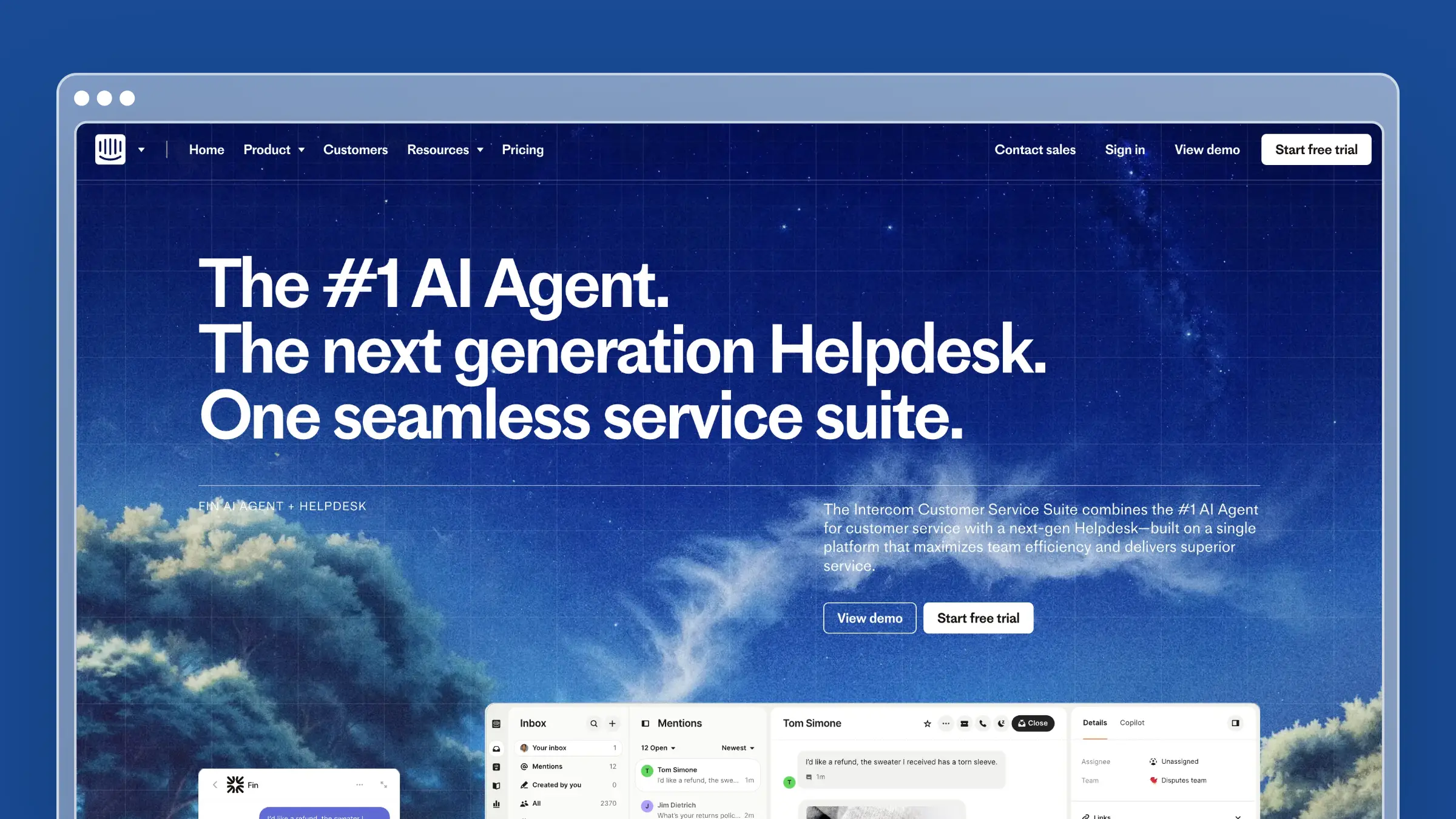 If you’re leaving Help Scout because you want AI to handle more of the workload, Intercom is the most aggressive option. Fin, Intercom’s AI chatbot, reads your help center and responds to customer questions in natural language. Good responses get resolved without a human ever seeing the ticket.
Fin is genuinely impressive. It doesn’t just match keywords. It understands questions, synthesizes answers from multiple articles, and knows when to escalate. The per-outcome pricing ($0.99/outcome) means you only pay when Fin actually solves something.
What Intercom does well:
- Fin AI provides the best automated customer responses available today
- Seamless handoff from AI to human when questions require real judgment
- Targeted messaging based on user behavior, plan type, and product usage
- Modern, beautiful interface that feels native to contemporary SaaS products
- Product tours and tooltips for proactive help before questions arise
- Strong mobile SDK for in-app support on native apps
What Intercom doesn’t do:
Intercom’s knowledge base is lightweight compared to dedicated tools. The editor is basic. There’s no version control, no approval workflows, no deep content management. And the pricing gets unpredictable. Per-seat costs plus per-outcome fees mean a viral moment or product incident can spike your Intercom bill dramatically.
Pricing: $29/seat/month (Essential), $85/seat/month (Advanced), $132/seat/month (Expert), billed annually. Fin AI costs $0.99 per outcome on top of seat pricing.
Best for: PLG SaaS and B2C companies that want maximum ticket deflection through AI. Teams that prefer conversational support over traditional knowledge base browsing. Organizations already using Intercom for product messaging.
The tradeoff: Intercom optimizes for deflection, not documentation quality. If Fin handles 80% of questions, the remaining 20% still need accurate, comprehensive articles. And Intercom’s KB tools aren’t built for that depth. You might end up paying for Intercom’s chat plus another tool for serious documentation.
4. HelpDocs: Best for Teams That Just Need a Knowledge Base
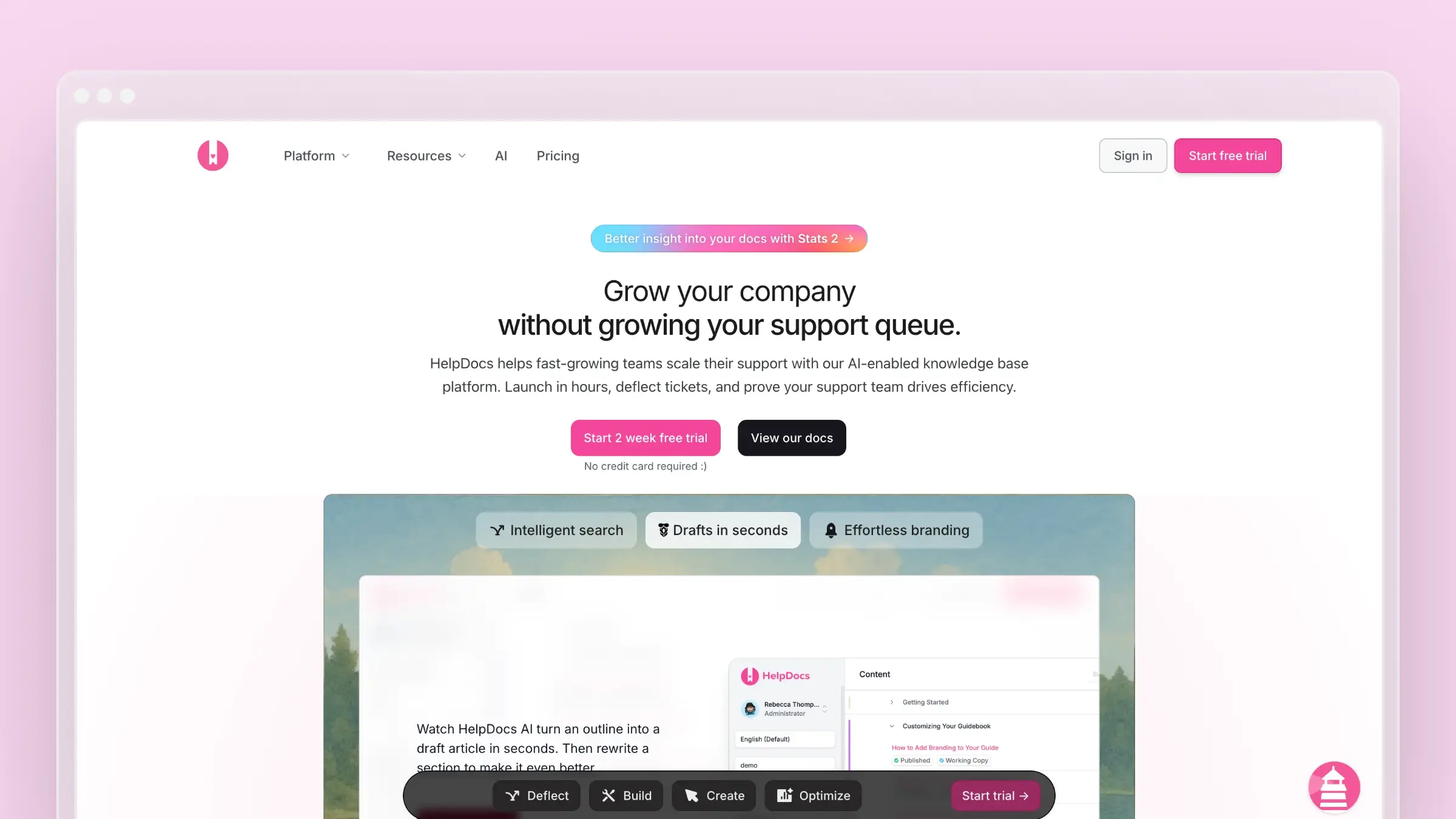 If Help Scout’s complexity is part of what’s pushing you away, HelpDocs goes the opposite direction. It’s a focused knowledge base tool. No ticketing. No shared inbox. No agent workflows. Just documentation, done cleanly.
You can publish a professional help center in hours. The templates are modern, the editor is fast, and the Lighthouse widget embeds help into your product. For teams that want to separate their documentation tool from their support tool, HelpDocs is the simplest option.
What HelpDocs does well:
- Fastest time-to-publish of any tool on this list
- Clean, modern templates that look professional without customization
- Lighthouse widget for embedded, contextual help
- Clips for reusable content blocks across multiple articles
- Solid search with typo tolerance and intent matching
- Fixed plan prices with included editor limits
What HelpDocs doesn’t do:
HelpDocs is just a knowledge base. No ticketing, no live chat, no agent tools. If you’re replacing Help Scout entirely, you need HelpDocs plus a separate support tool. The AI features use a credit system that runs out during busy periods. No codebase integration, no proactive maintenance. See our HelpDocs pricing analysis and our guide to HelpDocs alternatives for tools with more automation.
Pricing: $99/month (Sprout), $239/month (Bloom), $399/month (Harvest), billed annually. Plans include 5, 15, or 25 editors and 1,000, 5,000, or 10,000 monthly AI credits, respectively.
Best for: Teams that want to separate their knowledge base from their ticketing system. Small companies with straightforward products. Anyone who values simplicity and fast setup over feature depth.
The tradeoff: HelpDocs trades capability for simplicity. You won’t struggle to learn it. You will eventually struggle with what it can’t do. The credit-based AI is the most obvious limitation, but the lack of content maintenance automation matters more long-term.
5. Freshdesk: Best Budget Alternative to Help Scout
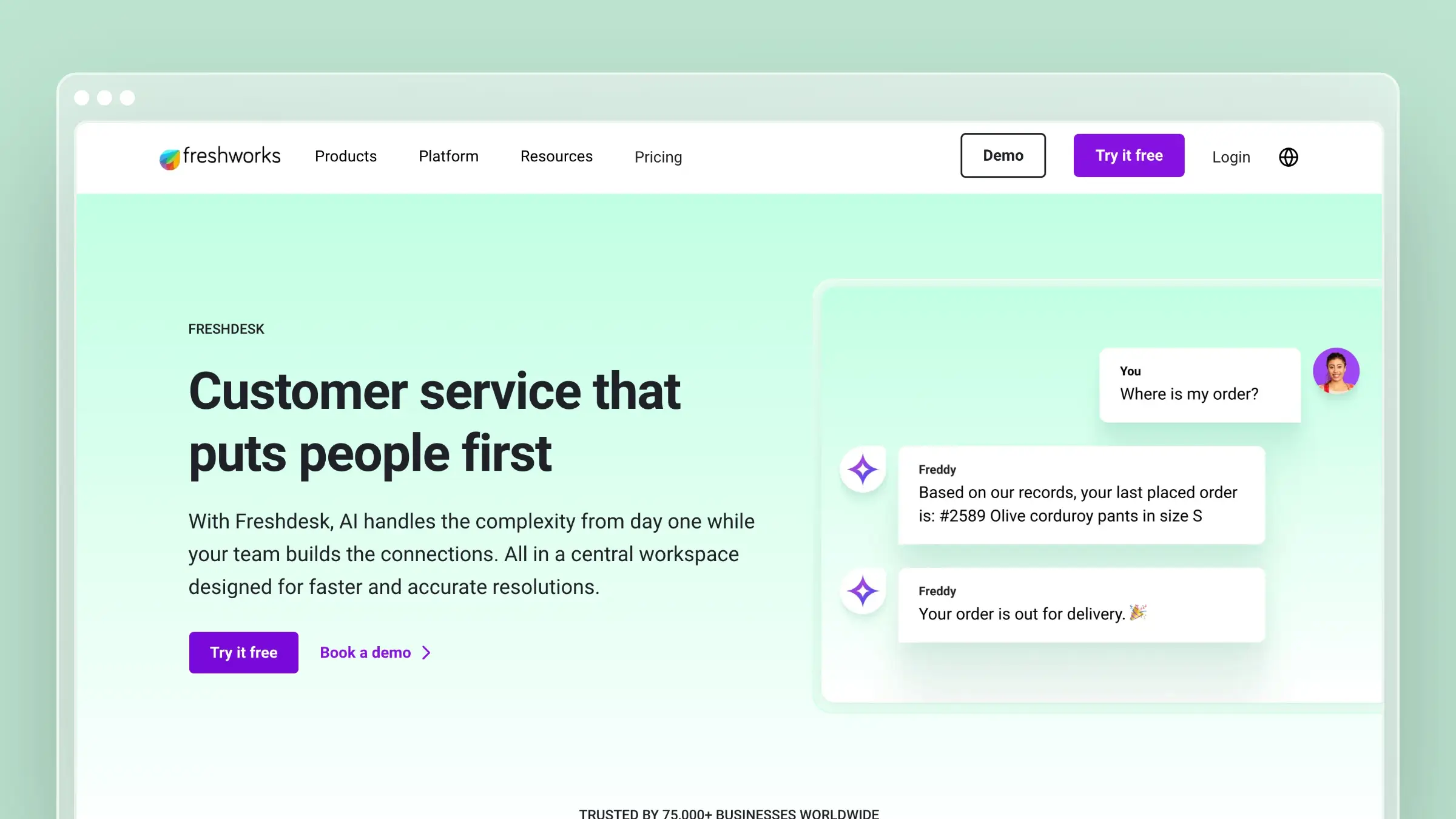 Freshdesk is the price-competitive answer to Help Scout. Freshdesk starts at $19/agent/month for ticketing and a knowledge base; Freshdesk Omni, which adds chat and phone, starts at $29/agent/month. For teams where Help Scout’s $25/user/month is the primary pain point, Freshdesk is the obvious first look.
Freddy AI provides chatbot and automation capabilities. It’s not as polished as Intercom’s Fin, but it handles routine deflection at a fraction of the cost.
What Freshdesk does well:
- Aggressive pricing that significantly undercuts Help Scout and Zendesk
- Complete support platform with ticketing, chat, phone, and knowledge base
- Free program available for teams with up to 2 agents for 6 months
- Freddy AI for basic chatbot automation and ticket routing
- Multilingual support for global customer bases
- Marketplace with 1,000+ integrations
What Freshdesk doesn’t do:
Freshdesk’s knowledge base is functional, not exceptional. The editor feels dated. The AI capabilities lag behind Intercom and even Zendesk’s premium tiers. The user experience doesn’t match Help Scout’s polish. You’re trading design quality for cost savings, which is a valid choice but not a free one.
Pricing: Free for up to 2 agents for 6 months, then $19/agent/month (Growth), $55/agent/month (Pro), or $89/agent/month (Enterprise), billed annually. Freshdesk Omni costs $29, $79, or $119/agent/month, billed annually.
Best for: Budget-conscious teams that need a complete support platform. Organizations where per-seat cost is the primary decision factor. Teams that will accept a less polished experience for significantly lower prices.
The tradeoff: Freshdesk is cheaper because the experience is cheaper. Help Scout users who care about design, simplicity, and interface quality will notice the downgrade immediately. If your team is price-sensitive, that’s acceptable. If your team cares about tools they enjoy using, it’s a real cost.
6. Helpjuice: Best for Search-Heavy Knowledge Bases
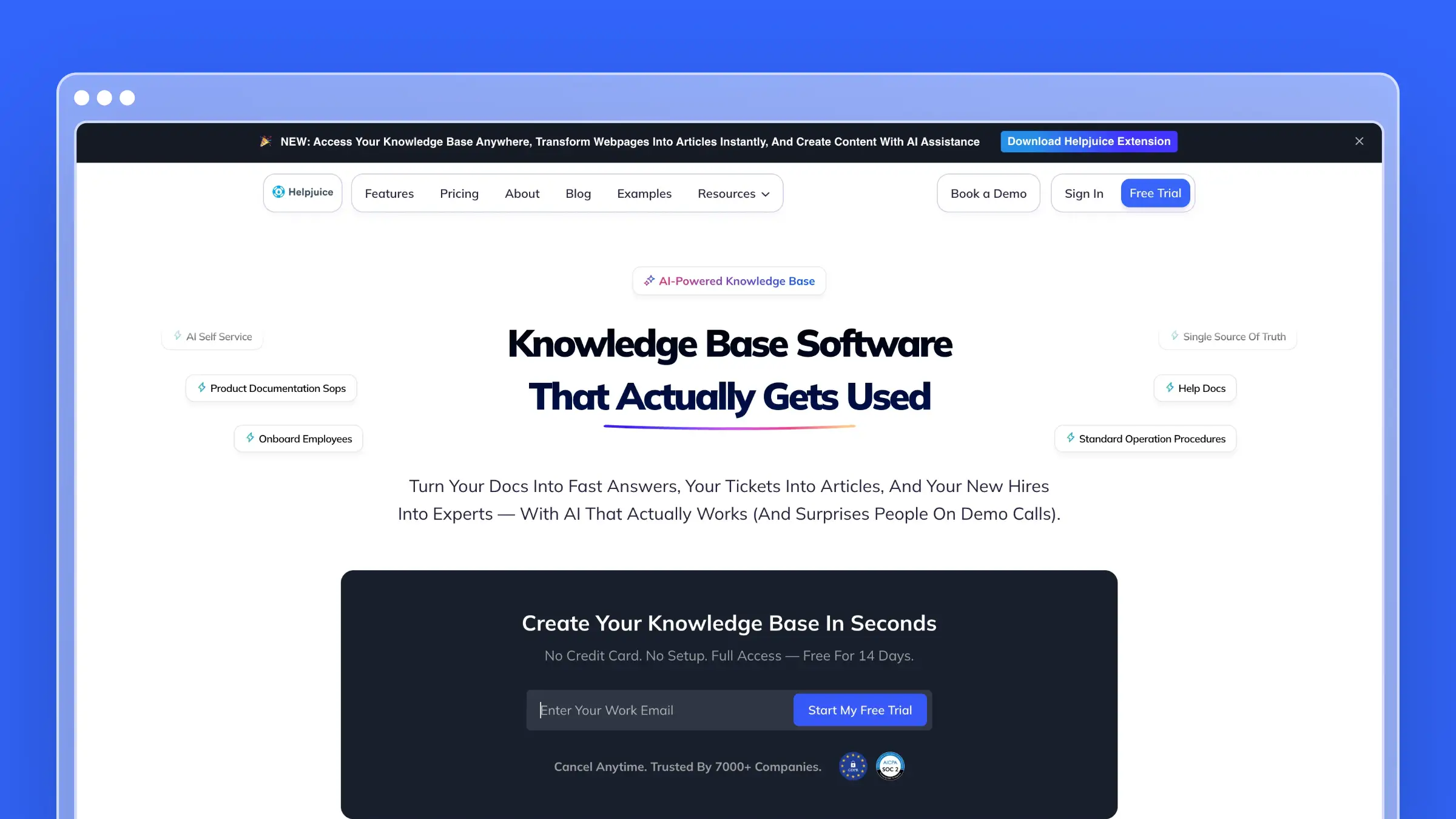 Helpjuice doesn’t try to be a support platform. It builds knowledge base software with the best search engine in the category. If your Help Scout Docs frustration is that customers can’t find answers that exist, Helpjuice solves that problem specifically and thoroughly.
The search handles natural language, synonyms, and partial matches. The analytics show you exactly what customers search for, what they find, and what returns zero results. That data alone can reshape your content strategy.
What Helpjuice does well:
- Industry-leading search with natural language processing and synonym matching
- Deep theming and customization including full CSS/JavaScript access
- Detailed search analytics showing failed queries and content gaps
- Multi-language support with translation management
- Smart collaboration tools for multi-author content
- PDF export for offline documentation needs
What Helpjuice doesn’t do:
No ticketing. No live chat. No agent workflows. AI writing assistance requires the $449/month AI-Knowledge Base plan. No proactive content maintenance. Helpjuice is a knowledge base with great search, nothing more. At $249/month for up to 30 users, it’s expensive for a single-purpose tool. Help Scout gives you a complete support platform but charges per user.
Pricing: $249/month (Knowledge Base, 30 users), $449/month (AI-Knowledge Base, 100 users), $799/month (Unlimited AI-Knowledge Base, unlimited users).
Best for: Teams whose documentation is comprehensive but hard to navigate. Organizations with large knowledge bases where search quality directly impacts ticket volume. Companies that need deep visual customization.
The tradeoff: Helpjuice makes existing content findable. It doesn’t help you create content, maintain content, or handle anything beyond the knowledge base. If your problem is that content exists but customers can’t find it, Helpjuice is excellent. If your problem is that content doesn’t exist or goes stale, better search won’t help.
7. KnowledgeOwl: Best for Stability-Focused Teams
KnowledgeOwl is what happens when a bootstrapped company builds software for 10+ years without chasing hype cycles. The product is focused, stable, and thoughtfully designed. Semantic search, PDF export, contextual help widgets, and granular access controls. No AI chatbots. No conversational interfaces. Just solid documentation tools.
If Help Scout’s appeal was its focus on doing a few things well, KnowledgeOwl carries that same philosophy into the knowledge base space.
What KnowledgeOwl does well:
- Semantic search that understands intent beyond keyword matching
- PDF and print exports for compliance and offline documentation needs
- Contextual help widget with page-specific content suggestions
- Granular reader groups and access controls for segmented audiences
- Clean, focused writing experience without feature bloat
- Genuinely responsive customer support from a team that uses their own product
What KnowledgeOwl doesn’t do:
No ticketing, no shared inbox, no agent tools. No AI content generation or proactive maintenance. No codebase integration. KnowledgeOwl is a traditional knowledge base that depends entirely on your team for content creation and maintenance. It won’t help you automate anything.
Pricing: $100/month (Basic), $250/month (Pro), $500/month (Business), or custom pricing (Enterprise). Each public plan includes 1 author and 1 knowledge base; additional authors cost $25/month and additional knowledge bases cost $50/month.
Best for: Teams that value stability and focus over feature breadth. Regulated industries needing PDF exports and access controls. Organizations that prefer a proven tool over a platform chasing trends.
The tradeoff: KnowledgeOwl doesn’t scale your content operations. It gives you good tools and expects you to do the work. If you’re leaving Help Scout to reduce manual effort, KnowledgeOwl doesn’t move that needle. If you’re leaving Help Scout because you want a focused KB tool instead of a support platform, KnowledgeOwl delivers.
8. Zoho Desk: Best Budget Alternative in the Zoho Ecosystem
If your organization already uses Zoho CRM, Zoho Projects, or other Zoho products, Zoho Desk is the path of least resistance. The help center integrates with the broader Zoho ecosystem, which means customer data flows between your CRM, support desk, and knowledge base without custom integrations.
Zia, Zoho’s AI assistant, handles basic ticket routing and provides response suggestions. It’s not sophisticated, but it’s included on Professional and Enterprise rather than charged as an add-on.
What Zoho Desk does well:
- Deep integration with the Zoho product ecosystem (CRM, Projects, Analytics)
- Zia AI for basic automation, ticket routing, and sentiment analysis
- Free plan available for up to 3 agents
- Competitive pricing that undercuts most alternatives on this list
- Multi-department support for organizations with complex structures
- Built-in time tracking for support operations analytics
What Zoho Desk doesn’t do:
Zoho Desk’s knowledge base is basic. The editor is functional but uninspiring. The AI capabilities are entry-level compared to Intercom or even Zendesk. And outside the Zoho ecosystem, the integration story is weak. If you don’t use other Zoho products, the platform’s primary advantage disappears.
Pricing: Free (up to 3 agents), $7/agent/month (Express), $14/agent/month (Standard), $23/agent/month (Professional), $40/agent/month (Enterprise), billed annually. The public knowledge base starts on Standard.
Best for: Organizations already invested in the Zoho ecosystem. Budget-conscious teams that need a complete support platform at the lowest possible per-agent cost. Companies where integration with Zoho CRM drives the decision.
The tradeoff: Zoho Desk is cheap and functional. It’s not beautiful, innovative, or particularly powerful. If you’re coming from Help Scout’s polished interface, the experience downgrade is significant. The value proposition is ecosystem integration and price, nothing else.
9. Front: Best for Teams That Live in Email
Front is the closest thing to Help Scout for teams that want a shared inbox without leaving their email workflow. Where Help Scout builds its own inbox experience, Front layers collaboration on top of Gmail and Outlook. Your agents keep the email interface they know. Front adds assignment, collision detection, shared drafts, and internal comments on top.
The appeal for Help Scout migrants is familiarity. If your team’s primary complaint is cost rather than workflow, Front offers a comparable experience at a lower entry price with more flexibility on channel coverage.
What Front does well:
- Shared inbox built on top of Gmail and Outlook, not a replacement for them
- Internal comments and @mentions on email threads without forwarding chains
- AI-generated reply drafts and conversation summaries on paid plans
- Omnichannel support covering email, SMS, WhatsApp, and social in one inbox
- Strong analytics on response time, SLA adherence, and team workload
- Rules and automations that match Help Scout’s workflow depth
What Front doesn’t do:
Front’s knowledge base is lightweight. It covers basic self-service but lacks the depth of dedicated documentation tools. If Help Scout Docs is a meaningful part of your workflow, you will need a separate tool alongside Front. The per-seat pricing also scales the same way Help Scout does, so it solves the workflow problem without solving the cost-per-agent problem at scale.
Pricing: $25/seat/month (Starter), $65/seat/month (Professional), $105/seat/month (Enterprise), billed annually. Starter includes a basic public knowledge base; Professional adds customization, and Enterprise adds multilingual support.
Best for: Teams that want Help Scout’s collaborative inbox feel without abandoning Gmail. Organizations handling email, SMS, and social from one place. Support leads who need SLA tracking and workload analytics baked in.
The tradeoff: Front is a lateral move from Help Scout, not a step down. The experience is comparable and in some areas better. But you are still paying per seat, and the knowledge base is not a serious documentation platform. If inbox quality is your priority and cost is secondary, Front is worth a close look.
10. HubSpot Service Hub: Best for Teams Already in HubSpot CRM
If your sales team uses HubSpot CRM, adding Service Hub is the path of least resistance for support. Every customer conversation links directly to the contact record, deal history, and lifecycle stage. Agents see the full customer context without switching tabs or copying data between systems.
Breeze, HubSpot’s AI layer, handles reply suggestions, ticket summarization, and basic chatbot deflection. It is not as capable as Intercom’s Fin, but its customer agent uses HubSpot Credits on Professional and Enterprise rather than charging per resolution.
What HubSpot Service Hub does well:
- Native CRM integration means agents see full customer history without any setup
- Free plan covers ticketing and live chat for up to 2 users; the knowledge base starts on Professional
- Breeze AI for reply drafts, ticket summaries, and chatbot deflection
- Customer portal for ticket tracking and self-service on Professional and Enterprise
- Shared inbox with email, chat, and WhatsApp in one view
- Reporting that connects support metrics to revenue and customer health scores
What HubSpot Service Hub doesn’t do:
The knowledge base editor is basic. Article organization is limited compared to dedicated tools like Document360 or Helpjuice. The AI features improve on higher tiers but the free and Starter plans are thin on automation. And if you are not already in the HubSpot ecosystem, the onboarding investment is significant.
Pricing: Free for up to 2 users, $7/seat/month (Starter), $90/seat/month (Professional), or $150/seat/month (Enterprise), billed annually. The knowledge base starts on Professional, which also requires a $1,500 onboarding fee.
Best for: Teams already using HubSpot CRM who want support data connected to sales and marketing. Organizations where customer lifetime value and support history need to live in the same system. Companies that want a free starting point with room to grow.
The tradeoff: HubSpot Service Hub is a support tool that happens to have a knowledge base, not a knowledge base tool that happens to have support features. If documentation quality matters to your team, you will outgrow the KB editor quickly. The CRM integration is the reason to choose it, not the support features themselves.
11. Document360: Best for Structured Knowledge Management
Document360 is built for teams that treat documentation as a serious product, not an afterthought. The category manager organizes content into structured hierarchies. Version control tracks every change with rollback capability. The analytics surface which articles drive the most deflection and which searches return nothing.
It is the most documentation-focused tool on this list after Ferndesk, and the one most likely to satisfy teams with complex content structures, multiple product lines, or strict review workflows.
What Document360 does well:
- Category manager with nested hierarchies for complex documentation structures
- Full version history with rollback on every article
- AI-powered search and an AI writing assistant for drafting and rewriting
- Eddy AI chatbot for customer-facing deflection on higher tiers
- Detailed analytics on search behavior, article performance, and content gaps
- Private and public knowledge bases with granular access controls
What Document360 doesn’t do:
Document360 does not monitor your codebase or support tickets to identify stale content. Maintenance is still a manual process. Pricing requires a custom quote based on workspaces, languages, team accounts, and AI usage. No ticketing or shared inbox is included.
Pricing: Custom quote based on your configuration; Document360 does not publish flat plan prices.
Best for: Mid-market and enterprise teams with large, structured documentation libraries. Organizations that need version control, approval workflows, and multi-role content governance. Teams with dedicated technical writers who want serious authoring tools.
The tradeoff: Document360 gives you the best content management structure on this list. It does not give you automation. If your problem is that documentation goes stale, Document360 gives you better tools to fix it manually. If you want the fixing to happen automatically, look at Ferndesk instead.
12. Groove: Best for Small Teams Wanting a Direct Help Scout Clone
Groove is the most direct Help Scout alternative for small teams. The interface is nearly identical in philosophy: clean shared inbox, collision detection, saved replies, and a knowledge base. If your team loved Help Scout’s simplicity but not its price, Groove is the obvious first comparison.
The knowledge base is straightforward. You can publish articles, embed a widget, and track basic search analytics. It is not as powerful as dedicated tools, but it covers the same ground as Help Scout Docs without the Help Scout price tag.
What Groove does well:
- Familiar shared inbox experience that Help Scout users recognize immediately
- AI reply suggestions and conversation summaries on Plus and Pro plans
- Built-in knowledge base with embeddable widget at no extra cost
- Simple automation rules for routing, tagging, and assignment
- Reporting on response times, resolution rates, and team performance
- Significantly lower per-seat cost than Help Scout at comparable feature depth
What Groove doesn’t do:
Groove is a smaller team with a smaller product. The integration library is limited compared to Zendesk or Freshdesk. The knowledge base lacks version control, advanced analytics, and content maintenance automation. If you are migrating because you need more capability, Groove is a lateral move at a lower price, not an upgrade.
Pricing: $28/user/month (Standard), $44/user/month (Plus), $64/user/month (Pro), billed annually. Monthly billing costs $35, $55, or $80/user/month, respectively.
Best for: Small teams of two to ten agents who want Help Scout’s workflow at a lower price. Founders who need a shared inbox and basic knowledge base without enterprise complexity. Teams where the primary driver is cost reduction, not capability expansion.
The tradeoff: Groove solves the Help Scout pricing problem without solving the Help Scout capability ceiling. If you outgrew Help Scout, you will outgrow Groove. If Help Scout was the right product at the wrong price, Groove is worth a serious look.
How to Switch from Help Scout Without Disrupting Support
Choosing a replacement is the easy part. The switch itself is where teams stall. Work through this checklist before you cancel your Help Scout subscription.
Export your data first. Download your Help Scout mailbox history, customer records, and saved replies before touching anything else. Most alternatives accept CSV imports, but formats vary.
Audit your Docs content. List every article in Help Scout Docs. Note which ones are stale before you migrate them. Importing outdated content into a new platform just moves the problem.
Map your automations and tags. Document every workflow rule, tag, and saved reply in Help Scout. Rebuild these in your new tool before going live, not after your first incident.
Replace your Beacon widget. If you use Help Scout’s Beacon for in-app help, identify the replacement widget and test it in a staging environment. Broken in-app help is invisible until customers complain.
Preserve your documentation URLs. If your Help Scout Docs articles rank in search, set up 301 redirects before you unpublish them. Losing those URLs means losing organic traffic overnight. Ferndesk’s migration service preserves URLs by default.
Run both platforms in parallel for two weeks. Keep Help Scout active while your team learns the new tool. Switch fully only after your team has handled at least one full support cycle on the new platform.
Not every alternative replaces Help Scout completely. Here is what each tool covers:
| Tool | Replaces Inbox? | Replaces Docs? | Full Help Scout Replacement? |
|---|---|---|---|
| Ferndesk | No | Yes | Docs only |
| Zendesk | Yes | Yes | Full stack |
| Intercom | Yes | Partial | Full stack (lightweight docs) |
| HelpDocs | No | Yes | Docs only |
| Freshdesk | Yes | Yes | Full stack |
| Helpjuice | No | Yes | Docs only |
| KnowledgeOwl | No | Yes | Docs only |
| Zoho Desk | Yes | Yes | Full stack |
| Front | Yes | Partial | Full stack (lightweight docs) |
| HubSpot Service Hub | Yes | Partial | Full stack (lightweight docs) |
| Document360 | No | Yes | Docs only |
| Groove | Yes | Yes | Full stack |
How to Choose the Right Help Scout Alternative
The decision depends on why you’re leaving Help Scout:
If per-seat costs are killing you: Choose Ferndesk ($149/month with 5 editors) or HelpDocs ($99/month billed annually) for your knowledge base. Pair with a lightweight ticketing tool if needed. The math works immediately.
If you want AI to handle routine tickets: Choose Intercom for the best AI chatbot or Zendesk for AI integrated into a complete support suite. Both still charge per seat, but they reduce how many seats you need.
If you want documentation that maintains itself: Choose Ferndesk. Codebase sync, support ticket analysis, and weekly content audits mean your help center improves automatically. No other tool on this list does this.
If you just need a cheaper support platform: Choose Freshdesk ($19/agent) or Zoho Desk ($14/agent), billed annually. You’ll sacrifice polish for savings. Whether that’s acceptable depends on how much your team cares about their tools.
If you want a direct Help Scout clone at a lower price: Choose Groove ($28/user, billed annually). The workflow is nearly identical and the knowledge base covers the basics. It solves the cost problem without solving the capability ceiling.
If you are already in HubSpot CRM: Choose HubSpot Service Hub. The CRM integration alone justifies the switch if your team needs support data connected to sales and customer health. The knowledge base is thin, so pair it with Ferndesk if documentation quality matters.
If you live in email and want to stay there: Choose Front. It layers shared inbox features on top of Gmail and Outlook without forcing your team into a new interface. Per-seat pricing still applies, but the channel coverage and omnichannel flexibility exceed Help Scout’s.
If you need structured knowledge management with version control: Choose Document360. It is the most capable documentation platform on this list for teams with complex content hierarchies and strict review workflows. Maintenance is still manual, but the authoring tools are serious.
If you need the best standalone knowledge base: Choose Helpjuice for search quality, KnowledgeOwl for stability, or HelpDocs for simplicity.
For broader context, see our guides to the best help center software, best help center software for SaaS, help desk providers, and best knowledge bases for small teams.
Help Scout Alternatives FAQ
What is the cheapest Help Scout alternative?
Zoho Desk and Freshdesk both offer free options for small teams and paid tiers starting at $14-19/agent/month, below Help Scout’s $25/user/month. If you want flat-rate pricing, Ferndesk Pro costs $149/month with 5 editors included; additional editors cost $10/month each.
Is there a free Help Scout alternative?
Yes. Zoho Desk is free for up to 3 agents. Freshdesk is free for up to 2 agents for 6 months. Freshdesk includes a basic knowledge base and ticketing; Zoho Desk’s free plan includes ticketing, while its public knowledge base starts on Standard. Neither matches Help Scout’s interface quality, but both offer a free starting point for small teams.
Which Help Scout alternative has the best AI?
Intercom’s Fin AI is the most capable chatbot for ticket deflection. It reads your help center and resolves questions in natural language, charging $0.99 per outcome. For documentation that maintains itself rather than just answering questions, Ferndesk’s AI agent monitors your codebase and support tickets to keep articles current automatically.
What is the best Help Scout alternative for small teams?
HelpDocs at $99/month billed annually is the simplest option for small teams that only need a knowledge base. For teams that want inbox plus docs, Freshdesk’s Growth plan at $19/agent/month billed annually covers both. Ferndesk works well for small SaaS teams that ship frequently and need documentation to keep pace with product changes.
How hard is it to migrate from Help Scout?
The data export is straightforward. The harder parts are rebuilding automations, replacing the Beacon widget, and preserving documentation URLs so you do not lose search rankings. Ferndesk includes a done-for-you migration with URL preservation. For full platform replacements like Zendesk or Freshdesk, budget two to four weeks for a clean transition.
Does Help Scout work with Shopify?
Help Scout has a native Shopify integration that pulls order data into conversations. If you are switching and need Shopify support, Freshdesk and Zendesk both offer Shopify integrations. Intercom also connects to Shopify for e-commerce customer data. Ferndesk focuses on documentation rather than ticketing, so Shopify order data is not relevant to its use case.
Can I use Gmail instead of Help Scout?
Gmail handles email but not shared inboxes, collision detection, or knowledge base hosting. If you want a Gmail-native workflow, tools like Front or Missive add shared inbox features on top of Gmail. If your main need is self-service documentation rather than inbox management, Ferndesk or HelpDocs replace Help Scout Docs without requiring any inbox tool at all.
The Automation Math
Here’s the calculation that should drive your decision:
Take your monthly Help Scout cost. Divide by the number of tickets your team handles. That’s your cost per ticket.
Now estimate what percentage of those tickets have answers that could exist in your documentation. For most SaaS companies, it’s 40-70%.
If you can self-serve even half of those tickets through better documentation, the per-ticket cost for human-handled interactions goes down because you’re handling fewer total tickets with the same team. Or you can reduce the team.
Help Scout doesn’t optimize for this outcome. It makes your current team efficient. It doesn’t ask whether your current team is the right size.
Ferndesk does. By maintaining documentation that’s always accurate and always complete, Ferndesk reduces the number of questions that ever reach a human. That’s not a philosophy. It’s arithmetic.
Bottom Line
Help Scout is a good product. The interface is clean, the philosophy is thoughtful, and the team behind it clearly cares about customer support. But caring about customer support and optimizing for cost-effective customer support are different things.
At $25/user/month with basic AI features, Help Scout is expensive for teams that could automate 50%+ of their ticket volume. The per-seat model rewards hiring, not efficiency.
If you want documentation that actively reduces your support burden, Ferndesk costs $149/month or $1,490/year. Five editors are included, and AI drafting is unlimited. Just a help center that maintains itself so your team can focus on the conversations that actually need a human.


 Book a demo