

Helpjuice has been a player in the knowledge base software market since 2011. They’ve positioned themselves as the “world’s most powerful & simple knowledge base software,” trusted by companies like Amazon, Hertz, and Shipt.
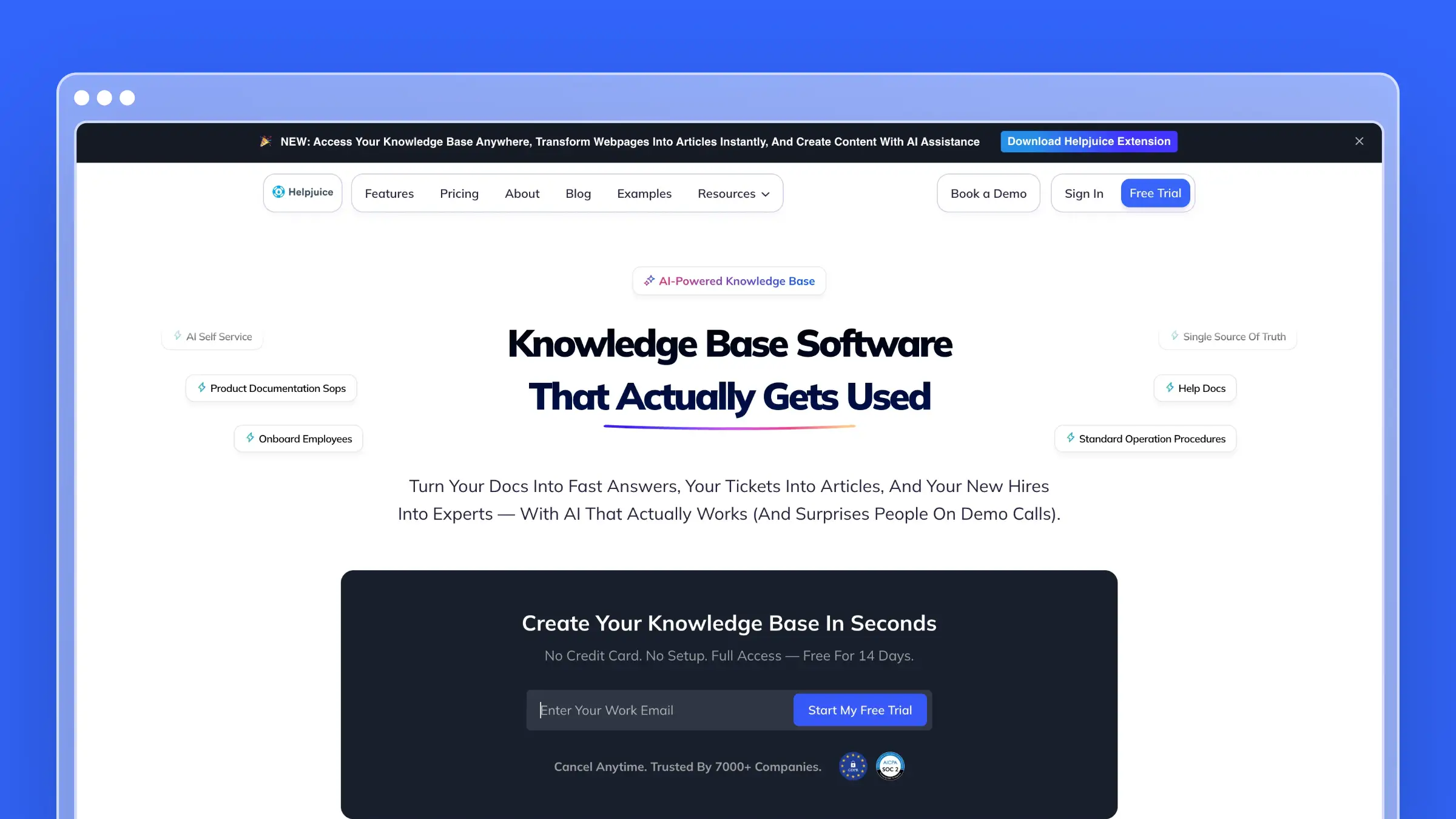
But with pricing starting at $249/month and an AI Suite that costs $449/month, you need to know exactly what you’re getting. This review covers everything: the AI features, the customization options, the analytics, and whether Helpjuice actually delivers on its promises.
Who Uses Helpjuice?
Helpjuice claims to serve 130,000+ users across various industries. Their customer list includes some notable names:
- Amazon - Internal knowledge management
- Hertz - Customer and employee documentation
- Shipt - Support team resources
- Change.org - User-facing help center
- Wells Fargo - Internal procedures
- World Health Organization - Knowledge sharing
The platform targets both internal knowledge bases (employee onboarding, SOPs, company wikis) and external help centers (customer-facing documentation, support resources).
That’s a broad use case. Let’s look at whether the features support it.
Helpjuice Pricing at a Glance
Helpjuice restructured their pricing in mid-2025, moving to three main tiers:
| Plan | Price | Users | Storage | AI Suite |
|---|---|---|---|---|
| Knowledge Base | $249/month | 30 | 12GB | Not included |
| AI-Knowledge Base | $449/month | 100 | 24GB | Included |
| Unlimited AI-Knowledge | $799/month | Unlimited | 38GB | Included |
14-day free trial available. No credit card required.
The jump from $249 to $449 to access AI features is significant. That’s an 80% price increase to get the AI Suite.
Knowledge Base Plan ($249/month)
The base tier is for teams who want a traditional knowledge base without AI automation.
What’s included:
- Up to 30 users
- 12GB file storage
- WYSIWYG editor with version history
- Live collaboration and workflows
- AI article translation (to 40+ languages)
- Analytics and reporting
- 100+ integrations
- Custom branding and themes
- Search across articles and PDFs
- GDPR compliance
- 24x5 support
What’s missing:
- No AI Writer
- No AI Search (contextual)
- No AI Chatbot (Swifty)
- No Wizardshot tutorial builder
- No SSO (requires higher tier)
Reality check: At $249/month without the AI Suite, you’re paying premium prices for what amounts to a traditional documentation tool. Competitors offer similar core features for less.
AI-Knowledge Base Plan ($449/month)
This is where Helpjuice’s AI capabilities unlock.
What’s included:
- Everything in Knowledge Base
- Up to 100 users
- 24GB file storage
- SSO integration
- Complete AI Suite:
- AI Writer
- AI Search (contextual understanding)
- Swifty AI Chatbot
- Wizardshot (step-by-step tutorial builder)
- Auto-updating Chrome extension
- AI tag management
- Related content suggestions
What’s missing:
- User cap at 100
- No unlimited customization support
- Storage limited to 24GB
Cost for a growing team:
- AI-Knowledge Base: $449/month
- Annual total: $5,388/year
That’s not cheap for knowledge base software. But the AI features are genuinely useful-if you use them.
Unlimited AI-Knowledge Base Plan ($799/month)
The enterprise tier removes all limits.
What’s included:
- Everything in AI-Knowledge Base
- Unlimited users
- 38GB file storage
- “$1,000,000 worth of Helpjuice customization credits”
- Unlimited customization requests
- Priority support
Cost:
- $799/month
- Annual total: $9,588/year
For large organizations with extensive customization needs, the unlimited plan provides flexibility. But $800/month is serious money for documentation software.
The AI Features
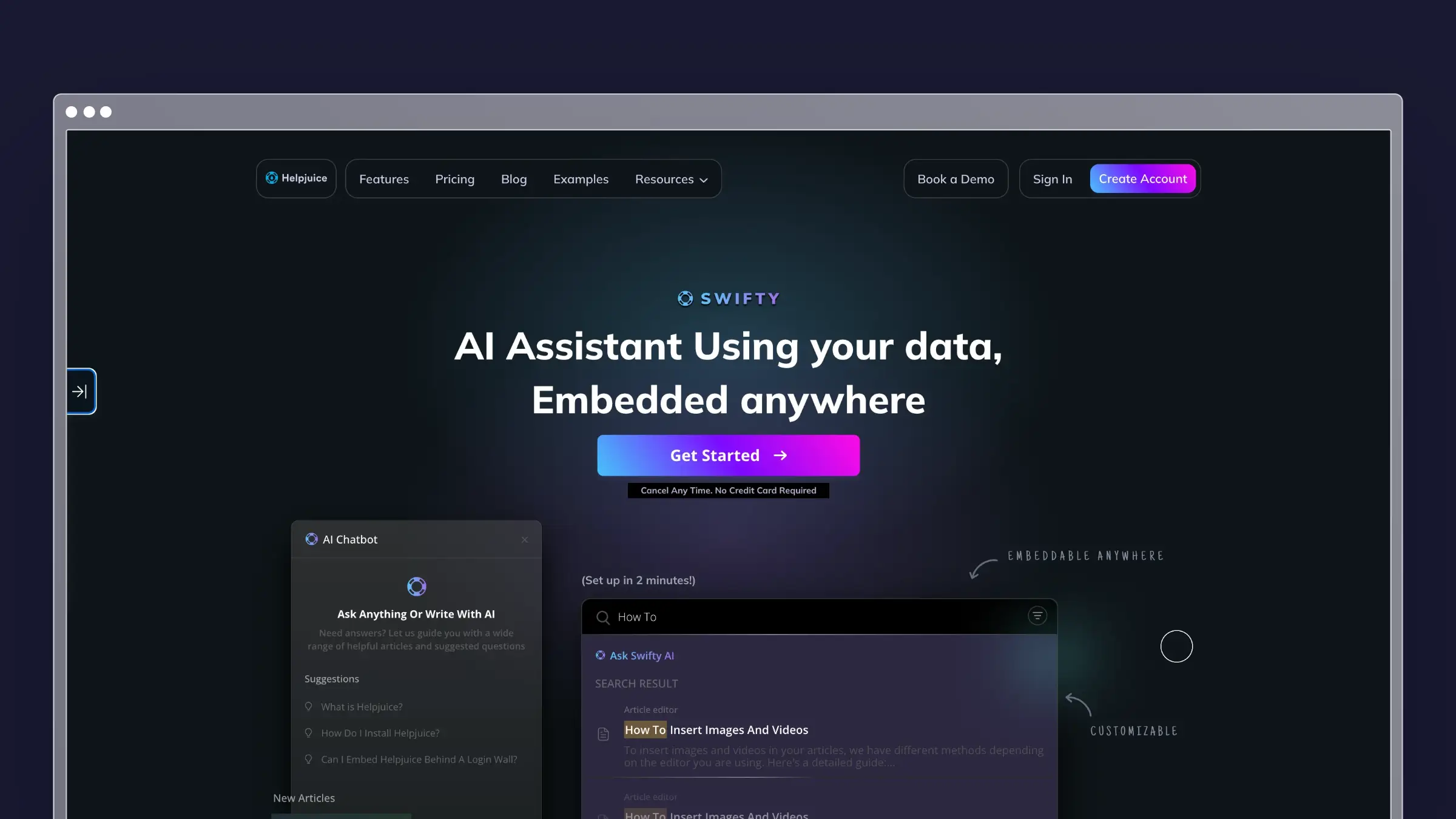
Helpjuice has invested heavily in AI. Here’s what the AI Suite actually includes:
Swifty AI Chatbot
Swifty is Helpjuice’s conversational AI assistant. It’s trained on your knowledge base content and can:
- Answer customer questions 24/7
- Embed anywhere (help center, website, app)
- Communicate in multiple languages
- Learn your brand’s writing style over time
The chatbot reduces support ticket volume by handling common questions automatically. For teams drowning in repetitive inquiries, this is genuinely valuable.
The catch: Swifty requires the AI-Knowledge Base plan ($449/month) or higher.
AI Writer
The AI Writer helps create content from various sources:
- Generate articles from Slack messages
- Draft documentation from support tickets
- Convert emails into help articles
- Create content from scratch with prompts
This saves time during initial content creation. However, you’re still responsible for reviewing, editing, and maintaining the content afterward.
AI Search
Helpjuice’s AI-powered search goes beyond keyword matching:
- Understands user intent and context
- “Forgives” typos and spelling errors
- Searches inside PDFs and images
- Provides related content suggestions
The search experience is solid. Users can find answers without knowing exact terminology.
Wizardshot Tutorial Builder
Wizardshot automatically creates step-by-step tutorials:
- Capture workflows with a Chrome extension
- Generate screenshots and annotations automatically
- Publish guides in seconds
For teams documenting software processes, this is a time-saver. It’s similar to tools like Scribe or Tango, but built into the Helpjuice ecosystem.
What Helpjuice Does Well
Customization support: Helpjuice offers hands-on customization help. They’ll manually design your knowledge base to match your brand, which is unusual for SaaS products. This is especially valuable for non-technical teams.
Solid search experience: The Google-like search with AI understanding makes content discoverable. Users consistently praise how easy it is to find information.
Multi-language support: With 40+ languages and AI translation, Helpjuice handles international teams well. Content syncs across languages automatically.
Analytics and reporting: The built-in analytics show what users search for, which articles perform well, and where gaps exist. This helps prioritize content improvements.
Integrations: 100+ integrations including Salesforce, Slack, Zendesk, and Intercom let Helpjuice fit into existing workflows.
What Helpjuice Doesn’t Do
No automatic content updates: Helpjuice can help you write documentation, but it won’t detect when your product changes or proactively suggest updates. When you ship a new feature or rename a button, you’re responsible for finding and updating every affected article manually.
No codebase integration: The AI Writer creates content from Slack messages and support tickets, but it can’t read your codebase to understand product changes. Documentation drift happens silently.
No support ticket analysis at scale: Helpjuice doesn’t analyze patterns across thousands of support conversations to identify documentation gaps or automatically generate FAQs based on what customers actually ask.
No content auditing: There’s no automated system to identify stale articles, outdated screenshots, or content that references deprecated features. You discover these issues when customers complain.
Manual maintenance burden: Despite the AI features, keeping a Helpjuice knowledge base current requires ongoing manual effort. The AI assists with creation, not with maintenance.
The Limitations
User reviews consistently mention several friction points:
Editing and formatting issues: Common complaints include unexpected formatting behavior, cursor jumping during auto-save, and limitations when working with tables or complex layouts. Users report “running into bugs that cause them to lose work and formatting changes.”
Learning curve: While the platform is generally user-friendly, some advanced features require time to master. Customization beyond basics often needs technical expertise or support assistance.
Limited collaboration: The collaboration features focus on content feedback rather than real-time teamwork. Teams expecting Google Docs-style collaboration may be disappointed.
Outdated UI in places: Some users note the backend interface feels dated, particularly when managing large amounts of multilingual content.
Missing features: Users request features like PDF export for entire categories, search term highlighting in articles, and more robust search algorithms.
Bug response times: Some reviews mention that reported bugs take weeks to address as the development team focuses on new features.
When Helpjuice Makes Sense
Helpjuice is a reasonable choice if:
- You have budget for $249-799/month for knowledge base software
- You need hands-on customization support for branding
- Multi-language documentation is a priority
- You want a traditional knowledge base with AI-assisted creation
- Your team will maintain content manually
- You need both internal and external knowledge bases
When to Consider Alternatives
You might want to look elsewhere if:
- $249/month for basic features feels steep
- You need documentation that updates automatically with product changes
- You want AI that proactively maintains content, not just creates it
- Support ticket analysis and pattern detection matter to you
- You’re looking for a solution under $100/month
- Codebase integration is important for keeping docs in sync
For a broader comparison, see our best help center software guide or our SaaS-specific recommendations.
How Ferndesk Compares

| Feature | Helpjuice | Ferndesk |
|---|---|---|
| Starting price | $249/month | $149/month |
| AI features | $449/month (AI Suite) | Pro |
| Automatic content updates | No | Yes (from codebase) |
| Support ticket analysis | No | Yes |
| Content gap detection | Manual analytics, plus Swifty article requests (AI Suite) | Automated weekly audits |
| Codebase integration | No | GitHub sync |
| AI usage | Included in AI plans | Unlimited drafts; 1,000 conversations/month |
| Team members | 30-100 based on plan | 5 included |
| Customization | Hands-on support | Customizable themes |
Different philosophies for different needs.
Helpjuice is a traditional knowledge base with AI features bolted on. The AI helps you create content faster, but you’re still manually maintaining everything. At $249-449/month, you’re paying premium prices for premium customization support.
Ferndesk is an AI-native help center where the AI agent (Fern) actively maintains your documentation. The difference isn’t just in price-it’s in approach.
Proactive vs. Reactive
Helpjuice (reactive): You notice an article is outdated. You open the editor. You make changes. You publish. Repeat for every article affected by a product change.
Ferndesk (proactive): Fern monitors your GitHub repository. When you ship a change that affects documentation, Fern drafts updates automatically. You review and approve. The help center stays current without hunting for stale content.
Documentation That Maintains Itself
Helpjuice’s AI Writer helps during content creation-the beginning of an article’s lifecycle. Ferndesk’s AI agent helps throughout the entire lifecycle:
- Codebase sync: Fern reads your code to understand product changes and drafts relevant updates
- Support ticket analysis: Fern analyzes your support conversations to identify what customers actually ask about
- Weekly audits: Fern scans your help center for outdated content and proposes refreshes
- Gap detection: Fern identifies topics your customers need but your docs don’t cover
The Price Difference
A team choosing Helpjuice with AI features pays $449/month ($5,388/year).
The same team using Ferndesk’s Pro plan pays $149/month or $1,490/year.
That’s $3,898/year in savings-and Ferndesk includes automatic maintenance that Helpjuice doesn’t offer at any price.
They Can Work Together
If you’re already invested in Helpjuice for internal knowledge management but need a customer-facing help center that stays current, Ferndesk complements rather than replaces. Use Helpjuice for internal SOPs and company wiki. Use Ferndesk for customer documentation that syncs with your product.
Bottom Line
Helpjuice is a mature knowledge base platform with solid AI features and excellent customization support. The search works well, the multi-language capabilities are strong, and hands-on branding help is genuinely valuable for teams without designers.
But at $249-449/month, you’re paying premium prices for a platform that still requires manual content maintenance. The AI creates content faster-it doesn’t keep content current.
For teams building software products where documentation needs to evolve with the codebase, the manual maintenance burden is real. Every feature release means reviewing and updating help articles. Every renamed button means hunting through your knowledge base. Every deprecation means finding outdated references.
If you want documentation that maintains itself, Ferndesk offers AI-powered automation for $149/month or $1,490/year. Fern reads your codebase, analyzes your support tickets, and keeps your help center fresh-automatically. Try it free and see how much time you save when your docs update themselves.


 Book a demo