


HelpDocs is a straightforward knowledge base tool that’s been around for years. Their pricing is relatively transparent, but the AI credits system and per-user costs can catch you off guard.
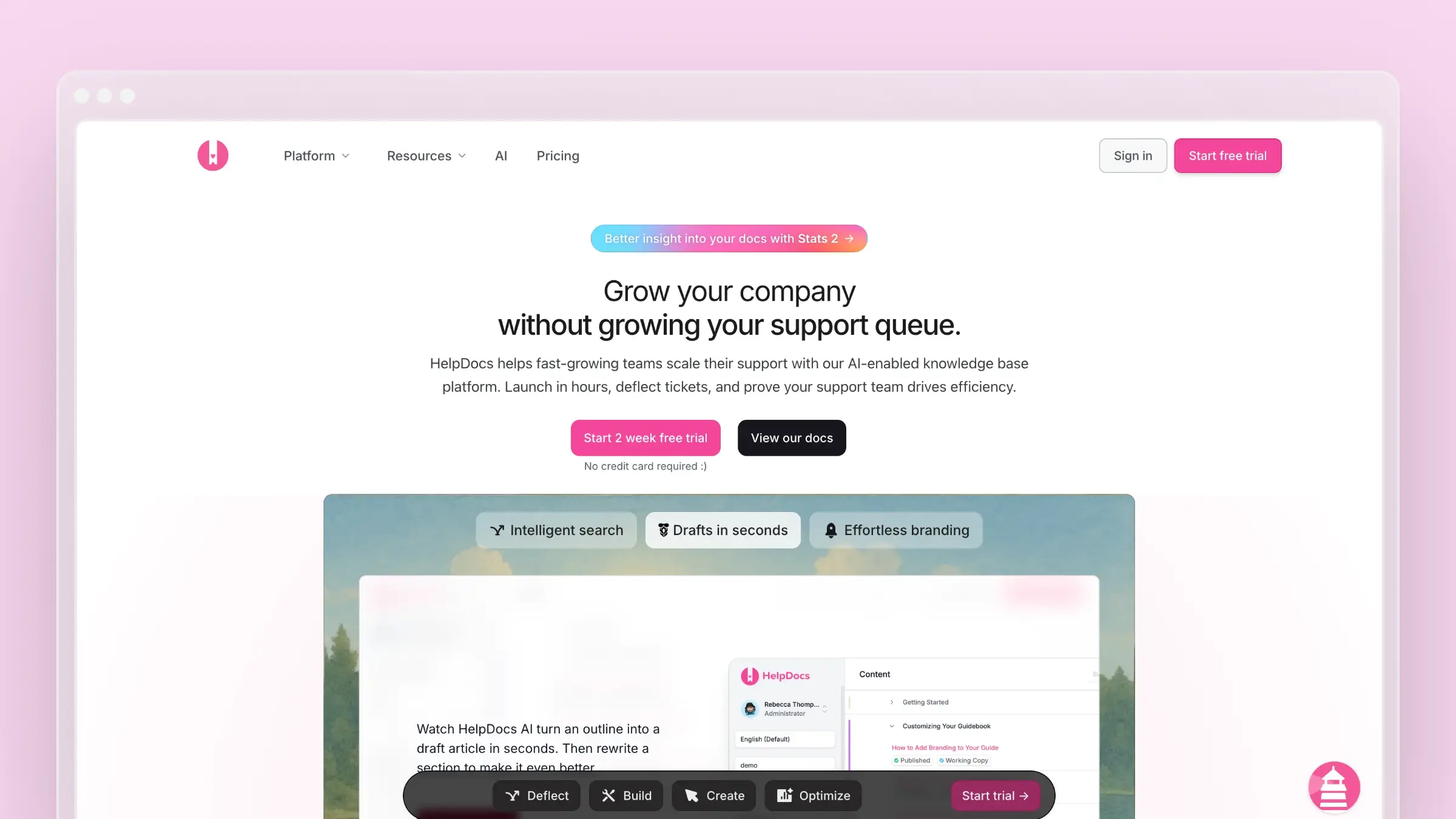
Here’s what you need to know about HelpDocs pricing before you commit.
HelpDocs Pricing at a Glance
| Plan | Monthly | Annual (20% off) | Editors | AI Credits |
|---|---|---|---|---|
| Seed | $49/month | $39/month | 2 | 200/month |
| Sprout | $99/month | $79/month | 4 | 650/month |
| Bloom | $199/month | $159/month | 10 | 1,500/month |
Prices shown in USD. Also available in EUR and GBP.
Seed Plan ($49/month)
The Seed plan is HelpDocs’ entry-level offering for small teams.
What’s included:
- 2 editors
- 200 AI credits per month
- Custom CSS styling
- Unlimited viewers
- AI meta features (titles, descriptions)
- Basic customization
What’s missing:
- No “Ask AI” chatbot for visitors
- No AI article drafts or rewrites
- No Lighthouse widget (embedded help)
- Single language only
- No custom JavaScript/HTML
- No SSO or audit trail
Reality check: 200 AI credits per month sounds reasonable until you realize how quickly they get used. Each AI-generated meta description, title suggestion, or content improvement consumes credits. Active teams can burn through the monthly allocation in a week.
Sprout Plan ($99/month)
The Sprout plan is positioned as the sweet spot for growing teams.
What’s included:
- Everything in Seed
- 4 editors
- 650 AI credits per month
- “Ask AI” chatbot for visitors
- AI article drafts and rewrites
- Lighthouse widget (embedded help)
- Support for 3 languages
- Custom JavaScript and HTML
What’s missing:
- No unlimited languages
- No SSO login
- No audit trail
- No granular permissions
- No style enforcement
Cost example for a 6-person team:
- Sprout plan: $99/month
- 2 extra editors at $15/user: $30/month
- Total: $129/month (~$1,548/year)
Bloom Plan ($199/month)
The Bloom plan is HelpDocs’ top tier for larger organizations.
What’s included:
- Everything in Sprout
- 10 editors
- 1,500 AI credits per month
- Unlimited languages
- SSO login
- Audit trail
- Granular permissions
- Style enforcement
What’s missing:
- Custom enterprise features (require negotiation)
- Dedicated account management
- Custom SLAs
Cost example for a 15-person team:
- Bloom plan: $199/month
- 5 extra editors at $15/user: $75/month (Note: Bloom includes extra users, so this may vary)
- Total: ~$199-274/month (~$2,388-3,288/year)
Additional Costs
HelpDocs has a few extra charges to keep in mind:
Extra editors:
- Seed/Sprout plans: $15/user/month
- Bloom plan: Often included, but varies
Additional domains:
- All plans: $20/month per extra domain
AI credit overages:
- Not clearly published—you may need to contact sales
The Greenhouse Program (Startup Discount)
If your startup is less than 3 years old, HelpDocs offers their “Greenhouse Program”:
- 50% off for the first year
- 3,000 bonus AI credits
This effectively brings Seed to ~$25/month and Sprout to ~$50/month for qualifying startups—a solid deal if you’re just getting started.
What HelpDocs Does Well
Simple, focused product: HelpDocs does one thing—knowledge bases—and does it reasonably well. There’s no bloat or feature overload.
Clean editor: The writing experience is straightforward. You can get articles published quickly without fighting the interface.
AI writing assistance: The AI drafting and rewriting features can speed up content creation when you have credits available.
Multiple currency support: Pricing in USD, EUR, and GBP is convenient for international teams.
What HelpDocs Doesn’t Do
No automatic content updates: HelpDocs won’t detect when your product changes or suggest documentation updates. You’re still manually maintaining everything.
No support ticket analysis: It can’t analyze your support conversations to identify documentation gaps or generate FAQs automatically.
No content auditing: There’s no automated system to find stale articles or content that needs refreshing.
Limited integrations: Fewer native integrations compared to larger platforms. You may need to rely on Zapier or custom development.
AI credits run out: The credit-based AI system means you can hit limits during busy periods, right when you need help most.
When HelpDocs Makes Sense
HelpDocs is a reasonable choice if:
- You want a simple, no-frills knowledge base
- Your team is small (2-4 editors)
- You don’t need heavy AI usage
- Budget is a primary concern
- You’re okay with manual content maintenance
When to Consider Alternatives
You might want to look elsewhere if:
- You need AI that proactively maintains documentation
- The credit-based AI system feels limiting
- You want automatic content gap detection
- You need deeper integrations with support tools
- You’re looking for a more modern, feature-rich platform
For a detailed feature comparison, see our HelpDocs alternatives guide or our best help center software guide. You might also want to compare GitBook pricing or Help Scout pricing if you’re evaluating multiple options.
How Ferndesk Compares

| Feature | HelpDocs | Ferndesk |
|---|---|---|
| Starting price | $49/month | $149/month |
| AI usage | Credit-limited | Unlimited drafting |
| Automatic updates | No | Yes |
| Support ticket analysis | No | Yes |
| Content gap detection | No | Yes |
| Codebase integration | No | Yes |
| Team members | 2 | 5 |
Ferndesk takes a fundamentally different approach to documentation. Instead of giving you an editor with limited AI credits, Ferndesk’s AI agent (Fern) actively maintains your help center.
The key difference: HelpDocs gives you AI tools with usage limits. Ferndesk’s AI drafting works continuously without credit constraints.
Here’s what that means in practice:
- Fern reads your codebase to understand product changes and draft relevant documentation
- Fern analyzes support tickets to identify frequently asked questions and generate accurate FAQs
- Fern audits your content weekly to find stale articles and suggest updates
- You approve changes before they go live—Fern does the work, you maintain control
For teams shipping quickly, this means documentation stays current without dedicated writer time or worrying about burning through AI credits.
Bottom Line
HelpDocs is a solid, straightforward knowledge base tool. The pricing is transparent, and the product does what it says. But the AI credit system can be limiting, and there’s no automation for keeping content fresh.
At $49-199/month, HelpDocs is competitively priced—but you’re paying for a manual documentation platform in an AI-native world.
If you want a help center that maintains itself, Ferndesk offers unlimited AI drafting for $149/month or $1,490/year. Try it free and see how much time you save when your docs update automatically.


 Book a demo