


Your documentation is always outdated. You know it. Your support team knows it. Your customers definitely know it.
You shipped a feature last Tuesday. The docs still describe the old workflow. A customer files a ticket asking why the button isn’t where your help article says it is. You fix it. Three weeks later, the same thing happens with a different article.
Every guide on keeping your knowledge base up to date says the same thing: assign owners, schedule reviews, create a content calendar. It assumes you have a documentation team. You don’t. You have founders, engineers, and support folks who feel guilty about the help center but never have time to fix it.
There’s a better way. AI documentation agents can read your codebase, analyze your support tickets, and monitor your changelogs to keep your knowledge base up to date automatically.
Why Your Documentation Is Always Outdated
There’s a term for when your help center falls out of sync with your product: documentation drift. Your codebase evolves. Your docs don’t. The gap widens every sprint.
A typical SaaS team ships 4-8 changes per week. Each change affects 2-5 articles. That’s 16-40 articles per month needing updates. Before writing anything new.
Most teams have maybe 2 hours a week for documentation. If you’re lucky. Usually it’s zero until something embarrassing happens.
The insidious part: once developers notice the docs are wrong, they stop reading them. Once customers notice, they stop trusting your product. When your documentation is always outdated, an outdated Getting Started guide is worse than no guide at all.
| Strategy | What happens |
|---|---|
| Assign content owners | They’re busy building product. They forget. |
| Quarterly audits | 40+ articles are already wrong by then. |
| Documentation sprints | Burst of freshness that decays immediately. |
These work for three weeks. Then something urgent pulls you away.
How Automatic Knowledge Base Updates Work
Over the past year, AI documentation agents went from demo to useful. These aren’t chatbots that answer questions. They’re agents that actively maintain your knowledge base.
Automatic Updates from Your Codebase
Connect GitHub. The agent watches commits, understands which changes are user-facing, and flags articles that reference deprecated features or renamed parameters. When you ship, your docs know about it.
Automatic Updates from Support Tickets
Connect Intercom, Zendesk, Help Scout, whatever you use. The agent clusters questions by topic, identifies patterns, and drafts articles for gaps. One week of ticket analysis surfaces documentation problems that would take months to notice manually.
Automatic Updates from Changelogs
Ship a release, the agent reads the notes. It identifies which existing docs need updates and which new features need coverage. No one has to remember to check the help center after every deploy.
Automatic Screenshot Updates
Screenshots rot faster than anything else. One UI redesign invalidates dozens of articles. Manual recapture is tedious enough that everyone skips it. Automated screenshot refresh changes what’s possible for small teams without dedicated writers.
You Still Control What Publishes
Keeping your knowledge base updated automatically doesn’t mean AI publishes without oversight.
The agent drafts. You approve. Nothing goes live without human sign-off.
This matters because AI gets things wrong. It misunderstands context, generates technically correct but awkwardly written content, or misses nuance only you would catch. The human review step is the quality gate.
The workflow:
- Agent detects a gap or stale article
- Agent drafts new content or edits
- You review, tweak if needed, approve
- Content publishes
The AI handles detection and drafting. You make the calls on tone, accuracy, and timing.
Tools That Keep Your Knowledge Base Updated Automatically
Only a few platforms have shipped AI agents that actually maintain documentation. Most “AI-powered” knowledge bases just add chatbots or search. These three do the maintenance work.
Ferndesk

Ferndesk is built specifically for keeping help centers current: it turns your knowledge base into a self-updating help center. Its AI agent Fern connects to your codebase, support inbox, and changelogs to detect gaps and draft articles.
Codebase monitoring. Connect GitHub. Fern watches for changes, cross-references your articles, flags what needs attention. When you ship a feature, Fern knows which docs are now outdated.
Support ticket analysis. Connect your inbox (Intercom, Help Scout, Zendesk, whatever). Fern clusters questions weekly, identifies patterns, and drafts articles for the biggest gaps. One week of analysis surfaces problems that would take months to notice manually.
Changelog integration. Ship a release, Fern reads the notes and identifies which docs need updates and which new features need coverage.
Screenshot automation. This is the one that changes everything. Fern refreshes screenshots when your UI changes, so you’re not manually recapturing every time you adjust a button.
Nothing publishes without your approval. Fern drafts. You decide.
Best for: SaaS teams that want their help center to stay in sync with support tickets and product changes. Pro costs $149/month or $1,490/year.
GitBook
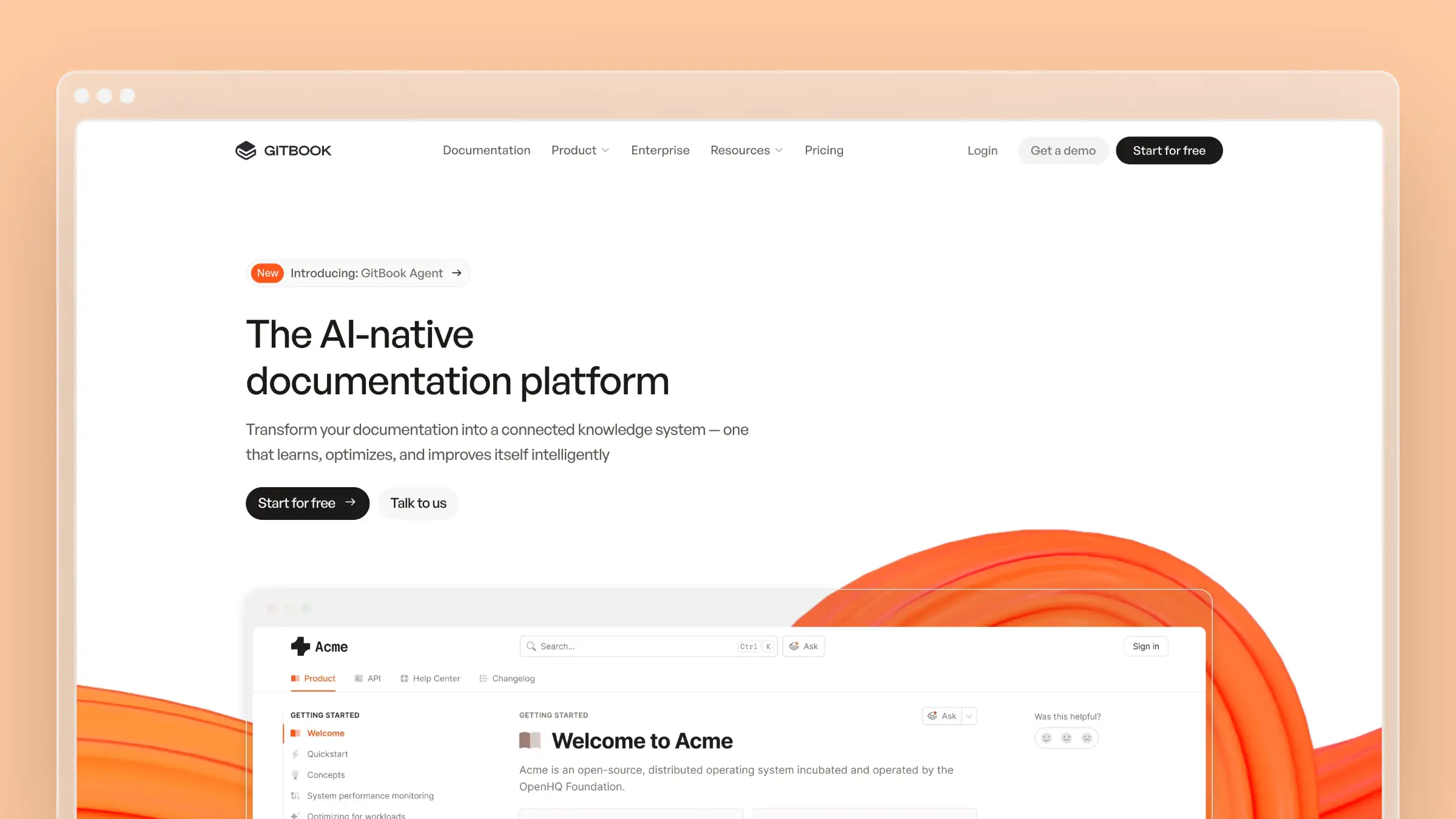
GitBook added AI capabilities through its Docs Agent. It learns from user conversations to suggest improvements and can summarize Slack threads into knowledge base articles.
What sets it apart: Strong Slack integration for capturing knowledge from team conversations. The GitHub Copilot Extension lets developers query docs from VS Code. Notion-like editor is approachable for non-technical contributors.
Best for: Teams that need collaboration between technical and non-technical writers. Developer docs that live close to the codebase. See our GitBook pricing breakdown.
Mintlify
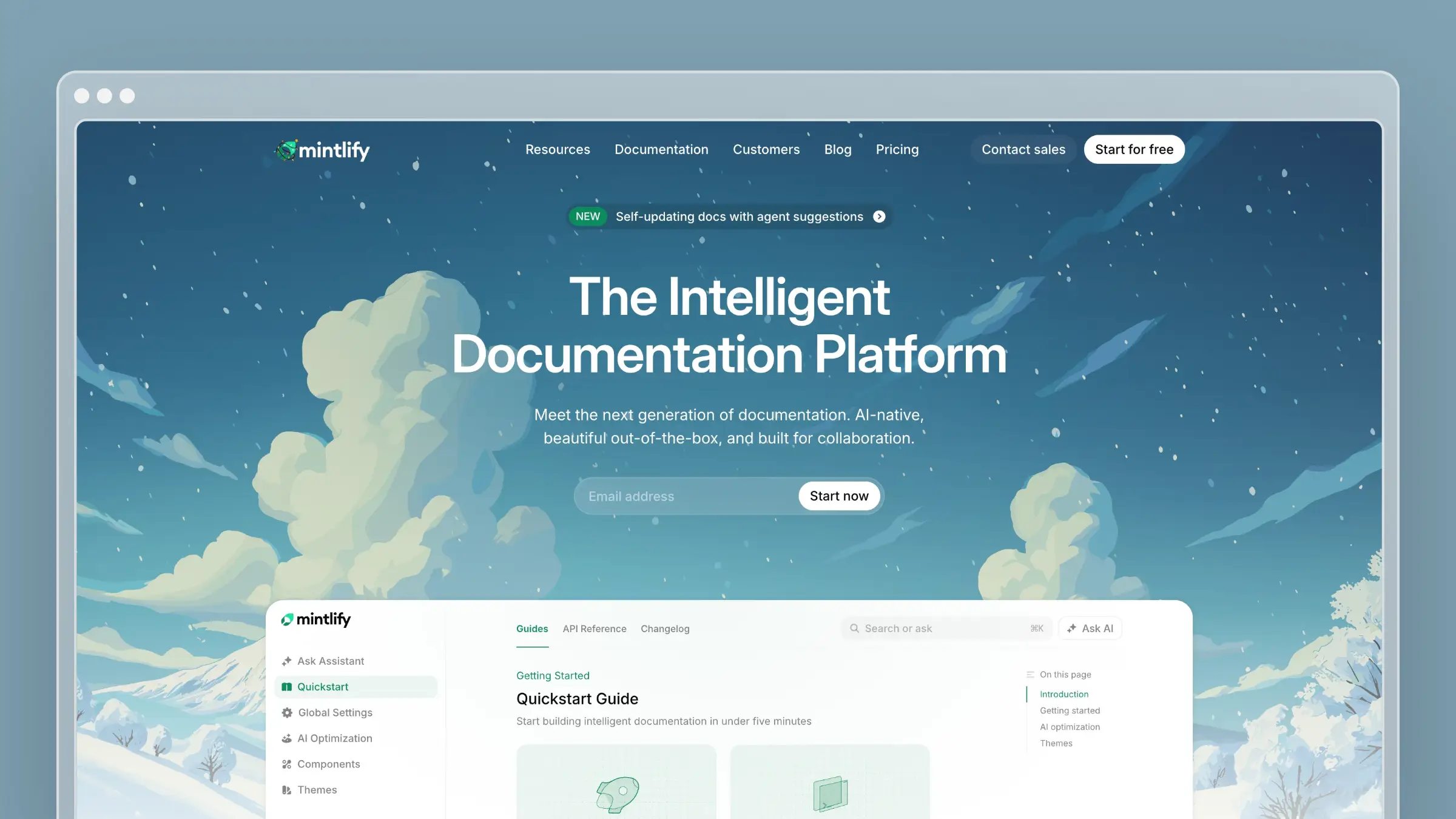
Mintlify focuses on developer documentation. Its agent creates pull requests with proposed doc changes and can rename features across all documentation automatically.
What sets it apart: Docs-as-code workflow with full Git sync. The agent is accessible via dashboard, Slack, or API. Strong focus on API documentation and developer experience. Supports llms.txt for AI discoverability.
Best for: Developer-focused companies that want beautiful API docs with tight GitHub integration. See our Mintlify pricing breakdown.
How They Compare
| Capability | Ferndesk | GitBook | Mintlify |
|---|---|---|---|
| Codebase monitoring | Yes | Via Git sync | Yes |
| Support ticket analysis | Yes | No | No |
| Draft full articles | Yes | Suggestions | Via PRs |
| Screenshot automation | Yes | No | No |
| Slack integration | No | Yes | Yes |
| Best for | Help centers | Team wikis | Developer docs |
| Starting price | $149/month | $0 (limited) | $0 (limited) |
For help centers and customer-facing documentation, Ferndesk does the most to keep content current automatically. For developer docs, Mintlify’s Git workflow is hard to beat. GitBook sits in between as a solid collaborative option.
ROI of Keeping Your Knowledge Base Up to Date Automatically
Quick math on a 500-ticket-per-month operation.
Manual updates:
- 8-40 articles need updates monthly
- 30 minutes average per update
- 4-20 hours/month on maintenance
Automatic updates:
- Agent drafts everything
- Human review: 5-10 minutes per article
- Total: 2-5 hours/month reviewing
At $50/hour, that’s $650-1,250/month in reclaimed time.
The bigger number is ticket deflection. TSIA research shows 40-60% of tickets can be deflected through documentation. But stale docs deflect nothing. If automation keeps your knowledge base current enough to deflect 40% of tickets instead of 10%, that’s 150 fewer tickets monthly. At 7 minutes each, 17 hours your support team gets back.
Combined: $1,500+ monthly value from a tool that costs less than your Slack bill.
How to Get Started
Audit first. How many articles are wrong right now? What percentage of tickets ask questions your docs should answer? Our knowledge base refresh guide walks through this.
Connect your sources. More context = better output. Start with your support platform and GitHub.
Review early drafts carefully. The AI learns your style over time. Early drafts need more editing.
Trust good enough. The point isn’t perfect documentation. It’s documentation that improves continuously instead of decaying continuously.
If your documentation is always outdated, you’re not alone. It’s been a losing battle for every team that ships faster than they write. You ship, then you chase. The help center is perpetually behind the product.
Automatic knowledge base maintenance inverts this. Instead of docs chasing your product, they evolve together.
If your docs are already stale, start with the 2-hour refresh. Then pick a tool that fits your use case: Ferndesk for help centers, GitBook for team wikis, or Mintlify for developer docs.


 Book a demo