

Your support team is drowning. Every product update spawns a wave of “how do I…?” tickets. Every new customer brings the same onboarding questions. Your agents are stuck in an endless loop of copy-pasting the same answers they wrote yesterday.
You know you need a help desk provider. The question is: which one?
The help desk software market is projected to reach $35 billion by 2035, with over 400 vendors fighting for your business. Zendesk, Freshdesk, Intercom, Help Scout, ServiceNow. The options are overwhelming.
But here’s what most comparison guides won’t tell you: the best help desk is the one your customers never have to use.
According to TSIA research, up to 60% of support tickets could be resolved through documentation alone. Harvard Business Review found that 81% of customers attempt to self-serve before contacting support. They want to solve problems themselves, but you’re not giving them the tools to do it.
This guide breaks down the help desk landscape honestly: what each provider actually delivers, where the costs hide, and why the most important metric isn’t how fast you resolve tickets, but how many you prevent in the first place.
The Market in 2025
The help desk industry is massive and accelerating:
| Metric | Value | Source |
|---|---|---|
| Market size (2025) | $14.3 billion | Future Market Insights |
| Projected size (2035) | $35 billion | Future Market Insights |
| Annual growth rate | 9.4% CAGR | Future Market Insights |
| Cloud deployment share | 62% | Business Research Insights |
| Large enterprise share | 58.7% | Business Research Insights |
| AI integration rate | 36% | Business Research Insights |
The top six vendors (ServiceNow, Zendesk, Salesforce, Freshworks, Zoho, and HubSpot) control nearly 52% of the global market. That concentration tells you something: switching costs are high, and once you’re in, you tend to stay.
Three forces are driving this growth. First, customer expectations have fundamentally shifted. 80% now say the experience a company provides matters as much as its products. Second, the AI customer service market is exploding from $12 billion in 2024 to a projected $48 billion by 2030. Third, remote work made cloud-based support tools essential rather than optional.
The Major Providers, Honestly
Most comparison articles give you feature lists and call it a day. Here’s what they don’t tell you.
Zendesk
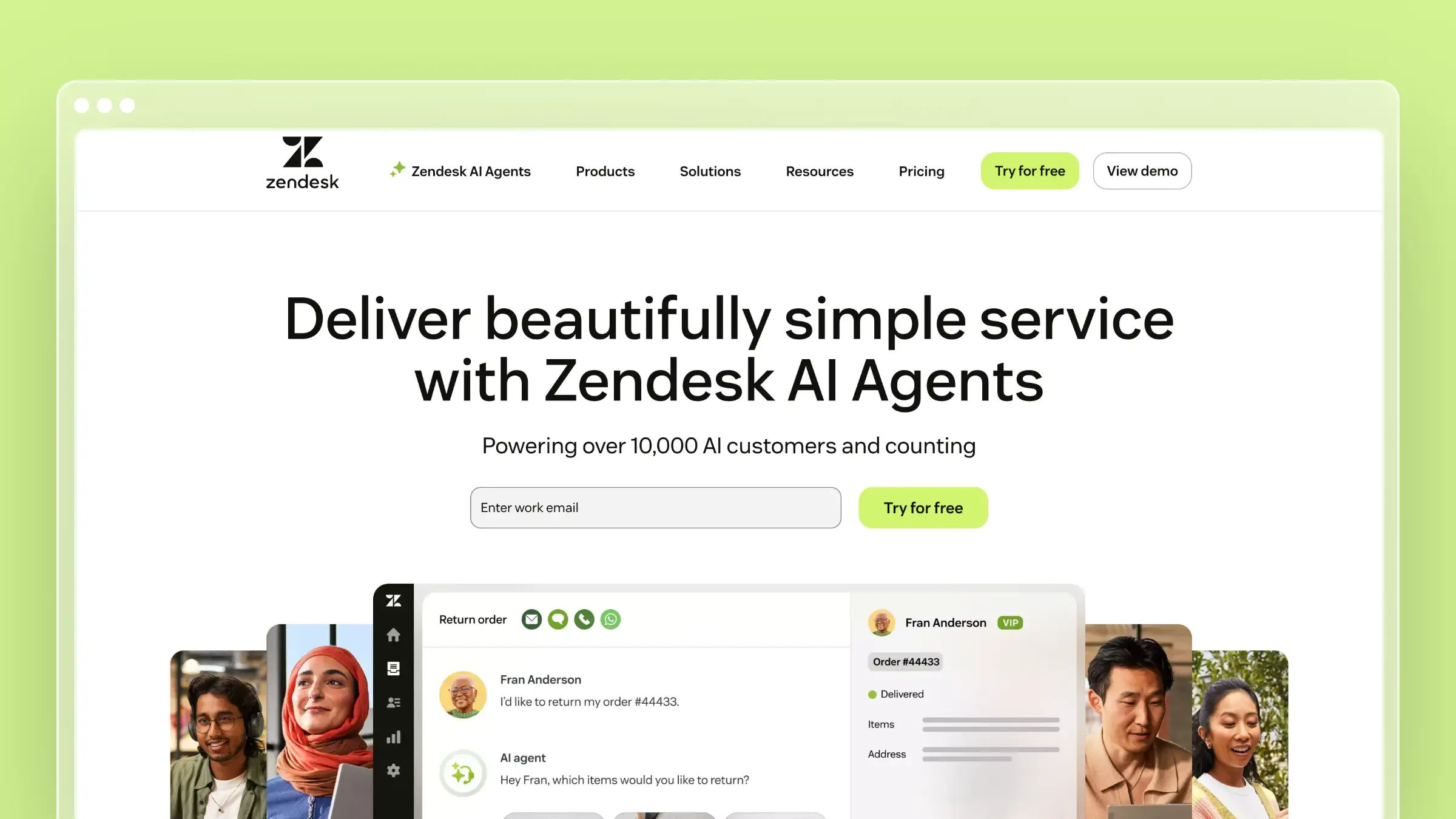
Zendesk is the industry incumbent, processing billions of tickets annually. It’s the choice that nobody gets fired for making: enterprise-grade, mature, and backed by a massive ecosystem of integrations.
The platform excels at omnichannel support. Email, chat, phone, social. Zendesk handles it all with robust reporting and analytics. If you need to connect support to Salesforce, SAP, or legacy enterprise systems, Zendesk probably has an integration.
The catch is that you pay for this maturity. Plans start at $55/agent/month and climb to $169+ for Professional, but real-world costs often run 2-3x the base rate once you add AI ($50/agent), analytics add-ons, and premium integrations. A 10-agent team easily spends $15,000-25,000/year. Twenty agents on Pro? That’s $40,000+/year before extras.
The other trade-off is complexity. Users report weeks of configuration time to get workflows right. Lower-tier plans get 2-day SLA support and no phone access. And if you’re on an entry plan, you can’t export your ticket data, a deliberate lock-in that should give you pause.
Zendesk makes sense for: Mid-to-large enterprises with budget for premium pricing, deep integration requirements, and a preference for the “safe” enterprise choice.
Freshdesk
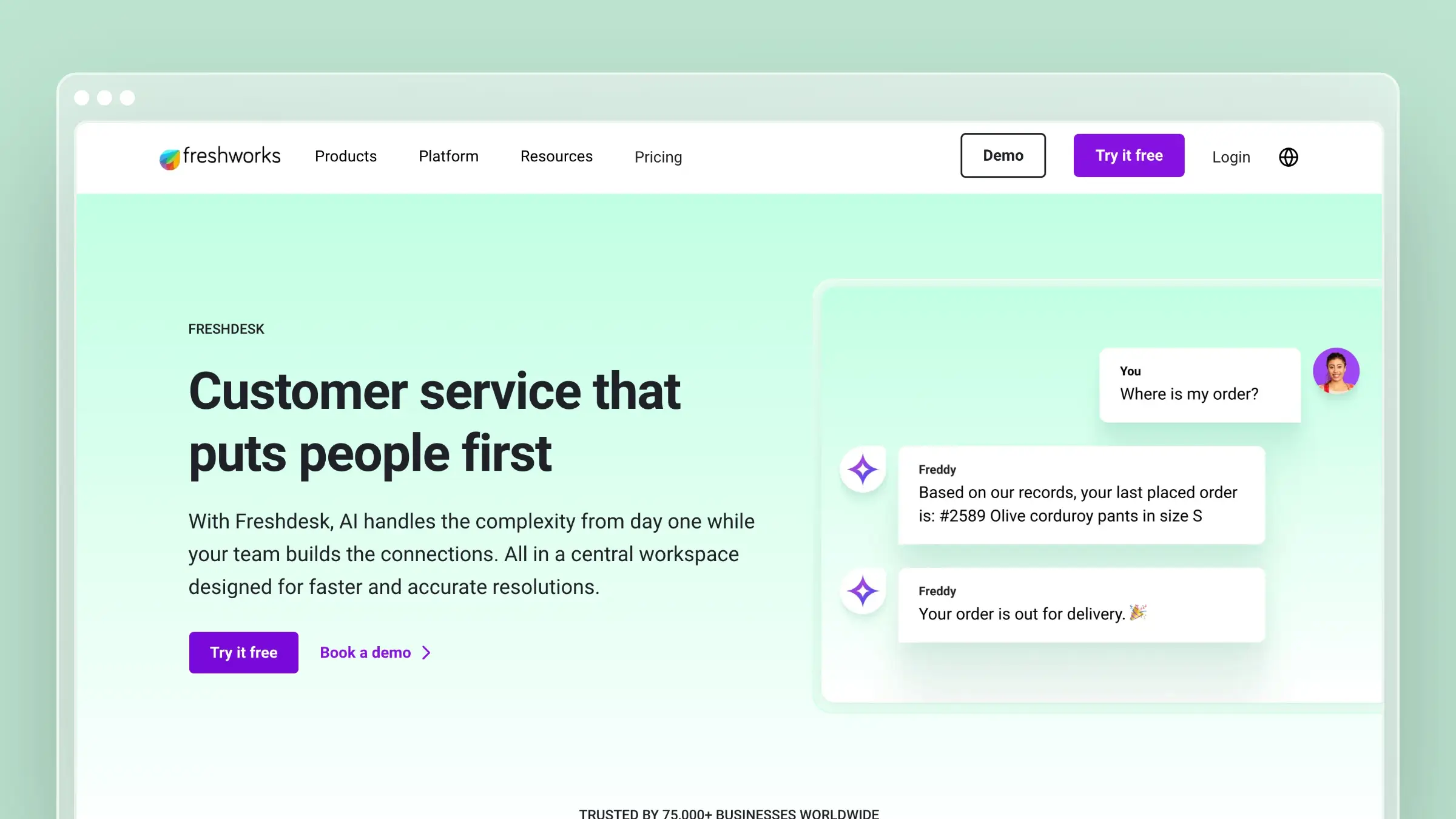
Freshdesk positions itself as the affordable Zendesk alternative, and on paper, it delivers. The interface is intuitive, the free tier (2 agents) is actually useful for testing, and they’ve built nearly 700 marketplace integrations.
But the pricing story is more complicated than the marketing suggests. Base plans run $15-79/agent/month, which looks attractive until you realize AI features cost $29/agent extra and use session-based billing that makes costs unpredictable. Want multi-channel support? Freshdesk + Freshchat + Freshcaller runs $59/agent minimum just for basics.
The knowledge base (called Solutions) works fine, but it’s entirely manual. You write articles, you update them when products change, you hope customers find them. There’s no intelligence connecting your support tickets to your documentation gaps. As you scale, the platform can feel overwhelming with settings buried in menus that made sense at launch but accumulated cruft over the years.
A 10-agent team on Pro + AI pays $9,360/year. Cheaper than Zendesk, but not the budget option the landing page implies.
Freshdesk makes sense for: Teams that need solid ticketing at moderate cost and are already in the Freshworks ecosystem, or those who want a free tier to test before committing.
Intercom
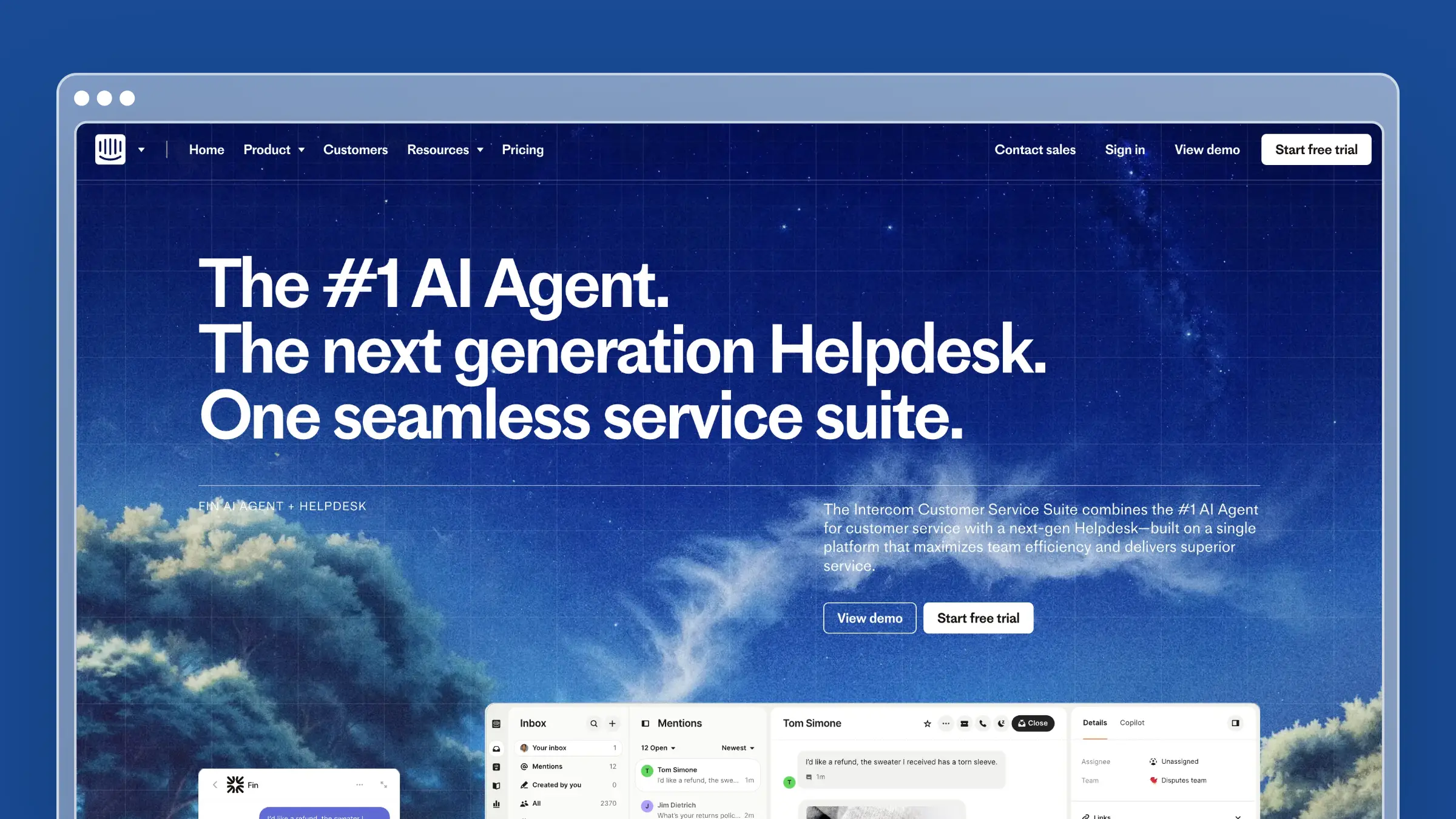
Intercom took a different approach entirely. Instead of building another ticket inbox, they pioneered conversational support by embedding chat widgets directly in products, making support feel like messaging a friend rather than filing a ticket.
The product reflects this philosophy. The chat experience is genuinely best-in-class, the product tour features are strong, and the interface feels consumer-grade in a good way. For product-led growth companies, Intercom’s approach often fits the brand better than traditional ticketing.
The pricing model, however, can bite you. Plans start at $29/seat/month, but most teams need Advanced at $85/seat because Essential lacks basic features like custom roles. The AI chatbot charges $0.99 per resolution, which sounds cheap until you do the math: 1,000 sessions with a 50% resolution rate costs $495/month in AI fees alone.
Intercom also struggles with high-volume ticket management. The conversational approach works brilliantly for product questions and sales inquiries, but if you’re processing thousands of support tickets daily, the lighter ticket structure becomes a limitation. API limits cap syncing to 500 items, which creates headaches when you need historical data.
Intercom makes sense for: Product-led growth companies where in-app messaging is the primary support channel and you can absorb variable AI costs.
Help Scout

Help Scout recently made a bold move: flat monthly pricing with unlimited users. At $50-75/month regardless of team size, they’ve eliminated the per-agent math that makes other providers so painful to scale.
The product itself is refreshingly simple. Help Scout does email support well and doesn’t try to be everything else. The interface is clean, the learning curve is minimal, and the Docs knowledge base product is solid for basic documentation needs.
The limitation is that “solid for basic needs” is the ceiling. Docs is entirely manual. You write articles, you update them yourself, there’s no AI to help and no system to detect when content goes stale. The knowledge base exists, but it’s clearly secondary to the inbox. Automation capabilities lag behind Zendesk and Freshdesk. The free tier only allows 50 contacts per month, which is roughly two customers per day.
Help Scout won’t wow you, but it also won’t surprise you with hidden costs or complexity you didn’t sign up for.
Help Scout makes sense for: Small teams that value simplicity, use email as their primary support channel, and are willing to maintain documentation manually.
ServiceNow
ServiceNow is the enterprise heavyweight. Fortune 500 companies running complex ITSM operations across IT, HR, and customer service on a single platform.
If you need to handle millions of tickets, require enterprise security and compliance controls, and have dedicated IT resources for a multi-month implementation, ServiceNow can do things no other platform can. Custom pricing typically starts at $100+/agent/month.
For everyone else, it’s overkill. The platform was built for IT service management, not customer support. Implementation takes months, not days. The complexity that makes it powerful for large enterprises makes it impractical for normal companies.
ServiceNow makes sense for: Fortune 500 enterprises with dedicated IT resources and complex ITSM requirements.
Where the Real Costs Hide
Vendor websites show you base prices. Your actual bill tells a different story.
Per-agent pricing doesn’t scale linearly. According to Oxaide’s analysis, growing from 10 to 20 agents doubles your software costs even if support volume only increases 50%. Part-time agents get billed as full seats. Managers who need view-only access often require paid seats too. A 50-agent team on Zendesk Professional pays $100,000+/year before any add-ons.
AI is table-stakes but costs extra everywhere:
| Provider | AI Add-on Cost | Pricing Model |
|---|---|---|
| Zendesk | $50/agent/month | Required for all agents |
| Freshdesk | $29/agent/month | Per-agent or per session |
| Intercom | $0.99/resolution | Pay-per-use |
Gartner predicts conversational AI will reduce contact center labor costs by $80 billion by 2026, but only for companies that can afford to implement it without blowing their budgets on unpredictable usage fees.
Knowledge bases drift from reality. Every help desk includes documentation features, but they’re passive tools. You write articles, organize them, hope customers find them. Nothing detects when content goes stale. Nothing identifies gaps from ticket patterns. Nothing updates documentation when your product changes.
The result? According to Gartner, only 14% of customer service issues are fully resolved through self-service. The technology to do better exists, but most help desk providers just haven’t built it.
The Metric That Actually Matters
If you’re evaluating help desk providers on ticket management features, you’re optimizing for the wrong thing.
The question isn’t “How efficiently can we handle tickets?” It’s “How many tickets can we prevent?”
The Economics
Industry data shows the cost differential clearly:
- Self-service contact: $1.84
- Human-assisted contact: $13.50
Every ticket you deflect through documentation saves roughly $12. A company handling 1,000 tickets monthly that achieves 40% deflection saves over $57,000 annually, enough to fund a support hire or two.
What Deflection Actually Looks Like
The numbers vary by maturity:
- Well-designed self-service portals: 40-60% deflection
- Mature programs (Atlassian, Zendesk, HubSpot): 65-75% deflection
- AI-powered documentation: 25-45% additional deflection
- Best performers: 80%+ deflection
Companies hitting these numbers don’t just have knowledge bases. They have systems that keep documentation current as products change, surface content where customers are looking, identify gaps before customers complain, and measure deflection at the point of ticket creation.
Why Traditional Help Desks Fail Here
Traditional help desk providers built their businesses around ticket management. Their economic incentive is to make ticket handling efficient, not to eliminate tickets. For a comparison focused on knowledge bases rather than ticketing, see our best help center software guide.
Think about it: they charge per-agent because more agents means more revenue. They don’t prioritize self-service because fewer tickets means less platform usage. They treat knowledge bases as checkbox features because their real product is the inbox.
The result is an industry that’s remarkably good at managing support volume and remarkably bad at reducing it.
Choosing the Right Provider
Given everything above, here’s a practical framework:
Start with your actual problem. Are you struggling with ticket volume? You need better self-service, not faster ticket handling. Response time issues? Automation and routing matter more than interface design. Agent efficiency? Look at workflow tools and templates. Customer satisfaction? Focus on omnichannel experience and follow-up capabilities.
Most companies struggling with “help desk” are actually struggling with ticket volume. They don’t need a better inbox. They need fewer things in it. Our guide on how to scale customer support covers the full playbook for reducing ticket volume while maintaining quality.
Calculate true costs. Model out: agents × price × 12 months, plus AI add-ons for agents who need it, plus integration costs, plus implementation time, plus scaling costs as you grow. A tool that’s $20/agent cheaper but lacks features will cost more in workarounds and inefficiency.
Evaluate self-service seriously. Ask: How does the knowledge base stay current as products change? Can we identify documentation gaps from ticket patterns? Is content searchable and discoverable in-app? If the answers are “manually,” you’re buying a tool that creates ongoing work rather than reduces it.
Test their support. Before signing, submit requests to the vendor. Note response time, helpfulness, and escalation quality. If a help desk company can’t provide good support themselves, that tells you something.
Plan for where you’ll be in two years. The help desk you choose today will likely serve you for 3-5 years. How will costs scale? Will it support the channels you’ll need? Is the vendor investing in AI and automation? Can you get your data out if needed?
When Each Provider Fits
Zendesk: Mid-to-large enterprises with budget for premium pricing, deep integration requirements, and preference for the established enterprise choice.
Freshdesk: Teams needing solid ticketing at moderate cost, already in the Freshworks ecosystem, or wanting a free tier to test.
Intercom: Product-led growth companies where in-app messaging is the primary channel and variable AI costs are acceptable.
Help Scout: Small teams valuing simplicity, using email as the primary channel, willing to maintain documentation manually.
ServiceNow: Fortune 500 enterprises with dedicated IT resources and complex ITSM requirements.
A Different Approach
What if you could reduce ticket volume by 40-60% instead of just managing it better?
That’s the premise behind tools focused on self-service deflection rather than ticket management. Instead of helping you respond to tickets faster, they help you get fewer tickets in the first place.
The approach works differently:
Documentation that maintains itself. Instead of manually writing and updating articles, AI agents analyze your codebase, support tickets, and product changes to draft and update content automatically.
Proactive gap detection. Rather than waiting for customers to complain about missing docs, systems identify patterns in support tickets and flag what’s missing.
Contextual in-app help. Instead of hiding documentation in a footer link, widgets surface relevant content exactly where customers are struggling.
Continuous auditing. Weekly scans detect stale content before customers do, flagging articles that need updates based on product changes.
How Ferndesk Fits

Ferndesk approaches the problem from the other direction. Instead of managing tickets, it focuses on preventing them through documentation that maintains itself.
| Feature | Traditional Help Desk | Ferndesk |
|---|---|---|
| Primary focus | Ticket management | Ticket prevention |
| Pricing model | Per-agent | Flat monthly rate |
| Documentation | Manual writing/updates | AI drafts and maintains |
| Gap detection | None | Weekly automated audits |
| Ticket analysis | Basic reporting | AI identifies FAQ patterns |
| Content updates | Manual | Automatic from codebase changes |
| Starting price | $15-55/agent/month | $149/month (flat) |
The AI agent, Fern, reads your codebase, support tickets, and changelogs to draft articles that address what customers actually ask. When your product changes (detected via GitHub commits), it identifies which articles need updates and drafts changes for review. Connect it to your existing help desk (Intercom, Zendesk, Help Scout, Freshdesk, Crisp) and it analyzes up to 5,000 tickets monthly to identify patterns and generate FAQs automatically.
Pro costs a flat $149/month or $1,490/year and includes five editors, with additional editors at $10/month each.
Ferndesk isn’t trying to replace your ticketing system. It’s designed to complement it. Many teams use Zendesk or Freshdesk for tickets that need human attention while using Ferndesk as their customer-facing help center. Fewer tickets means lower costs on your per-agent help desk, plus happier customers who found answers instantly.
The Bottom Line
The help desk market offers no shortage of options for managing tickets. Zendesk, Freshdesk, Intercom, Help Scout. They’re all competent at routing, tracking, and resolving support requests.
But managing tickets is treating a symptom. The real problem is too many tickets in the first place.
92% of consumers would use an online knowledge base if it were available and helpful. 61% prefer self-service for simple issues. They’re trying to help themselves. Your job is to let them.
Traditional help desk providers charge per-agent because their business model depends on you needing more agents. They include knowledge bases as checkbox features because their real product is the inbox.
If you want to actually reduce support burden, not just manage it more efficiently, look for tools that focus on prevention: AI that drafts and maintains documentation, systems that detect gaps before customers complain, in-app help that surfaces answers in context, and analytics that measure deflection rather than just resolution time.
Your support team is too valuable to spend answering the same questions every day. The best help desk is the one your customers rarely need.
Ready to reduce ticket volume instead of just managing it? Ferndesk offers AI-powered documentation that maintains itself, with ticket analysis that identifies exactly what content you’re missing. Start a free trial and see how many tickets you can prevent.


 Book a demo