


GitBook has been a go-to documentation platform for years, but their pricing model has evolved significantly. If you haven’t looked at GitBook pricing recently, you might be surprised by the changes.
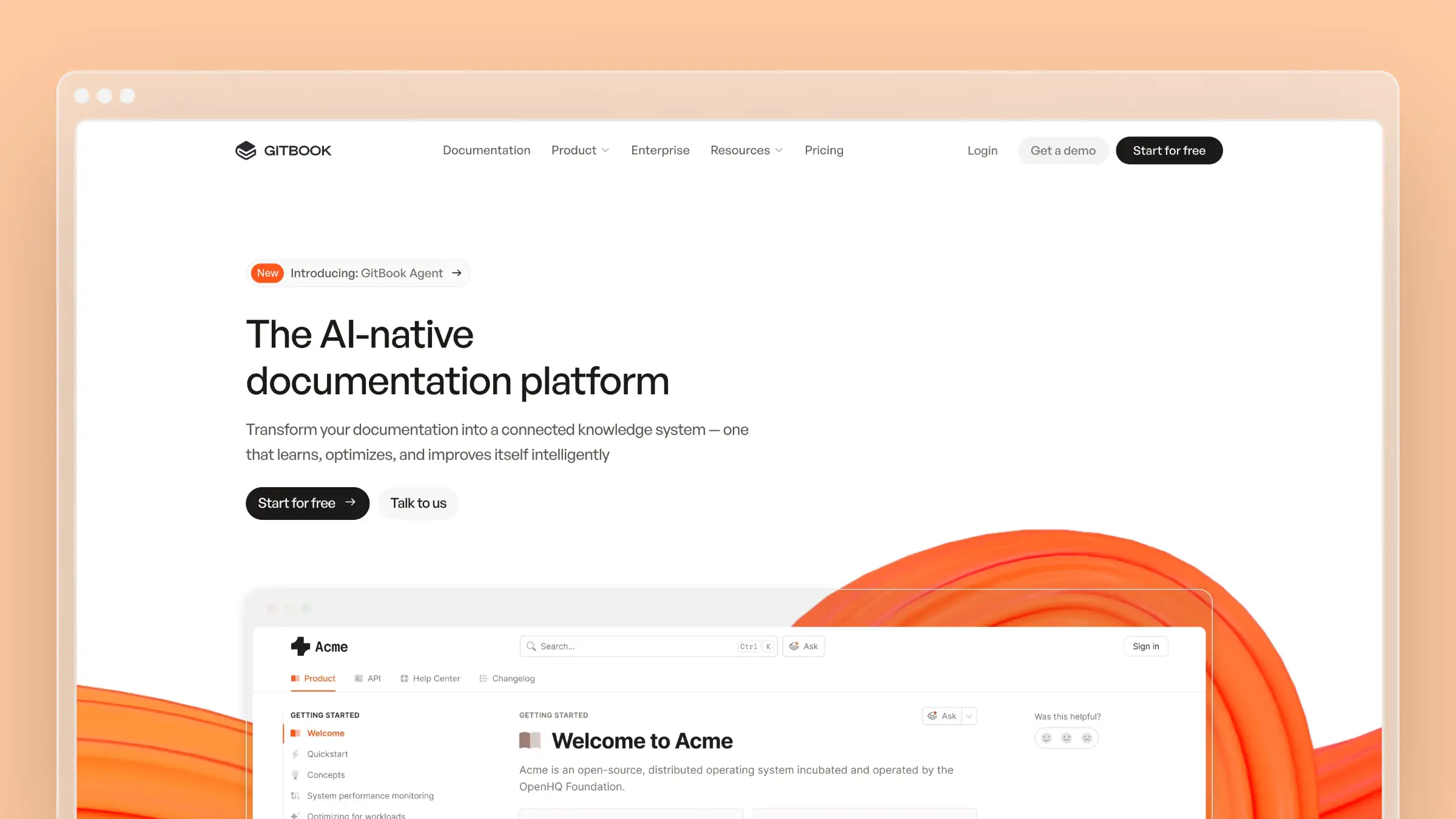
The platform now uses per-site pricing with additional user fees. Here’s what you actually need to know.
Verified pricing: Numbers below were checked against GitBook’s official pricing page on 12 June 2026. GitBook bills per documentation site, with $12 per additional user per month on paid plans. We re-check these figures on every update.
GitBook Pricing Overview
GitBook charges per documentation site, with additional costs for team members beyond the first user.
| Plan | Price/Site | Additional Users | Key Features |
|---|---|---|---|
| Basic | $0/month | N/A (1 user only) | Public docs, basic customization, site insights |
| Premium | $65/month | $12/user/month | Custom domain, branding, AI Answers, advanced insights |
| Ultimate | $249/month | $12/user/month | Site sections, visitor auth, AI Assistant, search across docs |
| Enterprise | Custom | Custom | SAML SSO, dedicated support, custom contracts |
14-day free trial available on paid plans. No credit card required.
Basic Plan (Free)
GitBook’s free tier is designed for individual users and open-source projects. Here’s what you get:
What’s included:
- Unlimited traffic
- Public publishing
- Basic customization
- Site insights
- Preview deployments
- 1 user included
What’s missing:
- No custom domain (stuck with gitbook.io subdomain)
- No custom logo, themes, or fonts
- No AI features
- No advanced analytics
- No visitor authentication
- Limited to single-user editing—no team collaboration
Reality check: The Basic plan works for solo developers or open-source documentation. But the moment you need a teammate, you’re looking at $65/month minimum. GitBook has also made changes that restrict access to updates unless you upgrade, frustrating some users.
Premium Plan ($65/month)
The Premium plan adds the features most teams actually need.
What’s included:
- Everything in Basic
- Custom domain support
- Custom logo, theme, and fonts
- AI-powered answers
- Advanced site insights
- Site redirects
What’s missing:
- No site sections (for organizing large docs)
- No visitor authentication
- No AI Assistant for content creation
- No search across multiple docs
- No adaptive content
Cost example:
For a 3-person team with a Premium site:
- Premium site: $65/month
- 2 additional users at $12/user: $24/month
- Total: $89/month (~$1,068/year)
Ultimate Plan ($249/month)
The Ultimate plan is GitBook’s top tier, aimed at larger organizations.
What’s included:
- Everything in Premium
- Site sections and groups for organizing complex docs
- Search across all your documentation
- Visitor authentication (Azure, Auth0, Okta, etc.)
- AI Assistant for content creation
- Custom fonts
- Adaptive content
What’s missing:
- No SAML SSO (requires Enterprise)
- No dedicated account manager
- No migration assistance
- No custom contract terms
Cost example:
For a 10-person team with Ultimate:
- Ultimate site: $249/month
- 9 additional users at $12/user: $108/month
- Total: $357/month (~$4,284/year)
Enterprise Pricing
For large organizations, GitBook offers custom enterprise plans. Based on available data:
- Average cost: ~$15,000/year
- Maximum reported: ~$74,000/year for large deployments
Enterprise plans include:
- SAML SSO
- Migration assistance
- Advanced targeting
- Dedicated account manager
- Invoice and wire transfer options
- Security reviews
- Custom contract terms
The Hidden Costs
GitBook’s pricing has some quirks that aren’t immediately obvious:
Per-user fees add up: Every team member beyond the first costs $12/month on paid plans. A 5-person team on Premium pays $113/month ($65 + $48 for 4 users), not $65.
Per-site costs: Each separate documentation site requires its own plan. If you’re running multiple products with separate docs, costs multiply quickly.
Recent pricing changes: GitBook has shifted policies, and some users have reported needing to upgrade to paid plans just to continue editing existing content.
AI feature limits: While GitBook offers AI Answers and AI Assistant, they’re not designed to automatically maintain your documentation. You still need to manually update content.
What GitBook Does Well
Polished output: GitBook documentation looks professional out of the box. The reading experience is clean and modern.
Git integration: Native GitHub and GitLab sync means your docs can live alongside your code.
Collaboration features: Real-time editing and commenting work smoothly for distributed teams.
Search functionality: Built-in search is fast and reasonably accurate.
GitBook Agent (Beta): GitBook now offers an AI agent that can proactively identify documentation gaps and propose updates. It connects to GitHub issues, Intercom tickets, and Slack to transform conversations into documentation. The agent can also auto-update API docs from OpenAPI specs and handle AI-powered translations. Currently free in open beta on the Ultimate and Enterprise plans.
What GitBook Doesn’t Do
GitBook Agent requires Ultimate: GitBook Agent is only available on the Ultimate plan ($249/month per site) and Enterprise, and it is free only while the beta lasts. Premium ($65/month) includes AI Answers search but not the agent, and the Basic plan has no AI features at all.
No support ticket analysis: While GitBook Agent can connect to Intercom, it’s focused on individual conversations rather than analyzing patterns across thousands of support tickets to identify FAQ opportunities.
Limited customer self-service tools: GitBook is primarily a documentation publishing platform. There are no embedded help widgets, no customer-facing AI search, and limited analytics on what customers are actually searching for.
No migration assistance on standard plans: Moving from another platform requires significant manual effort unless you’re on Enterprise.
When GitBook Makes Sense
GitBook is a good choice if:
- You want polished, professional-looking documentation
- Your team is comfortable with Git-based workflows
- You primarily need public-facing technical docs
- You have writers dedicated to maintaining content
- You need a mature, established platform
When to Consider Alternatives
You might want to look elsewhere if:
- You need documentation that updates automatically
- Per-user fees make team scaling expensive
- You want AI that proactively maintains content
- You need a customer-facing help center (not just developer docs)
- You’re concerned about recent pricing policy changes
For the full feature verdict (pros, cons, and the AI Agent), read our GitBook review. For alternatives, see our GitBook alternatives guide. You might also want to compare Mintlify pricing or HelpDocs pricing if you’re evaluating multiple options.
How Ferndesk Compares

| Feature | GitBook | Ferndesk |
|---|---|---|
| Starting price | $65/month + $12/user | $149/month (5 users included) |
| AI agent for updates | Ultimate/Enterprise (beta) | Pro |
| AI usage | Limited to AI Assistant | Unlimited drafts; 1,000 conversations/mo |
| Support ticket analysis | Individual conversations | Up to 5,000 tickets/month |
| Customer self-service | Basic search | AI-powered search, widgets, analytics |
| Team members | $12/user extra | 5 included |
| One-click migration | Enterprise only | Yes (Intercom, Zendesk, Help Scout) |
Both GitBook and Ferndesk now offer AI agents for documentation updates—but the accessibility and approach differ significantly.
Flat workspace pricing: GitBook’s AI features require Premium ($65/month) or higher, plus $12 per additional user. Ferndesk Pro costs $149/month or $1,490/year with 5 team members included. For a 3-person team, that’s $89/month on GitBook vs $149/month on Ferndesk; the price gap narrows as GitBook adds users.
Built for customer self-service: GitBook is a documentation publishing platform. Ferndesk is a complete help center with AI-powered search for customers, embedded help widgets, customer behavior analytics, and feedback collection. Your customers can actually find and use the answers.
Support ticket intelligence: Ferndesk analyzes up to 5,000 support tickets per month to identify patterns and generate FAQs. GitBook Agent connects to Intercom but focuses on individual conversations, not aggregate analysis across your entire support history.
More generous AI usage: Ferndesk’s Pro plan ($149/month or $1,490/year) includes unlimited AI drafting and 1,000 AI conversations per month. GitBook’s AI features are tied to specific plan tiers with less transparency on limits.
Bottom Line
GitBook is a mature documentation platform, and the new GitBook Agent (currently in beta) adds useful automation—if you’re on Pro or Enterprise. But the per-user fees and per-site costs add up fast.
For a 5-person team with one Premium site, you’re looking at $113/month. Add GitBook Agent capabilities and you need Ultimate at $297/month for the same team.
If you need a customer-facing help center with AI features at a predictable price, Ferndesk costs $149/month or $1,490/year with five team members and unlimited AI drafting included. Try it free and see how much time you save.


 Book a demo