


Software documentation tools all promise roughly the same editor, so this comparison ranks them on the part they don’t mention: what happens to your docs after launch. Documenting an API specifically? See our API documentation software overview. With that lens, the quick picks are Mintlify for developer-facing API reference, Confluence if you live in Atlassian, Docusaurus if you want open source documentation software and have the engineers to care for it, and our own Ferndesk if you want documentation that maintains itself.
What is a software documentation tool?
A software documentation tool is a platform for creating, organizing, and publishing written content that explains how a product works. That content can take several forms: internal wikis for engineering teams, API reference pages for developers, or customer-facing help centers for end users.
The category is broad. A docs-as-code framework like Docusaurus, a collaborative wiki like Confluence, and an AI-native help center like Ferndesk all qualify. What separates them is who writes the content, who reads it, and how much work it takes to keep it accurate after launch.
A team needs a dedicated tool the moment documentation spans more than one audience, ships alongside a product that changes weekly, or starts generating support tickets because customers can’t find accurate answers.
The ranking criterion is maintenance. 80% of knowledge bases are out of date, and in the same survey only 19.1% of support professionals called their docs “very accurate.” Writing the docs was never the hard part. Keeping them true is, and that’s what every tool below gets judged on.
How do you keep software documentation up to date automatically?
You let the docs follow the code. A self-updating help center reads your codebase, pull requests, changelog, and support tickets, then drafts the edits when something ships that makes an article wrong, so you review instead of hunting for what went stale. That is the maintenance layer most software documentation tools leave to you.
Why Documentation Tools Fail
Every documentation tool promises to make writing easier. Few acknowledge what happens after you hit publish.
Here’s the reality:
Products evolve daily. Documentation doesn’t. Features change, workflows get updated, new use cases emerge. But documentation stays frozen in time. That disconnect grows every day your product ships without corresponding doc updates.
Manual maintenance doesn’t scale. Your engineering team ships faster than your docs team can write. Even dedicated technical writers can’t track every PR, every feature flag, every UI change that affects customer-facing content.
Stale docs create more work, not less. When customers find outdated information, they don’t just close the tab. They submit support tickets. They lose trust. They churn. A poorly maintained knowledge base leads to a 23% increase in support tickets.
The tools that win aren’t the ones with the prettiest editors. They’re the ones that solve the maintenance problem.
What to Actually Look For
Before diving into specific tools, here’s the framework I use to evaluate documentation platforms:
1. How does it detect outdated content? Does the tool just store your docs, or does it actively monitor for staleness? The best tools connect to your codebase, support tickets, and product releases to flag when documentation drifts from reality.
2. How does it identify gaps? Your customers know what’s missing from your docs better than you do. They tell you every time they submit a support ticket. Tools that analyze customer questions can surface exactly what you need to document next.
3. How does it reduce maintenance burden? Writing the first draft is maybe 20% of the work. Keeping content accurate over months and years is the other 80%. Look for automation, AI assistance, and workflows that make updates frictionless.
4. How does it impact support ticket volume? The whole point of documentation is deflecting support requests. If your tool doesn’t track this or help you improve it, you’re flying blind.
5. How does it integrate with your workflow? Documentation that lives in a silo gets forgotten. Tools that connect to GitHub, your support platform, and your internal systems stay relevant.
6. Can readers and AI systems actually find the answer? Current content still fails if nobody can retrieve it. Look at search controls, how well content is structured for retrieval, and whether the platform reports missed searches and failed AI answers. This is a separate question from whether the platform uses AI to help you write. A tool can have strong authoring AI and weak reader-facing search, or the reverse.
With that framework in mind, here are the best software documentation tools in 2026, ranked by how well they solve the maintenance problem.
Who Each Documentation Type Serves
Not every tool fits every audience. Before picking a platform, identify which documentation type you’re primarily solving for.
Developer documentation — Written by engineering or developer relations teams for external developers integrating an API or SDK. The goal is technical accuracy and interactive reference. Best-fit tools: Mintlify, ReadMe, Docusaurus.
Customer help centers — Written by support or product teams for end users troubleshooting the product. The goal is deflecting support tickets and reducing churn. Best-fit tools: Ferndesk, GitBook, Document360.
Internal wikis — Written by anyone across the company for internal audiences: onboarding, processes, runbooks. The goal is knowledge sharing, not customer self-service. Best-fit tools: Confluence, Notion, GitBook.
API and product reference — Generated from OpenAPI specs or code comments and maintained alongside the codebase. The goal is keeping technical reference synchronized with what ships. Best-fit tools: Mintlify, ReadMe, Ferndesk (via GitHub integration).
Release notes and changelogs — Written by product or engineering teams to communicate what changed. The goal is keeping customers and internal stakeholders informed. Best-fit tools: Ferndesk (auto-generates from commits), GitBook, Mintlify.
Most teams need more than one type. The tools that handle multiple audiences without requiring separate platforms tend to win long-term.
Quick Comparison: Best Software Documentation Tools
| Tool | Best for | Starting price | Maintenance fit |
|---|---|---|---|
| Ferndesk | Customer help centers that stay current automatically | $149/month | Automated |
| Mintlify | Developer-facing API documentation | Free; Pro $450/month (annual) | Semi-automated |
| GitBook | Cross-functional teams needing collaborative editing | Free; $65/site + $12/user/month (annual) | Semi-automated |
| Document360 | Enterprise teams needing governance and versioning | On request | Manual |
| Confluence | Internal wikis inside the Atlassian ecosystem | Free up to 10 users; paid from $5.42/user/month | Manual |
| Notion | Internal knowledge sharing at small teams | Free tier; paid from $10/user/month | Manual |
| Docusaurus | Open-source projects with developer resources | Free (self-hosted) | Fully manual |
| ReadMe | API documentation with interactive Try It functionality | Free; Pro $250/month (annual) | Manual |
The Best Software Documentation Tools
1. Ferndesk
 Ferndesk approaches documentation differently than everything else on this list. Instead of giving you better ways to write docs manually, it gives you an AI agent that keeps your entire help center current automatically. The agent, called Fern, connects to your actual sources of truth.
Pros
- Connects to your codebase on GitHub to detect product changes
- Analyzes support tickets from Intercom, Help Scout, Zendesk, or Crisp to identify FAQs
- Pulls internal docs from Notion or Linear to extract tribal knowledge
- Watches changelogs and release notes to trigger documentation updates
- Runs weekly audits of your support inbox, forums, and product releases, then drafts updates for your approval instead of leaving staleness for you to find
- Support ticket analysis is particularly powerful. Instead of guessing what to document, you see exactly what customers struggle with, since Ferndesk analyzes up to 5,000 tickets monthly and drafts articles addressing real questions
- Active by design. Most documentation tools are passive, storing what you write until it goes stale. Ferndesk watches your product evolve and proactively keeps documentation in sync
Cons
- Newer platform than Confluence, Document360, or GitBook, so the integration library and community resources are still growing
- The value depends on connecting GitHub and your support platform. Teams unwilling to integrate those sources get a thinner version of the product
- Not built as a docs-as-code framework or internal engineering wiki, so teams wanting that specific workflow should look at Docusaurus or Confluence instead
- AI-drafted content still needs a human reviewer before publishing, which adds a review step some teams underestimate when budgeting time savings
Pricing
- Pro: $149/month or $1,490/year, includes unlimited PR reviews, 1,000 AI conversations/month, scheduled audits, and 5 editors
- Enterprise: from $399/month, includes 2,500 AI conversations/month, SAML SSO and SCIM, and custom integrations
- 7-day free trial included on the Pro plan
Best for
- Ship frequently and struggle to keep docs updated
- Want to reduce support ticket volume through better self-service
- Don’t have dedicated technical writers
- Need documentation that learns from customer questions
Skip if
- You need a docs-as-code workflow tied tightly to your repo’s PR process
- Your documentation lives entirely inside an internal wiki with no customer-facing component
For a deeper dive into how automated knowledge bases work, see our complete guide to automated knowledge bases.
2. Mintlify
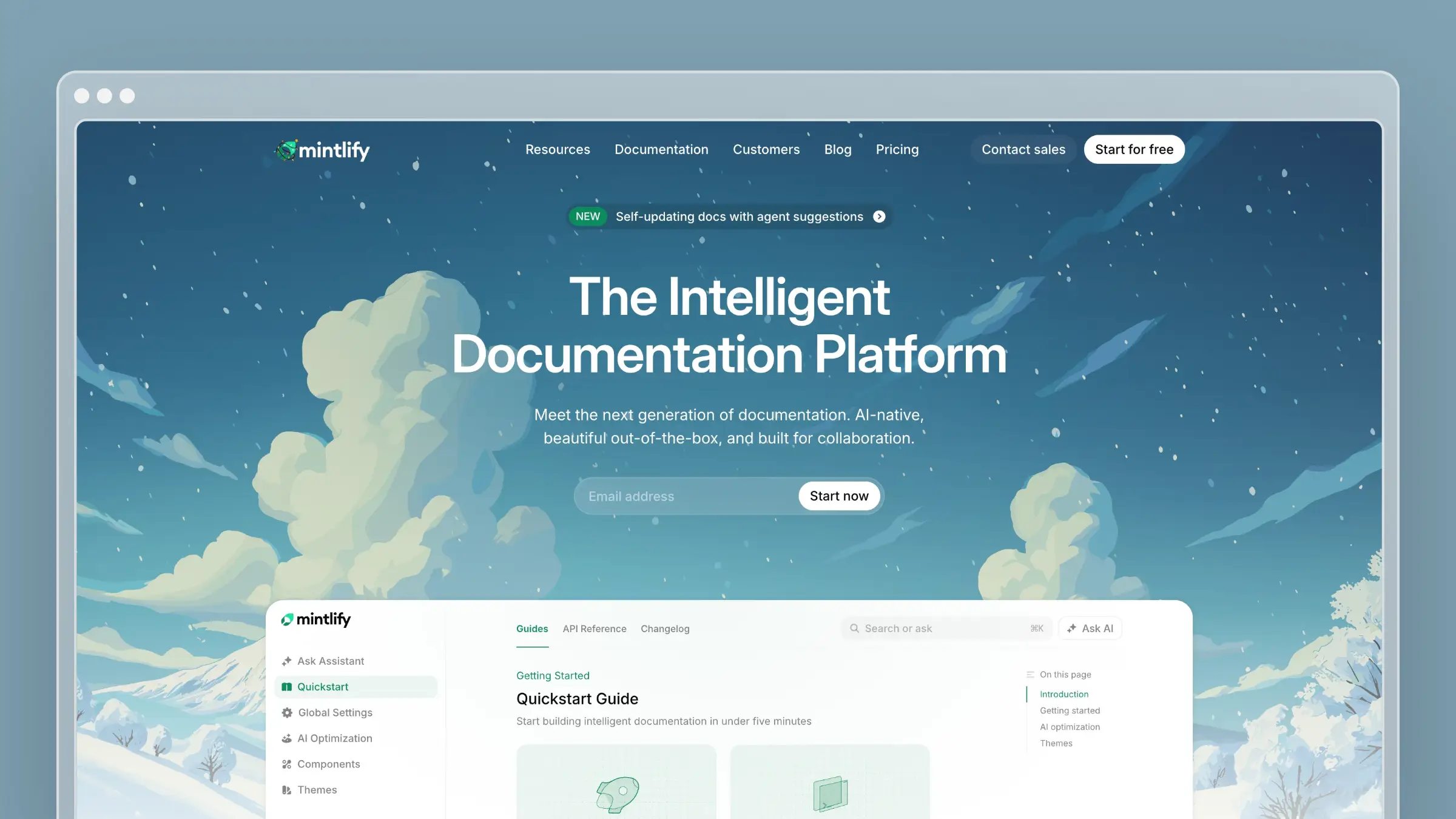 Mintlify has become the default choice for API-first companies. Anthropic, Vercel, Cursor, Cloudflare, and Zapier all use it. The core value proposition is docs-as-code.
Pros
- Documentation lives in MDX files in your repository, follows the same PR process as your code, and deploys automatically when you merge, which feels natural to engineering teams
- Excels at API documentation specifically. Point it at an OpenAPI spec and it auto-generates endpoint docs with code samples in multiple languages, and the docs update automatically when your spec changes
- Autopilot, their AI agent, monitors your codebase and creates pull requests when documentation needs updating. It’s legitimately useful for keeping technical reference docs in sync with your code
Cons
- Expensive at $450/month for Pro with annual billing, or $540 month to month, plus usage-based AI credit overages
- Requires developer resources to set up and maintain the docs-as-code pipeline
- The MDX workflow excludes non-technical contributors who can’t work comfortably in Git or Markdown
- Focused specifically on developer documentation, not customer help centers
- No built-in support ticket analysis, so gaps in customer-facing content go undetected unless engineers notice them
- Autopilot reacts to code changes only. It won’t catch stale content caused by support conversations or product decisions made outside the repo
Pricing
- Starter: $0/month
- Pro: $450/month with annual billing, or $540 month to month, plus usage-based AI credit overages
For pricing details, see our Mintlify pricing breakdown.
Best for
- Build developer tools or API-first products
- Have engineering resources to maintain docs-as-code workflows
- Need OpenAPI auto-generation
- Can afford $450+/month
Skip if
- You need customer-facing help center features, not just developer reference
- Non-technical teammates need to contribute without touching Git
3. GitBook
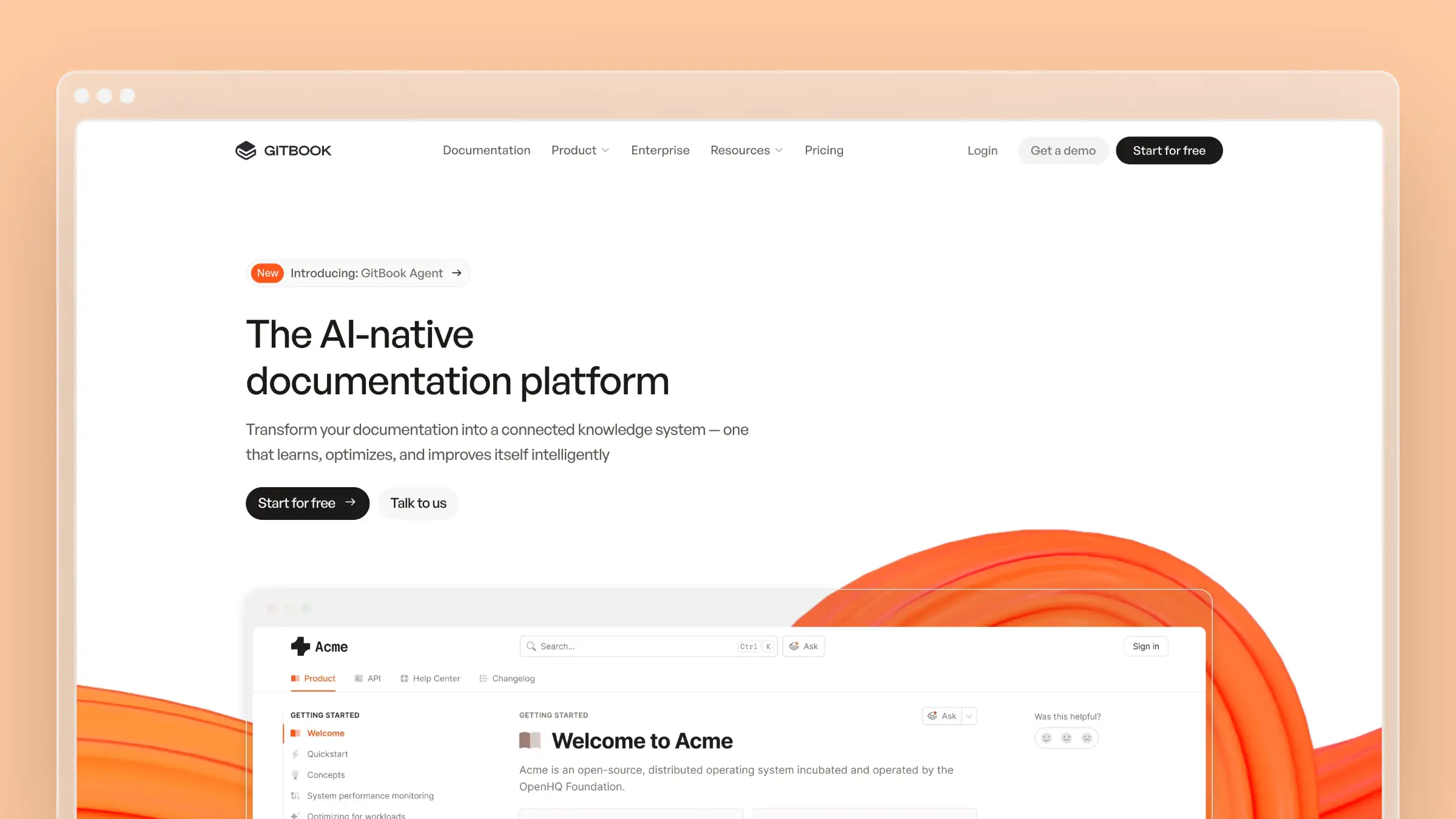 GitBook takes the opposite approach from Mintlify. Instead of docs-as-code, it offers a Notion-like block editor that anyone can use.
Pros
- The editing experience is genuinely good, with real-time collaboration, drag-and-drop blocks, and inline comments
- Product managers, support teams, and marketers can contribute without learning Git or Markdown
- GitBook Agent can write, edit, and update documentation. It’s not as proactive as Ferndesk’s support ticket analysis, but it’s a step toward solving the maintenance problem
Cons
- GitBook’s advanced AI features are concentrated in its Ultimate and Enterprise plans
- The pricing model, a site fee plus per-user charges, adds up quickly for larger teams
- Lacks the automated gap detection and proactive updates that truly solve the staleness problem
- It’s a solid collaborative documentation platform, not an automated system that keeps itself current
- No native support ticket analysis, so identifying documentation gaps still depends on someone manually reviewing conversations
- GitBook Agent’s drafting is limited to plans most small teams won’t purchase, which means the maintenance benefit is effectively an enterprise-only feature
Pricing
- Free plan: $0/month
- Premium: $65/site/month with annual billing, plus $12/user/month
- Ultimate (includes GitBook Agent and AI Assistant): from $249/site/month plus user fees
For pricing details, see our GitBook pricing breakdown. For a head-to-head comparison, see GitBook vs Mintlify.
Best for
- Have non-technical contributors who need WYSIWYG editing
- Value real-time collaboration and commenting workflows
- Need both internal wikis and external docs
- Can work around the per-user pricing model
Skip if
- You want automated maintenance without paying for the Ultimate or Enterprise plan
- You want gap detection driven by support ticket analysis rather than manual review
4. Document360
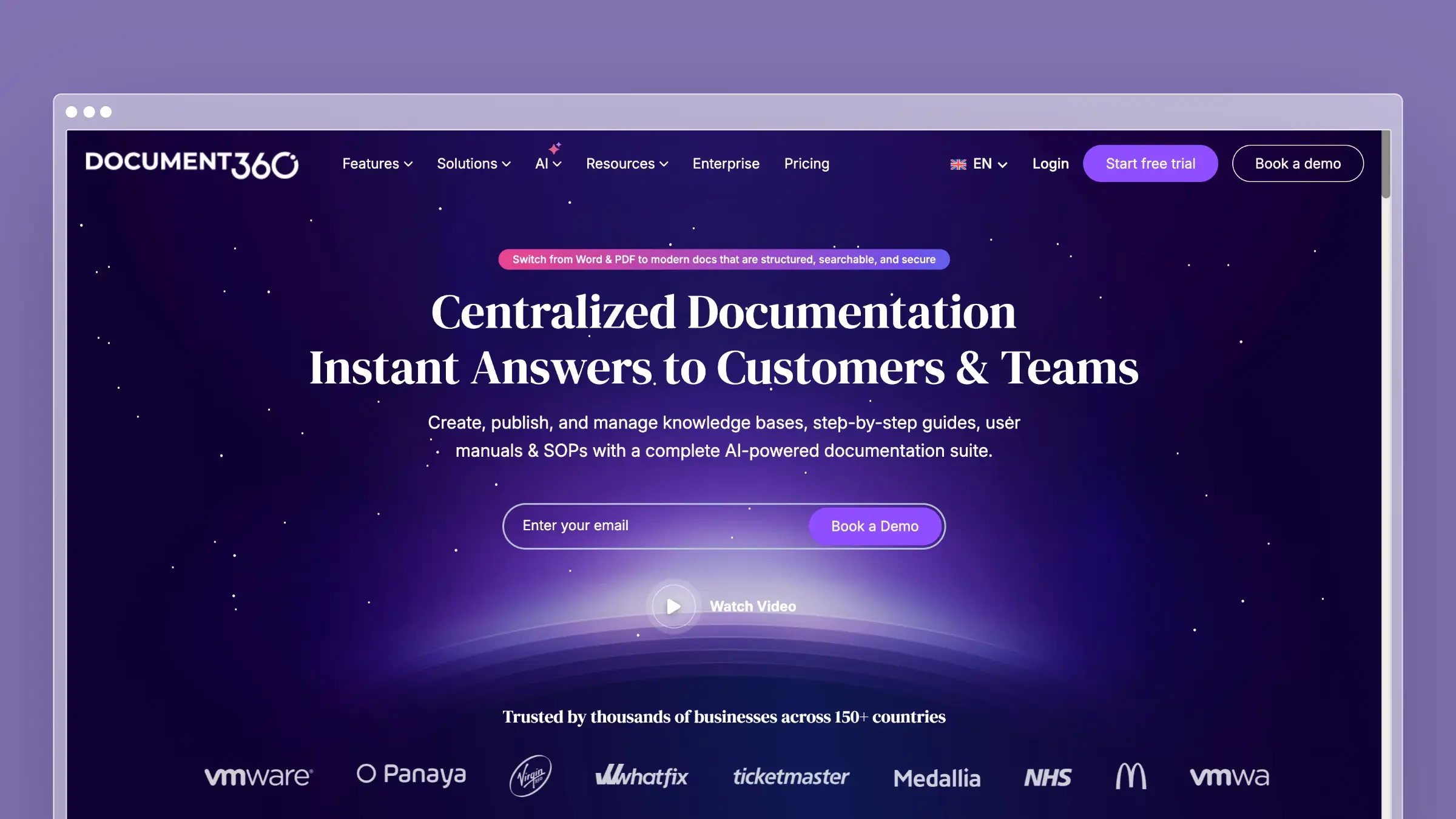 Document360 is built for large organizations that need approval workflows, version control, and compliance features. It’s not the most innovative tool on this list, but it’s reliable and feature-complete.
Pros
- Handles both internal wikis and customer-facing knowledge bases
- Offers AI-powered search, article versioning, and detailed analytics
- Checks all the boxes for security, permissions, and governance that enterprise teams look for
- Recently added AI features for content generation and search
Cons
- AI additions work well enough but don’t fundamentally change the maintenance burden. You’re still responsible for identifying what needs updating and when
- Designed for enterprises, and pricing is available on request only, which slows down evaluation for smaller teams
- Remains a largely manual system despite the AI additions
- No codebase monitoring, so nothing in the platform flags an article when a related feature ships or changes
- Setup and configuration for governance features take longer than lighter-weight tools, which adds onboarding time before the platform pays off
Pricing
- Available on request only, with no published starting price
- Quotes vary by workspaces, languages, editors, security needs, privacy model, and AI usage
Best for
- Need enterprise security and compliance features
- Require strict approval workflows and permissions
- Have dedicated documentation teams
- Prioritize governance over automation
Skip if
- You want transparent, published pricing before you talk to sales
- You want the platform itself to detect stale content instead of relying on manual review
5. Confluence
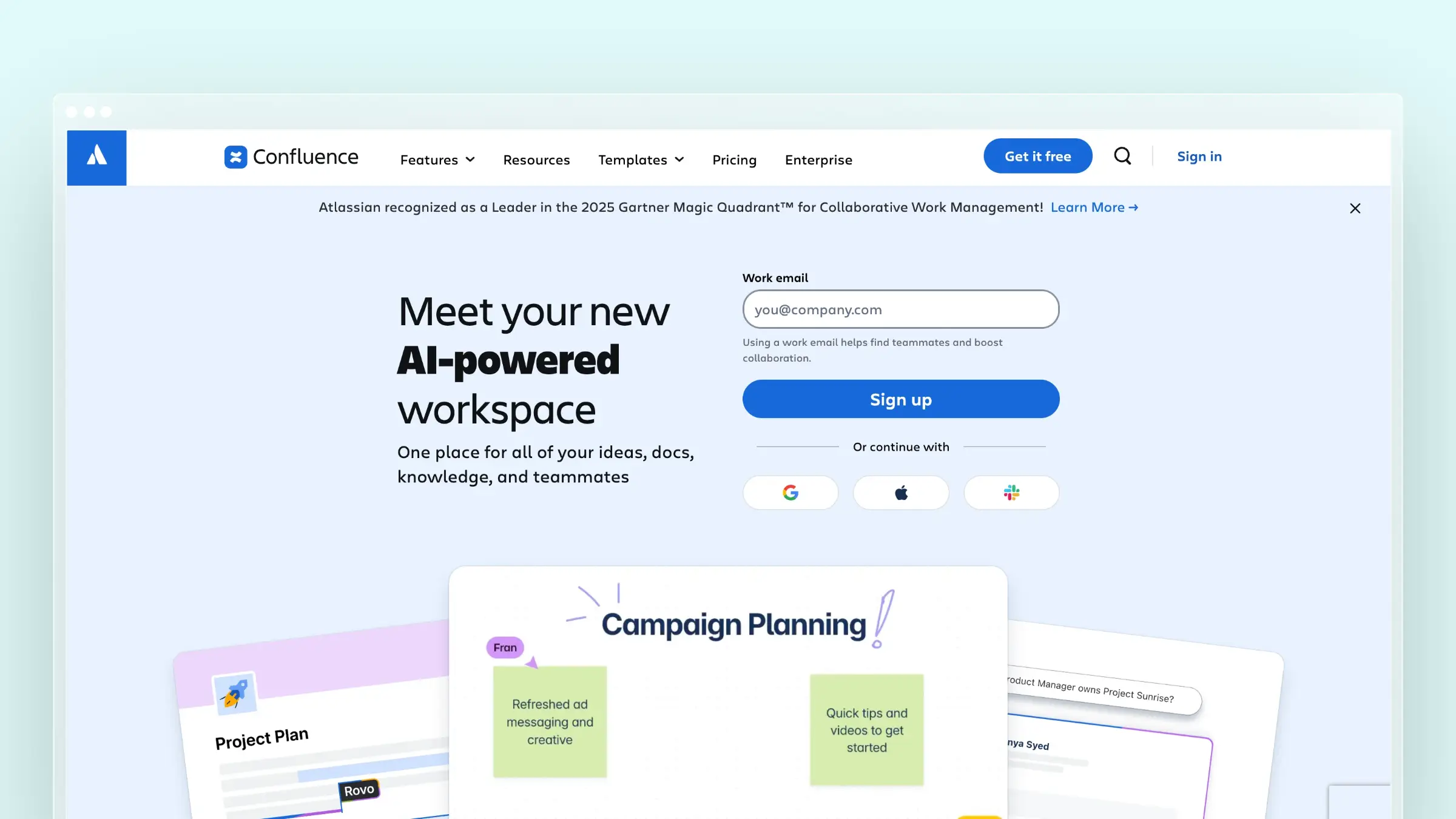 Confluence is the old guard. With 75,000+ customers, it’s probably the most widely deployed documentation platform in enterprise.
Pros
- Integrates naturally with Jira, Bitbucket, and other Atlassian products if your company already lives in that ecosystem
- The editing experience is decent and collaboration features are mature
- Comes with enterprise-grade permissions out of the box
Cons
- Designed for internal wikis, not customer-facing documentation
- The interface feels dated compared to modern tools
- Does nothing to solve the maintenance problem. Documentation in Confluence becomes stale just as quickly as anywhere else
- Atlassian’s AI features are focused on content generation, not proactive maintenance or gap detection
- No native support ticket analysis or codebase monitoring, so staleness detection depends entirely on manual review
- Search across large Confluence spaces gets messy fast, which makes older wikis harder to navigate as content accumulates
If you’re choosing a new documentation tool in 2026, there are better options. If you’re already locked into Atlassian, Confluence is… fine.
Pricing
- Free plan: $0 for up to 10 users
- Standard: from $5.42/user/month
Best for
- Already use Jira, Bitbucket, and other Atlassian tools
- Need internal wikis more than customer-facing docs
- Have enterprise requirements Atlassian already satisfies
- Accept that maintenance remains a manual process
Skip if
- You need a customer-facing help center rather than an internal wiki
- You’re not already invested in the Atlassian ecosystem
6. Notion
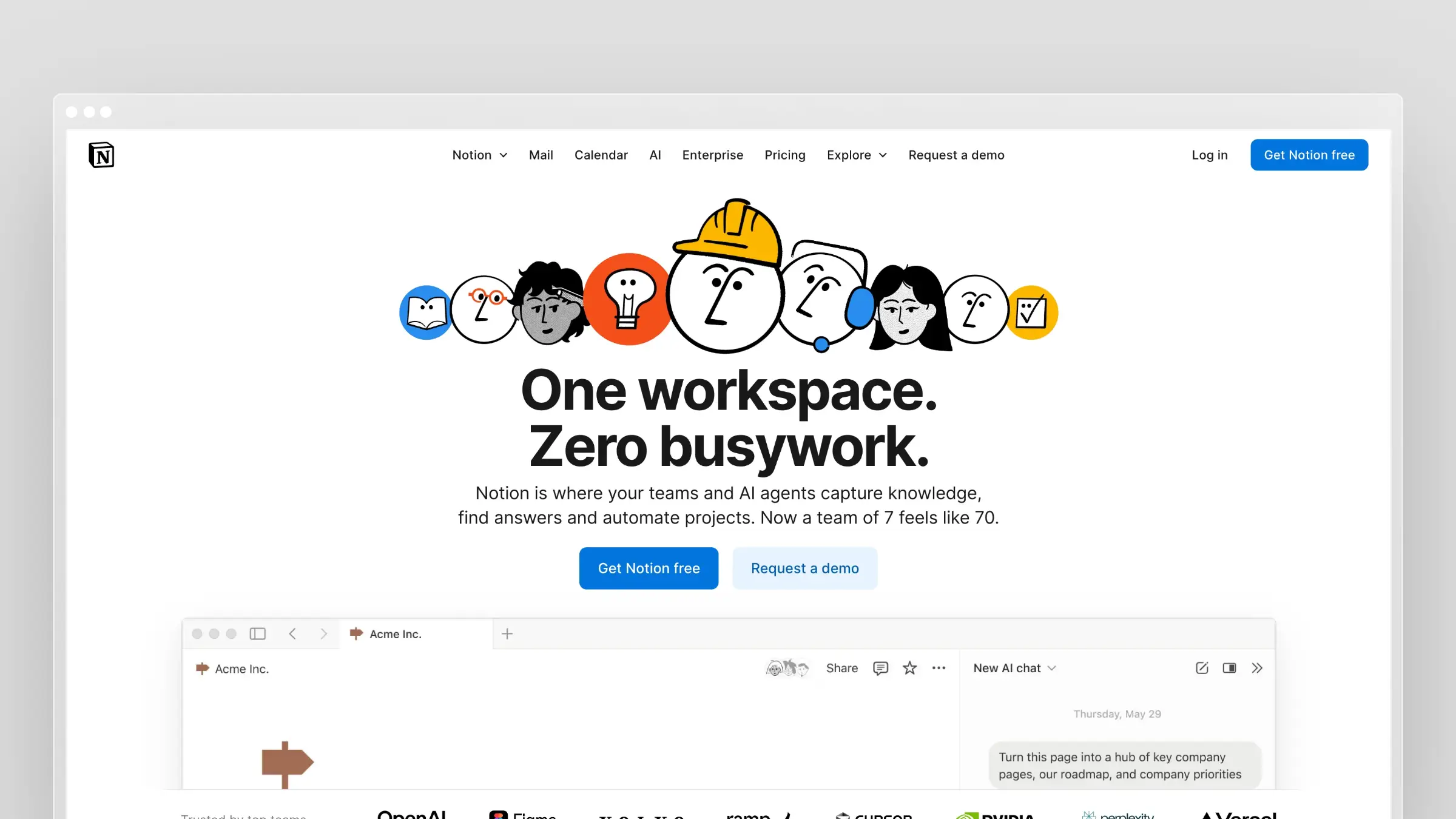 Notion isn’t really a documentation tool. It’s a flexible workspace that can be used for documentation among many other things.
Pros
- Works well enough for internal knowledge bases at startups and small teams
- The block-based editor is intuitive and real-time collaboration is smooth
- You can structure information however makes sense for your team
Cons
- Never designed for customer-facing documentation. Public Notion pages lack the polish, SEO optimization, and self-service features of dedicated help center tools
- No support ticket analysis, no automated gap detection, and no proactive maintenance
- Search is notoriously weak
- No versioning or approval workflow built for documentation specifically, which makes governance hard once more than a couple of people edit the same pages
- No analytics on what readers search for or fail to find, so you can’t tell which articles are actually helping
Use Notion for internal wikis if you’re already using it for everything else. Don’t use it as your primary customer documentation platform.
Pricing
- Free plan: $0
- Plus: $10/user/month with annual billing, or $12 month to month
Best for
- Already use Notion for other purposes
- Need internal knowledge sharing, not customer-facing docs
- Value flexibility over specialized features
- Have very small teams where manual maintenance is still manageable
Skip if
- You’re publishing customer-facing documentation at any real scale
- You need search analytics or gap detection built into the platform
7. Docusaurus
 Docusaurus is Meta’s open-source documentation framework. It powers docs for React Native, Supabase, Figma, and thousands of open-source projects.
Pros
- Completely free, MIT licensed, and self-hosted, with full control over design, structure, and functionality
- The Git-based workflow makes sense for open-source projects that want community contributions
Cons
- Requires significant developer time to set up and maintain
- No WYSIWYG editor for non-technical contributors
- Build times degrade with large sites
- Does nothing to solve the maintenance problem. Documentation staleness is entirely your responsibility
- It’s a static site generator, not an intelligent documentation system
- No support ticket analysis or codebase-change detection, so identifying what to update is a fully manual process
- Hosting, CI, and ongoing developer time are real costs even though the license is free, which makes total cost easy to underestimate
Pricing
- Framework: $0, free and MIT-licensed
- Hosting, development, and ongoing maintenance are separate costs not covered by the license
Best for
- Build open-source projects wanting community contributions
- Have strong React/frontend expertise
- Prioritize cost reduction over automation
- Accept full responsibility for maintenance
Skip if
- You don’t have engineering time to dedicate to setup and ongoing upkeep
- Non-technical teammates need to edit documentation directly
8. ReadMe
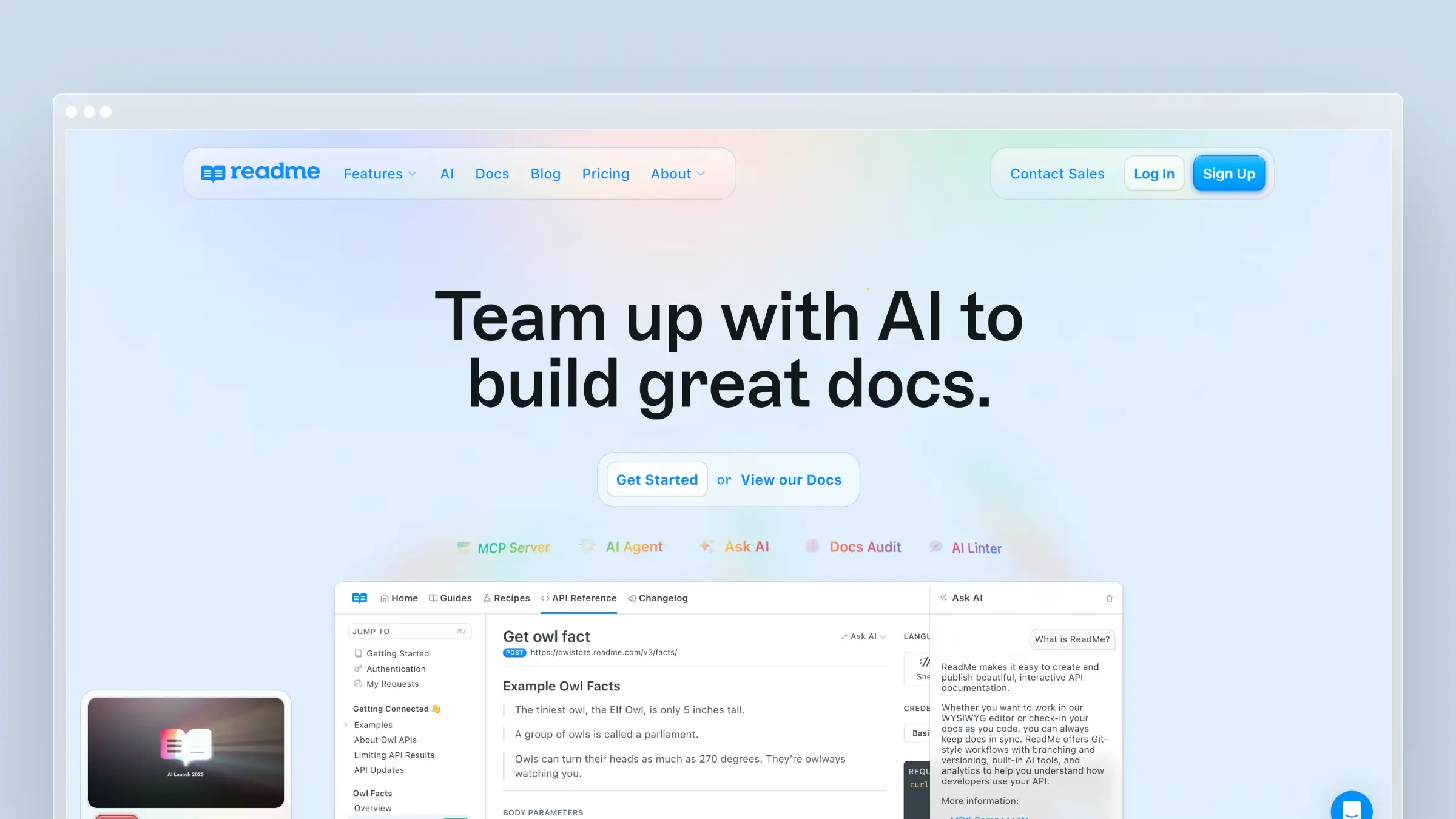 ReadMe focuses specifically on API documentation with interactive elements. Developers can try API calls directly in your docs.
Pros
- Usage analytics show which endpoints are most popular
- The developer hub brings together docs, changelogs, and API reference in one place
- Around since 2014 with solid enterprise adoption
- Features like suggested edits and API metrics are genuinely useful
Cons
- Expensive once you need a paid documentation workflow, at $250/month for Pro with annual billing
- Focused purely on API and developer documentation. It doesn’t handle customer support content or general help centers
- AI features don’t fundamentally solve the maintenance problem
- No support ticket analysis, so the platform can’t tell you what customers are actually confused about
- Enterprise pricing jumps sharply to $3,000/month, which is a steep step up from Pro for teams that outgrow the mid-tier plan
Pricing
- Free plan: $0/month
- Pro: from $250/month with annual billing
- Enterprise: from $3,000/month
Best for
- Need API documentation specifically
- Want interactive “Try It” functionality
- Have budget for premium pricing
- Don’t need customer-facing help center features
Skip if
- You need a general customer help center alongside your API reference
- Your budget doesn’t stretch past the Pro plan and you’ll eventually need Enterprise features
Also consider for API teams: ReadMe, Mintlify, and Docusaurus all publish documentation, but none manage the specification itself before it ships. If you need to design an API before writing code, or govern OpenAPI specs across multiple services, look at Stoplight or Redocly. Swagger UI is worth a mention too, but it only renders a spec you already maintain elsewhere. Treat these as complements to the platforms above, not replacements.
Free Software Documentation Tool Alternatives
Not every team needs a paid platform. If you’re an open-source project, an early-stage startup, or a team documenting a single internal process, free tools can cover the basics without a monthly bill. Here’s what’s worth knowing before you commit to a paid plan.
Read the Docs
Read the Docs is a free hosting platform built around Sphinx, the Python documentation generator. It’s the standard for Python libraries and scientific software. You write docs in reStructuredText or Markdown, push to GitHub, and Read the Docs builds and hosts automatically. It’s free for open-source projects and $50/month for commercial use. The toolchain is powerful but dated, and the editing experience is entirely code-based.
Sphinx
Sphinx is the underlying documentation generator that Read the Docs runs on. It’s free, open-source, and capable of producing HTML, PDF, and ePub output from the same source files. Large projects like Python itself and Linux kernel documentation use it. The learning curve is steep and the setup requires Python tooling, so it suits teams with technical writers comfortable in a code-first workflow.
Doxygen
Doxygen generates API reference documentation directly from annotated source code in C++, Java, Python, and other languages. If your primary need is auto-generated code reference rather than written guides, Doxygen is free and widely used in embedded systems and game development. It produces functional but visually basic output without additional theming work.
GitHub Wiki
Every GitHub repository includes a built-in wiki. It’s free, Markdown-based, and version-controlled. For small open-source projects that need a lightweight README expansion, it works. For anything customer-facing or requiring search, navigation, or analytics, it falls short quickly. Treat it as a scratchpad, not a documentation platform.
When free tools are enough
Free documentation tools make sense when your audience is developers comfortable with code-adjacent workflows, your product changes slowly enough that manual updates are manageable, and you have engineering time to absorb setup and maintenance costs. The moment support tickets start tracing back to stale content, or non-technical contributors need to edit docs, the hidden cost of free tools typically exceeds a paid platform’s monthly fee.
The Documentation Tool Decision Framework
Here’s how to think about which tool fits your needs:
If your main problem is keeping docs updated…
Choose Ferndesk. It’s the most complete tool on this list for solving the maintenance problem. Mintlify’s Autopilot and GitBook’s Agent both draft updates, but each covers a narrower slice: Autopilot reacts to code changes, and GitBook Agent needs an Ultimate or Enterprise plan. Ferndesk’s agent watches your codebase, support tickets, and changelogs together, then drafts updates for approval. For most SaaS companies, this is the actual problem.
If you’re building developer-focused API documentation…
Choose Mintlify if you have engineering resources and budget for $450/month with annual billing (or $540 month to month). The docs-as-code workflow and OpenAPI auto-generation are best-in-class for developer documentation.
If non-technical team members need to contribute…
Choose GitBook for its collaborative WYSIWYG editor. It’s the most accessible option for cross-functional teams where product managers, support, and marketing all touch documentation.
If you’re already locked into enterprise tools…
Choose Confluence if you’re in the Atlassian ecosystem, or Document360 if you need enterprise governance features. Neither solves the maintenance problem, but they integrate with existing workflows.
If you’re an open-source project with developer resources…
Choose Docusaurus for complete control and zero licensing costs. Accept that maintenance is your responsibility.
Why Most Documentation Strategies Fail
I want to leave you with a hard truth that most documentation articles avoid:
The tool matters less than the system.
You can choose the best documentation tool on this list and still fail. Because tools don’t write documentation. Tools don’t notice when content becomes stale. Tools don’t prioritize what needs updating.
The companies that succeed at documentation treat it as a continuous process, not a one-time project. They:
- Connect documentation to product development. When you ship a feature, documentation ships with it.
- Analyze support tickets systematically. Every repeated question is a documentation gap.
- Audit content regularly. Monthly reviews catch staleness before customers complain.
- Measure deflection rates. If docs aren’t reducing support tickets, they’re not working.
For more on building a sustainable documentation strategy, see our guides on self-service strategies that actually work and how to refresh an out-of-date help center. For tool comparisons focused on customer-facing documentation, see our best help center software guide.
The best documentation tool is the one that makes these practices automatic. That’s why we built Ferndesk.
Start With Your Biggest Problem
Here’s my honest advice: forget about features and pricing for a moment. Ask yourself one question.
What’s actually causing pain right now?
If it’s stale documentation causing support tickets, you need automation. Try Ferndesk.
If it’s non-technical contributors who can’t use your current tool, you need better collaboration. Try GitBook.
If it’s API documentation specifically, you need specialized tooling. Try Mintlify.
If you’re not sure, start with Ferndesk’s free trial. Connect your support tickets and codebase. See what gaps it identifies. That analysis alone will tell you more about your documentation problems than any feature comparison.
Documentation that stays current isn’t a nice-to-have. It’s the difference between a help center that deflects tickets and one that creates them.
Frequently asked questions
How do I choose the right software documentation tool?
Start with your primary audience. Developer-facing API docs need a different tool than a customer help center. Then ask how often your product ships. Teams that release weekly need automation; teams that release quarterly can manage with manual workflows. Match the tool to your maintenance capacity, not just your writing preferences.
What is the difference between a knowledge base and a documentation tool?
The terms overlap, but knowledge base software typically refers to customer-facing self-service content, while documentation tools cover a broader range including internal wikis, API reference, and developer guides. Many platforms serve both purposes. The more useful distinction is whether the tool helps you keep content current or just stores it.
Are there free software documentation tools?
Yes. Docusaurus is fully open-source and free to self-host. Notion has a free tier suitable for small internal wikis. GitBook offers a free plan for open-source projects. The trade-off is maintenance: free tools require more manual upkeep and developer time to configure, which has a real cost even if the license is zero.
When should I upgrade from a free or basic documentation tool?
Upgrade when manual maintenance starts consuming more than a few hours per month, when support tickets trace back to stale docs, or when non-technical contributors can’t use your current setup. At that point, the cost of a paid tool is almost always lower than the engineering and support time you’re losing.
What is docs-as-code and when does it make sense?
Docs-as-code means storing documentation in Markdown or MDX files inside your code repository, reviewed and deployed through the same pull request workflow as code. It works well for developer-facing content where engineers own the docs. It breaks down when non-technical contributors need to write or edit content without touching Git.
Can one tool handle both internal wikis and customer-facing help centers?
Some can. GitBook and Document360 both support internal and external documentation with separate permission layers. Ferndesk focuses on customer-facing help centers. Confluence is built for internal wikis and is a poor fit for customer self-service. Choosing a single platform for both is convenient but often means compromising on one use case.
How do software documentation tools handle outdated content?
Most don’t. Traditional tools store content and rely on humans to notice when it drifts from reality. Mintlify’s Autopilot and GitBook’s Agent both draft updates in response to code changes, which helps, but neither watches support tickets for gaps or runs scheduled content audits. Ferndesk monitors GitHub pull requests, support tickets, and changelogs together to detect stale articles and draft updates automatically. For teams shipping weekly, that broader coverage determines whether your help center stays useful or becomes a liability.


 Book a demo