

GitBook started as a way to write books in Markdown. Then it became the default choice for open-source project documentation. Now it’s trying to be an enterprise documentation platform with AI features.
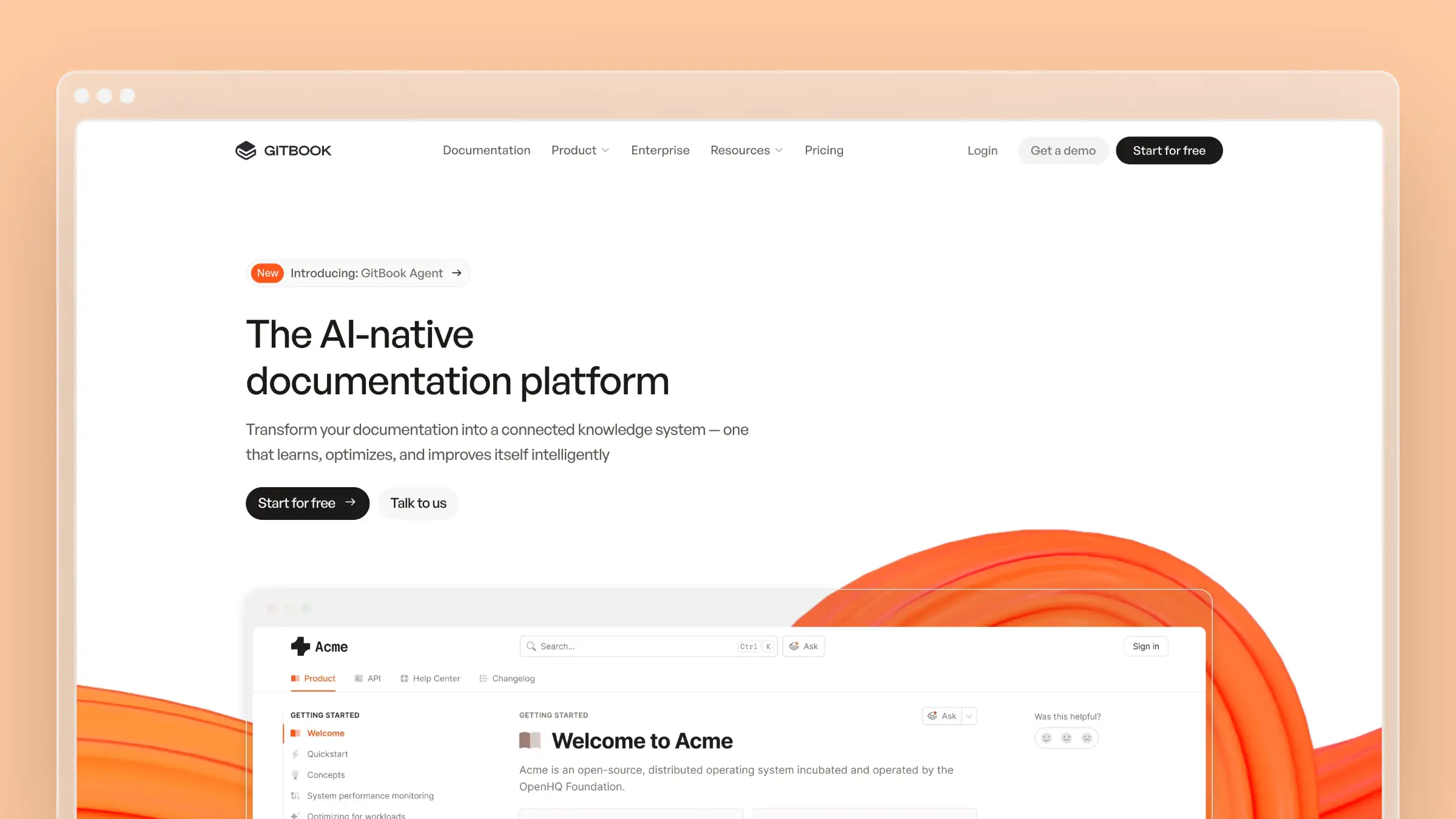
That evolution has been rocky. Pricing has changed multiple times, features have been gated behind higher tiers, and some long-time users feel abandoned. But GitBook still serves millions of documentation sites, and their new AI Agent (currently in beta) suggests the platform isn’t done evolving.
Here’s what GitBook actually delivers in 2026, who should use it, and whether the pricing makes sense.
Who Uses GitBook?
GitBook has positioned itself at the intersection of developer documentation and team knowledge bases. Their customer list spans:
- Open source projects using the free tier for public documentation
- Developer tools like Snyk, n8n, and Sonar
- Startups needing quick, professional-looking docs
- Enterprise teams managing internal documentation
The platform claims to host millions of documentation sites. Most are on the free tier (public open-source docs), while paying customers tend to be developer-focused companies who value Git-based workflows.
GitBook Pricing at a Glance
GitBook uses per-site pricing with additional user fees. This model confuses some teams because costs scale in two dimensions: more sites and more users.
| Plan | Price/Site | Per User | Key Features |
|---|---|---|---|
| Basic | $0/month | N/A (1 user) | Public docs only, basic customization |
| Premium | $65/month | $12/user/month | Custom domain, branding, AI search |
| Ultimate | $249/month | $12/user/month | Site sections, visitor auth, AI Assistant |
| Enterprise | Custom | Custom | SAML SSO, dedicated support, migration help |
14-day free trial on paid plans. No credit card required.
The jump from free to Premium is steep. You go from $0 to $65/month the moment you need a custom domain or a second team member, and every seat, including the first, adds $12/month.
This review covers what GitBook is like to use, not every line item. For the full plan-by-plan breakdown, real cost examples for 3, 5, and 10-person teams, and the hidden per-site and per-user fees, see our dedicated GitBook pricing guide. It’s the page we keep verified against GitBook’s current pricing.
The GitBook Agent
GitBook launched an AI agent to help with documentation workflows. It’s their answer to the “documentation maintenance” problem, and it’s worth examining what it actually does today versus what’s still in beta.
What GitBook Agent does today:
- Writes and edits documentation based on prompts
- Implements changes via change requests with explanations
- Follows your organization’s style guide automatically
- Accepts custom organization-level instructions
What’s in beta (Ultimate plan only):
- Proactive monitoring of GitHub issues and Intercom conversations
- Automatic identification of documentation gaps
- Suggestions based on support conversation patterns
The limitations:
On most plans, GitBook Agent is reactive, not proactive. It responds to your requests rather than independently identifying what needs updating. The proactive features (monitoring support conversations, spotting gaps) are in beta and limited to the Ultimate plan.
The agent is available on every plan and free while it’s in beta. Teams on the Basic tier get 10 messages a week.
What GitBook Does Well
Git-based workflow: GitBook’s native GitHub and GitLab sync is excellent for developer teams. Documentation lives alongside code, pull requests trigger doc previews, and version control is built in. If your team already thinks in Git, GitBook feels natural.
Clean reading experience: GitBook documentation looks professional with minimal effort. The default theme is readable, navigation is intuitive, and mobile rendering works well. Readers can find what they need.
Fast search: The built-in search is quick and handles developer queries reasonably well. AI search (on paid plans) provides conversational responses based on your documentation content.
Collaboration features: Real-time editing, commenting, and change requests work smoothly. Distributed teams can work on documentation without stepping on each other.
Mature ecosystem: GitBook has been around since 2014. The platform is stable, well-documented (ironic if it wasn’t), and integrates with common developer tools.
What GitBook Doesn’t Do
Customer-facing help center: GitBook is documentation publishing, not customer self-service. There’s no customer portal, the embeddable AI Assistant needs the Ultimate plan, and feedback collection and search analytics start on Premium. If you need a true help center, consider Help Scout or HelpDocs.
Support ticket analysis: GitBook now connects the Agent to Intercom and other support tools, but only on the Ultimate plan, where its Content gaps report is still in beta. On Basic and Premium, you won’t get automated FAQ generation based on what customers actually ask repeatedly.
Codebase understanding: The agent doesn’t read your codebase to understand when button names change or features get deprecated. It can sync API docs from OpenAPI specs, but general product changes go unnoticed. Documentation drift happens silently until someone notices.
Cost-effective team scaling: The $12/user/month fee adds up. A 10-person team pays $120/month just for user seats before site costs. Mintlify and Docusaurus offer different models that might scale better.
Migration assistance (without Enterprise): Moving to GitBook from another platform requires manual effort unless you’re paying enterprise rates. There’s no one-click import from Zendesk, Intercom, or Help Scout.
The Pricing Complaints
GitBook has frustrated some users with pricing changes over the years. Common complaints include:
Forced upgrades: Some users report needing to upgrade to paid plans just to continue editing content that was previously accessible.
Feature gating: Capabilities that were once available have moved to higher tiers. Long-time users feel the free tier keeps shrinking.
Per-site costs: Organizations with multiple products need multiple sites, each requiring its own plan. Costs multiply quickly.
Unclear limits: AI feature usage limits aren’t always transparent, making it hard to predict costs.
These aren’t universal complaints, but they appear frequently enough in reviews to warrant attention during evaluation.
When GitBook Makes Sense
GitBook is a strong choice if:
- Your team uses Git-based workflows already
- You need professional-looking developer documentation
- Public-facing technical docs are your primary use case
- You have budget for $65-249/month per documentation site
- A mature, stable platform matters more than cutting-edge features
- You’re comfortable with manual content maintenance
When to Consider Alternatives
Look elsewhere if:
- Per-user and per-site fees make scaling expensive
- You need a customer-facing help center (not just developer docs)
- Automatic documentation updates matter to you
- You want AI that maintains content, not just creates it
- Budget is under $50/month
- You need deep support ticket analysis
For documentation that maintains itself, try Ferndesk. For developer documentation, compare Mintlify or Docusaurus. For help centers, consider HelpDocs or Document360. For a broader comparison, see our best help center software guide.
A Different Approach: Ferndesk
On most plans, GitBook’s AI Agent is reactive. You ask it to write, and it writes. That’s useful, but it doesn’t solve the maintenance problem. Documentation still drifts out of sync when your product changes, and the Agent won’t notice unless you tell it to look.
Ferndesk takes a different approach.

Ferndesk’s agent (Fern) connects to your GitHub repository and watches for changes. When you rename a feature or deprecate an endpoint, Fern flags every article that references it. The documentation stays accurate because Fern notices drift before your customers do.
Fern also reads your support conversations. GitBook now offers something similar, but only in beta on its Ultimate plan. When the same question appears repeatedly, Fern drafts an FAQ and puts it in your review queue. You approve or edit, then publish.
A 5-person team on GitBook Premium pays $125/month. The same team on Ferndesk Pro pays $149/month or $1,490/year and gets codebase sync that GitBook doesn’t offer at any tier, plus ticket analysis that GitBook reserves for Ultimate.
GitBook is the right choice for developer documentation with Git workflows and teams comfortable with manual maintenance. For customer-facing help centers that need to stay current automatically, try Ferndesk free.
Bottom Line
GitBook is a mature documentation platform that does developer docs well. The Git integration is excellent, the reading experience is clean, and the platform is stable. The new AI Agent shows GitBook is investing in automation.
But the pricing model is complex, costs scale in multiple dimensions, and some users feel nickel-and-dimed by tier restrictions. At $65-249/month per site plus $12/user, GitBook isn’t cheap. And for teams who need documentation that maintains itself rather than documentation they maintain, the proactive features are still in beta and limited to the top tier.
For developer documentation teams with Git workflows and budget, GitBook remains a solid choice. For everyone else, the limitations add up.


 Book a demo