

This list of technical writing tools is organized around an awkward truth: most teams searching for one don’t have a technical writer. We run a documentation company and see it every day; the docs are owned by a founder, a support lead, or whoever wrote the last release note. So alongside the classic technical writing software (MadCap Flare and Paligo for complex manuals, Mintlify for developer docs, Vale for style), this guide covers what works when nobody writes full time, including our own Ferndesk, which drafts and updates customer documentation from your codebase and support tickets.
| Your situation | Start with |
|---|---|
| Customer docs, nobody owns them | Ferndesk |
| API reference and developer docs | Mintlify or ReadMe |
| Enterprise manuals, dedicated writers | MadCap Flare or Paligo |
| Step-by-step guides and screenshots | Scribe or SnagIt |
| Style, grammar, and consistency | Grammarly + Vale |
All 18 tools, grouped by category, are below.
What Makes a Great Technical Writing Tool?
Before diving into specific tools, let’s establish what actually matters when choosing technical writing software.
The Fundamentals
Ease of use. Technical writers shouldn’t fight their tools. The interface should be intuitive enough that writers can focus on content, not software.
Collaboration features. Documentation is rarely a solo effort. Look for commenting, version history, and review workflows that let teams work together.
Multi-format output. Your content might need to appear as web pages, PDFs, or embedded widgets. Flexible export options save rework.
Search and organization. As documentation grows, findability becomes critical. Good categorization, tagging, and search make the difference between useful docs and abandoned docs.
The Modern Requirements
Integration with your stack. The best tools connect to where your product knowledge already lives: GitHub, support platforms, Slack, project management tools.
AI assistance. In 2026, expecting tools to help with drafting, editing, and content suggestions is reasonable. AI should accelerate writing, not replace judgment.
Maintenance automation. This is the game-changer. Traditional tools create a documentation treadmill where you’re always behind. Modern tools should help identify outdated content and keep things current.
Analytics. You can’t improve what you don’t measure. Track what content gets viewed, what searches return no results, and where users struggle.
Categories of Technical Writing Tools
Technical writing software falls into several categories, each serving different needs:
| Category | Best For | Examples |
|---|---|---|
| Word Processors | Simple documents, drafts | Google Docs, Microsoft Word |
| Documentation Platforms | Customer-facing help centers, knowledge bases | Ferndesk, Document360, HelpDocs |
| Developer Documentation | API docs, technical references | Mintlify, GitBook, Docusaurus |
| Help Authoring Tools (HATs) | Complex manuals, multi-format publishing | MadCap Flare, Adobe RoboHelp |
| Screen Capture Tools | Visual guides, tutorials | SnagIt, Loom, Scribe |
| Writing Enhancement | Grammar, style, clarity | Grammarly, Hemingway |
| AI Documentation Agents | Automated content creation and maintenance | Ferndesk, GitBook AI, Mintlify AI |
Let’s break down the best options in each category.
Best Documentation Platforms for Help Centers
These platforms are purpose-built for customer-facing documentation, the kind that reduces support tickets and helps users help themselves.
Ferndesk: AI-Native Help Center That Stays Current

Ferndesk approaches technical writing differently. Instead of just providing a place to write and publish, it actively helps keep your documentation up-to-date.
The core innovation is Fern, an AI documentation agent that:
- Reads your codebase to understand what your product actually does
- Analyzes support tickets to identify what customers are asking (and what’s not documented)
- Monitors changelogs to spot features that need documentation updates
- Drafts articles matching your existing tone and style
- Flags outdated content before customers complain
Think of it like having a junior technical writer who works 24/7, never misses a product update, and learns from every customer interaction.
Key features:
- One-click migration from existing help centers (Intercom, Zendesk, HelpDocs) without breaking links
- AI-powered search and embeddable help widget
- Support ticket analysis (up to 5,000 tickets/month) to identify content gaps
- SEO and AEO (Answer Engine Optimization) built in
- Human-in-the-loop review (nothing publishes without approval)
Pricing: Pro costs $149/month or $1,490/year. 7-day free trial, no credit card required.
Best for: SaaS companies that ship frequently and struggle to keep docs in sync with their product. Teams without dedicated technical writers who need AI to do the heavy lifting.
Document360: Feature-Rich Knowledge Base
Document360 is a comprehensive knowledge base platform with strong categorization, versioning, and an AI assistant for content creation.
Key features:
- Category manager for organizing large documentation sets
- Multiple knowledge base sites from one account
- Built-in AI assistant for drafting and summarizing
- Markdown and WYSIWYG editing options
- Detailed analytics and feedback collection
Pricing: Pricing available on request.
Best for: Larger teams needing robust organization features and multiple knowledge bases.
HelpDocs: Simple and Clean
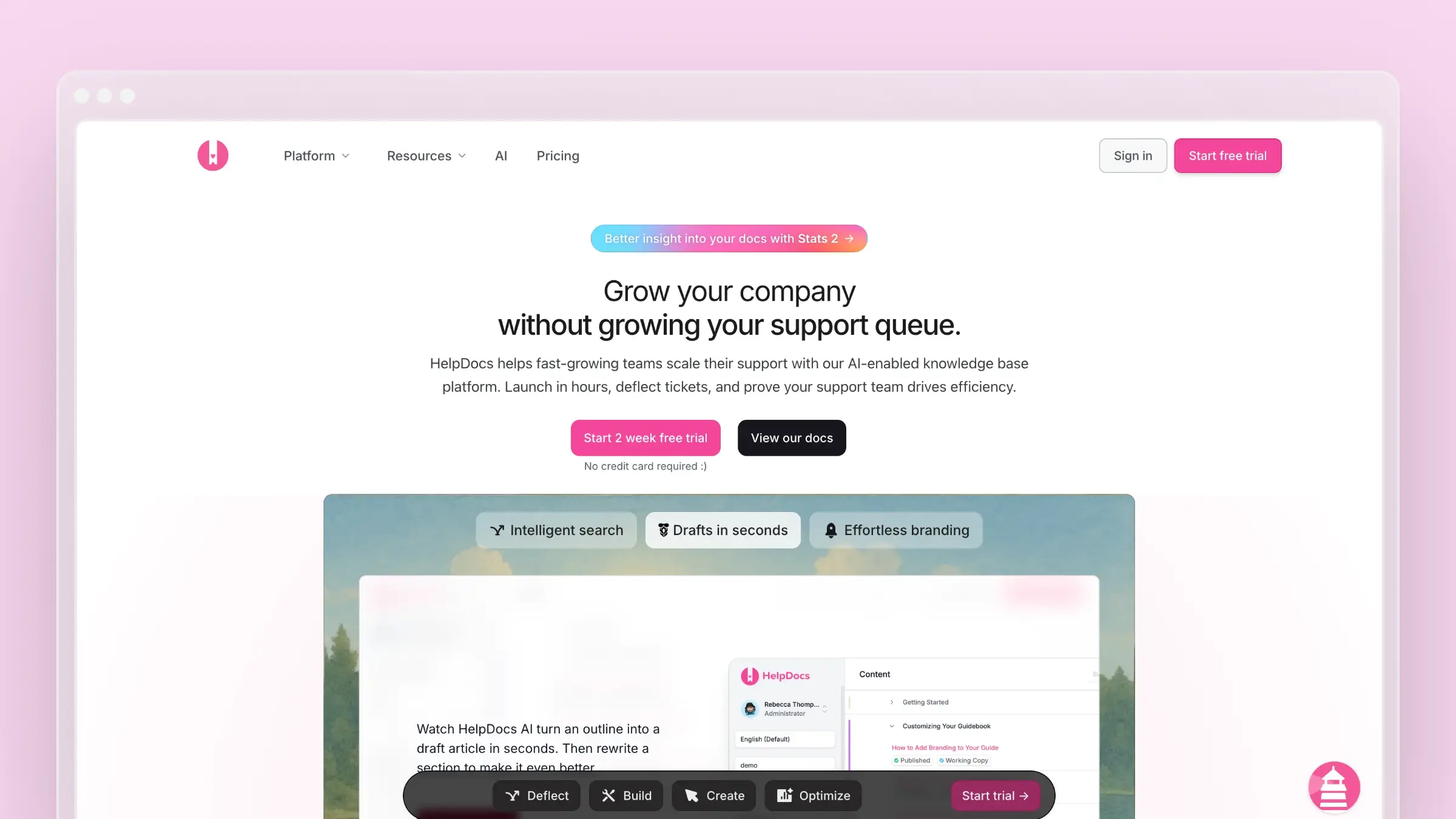
HelpDocs offers a straightforward approach to knowledge base creation. Clean design, easy setup, and a focus on the essentials.
Key features:
- Beautiful templates that work out of the box
- Custom domains and branding
- AI search (Ask AI) for natural language queries
- Article import from other platforms
- Lightweight and fast
Pricing: Starts at $69/month.
Best for: Small teams wanting a simple, polished knowledge base without complexity.
Intercom Help Center: Integrated with Support
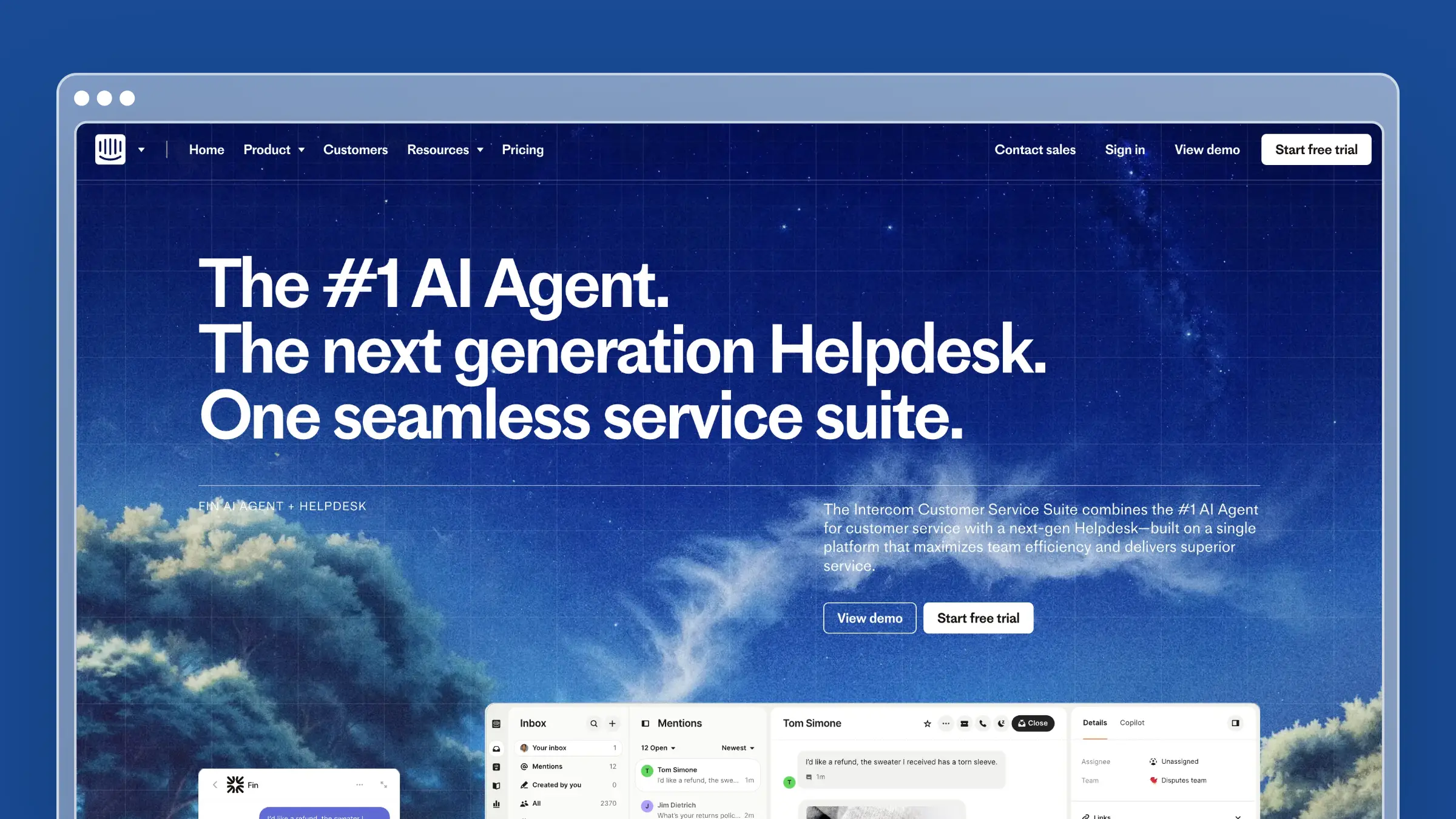
Intercom combines a help center with their messenger and support tools, creating a unified customer experience.
Key features:
- Tight integration with Intercom’s chat widget
- Articles surfaced contextually based on where users are
- AI chatbot (Fin) that answers questions from your docs
- Analytics on article performance
Pricing: Bundled with Intercom plans, starting around $29/seat/month.
Best for: Teams already using Intercom for support who want everything in one platform.
Best Developer Documentation Tools
If you’re documenting APIs, SDKs, or technical products for developers, these tools are purpose-built for that audience.
Mintlify: Beautiful Developer Docs
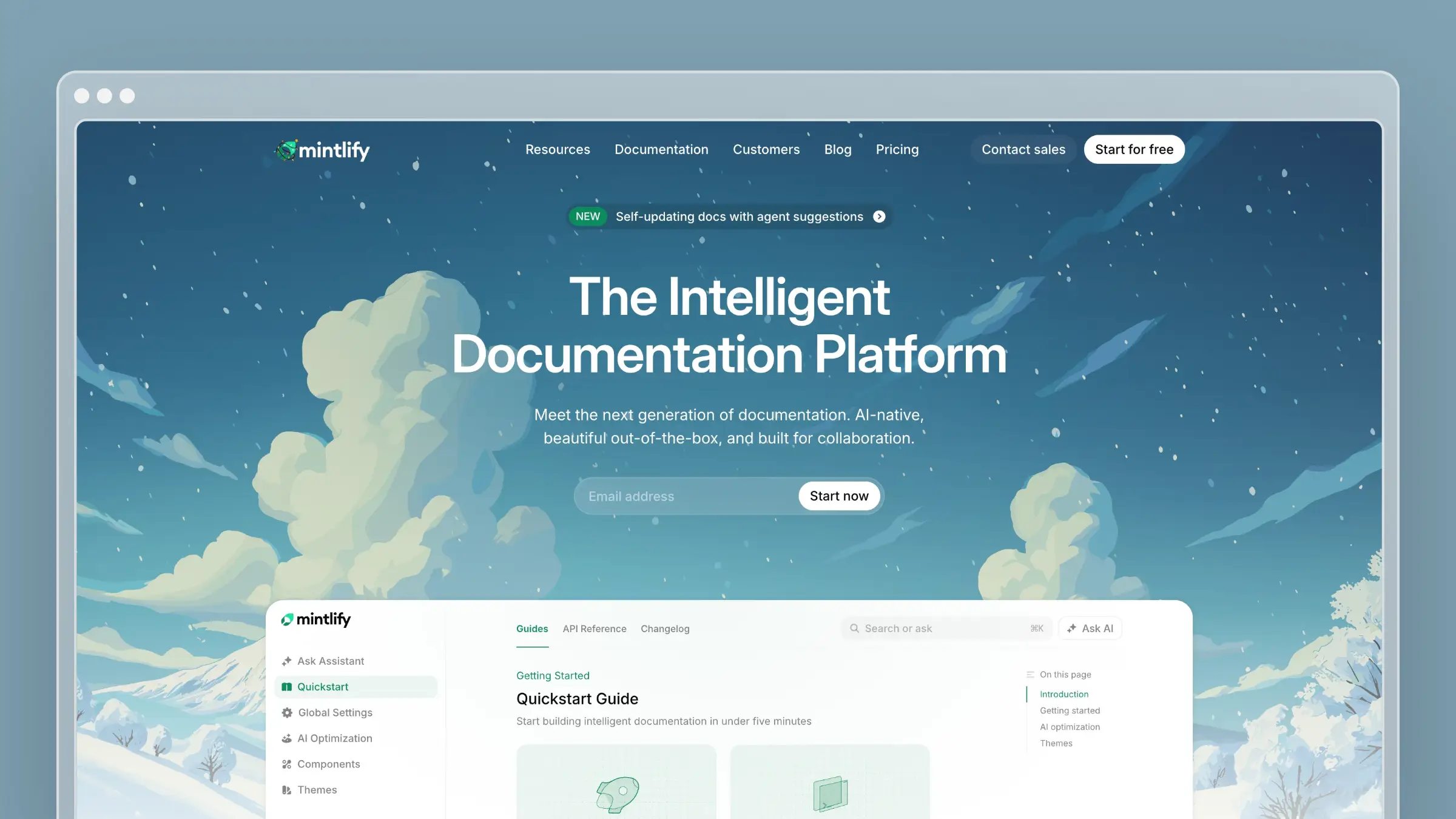
Mintlify has become the go-to for API-first companies. Cursor, Anthropic, Perplexity, and Coinbase all use it.
Key features:
- Beautiful design by default, no designer needed
- Interactive API playground for testing endpoints in docs
- Git-native workflow (docs live in your repo)
- LLM optimization via
/llms.txtstandard - AI assistant with agentic retrieval
Pricing: Free tier available. Pro starts at $300/month for 5 editors.
Best for: Developer-focused products wanting polished API docs with minimal design effort.
For a detailed breakdown, see our Mintlify pricing guide.
GitBook: Versatile Documentation Platform
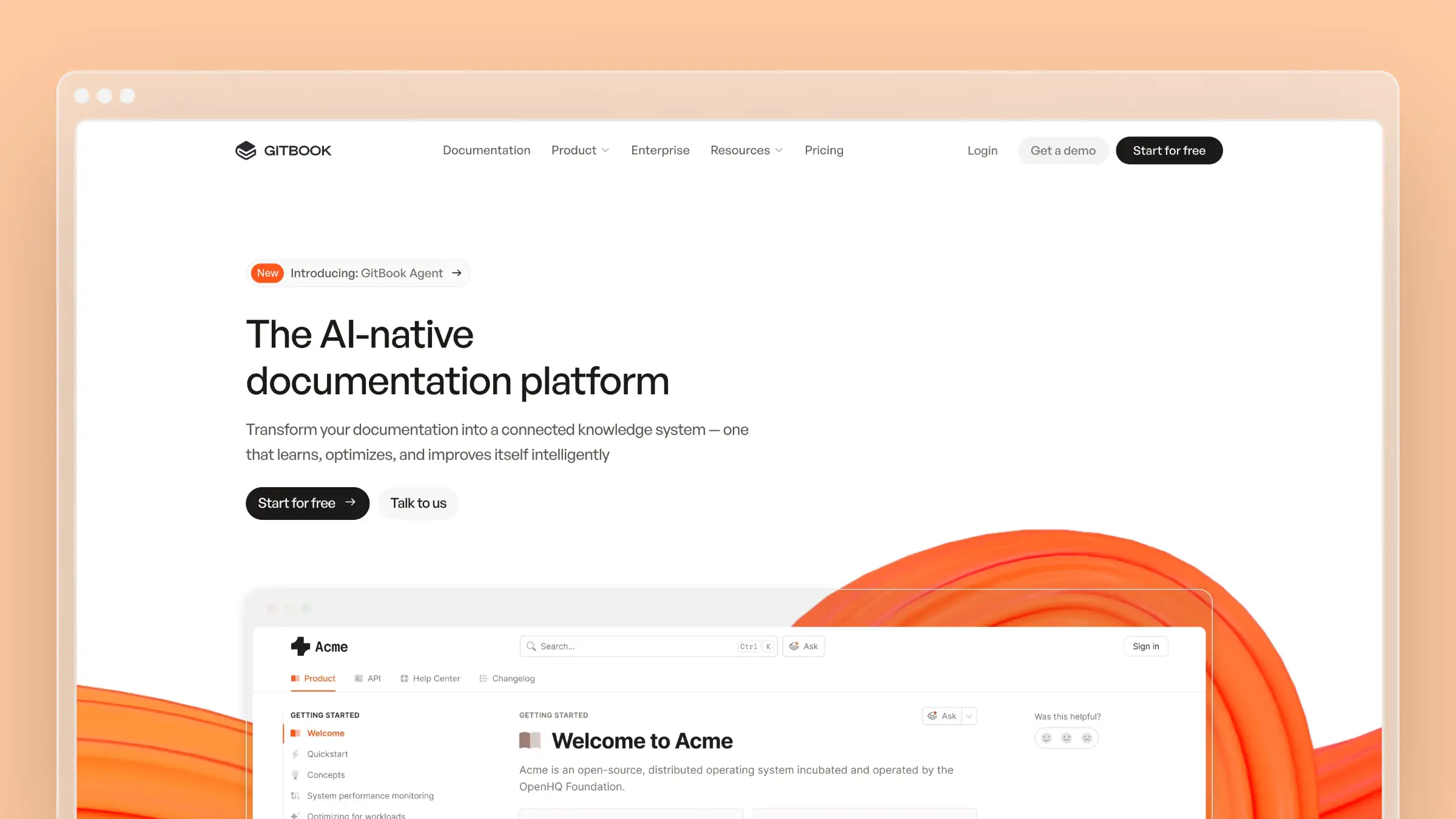
GitBook sits between general documentation and specialized API tools. Used by 150,000+ organizations.
Key features:
- Visual editor for non-technical contributors
- Git sync for developers who prefer Markdown
- OpenAPI integration with automatic updates
- AI assistant and semantic search
- Adaptive content (personalized docs based on user attributes)
Pricing: Free for public docs. Premium starts at $65/month + $12/user.
Best for: Cross-functional teams where product, support, and engineering all contribute.
For a detailed breakdown, see our GitBook pricing guide.
Docusaurus: Open-Source Flexibility
Docusaurus is Meta’s open-source documentation framework. Powers React Native, Supabase, and Figma docs.
Key features:
- Completely free (MIT license)
- Full control with React and MDX
- Built-in versioning for API versions
- Self-hosted on Vercel, Netlify, or Cloudflare (all have free tiers)
- Large community and plugin ecosystem
Pricing: Free.
Best for: Teams with React developers who want complete control and zero licensing costs.
ReadMe: Interactive API Documentation
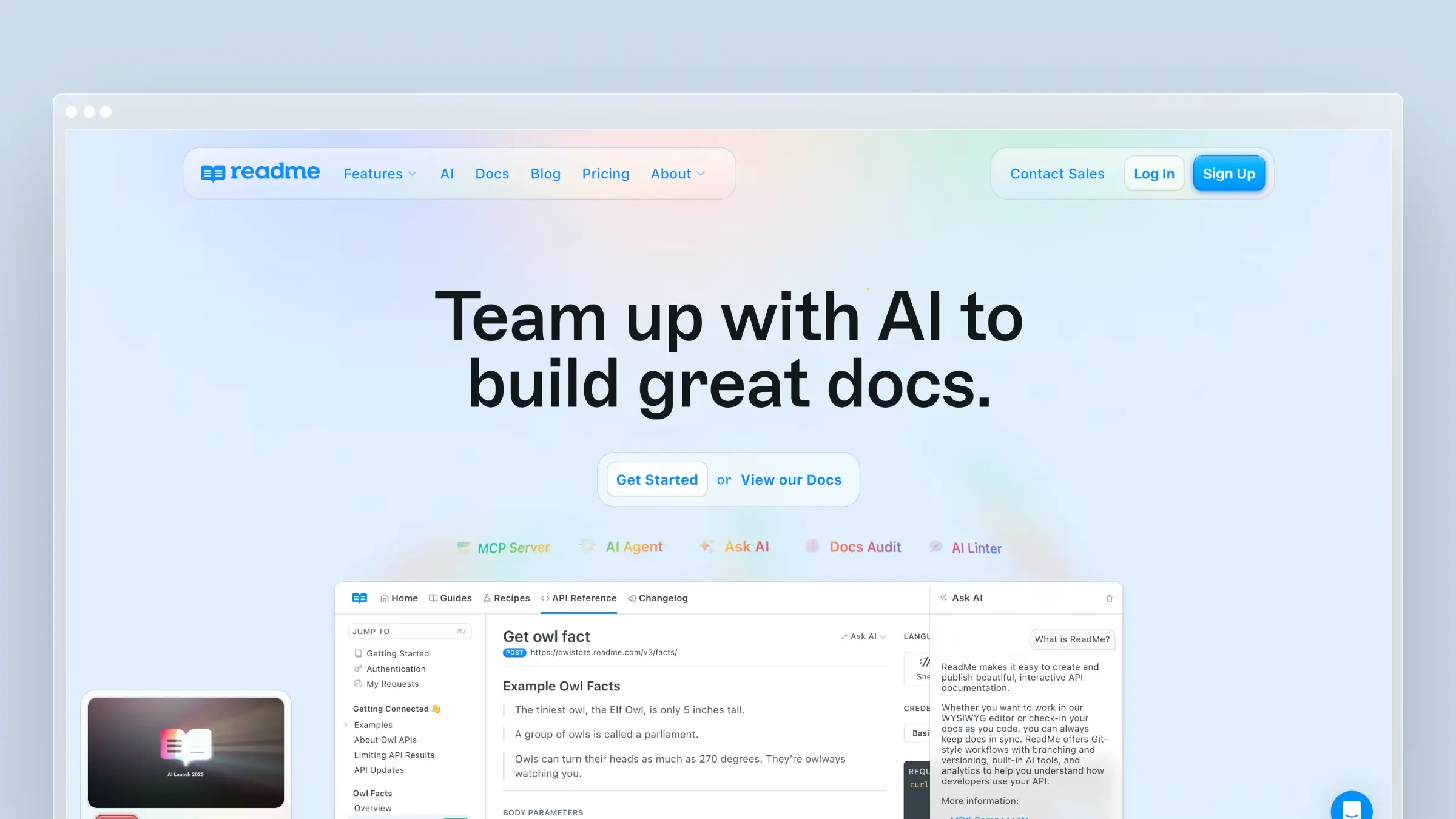
ReadMe focuses on making API documentation interactive and measurable.
Key features:
- “Try It” functionality for API endpoints
- Personalized docs with user’s own API keys
- Detailed usage analytics
- Changelog and version management
- Developer hub with getting started guides
Pricing: Starts at $99/month.
Best for: API products wanting detailed analytics on how developers use documentation.
Best Help Authoring Tools (HATs)
For complex technical documentation (think 500-page manuals, multi-format publishing, and conditional content) Help Authoring Tools remain the industry standard.
MadCap Flare: Enterprise Technical Documentation
MadCap Flare is the heavyweight champion of technical documentation. Complex, powerful, and built for scale.
Key features:
- Single-source publishing to HTML5, PDF, Word, EPUB, and more
- Topic-based authoring for content reuse
- Conditional content for different audiences
- Advanced project management and analytics
- Integration with source control
Pricing: Starts at $182/month per user.
Best for: Large enterprises with dedicated technical writing teams producing complex documentation.
Adobe RoboHelp: Multi-Format Publishing
Adobe RoboHelp is Adobe’s technical writing software for creating help systems and documentation.
Key features:
- Responsive HTML5 output
- Dynamic content filtering
- Micro content for chatbots and AI
- Integration with Adobe Experience Manager
- Collaboration tools for team review
Pricing: $39.99/month.
Best for: Teams already in the Adobe ecosystem or needing advanced HTML5 help systems.
Adobe FrameMaker: Long-Form Technical Documents
Adobe FrameMaker excels at structured, long-form documentation like industrial manuals and regulatory documents.
Key features:
- DITA and XML support
- Handles documents over 1,000 pages efficiently
- Structured authoring for compliance documentation
- Multi-channel publishing
- PDF workflows
Pricing: $39.99/month.
Best for: Industries requiring structured documentation (aerospace, medical devices, manufacturing).
Paligo: Cloud-Based CCMS
Paligo is a Component Content Management System (CCMS) built for teams that need structured content reuse.
Key features:
- Topic-based authoring with content reuse
- Built-in translation management
- Version control and branching
- Multi-channel publishing
- Cloud-native (no installation)
Pricing: Starts at $490/month.
Best for: Teams doing heavy localization or needing enterprise-grade structured authoring.
Best Screen Capture & Visual Documentation Tools
Technical writing isn’t just text. Screenshots, annotations, and video walkthroughs often communicate more effectively than paragraphs of explanation.
SnagIt: Screenshot and Annotation
SnagIt from TechSmith is the gold standard for screen capture and annotation.
Key features:
- Capture entire pages (scrolling capture)
- Built-in annotation and callout tools
- Organize captures in a library
- Create quick videos from screenshots
- Templates for consistent styling
Pricing: $62.99 one-time purchase.
Best for: Technical writers who frequently capture and annotate screenshots.
Loom: Quick Video Walkthroughs
Loom makes recording and sharing video explanations effortless.
Key features:
- Record screen, camera, or both
- Automatic transcription
- Easy embedding in documentation
- Comments and reactions on videos
- Team workspace for organization
Pricing: Free tier available. Business starts at $15/user/month.
Best for: Creating video tutorials, onboarding content, and quick explanations.
Scribe: Automatic How-To Guides
Scribe automatically creates step-by-step guides as you complete a process.
Key features:
- Captures clicks and generates written instructions automatically
- Adds screenshots at each step
- Editable guides you can refine
- Export to multiple formats
- Browser extension and desktop app
Pricing: Free tier available. Pro starts at $29/user/month.
Best for: Creating process documentation and standard operating procedures quickly.
Best Writing Enhancement Tools
Good technical writing is clear, concise, and consistent. These tools help polish your prose.
Grammarly: Grammar and Style
Grammarly catches grammar mistakes and suggests style improvements.
Key features:
- Real-time grammar and spelling checks
- Tone detection and suggestions
- Style guide enforcement (Business plan)
- Integrates with most writing tools
- AI writing assistance
Pricing: Free tier available. Premium starts at $12/month.
Best for: Everyone. Grammarly is table stakes for professional writing.
Hemingway Editor: Clarity and Readability
Hemingway Editor highlights complex sentences and passive voice to improve readability.
Key features:
- Readability grade level scoring
- Highlights hard-to-read sentences
- Identifies passive voice and adverbs
- Simple, focused interface
- Desktop and web versions
Pricing: Free web version. Desktop app is $19.99 one-time.
Best for: Technical writers wanting to simplify complex content.
Vale: Style Guide Enforcement
Vale is an open-source prose linter that enforces style guides programmatically.
Key features:
- Custom style guides as code
- Integrates with CI/CD pipelines
- Works with Microsoft, Google, and custom style guides
- Command-line and editor integrations
- Open source
Pricing: Free.
Best for: Developer documentation teams wanting consistent style across contributors.
The Future: AI-Powered Technical Writing
The biggest shift in technical writing tools isn’t about better editors or prettier output. It’s about automation.
Traditional technical writing follows a painful cycle:
- Product ships new feature
- Someone remembers docs need updating
- Writer finds time to update docs
- Meanwhile, support tickets pile up
- Docs are outdated again within weeks
This cycle is why 60% of help center articles become outdated within a year. It’s not that technical writers are lazy. They’re overwhelmed.
What AI Documentation Agents Change
AI documentation agents break this cycle by:
Monitoring continuously. They watch your codebase, support tickets, and changelogs. When something changes, they know.
Identifying gaps proactively. Instead of waiting for customers to complain, they analyze what people are asking and surface missing content.
Drafting content automatically. They generate first drafts based on real product knowledge and customer questions, not generic templates.
Keeping humans in control. The best systems don’t publish automatically. They propose changes for human review. You maintain quality while eliminating the grunt work.
Tools with AI Documentation Agents
Currently, only a few platforms have shipped true AI documentation agents:
| Platform | Agent Capabilities | Best For |
|---|---|---|
| Ferndesk | Reads codebase, analyzes support tickets, drafts articles, flags outdated content | Customer help centers, SaaS documentation |
| GitBook | Docs Agent for content creation, Slack thread summarization, AI search | Mixed technical/non-technical teams |
| Mintlify | Agent creates PRs with doc changes, enforces style, translates content | Developer documentation |
Why This Matters for Technical Writers
AI documentation agents don’t replace technical writers. They give them leverage. Instead of spending time on:
- Finding what needs updating
- Writing first drafts
- Answering the same questions repeatedly
Technical writers can focus on:
- Structuring information architecture
- Ensuring accuracy and nuance
- Creating content that AI can’t (complex tutorials, troubleshooting guides, conceptual overviews)
The role shifts from content producer to content strategist, a much more valuable and sustainable position.
Choosing the Right Technical Writing Tool
With so many options, here’s a framework for deciding:
For Customer-Facing Help Centers
If you ship frequently and struggle to keep docs current: Ferndesk. The AI agent handles the maintenance burden that kills most knowledge bases.
If you need a simple, beautiful knowledge base: HelpDocs. Clean, straightforward, gets the job done.
If you’re already on Intercom: Intercom Help Center. Keep everything in one place.
For Developer Documentation
If you want polish without design work: Mintlify. Beautiful defaults, interactive API playgrounds, LLM-ready.
If you have mixed technical/non-technical contributors: GitBook. Visual editing plus Git sync.
If you want full control and zero cost: Docusaurus. Open source, fully customizable, self-hosted.
For Complex Enterprise Documentation
If you need multi-format publishing at scale: MadCap Flare. The enterprise standard.
If you’re doing heavy localization: Paligo. Built for translation workflows.
If you need structured authoring for compliance: Adobe FrameMaker. DITA/XML native.
For Visual Documentation
Screenshots and annotations: SnagIt. Industry standard for a reason.
Quick video walkthroughs: Loom. Record and share in minutes.
Automatic how-to guides: Scribe. Let the tool write the steps.
The Documentation Stack for Modern Teams
Many successful teams don’t rely on a single tool. A typical modern documentation stack looks like:
- Customer help center: Ferndesk (AI-powered, stays current automatically)
- Developer docs: Mintlify or Docusaurus (polished API references)
- Internal wiki: Notion or Confluence (team knowledge)
- Visual content: SnagIt + Loom (screenshots and videos)
- Writing quality: Grammarly (everyone needs an editor)
This isn’t over-engineering. It’s recognizing that different documentation serves different audiences with different needs.
Key Takeaways
The maintenance problem is real. Most documentation fails not because it’s poorly written, but because it becomes outdated. Choose tools that help keep content current.
AI is changing the game. Documentation agents that monitor your product and draft content automatically are no longer science fiction. They’re shipping today.
Integration matters. Technical writing tools should connect to where your knowledge lives: support tickets, code repositories, internal communication.
Match the tool to the audience. Customer help centers, developer docs, and internal wikis have different requirements. Use the right tool for each.
Humans still matter. The best AI tools keep humans in the loop. They accelerate technical writing without replacing the judgment and expertise of skilled writers.
Start Writing Better Documentation Today
Technical writing doesn’t have to be a losing battle against entropy. The right tools, especially those that help keep content current, transform documentation from a burden into a competitive advantage.
If you’re struggling with outdated help content, support tickets asking questions that should be in your docs, or simply not having time to write, try Ferndesk free for 7 days. See how an AI documentation agent can change your relationship with technical writing.
Your documentation should work as hard as you do. It’s time for tools that make that possible.


 Book a demo