

.png)
GitBook and Mintlify are the two most popular documentation platforms for technical teams in 2025. Both have evolved significantly, adding AI agents, LLM optimization features, and automation capabilities.
But they’re built on fundamentally different philosophies. Understanding those differences is crucial to making the right choice for your team.
The Core Philosophy Difference
GitBook is a “Docs-as-Content” platform. It emphasizes collaborative, Notion-like editing with a block-based WYSIWYG interface. The goal is making documentation accessible to everyone on your team—not just developers.
Mintlify is a “Docs-as-Code” platform. It treats documentation like software: version-controlled, Git-based, and optimized for developer workflows. The goal is keeping docs in sync with your codebase.
This philosophical difference shapes every feature decision both platforms make.
Quick Comparison
| Feature | GitBook | Mintlify |
|---|---|---|
| Best for | Cross-functional teams | Developer-focused teams |
| Editing experience | Block-based WYSIWYG | MDX + code editor |
| Git integration | Bi-directional sync | Native docs-as-code |
| API documentation | Manual | Auto-generated from OpenAPI |
| AI agent | GitBook Agent (Pro+) | Mintlify Autopilot (Pro) |
| Starting price | $65/month + $12/user | $300/month (5 editors) |
| Free tier | 1 user, public docs | Full platform, 1 user |
Editing Experience
GitBook: Built for Everyone
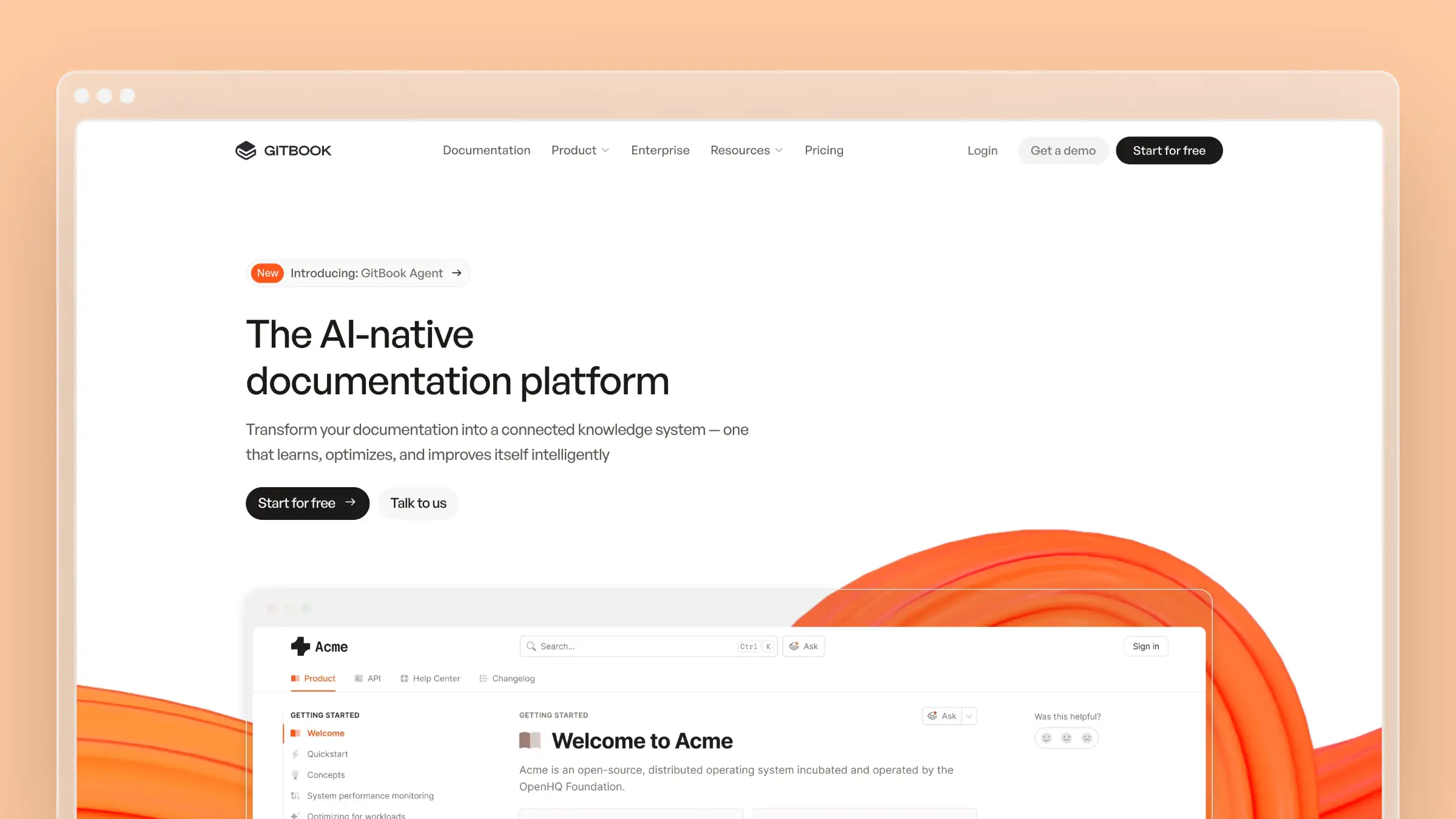
GitBook’s editor feels like Notion. Drag-and-drop blocks, real-time collaboration, and a visual interface that non-technical team members can use immediately.
What works well:
- Block-based editing is intuitive for product managers, support teams, and marketers
- Real-time multi-user editing with live cursors
- Built-in commenting and change request workflows
- No code required to create professional-looking docs
What doesn’t:
- Markdown support exists but isn’t the primary workflow
- Editor-to-publish parity can be inconsistent (especially tables)
- Less control over fine-grained formatting
Mintlify: Built for Developers
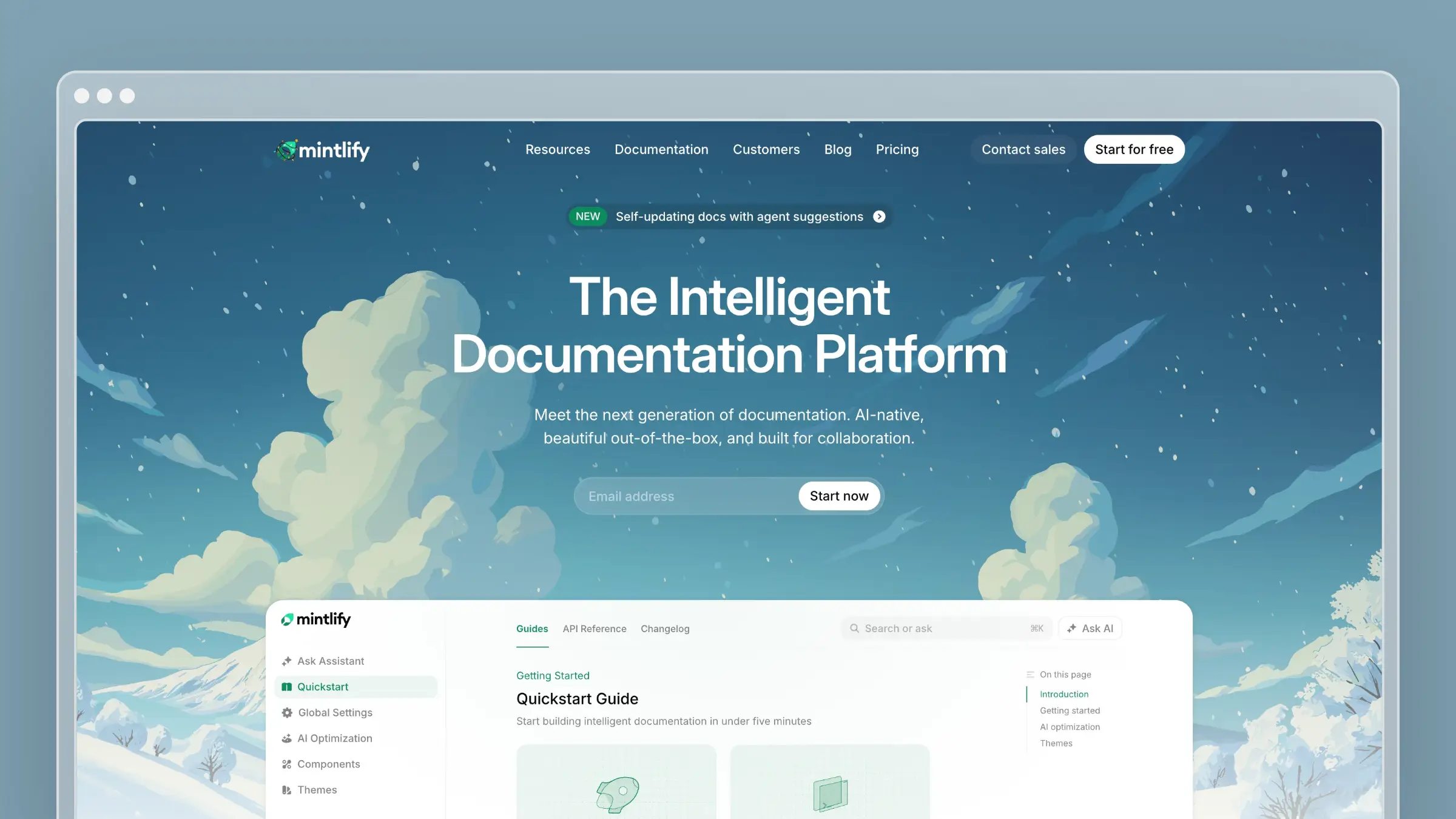
Mintlify expects you to write documentation in MDX files, manage them in Git, and deploy through CI/CD. If that sounds like how you ship code, that’s the point.
What works well:
- Write docs alongside code in your IDE
- Version control, branching, and PRs for documentation changes
- Preview deployments before merging
- Complete control over structure and styling via
docs.json
What doesn’t:
- Steeper learning curve for non-developers
- WYSIWYG editor exists but is limited
- Setup requires developer time and Git knowledge
Bottom line: If your documentation is maintained primarily by engineers, Mintlify fits naturally into their workflow. If product managers, technical writers, or support teams contribute regularly, GitBook’s visual editor removes friction.
API Documentation
This is where the platforms diverge sharply.
Mintlify: Automatic API Reference Generation
Mintlify was built for API documentation. Point it at an OpenAPI spec and it generates:
- Complete endpoint documentation
- Multi-language code samples (JavaScript, Python, Go, Ruby, Java)
- Interactive API playground for live testing
- Automatic updates when your spec changes
- Handling of complex structures: nested objects, unions, enums, polymorphic responses
You can version your API docs (v1, v2, v3) and Mintlify keeps them in sync with your codebase. Teams report that Mintlify’s auto-generation reduces manual API documentation work by around 60%.
Companies like Anthropic, Vercel, Cursor, Cloudflare, and Zapier use Mintlify for their API docs.
GitBook: Manual API Documentation
GitBook doesn’t parse OpenAPI files. Every endpoint, every request example, every response code—you write it manually.
That said, GitBook recently added OpenAPI rendering capabilities, allowing you to import specs and display them. But it’s not the automated, keep-in-sync-with-your-codebase experience that Mintlify provides.
Bottom line: If you’re documenting APIs and want automation, Mintlify is the clear choice. If your documentation is more about guides, tutorials, and conceptual content with minimal API reference, GitBook’s manual approach may be fine.
AI Features
Both platforms have invested heavily in AI. Here’s how they compare.
GitBook Agent
GitBook Agent is a proactive AI collaborator that:
- Scans connected sources (Intercom, GitHub Issues) to identify documentation gaps
- Proposes documentation updates based on customer conversations
- Understands your style guide and applies it automatically
- Opens change requests with explained edits for human review
- Can auto-update API docs from OpenAPI specs
- Supports AI-powered translations
The Agent works with your existing content to suggest improvements, flag outdated information, and help maintain consistency. It’s currently in open beta for Pro and Enterprise plans.
GitBook also offers GitBook Assistant—an AI-powered chat interface for readers that uses agentic retrieval to answer questions based on your documentation.
Mintlify Autopilot
Mintlify’s Autopilot monitors your codebase and proactively identifies documentation updates:
- Watches selected repositories for code changes
- Identifies what needs updating in your docs when you ship
- Creates drafts with full context of your codebase, documentation structure, and tone
- Generates pull requests for human review
- Connects to Slack for team notifications
Mintlify also offers:
- AI Assistant for content generation and rewriting
- CI checks for broken links and style guide compliance
- AI-powered translations
The Autopilot is available on Pro ($300/month) and Custom plans.
LLM Optimization
Both platforms now support features that make your documentation AI-friendly:
| Feature | GitBook | Mintlify |
|---|---|---|
| llms.txt / llms-full.txt | Yes | Yes (pioneered this with Anthropic) |
| MCP Server generation | Yes | Yes |
| Markdown export (.md URLs) | Yes | Yes |
Mintlify developed llms-full.txt in collaboration with Anthropic, who needed cleaner ways to feed documentation into LLMs. Both platforms now support these standards.
Bottom line: Both platforms have capable AI features. GitBook Agent focuses on analyzing customer conversations to improve docs. Mintlify Autopilot focuses on keeping docs in sync with code changes. Choose based on where your documentation gaps come from.
Performance and Design
Mintlify: Speed-Optimized
Mintlify produces static sites optimized for reading. Pages load noticeably faster than most documentation platforms, especially on large sites.
The design themes are polished out of the box with extensive customization options. Multiple built-in components help create visually rich documentation.
GitBook: Editor-Focused
GitBook’s runtime is optimized for the editing experience rather than reader performance. On large or complex documentation sites, load times can be slower.
The output looks clean and professional, but you’ll notice the difference if performance is a priority.
Bottom line: If you care about reader experience and page speed, Mintlify has the edge.
Collaboration Features
GitBook: Strong Collaboration
GitBook excels at team collaboration:
- Real-time multi-user editing
- Built-in commenting on specific content blocks
- Change request workflows with approval processes
- Clear visibility into who changed what
This makes GitBook ideal for teams where product managers, engineers, and technical writers all contribute.
Mintlify: Git-Based Collaboration
Mintlify’s collaboration happens through Git:
- Pull requests for documentation changes
- Review comments in GitHub/GitLab
- Branch-based workflows for major updates
This works well for developer teams already using Git, but can exclude non-technical contributors.
Mintlify recently added a basic WYSIWYG editor and internal comments, but these features are still maturing.
Bottom line: For cross-functional teams, GitBook’s collaboration is more accessible. For pure developer teams, Mintlify’s Git workflow is natural.
Pricing Breakdown
GitBook Pricing
| Plan | Price/Site | Additional Users | Key Features |
|---|---|---|---|
| Basic | $0/month | N/A (1 user) | Public docs, basic customization |
| Premium | $65/month | $12/user/month | Custom domain, AI Answers, branding |
| Ultimate | $249/month | $12/user/month | Site sections, visitor auth, AI Assistant |
| Enterprise | Custom | Custom | SAML SSO, dedicated support |
Hidden costs:
- Per-user fees add up quickly ($12/user/month on paid plans)
- Each documentation site requires its own plan
- Recent pricing changes have frustrated some users
Example: A 5-person team on Premium pays $113/month ($65 + $48 for 4 additional users).
For more details, see our GitBook pricing breakdown.
Mintlify Pricing
| Plan | Price | Editors Included | AI Messages |
|---|---|---|---|
| Hobby | Free | 1 | None |
| Pro | $300/month | 5 | 250/month |
| Custom | $600+/month | Custom | Custom |
Hidden costs:
- Extra editor seats cost $20/month each
- AI message overage: $0.15 per message after 250
- Heavy AI usage can add $30-100/month
Example: A 5-person team using 500 AI messages monthly pays ~$417.50/month ($300 + 4 seats at $20 + 250 messages at $0.15).
For more details, see our Mintlify pricing breakdown.
The Real Cost Comparison
For a 5-person team:
- GitBook Premium: ~$113/month ($1,356/year)
- Mintlify Pro: ~$380/month with moderate AI usage ($4,560/year)
GitBook is significantly cheaper per user, but Mintlify includes more AI features and automation in its base price.
Who Uses Each Platform
GitBook Customers
Over 150,000 organizations use GitBook, including:
- NVIDIA
- Zoom
- Countless startups and open-source projects
GitBook is popular with teams that need internal wikis, customer-facing help centers, and collaborative documentation.
Mintlify Customers
Mintlify powers documentation for 4,000+ companies, including:
- Anthropic
- Vercel
- Cursor
- Cloudflare
- Zapier
- Coinbase
- Pinecone
Mintlify is the default choice for API-first companies and developer tools.
When to Choose GitBook
Choose GitBook if:
- Cross-functional teams contribute to documentation (not just developers)
- You want WYSIWYG editing without learning new tools
- Real-time collaboration matters more than Git workflows
- You’re creating internal wikis or knowledge bases
- Your documentation is narrative-focused (guides, tutorials, conceptual content)
- Budget constraints make per-user pricing more attractive than flat rates
- You need robust commenting and approval workflows
When to Choose Mintlify
Choose Mintlify if:
- Your team is developer-focused and comfortable with Git
- You’re documenting APIs and want auto-generation from OpenAPI
- Keeping docs in sync with code is critical
- You want the fastest page load times
- LLM optimization (llms.txt, MCP servers) is important for AI integrations
- You have the budget for $300+/month
- You’re building developer tools or an API-first product
The Middle Ground: Using Both
Some teams use both platforms:
- Mintlify for API reference documentation (auto-generated, kept in sync with code)
- GitBook for guides, tutorials, and content that non-developers maintain
This hybrid approach works if you have the budget and can manage the complexity.
What Both Platforms Miss
Neither GitBook nor Mintlify is designed as a customer self-service platform. They’re documentation publishing tools, not help centers.
What they lack:
- Support ticket analysis — Neither analyzes your support conversations to identify FAQ opportunities at scale
- Customer-facing AI search — Limited to basic search or chat widgets
- Embedded help widgets — No way to surface contextual help inside your product
- Customer behavior analytics — Limited visibility into what customers are searching for but not finding
- One-click migration from help desk platforms
If you need a customer-facing help center rather than developer documentation, both platforms have gaps.
How Ferndesk Compares

| Feature | GitBook | Mintlify | Ferndesk |
|---|---|---|---|
| Starting price | $65/month + $12/user | $300/month | $149/month (5 users included) |
| AI agent for updates | Pro/Enterprise only | Pro only | Pro |
| Auto-generated articles | No | Limited | Unlimited drafting |
| Support ticket analysis | Individual conversations | No | Up to 5,000 tickets/month |
| Customer self-service | Basic search | Basic search | AI-powered search, widgets, analytics |
| One-click migration | Enterprise only | No | Yes (Intercom, Zendesk, Help Scout) |
Where Ferndesk differs:
- Support ticket intelligence: Ferndesk analyzes up to 5,000 support tickets per month to identify patterns and generate FAQs automatically—not just individual conversations
- Built for customer self-service: AI-powered search for customers, embedded help widgets, behavior analytics, and feedback collection
- Simpler pricing: $149/month or $1,490/year with 5 team members included vs. per-user fees that add up fast
- One-click migration: Import your existing help center from Intercom, Zendesk, or Help Scout in minutes
Bottom Line
GitBook and Mintlify are both excellent documentation platforms, but they serve different needs.
Choose GitBook for collaborative, cross-functional documentation where non-developers need to contribute. It’s more affordable for larger teams and has the best WYSIWYG editing experience.
Choose Mintlify for developer-focused, API-centric documentation where keeping docs in sync with code is critical. It’s more expensive but offers superior automation for technical teams.
Choose neither if you need a customer-facing help center with AI-powered self-service. Both platforms are built for documentation publishing, not customer support deflection.
If you’re looking for a help center that learns from your support tickets, suggests articles automatically, and helps customers find answers themselves—Ferndesk delivers that at a startup-friendly price. Try it free and see how much time you save.


 Book a demo