


Picking the best API documentation tool used to mean picking the cleanest reference page generator. That is no longer the real problem. Your API changes every sprint, your product changes every week, and your docs quietly rot in the background while support tickets pile up.
The buying question in 2026 is different. It is less about how pretty your reference pages look on launch day and more about how your tool handles developer experience, cross-team collaboration, and the ongoing maintenance work that never really ends.
What is an API documentation tool today?
An API documentation tool is no longer just a static reference generator. The category has shifted toward unified knowledge hubs that combine API references, product guides, and internal knowledge, plus continuous-maintenance systems that keep everything current as your product changes. The good ones treat docs as a living operational surface, not a one-time publishing project.
This list is built for teams comparing tools for real production use, not weekend side projects. Here is how to read it:
- Who it is for: SaaS teams, developer-tools companies, and platform engineering groups shipping API changes weekly or faster.
- How the tools were selected: Based on category coverage across spec-first tools, developer portals, docs-as-code frameworks, and AI-native maintenance platforms.
- What “best” means here: The tool most likely to keep your API docs accurate and useful over time, not the one with the flashiest landing page.
How to Evaluate the Best API Documentation Tools
Before you shortlist tools, get honest about where your docs actually fall apart. Most teams do not have a publishing problem. They have a maintenance problem, and that changes what “best” looks like.
Why API docs break down as your product changes
API documentation quality directly affects developer experience, and developer experience directly affects adoption, integration success, and support load. When docs drift, developers stop trusting them.
- APIs evolve quickly, so documentation quality directly affects onboarding time, integration quality, and support volume.
- Static reference pages become stale when endpoints, payloads, screenshots, or workflows change faster than your team updates them.
- Multi-service architectures make ownership and consistency harder, especially when each team ships on its own cadence.
- The maintenance burden is often a bigger problem than the initial publishing step, and it is where most teams silently lose the battle.
The criteria used in this list
These seven criteria came from real developer conversations, evaluation checklists, and how teams actually shortlist tools in 2026.
- Developer experience. Navigation, examples, code samples, and try-it flows that let a developer make a successful call in minutes.
- Spec and code integration. OpenAPI sync, auto-generation from code, and support for multi-service architectures where several APIs need consistent documentation.
- Maintenance model. Content reuse, drift detection, and how easily docs stay current as the API changes without a full rewrite.
- Collaboration. Review workflows and whether non-engineers can contribute safely without breaking the spec.
- Security and access control. Authentication, private spaces, and SSO for internal or partner-only API documentation.
- AI and automation. Features that reduce manual documentation work instead of adding novelty for a demo.
- Pricing clarity and implementation fit. Transparent plans and a realistic setup path for startups, scale-ups, and engineering-heavy teams.
The four tool categories you’ll see in this roundup
| Category | What It Optimizes For | Main Tradeoff | Best Team Fit |
|---|---|---|---|
| Spec-first | OpenAPI accuracy and governance | Weaker for narrative or support-driven content | Engineering orgs with disciplined API design |
| Developer portal | Onboarding and branded developer UX | Freshness depends on manual updates | External API companies focused on adoption |
| Docs-as-code | Full control and customization | Maintenance cost lands on your engineers | Platform teams who own their front-end stack |
| AI-native | Keeping docs current as product changes | Less focus on heavy design customization | SaaS teams shipping weekly |
At-a-Glance comparison of the best API documentation tools
Here is a side-by-side view of how these tools stack up on category, fit, maintenance model, and starting price.
Quick comparison table
| Tool | Category | Best-Fit Use Case | Maintenance Model | Starting Price |
|---|---|---|---|---|
| Ferndesk | AI-native docs platform | SaaS teams shipping weekly needing aligned API and product docs | Active layer monitoring code, tickets, and changelogs | $149/month |
| Redocly | Spec-first | OpenAPI-first teams with multi-service governance needs | Spec-driven updates with review controls | $10/seat/month |
| ReadMe | Developer portal | API companies focused on external onboarding and branded UX | Managed portal with team-owned updates | $250/month annual |
| GitBook | Unified knowledge hub | Cross-functional teams wanting API docs inside broader product docs | Collaborative editing with team-owned freshness | $65/site/month annual |
| SwaggerHub | Spec-first | Engineering orgs standardizing on OpenAPI end to end | Spec-driven with governance workflows | $30/user/month (Individual) |
| Mintlify | Developer portal | Developer-first startups wanting modern polished docs fast | Managed platform with team-owned updates | $450/month annual ($540 monthly) |
| Postman | API workspace with docs | Teams whose docs live alongside collections and tests | Collection-driven updates tied to API workflow | $9/month (Solo) |
| Docusaurus | Docs-as-code | Engineering-led teams wanting full control and open source | Git-based, team-owned maintenance | Free (self-hosted) |
Use this table to shortlist two or three tools before reading the full profiles again. Match the maintenance model to your real bottleneck, not just the starting price.
1. Ferndesk
 Ferndesk is an AI-native documentation platform designed for SaaS teams that ship faster than they can update docs. It combines a help center, an API reference with an OpenAPI-powered Try It playground, and an AI agent that monitors your codebase, changelogs, and support tickets to draft documentation updates before your docs drift out of sync with your product.
Best fit and workflow
Ferndesk fits teams whose main documentation problem is velocity, not aesthetics. If your product ships weekly and your docs cannot keep up, the workflow shifts from writing to reviewing.
- Best for SaaS teams shipping weekly that need API docs and product docs to stay aligned with releases.
- Best for teams that want documentation maintenance to become a review task instead of a rewrite task.
- Best for companies already using GitHub, Linear, and support tools that want those systems to feed documentation updates automatically.
What makes it strong
- It combines OpenAPI ingestion and Try It reference pages with a broader help center platform, so your API docs do not live in isolation from onboarding guides and product content.
- Its AI agent monitors code changes, support tickets, changelogs, and product updates to draft documentation changes before docs drift too far.
- Scheduled audits, broken-link checks, and automated screenshot updates target the stale-docs problem directly, so you catch decay before customers do.
- It fits teams that care more about reducing support tickets and maintenance time than about building a heavily customized docs stack from scratch.
Tradeoffs to know
- It is strongest for teams that treat documentation as a living operational system, not just a static developer portal you launch once.
- It is not a fit if you mainly want omnichannel support software, ticket routing, or agent inbox features.
- Teams seeking deep design customization over automation may prefer a more portal-first tool like ReadMe or Mintlify.
- Its biggest advantage shows up when frequent product changes are your primary documentation problem, not when your API is stable and rarely changes.
Pricing and buying notes
- Pro costs $149 per month or $1,490 per year, and enterprise contracts start at $399 per month, with transparent pricing on the site.
- Check usage limits for pull-request screening and AI answers when comparing plans, since heavier automation lives on Scale and above.
If your team already spends five or more engineering hours each month maintaining docs manually, the buying case becomes easier to justify against per-seat platforms.
2. Redocly
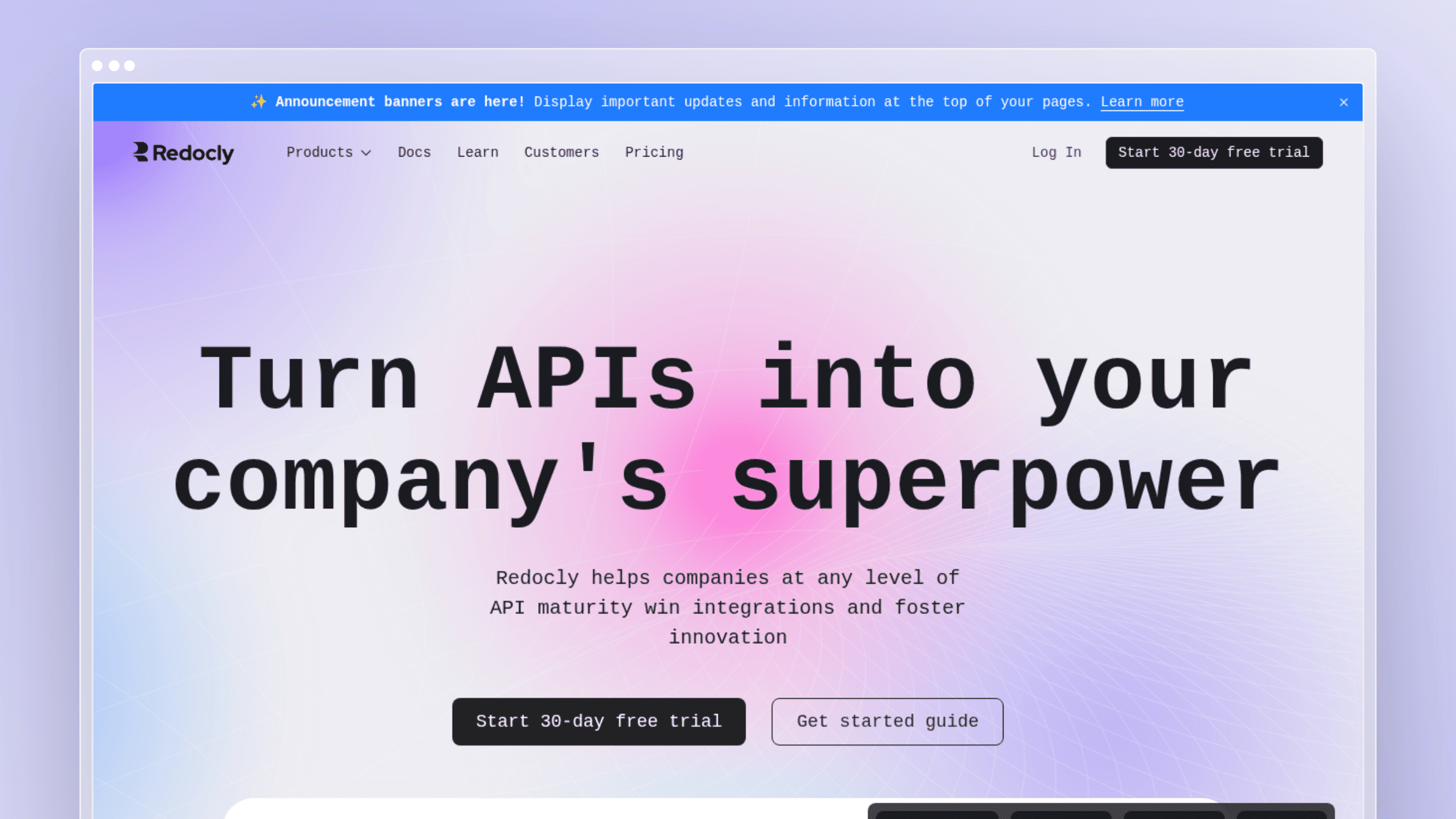 Redocly is one of the most established spec-first API documentation platforms, built around OpenAPI as the source of truth. It reports over one million weekly downloads and more than 212,000 users, and its product suite spans Redoc for reference docs, Reunite for collaboration, Revel for developer experience, and Reef for managing internal APIs.
Best fit and workflow
Redocly assumes you take your OpenAPI spec seriously and want tooling that enforces that discipline across services.
- Best for OpenAPI-first teams that want polished reference docs with governance and review controls.
- Best for organizations documenting multiple services that need reusable structure and consistency.
- Best for teams that already treat the API spec as the source of truth for both design and documentation.
What makes it strong
- It is one of the strongest spec-first options for clean, standards-compliant API reference experiences.
- Its collaboration and governance layer appeals to teams managing API quality across multiple services and repositories.
- Features like visual side-by-side reviews and remote content support more structured documentation workflows.
- Its scale (1M+ weekly downloads, 212K+ users) signals a mature ecosystem rather than a niche experiment.
Tradeoffs to know
- You get the most value only if your team maintains disciplined OpenAPI specs across every service.
- It is less centered on support-driven documentation gaps or broader help-center content that lives outside the spec.
- It solves API presentation and governance better than continuous content maintenance beyond the schema.
- Smaller teams may find it more platform than they need for a single API.
Pricing and buying notes
- Redocly uses per-seat pricing starting around $10 per seat per month, with Enterprise tiers priced higher and Enterprise+ custom yearly plans.
- Separate your evaluation of the free open-source Redoc Community Edition from paid governance and platform features.
It is easiest to justify when API design standards and multi-service consistency are core requirements rather than nice-to-haves.
3. ReadMe
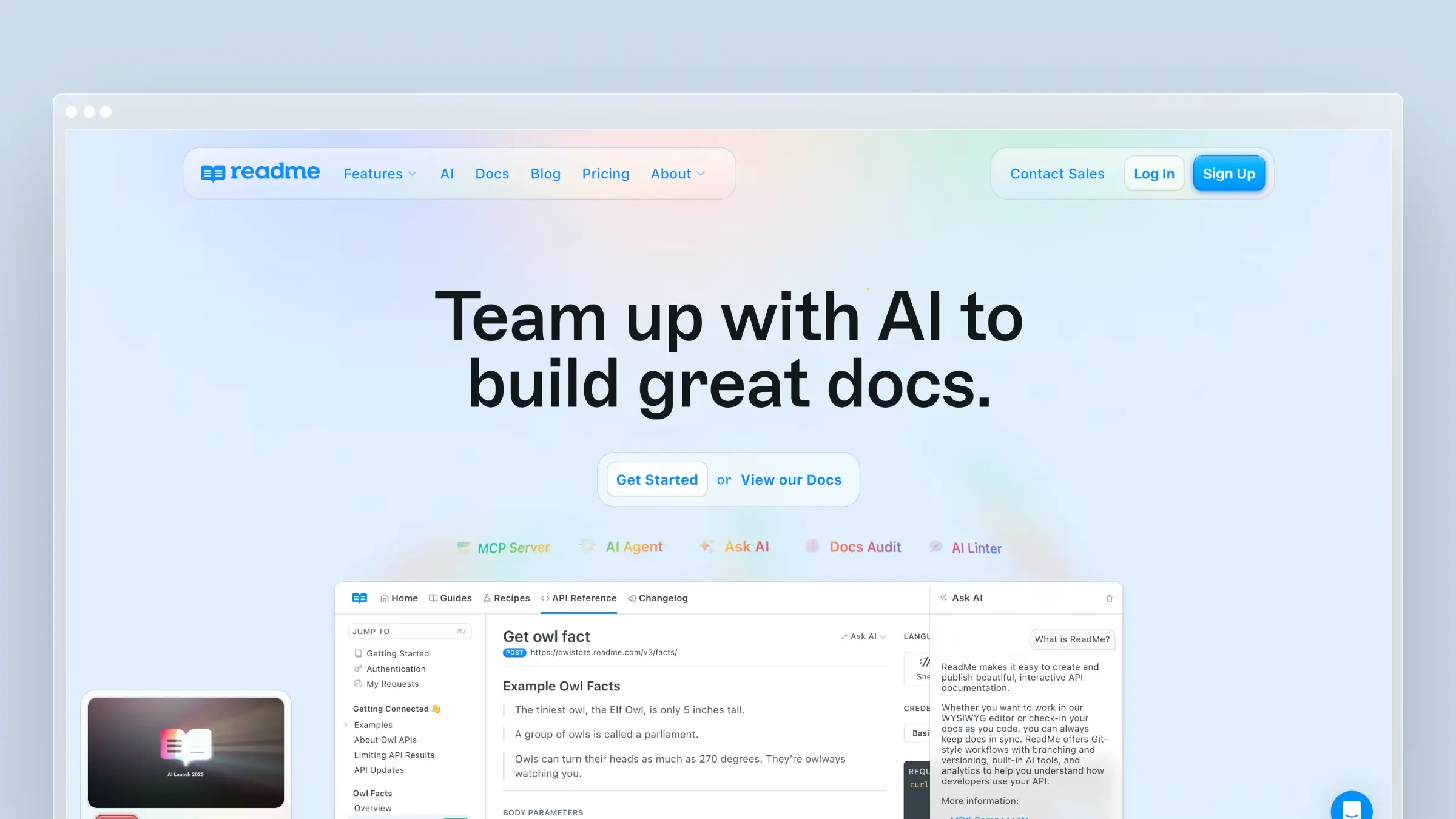
ReadMe is a developer portal platform focused on external API onboarding, branded documentation experiences, and combining reference docs with guides in one place. It is a common shortlist choice for API companies whose developer portal is part of the product itself.
Best fit and workflow
ReadMe suits teams that treat their developer portal as a customer-facing surface, not an internal reference.
- Best for API companies that care heavily about external developer onboarding and portal polish.
- Best for teams that want guides and reference docs in one branded experience.
- Best for organizations with a clear owner responsible for keeping docs current.
What makes it strong
- It is known for strong developer-facing presentation and onboarding flows.
- It supports a more polished external docs experience than most engineering-first stacks.
- It works well when you need API reference plus educational guides in one hub.
- It is often easier for cross-functional teams to work with than pure docs-as-code options.
Tradeoffs to know
- A polished portal does not automatically solve the stale-docs problem underneath.
- Engineering-heavy teams may prefer more control than a managed platform typically offers.
- Its value depends on how important branded developer experience is to your business.
- You still need a reliable internal process for examples, changelogs, and cross-team reviews.
Pricing and buying notes
- Starter is free for a single project; Pro starts at $250 per month billed annually ($300 monthly), and Enterprise begins at $3,000 per month with annual billing only.
- Add-ons like Ask AI are priced separately at $150 per month, so factor those into total cost.
It makes the most sense when developer portal quality is explicitly part of your product strategy, not just a docs line item.
4. GitBook
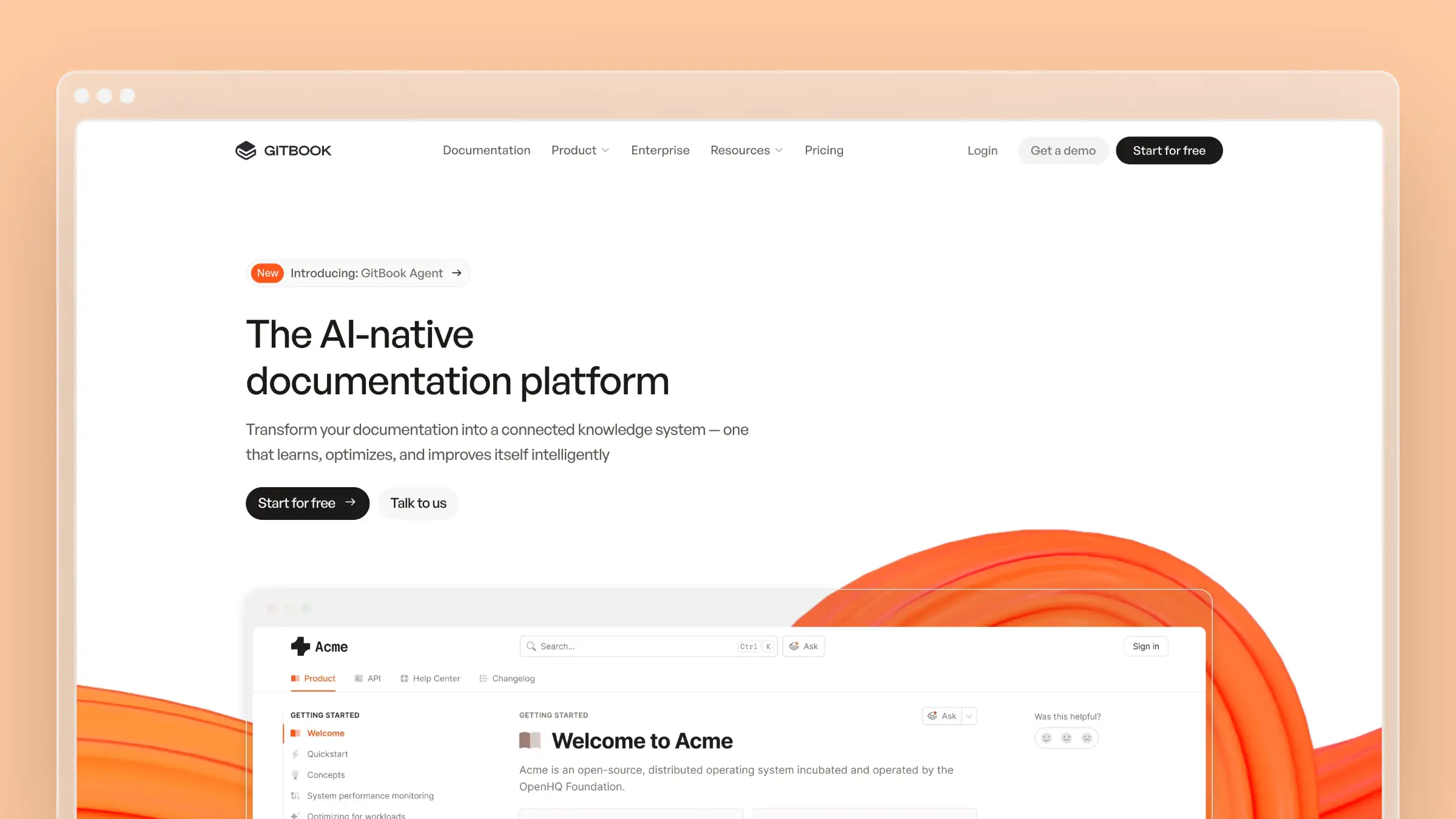 GitBook has moved from a lightweight docs tool into a broader knowledge hub that supports API reference alongside product docs, internal wikis, and public help content. It fits the industry shift away from isolated docs and toward unified knowledge platforms.
Best fit and workflow
GitBook works when your documentation problem is not just API reference but the entire surface of product, internal, and developer content.
- Best for teams that want API docs inside a broader product and internal knowledge hub.
- Best for cross-functional companies where support, product, and engineering all touch documentation.
- Best for buyers who want collaboration and usability more than deep docs-as-code control.
What makes it strong
- It matches the shift from isolated docs toward unified knowledge hubs that combine references, guides, and internal knowledge.
- It is strong when your users need both API reference and surrounding guides or product context in one navigation.
- Its collaborative editing model suits mixed technical and non-technical teams working in the same space.
- It can simplify documentation operations for companies that have outgrown scattered wikis, Notion pages, and standalone doc sites.
Tradeoffs to know
- It is less centered on strict API governance than spec-first tools like Redocly or SwaggerHub.
- It does not inherently solve documentation freshness unless your team builds that review process on top.
- Developer portal depth may not match tools built primarily for API onboarding.
- The broader your documentation scope, the more important your content model becomes.
Pricing and buying notes
- GitBook has a free plan and paid site plans starting at $65 per site per month (Premium) or $249 per site per month (Ultimate) billed annually, plus $12 per user per month on paid plans.
- Model out per-site plus per-user cost carefully if you plan multiple public and internal spaces.
It is a strong shortlist option when you want one documentation home rather than separate systems for API, product, and internal content.
5. SwaggerHub
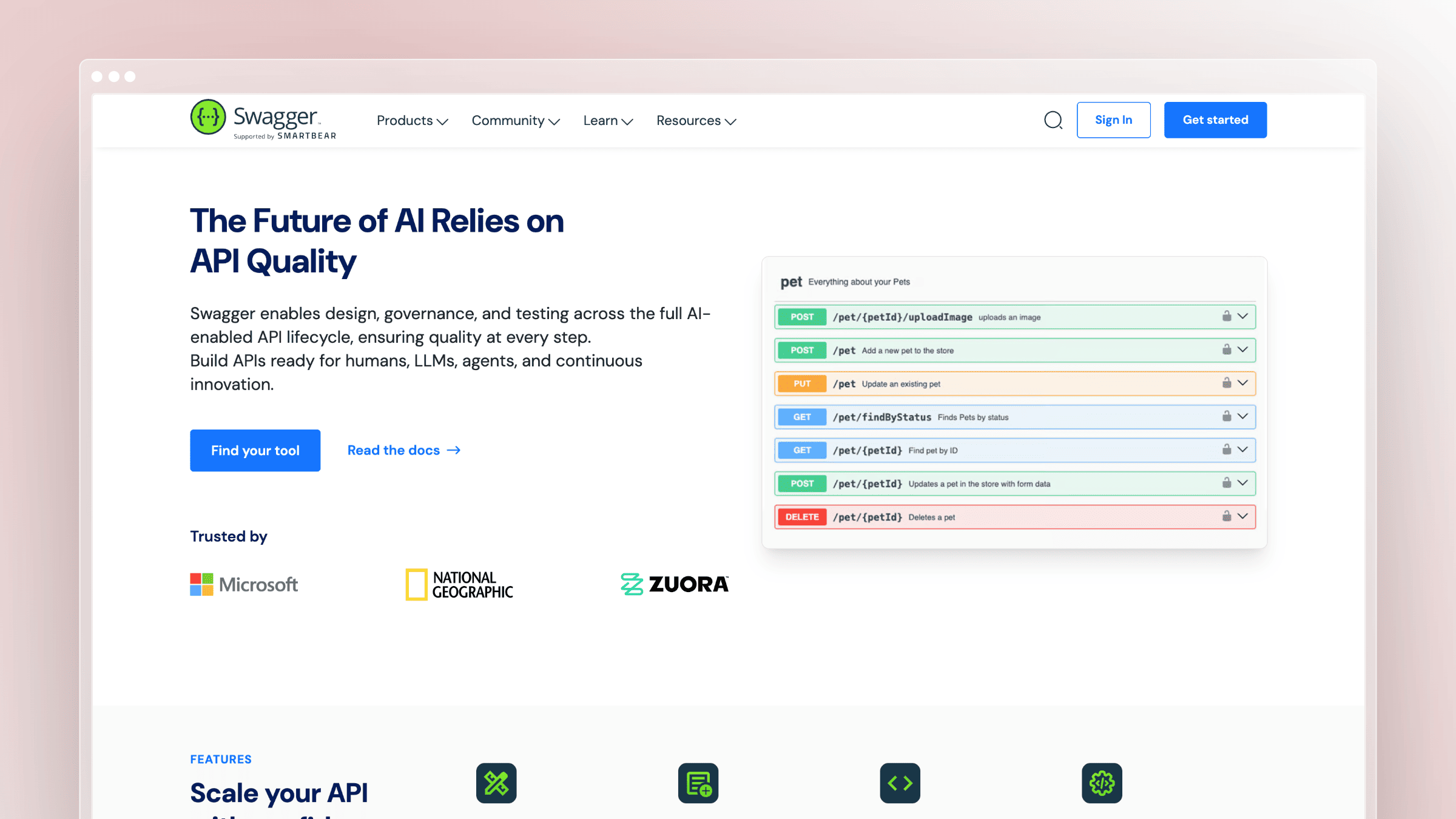
SwaggerHub is SmartBear’s managed platform built on the Swagger and OpenAPI ecosystem. It sits alongside open-source components like Swagger Editor, Swagger UI, and Swagger Codegen, and supports OpenAPI, AsyncAPI, and JSON Schema, positioning itself as the paid collaboration layer on top of familiar open standards.
Best fit and workflow
SwaggerHub suits engineering organizations that already live inside the Swagger ecosystem and want design, governance, and reference docs tied together.
- Best for teams standardizing on OpenAPI from design through documentation.
- Best for engineering organizations that want API design, governance, and reference docs in one workflow.
- Best for buyers who already trust the Swagger ecosystem and want a familiar spec-first path.
What makes it strong
- Swagger remains one of the default entry points into spec-first API documentation across the industry.
- Its biggest strength is the tight connection between API specification work and published reference docs.
- The broader Swagger ecosystem (Editor, UI, Codegen) lowers adoption friction for teams already working in OpenAPI.
- It is a sensible choice when consistency and standards matter more than editorial flexibility.
Tradeoffs to know
- Spec-first tooling is excellent for reference accuracy but weaker for broader documentation gaps outside the API schema.
- Teams still need a separate way to maintain narrative guides, examples, and product context.
- It can feel engineering-centric for companies where support or product teams co-own docs.
- Good reference docs do not automatically equal complete developer documentation.
Pricing and buying notes
- SwaggerHub starts at $30 per user per month for Individual, $42 per user per month for Team, and $70.80 per user per month for Enterprise.
- Evaluate the free open-source Swagger tools separately from paid SwaggerHub collaboration features.
It is easiest to justify when OpenAPI discipline is already part of your engineering culture.
6. Mintlify
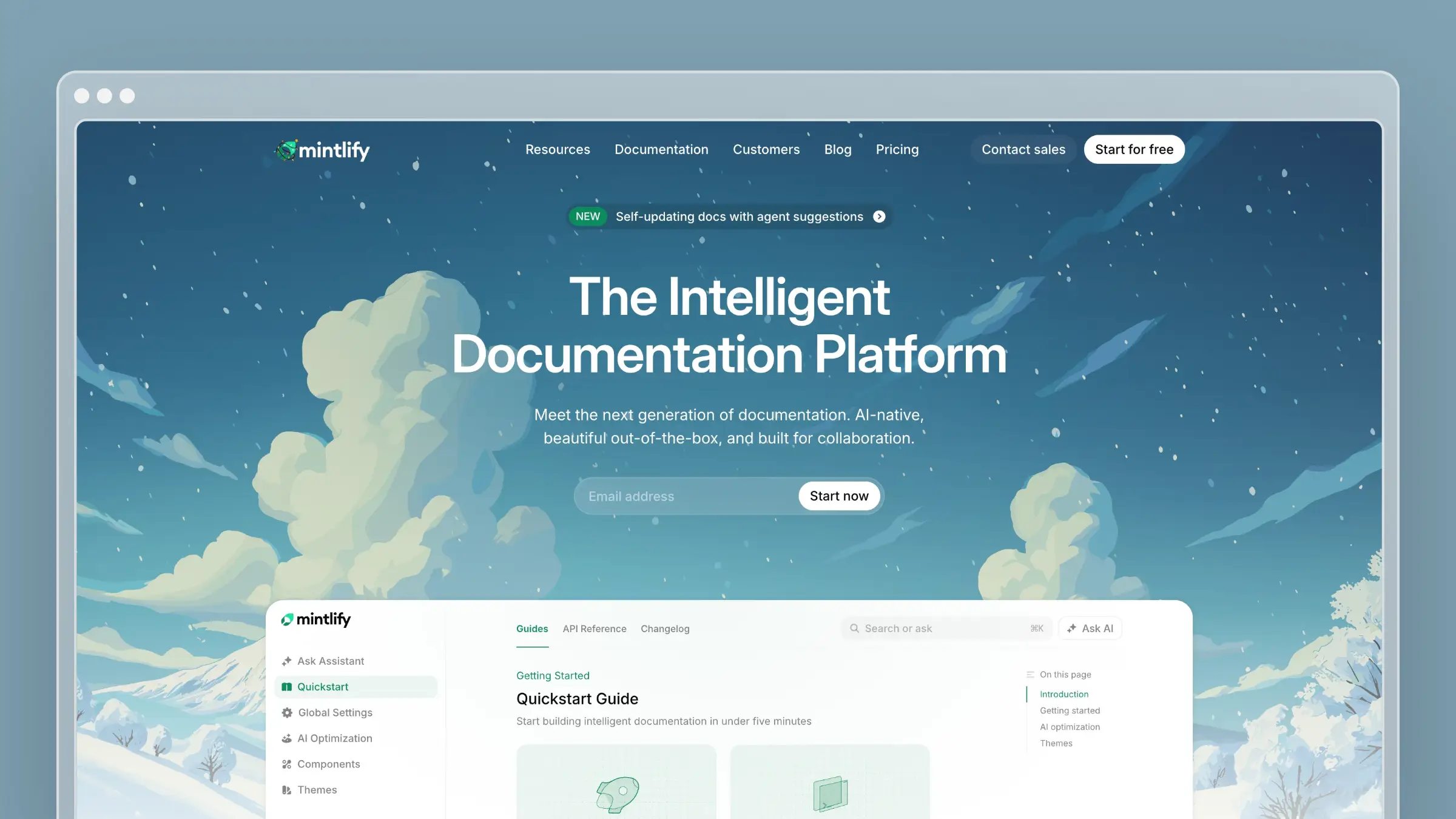 Mintlify has become a popular pick for developer-first startups that want modern, aesthetically clean docs without building the front-end themselves. It sits between raw docs-as-code and heavier enterprise platforms, with strong defaults out of the box.
Best fit and workflow
Mintlify suits engineering-led teams that value speed to launch and a polished external surface.
- Best for developer-first startups that want modern-looking docs without building everything in-house.
- Best for teams that value speed, aesthetics, and external developer experience.
- Best for engineering-led companies comfortable keeping docs close to the product team.
What makes it strong
- It is often shortlisted for its clean, modern presentation style and defaults.
- It appeals to teams that want a faster path than self-hosted docs stacks like Docusaurus.
- It fits developer audiences that care about readability and polished API onboarding.
- It sits in a useful middle ground between raw docs-as-code and heavier enterprise suites.
Tradeoffs to know
- A modern interface does not remove the need for a disciplined update workflow underneath.
- You may need other systems if your documentation also serves support, success, or broader knowledge-base use cases.
- Security, governance, and workflow depth should be checked carefully if you have enterprise requirements.
- Its fit depends heavily on whether external developer docs are your main job to be done.
Pricing and buying notes
- Starter is free for individuals and small teams; Pro costs $450 per month billed annually or $540 with monthly billing, includes 10,000 credits per month, and Enterprise pricing is custom.
- Compare it against both portal-first tools and docs-as-code stacks to see where its convenience premium makes sense.
It is a strong fit when speed to launch matters more than maximum system control.
7. Postman
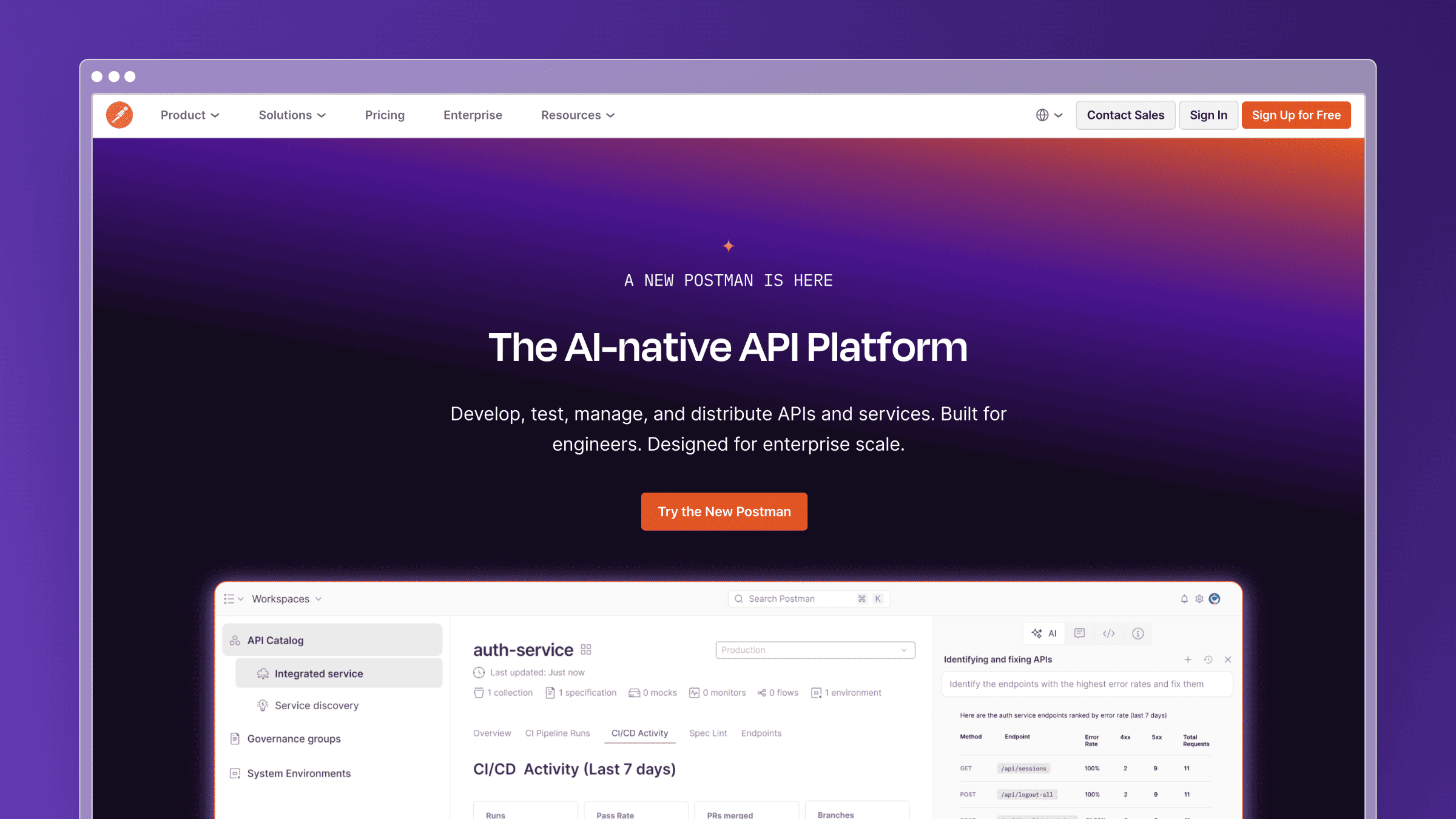 Postman is best known as an API workspace for building, testing, and sharing requests, but it also publishes documentation directly from collections. That tight link between collections and docs is its core differentiator.
Best fit and workflow
Postman suits teams whose docs live next to the API work itself, not in a separate publishing pipeline.
- Best for teams whose API docs need to stay tightly connected to collections and testing workflows.
- Best for organizations already using Postman as a daily collaboration layer for APIs.
- Best for internal or partner-facing API programs where sharing and experimentation matter.
What makes it strong
- It keeps documentation close to the API assets developers already use every day.
- It is intuitive for teams that already manage requests, tests, and collections in Postman.
- It reduces context switching between documenting, sharing, and validating APIs.
- It is especially practical when documentation is part of an active API workflow rather than a separate publishing project.
Tradeoffs to know
- It is not the most purpose-built choice if your main priority is a polished standalone developer portal.
- Broader narrative documentation can feel secondary to the API workflow itself.
- It does not directly solve stale help-center content driven by product changes or support patterns.
- Teams comparing it should decide whether they want an API workspace first or a docs platform first.
Pricing and buying notes
- Free for individuals; Solo at $9 per month, Team at $19 per user per month, and Enterprise at $49 per user per month, all billed annually.
- Its value is highest when Postman is already central to how your team builds and tests APIs.
If documentation is only one part of a larger Postman workflow, the overall buying case gets stronger.
8. Docusaurus
 Docusaurus is Meta’s open-source docs-as-code framework, used widely by engineering teams that want full control over structure, hosting, theming, and workflows. It is free under MIT license, but “free” is deceptive once you count engineering time.
Best fit and workflow
Docusaurus fits teams that already own front-end and platform tooling and see docs as another Git-based codebase.
- Best for docs-as-code teams that want full control over structure, hosting, and customization.
- Best for engineering organizations that already own front-end or platform tooling.
- Best for teams that prefer open-source flexibility over managed convenience.
What makes it strong
- It gives you strong control over versioning, customization, and code-based workflows.
- It fits naturally into Git-based documentation processes with PR review and CI.
- It can support broader technical documentation beyond API reference alone.
- It avoids platform lock-in for teams that want to own their documentation stack end to end.
Tradeoffs to know
- You own setup, hosting, theming, maintenance, and long-term upkeep as part of your engineering roadmap.
- The software itself is free, but the operational cost usually shows up as engineering time each month.
- It is harder for non-technical teammates to edit safely without additional process and review.
- It is a poor fit if your real problem is keeping docs current despite constant product changes.
Pricing and buying notes
- Docusaurus is fully free and open-source under MIT license, with no paid tiers.
- Treat it as free software with a real internal maintenance cost, not as zero cost by default.
It is best when control is worth more to you than convenience.
Other API Documentation Tools Worth Considering
The eight tools above cover the most common buying scenarios, but several other API documentation tools come up regularly during evaluations. Here is a quick profile of each, including who they fit best and why they did not make the main list.
Stoplight
Stoplight is a spec-first API design and documentation platform that competes closely with Redocly and SwaggerHub. It is strong on visual API design workflows, letting teams build and validate OpenAPI specs through a GUI rather than hand-editing YAML. Its documentation output is clean and its governance features are solid for teams standardizing API design across multiple services.
- Best for engineering teams that want a visual API design layer on top of OpenAPI documentation.
- Why it did not make the top eight: Redocly and SwaggerHub cover the spec-first category with broader ecosystem depth and more established user bases for pure documentation use cases.
Document360
Document360 is a knowledge base platform that supports API documentation alongside product guides, internal wikis, and customer-facing help content. It has a strong editor, versioning, and analytics, and it targets mid-market and enterprise teams that want a managed knowledge base without building one from scratch.
- Best for teams that need a broad knowledge base platform and want API docs as one section of a larger content hub.
- Why it did not make the top eight: It hides pricing behind sales calls, which makes it harder to evaluate quickly. Ferndesk and GitBook cover the unified knowledge hub category with more transparent pricing and stronger automation.
MkDocs
MkDocs is an open-source static site generator built specifically for project documentation. It is lightweight, Python-based, and pairs well with the Material for MkDocs theme, which has become a popular choice for developer-facing technical docs. Like Docusaurus, it is free but requires engineering time for setup, hosting, and ongoing maintenance.
- Best for Python-centric engineering teams that want a lightweight, Git-based docs site with minimal overhead.
- Why it did not make the top eight: Docusaurus covers the docs-as-code category with a larger ecosystem, broader plugin support, and stronger React-based customization for teams already in the JavaScript world.
Slate
Slate is an open-source API documentation generator that produces a clean, three-panel reference layout with navigation on the left, content in the center, and code samples on the right. It was widely used for a period and its visual style influenced many later tools, but active development has slowed and the ecosystem has not kept pace with modern spec-first or portal-first alternatives.
- Best for teams that want a simple, self-hosted reference page with a classic three-panel layout and no platform dependency.
- Why it did not make the top eight: Slower development cadence and limited collaboration, search, and maintenance features make it harder to recommend over actively maintained alternatives in 2026.
Apidog
Apidog is an all-in-one API development platform that combines API design, testing, mocking, and documentation in a single workspace. It competes with Postman on the API workflow side and with spec-first tools on the documentation side. It has grown quickly and appeals to teams that want one tool to cover the full API development lifecycle rather than stitching together separate tools.
- Best for teams that want API design, testing, mocking, and documentation in one platform without managing multiple tools.
- Why it did not make the top eight: Postman covers the API workspace category with a larger user base and deeper integrations. Apidog is worth evaluating if you are starting fresh and want a single-tool workflow.
Apiary
Apiary was one of the early API documentation and design platforms, acquired by Oracle in 2017. It introduced API Blueprint as an alternative to OpenAPI and pioneered interactive documentation with mock servers. However, Oracle’s stewardship has slowed its development significantly, and most teams evaluating API documentation tools in 2026 will find better-maintained alternatives across every category it once led.
- Best for teams already locked into an existing Apiary setup that have not yet migrated.
- Why it did not make the top eight: Limited active development and a shrinking ecosystem make it difficult to recommend for new evaluations. Redocly, SwaggerHub, and Stoplight cover its original use cases with far more active roadmaps.
Must-have feature checklist for API documentation tools
Use this checklist when you are comparing tools internally. Not every team needs every item, but any feature you skip should be a deliberate tradeoff, not an oversight.
| Feature | Why It Matters | Skip If… |
|---|---|---|
| OpenAPI / spec support | Generates accurate reference docs directly from your spec instead of hand-writing endpoints | Your API has no formal spec and you document manually |
| Versioning | Lets developers access docs for older API versions without breaking existing integrations | You have a single version and no deprecation plans |
| Search | Reduces time-to-answer for developers navigating large or multi-service docs | Your docs are small enough to navigate by scrolling |
| Code samples and SDK generation | Cuts onboarding time by showing developers exactly how to call your API in their language | Your audience is internal and already familiar with the API |
| Interactive Try It playground | Lets developers make live API calls from the docs, reducing the gap between reading and integrating | Your API is internal-only or requires complex auth that makes live testing impractical |
| Changelogs | Keeps developers informed about breaking changes, deprecations, and new endpoints without digging through release notes | Your API rarely changes and you communicate updates through other channels |
| Analytics | Shows which pages get traffic, which searches fail, and where developers drop off so you can prioritize improvements | You have a very small audience and gather feedback directly |
| Access control and auth | Restricts internal or partner-only docs behind SSO, SAML, or token-based auth | All your docs are fully public with no sensitive content |
| Drift detection or maintenance automation | Flags stale content when code or product changes so docs do not quietly fall out of sync | Your API is stable and you have a dedicated writer reviewing docs after every release |
If you checked six or more of these as requirements, prioritize tools with strong automation and maintenance models. A polished reference page that goes stale after two sprints costs more than it saves.
Frequently Asked Questions About the Best API Documentation Tool
Here are the questions teams ask most often when comparing API documentation platforms.
How do you document a multi-service or microservices architecture?
The core question is whether to keep separate docs per service or centralize them behind a single documentation gateway. Most teams land on a hybrid: each service owns its OpenAPI spec, and a central portal ingests all of them under one navigation and search.
- Pick a tool that can ingest multiple OpenAPI specs and present them under one navigation, so each service is discoverable without a separate portal per team.
- Assign clear service ownership so each API has a named maintainer responsible for spec accuracy and examples.
- Standardize on shared conventions for auth, errors, and pagination so readers do not relearn patterns per service.
Spec-first vs portal-first tools: which should you choose?
Spec-first tools like Redocly and SwaggerHub treat the OpenAPI spec as the source of truth and generate reference docs from it. Portal-first tools like ReadMe, Mintlify, GitBook, and Ferndesk optimize for the reader’s full journey: onboarding, guides, examples, and reference together.
- Choose spec-first if your API design is disciplined and reference accuracy is the top priority.
- Choose portal-first if onboarding, guides, and cross-team collaboration matter as much as the reference itself.
If your API changes weekly and support tickets keep surfacing doc gaps, portal-first with active maintenance beats a clean spec that no one updates.
Free or open-source vs managed platforms: what is the real tradeoff?
Open-source tools like Docusaurus and Swagger UI have no license cost but require engineering time for setup, hosting, theming, and upkeep. Managed platforms cost more upfront but remove operational overhead and often include collaboration, search, analytics, and AI on top.
- Open-source: zero license cost, but hidden costs in hosting, theming, and ongoing engineering time.
- Managed: predictable monthly cost with collaboration, search, and analytics included.
- The real question: should your engineers spend hours each month on a docs stack or on shipping product?
How do you keep API docs current as the API keeps changing?
Treat documentation maintenance as a continuous process, not a quarterly cleanup project. The teams that win at this wire freshness into their pipeline instead of hoping someone remembers to update pages.
- Wire OpenAPI sync into your CI so reference docs update automatically when the spec changes.
- Use a tool that watches code changes, changelogs, and support tickets to flag drift before customers hit it.
- Schedule recurring audits for broken links, outdated screenshots, and stale examples with a named owner.
- Turn recurring support questions into new articles instead of answering the same ticket a fifth time.
Conclusion
The best API documentation tool depends less on flashy reference pages and more on the specific problem you need to solve. Spec governance, portal UX, unified knowledge, docs-as-code control, and continuous maintenance are different jobs, and no single tool wins all five.
Get honest about your bottleneck before you shortlist. If it is drift, prioritize automation. If it is design, prioritize the portal. If it is standards, prioritize the spec.
Best pick for…
- Continuous maintenance: Ferndesk, for teams whose docs cannot keep up with weekly releases.
- Spec-first governance: Redocly or SwaggerHub, for OpenAPI-disciplined engineering orgs.
- Developer portal UX: ReadMe or Mintlify, for external API companies where onboarding is the product.
- Unified knowledge hubs: GitBook, for cross-functional teams combining API and product docs.
- Docs-as-code control: Docusaurus, for engineering teams that want to own the full stack.


 Book a demo