


IT documentation software has one job most of it fails at: staying correct while the systems it describes keep changing. So this comparison ranks tools by how well they keep pace with change.
IT documentation decays the moment you write it: runbooks reference decommissioned servers, network diagrams drift, and IT teams spend roughly 30% of their time on repetitive work that current documentation would eliminate. A doc that’s 90% accurate is often more dangerous than none at all, because people trust it.
How do you keep IT documentation up to date automatically?
You connect the docs to the systems that change. A self-updating help center reads your codebase, pull requests, and support tickets, detects when a runbook or article no longer matches reality, and drafts the fix for a person to approve. It is the difference between IT documentation software that stores knowledge and software that keeps it current.
How We Evaluated the Best IT Documentation Software
Every tool on this list was assessed against the same eight criteria. These are the factors that separate documentation software that works in practice from software that looks good in a demo.
| Criterion | Why it matters |
|---|---|
| Automated maintenance | Does the tool detect stale content, or does it rely entirely on manual updates? |
| Search quality | Can users find the right runbook under pressure, or does search return noise? |
| Permissions and access control | Can you restrict sensitive docs by role, team, or client without workarounds? |
| Integrations | Does it connect to the systems your team already uses: GitHub, Jira, PSA tools, support platforms? |
| Security and compliance | Does it support SSO, audit logs, and compliance evidence for regulated environments? |
| Pricing transparency | Is pricing published and predictable, or does it require a sales call to find out? |
| Onboarding and migration | How long does it take to get a team productive, and can you import existing content? |
| Reporting and analytics | Can you identify gaps, track usage, and prove documentation is working? |
Must-Have Features in IT Documentation Software
Before evaluating any tool, confirm it covers these baseline features. Missing even one can create problems at scale.
Full-text search: Teams use documentation under pressure. If search returns stale or irrelevant results, people stop using it.
Version control and edit history: You need to know who changed what and when, especially for compliance and post-incident reviews.
Role-based permissions: Not every team member should see every document. Client-facing MSPs need this at the company level.
Approval workflows: For regulated environments, changes should require review before publishing.
Integrations with your stack: The best IT documentation tools connect to GitHub, Jira, PSA platforms, and support systems so documentation stays close to where work happens.
Templates: Runbook, network diagram, and SOP templates reduce the friction of starting new documents.
Analytics and reporting: Search queries with no results reveal gaps. Article views reveal what people actually use.
SSO and audit logs: Enterprise and regulated teams need single sign-on and a complete record of access and changes.
IT Documentation Software at a Glance
| Tool | Best For | Starting Price |
|---|---|---|
| Ferndesk | Auto-maintained IT docs | $149/month |
| IT Glue | MSP structured docs | $29/user/month |
| Hudu | Budget MSP docs | $27/user/month |
| Confluence | Atlassian teams | Free / $6/user |
| BookStack | Self-hosted docs | Free |
| Notion | Small team flexibility | $12/user/month |
| ServiceNow | Enterprise ITSM | Custom |
| MediaWiki | Large-scale wikis | Free |
| Guru | In-workflow docs | $25/user/month |
| Slite | Remote teams | $8/user/month |
Best IT Documentation Software in 2026
1. Ferndesk
 Ferndesk takes a fundamentally different approach to IT documentation. Instead of providing a better place to store information manually, it provides an AI agent that actively maintains your documentation.
The agent, called Fern, connects to your sources of truth:
- Your codebase and infrastructure repos to detect system changes
- Support and service tickets (Zendesk, Intercom, Help Scout, Freshdesk) to identify documentation gaps
- Internal docs (Notion, Confluence, Linear) to extract existing knowledge
- Communication channels to capture decisions and procedures discussed in chat
Every week, Fern analyzes what’s changed in your environment and what questions people are asking. When it finds outdated content or missing procedures, it drafts updates for your review. You approve, tweak, and publish.
Why it works for IT teams:
Most IT documentation software assumes you’ll manually track every infrastructure change and update docs accordingly. That’s a fantasy. Reality is that documentation updates get deprioritized for urgent issues, and the gap between reality and documentation grows every day.
Ferndesk inverts this. Instead of requiring you to remember to update documentation, it monitors for changes and reminds you what needs attention. It’s the difference between push and pull.
The support ticket analysis is particularly powerful for IT teams. Instead of guessing what procedures to document, you see exactly what questions users and team members ask repeatedly. Ferndesk analyzes up to 5,000 tickets monthly to surface patterns -so you document what people actually need, not what you assume they need.
Key features:
- AI agent that monitors systems and drafts documentation updates
- Support ticket analysis to identify missing procedures
- One-click migration from existing knowledge bases
- Embeddable help widget for internal IT portals
- Human-in-the-loop review -nothing publishes without approval
- SEO built in for public-facing IT documentation
Pricing: Pro costs $149/month or $1,490/year.
Ideal for:
- IT teams drowning in outdated documentation
- MSPs managing documentation for multiple clients
- Organizations without dedicated technical writers
- Teams that ship infrastructure changes frequently
2. IT Glue
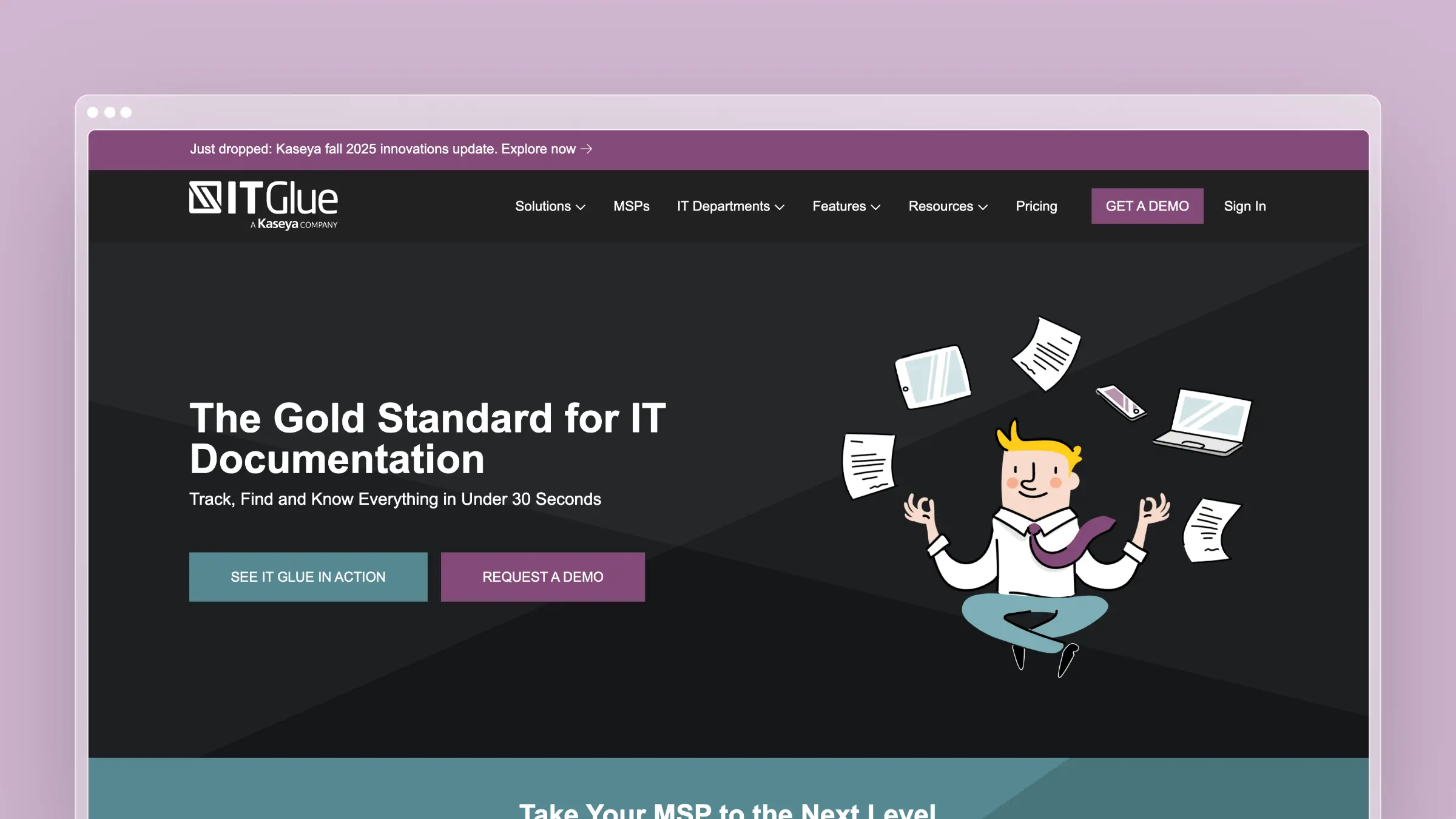 IT Glue is the incumbent leader for MSP documentation. It provides a highly structured approach to documenting IT assets, configurations, passwords, and procedures.
What it does well:
- Asset documentation with flexible templates for networks, servers, applications
- Password management integrated into documentation
- Relationship mapping showing how assets connect
- Runbooks for standardized procedures
- MyGlue portal for client-facing documentation
- RMM and PSA integrations with ConnectWise, Datto, and others
The catch:
IT Glue’s strength -structure -is also its limitation. The rigid template system works well for stable environments but becomes cumbersome when documentation needs to evolve quickly. Many users report spending significant time maintaining the structure rather than the content.
IT Glue also doesn’t solve the maintenance problem. It gives you a place to store documentation, but keeping that documentation current remains entirely manual. When servers change or procedures evolve, you’re responsible for remembering to update every affected document.
Pricing adds up quickly. At $29/user/month with a 5-user minimum, you’re looking at $145/month minimum. For larger teams or MSPs with many technicians, costs escalate fast.
Pricing: Starts at $29/user/month (Basic, 5-user minimum) to $44/user/month (Enterprise).
Ideal for:
- MSPs with structured documentation requirements
- Teams needing password management integrated with documentation
- Organizations with stable environments that change infrequently
3. Hudu
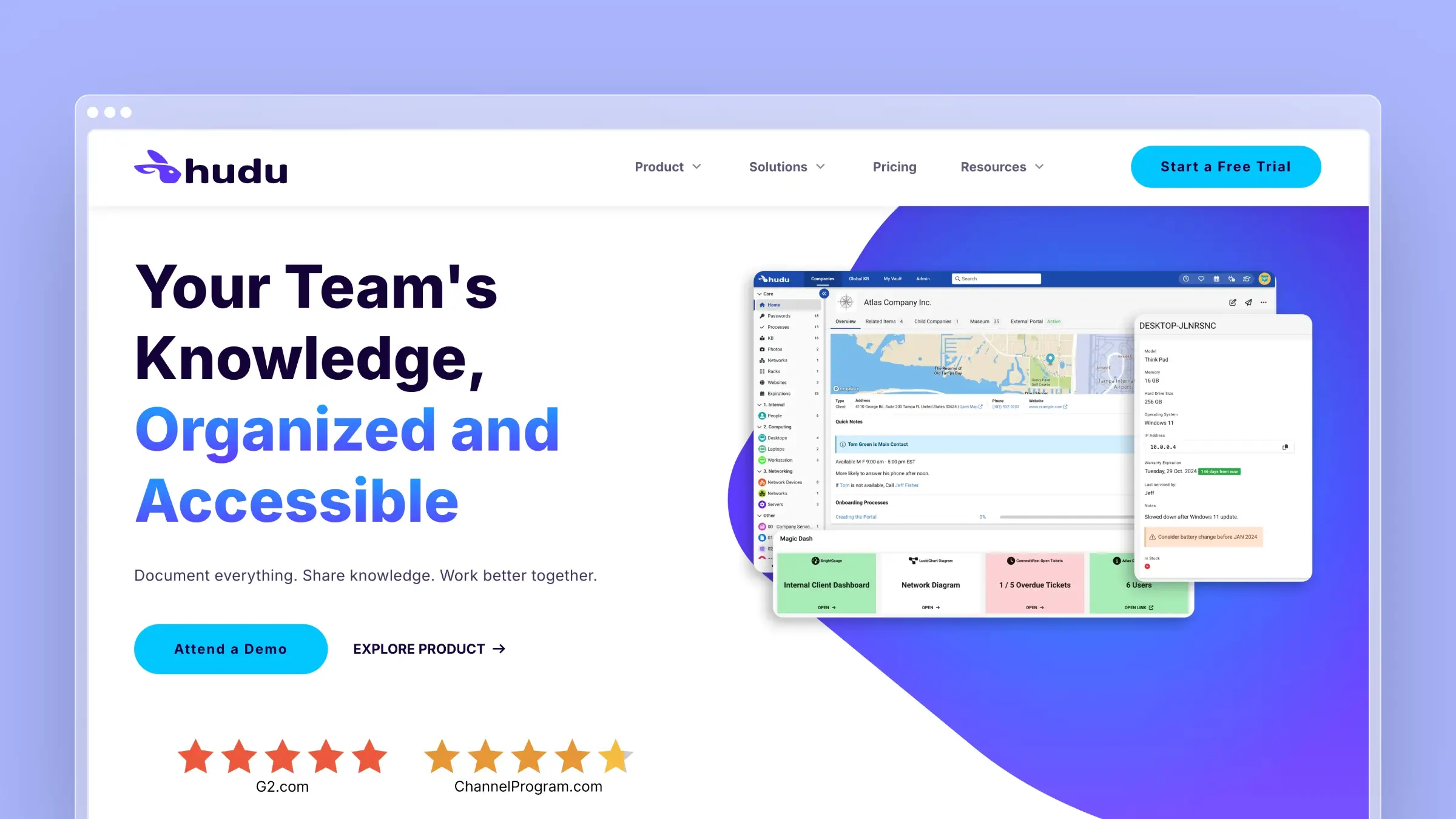 Hudu emerged as a cost-effective alternative to IT Glue. It offers similar structured documentation -asset management, password storage, knowledge base -at a lower price point with no user minimums.
What it does well:
- No user minimums -pay only for what you need
- Self-hosted or cloud option -same pricing for both
- Asset management with customizable templates
- Password vault with encryption
- Process documentation for standardized procedures
- Public portals for client-facing documentation
- API access for custom integrations
The catch:
Hudu is essentially “IT Glue but cheaper.” That’s valuable if cost is your primary concern, but it inherits the same fundamental limitation: documentation maintenance is entirely manual.
The self-hosted option requires infrastructure and maintenance. If you’re choosing Hudu to self-host, factor in the operational cost of running your own instance.
Pricing:
Starts at $27/user/month (annual) to $30/user/month (monthly), no user minimum. Hudu Radar (network discovery) adds $9–10/company/month.
Ideal for:
- Cost-conscious MSPs with smaller teams
- Teams wanting self-hosted documentation
- Organizations migrating from IT Glue’s user minimums
4. Confluence
 Confluence is the default choice for teams already in the Atlassian ecosystem. It’s a general-purpose wiki that can be adapted for IT documentation.
What it does well:
- Tight Jira integration for linking documentation to issues
- Spaces for organizing documentation by team or client
- Templates for common document types
- Permissions for controlling access
- Search across all content
- Large ecosystem of add-ons and integrations
The catch:
Confluence is a general-purpose wiki adapted for IT documentation, not purpose-built for it. You’ll need add-ons for password management, asset relationships, and IT-specific features.
The free tier is limited to 10 users with 2GB storage. For real teams, you’ll quickly need paid plans. And like every wiki, Confluence does nothing to help maintain documentation -it’s a storage system, not a maintenance system.
Many IT teams report that Confluence becomes a documentation graveyard. Content goes in but rarely gets updated, and search quality degrades as outdated content accumulates.
Pricing:
Free for up to 10 users; paid plans start at $6/user/month (Standard) to $11.75/user/month (Premium); Enterprise is custom pricing.
Ideal for:
- Teams already using Jira and Atlassian tools
- Organizations with light IT documentation needs
- Companies wanting a general wiki with IT adaptations
5. BookStack
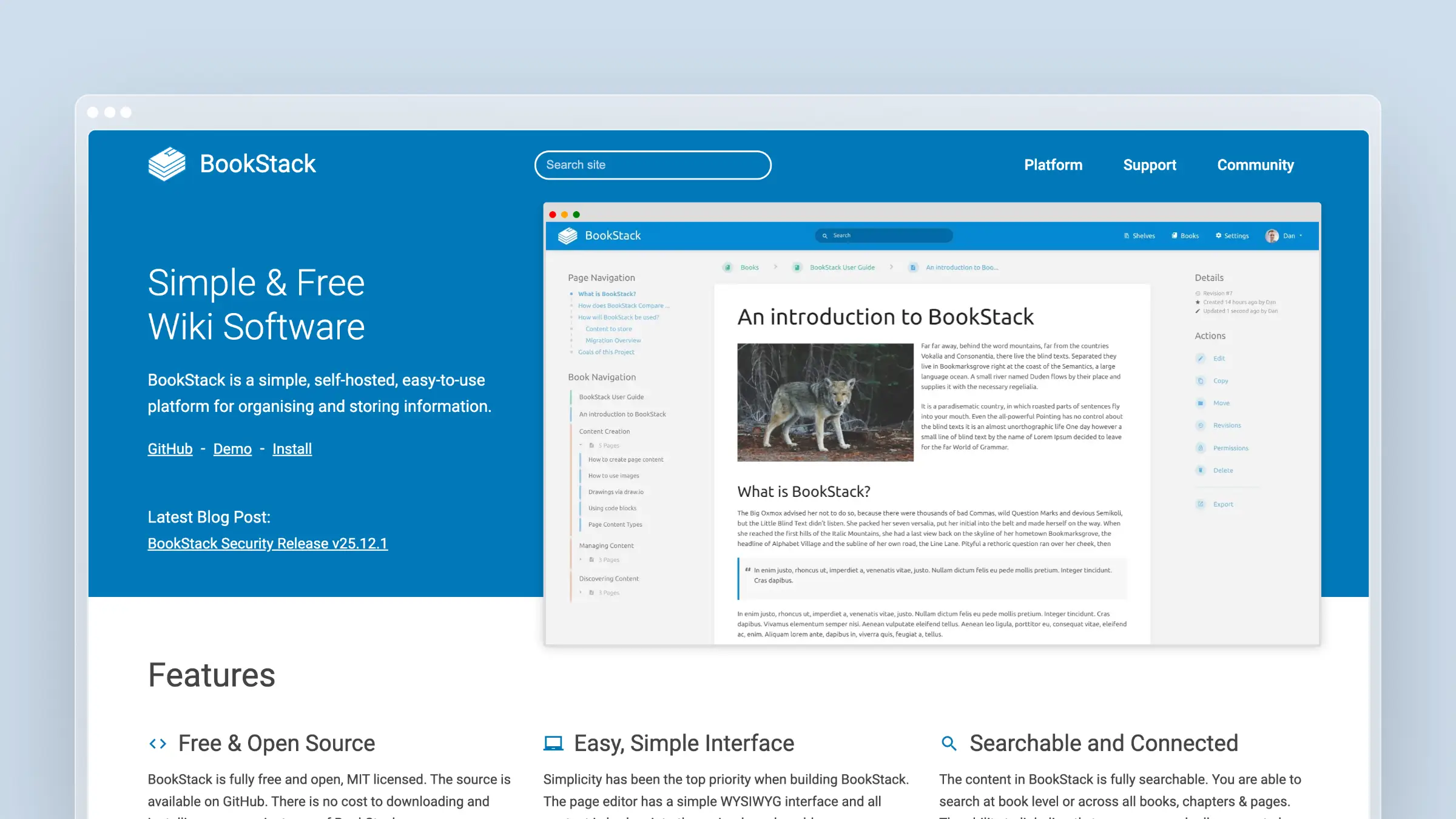 BookStack is an open-source documentation platform with a clean, intuitive interface. It organizes content into Shelves, Books, Chapters, and Pages -a hierarchy that maps well to IT documentation.
What it does well:
- Completely free (MIT license)
- Clean interface that’s easy to navigate
- Hierarchical organization for structured documentation
- WYSIWYG and Markdown editing options
- Role-based permissions for access control
- API access for integrations
- Active community with regular updates
The catch:
BookStack requires self-hosting. You need infrastructure, maintenance, and backups. For small teams without DevOps capacity, this overhead may not be worth the cost savings.
Being open-source, BookStack lacks enterprise features like advanced analytics and premium support (though it does support SSO via SAML 2.0, OIDC, and LDAP). And like all static documentation tools, it doesn’t help with maintenance -documentation decays at the same rate as any other wiki.
Pricing: Free (self-hosted)
Ideal for:
- Teams with DevOps capacity for self-hosting
- Organizations with tight budgets
- Privacy-conscious teams wanting full data control
6. Notion
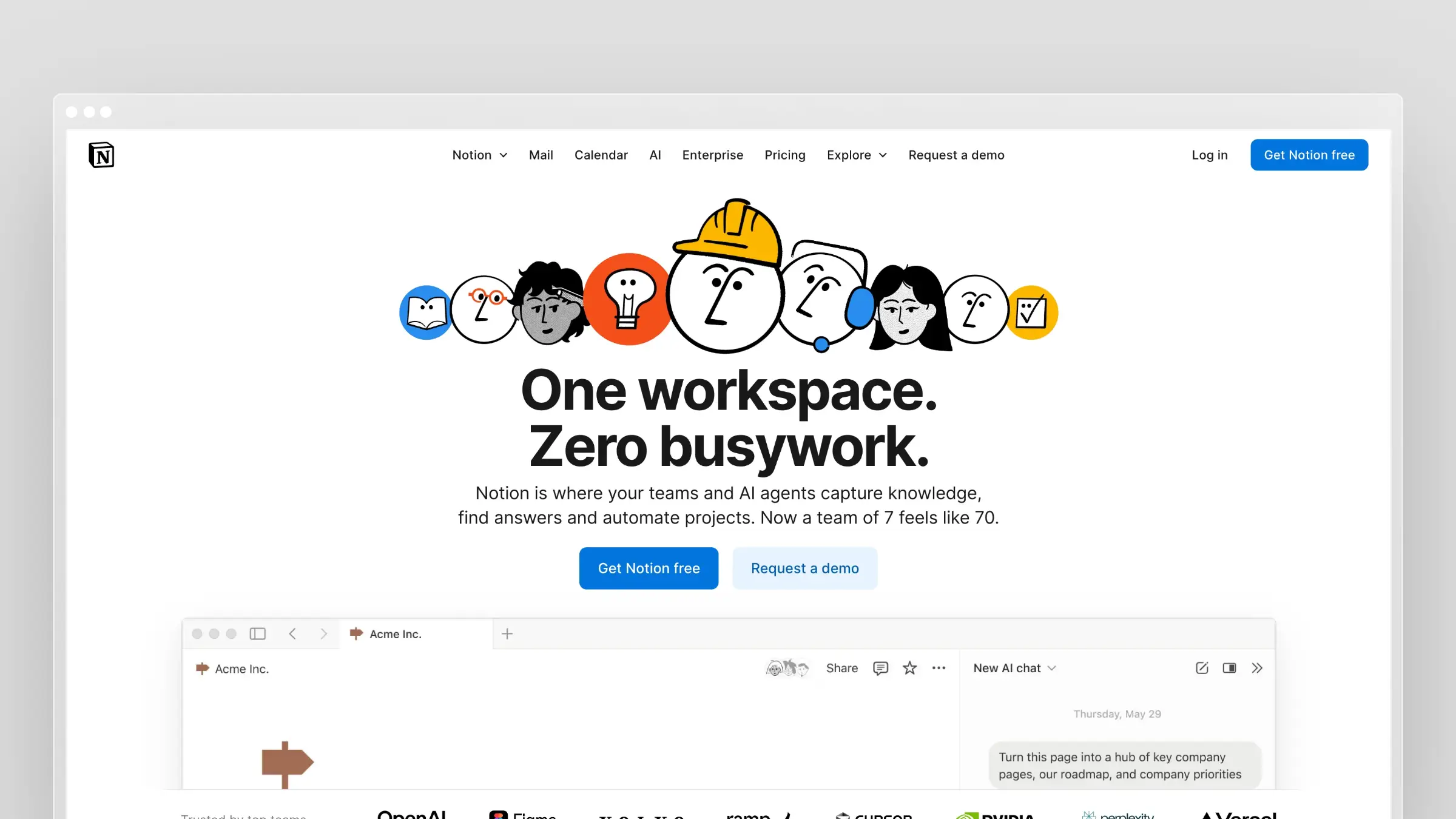 Notion has become the default workspace for many teams. Its flexibility makes it adaptable to IT documentation, though it wasn’t designed for that purpose.
What it does well:
- Flexible structure for organizing information however makes sense
- Databases for tracking assets, configurations, and procedures
- Templates for common IT documents
- Real-time collaboration for team editing
- Integrations via API and Zapier
- Low learning curve for non-technical users
The catch:
Notion was built for general knowledge management, not IT documentation specifically. You’ll miss:
- Password management (don’t store credentials in Notion)
- Asset relationships and dependency mapping
- IT-specific templates and structures
- Compliance features and audit logs
- Advanced access controls for sensitive documentation
For small teams doing light IT documentation, Notion works. For serious IT environments, its limitations become apparent quickly.
Pricing:
- Free: Personal use
- Plus: $12/user/month ($10 billed annually)
- Business: $20/user/month (billed annually)
- Enterprise: Custom
Ideal for:
- Small IT teams or startups
- Internal documentation only (not client-facing)
- Teams already using Notion for other purposes
7. ServiceNow Knowledge Management
 ServiceNow includes a knowledge management module within its IT Service Management platform. For organizations already using ServiceNow, it integrates documentation directly with incident and change management.
What it does well:
- Tight ITSM integration linking documentation to incidents, changes, and problems
- Knowledge-centered support (KCS) methodology built in
- Workflow automation for review and approval processes
- AI-powered search and recommendations
- Analytics on article usage and effectiveness
- Enterprise features like SSO, audit logs, and compliance
The catch:
ServiceNow is enterprise software with enterprise pricing. If you’re not already using ServiceNow for ITSM, adopting it just for knowledge management makes no sense. The complexity and cost are justified only when documentation is part of a broader service management strategy.
Implementation is measured in months, not days. You’ll likely need consultants or dedicated administrators.
Pricing: Custom (contact sales; typically $100+/user/month for full platform)
Ideal for:
- Large enterprises already using ServiceNow
- Organizations with mature ITSM practices
- Teams needing documentation integrated with incident management
8. MediaWiki
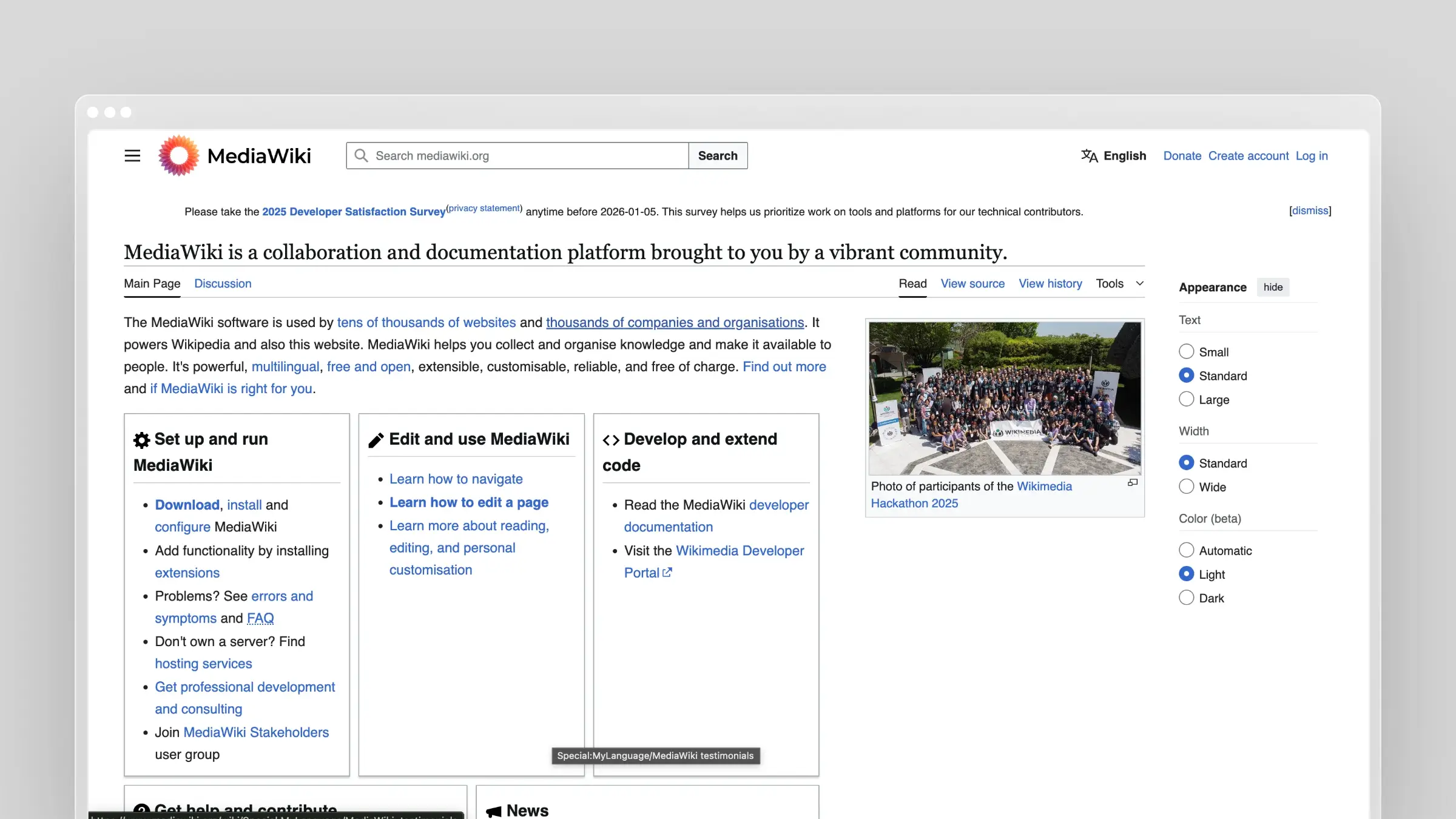 MediaWiki powers Wikipedia. For large-scale documentation needs with many contributors, it’s battle-tested at extreme scale.
What it does well:
- Proven at scale (Wikipedia has 60+ million articles)
- Extensive extensions for almost any functionality
- Strong versioning with complete edit history
- Wikitext markup familiar to technical users
- Fine-grained permissions for access control
- API access for integrations
The catch:
MediaWiki is powerful but complex. The editing experience (wikitext) has a learning curve. Visual editors exist but aren’t as polished as modern alternatives.
Self-hosting requires significant technical capacity. You’ll need to manage updates, security patches, and backups. For smaller teams, the operational overhead outweighs the benefits.
And like all wikis, MediaWiki is purely a storage system. Documentation maintenance is entirely manual.
Pricing: Free (self-hosted)
Ideal for:
- Organizations with many documentation contributors
- Teams with technical capacity for MediaWiki administration
- Large-scale internal wikis with complex organizational needs
9. Guru
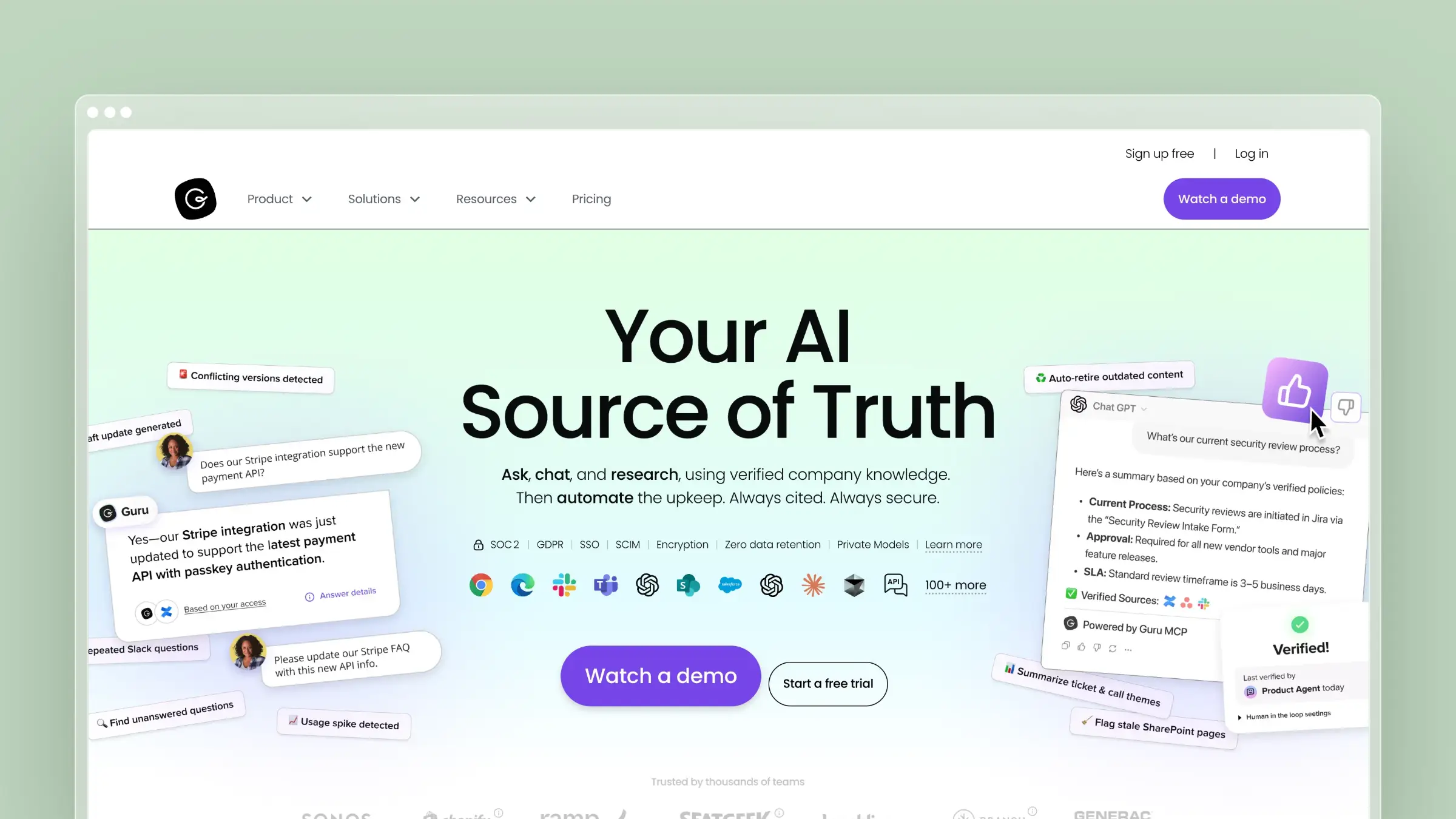 Guru focuses on getting documentation to people where they work -in Slack, browser, or other tools. Its verification system prompts content owners to periodically confirm accuracy.
What it does well:
- Browser extension and Slack integration for accessing docs in workflow
- Verification workflows that prompt periodic content review
- AI-powered search with custom AI Knowledge Agents
- Cards for bite-sized documentation
- Collections for organizing related content
- Analytics on what content gets used
The catch:
Guru’s verification system is a step toward solving the maintenance problem, but it relies on humans remembering to verify content. It’s better than nothing but not automated.
The card format works well for quick reference but less so for complex procedures or detailed system documentation. For comprehensive IT documentation, you may find the format limiting.
Pricing:
Starts at $25/user/month (Self-Serve, 10-seat minimum); Enterprise is custom pricing.
Ideal for:
- Teams wanting documentation accessible in Slack and browser
- Organizations with 10+ users focusing on bite-sized reference content
- Companies willing to commit to periodic verification workflows
10. Slite
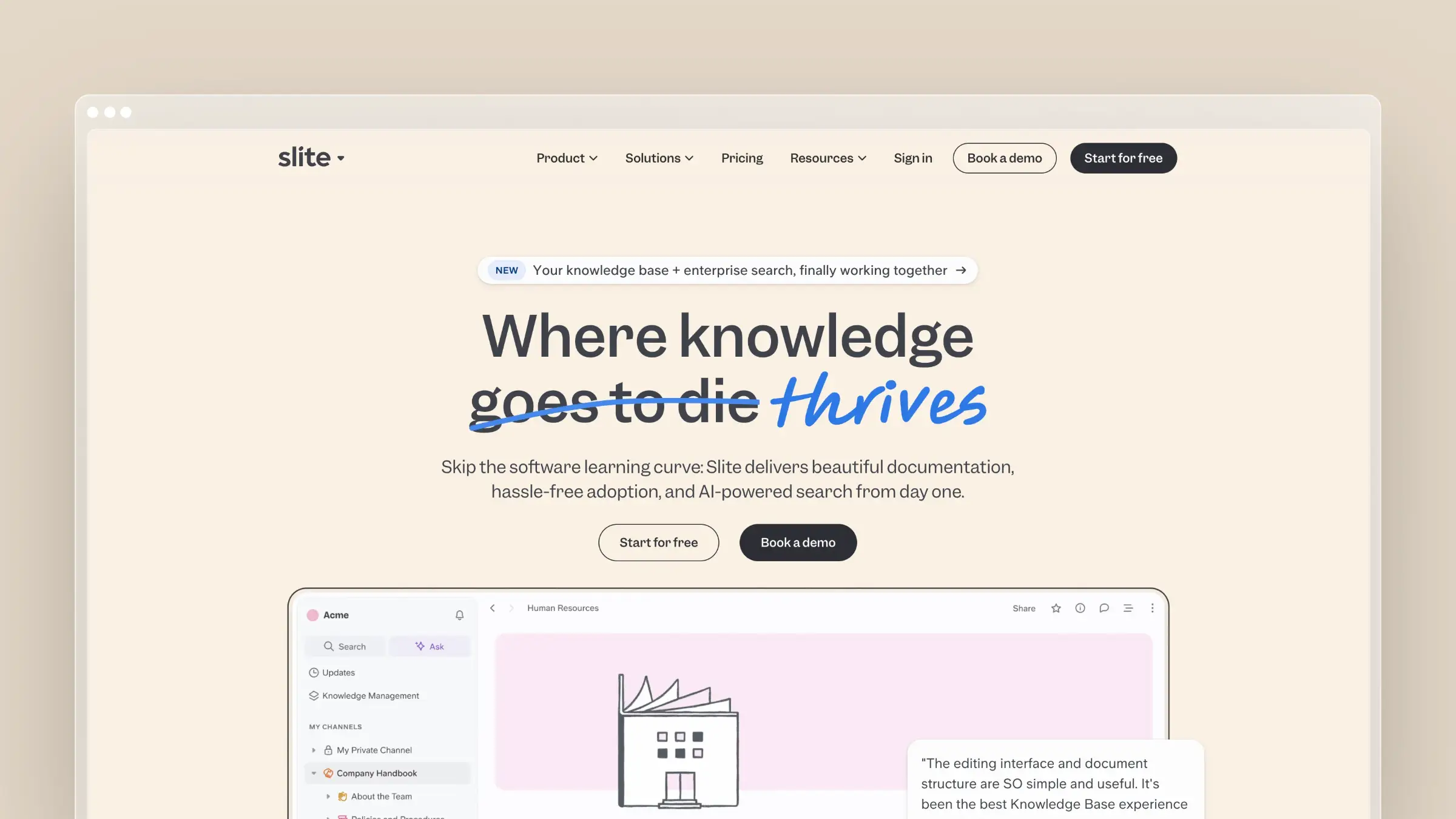 Slite is designed for remote teams with an emphasis on async collaboration. It offers a clean writing experience with AI features for search and summarization.
What it does well:
- Clean, focused editor for writing documentation
- AI search that answers questions directly
- Collections for organizing documentation by topic
- Real-time collaboration with inline comments
- Templates for common document types
- Integrations with Slack, Google Drive, Figma, and more
The catch:
Slite is a general-purpose documentation tool, not IT-specific. You won’t find asset management, password storage, or IT-specific templates. It’s essentially a more polished wiki.
For teams needing structured IT documentation -network diagrams, runbooks, configuration details -Slite’s free-form approach may feel too loose.
Pricing:
Starts at $8/user/month (Standard) to $20/user/month (Knowledge Suite); Enterprise is custom pricing.
Ideal for:
- Remote teams prioritizing async collaboration
- Light IT documentation needs
- Teams wanting simple, clean documentation without complexity
How to Choose IT Documentation Software
If your main problem is keeping documentation current…
Choose Ferndesk. It’s the only tool that actively helps maintain documentation. The AI agent monitors your systems and support channels, then drafts updates for review. For IT teams drowning in outdated wikis, this is transformative.
If you’re an MSP needing structured client documentation…
Choose IT Glue if budget isn’t a concern and you need the most comprehensive feature set. Choose Hudu if you want similar capabilities at lower cost. Both require manual maintenance, so factor that ongoing cost into your decision.
If you’re already in the Atlassian ecosystem…
Choose Confluence. The Jira integration alone makes it worthwhile if your team lives in Atlassian tools. Just don’t expect it to solve the documentation maintenance problem.
If you want free and self-hosted…
Choose BookStack for a polished experience, or MediaWiki for maximum scale and flexibility. Both require DevOps capacity for hosting and maintenance.
If you’re a large enterprise with ServiceNow…
Use ServiceNow Knowledge Management. It’s already there, it integrates with your ITSM workflows, and adding another tool creates unnecessary complexity.
If you have light documentation needs…
Choose Notion or Slite for simplicity and flexibility. They’re not IT-specific, but for small teams without complex requirements, they’re often enough.
Why IT Documentation Fails
The tools matter less than you think. The difference isn’t the platform -it’s the system around it.
Here’s how it typically goes: the team builds comprehensive documentation, urgent tickets take priority, updates slip, people find outdated content and stop trusting the wiki, and eventually everyone goes straight to Slack. When a key person leaves, the fire drill begins.
This happens because most IT documentation software is passive. It stores information but doesn’t help maintain it. The maintenance burden falls entirely on humans who have higher-priority work.
Breaking the Cycle
Teams that succeed at IT documentation do three things:
- Embed documentation in existing workflows. Change tickets require doc updates before closing. Incident post-mortems include documentation improvements.
- Automate maintenance where possible. Tools like Ferndesk monitor for changes and surface what needs attention instead of relying on humans to remember.
- Measure gaps. Track search queries with no results, support tickets referencing outdated content, and time-to-resolution for documented versus undocumented issues.
Write for Crisis Mode
IT documentation gets used during outages when stress is high and time is short. Lead with the action, use numbered steps, highlight warnings prominently, include rollback procedures, and test runbooks before you need them.
Keep credentials out of documentation entirely. Use a dedicated password manager and link to it. You don’t want to update multiple documents every time a password rotates.
The ROI of IT Documentation
IT documentation often gets deprioritized because the benefits seem abstract. Let’s make them concrete.
Reduced Incident Response Time
With documented runbooks, mean time to resolution (MTTR) decreases. If your team handles 50 incidents per month and documentation saves 15 minutes per incident, that’s 12.5 hours saved monthly -before accounting for reduced escalations and off-hours pages.
Faster Onboarding
New IT hires typically take 3-6 months to become productive. Good documentation can compress this by 30-50%. For a $100K hire, saving two months of ramp time is worth $16K in faster productivity.
Reduced Knowledge Silos
When critical knowledge exists only in one person’s head, that person becomes a bottleneck and a risk. Documentation distributes knowledge, reducing:
- Delays when experts are unavailable
- Risk when employees leave
- Stress on overloaded team members
Compliance Efficiency
For regulated industries, documentation audits are a recurring cost. Well-maintained documentation makes audits faster and reduces findings. Organizations with good documentation practices report spending 40% less time on compliance activities.
Frequently Asked Questions About IT Documentation Software
What is IT documentation software?
IT documentation software is a platform for creating, organizing, and maintaining technical knowledge: runbooks, network diagrams, SOPs, asset configurations, and procedures. The best tools go beyond storage and actively help keep content accurate as your environment changes. Most platforms are passive wikis; a few, like Ferndesk, monitor for changes and draft updates automatically.
What is the best IT documentation software for MSPs?
IT Glue and Hudu are purpose-built for MSPs. IT Glue offers the most comprehensive feature set, including password management, asset relationships, and PSA integrations. Hudu delivers similar capabilities at a lower price with no user minimums. If keeping client documentation current is your biggest pain point, Ferndesk’s automated maintenance layer works alongside either tool.
Can AI keep IT documentation up to date automatically?
Yes, but only if the tool is built for it. Ferndesk connects to your codebase, support tickets, and changelogs to detect when documentation no longer matches reality, then drafts updates for human review. Most other tools use AI only for search or summarization. Detecting stale content and proposing fixes is a different capability entirely.
What is the best self-hosted IT documentation software?
BookStack is the best self-hosted option for most teams. It has a clean interface, role-based permissions, SAML SSO, and an active community. MediaWiki scales further but requires more technical overhead. Hudu also offers self-hosting at the same price as its cloud plan. Factor in the operational cost of running your own instance before choosing self-hosted.
How does IT documentation software support compliance?
Compliance-ready platforms provide SSO, audit logs, approval workflows, and version history. ServiceNow and Confluence Enterprise cover these for large organizations. Ferndesk’s Enterprise plan includes SAML SSO and SCIM provisioning. The bigger compliance risk is outdated documentation: auditors find gaps when procedures in your docs no longer match what your team actually does.
How much does IT documentation software cost?
Pricing ranges from free (BookStack, MediaWiki) to $29-44 per user per month (IT Glue) to custom enterprise contracts (ServiceNow). Flat-rate tools like Ferndesk cost $149/month for Pro, including five editors. Per-seat pricing adds up fast for larger teams. Always calculate total cost at your actual headcount, not the per-user headline rate.
What is the difference between a knowledge base and IT documentation software?
A knowledge base typically serves customer-facing self-service. IT documentation software is designed for internal technical teams: runbooks, network diagrams, asset inventories, and SOPs. Some tools, like Ferndesk, cover both. Others, like IT Glue, focus exclusively on internal IT and MSP use cases. The distinction matters when choosing permissions, templates, and integration requirements.
How do I migrate from one IT documentation platform to another?
Most platforms support CSV or API-based imports. Ferndesk offers a done-for-you migration service with URL preservation to avoid broken links and SEO loss. For IT Glue and Hudu migrations, both have documented export processes. The real migration cost is not the import itself but cleaning up outdated content before it moves to the new system.
Conclusion: Choose Tools That Solve the Real Problem
Here’s what most IT documentation software vendors won’t tell you:
The hard part isn’t creating documentation. Any tool with a text editor lets you write content. The hard part is keeping that content accurate as your environment changes.
Most tools on this list are passive storage systems. They hold your documentation and hope you remember to update it. Some have nice features for organizing, searching, or collaborating -but none of that matters if the content is outdated.
That’s why Ferndesk exists. Instead of building another wiki, we built an AI agent that monitors your systems and support channels for changes. When documentation needs updating, it drafts changes for your review.
You still control what gets published. You still apply human judgment to every change. But you’re not responsible for monitoring everything yourself.
Ready to stop fighting documentation entropy? Try Ferndesk free for 7 days. Connect your support tickets and see what the AI agent finds. That analysis alone will reveal more about your documentation gaps than any feature comparison.
IT documentation should get better over time, not worse. It’s time for tools that make that possible.


 Book a demo