


You merge a feature update on a Wednesday afternoon. By the time customers hit it in production, your help center still describes the old workflow, and your support queue fills with the same confused question on repeat. That gap between what your product does and what your docs say is where trust quietly leaks.
A smarter chatbot on top of stale content does not fix this. It just delivers wrong answers faster, with more confidence. The category that actually matters in 2026 is not AI search on its own but AI-driven knowledge base software that keeps the underlying documentation current after every release.
This roundup evaluates eight tools on that exact axis: how well they maintain documentation, not how flashy the widget looks.
What actually matters in AI-driven knowledge base software
Most buyers compare AI knowledge base tools on search quality and chat UX. Those matter, but they are downstream. Upstream, the question is whether the tool keeps documentation in sync with your product without turning maintenance into a full-time job. Use the criteria below to filter vendors before you sit through demos.
AI search is table stakes. Maintenance is the real differentiator.
Every vendor in this list can answer questions from your docs. That is no longer where they compete. The category has shifted from AI that only answers questions to AI that also writes, audits, and repairs stale docs on its own.
- The frontier is self-maintaining documentation, where AI drafts, updates, and flags outdated content instead of waiting for a human to notice it.
- Watch for the hidden failure mode: if the tool still relies on manual rewrites or manual resyncs after every product change, your knowledge base is still fragile.
- Documentation drift is the lead problem to solve. Search quality, chat polish, and design are secondary until drift is under control.
The criteria used in this roundup
Maintenance triggers: The tool watches code, tickets, and product changes and drafts updates automatically. Red flag: you have to remember to update articles after each release.
Approval workflow: AI proposes drafts and humans review before publishing, so you keep editorial control and avoid hallucinated changes going live. Red flag: auto-publish with no review, or drafts that never surface.
Support signal capture: Repeated tickets become new or improved articles, so docs answer real customer questions instead of assumed ones. Red flag: AI only searches and never suggests new content.
Customer delivery: Search, chat, widgets, custom domain, and SEO-ready publishing ensure customers actually find and use the docs. Red flag: locked-in subdomains, weak SEO, no in-app widget.
Cost model: Predictable pricing that does not scale linearly with team size or resolution volume so you can forecast spend as you grow. Red flag: per-seat plus per-resolution stacking with no cap.
1. Ferndesk

Ferndesk is an AI-native help center platform built around a single premise: your documentation should update itself when your product changes. An AI agent named Fern watches your codebase, pull requests, support tickets, changelogs, and product videos, then drafts documentation updates for a human to review. It is designed for SaaS teams shipping weekly or faster, where the traditional model of “someone owns docs and rewrites them after each release” has already broken down.
Why it stands out for documentation maintenance
Most tools in this category treat AI as a search or chat layer bolted onto static content. Ferndesk treats AI as the maintenance engine and search as a byproduct of docs that are actually current.
- Fern monitors GitHub commits, Linear tickets, and support conversations across Intercom, Zendesk, Help Scout, and Crisp, then drafts updates when it detects that an article no longer matches the product.
- Every update lands as a draft. Nothing publishes until you approve it, so you keep editorial control while getting the speed of automation.
- Concrete scenario: you merge a pricing PR on Tuesday morning. By Wednesday, Fern has drafted the updated help article, flagged the outdated screenshot, and queued a revision to the related FAQ. Support avoids the usual Friday wave of confused pricing tickets.
- Ferndesk pairs this with AI search, an in-app widget, API docs with a Try It playground, private help centers, and one-click migration, so it is a full help center rather than a chatbot bolted onto someone else’s platform.
Teams using this model typically report saving 20+ hours per month on manual documentation work and cutting the volume of “your docs are wrong” tickets substantially. “We used to treat docs as a quarterly cleanup project. Now it’s a review task that takes ten minutes a day.” - SaaS support lead
Best fit
Ferndesk is built for teams whose product velocity has outrun their documentation process. If shipping faster keeps making your docs worse, this is the shape of tool you want.
- Fast-moving SaaS teams shipping weekly or bi-weekly who cannot keep help articles current by hand.
- Support and product teams that want documentation updates to become a review task instead of a writing project.
- Teams migrating from another help center who want URL preservation and SEO continuity instead of a full rebuild.
Tradeoffs to know before you buy
- Ferndesk is centered on the help center and documentation layer, not a full omnichannel ticketing suite. If you also need shared inbox, ticket routing, and agent collaboration in the same product, pair it with a help desk or look at a broader platform.
- Before choosing a tier, compare plan limits for AI answers, supported languages, editor count, and PR-based auto-updates against your actual shipping cadence.
- Ferndesk fits buyers who value automation and freshness more than sprawling service-desk breadth.
Pricing and buying notes
Ferndesk publishes flat monthly pricing that scales with the help center, not with your headcount. That contrasts sharply with per-seat and per-resolution models elsewhere in this list, where costs compound as your team or ticket volume grows.
- Startup at $49/month, Scale at $119/month, and Enterprise at $399/month, with unlimited editors on paid plans.
- You pay for the help center itself, not for every teammate or every AI-assisted customer conversation.
- There is a 7-day free trial with no credit card, and migration from Intercom, Zendesk, or Help Scout is done for you with URLs preserved.
2. Intercom
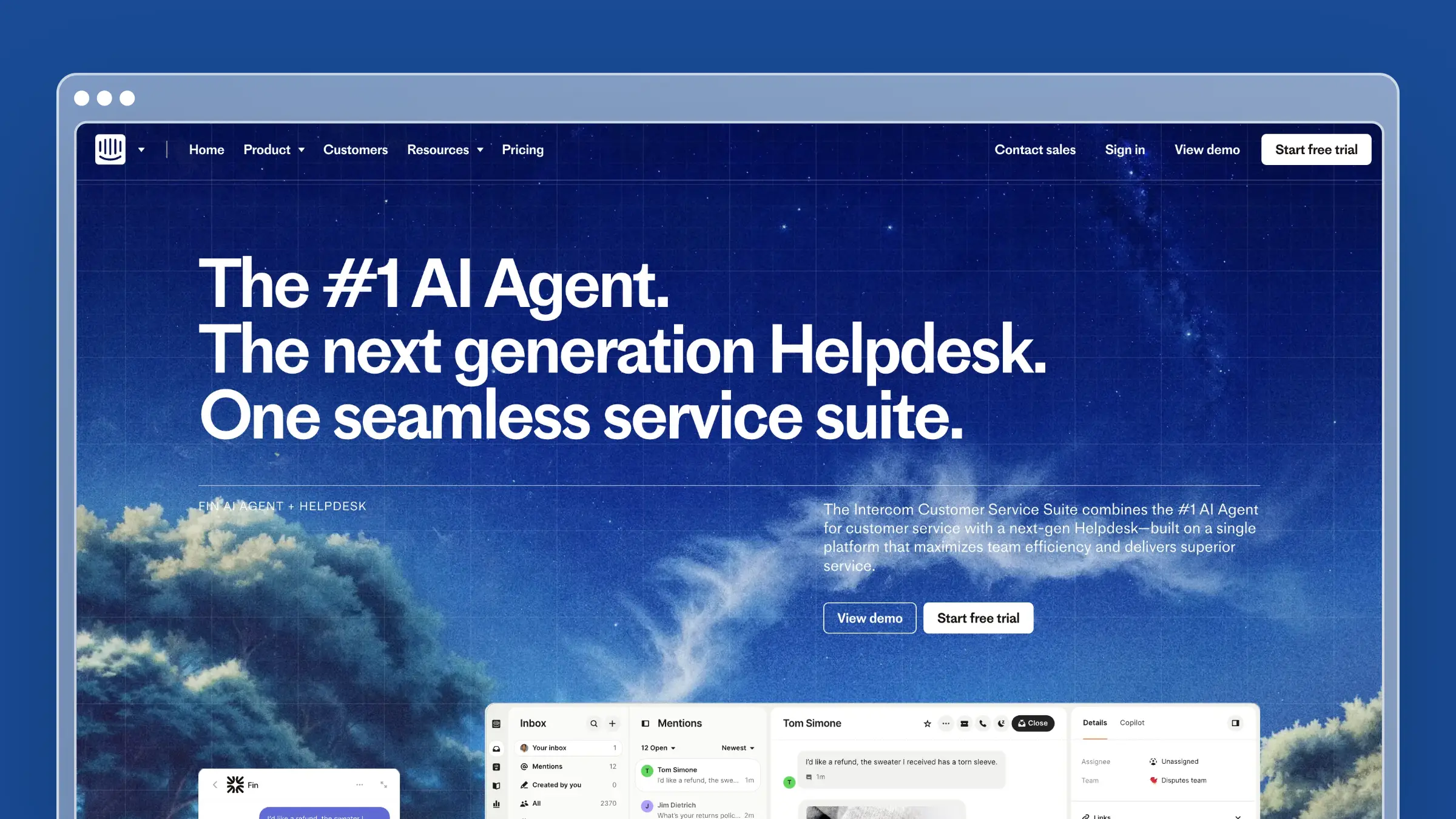
Intercom’s Fin Operator brings AI-driven knowledge management inside the same platform where support conversations already live. If you are already deep in Intercom, it is the most natural way to add maintenance capability without changing tools.
Why it stands out for documentation maintenance
Fin Operator moves Intercom beyond answering questions and into managing the knowledge base itself.
- It can search, audit, create, update, and delete articles, snippets, and internal articles, with all changes surfaced as reviewable drafts before they go live.
- It traces product or policy changes to affected content across the public help center, internal knowledge base, and multiple locales, which is useful when a single change touches dozens of articles.
- It cross-references conversation data against your knowledge base to surface content gaps, so you can plan articles based on real customer questions rather than guesses.
Best fit
Intercom is the strongest choice when the rest of your support stack already lives there.
- Teams already running Intercom who want AI knowledge management without adding another vendor.
- Organizations managing public help content, internal articles, and multilingual updates in one system.
- Operators who want knowledge updates, conversation debugging, and workflow tuning in the same interface.
Tradeoffs to know before you buy
- Intercom is a broad customer-service platform, so the total footprint is heavier than a docs-first tool, and you are buying capabilities well beyond documentation.
- Operator uses a proposal system, meaning newly generated content can sit as drafts until someone manually reviews and publishes it. That is a feature for control but a bottleneck if no one owns review.
- Cost compounds because you are evaluating both platform pricing and Fin AI outcome pricing at the same time.
Pricing and buying notes
Intercom bundles Fin AI Agent access into every plan but charges based on outcomes, so your total cost depends on both seats and resolution volume.
- Fin AI Agent outcomes are billed at $0.99 for resolution, procedure handoff, and disqualification outcomes, and $9.99 for qualification outcomes.
- Platform pricing starts at $29 per seat per month billed annually for the Essential plan, with Advanced and Expert tiers priced higher.
- Model total cost as platform seat cost plus AI outcome cost together, not as separate line items.
3. GitBook
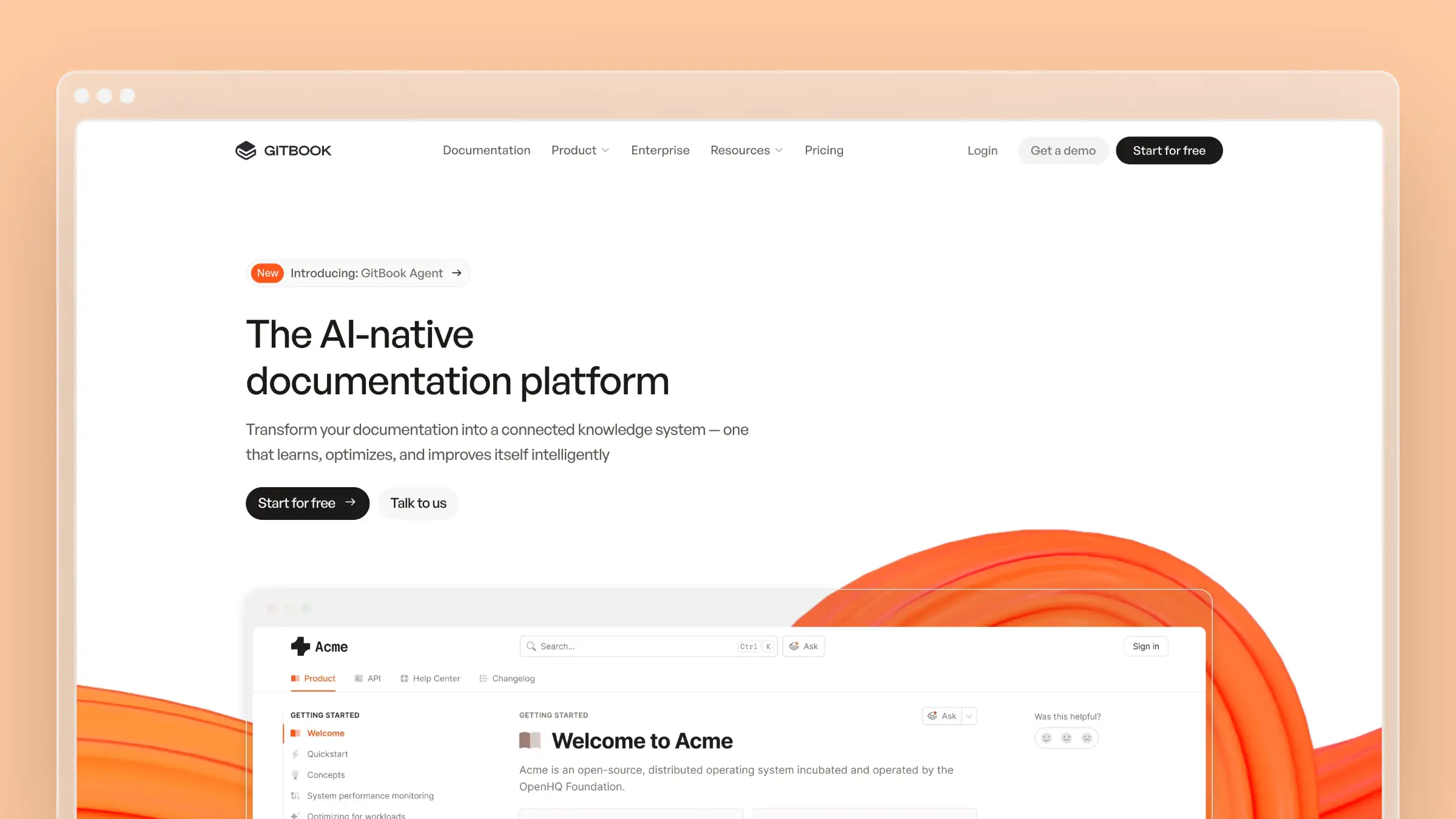
GitBook pairs a modern docs platform with AI authoring, AI search, and a GitBook Agent that can propose improvements. It is the natural pick when your documentation is technical and your writers work like engineers.
Why it stands out for documentation maintenance
GitBook leans into the developer workflow while adding AI on top of authoring and delivery.
- GitBook Agent can write or improve docs and suggest improvements sourced from support conversations, so maintenance is not purely manual.
- Strong technical posture: GitHub or GitLab sync, interactive API playgrounds, AI search, and LLM-friendly output for AI answer engines.
- Auto-updating translations reduce the maintenance burden for teams publishing in multiple languages.
Best fit
GitBook is a strong fit for technical teams who want docs infrastructure that feels like their code stack.
- Technical product teams that want modern docs infrastructure with AI layered into authoring and delivery.
- Developer-first companies already syncing docs from GitHub or GitLab.
- Teams that care about branded public docs plus AI-ready publishing for both humans and answer engines.
Tradeoffs to know before you buy
- GitBook’s AI search is scoped to a specific docs site and does not search across separate published spaces on different sites, which can matter if your documentation is fragmented.
- AI indexing is not instant. Changes can take up to an hour to appear in AI search, so you cannot rely on it for real-time answers on a fresh release.
- Hallucination control still depends on explicit source content, so missing or vague docs remain a risk regardless of how good the AI layer is.
Pricing and buying notes
GitBook combines site-based pricing with per-user fees, which changes the math once you have several editors.
- Free tier for individuals, Premium at $65 per site per month plus $12 per user per month, and Ultimate at $249 per site per month plus $12 per user per month.
- AI search appears on Premium, while GitBook Agent is available on Ultimate.
- Watch the combined site-plus-seat cost when multiple editors are involved, since it can grow faster than a flat-priced alternative.
4. Slite
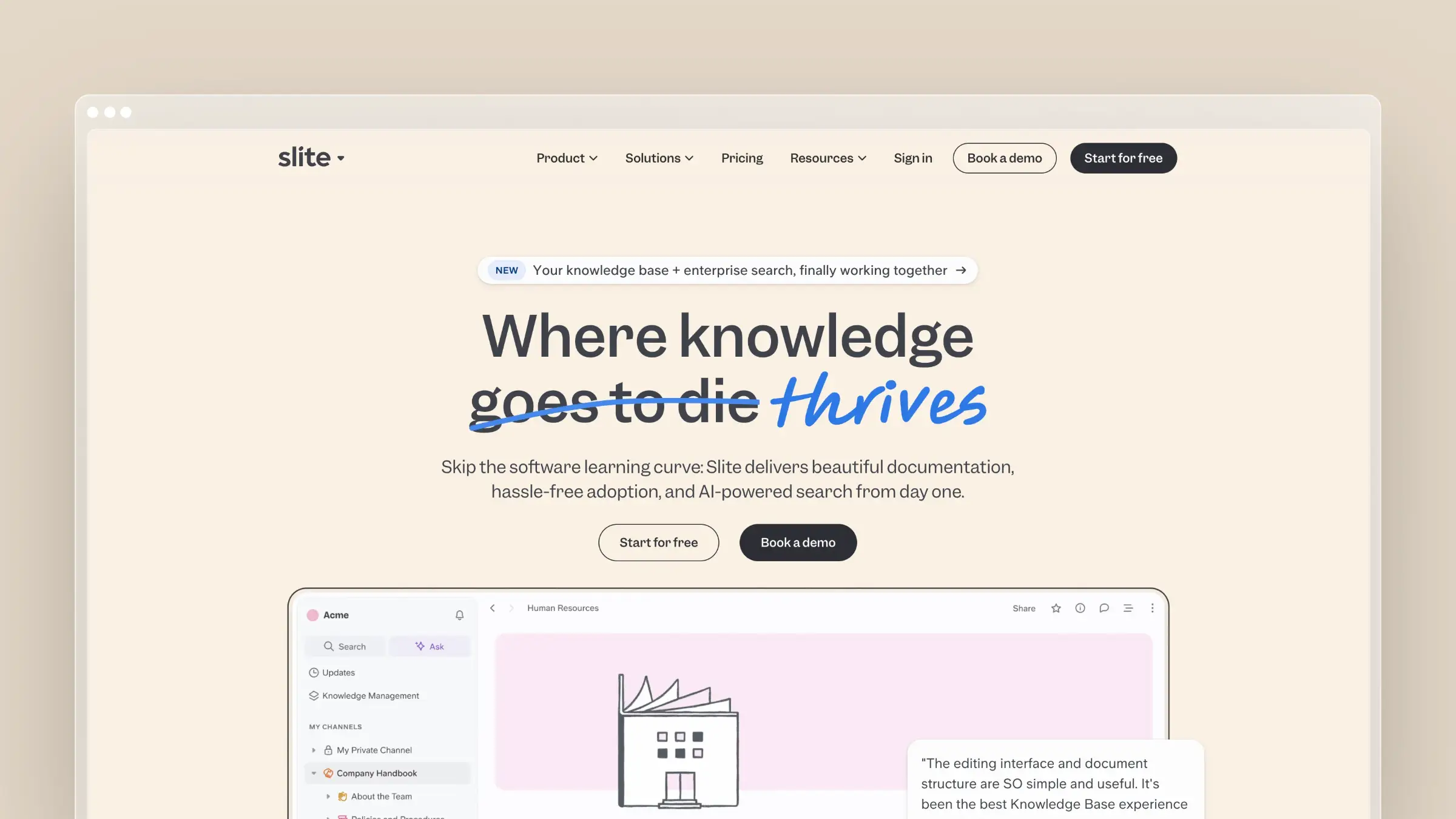
Slite positions itself as a self-maintaining knowledge base built around verified knowledge. It is strongest as an internal knowledge tool, where the audience is your team rather than your customers.
Why it stands out for documentation maintenance
Slite has built its identity around keeping team knowledge trustworthy over time.
- Self-maintaining knowledge base positioning with verification workflows that track which docs are trusted and which need review.
- The Pro plan adds the Slite Agent, cross-tool search, and doc fact-checking with suggested fixes.
- Emphasis on auditability and verified team memory rather than just chat on top of static pages.
Best fit
Slite works best for internal knowledge bases for product, operations, support, and cross-functional teams that need AI search plus a doc verification workflow without building a complex docs stack. Buyers who value verified team memory and connected-tool search as much as article publishing tend to get the most value here.
Tradeoffs to know before you buy
Evaluate Slite’s public-docs layer carefully if your main use case is a customer-facing help center rather than an internal knowledge base.
- The self-maintaining, agent-powered layer starts on Pro, not Basic.
- Several deeper security and custom-source controls only appear on Enterprise.
- Public publishing with a custom domain is a Pro-plan feature.
Pricing and buying notes
Slite’s per-user pricing keeps entry costs low but grows linearly with team size.
- Basic at $10 per user per month, Pro at $20 per user per month, Enterprise custom.
- Basic includes Ask, verification workflow, and MCP and API access; Pro adds the Slite Agent and connected-tool search.
- Pro also includes a custom domain for public docs, which matters if you plan to publish externally.
5. Document360

Document360 is a structured, AI-powered documentation platform aimed at larger documentation programs. It emphasizes depth in authoring, workflow, and analytics rather than automatic sync with your codebase.
Why it stands out for documentation maintenance
Document360 covers the full documentation lifecycle rather than a narrow slice.
- 100+ features spanning authoring, search, security, self-service, analytics, and workflow controls.
- AI authoring, AI search, AI chatbot, version control, duplicate content detection, approval workflows, and analytics as core strengths.
- Supports both customer-facing and internal documentation, which makes it versatile for larger documentation programs.
Best fit
Document360 suits documentation teams that need strong structure, governance, and authoring depth across many articles or products, especially organizations managing both public knowledge bases and internal documentation in one platform. Buyers who want mature analytics, workflow, and self-service features without building around a general-purpose wiki fit the profile well.
Tradeoffs to know before you buy
- Document360’s public materials emphasize AI authoring, workflow, analytics, and self-service more than automatic, codebase-triggered maintenance. If your bottleneck is docs drift after every merge, it addresses that less directly than a code-aware tool.
- Document360 looks strongest when documentation itself is the core system of work, not when engineering changes need to drive docs automatically.
- Avoid hard claims about list pricing. Current official materials point buyers toward tailored, sales-assisted plans.
Pricing and buying notes
Document360 treats pricing as a sales-led conversation rather than a public price list, which changes how you evaluate it.
- Treat pricing as custom-quote or sales-assisted; there is no published list price.
- Validate total cost around editor count, AI feature access, and migration scope during evaluation.
- Compare this quote-led model against transparent self-serve pricing elsewhere in the list before committing to a sales cycle.
6. Zendesk
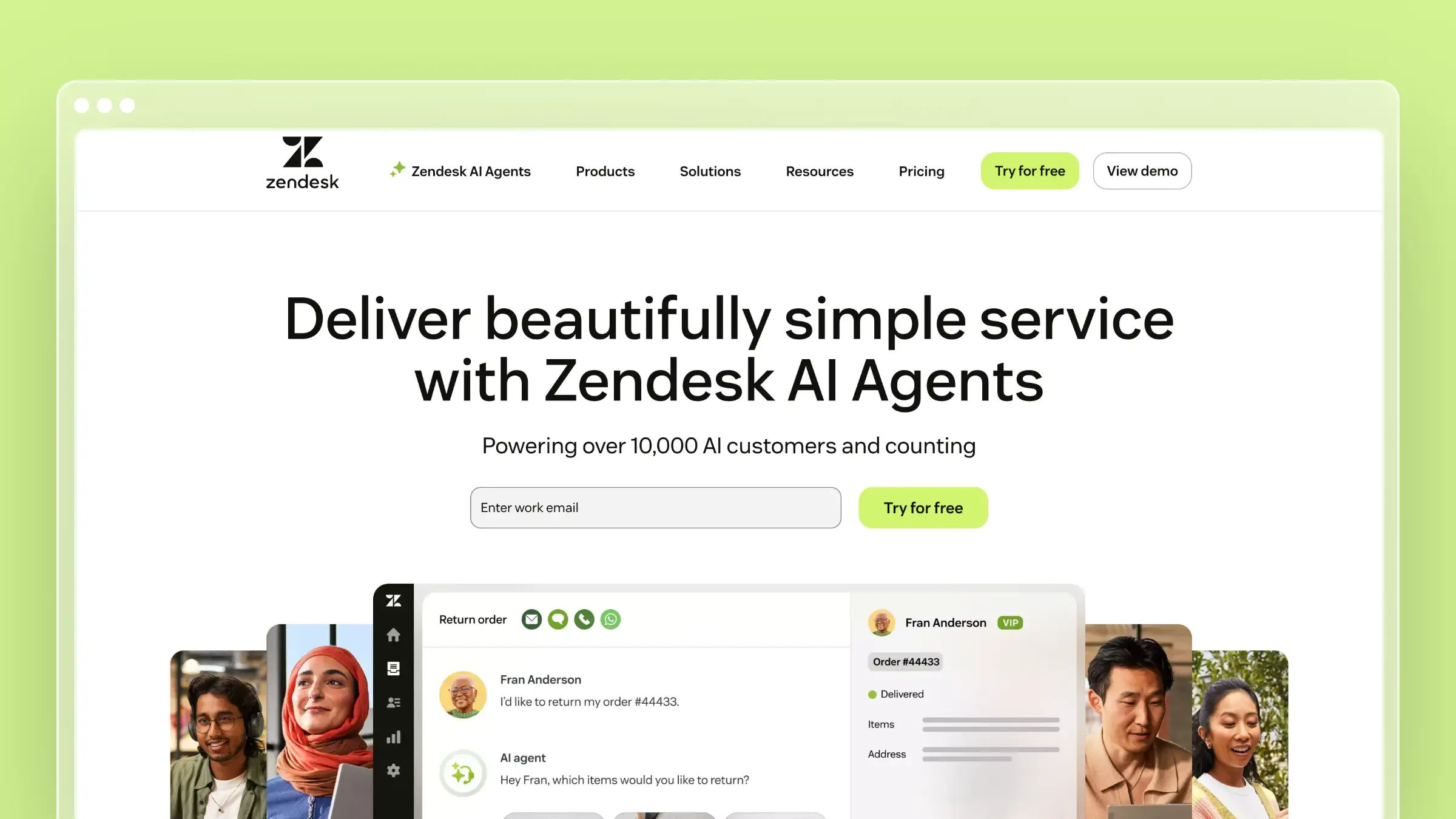
Zendesk brings AI agents and unified knowledge into a mature service platform. It is the pragmatic choice when your center of gravity is support operations, not documentation.
Why it stands out for documentation maintenance
Zendesk’s AI layer sits on top of a broad service platform rather than replacing it.
- Zendesk AI agents ground answers in unified knowledge from the help center and external sources like Google Drive or PDFs.
- AI agents are included in every Suite and Support plan, with pricing tied to successful outcomes.
- Knowledge, ticketing, messaging, and automation live in one platform, which reduces integration overhead.
Best fit
Zendesk fits support-heavy teams that want help center, AI agents, routing, live chat, and reporting in one stack, and organizations already committed to Zendesk that want to add AI to an existing help center instead of replacing the platform. Buyers who care as much about service operations as they do about documentation land here naturally.
Tradeoffs to know before you buy
Zendesk is a service suite first, so documentation maintenance is one layer inside a broader support platform rather than the headline feature.
- Separate seat cost from AI outcome cost when modeling total spend.
- Ask whether you actually need the full service stack or just the knowledge layer, since Zendesk is priced for the former.
- Manual article maintenance still lives with your team; the AI layer answers well but does not aggressively repair stale source content.
Pricing and buying notes
Zendesk uses classic per-agent pricing across tiers, with AI billed separately by outcome.
- Support Team starts at $19 per agent per month paid yearly, Suite Team at $55, and Suite Professional at $115.
- AI agents are included in plans, but billing is based on successful outcomes they deliver.
- Model total cost using both agent seats and AI usage together to avoid surprises.
7. Confluence
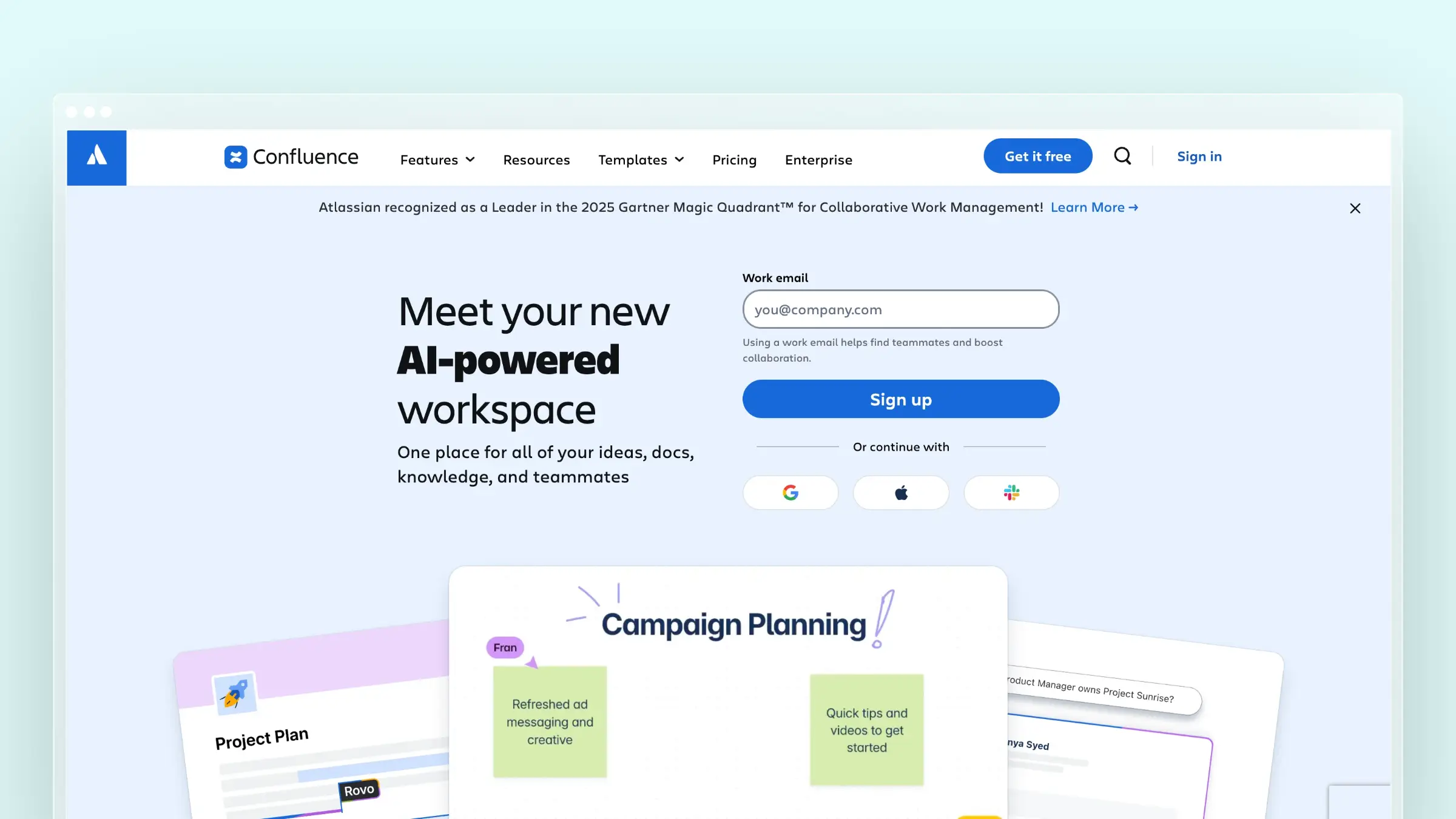
Confluence with Rovo brings AI search, chat, and agents into the Atlassian ecosystem. It is the obvious choice when your knowledge base needs to live next to Jira.
Why it stands out for documentation maintenance
Confluence’s AI story is now bundled directly into paid cloud plans through Rovo.
- Paid Confluence cloud plans include Rovo Search, Chat, and Agents, bringing natural-language answers into the wiki experience.
- Rovo can search across Confluence, Jira, and connected third-party apps, which is useful for internal knowledge discovery beyond docs alone.
- Strongest fit when the knowledge base must live close to Jira and team collaboration workflows.
Best fit
Confluence works well for teams already deep in the Atlassian ecosystem that want AI-assisted answers on top of existing internal knowledge, and for organizations using Confluence as the company source of truth. Readers who value internal collaboration and workflow adjacency more than a specialized customer help center should look here first.
Tradeoffs to know before you buy
- Public customer-facing use is possible through public links and guest access, but Confluence remains a team workspace first. Adapting it into a polished standalone help center takes effort.
- If you want a customer-facing knowledge base with SEO, custom domain, and in-app widgets as first-class features, a dedicated docs tool will fit better long term.
- Confluence improves findability and AI access, but do not oversell it internally as a self-updating documentation engine. It still depends on humans keeping pages current.
Pricing and buying notes
Atlassian’s pricing is per user and relatively transparent, but ecosystem lock-in shapes the real total cost.
- Standard at $5.42 per user per month, Premium at $10.44 per user per month, and Enterprise via sales.
- Paid plans include Rovo Search, Chat, and Agents according to current pricing.
- Factor in overall Atlassian ecosystem fit, not just per-seat price, when comparing to standalone docs tools.
8. Help Scout

Help Scout keeps things lightweight. Docs is its knowledge base product, and AI Answers plus AI Agent bring answering capability into Beacon and the broader Help Scout experience.
Why it stands out for documentation maintenance
Help Scout emphasizes simplicity and tight integration with the rest of its support stack.
- Docs is Help Scout’s knowledge base product, tightly integrated with the mailbox, Beacon, and reporting.
- AI Answers uses your website and Docs knowledge base to provide instant responses inside Beacon.
- The newer AI Agent model lets teams add Docs sites and external websites as knowledge sources.
Best fit
Help Scout fits smaller or mid-size support teams that want a clean public help center and lightweight AI answers, teams that like the Docs, Beacon, and customer communication experience living together, and buyers who do not need a heavy enterprise docs stack to get value.
Tradeoffs to know before you buy
The maintenance story has a real limitation to plan around before you commit.
- When website sources change, Help Scout’s own documentation says you should return and resync them manually for the AI Agent to reflect the update, which is exactly the pattern a self-maintaining tool avoids.
- Private Docs content is limited to Help Scout users rather than a broader customer-only private docs model.
- If you ship constant product changes, manual resync becomes a recurring chore that competes with proactive maintenance in tools like Ferndesk.
Pricing and buying notes
Help Scout separates help desk pricing from AI resolution pricing, so you evaluate two meters at once.
- All Help Scout plans include at least one Docs site, and extra Docs sites cost $20 per site per month.
- AI Answers billing after the trial is $0.75 per resolution.
- Separate help-desk pricing from AI-resolution pricing when comparing total cost against flat-priced alternatives.
Which tool should you choose?
The right pick depends less on features and more on which specific pain is loudest in your team right now. Use the table below to match your dominant problem to the tool most likely to solve it, then read the “watch out for” column before you commit.
Quick picks by use case
| If your main problem is | Pick | Why | Watch out for |
|---|---|---|---|
| Stale product docs after every release | Ferndesk | Monitors GitHub, tickets, and changelogs and drafts updates automatically | Not a full omnichannel ticketing suite |
| Support stack already on Intercom | Intercom | Fin Operator manages docs inside the same platform | Platform plus per-outcome AI cost stacks up |
| Technical and developer-facing docs | GitBook | Git sync, API playgrounds, and LLM-optimized publishing | Site plus per-user pricing grows with editors |
| Internal verified team knowledge | Slite or Confluence | Verification workflows and cross-tool search | Weaker as a public customer help center |
| Structured multi-product docs program | Document360 | Deep authoring, workflow, and analytics | Sales-led pricing, less code-triggered automation |
| Support-led help center with light AI | Help Scout or Zendesk | AI answers on top of a support platform | Manual resync (Help Scout); outcome pricing (Zendesk) |
When to prioritize maintenance over platform breadth
Not every team should optimize for the same thing. The order of your problems should decide the order of your criteria.
- Choose maintenance-first software when stale docs are causing avoidable tickets and product confusion week after week.
- Choose platform breadth first when routing, inbox, messaging, and service operations are the bigger bottleneck than content freshness.
- Remember that a stronger AI chatbot does not compensate for outdated source material; it just repeats the wrong answer more fluently.
- The winning knowledge base is the one that stays true after the next release, not the one with the most features on a slide.
FAQs about AI-driven knowledge base software
A few questions come up in almost every evaluation. Here are direct answers.
Is AI search enough to make a knowledge base useful?
No. AI search helps people retrieve information faster, but it cannot fix stale or missing information on its own, and a confident answer drawn from an outdated article is worse than no answer at all.
Documentation maintenance is the real buying filter. If the tool cannot keep your source content current, better search only accelerates the delivery of wrong answers.
What makes a knowledge base AI-driven instead of just AI-assisted?
AI-assisted means AI helps draft or answer from existing content. AI-driven means AI also audits, updates, proposes fixes, and manages knowledge workflows across your product and support data.
- Search layer: AI answers questions from existing docs.
- Authoring layer: AI helps write and edit new articles.
- Maintenance layer: AI monitors product changes and proposes updates before content goes stale.
Can AI keep documentation current without losing control?
Yes, if the tool uses draft-based or proposal-based workflows instead of auto-publishing. Ferndesk and Intercom’s Fin Operator both require human approval before AI-generated changes go live, which keeps editorial control with your team.
The right model is supervised automation, not blind publishing. You want AI to do the tedious work of noticing drift and drafting fixes while you retain the final call on what customers see.
Should your docs live inside your help desk or a dedicated documentation tool?
It depends on whether your primary problem is service operations or documentation freshness.
- Choose help-desk-native options when support workflows, routing, and multi-channel service are central to your team’s day.
- Choose dedicated documentation tools when structure, maintenance, developer docs, or publishing control matter more than service operations.
- If your product ships weekly and stale docs are your loudest pain, a maintenance-first tool will usually beat a help desk with a knowledge base bolted on.
How do you measure whether your knowledge base is actually working?
Track three signals together: the volume of repeat tickets on topics your docs already cover, the percentage of AI answers marked helpful, and the time between a product change and the corresponding doc update. If any of those are trending in the wrong direction, the platform is not doing its job regardless of how good the search feels.
Conclusion
The decision table above already names the right tool for each main problem, so treat this closing as a reminder of the thesis rather than a fresh recommendation. The winning AI-driven knowledge base in 2026 is the one that stays current after your next release, not the one with the most polished chat widget.
A smarter chatbot on top of stale docs still ships wrong answers, just faster and with more confidence. Pick the tool that closes the gap between what your product does and what your docs say, and the rest of the metrics you care about will follow.