


Most FAQ software searches start with the same frustration: publishing an answer is easy, but keeping that answer accurate three sprints later is not. If your product ships weekly, your help center is probably one release behind reality, and your support inbox is quietly paying the tax.
This list is for SaaS founders, product teams, and support leaders who want self-service content that actually reduces tickets instead of generating new ones. Tools are grouped roughly by category, so you can compare like with like.
- Who this is for: Support teams, SaaS product managers, and founders evaluating self-service tools for the first time or replacing a platform that has stopped scaling with them.
- What makes this ranking different: Tools are grouped by category and use case rather than stack-ranked head-to-head, because the right choice depends on your support model, release cadence, and existing stack.
- How tools were chosen: Search quality, content structure, analytics depth, integration breadth, pricing transparency, and how much manual effort it takes to keep answers accurate after a release.
What is FAQ software?
FAQ software is a self-service platform that lets teams publish, organize, and maintain answers to common customer questions in a searchable, structured format. Good FAQ software goes beyond a static Q&A page: it includes intelligent search, content analytics, and integrations that connect your help content to the rest of your support stack. The goal is to let customers find accurate answers on their own, reducing ticket volume and agent workload at the same time.
FAQ software differs from help desk software in scope. A help desk manages incoming tickets, agent queues, and customer conversations. FAQ software manages the self-service content that prevents those tickets from being filed in the first place. A knowledge base sits between the two: it hosts deeper guides and workflows alongside short answers, and most modern FAQ tools have expanded to cover that ground as well.
What to look for in FAQ software before you compare tools
Before you shortlist vendors, get clear on what FAQ software actually needs to do for your team in 2026. The category has quietly expanded from static Q&A pages into full self-service platforms, and the tools worth paying for now do far more than host articles.
FAQ software vs. a knowledge base, and what good tools actually do
FAQ software historically meant short, common questions on a single page. A knowledge base goes deeper, hosting guides, tutorials, and workflows across a full library. Modern tools blur that line, and the ones worth shortlisting can do both.
| Dimension | FAQ page | Knowledge base | What modern tools do |
|---|---|---|---|
| Content depth | Short answers to top questions | Detailed guides and workflows | Both, in one hierarchy |
| Structure | Flat list or accordion | Categorized library with navigation | Searchable hub with FAQs, articles, and API docs |
| Search | Basic keyword match | Full-text with filters | AI answers with source citations |
| Maintenance | Manual edits | Editorial review cycles | Automated drift detection and drafting |
| Audience | New users with simple questions | Power users and support agents | Customers, agents, and AI assistants |
This article covers tools that support both simple FAQs and broader self-service documentation. The angle worth internalizing before you demo anything: fast-moving teams do not just need a place to publish answers, they need a way to keep those answers accurate.
Feature categories that actually matter:
- Content management non-technical teammates can use without training
- Intelligent search that surfaces answers, not just article titles
- Clear organization and navigation for larger libraries
- Branding and customization for a customer-facing help center
- Analytics and feedback signals that expose gaps
- Integrations with support tools, engineering systems, and CRMs
- Mobile and in-app delivery for contextual help
- Content freshness controls that separate passive storage from useful self-service
How this list was evaluated
Every tool was assessed hands-on or through verified vendor documentation, with pricing and features confirmed from public pricing pages. Each tool was scored across five weighted criteria:
- Search and content structure: quality of search results, article hierarchy, and navigation for end users
- Content freshness and maintenance: how much manual effort it takes to keep articles accurate after product changes, and whether any automation assists
- Integrations: connections to support tools, engineering systems, CRMs, and product workflows
- Pricing transparency: whether pricing is flat, per-seat, or bundle-dependent, and how predictably it scales
- Analytics depth: ability to surface gaps, failed searches, and underperforming content
Benefits of FAQ software for SaaS teams
Before comparing tools, it helps to be clear on what good FAQ software actually delivers for teams shipping fast.
- Ticket deflection: customers who find accurate answers on their own never file a ticket. Even a modest deflection rate frees support capacity for complex issues that need a human.
- Faster onboarding: new users who can self-serve through setup questions reach their first value moment sooner, without waiting on a support reply or a CSM call.
- Lower support costs: fewer repeat tickets means less agent time on the same questions. For fast-moving SaaS teams, that compounds with every release.
- Better search discoverability: well-structured FAQ content improves both traditional SEO and AI-powered search results, so customers find answers before they reach your inbox.
- 24/7 self-service: a help center answers questions at 2am, on weekends, and across time zones without adding headcount. For SaaS teams with global users, that coverage is not optional.
FAQ software feature checklist by team size
Use this checklist before you demo anything. Mark the features your team actually needs, then filter the list below to tools that cover them.
| Feature | Startup | Scaling SaaS | Enterprise |
|---|---|---|---|
| Non-technical editor access | Must-have | Must-have | Must-have |
| AI-powered search | Nice-to-have | Must-have | Must-have |
| Automated drift detection | Nice-to-have | Must-have | Must-have |
| GitHub or Linear integration | Nice-to-have | Must-have | Nice-to-have |
| Article review workflows | Nice-to-have | Must-have | Must-have |
| Analytics and failed search reporting | Nice-to-have | Must-have | Must-have |
| Multilingual support | Skip | Nice-to-have | Must-have |
| Custom domain or subdirectory hosting | Nice-to-have | Must-have | Must-have |
| In-app self-service widget | Nice-to-have | Must-have | Must-have |
| Flat pricing (no per-agent cost) | Must-have | Must-have | Nice-to-have |
| SSO and private help center access | Skip | Nice-to-have | Must-have |
| API documentation support | Skip | Nice-to-have | Must-have |
The 10 best FAQ software tools at a glance
Here is the shortlist before the deep dives. Skim this table to find the two or three tools worth reading about first.
Quick comparison table
| Tool | Best for | Freshness approach | Pricing model |
|---|---|---|---|
| Ferndesk | Fast-moving SaaS teams with docs that fall behind | Active, code-aware maintenance with human approval | Flat: Pro $149/mo or $1,490/year |
| Zendesk Guide | Teams already running Zendesk | Manual updates inside a mature support suite | Bundle-dependent, from $55/agent/mo |
| Document360 | Documentation-heavy teams with owners | Editorial workflows and version history | Tiered per-project, quote-based |
| Help Scout Docs | Small support teams that want simplicity | Manual upkeep tied to inbox workflow | Bundled with Help Scout, free tier available |
| Intercom Help Center | Teams delivering support in-app | Contextual delivery, manual article revision | Per-seat inside Intercom, from $29/seat/mo |
| Freshdesk | Mainstream all-in-one support buyers | Manual publishing plus AI writing assist | Tiered per-agent, from $19/agent/mo |
| HelpDocs | Standalone lightweight knowledge bases | Manual updates with clean authoring | Flat tiered, from $39/mo annual |
| Zoho Desk | SMBs on the Zoho stack | Manual upkeep with bulk edit | Low-cost per-agent, from $7/agent/mo |
| HubSpot Service Hub | CRM-anchored service teams | Manual updates connected to customer records | Service Hub tiers, from $9/seat/mo |
| Stonly | Interactive troubleshooting and onboarding | Manual flow editing with version history | Tiered by views and seats |
1. Ferndesk

Documentation goes stale the moment you ship. A screenshot becomes wrong, a step gets renamed, a feature moves, and suddenly the article that used to deflect five tickets a week is creating them. Most FAQ software assumes a human will notice and rewrite, which works fine until your release cadence outpaces your docs headcount.
Ferndesk is built around a different assumption: the systems where product truth changes (GitHub, Linear, changelogs, support tickets) should be the same systems that trigger documentation updates. An AI agent named Fern watches those signals, drafts the edits, and hands them to a human for approval before anything goes live. You keep editorial control, but you stop doing the rewrite work from scratch every sprint.
Best for
Ferndesk fits teams whose docs are constantly one release behind their product.
- You ship product updates weekly and your docs fall behind
- You want FAQ content, help center articles, and API docs in one system
- You need support deflection without adding a full documentation headcount
Where it helps most
- Fern monitors GitHub, tickets, changelogs, and product changes to draft updates automatically
- Auto content updates turn documentation work into review work instead of rewrite work
- AI search, an embeddable self-service widget, and subdirectory hosting cover both UX and discoverability
- Done-for-you migration, automated screenshot generation, and five included editors lower the operational cost of ownership; additional editors cost $10/month each
How it handles content freshness
- Freshness is the entire product thesis, not a feature: Ferndesk watches the systems where product truth actually lives, so drift gets caught before customers file a ticket about it.
- Code-aware monitoring of GitHub pull requests and Linear tickets flags articles that reference features about to change, while support ticket analysis across Intercom, Zendesk, Help Scout, and Crisp surfaces recurring questions that expose documentation gaps.
- Weekly scheduled audits catch stale screenshots, broken links, and outdated instructions. Fern drafts the updates and queues them for review, so publishing stays a human decision and teams reclaim roughly twenty hours a month as documentation shifts from rewrite work to review work.
- AI search optimization is built into the same layer, keeping updated content discoverable through clean sitemaps and llms.txt files. This is the only tool on the list that does not rely on a person noticing drift first.
Pricing and fit notes
Ferndesk publishes flat pricing: Pro costs $149 per month or $1,490 per year and includes five editors, with additional editors at $10 per month each. That contrasts sharply with the per-agent models common in support suites, where costs climb with every new hire.
- Good fit if: you want a hosted help center that stays aligned with rapid product changes without adding docs headcount.
- Not ideal if: your main need is omnichannel ticket routing, agent queue management, or a full support suite.
2. Zendesk Guide
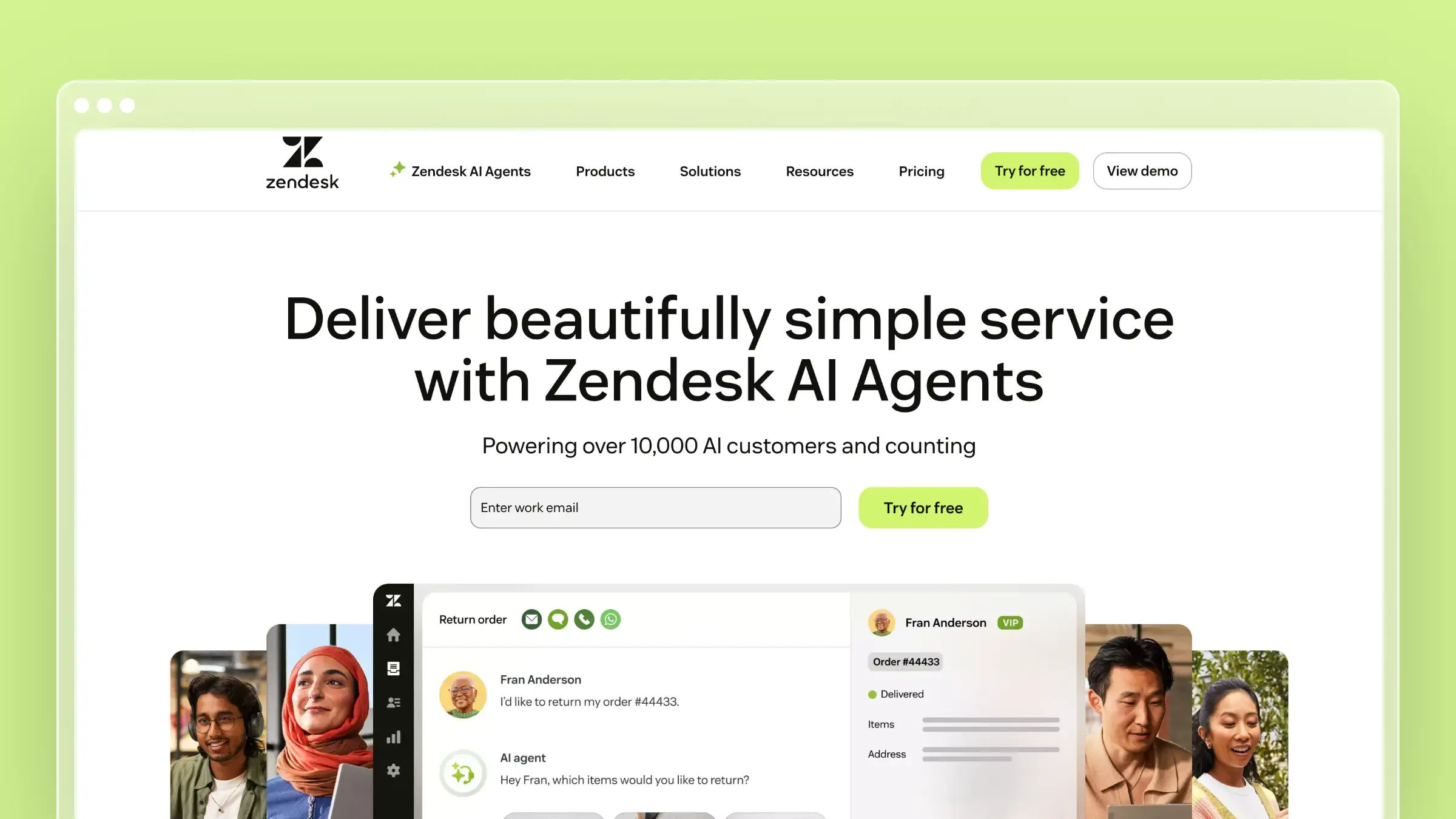
Running support at scale inside Zendesk is a well-understood problem, and Guide is the self-service layer that sits alongside the ticketing engine. If your agents already live in Zendesk, keeping the help center inside the same environment removes a category of context-switching pain.
Best for
Zendesk Guide fits teams that have standardized on Zendesk and want their FAQ experience inside the same suite.
- You already run Zendesk and want FAQ content in the same support stack
- You need enterprise-grade workflows, permissions, and multilingual content
- You prefer suite depth over standalone documentation specialization
Where it helps most
- Tight connection to ticketing and agent workflows for macros and article linking
- Mature help center structure that holds up for larger support operations
- Solid customization and localization for customer-facing self-service
- Strong fit when your support process already lives inside Zendesk
How it handles content freshness
- Article review reminders, team publishing workflows, and multilingual version control help larger teams enforce editorial process.
- Agents can flag articles from inside tickets, which is useful when the same question keeps landing in the queue.
- Drift detection is not code- or release-aware: updates still depend on an agent or docs owner noticing that something changed and manually editing the article.
- Strong for operational support alignment, weaker for proactive docs upkeep.
Pricing and fit notes
Zendesk Guide is included within Zendesk Suite, which starts at $55 per agent per month billed annually. The per-agent model scales with headcount rather than staying flat.
- Good fit if: you want one platform for tickets, agents, and self-service.
- Not ideal if: your biggest issue is keeping docs in sync with product releases.
3. Document360

Managing a sprawling article library is a different problem than answering ten common questions. Once you cross a few hundred articles, you need structure, governance, and analytics, and that is where Document360 has built its reputation.
Best for
Document360 fits teams that have already outgrown a simple FAQ page.
- You need a dedicated documentation platform, not just a lightweight FAQ tool
- You manage larger article libraries with structure, governance, and analytics needs
- You have someone actively owning documentation quality
Where it helps most
- Purpose-built knowledge base structure for complex documentation
- Strong article organization for large public and internal content sets
- Search and analytics features suited to maturing self-service programs
- Good fit when your FAQ grows into full product documentation
How it handles content freshness
- Version history, article review workflows, and content health analytics surface underperforming pages for disciplined docs owners.
- Those signals can catch drift before it becomes a support problem, provided someone is acting on them regularly.
- The platform does not watch your codebase or release notes, so nothing flags stale content automatically when engineering ships a change.
- Strong docs platform for teams with process, not an automation-first maintenance engine.
Pricing and fit notes
Document360 uses quote-based pricing across Professional, Business, and Enterprise tiers with a 14-day free trial. Costs climb quickly for teams needing advanced features like multiple workspaces or private hosting.
- Good fit if: your self-service content is broad, detailed, and documentation-heavy.
- Not ideal if: you want the lightest setup or a system that proactively updates itself.
4. Help Scout Docs

Small teams want self-service without adding another platform to babysit. Help Scout Docs slots naturally next to the shared inbox, so support-led documentation stays close to the conversations that inspire it.
Best for
Help Scout Docs fits teams that want simple self-service tied to inbox workflow.
- You want a clean, approachable FAQ system without a steep admin burden
- You are a smaller support team that values simplicity over deep customization
- You already use Help Scout and want self-service close to your inbox workflow
Where it helps most
- Straightforward authoring experience for support-led documentation
- Customer-friendly presentation that works well for classic help center use cases
- Natural fit with Help Scout’s broader support workflow and Beacon widget
- Quick path from repeated ticket to published article
How it handles content freshness
- Article suggestions inside Beacon and one-click publishing from saved replies speed up the path from repeated ticket to published answer.
- Agents can flag stale content from inside a conversation, closing the loop between support and docs.
- No signal fires when the underlying product changes: articles stay accurate only if an owner remembers to revisit them.
- Manageable at small scale, painful once your release cadence increases.
Pricing and fit notes
Help Scout offers a free tier with basic Docs, and paid plans start at $25 per user per month on Standard billed annually. Docs is included on Plus ($45/user/month) and Pro ($75/user/month); on Standard it may require a $10 per user add-on.
- Good fit if: you want low-friction self-service and already like Help Scout’s support experience.
- Not ideal if: you need advanced documentation automation or heavier developer-facing docs.
5. Intercom Help Center
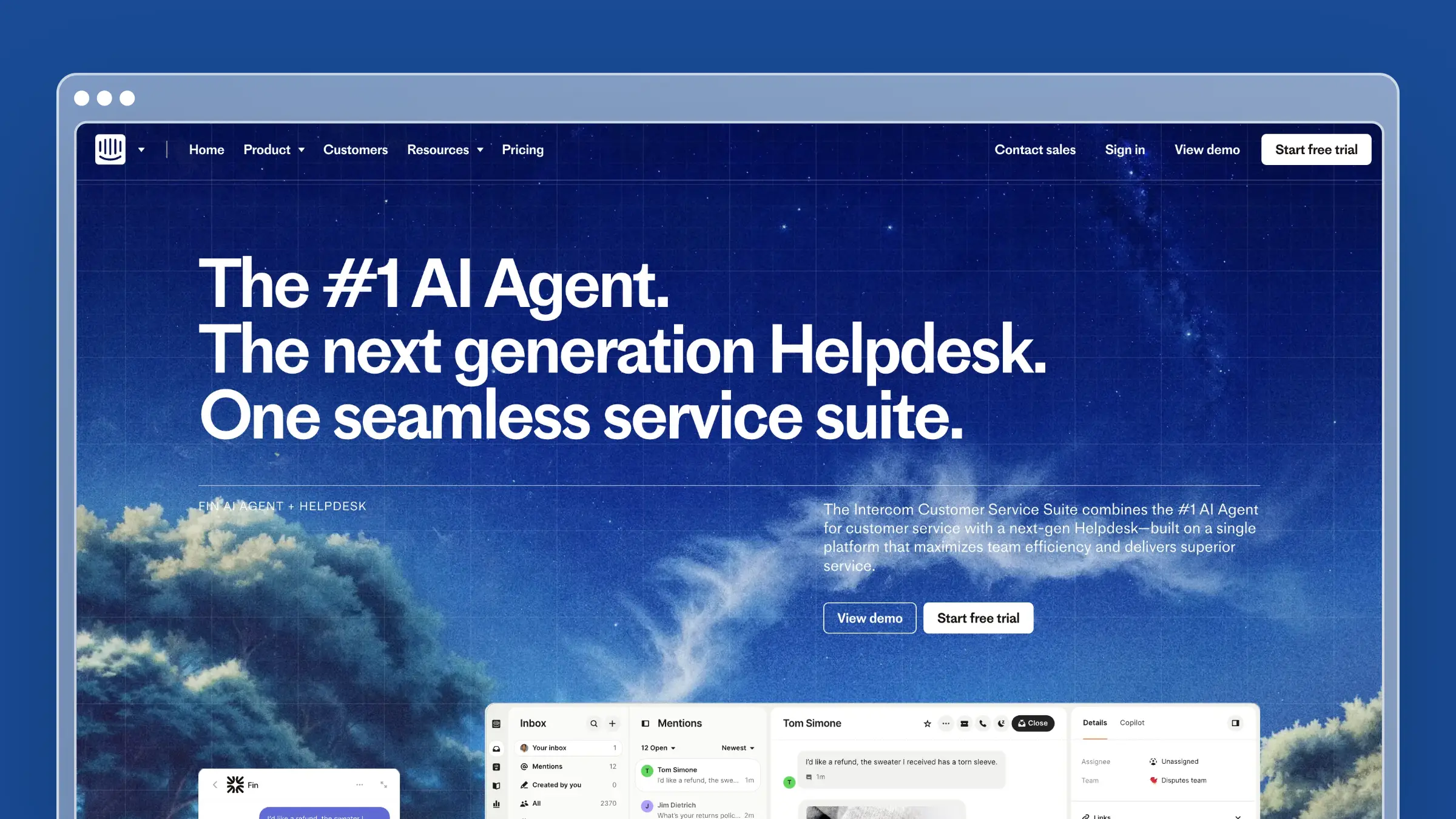
Customers do not want to leave your product to get help. Intercom’s help center is built around that reality, surfacing articles inside the messenger and product chat where support conversations already happen.
Best for
Intercom Help Center fits teams that already run support inside Intercom.
- You want FAQ content surfaced inside chat, in-app messaging, or customer conversations
- You already use Intercom and want one customer-facing support layer
- You prioritize contextual help delivery over deep documentation structure
Where it helps most
- Strong in-app and messenger-adjacent delivery of help content
- Useful for teams blending self-service with live support flows
- Good customer experience when support starts inside the product
- Brand-consistent help delivery for SaaS onboarding and ongoing use
How it handles content freshness
- Fin AI and article authoring assist speed up drafting, and teams can see which articles Fin cites in real conversations.
- That feedback loop is useful for spotting articles that get referenced but never resolve the question.
- Answer delivery gets smarter, but revising the underlying articles when features or flows change is still on the team.
- Automating how answers reach users is not the same as automating whether the source content stays accurate.
Pricing and fit notes
Intercom Help Center is included across Essential, Advanced, and Expert plans starting at $29 per seat per month billed annually, with Fin AI resolutions charged separately per outcome. Total cost expands with seats and Fin volume, so model it before you commit.
- Good fit if: your support model already revolves around Intercom conversations.
- Not ideal if: you want a lean, docs-first system with predictable standalone economics.
6. Freshdesk
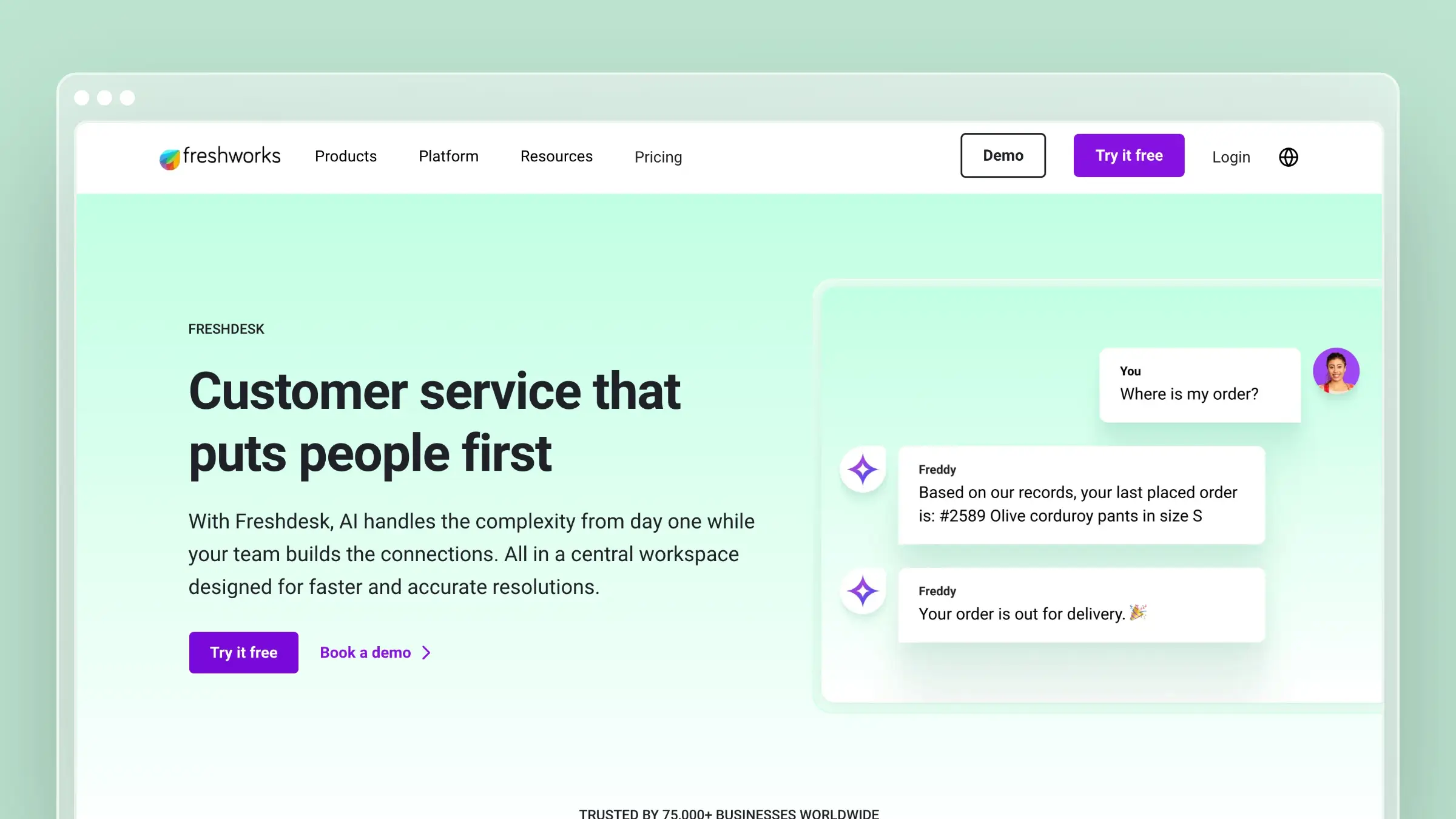
Consolidating tickets, automation, and self-service in one place is appealing when you are choosing a first real support platform. Freshdesk is a broad service suite with a knowledge base baked in, which many mainstream buyers find sufficient out of the box.
Best for
Freshdesk fits teams comparing all-in-one customer service platforms.
- You want a broad support suite with self-service included
- You need FAQ content alongside ticketing, automation, and agent workflows
- You are comparing mainstream customer service platforms, not just knowledge base tools
Where it helps most
- All-in-one support platform convenience for growing service teams
- Built-in self-service that works well for standard support operations
- Useful for teams that want one vendor across multiple support needs
- Broad feature coverage across channels and automation
How it handles content freshness
- Freddy AI writing assist, bulk edit, and article approval workflows help teams push updates faster once someone knows an article is stale.
- That accelerates the mechanics of editing without changing the trigger for it.
- The trigger is still a human noticing drift: nothing in Freshdesk ties article status to shipped product changes.
- The knowledge base stays disconnected from engineering by default.
Pricing and fit notes
Freshdesk offers a free tier for small teams and paid Growth, Pro, and Enterprise tiers starting at $19 per agent per month billed annually. Bundle value goes up if you also need ticketing and automation, and down if all you want is a knowledge base.
- Good fit if: you want self-service plus broader support infrastructure in one place.
- Not ideal if: your core pain is stale help content rather than missing service software.
7. HelpDocs
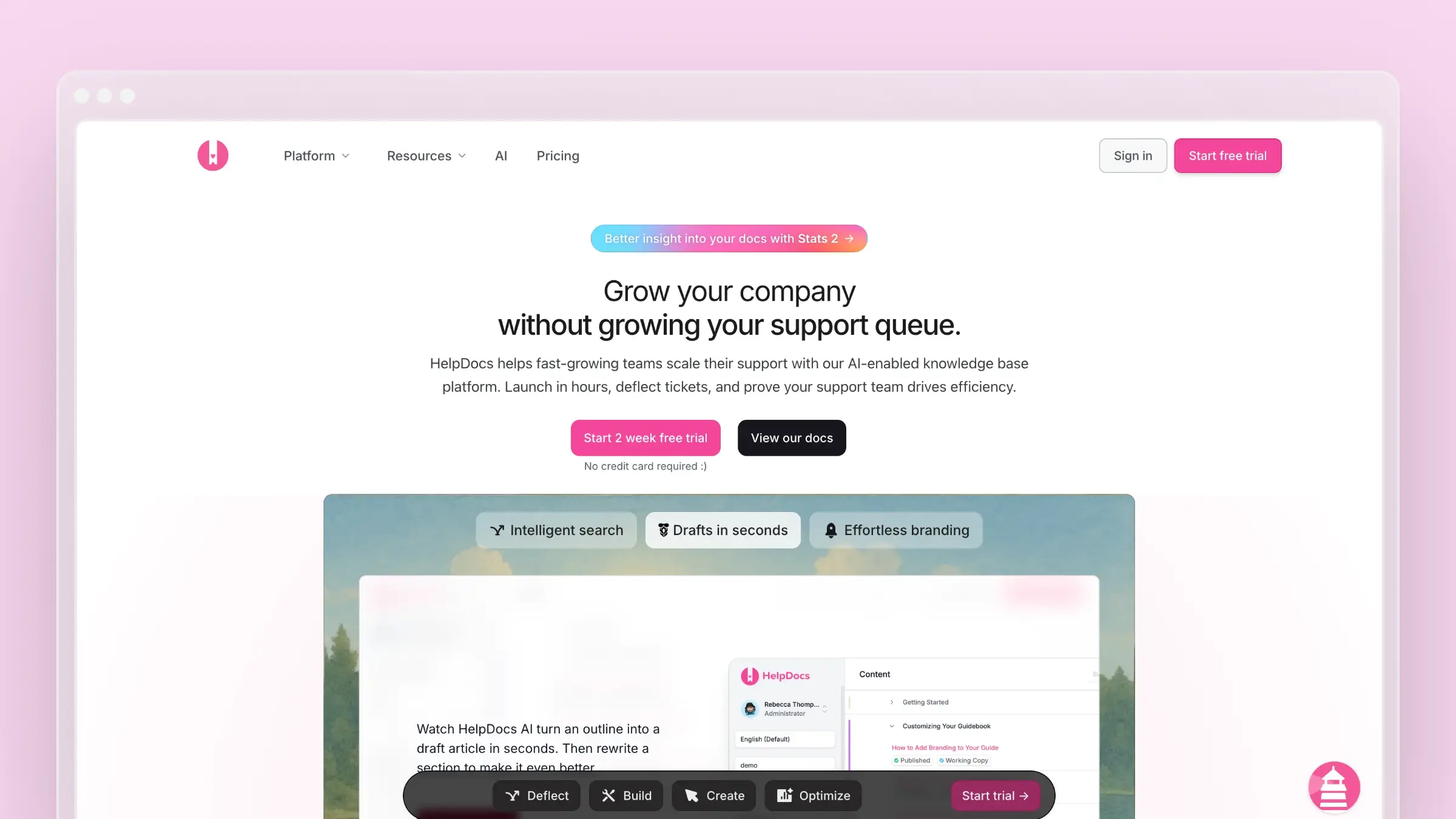
Not every team needs a full support suite. Some just want a clean, standalone external help center that launches quickly and does not require a workflow architect. HelpDocs is built for that reality.
Best for
HelpDocs fits teams that want a focused knowledge base without suite overhead.
- You want a focused knowledge base without buying a full support suite
- You need a clean external help center that is simple to launch and manage
- You care more about usability than heavy workflow complexity
Where it helps most
- Lightweight setup for straightforward FAQ and help article publishing
- Clean authoring experience that helps small teams move quickly
- Better fit for teams that want a standalone docs layer
- Lower operational complexity than most full service platforms
How it handles content freshness
- Article expiration dates and review reminder scheduling nudge owners to revisit content on a set cadence.
- For teams that already have a review rhythm, those reminders are a useful reinforcement.
- A calendar-based reminder is blind to actual product changes: screenshots and step-by-step instructions can go stale well before the scheduled review fires.
- The platform will not surface that drift until a customer does.
Pricing and fit notes
HelpDocs runs three paid tiers (Seed, Sprout, Bloom) with a 14-day free trial. Starting price is $49 per month, or $39 per month billed annually, with flat tier pricing that avoids per-agent scaling.
- Good fit if: you want a lightweight, customer-facing knowledge base with low overhead.
- Not ideal if: you need advanced automation, complex suites, or code-to-doc workflows.
8. Zoho Desk
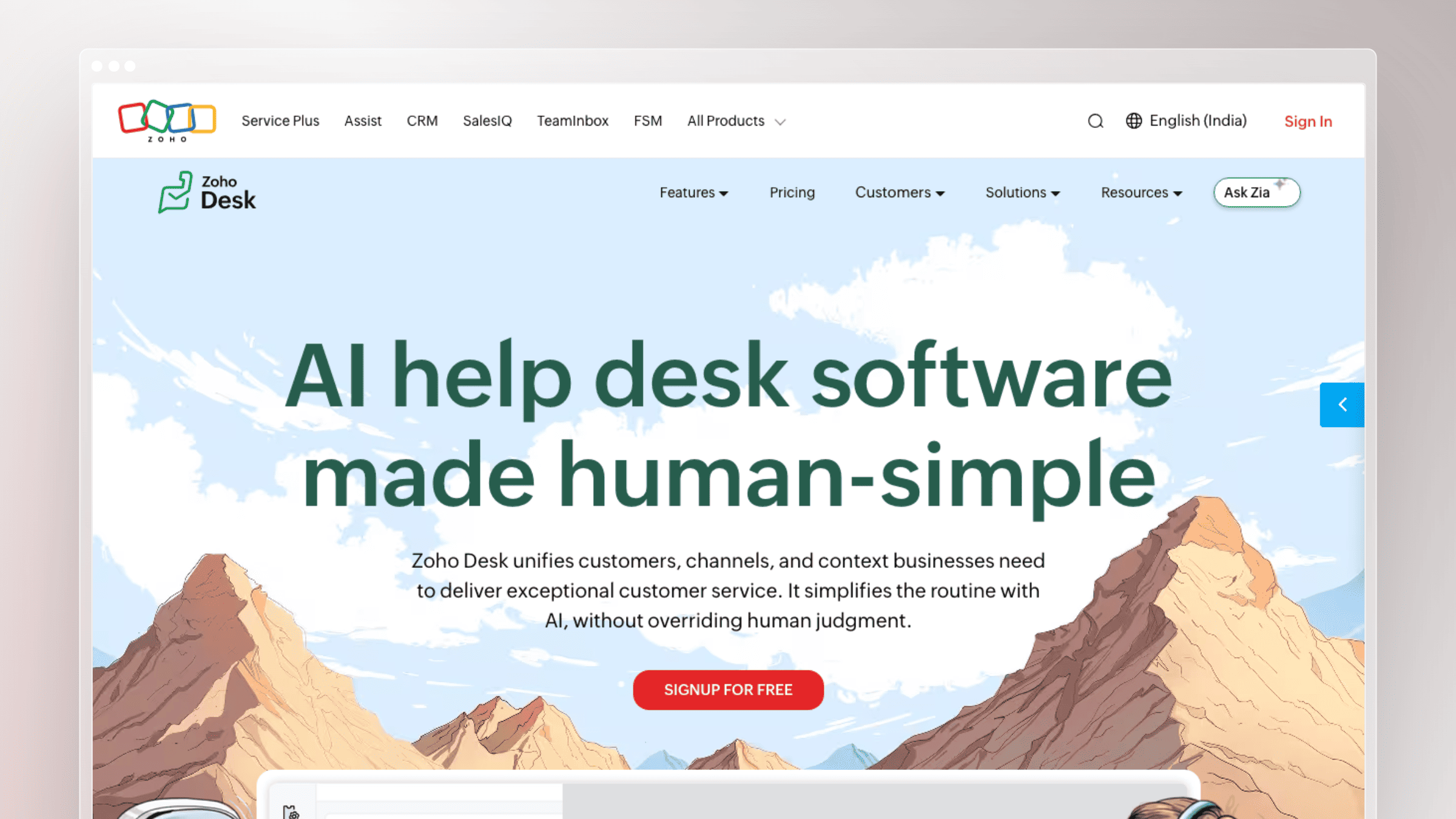
SMB teams already invested in Zoho tend to consolidate wherever they can. Zoho Desk is the natural FAQ option in that ecosystem, and it holds its own against pricier suites for teams that value integration over specialization.
Best for
Zoho Desk fits SMB teams standardized on the Zoho stack.
- You are already invested in Zoho or want a broader SMB-friendly service platform
- You need FAQ content plus support workflows inside one ecosystem
- You want a practical suite option without prioritizing advanced docs specialization
Where it helps most
- Tight alignment with the broader Zoho stack
- Knowledge base plus service operations in one tool family
- Useful for teams balancing budget and feature breadth
- Solid option when software consolidation matters more than docs innovation
How it handles content freshness
- Zia AI suggestions, article moderation queues, and bulk edit tools help SMB teams keep a moderate library organized.
- For teams with clear ownership, that is enough process to maintain a healthy help center.
- None of these features track real product changes: answers drift whenever engineering ships without looping in support.
- That disconnect happens more often than any team likes to admit.
Pricing and fit notes
Zoho Desk offers a permanent free tier for up to three agents and paid tiers starting at $7 per agent per month. The aggressive pricing keeps it accessible for SMBs and startups.
- Good fit if: you already run Zoho and want FAQ software close to the rest of your stack.
- Not ideal if: your bar is best-in-class documentation UX or automation-first maintenance.
9. HubSpot Service Hub
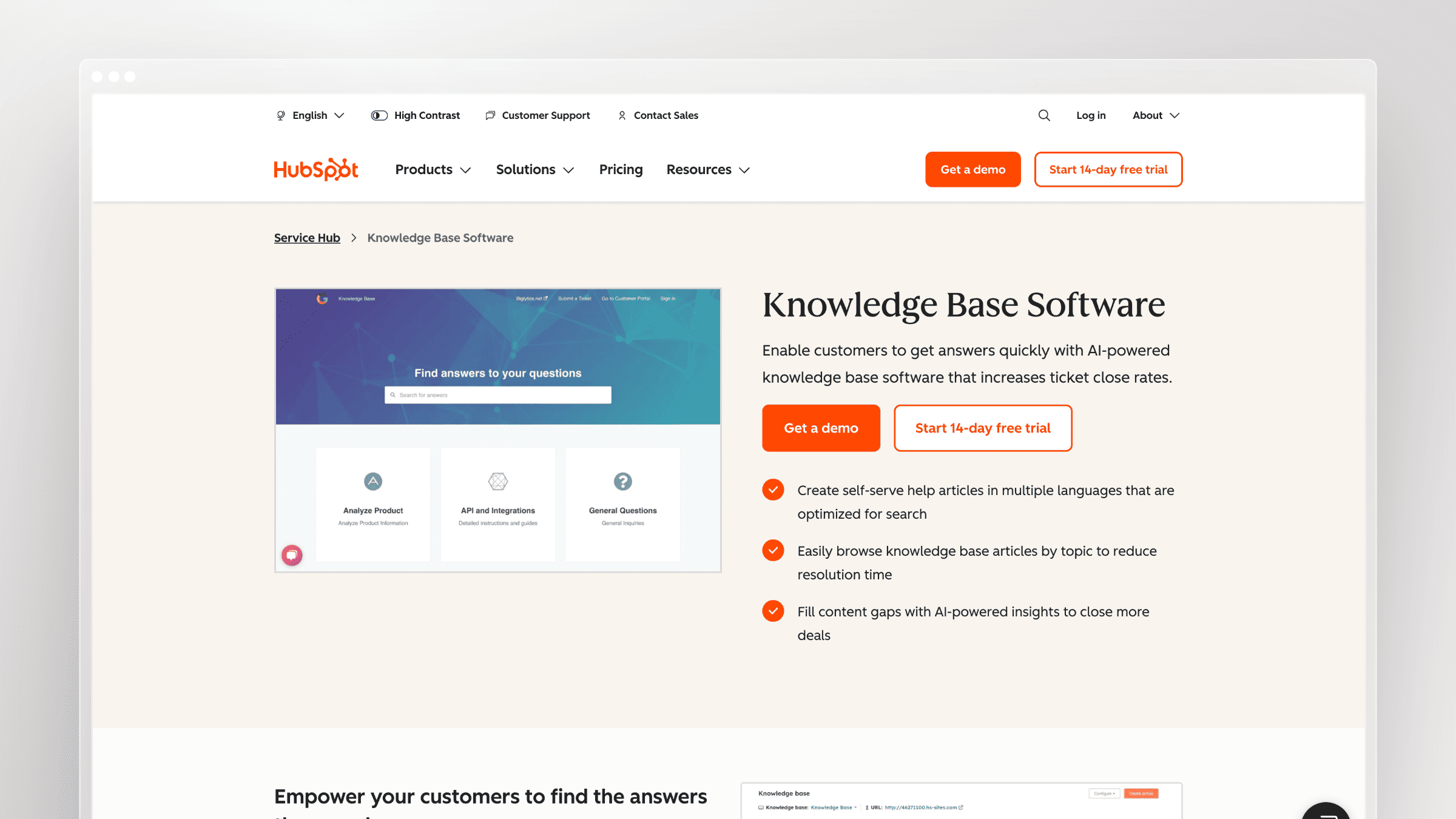
Support content disconnected from customer context is a common frustration for CRM-driven teams. HubSpot Service Hub keeps your knowledge base close to contact records, deal history, and lifecycle data, so agents and self-service work off the same customer view.
Best for
HubSpot Service Hub fits teams anchoring service to the HubSpot CRM.
- You want FAQ content tightly tied to CRM and customer lifecycle data
- You already use HubSpot and want support content in the same system
- You value cross-functional visibility between marketing, service, and success teams
Where it helps most
- Strong CRM alignment for contextual customer support
- Easy path for teams already comfortable with HubSpot’s interface
- Useful when service content connects with broader customer operations
- Recognizable option for teams that want one platform across several functions
How it handles content freshness
- AI content assistant tools, knowledge base analytics, and article performance reports show which pieces are underperforming.
- That data is useful for teams with the discipline to act on it regularly.
- The trigger for revisiting an article is always human interpretation of analytics, never a code-level or release-level signal from your product.
- CRM-connected FAQ software, not an automation-first docs maintenance tool.
Pricing and fit notes
HubSpot Service Hub offers a free tier for up to two users and paid tiers starting at $9 per seat per month billed annually on Starter, with Professional (roughly $90 per seat) and Enterprise (roughly $150 per seat) climbing quickly. Total cost depends heavily on whether you are already paying for HubSpot’s broader platform.
- Good fit if: customer context and CRM integration matter as much as help center publishing.
- Not ideal if: you only need lean FAQ software with minimal bundle overhead.
10. Stonly
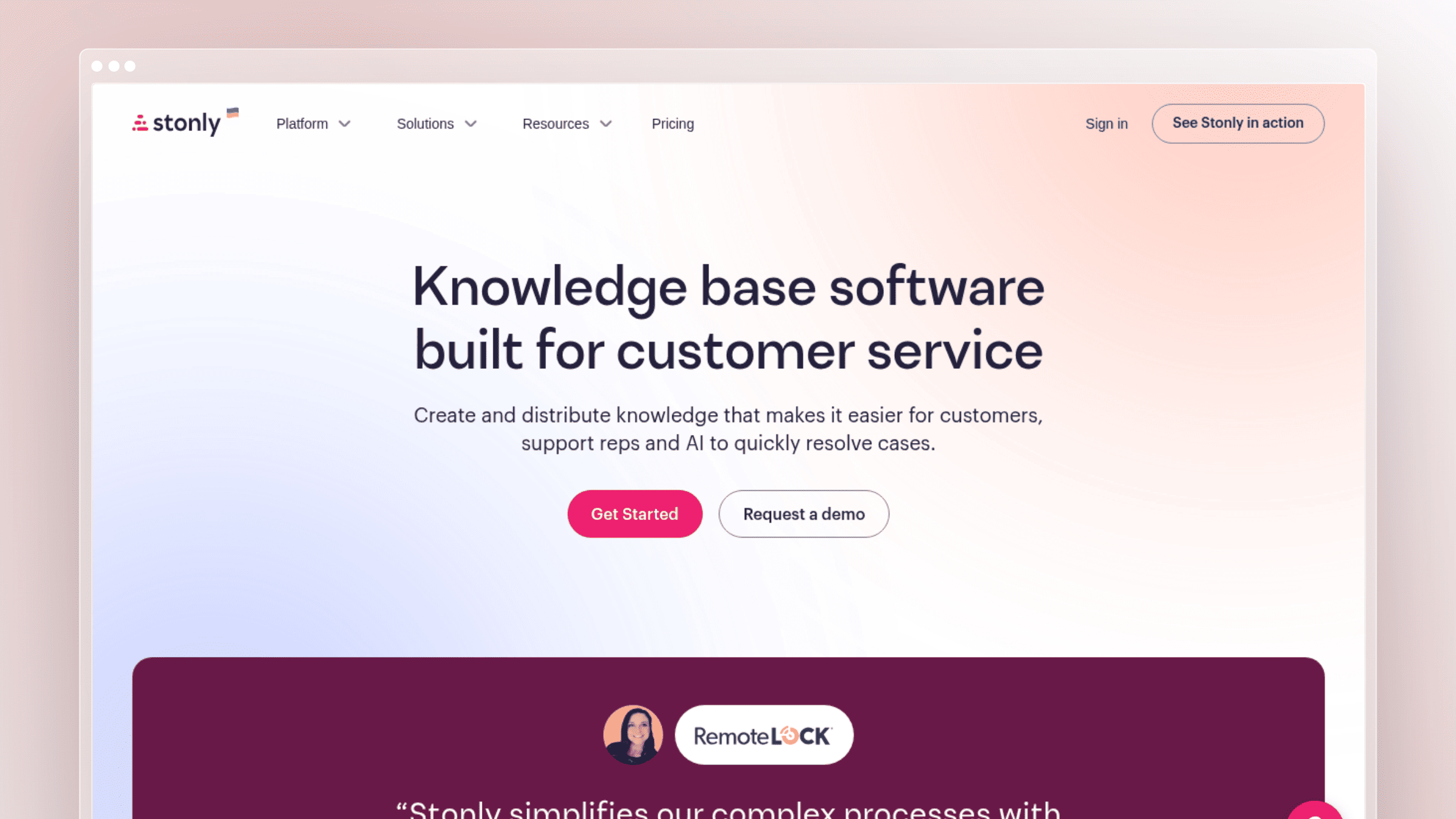
Some questions do not have article-shaped answers. When resolution depends on which plan the customer is on, which browser they are using, or which of three flows they hit an error in, a static FAQ falls apart. Stonly answers those with interactive, branching guides instead.
Best for
Stonly fits teams whose support questions are procedural and branching.
- You need guided troubleshooting instead of article-only support
- Your product generates process-heavy questions with branching answers
- You want interactive onboarding and support flows that reduce confusion
Where it helps most
- Interactive, step-by-step guidance for complex tasks
- Stronger than static FAQ pages when the answer depends on user context
- Useful for onboarding flows, decision trees, and process support
- Complements a broader help center when articles alone are not enough
How it handles content freshness
- Version history on guides and step-level analytics show exactly where users drop off inside a flow.
- Reusable content blocks let edits propagate across multiple guides at once, which is real leverage for teams maintaining many similar flows.
- Interactive content can go stale faster than articles: when UI, steps, or branching logic shift, guides break in ways users notice immediately.
- Updating those flows remains a manual effort with no code- or release-level trigger.
Pricing and fit notes
Stonly offers a limited Basic free tier with 400 guide views per month, five published guides, and one team member. Paid Small Business and Enterprise tiers require a sales conversation, so pricing is not publicly disclosed.
- Good fit if: your support questions are procedural and benefit from guided resolution paths.
- Not ideal if: you want a classic long-form documentation hub as your only self-service system.
How to choose the right FAQ software for your team
Shortlisting is easier once you separate what you actually need from what looks nice in a demo. Four practical filters will do most of the work.
Match the tool to your support complexity
- Top questions only: if you only need the ten most common questions answered, keep the tool lightweight and skip the enterprise suites.
- Deeper troubleshooting: if customers need branching resolution paths, choose a real knowledge base or interactive tool, not a basic FAQ page.
- Hybrid content: if your content spans product help, onboarding, and API docs, prioritize a platform that handles all three natively.
- Multiple content owners: if several teams touch support content, choose stronger structure, permissions, and governance.
Map the tool to where product truth already lives
Your help center should connect to the systems that reveal what changed and what users struggle with. Otherwise, it becomes a downstream reporting problem instead of a live document.
- Look for ties to support tickets, chat tools, changelogs, and engineering workflows
- Do not overvalue theme polish if the platform stays disconnected from how your product evolves
- The more scattered your source knowledge, the more integration quality matters
- Prioritize GitHub, Linear, and ticket-tool integrations if you ship weekly
Decide how much manual maintenance you can absorb
Compare three maintenance models honestly: fully manual publishing, workflow-based editorial review, and automation-assisted maintenance. Each has real tradeoffs in cost, control, and speed.
A manual tool is fine if your product barely changes, but fast release cycles punish manual-only systems. The cost shows up in stale screenshots, documentation debt, and repeat support tickets before it ever shows up in a report.
Separate answer AI from documentation automation
- AI search helps users find answers faster
- AI chat helps deliver answers conversationally
- Documentation automation helps keep the source answers accurate over time
- The best fit depends on whether your current bottleneck is discovery, resolution, or maintenance
The three are complementary, not interchangeable. Buying an AI chat widget on top of stale docs just automates the delivery of wrong answers.
| Your situation | Prioritize | Avoid | Likely tool type |
|---|---|---|---|
| Weekly releases, small team | Automated drift detection, flat pricing | Per-agent suites, manual-only KBs | Active-maintenance platform |
| Established Zendesk or Intercom stack | Native integration, contextual delivery | Standalone tools with overlapping features | Suite-native help center |
| Documentation-heavy product | Governance, version control, analytics | Lightweight FAQ pages | Purpose-built KB |
| SMB with modest volume | Ease of use, low cost | Enterprise-grade complexity | Lightweight KB or SMB suite |
FAQ page best practices for SEO and self-service
Choosing the right tool is only half the work. How you structure and write your FAQ content determines whether customers actually find and use it.
- Phrase questions the way customers ask them: use the exact language from support tickets and search queries, not internal product terminology. “How do I cancel my subscription?” outperforms “Subscription termination process” every time.
- Keep answers short and direct: answer the question in the first sentence, then add context if needed. Most FAQ answers should resolve in under 100 words. If an answer needs more, it belongs in a full article, not a FAQ entry.
- Link to deeper content: use FAQ entries as entry points, not endpoints. Link to relevant articles, tutorials, or API docs so users who need more can find it without searching again.
- Organize by topic, not by volume: group questions into logical categories (billing, onboarding, integrations, troubleshooting) rather than listing them by frequency. Category-based navigation scales better and helps users self-direct.
- Add FAQ schema for true Q&A sections: if your FAQ page uses a genuine question-and-answer format, FAQ schema markup helps search engines display answers directly in results. Apply it to standalone FAQ pages, not to full knowledge base articles.
- Host on a subdirectory, not a subdomain: placing your help center at yoursite.com/help rather than help.yoursite.com keeps SEO equity on your main domain and improves discoverability for both traditional search and AI-powered answer engines.
Conclusion
The right FAQ software depends less on features and more on your release velocity. Fast-moving teams get punished by manual-only systems, and no amount of AI search fixes an article that is three sprints out of date.
If your product changes often, the best FAQ software is the one that keeps content current with the least manual effort. Match the tool to your actual bottleneck, whether that is discovery, resolution, or maintenance, and the shortlist gets short quickly.
- Fastest-moving SaaS teams: Ferndesk, for code-aware maintenance and flat pricing
- All-in-one support suites: Zendesk Guide, Freshdesk, or Zoho Desk depending on stack fit
- Documentation-heavy teams: Document360 for governance and structure
- Lightweight help centers: Help Scout Docs or HelpDocs for low-overhead publishing
- Interactive support flows: Stonly for branching, procedural resolution
FAQs: choosing FAQ software in 2026
What is the difference between FAQ software and a knowledge base?
FAQ software traditionally focuses on short, common questions on a single page, while a knowledge base supports deeper articles, guides, and workflows. Most modern tools now handle both, so the practical difference is scale and structure, not the technology.
How do I keep FAQ content from going stale after product releases?
Connect your help center to the systems where product truth changes, including GitHub, Linear, changelogs, and support tickets. Tools like Ferndesk automate this by monitoring code and support signals and drafting updates for human review, so maintenance becomes a review task instead of a rewrite task.
Is free FAQ software good enough for a startup?
Free tiers from Zoho Desk, HubSpot, Help Scout, and Freshdesk cover basic publishing needs and are fine for small volumes. They stop scaling once your release cadence increases or your library crosses a few dozen articles that all need periodic updates.
How much should FAQ software cost per month?
Standalone tools typically start between $19 and $99 per month for small teams, while suite-based options run $25 to $55 per agent per month and up. Flat-pricing tools like Ferndesk ($149/month for Pro) stay predictable as your team grows, while per-agent models scale with headcount.
Can AI replace manual FAQ maintenance entirely?
Not entirely, and you probably do not want it to. The best current pattern is AI drafting updates from code and support signals, with a human approving before publishing, so you keep editorial control while eliminating the rewrite work.
Which FAQ software works best for developer tools?
Look for platforms with native API documentation, OpenAPI ingestion, and code-aware content updates. Ferndesk and Document360 both handle developer-facing docs well, though only Ferndesk syncs directly with GitHub and Linear to keep references current.
How do I measure whether FAQ software is actually reducing tickets?
Track deflection rate, search success rate, missed queries, and repeat ticket volume for the top questions in your help center. If those numbers improve alongside your release cadence rather than degrading, your FAQ software is doing its job.


 Book a demo