


You have 47 Notion pages, a Loom library nobody watches, and a Slack thread titled “how does pricing work” with 56 messages. That’s a mess.
And yet, this is how most SaaS startups handle customer documentation for the first 18 months. Internal wikis masquerading as help content. README files doing the job of onboarding guides. A founder copy-pasting the same paragraph into support emails three times a day.
Your knowledge base should be a growth lever, not a support cost. The startups that figure this out early compound the advantage. The ones that don’t end up hiring support staff to answer questions that a well-written article would have handled.
This guide covers the full lifecycle of SaaS knowledge base software, from pre-product-market-fit through scaling, with honest tool recommendations and zero filler.
Knowledge Bases vs. Wikis
Let’s be precise about terminology. A wiki is for your team. A knowledge base is for your customers. They solve fundamentally different problems.
Internal wikis store how things work internally: deployment processes, team norms, architecture decisions. Tools like Notion and Confluence handle this well.
Customer knowledge bases enable self-service support by answering the questions your users actually ask: How do I set up X? What happens when Y? Why isn’t Z working? They need to be searchable, public, well-structured, and maintained.
Most startups conflate these. They dump internal notes into a /docs page and call it done. The result is documentation written for people who already understand the product, which is useless to the people who need help.
The distinction matters because a SaaS knowledge base has requirements that internal wikis don’t:
- SEO optimization so customers find answers through Google, not just your nav bar
- Professional design that matches your product’s quality bar
- Search that works for people who don’t know your internal terminology
- Analytics showing what customers search for and can’t find
- Freshness signals so outdated content gets flagged before customers hit it
According to Harvard Business Review, 81% of customers try self-service before contacting support. If your knowledge base doesn’t exist (or is a neglected Notion export), those customers hit a wall. Some will file support tickets. Most will just churn quietly.
Three Stages of Documentation
Your documentation needs change dramatically as you grow. Here’s what actually matters at each stage.
Stage 1: Pre-PMF (0-50 customers)
At this point, you’re still figuring out what the product does. Writing comprehensive documentation feels premature because half of it will be wrong next month.
What to do: Write the 5-10 articles that answer your most repeated support questions. Nothing more. Track what customers ask in support conversations and turn the top questions into articles. You don’t need a fancy tool here, but you do need something public and searchable.
What most startups do instead: Nothing. Or they write a 40-page “Getting Started” guide that nobody reads because it covers features that don’t exist yet.
The minimum viable knowledge base:
- A “Getting Started” article (under 500 words, with screenshots)
- Your top 5 FAQ answers
- A troubleshooting page for common errors
- Billing/pricing explanation
That’s it. Eight articles total. You can write them in an afternoon and they’ll deflect 30-40% of your incoming support tickets.
Stage 2: Post-PMF Growth (50-500 customers)
Your product is stabilizing. Features stick around longer. But you’re shipping fast, and documentation falls behind every release.
What to do: Invest in proper knowledge base software for your SaaS. Set up a structure (collections/categories) that maps to your product’s main workflows. Assign documentation ownership, even if it’s just one person spending 2 hours a week.
The critical mistake at this stage: Treating documentation as a project instead of a process. You don’t “finish” a knowledge base. You maintain it. The startups that assign someone to review and update docs weekly are the ones whose knowledge bases actually help.
Stage 3: Scaling (500+ customers)
Now documentation is a real function. Your product ships weekly. Your knowledge base has 50-200 articles. Keeping everything current is a legitimate challenge.
What to do: Automate maintenance. Use tools that flag outdated content, analyze support tickets for gaps, and integrate with your codebase so documentation stays synchronized with your product. This is where AI-powered knowledge bases become worth the investment.
What to Write First
If you could only write 20 articles, these categories cover 80% of what customers actually need:
1. Onboarding (3-4 articles)
- Quick start guide (the critical first 5 minutes)
- Initial setup/configuration
- Connecting integrations
- Inviting team members
2. Core workflows (5-6 articles)
- One article per major feature, focused on “how do I accomplish X” rather than feature specs
- Include screenshots or short video clips
- Write for someone who’s never seen your UI
3. Troubleshooting (4-5 articles)
- Common error messages and fixes
- “Why isn’t X working?” articles
- Migration/upgrade guides
4. Account management (3-4 articles)
- Billing, plans, and upgrades
- User permissions and roles
- Data export/deletion
- Security and privacy
5. FAQ (2-3 articles)
- Pricing questions
- Integration compatibility
- Feature requests and roadmap
Notice what’s missing: lengthy product overviews, marketing-flavored feature descriptions, and “About Us” content. Your knowledge base isn’t a sales tool. It’s a customer support tool that enables self-service. Keep it focused on helping people who’ve already signed up.
The Right Tools
Here’s where it gets practical. The best knowledge base software for SaaS startups, ranked by startup-friendliness, not enterprise features.
| Tool | Best Stage | Monthly Cost | AI Features | Startup Fit |
|---|---|---|---|---|
| Ferndesk | Stage 1-3 | $149 | Proactive maintenance | Excellent |
| HelpDocs | Stage 1-2 | $49-199 | Limited (credit-based) | Good |
| GitBook | Stage 2+ | $0-65 | Beta | Good (dev tools) |
| KnowledgeOwl | Stage 2-3 | $99+ | None | Moderate |
| Intercom | Stage 2-3 | $29/seat + AI | Reactive (Fin) | Good (PLG) |
| Document360 | Stage 2-3 | Pricing available on request | Eddy AI | Moderate |
| Helpjuice | Stage 3 | $249-799 | Full suite ($449+) | Expensive |
Ferndesk: Built for Fast-Shipping Startups

Ferndesk solves the specific problem that kills startup documentation: articles going stale the moment you ship something new.
The AI agent (Fern) connects to your GitHub repos, support inbox, and changelogs. When your product changes, Fern identifies which articles need updates and drafts the changes for your approval. When customers keep asking questions that aren’t documented, Fern spots the pattern and suggests new articles.
For a 2-person startup spending zero dedicated hours on documentation, this is transformative. The knowledge base maintains itself instead of quietly rotting.
What makes it startup-friendly:
- $149/month or $1,490/year for Pro, with five editors included
- Codebase sync catches documentation drift automatically
- Support ticket analysis identifies gaps before they pile up
- One-click migration from wherever you’re coming from
- Custom domain included on Pro
Limitations: Newer platform, smaller community than decade-old tools. If you need 100+ native integrations today, you’ll find fewer than Zendesk or Intercom.
Here’s how Ferndesk automatically generates screenshots for your knowledge base articles:
HelpDocs: Simple and Fast
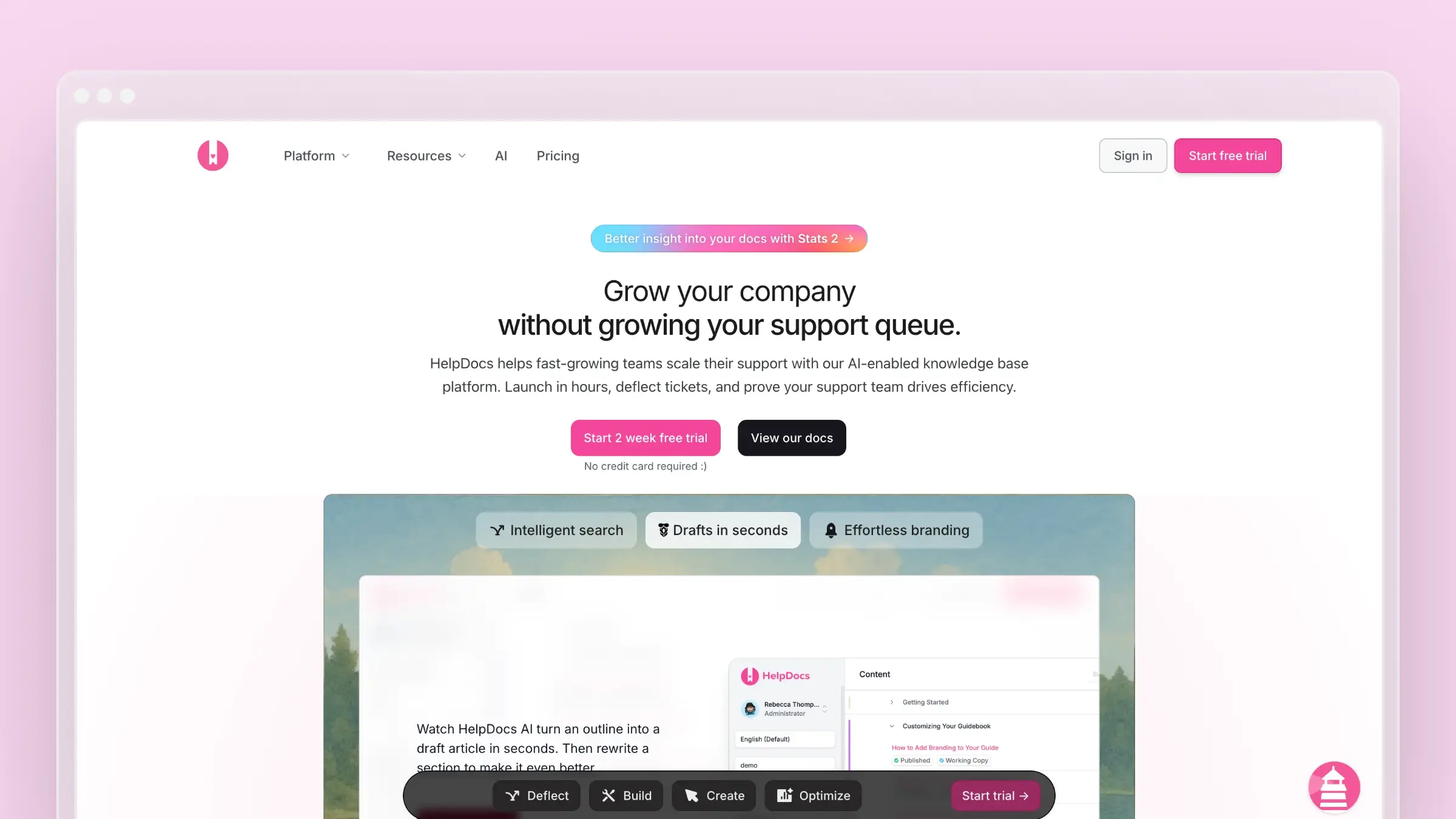
HelpDocs is the “just ship it” option. You’ll have a professional knowledge base live within hours, not days. The editor is clean, templates are modern, and search works well out of the box.
For Stage 1 startups that need documentation yesterday and don’t want complexity, HelpDocs delivers. The Lighthouse widget embeds help directly in your product. Clips let you reuse content across articles (handy for repeated explanations).
The catch for startups: HelpDocs won’t tell you when your articles go wrong. There’s no codebase monitoring, no support ticket analysis, no proactive gap detection. AI credits are limited, meaning you can run out during product launches when you need help most. As feature velocity increases, you’ll outgrow it. See our full HelpDocs review.
Pricing: $49/month (Seed), $99/month (Sprout), $199/month (Bloom).
GitBook: Best for Developer Tools
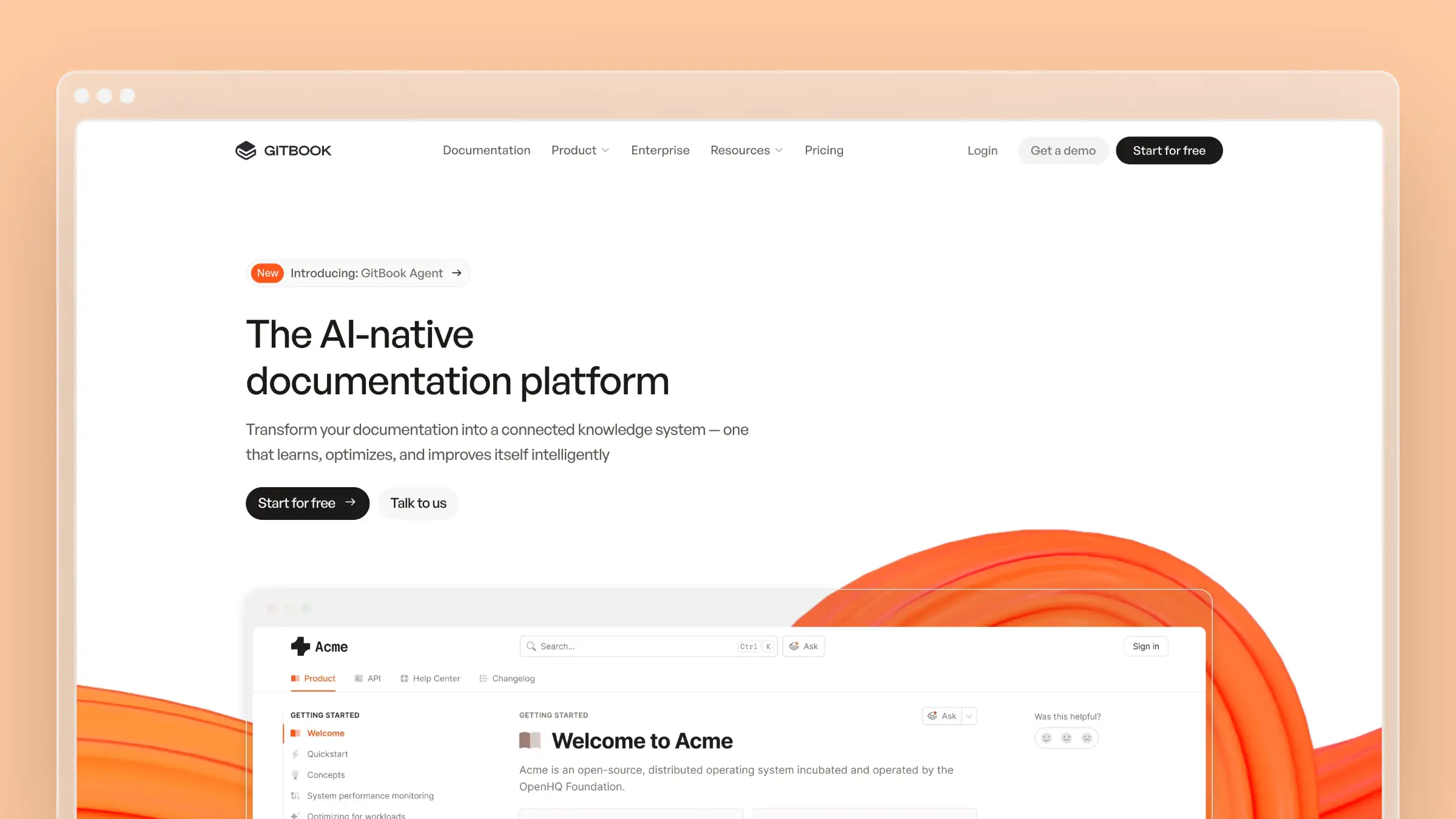
If your startup builds developer tools, GitBook fits naturally into your workflow. Docs live alongside code via Git sync. The platform handles API references, code samples, and versioned documentation gracefully.
The free tier is genuinely usable for open-source projects or early-stage startups. Once you need custom domains and advanced features, it’s $65/site/month.
The catch for startups: GitBook is documentation software, not help center software. No embedded widgets, no ticket routing, no support team features. If your users aren’t developers, the Git-based workflow will confuse non-technical editors. Read our GitBook review for the full breakdown.
Intercom: When You’re Already Using It
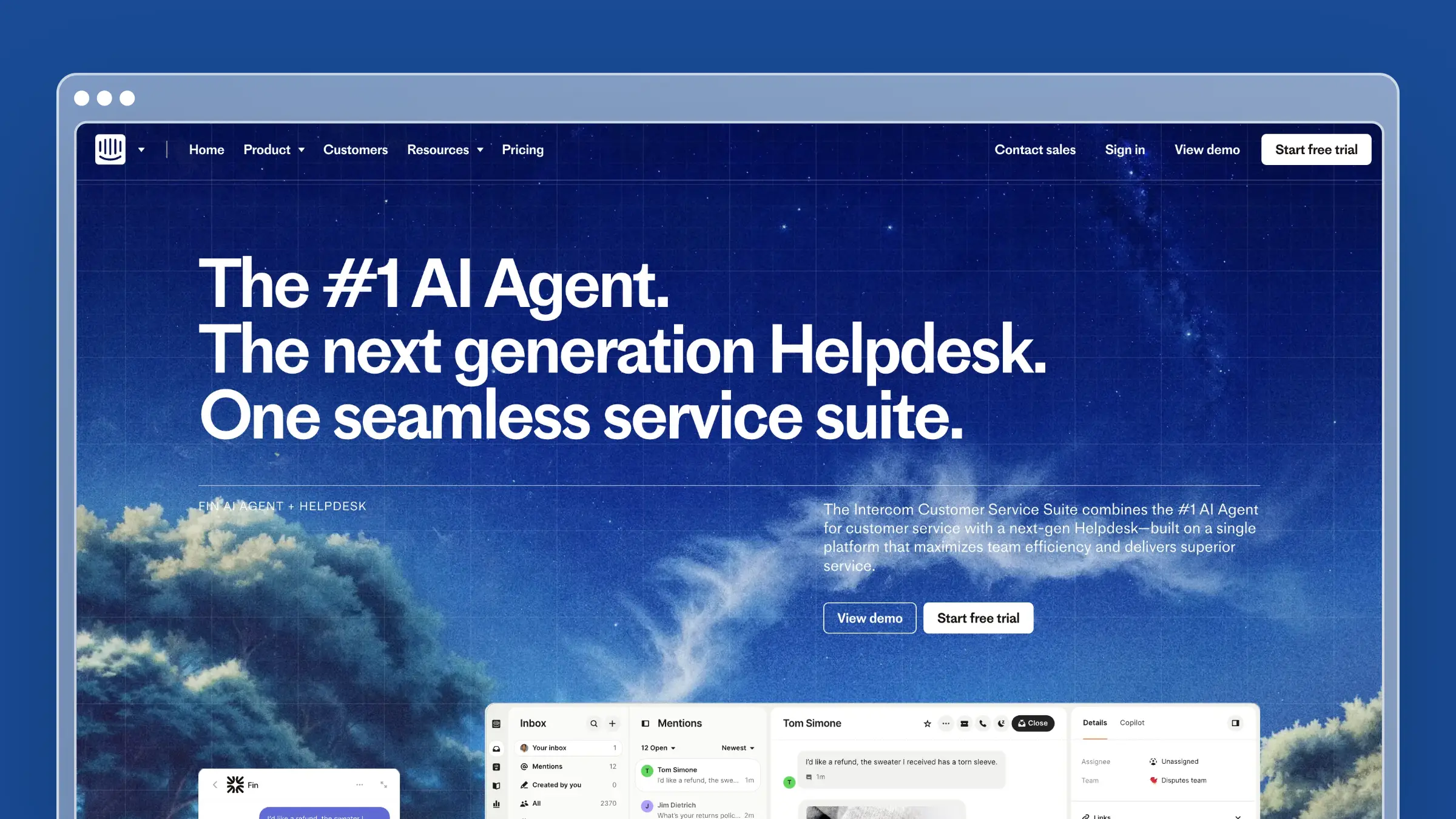
If you already pay for Intercom as your support tool, their help center is decent. The big value is Fin, their AI chatbot that reads your knowledge base and answers customer questions automatically.
The catch for startups: Intercom’s pricing adds up fast. $29/seat/month for Essential, plus $0.99 per Fin AI resolution. A busy startup with 500 monthly Fin resolutions is paying $495/month just for AI answers on top of seat costs. For a tight budget, that math gets uncomfortable quickly.
Their help center editor is also lightweight compared to dedicated tools. Complex documentation (API refs, versioned content, technical depth) feels cramped.
The Expensive Options
Helpjuice starts at $249/month and requires the $449/month plan for AI features. Beautiful product, hands-on customization support, but the pricing makes no sense for startups. Read our Helpjuice review before considering it.
Document360 pricing is available on request (never a great sign for startups that need predictable budgets). The platform is solid with AI features (Eddy), but the enterprise-first positioning means you’ll likely overpay for features you won’t use for years.
Zendesk Guide comes bundled with Zendesk Suite at $55/agent/month minimum. Overkill unless you already need the full Zendesk support stack.
Build or Buy?
Every technical founder has the same impulse: “I’ll just build a simple docs site with Next.js and Markdown files.”
Here’s when that works and when it doesn’t:
Build (Stage 1, if you have engineering time to spare):
- Your docs are fewer than 20 pages
- You want absolute design control
- Your team can maintain a static site alongside the product
- You’re a developer tool and docs-as-code fits your brand
Buy (Stage 2+, always):
- You have more than 20 articles
- Multiple people need to edit without Git knowledge
- You need search analytics to identify content gaps
- Documentation maintenance is falling behind releases
- You want AI assistance for writing and maintenance
The DIY approach has a hidden cost: every hour an engineer spends maintaining docs infrastructure is an hour not spent on the product. At $150/hour engineering cost, a $149/month tool pays for itself if it saves one hour of engineering time per month. The real savings come from automated maintenance that catches documentation drift, something no static site generator will ever do.
Maintenance with a Small Team
The hardest part isn’t launching a knowledge base. It’s maintaining one. (For a broader look at tools built for lean teams, see our knowledge base guide for small teams.) Here’s a practical system for startups with no dedicated documentation person:
Weekly (30 minutes):
- Check your support inbox for repeated questions. If you answered the same thing three times this week, write an article.
- Review any product changes shipped this week. Does any existing article need updating?
Monthly (2 hours):
- Look at knowledge base analytics. Which articles get the most views? Which searches return no results?
- Archive or update articles for deprecated features
- Write 1-2 new articles based on the month’s most common support patterns
- Run through a knowledge base maintenance checklist to catch what you missed
After every major release:
- Audit the 5-10 articles most likely affected by the changes
- Update screenshots if the UI changed significantly
- Add a “What’s New” or changelog-style article if the release is substantial
If this sounds like too much manual work (it is, once you pass 50 articles), that’s exactly why automated tools like Ferndesk exist. The AI agent handles the monitoring and flagging, so your weekly check becomes “approve or reject suggested changes” instead of manually auditing every article.
Knowledge Bases Worth Studying
Before you build yours, look at how these SaaS companies structure their customer documentation:
Linear keeps articles short, scannable, and organized by workflow. No fluff, no marketing copy in the docs.
Stripe masters progressive disclosure: start simple, let users drill deeper as needed. Their getting-started guides are models of clarity.
Loom uses their own product in documentation (embedded Looms in help articles). Smart brand reinforcement.
Notion organizes by use case rather than feature. “Guides” not “Reference docs.” Users think in problems, not product architecture.
The common thread: these knowledge bases are written for people trying to accomplish something, not people trying to learn about a product. That’s the difference between knowledge management that reduces support tickets and documentation that just exists.
Launch Checklist
Before you launch (or overhaul) your knowledge base, make sure you’ve covered:
- Public and searchable (not behind a login wall unless necessary)
- Custom domain (help.yourproduct.com, not yourproduct.helpdocs.io)
- Mobile-responsive (25%+ of help center traffic is mobile)
- Search analytics enabled (so you can see what’s missing)
- Embedded widget in your product (reduce friction to zero)
- Feedback mechanism on each article (“Was this helpful?“)
- Clear information hierarchy (categories → articles, max 2 levels deep)
- Consistent formatting (headers, screenshots, callouts)
- SEO basics (meta descriptions, clean URLs, sitemap)
- Maintenance owner assigned (even if it’s just “founders alternate weekly”)
Start Small, Automate Early
Your SaaS knowledge base is the compound interest of customer support. Every article you write today deflects support tickets tomorrow, next month, and next year. The startups that invest in self-service early build a moat their competitors can’t replicate quickly.
Start with the minimum viable knowledge base (8-10 articles covering your top questions). Graduate to proper tooling once you pass 20 articles or 100 customers. Automate maintenance before documentation debt becomes unmanageable.
If you want a knowledge base that maintains itself as your startup scales, Ferndesk costs $149/month or $1,490/year with codebase sync, AI-powered maintenance, and five editor seats included. The 7-day free trial doesn’t require a credit card.
For more context on the broader landscape, see our guides on best help center software for SaaS, automated knowledge bases, SaaS self-service strategies, and how to scale customer support.


 Book a demo