


Your documentation is out of date. Again.
An automated knowledge base fixes that by treating docs as a self-updating help center: an AI agent watches your codebase, support tickets, and changelogs, drafts updates when something changes, and a human approves before anything publishes. Knowledge base automation like this is how fast-shipping teams stop losing ground to stale docs. Three platforms ship real documentation agents today, ours among them:
| Platform | The agent reads | Starting price |
|---|---|---|
| Ferndesk | Codebase, support tickets, changelogs, launch videos | $149/month |
| GitBook | Git repos, Slack threads, existing docs | 10 Agent messages/week free; |
| Mintlify | Connected repos, existing docs, Slack | $540/month (Pro) |
The rest of this guide explains how that works in practice, and how to tell a real documentation agent from AI search bolted onto a wiki.
What is an Automated Knowledge Base?
An automated knowledge base is a documentation system that uses AI to create, update, and maintain content with minimal manual intervention.
Unlike traditional knowledge bases where every article requires human effort to write and update, automated systems:
- Monitor your product changes by connecting to your codebase, changelogs, and support tickets
- Identify gaps in your documentation automatically
- Draft new content based on real customer questions
- Flag outdated articles before customers complain
- Update content when your product changes
The key difference from a traditional knowledge base? It’s dynamic and adaptive. It doesn’t just store information, it actively ensures that information stays accurate and complete. That’s what knowledge base automation means in practice: the system maintains itself instead of waiting for someone to notice a problem.
What Content Can an Automated Knowledge Base Manage?
Not every content type is equally easy to automate. Some formats are structured enough that AI agents handle them well from day one. Others need more human involvement until your sources of truth are clean.
| Content type | Automation difficulty | Business value |
|---|---|---|
| FAQs | Low | High — directly deflects repetitive tickets |
| Troubleshooting guides | Low | High — reduces escalations and support time |
| Release-driven updates | Low | High — prevents stale docs after every ship |
| How-to guides | Medium | High — supports onboarding and activation |
| API reference pages | Medium | High — keeps developer docs in sync with code |
| Internal SOPs and policies | Medium | Medium — reduces onboarding time for new hires |
| Video transcripts and walkthroughs | High | Medium — useful but requires clean source video |
Start with FAQs, troubleshooting articles, and release-driven updates. These three formats have the clearest source data, the highest ticket deflection value, and the fastest time to measurable ROI.
Why Traditional Knowledge Bases Fail
Traditional knowledge management has a fundamental problem: entropy.
The moment you publish an article, the clock starts ticking. Features change. UI gets updated. Terminology evolves. And unless someone manually updates every affected article, your documentation slowly drifts further from reality.
Research shows that customers prefer self-service—81% try to find answers themselves before contacting support. But when they encounter outdated or missing documentation, they don’t just email you. They lose trust in your product.
The traditional approach treats documentation as a one-time project. The automated approach treats it as a living system that adapts to your product in real-time.
The Rise of AI Documentation Agents
The most significant innovation in automated knowledge bases is the emergence of AI documentation agents.
These aren’t simple chatbots or search enhancements. They’re autonomous systems that:
- Read your codebase to understand what your product actually does
- Analyze support tickets to identify what customers are struggling with
- Review changelogs to spot features that need documentation
- Draft high-quality content that matches your existing tone and style
- Submit changes for human review before publishing
Think of them like a junior technical writer who works 24/7, never misses a product update, and learns from every customer interaction.
Currently, only three documentation platforms have shipped true AI agents: Ferndesk, GitBook, and Mintlify. Let’s break down what each offers.
Automated Knowledge Base Tools with AI Agents
Ferndesk
 Ferndesk is built specifically for keeping help centers up-to-date automatically.
Its AI agent, Fern, connects to your sources of truth:
- Your codebase on GitHub
- Support tickets from Intercom, Help Scout, Crisp, and more
- Internal documentation in Notion or Linear
- Changelog entries and launch videos
Fern performs weekly audits of your support inbox, forums, and product releases to identify content gaps. When it finds missing or outdated documentation, it drafts articles for your approval—SEO-optimized and ready to publish.
Key differentiators:
- Proactively identifies knowledge gaps from support tickets
- Drafts content based on real customer questions
- One-click migration from existing help centers without breaking links
- Human-in-the-loop review before publishing
Ferndesk is particularly strong for SaaS companies that ship frequently and struggle to keep docs in sync with their product. For more options, see our best help center software guide or the SaaS-specific breakdown.
GitBook
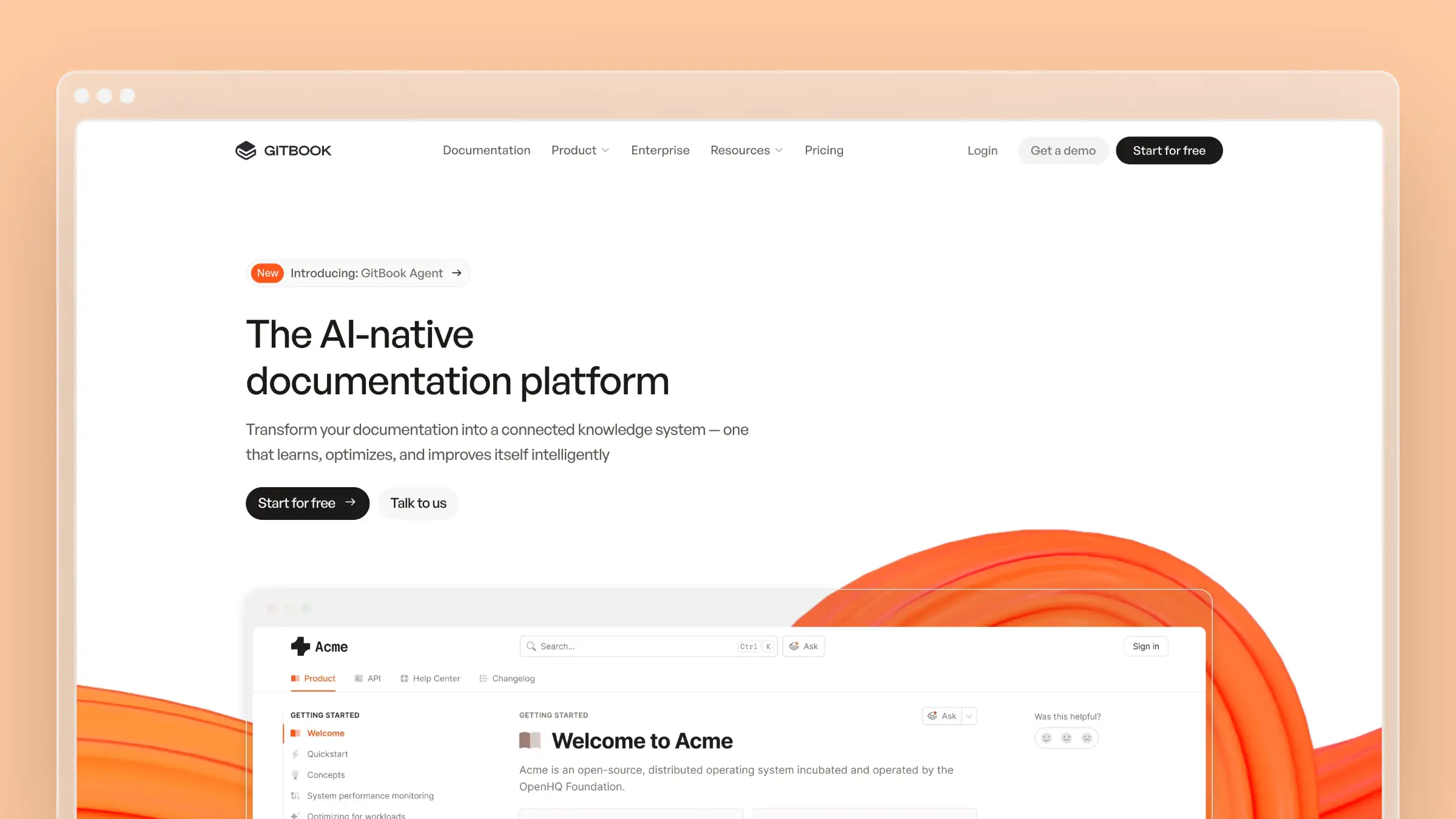 GitBook is a mature documentation platform that’s added AI capabilities through its Docs Agent. For a full breakdown, see our GitBook pricing guide and GitBook alternatives comparison.
The Docs Agent helps teams:
- Create and improve documentation with AI assistance
- Learn from user conversations to suggest improvements
- Brainstorm, plan, and implement documentation changes
- Summarize Slack threads into knowledge base articles
GitBook also launched a GitHub Copilot Extension, so developers can query documentation directly from VS Code.
Key differentiators:
- Notion-like block-based editor for non-technical contributors
- Strong Slack integration for capturing knowledge from conversations
- Mature platform with extensive third-party integrations
- AI search that lets readers ask questions in natural language
GitBook excels when you need collaboration between technical and non-technical team members, and want a familiar, visual editing experience.
Mintlify
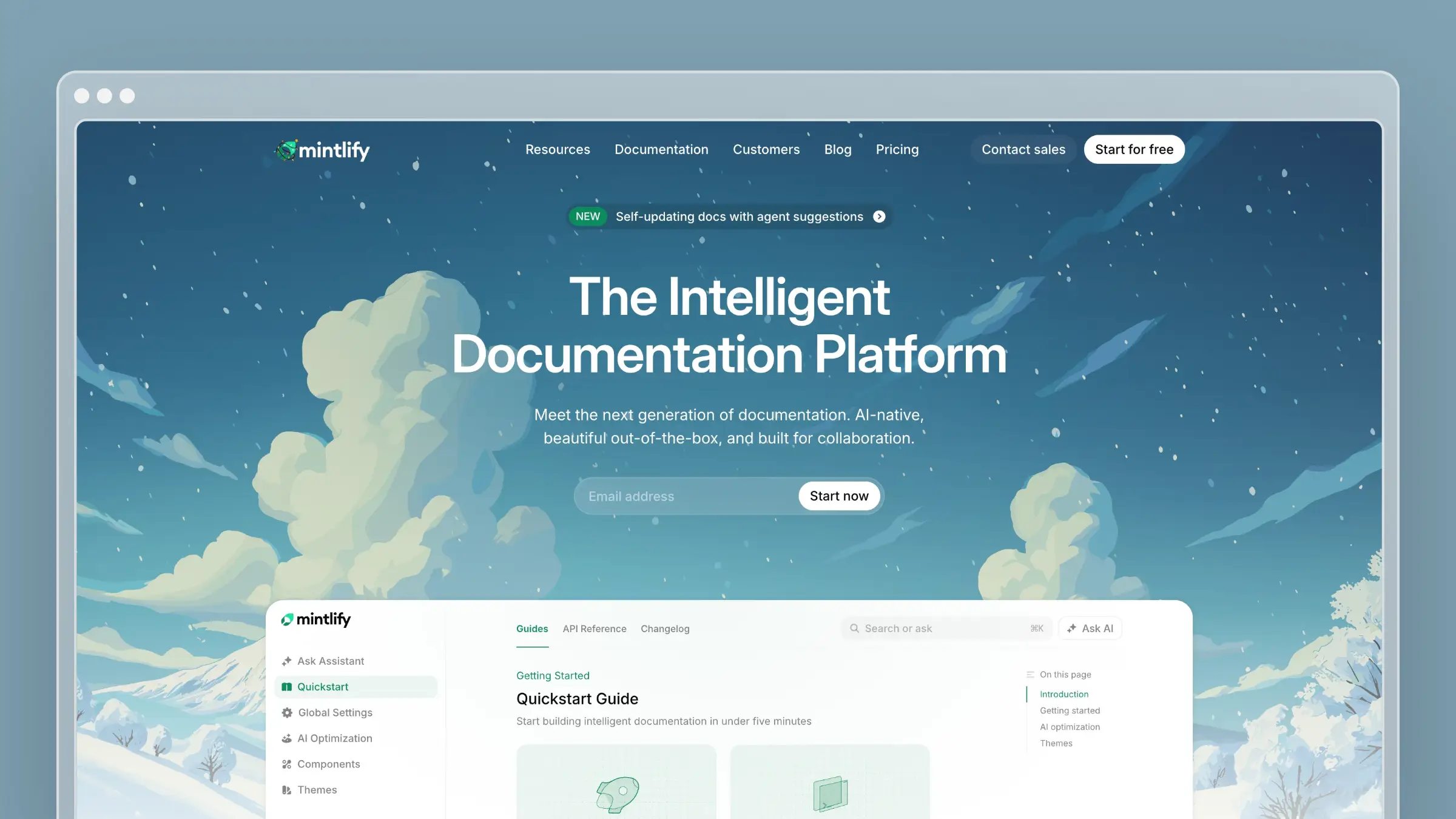 Mintlify is an AI-native documentation platform focused on developer docs and API references. For a full breakdown, see our Mintlify pricing guide and Mintlify alternatives comparison.
Their agent creates pull requests with proposed documentation changes based on your prompts. It references your existing docs, connected repositories, and Slack messages to generate content that follows technical writing best practices.
In late 2024, Mintlify introduced their AI Assistant, which can:
- Rename features across all documentation automatically
- Enforce style guidelines consistently
- Generate changelogs from product docs
- Translate content into multiple languages
Key differentiators:
- Docs-as-code workflow with full Git sync
- Agent accessible via dashboard, Slack, or API
- Strong focus on developer experience and API documentation
- Supports llms.txt and MCP for AI discoverability
Mintlify is ideal for developer-focused companies that want beautiful, performant docs with tight GitHub integration.
Internal vs External Automated Knowledge Bases
Automation applies differently depending on who your documentation serves. Getting this distinction right before you set up your sources and workflows saves significant rework later.
External knowledge bases (customer-facing)
This is the most common use case: a public help center that answers product questions, reduces support tickets, and helps customers self-serve. Automation here means connecting to GitHub, changelogs, and support tickets so docs stay current as the product ships.
Examples: feature walkthroughs, billing FAQs, troubleshooting guides, API reference pages, onboarding checklists.
Internal knowledge bases (employee-facing)
Internal docs cover the knowledge your team needs to operate: HR policies, IT runbooks, sales playbooks, and onboarding materials. Automation here means pulling from internal tools like Notion, Linear, and Slack to keep SOPs current as processes change.
Examples: IT help articles, HR policy updates, engineering runbooks, new hire onboarding guides, security procedures.
Hybrid models
Some teams run a single platform for both audiences, with authentication controlling access. A SaaS company might expose product docs publicly while keeping internal engineering and support playbooks behind a login. Ferndesk supports this with private help centers authenticated via OIDC, JWT, or SAML.
The automation logic is the same in all three cases. The difference is which sources you connect and who approves content before it publishes.
What to Look for in an Automated Knowledge Base
Not all automated knowledge bases are created equal. Here’s what separates the good from the great:
1. Source Integration
The best automated systems connect to where your knowledge already lives:
- Code repositories (GitHub, GitLab) to track product changes
- Support platforms (Intercom, Zendesk, Help Scout) to identify common questions
- Internal tools (Slack, Notion, Linear) to capture institutional knowledge
- Changelogs and release notes to trigger documentation updates
The more sources your KB can tap into, the more accurate and complete your documentation becomes.
2. Proactive Gap Detection
Good automated knowledge bases don’t wait for you to notice problems. They actively scan for:
- Missing content: Topics customers ask about that aren’t documented
- Outdated information: Articles that reference deprecated features or old workflows
- Broken links: References to pages that no longer exist
- Duplicate content: Multiple articles covering the same topic
3. Human-in-the-Loop Review
Full automation sounds appealing, but you want final approval before anything goes live. Look for:
- Draft and review workflows
- Ability to edit AI-generated content before publishing
- Clear change tracking and version history
- Role-based permissions for approvers
4. SEO and Discoverability
Your knowledge base is only useful if customers can find it. Evaluate:
- Built-in SEO optimization
- Support for AI search and chatbots (llms.txt, MCP)
- Clean URLs and proper metadata
- Sitemap generation
AI chatbot and search integration
Your automated knowledge base is the retrieval layer that powers your AI chatbot. When a customer asks a question in your support widget, the bot pulls answers from your docs. If those docs are stale, the bot gives wrong answers and customers open tickets anyway.
The feedback loop matters here. A well-integrated system works like this:
- Customer asks a question in the chat widget
- The bot retrieves the most relevant article and returns an answer
- If the bot fails or the customer rates the answer poorly, that signal gets logged
- The knowledge base flags the article for review or drafts an improved version
Look for platforms that close this loop automatically. Ferndesk tracks failed AI answers and missed search queries, then surfaces them as content gaps for your next review cycle. That means your chatbot gets more accurate over time without manual intervention.
5. Analytics and Feedback
Understanding how your documentation performs is crucial:
- Article view counts and trends
- Search analytics (what are people looking for?)
- Customer feedback collection
- Identification of high-traffic, low-satisfaction articles
6. Migration Path
If you already have a knowledge base, switching should be painless:
- One-click migration from popular platforms
- URL redirect handling (don’t break your SEO)
- Content format preservation
Examples of Knowledge Base Automation Workflows
Features lists are easy to skim past. Concrete workflows make automation feel real. Here are five examples of what knowledge base automation actually does in practice.
1. Article suggestion from support tickets
Trigger: Ten tickets in one week ask the same question about a billing setting.\ Action: The AI agent drafts a new FAQ article addressing that exact question.\ Outcome: The article publishes after review, and the ticket volume for that topic drops the following week.
2. Stale article alert from a code change
Trigger: A GitHub pull request renames a feature from “Workspaces” to “Projects.”\ Action: The agent scans all articles referencing “Workspaces” and flags them for update.\ Outcome: A reviewer approves the edits before the feature ships, so customers never see the old name in docs.
3. Ticket-to-article drafting
Trigger: A support conversation resolves a complex setup issue that took 45 minutes to debug.\ Action: The agent converts the resolution thread into a structured troubleshooting article.\ Outcome: The next customer with the same issue self-serves in two minutes instead of opening a ticket.
4. Release-note-triggered update
Trigger: A changelog entry describes a redesigned settings page with a new navigation structure.\ Action: The agent identifies every article that references the old navigation path and drafts updated versions with new screenshots.\ Outcome: Docs reflect the new UI on launch day instead of three weeks later.
5. Poor-rating review workflow
Trigger: A customer rates an article one star and leaves the comment “this doesn’t match what I see.”\ Action: The agent flags the article, checks it against recent code changes, and drafts a corrected version for review.\ Outcome: The article is fixed within 24 hours instead of sitting in a backlog for weeks.
The Business Case for Automation
The numbers speak for themselves:
- Companies see 40% reduction in support tickets with a well-maintained knowledge base
- AI agents can resolve 40-60% of support tickets automatically when backed by quality documentation
- Research shows knowledge bases reduce support costs by 30-40% when implemented effectively
- 81% of consumers believe AI has become essential to modern customer service
For teams looking to scale customer support without proportionally scaling headcount, knowledge base automation is often the highest-ROI investment.
Consider this: if your team handles 500 tickets monthly and 40% are repetitive questions, a good knowledge base removes 200 tickets from your queue. At 7 minutes per ticket, that’s 23 hours your team gets back each month.
Automated knowledge bases take this further by ensuring your documentation stays effective over time, rather than degrading into irrelevance.
Getting Started with Automation
Most teams treat this as a setup task. It’s actually a launch. The difference matters because adoption determines whether automation delivers ROI or just adds another tool nobody uses.
Here’s a practical launch checklist:
1. Audit your current state. What documentation exists? What’s outdated? What questions do customers keep asking that aren’t answered? (Our knowledge base maintenance checklist can help structure this audit.)
2. Identify your sources of truth. Where does knowledge about your product live? Code comments? Slack threads? Support tickets? These are the inputs your automated system needs.
3. Start with the highest-impact gaps. Don’t try to document everything at once. Focus on the topics that generate the most support tickets.
4. Set up your review workflow. Decide who reviews and approves AI-generated content. Keep humans in the loop, at least initially.
5. Run an internal rollout before going public. Share the new knowledge base with your support team first. They’ll catch gaps and broken flows before customers do. Give them a week to flag anything that looks wrong.
6. Promote self-service at every touchpoint. Add the help center link to your onboarding emails, in-app empty states, and error messages. If customers don’t know the docs exist, they’ll open a ticket instead.
7. Measure and iterate. Track which articles reduce tickets. Monitor search queries for gaps. Let data guide your documentation priorities.
30-day success metrics to track
- Search success rate: What percentage of searches return a result the customer clicks? Below 60% means content gaps.
- Ticket deflection rate: How many support tickets reference a topic that has a published article? Rising deflection means automation is working.
- Stale article rate: How many articles were flagged as outdated in the first month? This tells you how much technical debt your previous system accumulated.
- AI answer failure rate: How often does your chatbot fail to return a useful answer? This directly maps to content gaps your agent should be filling.
Common Mistakes to Avoid
Most failed knowledge base automation projects share the same handful of mistakes. Knowing them in advance is cheaper than learning them after launch.
1. Connecting low-quality source data
If your GitHub commits are vague (“fix stuff,” “misc updates”) or your support tickets are untagged, the AI agent has nothing useful to work with. Garbage in, garbage out.\ Fix: Clean up your commit message conventions and tag your support tickets before connecting them as sources.
2. Skipping the approval workflow
Publishing AI-generated content without review is how you end up with confidently wrong documentation. One bad article erodes more trust than ten missing ones.\ Fix: Require human approval on every AI draft before it goes live. Treat it as a review task, not a writing task.
3. Trying to document everything at once
Teams that migrate 500 articles and automate all of them simultaneously end up with a review queue nobody can clear. The backlog kills momentum.\ Fix: Start with your top 20 highest-traffic articles and your top 10 support ticket topics. Expand from there.
4. Weak search UX
Customers who can’t find answers in two searches give up and open a ticket. A knowledge base with great content but poor search still fails at deflection.\ Fix: Test your search with the exact phrases customers use in tickets, not the internal terminology your team uses.
5. No adoption plan for the support team
If your support agents don’t trust the knowledge base, they won’t link customers to it. They’ll keep answering the same questions manually.\ Fix: Show your support team the article drafting workflow. When they see tickets turning into articles automatically, they become advocates instead of skeptics.
The Future is Self-Updating
Documentation shouldn’t be a burden. It should be an asset that compounds over time.
The shift to automated knowledge bases isn’t just about efficiency—it’s about changing the fundamental relationship between your product and your documentation. Instead of documentation chasing your product, they evolve together.
Customers who can self-serve are happier customers. Support teams who focus on complex issues are more effective. And documentation that stays current is a competitive advantage.
The tools exist. The technology works. The only question is whether you’ll keep fighting the losing battle of manual documentation, or embrace systems that do the work for you.
Ready to automate your knowledge base? Try Ferndesk free and see how AI agents can transform your documentation.


 Book a demo