

There are three distinct categories of help documentation software. Most people end up with the wrong one because nobody explains the difference.
This guide will help you figure out which type you need, then point you to the best option in each category.
The Three Types of Help Documentation Software
Type 1: Help Authoring Tools (HATs)
What they are: Desktop applications built for professional technical writers producing complex, multi-format documentation.
Examples: MadCap Flare, Adobe RoboHelp, Adobe FrameMaker, Paligo
Who they’re for: Companies with dedicated technical writing teams producing manuals, compliance documentation, or content that needs to publish simultaneously to PDF, HTML, EPUB, and help files. Think enterprise software companies, medical device manufacturers, aerospace companies.
Key features: Single-source publishing, conditional content (show different text to different audiences), DITA/XML support, topic-based authoring for content reuse.
Red flag if this is you: If you’re a SaaS company with 10-200 employees, you almost certainly don’t need a HAT. They’re complex, expensive ($180-500/month per user), and designed for a workflow most modern software teams don’t have.
Type 2: Knowledge Base Platforms
What they are: Cloud-based tools for creating customer-facing help centers and FAQs.
Examples: Help Scout Docs, Zendesk Guide, Intercom Articles, Freshdesk Knowledge Base, HelpDocs, Document360, KnowledgeOwl
Who they’re for: Companies that need a searchable, branded help center where customers can find answers without contacting support. The primary goal is ticket deflection. For a detailed comparison, see our best help center software guide.
Key features: WYSIWYG editors, search, analytics, custom branding, integration with support tools.
The catch: These are essentially content management systems with nice search. You write articles, they host them, and… that’s it. The content sits there until someone remembers to update it. Which explains why most knowledge bases are outdated.
Type 3: AI-Native Help Centers
What they are: A newer category:help centers with built-in AI that actively maintains your documentation.
Examples: Ferndesk, GitBook (with Docs Agent), Mintlify (for developer docs)
Who they’re for: SaaS companies that ship frequently and can’t keep documentation in sync with their product. Teams without dedicated technical writers. Anyone tired of the “docs are outdated again” cycle.
Key features: AI that monitors your product for changes, analyzes support tickets to find gaps, drafts content for review, and flags articles that need updating.
Why this matters: The problem with documentation isn’t writing it. Any tool can help you write. The problem is keeping it accurate over time. AI-native tools are the only ones designed to solve that.
Which Type Do You Need?
Choose a Help Authoring Tool if:
- You have dedicated technical writers
- You need to produce documentation in multiple formats (PDF, HTML, EPUB)
- You work in a regulated industry requiring structured content
- You’re documenting complex hardware or systems
Choose a Knowledge Base Platform if:
- You need basic help center functionality
- You’re already using a support platform with built-in docs (Help Scout, Zendesk, Intercom)
- You have the resources to manually maintain content
- Budget is the primary constraint
Choose an AI-Native Help Center if:
- Your product ships faster than you can update docs
- You’re spending time answering questions that should be self-service
- You don’t have dedicated technical writers
- You want documentation that improves automatically over time
Most SaaS companies in 2026 should default to the third option. The maintenance problem is too real, and the tools to solve it now exist. For SaaS-specific recommendations, see our best help center software for SaaS guide.
The Best Help Documentation Software by Category
For AI-Native Help Centers: Ferndesk

Ferndesk is built around a single insight: help documentation should maintain itself.
The platform includes an AI agent called Fern that connects to your actual sources of truth:
- Your codebase – Monitors GitHub for product changes
- Support tickets – Analyzes conversations from Intercom, Help Scout, Zendesk, or Crisp to find what customers are asking
- Internal docs – Extracts knowledge from Notion, Linear, and internal wikis
- Changelogs – Triggers documentation reviews when you ship new features
Every week, Fern audits your help center against these sources. When something’s outdated or missing, it drafts an update for your review. You approve, tweak if needed, and publish.
Why it works: Most documentation tools are passive:you write, they store, content gets stale. Ferndesk is active. It watches for signals that documentation needs attention and surfaces them before customers complain.
Pricing: Pro costs $149/month or $1,490/year. It includes unlimited AI article drafting, 1,000 AI conversations per month, and migration from existing help centers.
Best for: SaaS companies shipping frequently, teams without dedicated writers, anyone who’s tired of outdated docs creating support tickets.
For Traditional Knowledge Bases: Help Scout Docs

If you’re already using Help Scout for customer support, their Docs product is the path of least resistance. It’s included in Help Scout plans, integrates seamlessly with their support tools, and handles the basics well.
The editing experience is clean. The Beacon widget lets customers search docs before submitting tickets. Agents can insert help articles directly into replies.
The catch: Help Scout Docs doesn’t solve the maintenance problem. You’re still responsible for manually keeping content current. But if you need a simple, integrated knowledge base and you’re already a Help Scout customer, it’s hard to beat for convenience.
Pricing: Included with Help Scout plans from $50/month.
Best for: Teams already using Help Scout who need basic documentation without adding another tool.
For pricing details, see our Help Scout pricing breakdown.
For Developer Documentation: Mintlify
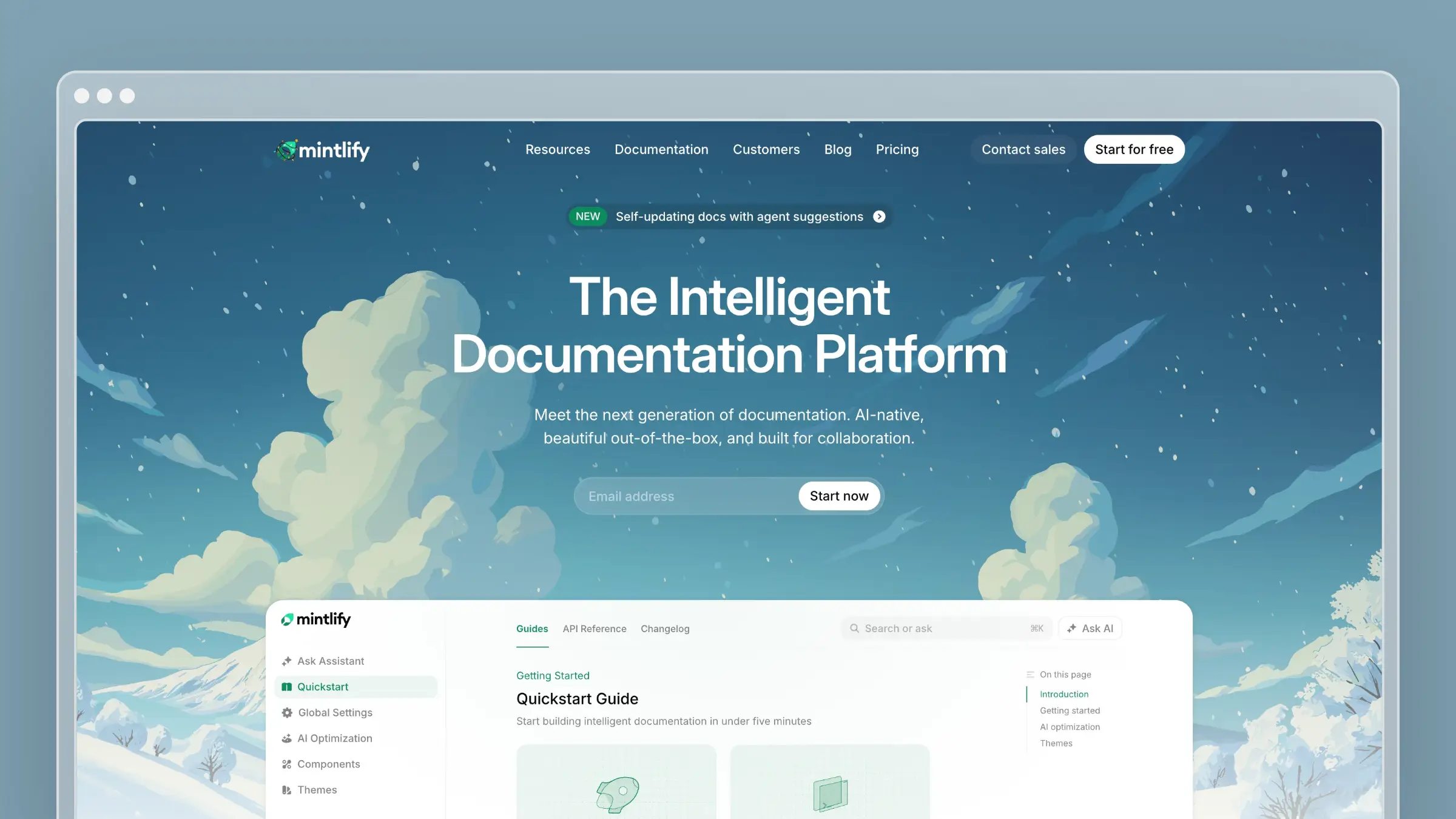
Mintlify is the default choice for API-first companies. Anthropic, Cursor, Vercel, and Cloudflare all use it.
The workflow is docs-as-code: documentation lives in MDX files in your repository, follows the same PR process as code, and deploys automatically on merge. Point it at an OpenAPI spec and it generates endpoint docs with code samples in multiple languages.
Their AI agent (Autopilot) monitors your codebase and creates pull requests when docs need updating. For developer documentation specifically, it’s excellent.
The catch: Mintlify is expensive ($300/month for Pro) and requires developer resources to maintain. It’s focused on API docs, not customer help centers.
Pricing: Free tier available. Pro starts at $300/month.
Best for: Developer tools, API-first products, teams with engineering resources for docs-as-code workflows.
For pricing details, see our Mintlify pricing breakdown.
For Enterprise Documentation: Document360
Document360 is built for larger organizations that need robust permissions, approval workflows, and multiple knowledge bases from one account.
The platform handles both internal wikis and customer-facing docs. It offers AI-powered search, article versioning, and detailed analytics. Enterprise teams like it because it checks boxes for security and governance.
The catch: Document360 pricing is available on request and the platform is designed for enterprises with dedicated documentation teams. The AI features help with content creation but don’t fundamentally solve the maintenance problem.
Pricing: Pricing available on request.
Best for: Large organizations needing enterprise security, approval workflows, and multiple knowledge bases.
For Enterprises Already on Zendesk: Zendesk Guide
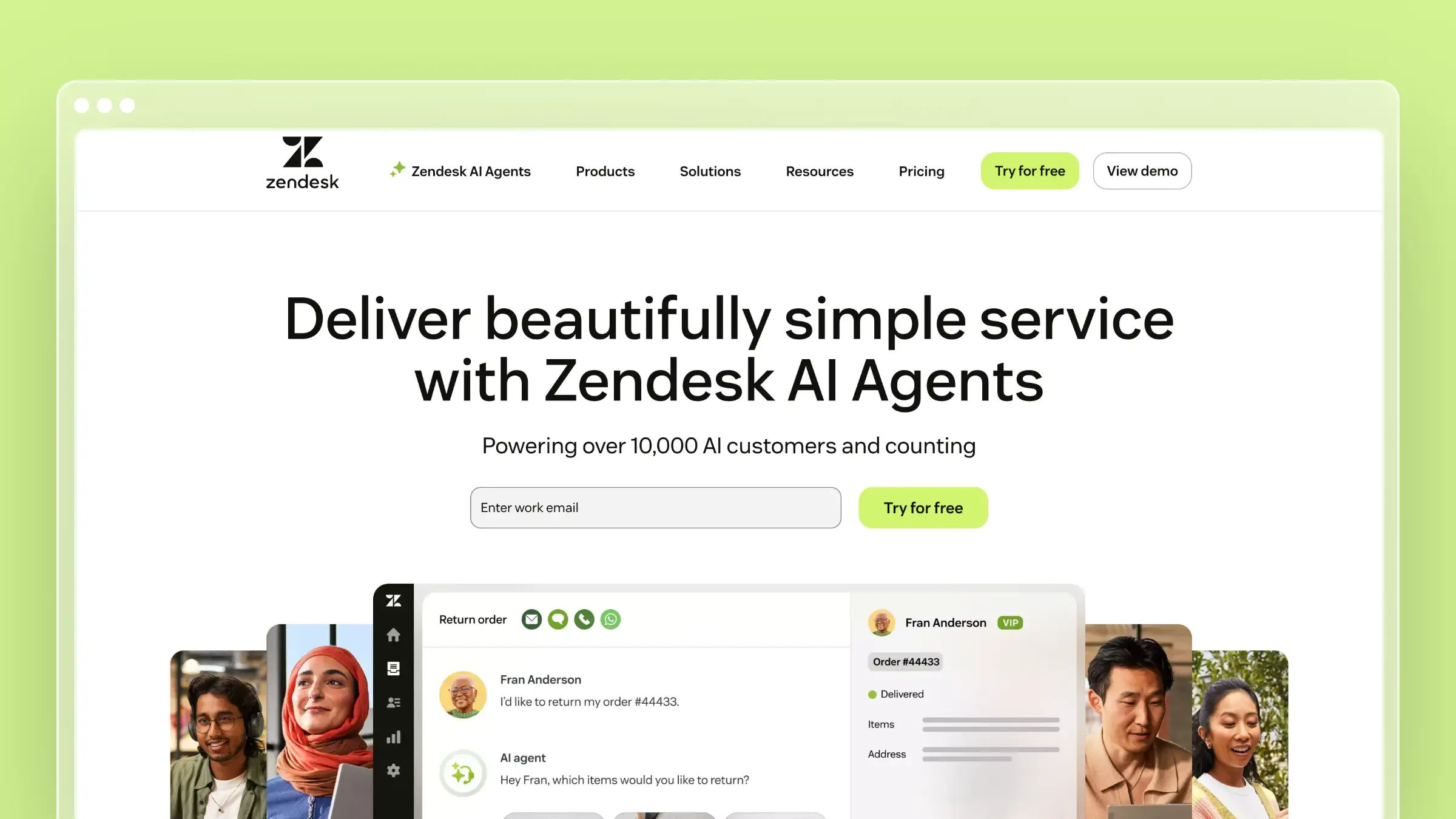
Zendesk Guide is the help center built into Zendesk’s customer service platform. If your company is already running on Zendesk, Guide offers tight integration: agents can create articles from resolved tickets, content can be restricted by user segments, and Answer Bot suggests relevant articles to customers.
The catch: Zendesk is expensive and complex. The per-agent pricing adds up. The interface is cluttered with features most teams never use. And despite AI features, it remains a manual system at its core.
Pricing: Starts at $55/agent/month (Suite Team).
Best for: Enterprises already invested in the Zendesk ecosystem.
For design inspiration, see our 14 stunning Zendesk help center examples.
For Complex Multi-Format Publishing: MadCap Flare
MadCap Flare is the industry standard for professional technical writing teams that need single-source publishing to HTML, PDF, Word, and EPUB from the same content.
It’s powerful but complex. Topic-based authoring, conditional content, integration with translation management:these are serious features for serious documentation needs.
The catch: Flare has a steep learning curve and requires dedicated technical writers. It’s not designed for SaaS companies that want quick help centers. It’s designed for organizations producing 500-page technical manuals.
Pricing: Starts at $182/month per user.
Best for: Enterprise technical writing teams, regulated industries, complex multi-format documentation.
Common Mistakes When Choosing Help Documentation Software
Mistake 1: Choosing based on the editor
Every tool has a decent editor now. WYSIWYG, Markdown, drag-and-drop blocks:these are commodity features. The editor is the least important thing to evaluate.
What matters is what happens after you publish. How will you know when content is outdated? How will you identify gaps? How will updates fit into your workflow? These questions reveal the real differences between tools.
Mistake 2: Underestimating maintenance
Teams spend weeks evaluating documentation tools, then spend years struggling to keep content accurate. The evaluation is backwards.
Ask vendors: “How does your tool help me keep documentation current over time?” If the answer is just “you update it manually,” you’re looking at a content management system, not a solution.
Mistake 3: Over-buying
A 20-person SaaS startup doesn’t need MadCap Flare. A company without developers doesn’t need Mintlify. A team not using Zendesk shouldn’t adopt Zendesk Guide just for the help center.
Match the tool to your actual situation, not the situation you imagine having in three years.
The Decision Framework
If you’re still unsure, answer these three questions:
1. Do you have dedicated technical writers?
Yes → Consider traditional HATs (Flare, RoboHelp) or enterprise knowledge bases (Document360)
No → You need AI assistance. Look at Ferndesk or GitBook.
2. Is your documentation primarily for developers (API docs) or customers (help center)?
Developers → Mintlify, GitBook, or Docusaurus
Customers → Ferndesk, Help Scout Docs, or your existing support platform’s built-in docs
3. Is your main problem creating documentation or maintaining it?
Creating → Any decent knowledge base platform will work
Maintaining → You need an AI-native tool that proactively keeps content current. Try Ferndesk.
Start With the Real Problem
Before choosing any tool, get clear on what’s actually broken.
Pull your support tickets from the last 30 days. Count how many questions could have been answered by documentation that either doesn’t exist or is outdated. That number tells you whether you have a creation problem or a maintenance problem.
If it’s maintenance:if your documentation exists but doesn’t reflect reality:you don’t need a better editor. You need a system that keeps content in sync with your product.
That’s what AI-native help centers do. And it’s why Ferndesk exists.
Start a free trial and connect your support tickets. The AI will analyze what customers are actually asking and show you exactly where your documentation is failing. That analysis alone is worth more than any feature comparison.


 Book a demo