


Gartner predicts that agentic AI will autonomously resolve 80% of common customer service issues by 2029, which means the choice you make in 2026 sets the trajectory for how your team handles support for the rest of the decade. But the best AI customer service software for your team depends on the job you need AI to own, not the vendor with the loudest demo. Most “best of” lists compare tools that solve completely different problems and pretend they are interchangeable.
This guide compares eight tools across three jobs: autonomous resolution, agent productivity, and self-service knowledge accuracy. The list is ordered by self-service and documentation depth, so the ranking logic is transparent up front rather than buried in a methodology footnote.
- Who this is for: SaaS teams, support leads, and founders evaluating AI customer service software in 2026 who want a clear comparison instead of feature soup.
- What was evaluated: Primary AI job, best-fit buyer, honest tradeoffs, and pricing shape for each tool, grounded in product evidence rather than demo theater.
- How the ranking is organized: By self-service and documentation depth first, since stale knowledge erodes every other AI capability downstream.
The AI customer service software categories you are actually comparing
Before you compare vendors, it helps to know which category each one actually sits in. Most AI support tools fall into one of five buckets, and the technology stack behind them shapes what they are good at. Mixing them up is how teams end up paying for a chatbot when they needed self-updating docs, or vice versa.
The five software types and the tech behind them
The category is broad because customer service itself is broad. Modern AI support tools draw on natural language processing, machine learning, robotic process automation, and predictive analytics, but they apply those building blocks to different problems.
- AI-powered chatbots use NLP and machine learning to handle structured conversations and route intent. Outcome: faster first responses on common questions.
- Virtual customer assistants layer reasoning and action-taking on top of chat, so the bot can look up an order or change a setting. Outcome: more autonomous resolution.
- AI-enhanced help desks add copilots, summarization, and smart routing to ticket queues. Outcome: faster agent handle times and better triage.
- AI-driven voice assistants use speech recognition plus NLP for phone and IVR flows. Outcome: voice deflection without the IVR maze.
- Self-service portals combine search, AI answers, and a knowledge base. Outcome: customers solve their own problem before they ever open a ticket.
Many vendors overlap two or three of these buckets, which is exactly why “best AI customer service software” lists compare apples to oranges. A documentation platform like Ferndesk belongs in the same conversation as ticketing platforms because self-service is part of customer service, and AI answers are only as good as the docs behind them.
How we evaluated the best AI customer service software
Every tool on this list was scored against five criteria. Self-service accuracy carries the most weight because stale knowledge degrades every other AI capability downstream, regardless of how sophisticated the agent layer is.
- Self-service accuracy: How well AI answers stay grounded in current product documentation. Stale docs produce confidently wrong answers that erode trust faster than slow human replies.
- Autonomous resolution: Whether the AI can fully close a ticket without human intervention. Drives deflection rate and reduces queue volume at scale.
- Agent productivity: Summarization, routing, reply assist, and copilot quality for human agents. Reduces handle time on tickets that do require a human.
- Pricing predictability: Whether total annual cost is forecastable as volume and team size grow. Per-resolution and per-seat models can spike unexpectedly; flat models are easier to budget.
- Setup complexity: Time and engineering effort required to reach a working state. High setup cost delays value and creates hidden implementation expense.
Quick comparison table and how to read it
| Software | Primary AI job | Best for | Biggest limitation |
|---|---|---|---|
| Ferndesk | Self-updating documentation and AI answers | SaaS teams shipping weekly with stale docs | Not an omnichannel ticketing platform |
| Zendesk | Omnichannel autonomous resolution | Enterprise and high-volume multichannel teams | Platform complexity and per-agent cost |
| Intercom | AI-first conversational support | Chat-led SaaS and product-led growth teams | Outcome billing can be unpredictable |
| Freshdesk | Helpdesk AI plus agent productivity | SMB and mid-market broad helpdesk needs | Docs maintenance still manual |
| Help Scout | Lightweight inbox plus AI answers | Small teams that want a simple stack | Less ambitious for complex agentic workflows |
| Ada | Enterprise AI agent across channels | Enterprise buyers wanting a pure-play AI agent | Sales-led evaluation and operational lift |
| Gorgias | Commerce-aware AI conversations | Shopify and ecommerce support teams | Narrow outside ecommerce |
| Zoho Desk | All-in-one budget helpdesk with AI | Price-sensitive teams wanting broad coverage | Not best-in-class on any single AI job |
- Use the table to rule out tools that miss your channel mix, team size, or knowledge-base needs.
- Ferndesk lives in the documentation-maintenance lane. Zendesk, Intercom, Ada, and Gorgias lean into ticketing, conversational AI, or AI agents.
- Response speed is not the same as resolution quality, which is why this list prioritizes what the AI actually fixes for you.
- Skip any tool that does not match the job you need AI to own.
1. Ferndesk
 Ferndesk is an AI-native help center platform built around a single observation: docs go stale the moment you ship the next release. Instead of treating documentation as static storage, Ferndesk watches your codebase, support tickets, and product changes, then drafts updates for review through an AI agent named Fern. It is the pick on this list when your support problem is less about routing tickets and more about why those tickets keep showing up in the first place.
Best fit
Ferndesk fits SaaS teams whose biggest support pain is documentation that cannot keep pace with product velocity. If you ship fast and your help center reflects last quarter’s UI, no chatbot will rescue your deflection rate.
- SaaS teams whose support problem is stale help content, not omnichannel queue management.
- Product-led companies shipping fast that need self-service to stay aligned with releases.
- Buyers who want a self-service portal where AI answers are grounded in fresh, version-accurate docs.
What the AI actually does well
- Codebase and ticket monitoring. Fern watches GitHub pull requests, Linear tickets, changelogs, and support conversations, then drafts help-center updates for human approval rather than waiting for someone to notice an article is wrong.
- AI answers grounded in current docs. The help-center widget and search return answers pulled from documentation that mirrors your shipped product, which is the difference between a confident answer and a confidently wrong one.
- Hosted help center with SEO structure. Custom domains, subfolder hosting, sitemaps, and clean canonical URLs mean self-service traffic compounds instead of leaking to search.
- Built-in AI search optimization. Sitemaps and
llms.txtare produced out of the box, so your docs are discoverable by both traditional search and AI answer engines without a side project. - Concrete release scenario. Ship a change to your billing flow, and Fern picks up the commit, flags the affected articles, regenerates the screenshots, and drafts the updates. Your reviewer clicks approve. No manual sweep, no stale screenshot in production.
Tradeoffs and limitations
- Ferndesk is not the pick if you need full omnichannel ticket routing, agent collaboration tools, or a call-center stack. That is by design.
- The biggest payoff depends on you actually caring about documentation accuracy and ticket deflection.
- Buyers who only compare chatbot demos can underestimate how much repetitive ticket volume is driven by outdated knowledge.
Buying notes
Ferndesk is the right call when your existing support tool is fine, but your knowledge base is what keeps breaking. Pricing is flat per workspace: Pro costs $149 per month or $1,490 per year and includes five editors, with additional editors at $10 per month each, which changes the math once your support team grows beyond a handful of people.
- Flat per-workspace pricing means adding reviewers or technical writers does not inflate the bill.
- Setup is no-code and includes done-for-you migration with URL preservation, so SEO equity carries over.
- The list is ordered by self-service depth, which is why Ferndesk leads. A different lens, like enterprise omnichannel, would reorder it.
2. Zendesk
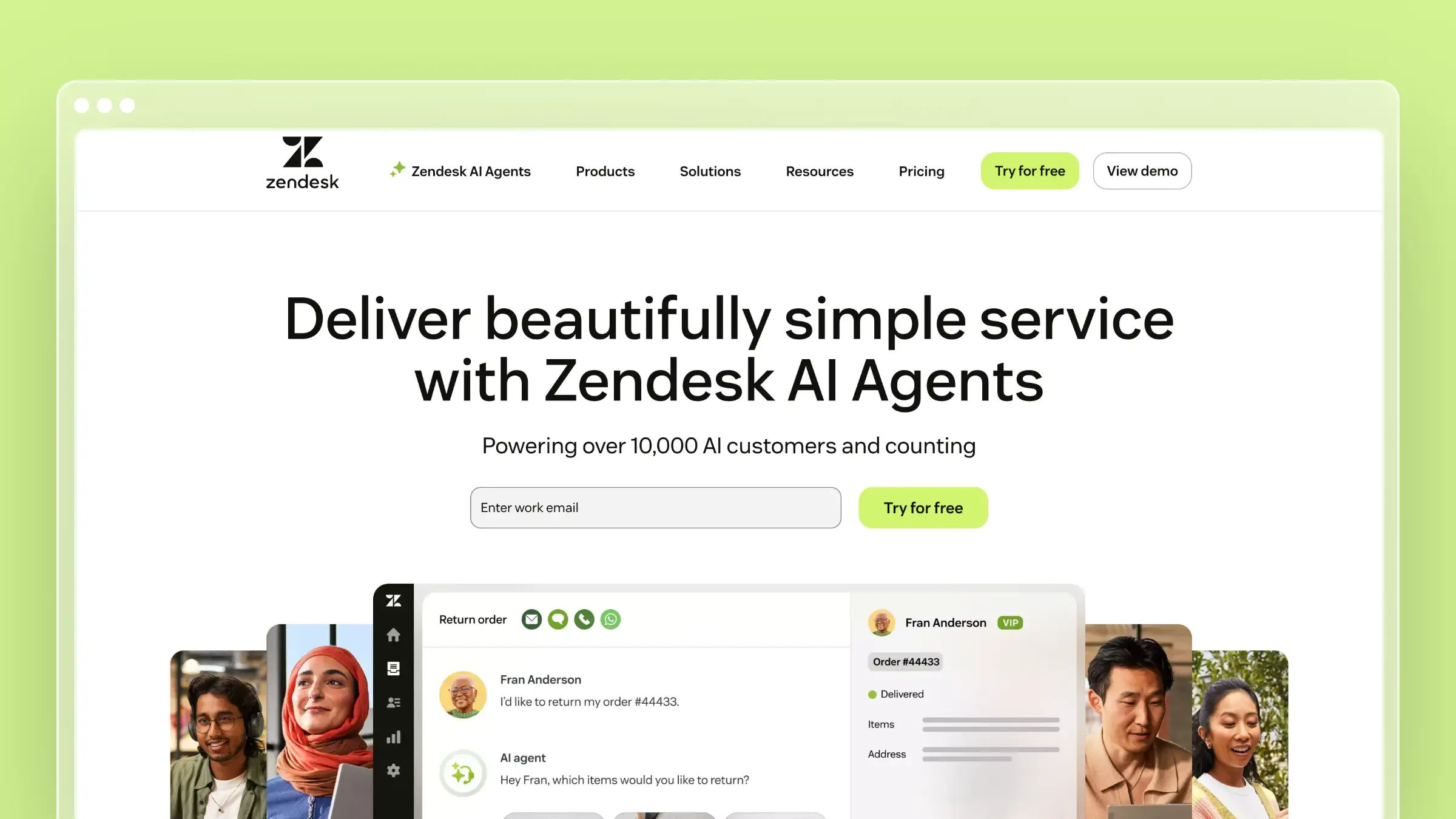 Zendesk is the resolution-focused benchmark in this category. The platform has spent the last two years repositioning around its Resolution Platform and absorbing Forethought’s agentic capabilities, which puts it at the front of the autonomous-resolution conversation in 2026. If your support stack needs to handle messaging, email, voice, and an agent workspace under one roof, Zendesk is usually on the shortlist by default.
Best fit
Zendesk fits larger or more complex teams that want AI agents, copilots, knowledge, and workflows in a single platform. It is enterprise-strength software, which is both the appeal and the warning label.
- Mid-market and enterprise teams running true omnichannel support across messaging, email, voice, and social.
- Teams with the operational maturity to govern AI agents, train them on policy, and tune escalation rules.
- Buyers who want resolution depth rather than just response speed.
What the AI actually does well
The Zendesk Resolution Platform leans into autonomous goal fulfillment, reasoning-based decisioning, and execution inside connected enterprise systems. AI agents work across messaging, email, and voice, and copilots assist human agents inside the workspace. The Forethought acquisition added self-improving agent capabilities, and Zendesk emphasizes connecting AI to real support data and current knowledge, which is the only way agentic resolution works at scale.
Tradeoffs and limitations
- Platform complexity grows fast, and packaging changes mean admins spend real time on configuration and entitlements.
- Zendesk still expects you to solve knowledge freshness yourself. The AI layer is strong, but it does not maintain your docs.
- It can be more platform than you need if your support volume is mostly repetitive how-to tickets that better self-service would deflect.
- Per-agent pricing on Suite plans, plus outcome-based AI pricing, makes total cost harder to model than it looks.
Buying notes
Suite plans currently range from roughly $55 to $169 per agent per month on annual billing, with Support-only tiers starting lower and AI capabilities priced separately. Validate exact pricing during evaluation, since packaging has shifted multiple times.
- Decide whether you need a full service platform or just a better self-service layer before sitting through the demo.
- Avoid hard pricing claims internally until you have a written quote tied to your agent count and AI volume.
- Treat Zendesk as the default shortlist pick for high-volume, multichannel enterprise support.
3. Intercom
 Intercom is the AI-first conversational pick, and Fin is the centerpiece. Where Zendesk frames itself around omnichannel resolution, Intercom frames itself around a customer agent that can run inside Intercom or on top of an existing helpdesk. Many SaaS teams gravitate to Intercom for the modern UX and the product-led messaging angle, then evaluate Fin as the AI layer underneath.
Best fit
Intercom fits teams where chat and messaging are central to the support experience, especially product-led SaaS companies that want AI to handle the front line of conversations.
- SaaS and consumer apps where in-product chat is the primary support surface.
- Teams that want an AI agent able to operate alongside an existing helpdesk rather than ripping it out.
- Buyers comfortable with outcome-based pricing tied to AI resolutions.
What the AI actually does well
- Fin as a customer agent. Fin is positioned across service and lifecycle roles, not as a simple FAQ bot.
- Multichannel coverage with grounded answers. Fin searches support content and connected data, answers across web, mobile, and messaging channels, and escalates based on rules you set.
- Helpdesk-agnostic deployment. You can run Fin on top of another helpdesk if you are not ready to migrate fully into Intercom’s Inbox.
- Workflow building blocks. Custom answers, guidance, and policies keep Fin inside your support tone and brand voice.
Tradeoffs and limitations
- Outcome-based billing on resolutions creates real cost volatility. Model it against expected volume before signing.
- Fin’s quality is downstream of your content. If your help center is patchy, Fin inherits that weakness.
- Email-heavy ticket operations are not the sweet spot. If your queue is mostly long-form email, Intercom feels overbuilt.
Buying notes
Intercom uses three per-seat tiers (Essential, Advanced, Expert) starting at $29 per seat per month on annual billing, plus usage-based Fin AI Agent fees. The mixed seat-plus-resolution model is the part to scrutinize.
- Compare Intercom and Zendesk on support model and channel strategy, not on brand familiarity.
- Model Fin pricing against a realistic resolution count rather than a best-case deflection rate.
- Fix the knowledge base before you turn Fin on, or you are paying for confidently wrong answers.
4. Freshdesk
 Freshdesk is the accessible middle ground on this list. It gives you most of what enterprise helpdesks offer (AI agents, agent copilots, analytics) without the enterprise procurement experience. For SMB and mid-market teams that want broad helpdesk AI and a real path to scale, it is hard to ignore.
Best fit
Freshdesk fits SMB and mid-market support teams that want broad helpdesk AI without jumping straight into enterprise complexity.
- Growing support teams that need ticketing, knowledge base, and AI in one platform.
- Companies trading up from shared inboxes that want room to grow without re-platforming.
- Buyers who value transparent per-agent pricing and a free tier to test internally.
What the AI actually does well
- Freddy AI Agent, Copilot, and Insights. The three Freddy layers cover customer-facing automation, agent-side assistance, and operational analytics, letting you adopt AI in stages.
- Routing, sentiment, summarization, and reply assistance. The agent productivity wins are real and add up across a busy queue.
- Command Center and vertical AI agents. Freshworks has been pushing to reduce fragmentation by centralizing AI orchestration across products.
- Helpdesk-native knowledge base. Articles, AI search, and ticket deflection live in the same place, which simplifies the stack.
Tradeoffs and limitations
- Not every Freddy capability ships in every tier. Confirm which AI features are native, which are add-ons, and which require Pro or Enterprise.
- Freshdesk is strong on helpdesk AI but does not actively maintain your documentation the way Ferndesk does.
- Validate where you need automation versus agent assist, because the two have very different rollout shapes.
Buying notes
Freshdesk offers a free tier for one to two agents, then Growth, Pro, and Enterprise plans at roughly $19, $55, and $89 per agent per month on annual billing.
- A strong shortlist pick if you want affordability plus enough AI to lift agent productivity.
- Treat exact pricing as a placeholder until your quote is in writing, since tier features shift.
- Good breadth and good value, but not the deepest documentation automation in this list.
5. Help Scout
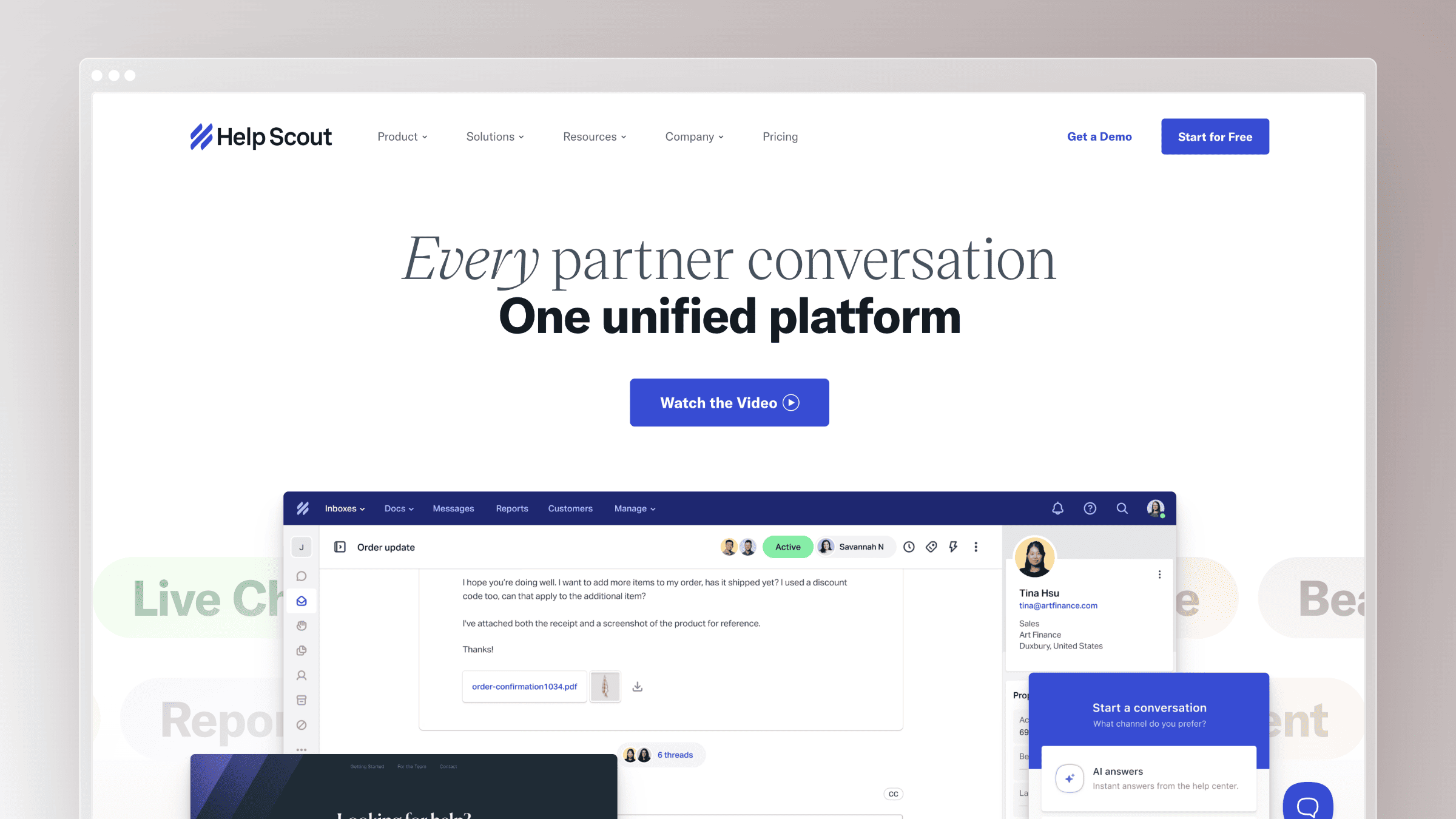 Help Scout is the lightweight pick for teams that believe self-service should be content-led. The product pairs a clean shared inbox, a docs site, and an in-app beacon with AI Answers and AI Assist. If you want AI layered on a stack you can actually manage yourself, it earns the shortlist spot.
Best fit
Help Scout fits small support teams that want a simple inbox, docs site, beacon, and AI without enterprise machinery on top.
- Small to mid-sized SaaS and ecommerce teams that prize simplicity.
- Content-led support operations where the docs site is the front door.
- Buyers who want a quick path from free tier to a working AI deflection layer.
What the AI actually does well
- AI Answers powered by your docs. Answers draw on Help Scout Docs and external public content sources you connect.
- AI Assist inside replies. Rewrites, tone adjustments, length changes, and translation live next to the reply editor, so agents use them in flow.
- Docs-aware quality signals. Help Scout explicitly ties AI answer quality to the quality of your docs, which sets the right expectation.
- In-app Beacon for contextual help. Customers get answers without leaving the product, which is where deflection actually compounds.
Tradeoffs and limitations
- Not the most ambitious option for deep agentic workflows or complex enterprise orchestration.
- If your docs are outdated, AI Answers will inherit that weakness unless you fix the source content first.
- Ferndesk is the natural complement here, because it is built specifically to keep the source content current.
Buying notes
Help Scout has a free tier for up to five users on a single inbox, with paid plans starting at $25 per user per month on annual billing, plus a usage-based AI Answers add-on.
- A smart pick if you want AI on a stack you can run with a small team.
- Confirm the AI Answers resolution model and cap behavior before launch.
- Compare Help Scout and Ferndesk on who maintains the knowledge, not just who replies fastest.
6. Ada
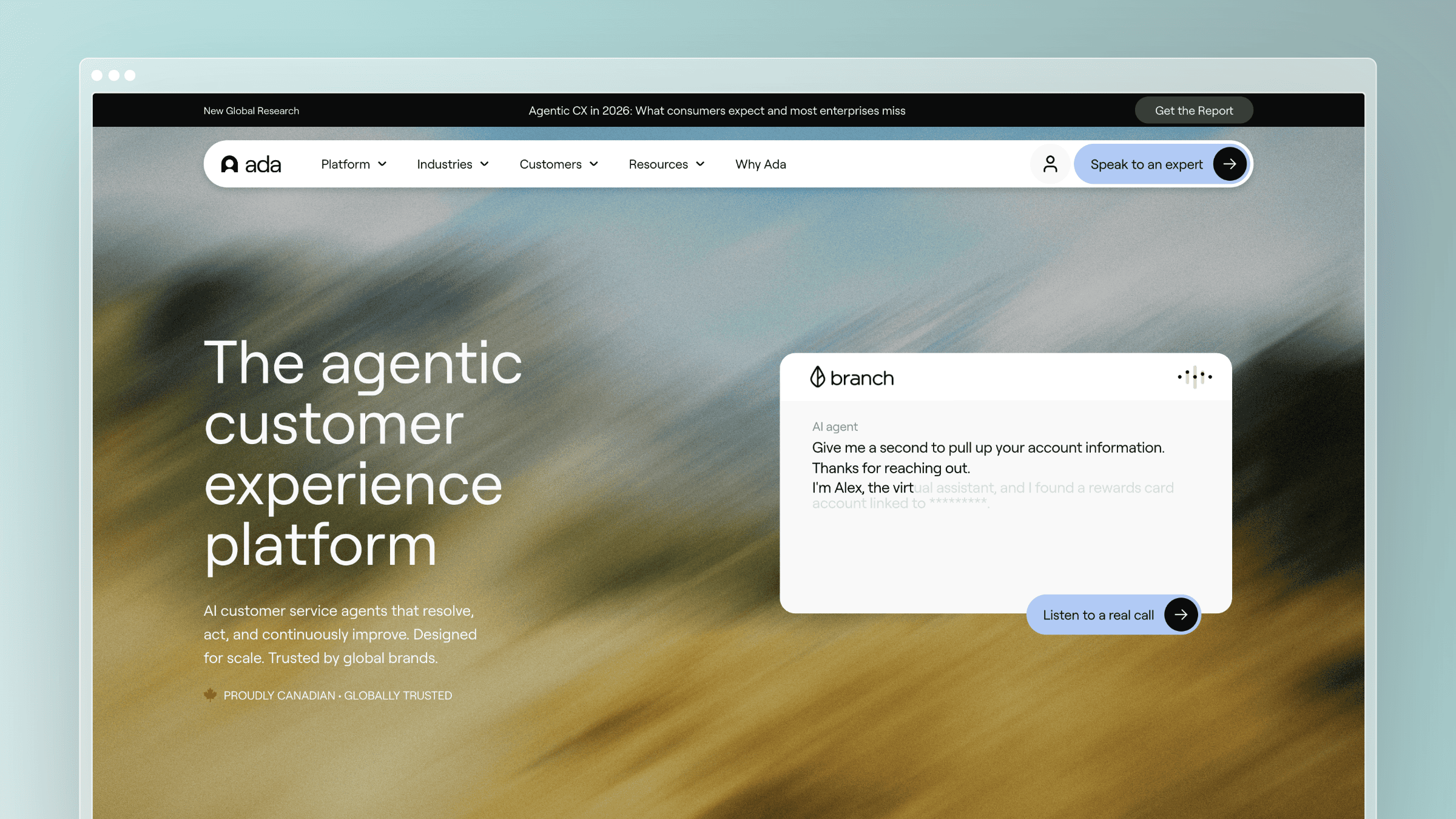 Ada is the pure-play AI agent on this list. It is a dedicated AI customer service platform built around continuously improving agents, playbooks, and a developer toolkit rather than a helpdesk with an AI add-on. For enterprise buyers who want AI as the product rather than a feature, Ada belongs in the room.
Best fit
Ada fits enterprise buyers who want a dedicated AI customer service platform rather than a lightweight helpdesk upgrade.
- Enterprise support orgs running structured SOPs across multiple regions and channels.
- Teams with the operational maturity to manage playbooks, governance, and continuous tuning.
- Buyers comparing against Zendesk and Intercom on AI agent capability rather than helpdesk feature parity.
What the AI actually does well
- Omnichannel AI agent across voice, email, chat, SMS, and social. Coverage matches the enterprise reality.
- Playbooks for multi-step SOPs. The product is built around continuously improving agents that execute defined procedures, not just a chatbot widget.
- Performance center and developer toolkit. You can measure resolution and iterate without waiting on the vendor.
- Action-taking inside enterprise systems. Ada is positioned to do work, not just answer questions.
Tradeoffs and limitations
- Enterprise scope, sales-led evaluation, and a meaningful operational lift to extract full value.
- Ada solves a different problem from Ferndesk: agentic conversations rather than self-updating documentation.
- Small teams will usually find it more platform than product.
Buying notes
Ada uses custom, quote-based pricing typically tied to annual conversation volume, with industry estimates landing around a $30,000 base annual platform fee. Treat any number as directional until you have a signed quote.
- A serious option when you want AI to execute structured service playbooks at scale.
- Skip vague enterprise language in your internal eval. Specify governance, channels, and SOP complexity.
- Place Ada alongside Zendesk and Intercom in your shortlist to clarify which lane you actually need.
7. Gorgias
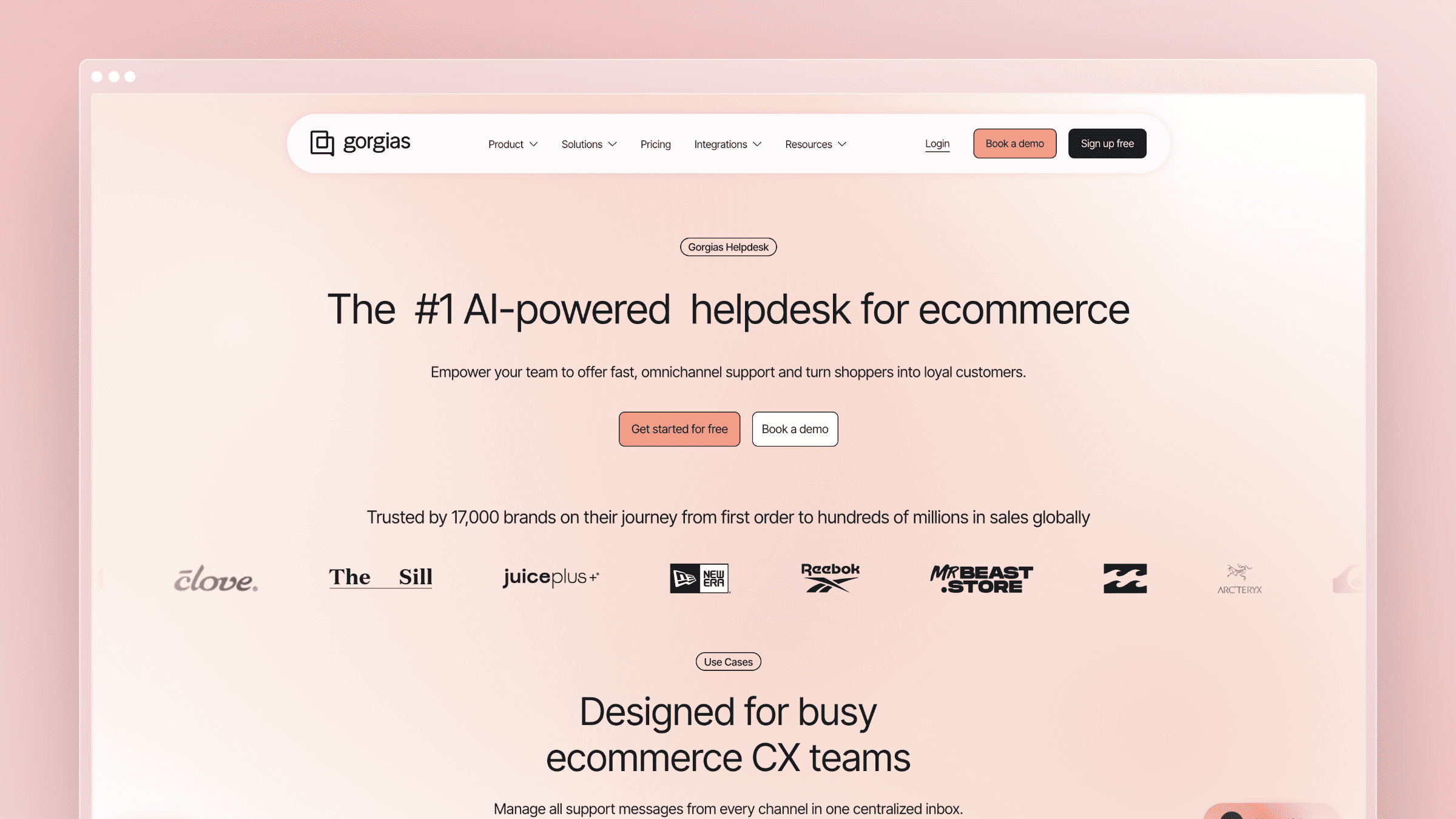 Gorgias is the vertical specialist for ecommerce. If your support conversations revolve around orders, returns, and storefront questions, Gorgias’s AI is built on top of the commerce data you already have. It is a category leader inside Shopify-led operations and a poor fit almost everywhere else.
Best fit
Gorgias fits ecommerce brands, especially teams living inside Shopify and post-purchase workflows. It is the vertical-specialist pick on this list, not a general-purpose SaaS documentation tool.
- Shopify and ecommerce brands handling order, return, and shipping volume.
- Support teams where conversations are tightly coupled to commerce data and revenue recovery.
- Buyers who want AI that can actually take action on orders, not just answer FAQs.
What the AI actually does well
- Commerce data inside conversations. Gorgias AI pulls storefront, order, catalog, inventory, and customer data into the reply context.
- Action-taking workflows. Track an order, update an order, or run a return-related flow when connected systems allow.
- Intent and sentiment detection. Practical routing and prioritization, not theater.
Tradeoffs and limitations
- Much less compelling outside ecommerce-heavy support operations.
- The strongest AI value comes from commerce data access, which most SaaS teams do not need.
- Order-action depth is genuinely impressive, but it is the opposite of Ferndesk’s docs-depth specialty.
Buying notes
Gorgias uses ticket-based pricing starting at $10 per month for the Starter plan (50 tickets included), with AI Agent, Voice, and SMS available as add-ons. Included ticket counts and overage charges drive most of the real cost, so model accordingly.
- A clear winner when support is tightly tied to orders, returns, and revenue recovery.
- Pay attention to guidance, policy controls, and human handoff rather than generic chatbot language.
8. Zoho Desk
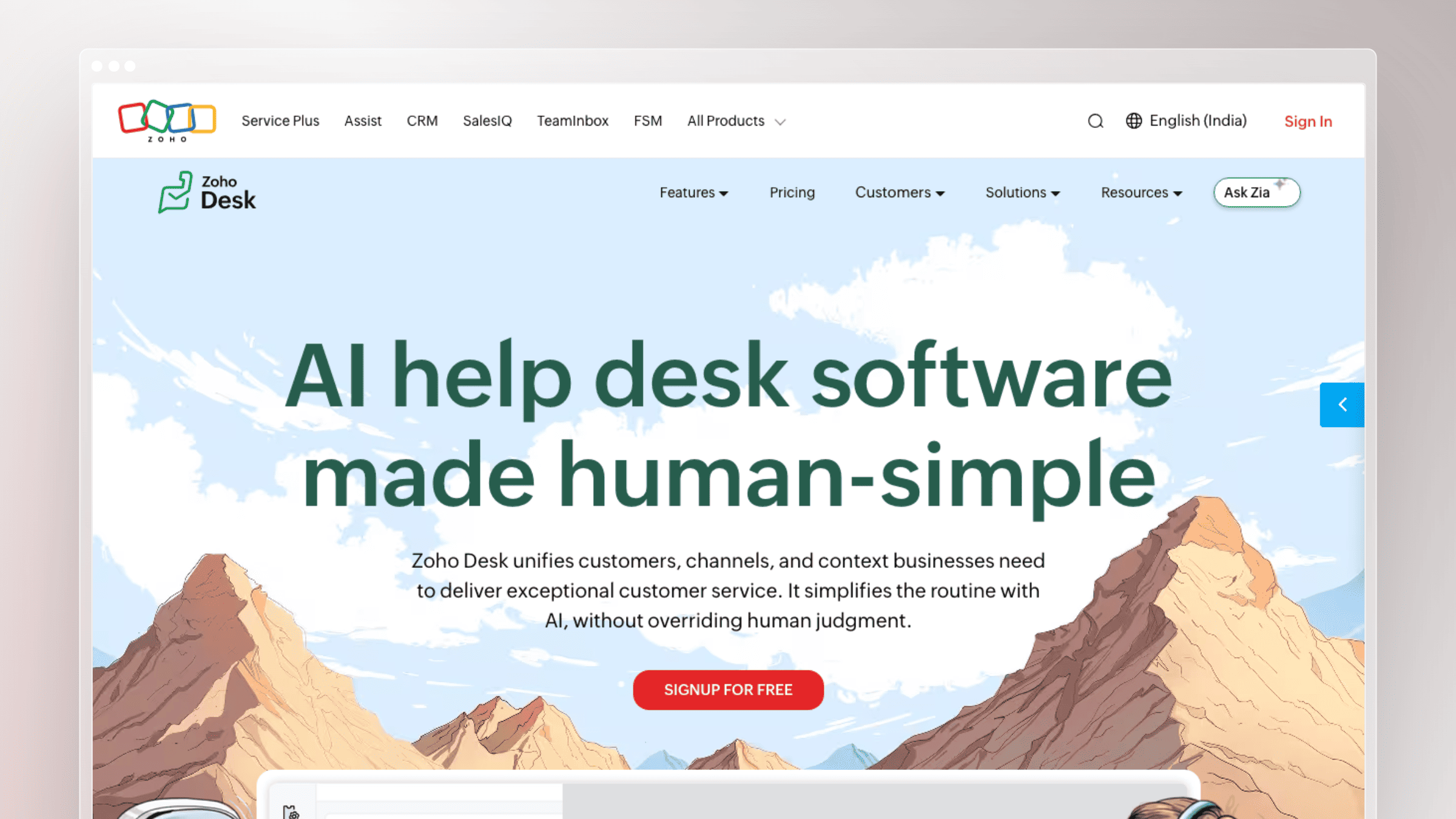 Zoho Desk is the practical budget pick. It offers broad helpdesk coverage with Zia AI baked in across customer and agent workflows, at a price point that is hard to beat. You will not get best-in-class on any single AI job, but you will get acceptable across most of them.
Best fit
Zoho Desk fits budget-conscious teams that still want a broad helpdesk with built-in AI across customer and agent workflows.
- Price-sensitive teams that want all-in-one helpdesk coverage with AI included.
- Companies already running other Zoho products who benefit from the integrated suite.
- Buyers who care about acceptable performance across many features rather than excellence in one.
What the AI actually does well
- Zia answer bot, guided conversations, and reply assistance. Customer-facing automation plus agent-side support.
- Ticket summarization and tone analysis. Useful agent productivity wins without an enterprise contract.
- Sentiment analysis, anomaly detection, and surfaced common questions. The last one quietly nudges your team to build a better knowledge base.
Tradeoffs and limitations
- Broad suite rather than best-in-class AI agent. Specialization matters when AI is the whole point.
- You still need a disciplined content process if self-service accuracy matters. Zoho Desk will not maintain your docs.
- Ferndesk’s narrow depth in docs automation is the contrast: Zoho gives you all-around value, Ferndesk gives you self-updating docs.
Buying notes
Zoho Desk has a free plan for up to three agents and paid plans starting at roughly $7 per user per month on annual billing.
- A good fit if price sensitivity and all-in-one coverage matter more than premium UX.
- Validate which AI features are gated to Professional or Enterprise before assuming Zia covers your use case.
How to choose the right AI customer service software for your team
Three buyer jobs do most of the deciding: documentation accuracy, autonomous resolution, and agent productivity. Match the job to the tool first, then negotiate pricing.
Decision table: match buyer job to recommended tool
| Buyer job | Recommended tool(s) | What to verify |
|---|---|---|
| Documentation accuracy and ticket deflection | Ferndesk (Help Scout as lighter alternative) | How docs stay current after each release, and whether AI answers are grounded in versioned content |
| Autonomous resolution across channels | Intercom, Zendesk, Ada | Resolution measurement, escalation rules, and total cost of AI volume |
| Agent productivity inside the queue | Freshdesk, Zendesk, Zoho Desk | Which AI features are native vs. add-on, and tier gating |
| Ecommerce support tied to orders | Gorgias | Storefront and order system integration depth |
Repeated billing questions usually mean the billing doc is out of date, not that your chatbot is broken. Onboarding how-tos pile up when product copy changed and the article did not. Do not buy a chat demo when your real problem is outdated documentation.
Checklist: cost modeling and knowledge-accuracy verification
- Clarify whether you pay by seat, by AI resolution, by add-on, or by implementation layer, and model the real annual cost before shortlisting.
- Compare flat pricing to per-seat models where the math materially changes total cost as your team grows.
- Verify how the knowledge layer stays accurate after product changes, because stale docs erode every other AI capability.
- Ask vendors for resolution-rate benchmarks and request proof of reduced resolution time from comparable customers.
- Confirm escalation rules, guardrails, and clean human handoff before launch.
- Remember that the cheapest sticker price can still be expensive if your docs stay outdated and tickets keep repeating.
KPI table: how to measure AI customer service software performance
Once you have selected a tool, these six metrics tell you whether it is actually working. Track them monthly for the first quarter, then set targets based on your baseline.
| Metric | What it measures | Reasonable target range | Caution: avoid this vanity trap |
|---|---|---|---|
| Deflection rate | Share of customer questions resolved without a human agent | 40-70% depending on query complexity | High deflection with low CSAT means AI is closing tickets customers did not consider resolved |
| Resolution rate | Share of tickets fully closed without reopening | 60-80% for well-scoped AI agents | Vendor-reported resolution rates often count deflections, not confirmed customer satisfaction |
| First contact resolution (FCR) | Tickets resolved on the first interaction, no follow-up needed | 70-85% is a healthy benchmark for most SaaS support | FCR inflates when tickets are closed prematurely; confirm with post-resolution surveys |
| Average handle time (AHT) | Time agents spend actively working a ticket from open to close | Aim for 15-25% reduction after AI assist rollout | Lower AHT from rushed closures hurts quality; pair with FCR and CSAT to validate |
| CSAT (customer satisfaction score) | Customer-rated satisfaction after a support interaction | Above 85% is a reasonable floor for AI-assisted support | CSAT surveys have low response rates; weight negative responses more heavily than the average suggests |
| Cost per ticket | Total support cost divided by ticket volume in a period | Track trend over 90 days rather than a single snapshot | Cost per ticket drops when volume shifts to AI, but rises again if stale docs generate repeat contacts |
Conclusion
There is no single best AI customer service software for every team. The right choice depends on whether you need autonomous resolution, agent productivity, or always-current self-service content, which is where Ferndesk separates from the broader helpdesk field.
Pick the tool that owns the job you actually need automated, then make sure the knowledge underneath it is fresh enough to make that AI worth paying for.
- Self-service and documentation accuracy: Ferndesk, with Help Scout as the best alternative.
- Autonomous resolution at scale: Intercom, Zendesk, or Ada depending on channel mix and operational maturity.
- Agent productivity inside a busy queue: Freshdesk, Zendesk, or Zoho Desk.
- Ecommerce and Shopify-led support: Gorgias.
FAQs: AI customer service software
What is the difference between AI customer service software and an AI customer service agent?
AI customer service software is the broad category that includes chatbots, virtual assistants, AI-enhanced helpdesks, voice assistants, and self-service portals. An AI customer service agent is one execution layer inside that category, defined by autonomous goal fulfillment, reasoning-based decisions, and the ability to take actions inside connected systems. Every AI agent is AI customer service software, but not every AI customer support tool qualifies as an agent.
Can AI customer service software work if your docs are outdated?
Not well, at least not for self-service quality. AI answers retrieve and reason over your knowledge base, so stale docs produce confidently wrong answers, which erodes customer trust faster than a slow human reply. Either fix the underlying content discipline before turning AI on, or pick a tool like Ferndesk that keeps the source content current as the product changes.
Which tool is best if you already have a helpdesk but want fewer repetitive tickets?
If the helpdesk works fine and the real problem is repeat questions, you do not need to replace the desk. Layer a knowledge-led tool on top: Ferndesk to keep documentation current and serve AI answers from it, or Help Scout-style AI answers if you want the simplest possible setup. Both target deflection through better content rather than replacing your entire support stack.
Which tools fit enterprise or high-volume support best?
Zendesk, Intercom, and Ada cover most enterprise-grade AI workflows in 2026, with Gorgias as the ecommerce vertical pick. Choose between them on channel coverage, agentic depth, and how strict your governance and compliance requirements are. Enterprise procurement timelines and per-volume pricing will shape the decision as much as the feature checklist.
How should you budget for AI customer service software in 2026?
Plan for two cost layers: the platform (per seat, flat, or quote-based) and the AI usage (per resolution, per conversation, or per add-on). Per-seat platforms get expensive as your team grows, while outcome-based AI pricing gets unpredictable as volume spikes. Flat pricing models like Ferndesk’s are easier to forecast when editor count and content volume both grow.
Do you still need human agents with AI customer service software?
Yes. Even with Gartner forecasting 80% autonomous resolution of common issues by 2029, the remaining work (judgment calls, escalations, sensitive issues, edge cases) still needs humans. The right model is AI for repetitive volume and self-service, humans for complex or high-empathy conversations, with clean handoff between the two.


 Book a demo