Ferndesk
Integrations

Help Scout integration

Connect your Help Scout account to Ferndesk to auto-update your help center using resolved tickets from Help Scout.

Before you begin: You'll need an active Help Scout account with the "Docs: Create new, edit settings & Collections" permission to access your Docs API Key.

Connect Help Scout

1

Go to Integrations

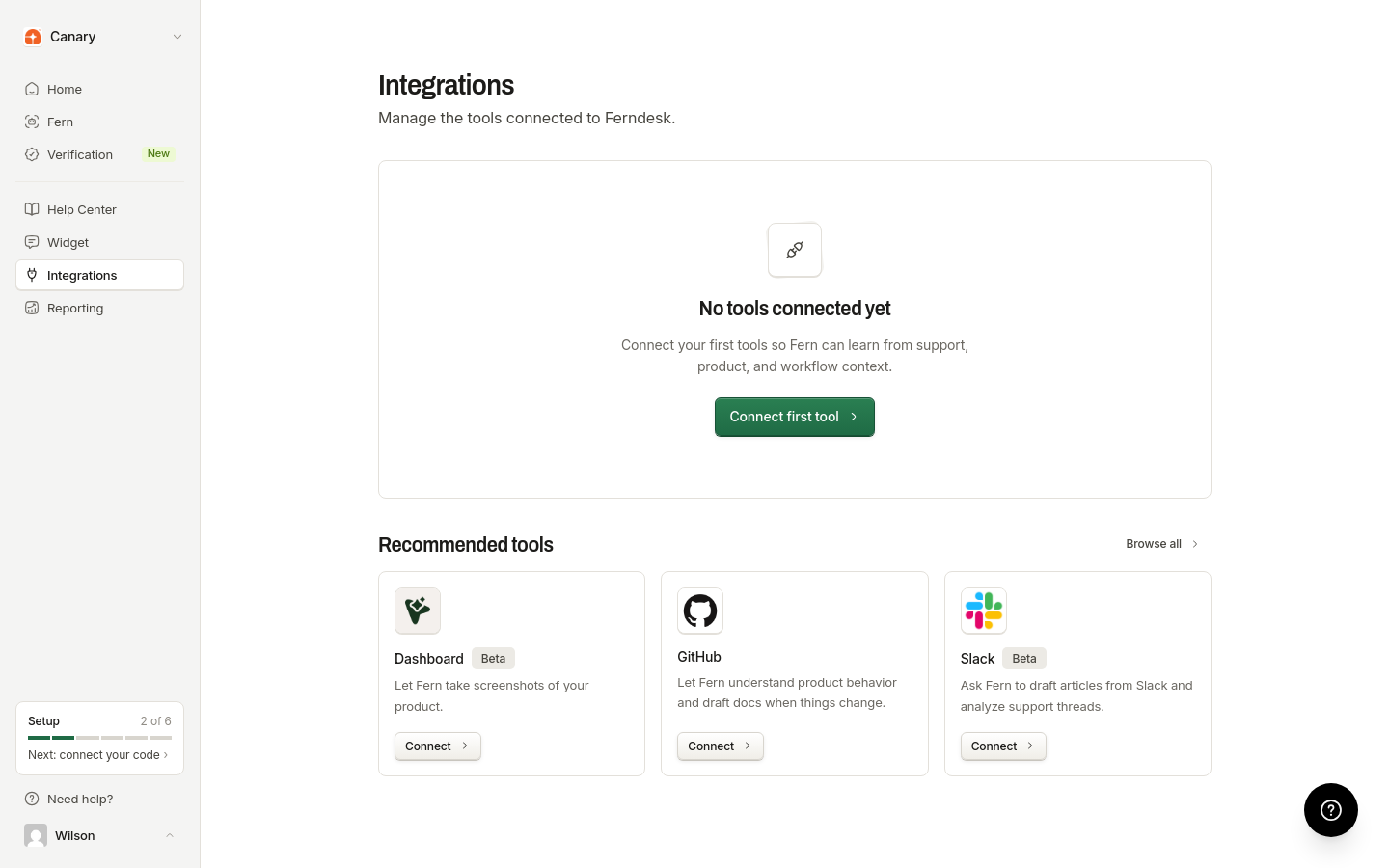
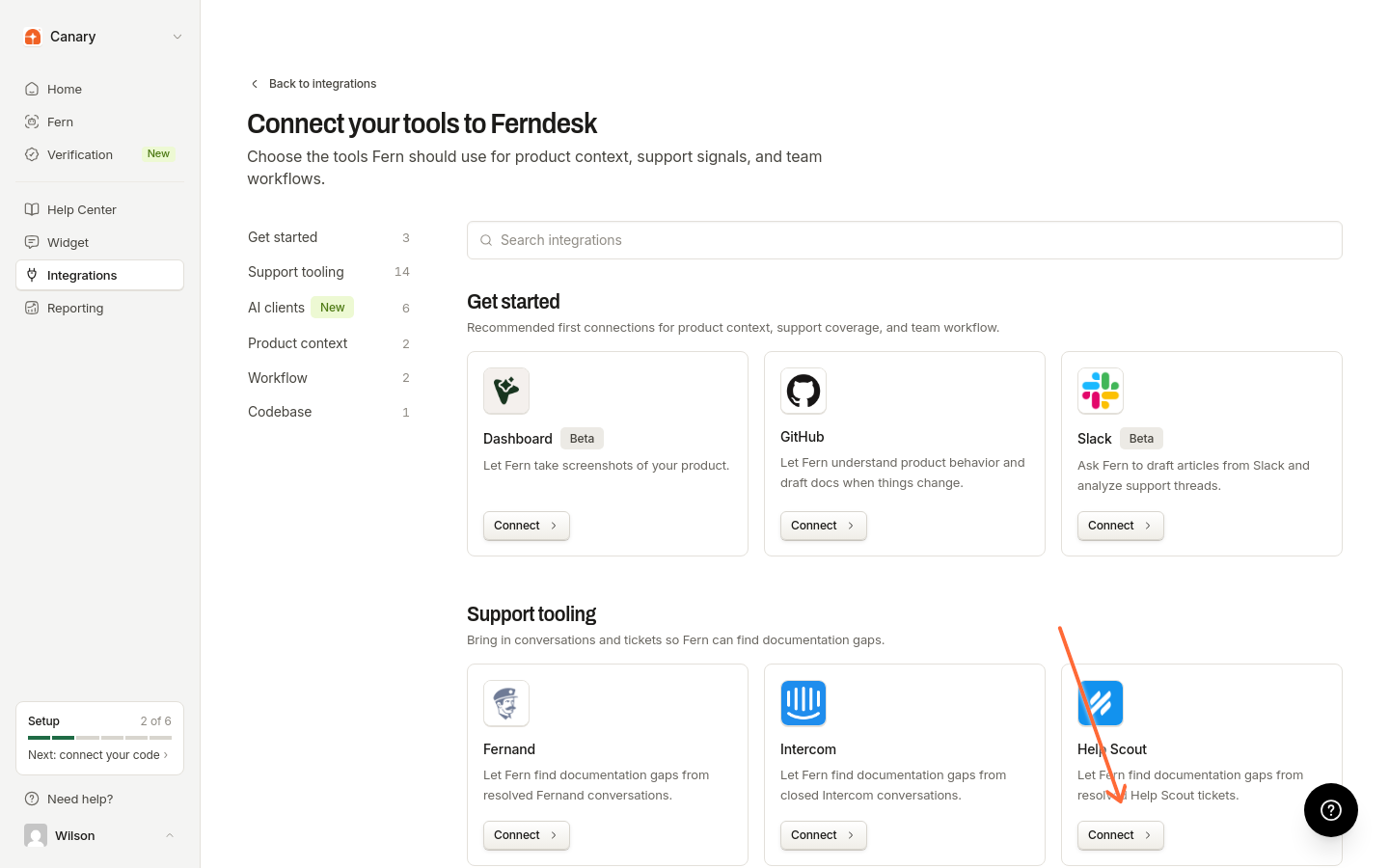
From your Ferndesk dashboard, click Integrations in the sidebar and find Help Scout under the "Support" tab.

Make sure you're signed into the correct Ferndesk workspace. The integration will connect to the organization you're currently viewing.

2

Get your Help Scout Docs API Key

Before connecting, retrieve your Docs API Key from Help Scout:

  1. In Help Scout, click the "person" icon on the top right, then click Your Profile.

    A screenshot of the Help Scout UI, showing the user profile dropdown menu with 'Your Profile' and 'Logout' options.
  2. Click Authentication in the left menu and select the API Keys tab.

    A screenshot of the API Keys page in Help Scout, showing a Docs API Key with its label, key, creation date, and status.
  3. Copy your Docs API Key. You'll need this in the next step.

If you don't see an API key in your profile, you haven't been granted the "Docs: Create new, edit settings & Collections" permission by the Account Owner or an Administrator.

3

Connect Help Scout to Ferndesk

In Ferndesk, click Connect on the Help Scout integration card. A dialog will appear asking for your Docs API Key.

Connect Help Scout dialog showing the Docs API Key input field

Paste your Docs API Key and click Connect.

4

Authorize Ferndesk

You'll be redirected to Help Scout to authorize the connection. Log in to your Help Scout account if prompted, then grant Ferndesk permission to access your Help Scout account.

After authorization, you'll be redirected back to Ferndesk with a confirmation message.

Connecting Help Scout doesn't automatically process your tickets. You need to turn on monitoring from the integration settings to start importing support conversations and getting recommendations from Fern.

Troubleshooting

I see "Authentication required to connect Help Scout"

You need to be signed into your Ferndesk workspace before connecting an integration. Make sure you're logged in and that you're in the correct organization. If you have access to multiple Ferndesk workspaces, switch to the one where you want to add the Help Scout connection.

I see "Help Scout OAuth organization does not match the active session"

The Help Scout account you're authorizing belongs to a different organization than the one you're signed into in Ferndesk. Make sure you're:

  • Signed into the correct Ferndesk workspace

  • Authorizing the Help Scout account that corresponds to that Ferndesk organization

If you need to connect a different Help Scout account to a different Ferndesk organization, switch to that organization in Ferndesk first, then connect Help Scout.

I don't see a Docs API Key in Help Scout

You need the "Docs: Create new, edit settings & Collections" permission in Help Scout to access the Docs API Key. Contact your Help Scout Account Owner or an Administrator to grant this permission.

The authorization page shows an error

This can happen if:

  • Your session expired—try signing out of Ferndesk and signing back in

  • The OAuth state became invalid—close the authorization window and click Connect again in Ferndesk

Additional resources

For more information on Help Scout's features, visit their Help Center.

Was this helpful?