
Using Help Center Analytics to Improve Your Content
Ferndesk's Reporting dashboard shows how users interact with your help center, AI assistant, and support channels. Use these insights to identify content gaps, optimize popular articles, and reduce support volume.
Access Reporting from the dashboard sidebar. Use the date range picker (top-right) to filter data by Past 7 Days, Past 14 Days, Past 30 Days, Past Quarter, Past Year, or a custom start and end date.
Help Center Analytics
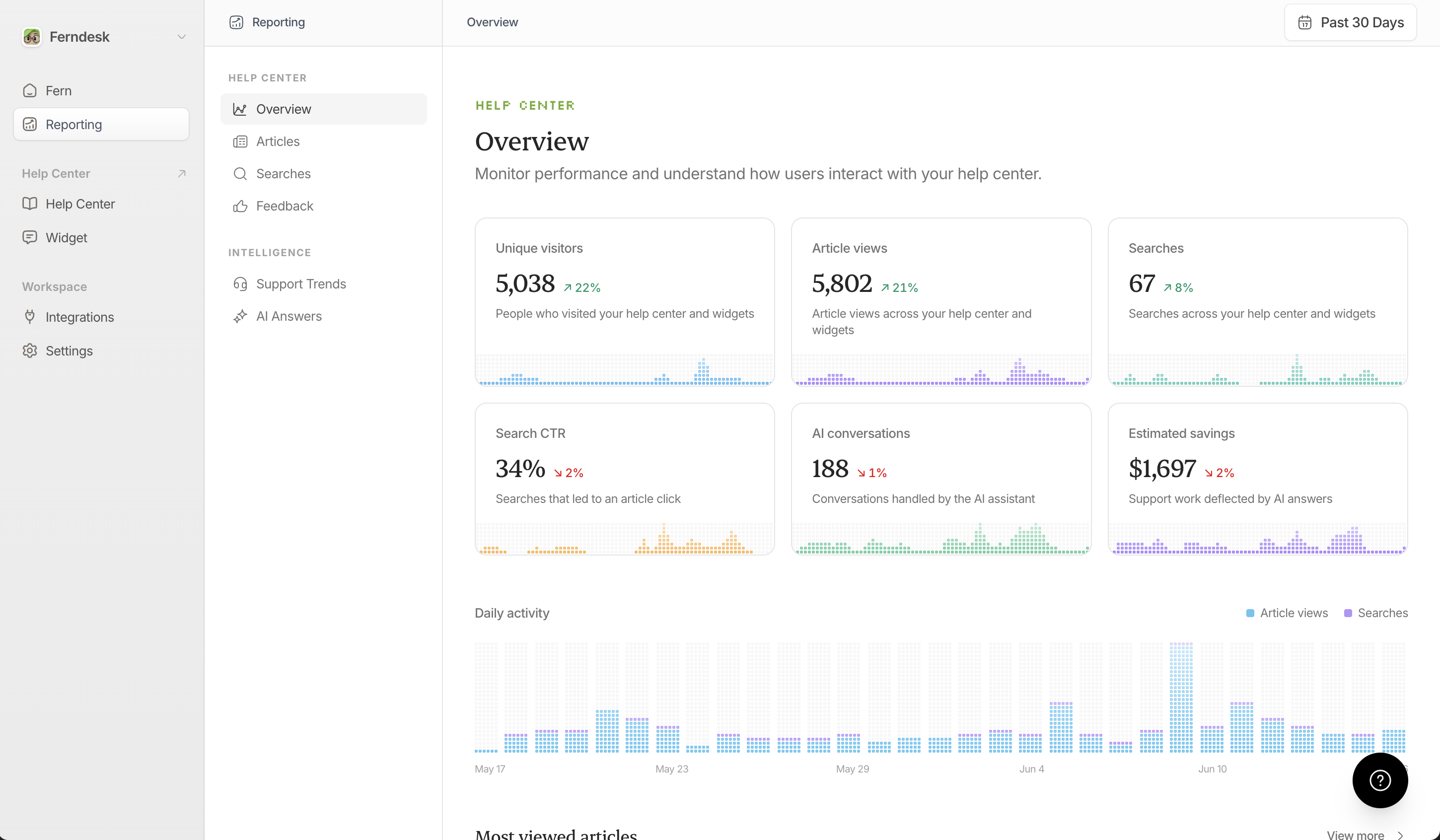
Overview
See daily visitor trends, total article views, and search volume. The top articles table shows which content gets the most traffic.
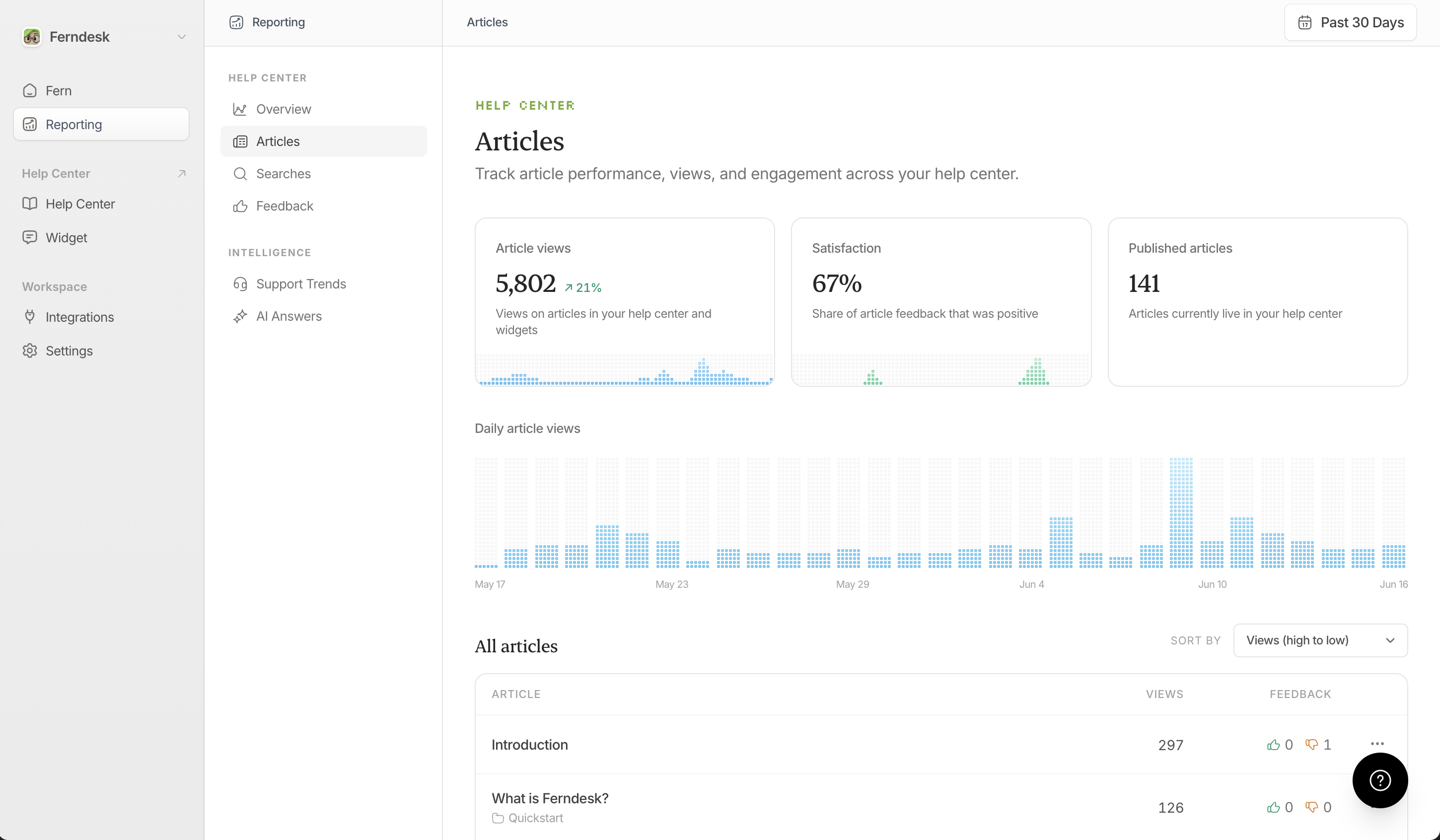
Articles
Track views, upvotes, and downvotes for each published article. Sort by engagement to find high-traffic content that needs improvement or low-traffic articles to deprecate.
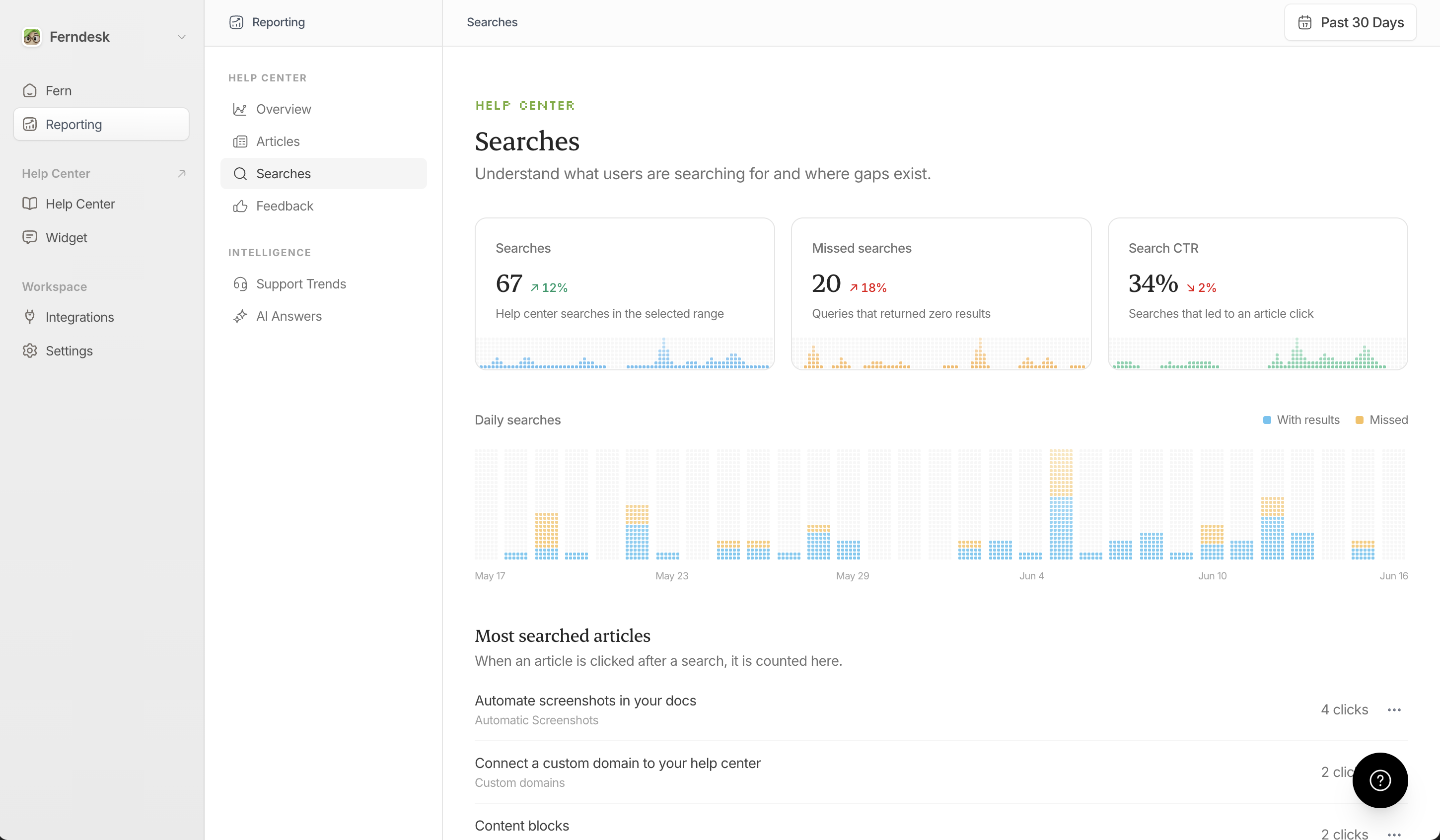
Searches
Monitor what users search for and whether they find results. Filter by Hit (found results) or Missed (no results). Missed searches reveal content gaps; create articles for frequently missed queries.
Feedback
View all article upvotes, downvotes, and user comments. High negative feedback signals outdated or confusing content. Click the ellipsis menu on any article to ask Fern to revise based on feedback or edit manually.
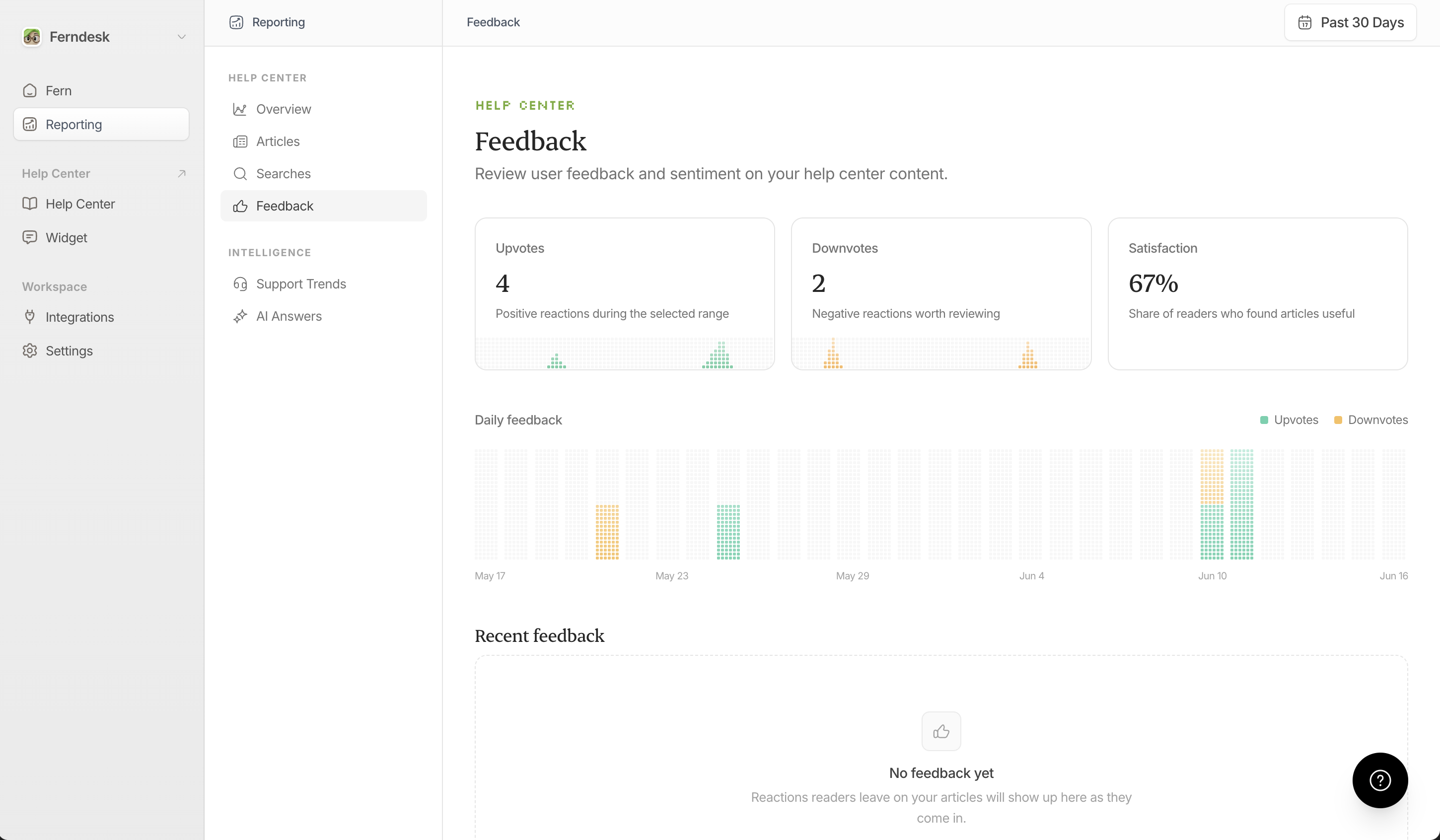
Public article feedback is screened for spam after submit. High-confidence spam is discarded silently.
AI Answers Analytics
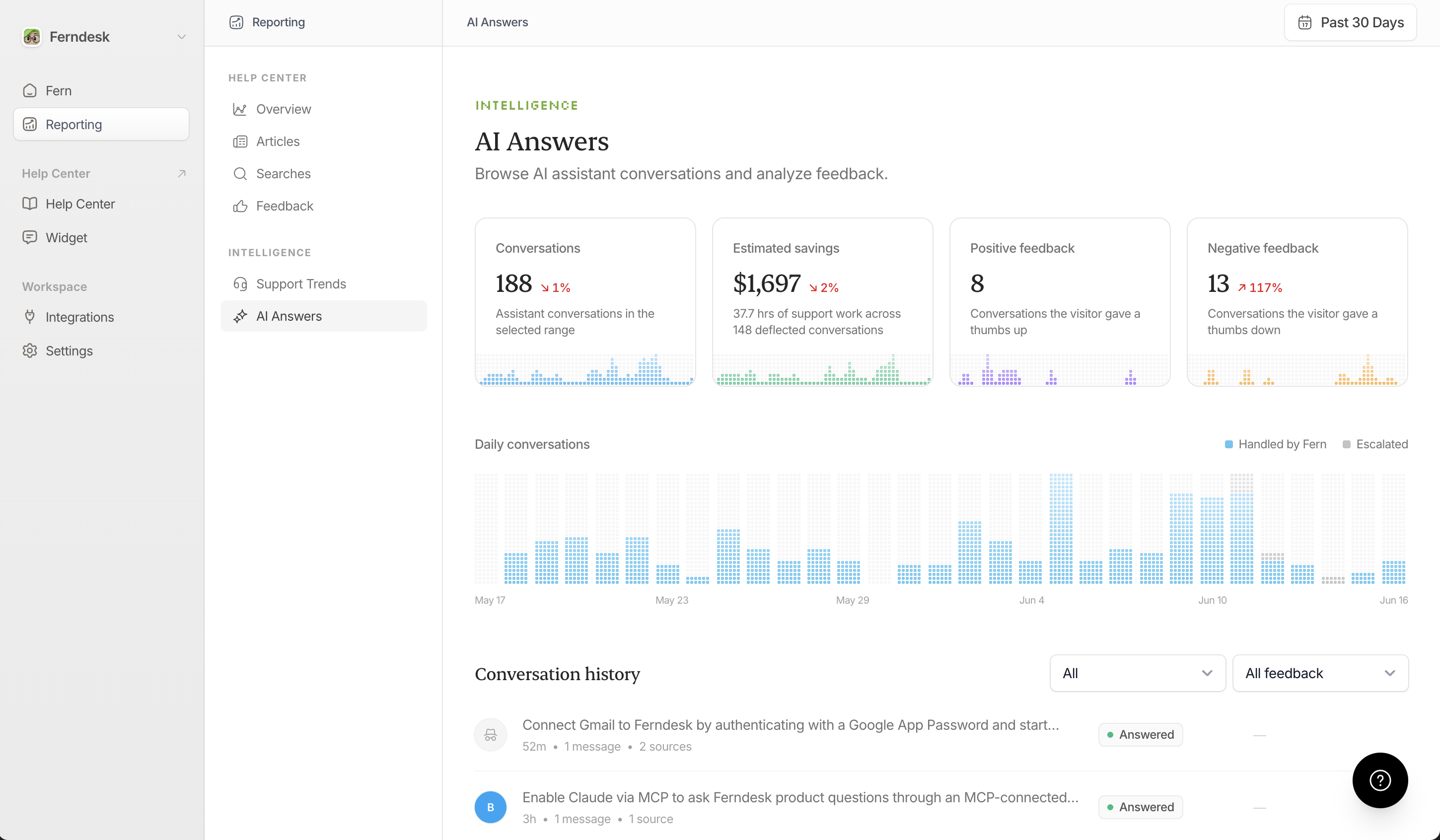
The AI Answers page under Intelligence shows how Fern responds to user questions in the AI assistant widget and help center:
Conversations: How many chats Fern handled
Escalated: Conversations handed off to your team, with the total for the selected range, the change from the previous period, and a daily trend
Coverage: Whether Fern fully answered, partially answered, could not answer, or deemed queries irrelevant
The table displays each query, cited articles, answer status, and user feedback. Click any row to open a conversation slide-over with the full dialogue, source details, and an Ask Fern to draft an article action. Use Unanswered or Partially answered queries to identify missing documentation.
Escalations and feedback are separate: handing a conversation off to your team doesn't count as negative feedback, and only an explicit thumbs-down does.
Support Trends
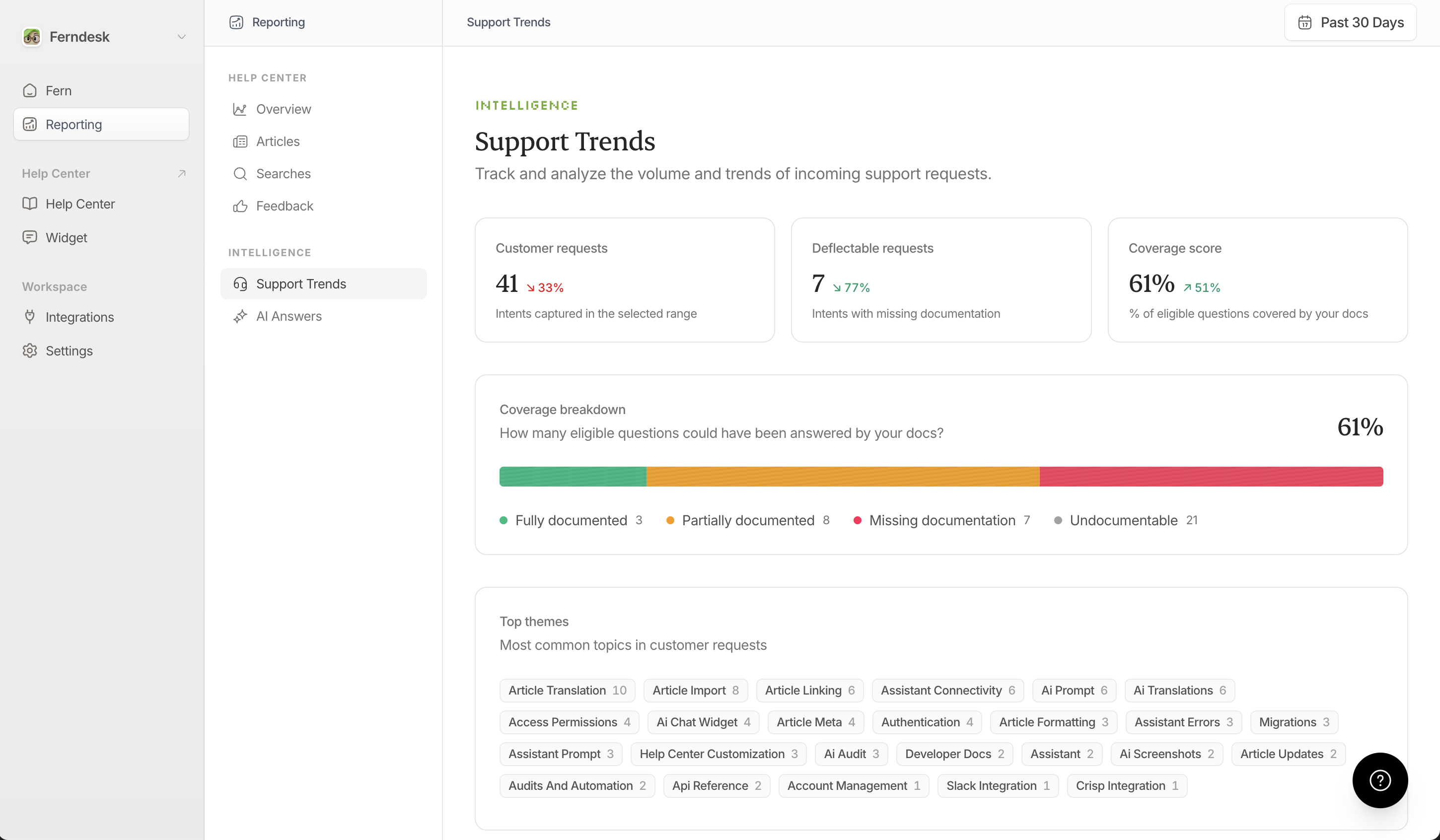
The Support Trends page under Intelligence tracks support request volume from your connected helpdesk tools. Use it to identify spikes in support volume that may indicate missing or unclear documentation.
Connected support tools include Intercom, Zendesk, Help Scout, and Plain. See the Plain integration guide for setup instructions.
Using Reporting Insights to Improve Content
Find content gaps: Check missed searches and unanswered AI queries. Create articles for repeat topics.
Optimize high-traffic articles: Sort articles by views. If popular articles have negative feedback, revise them immediately.
Deprecate low-value content: Articles with near-zero views over 90 days may be outdated or redundant.
Monitor support trends: Spikes in support volume often indicate missing or unclear docs.
Use the menu in the Articles or Feedback sections to quickly task Fern with rewriting problematic content. Negative feedback is auto-loaded into the task prompt only when you task Fern from the Feedback section.