
Plain integration
Connect your Plain account to Ferndesk so Fern can analyze your completed support conversations and identify documentation gaps. This integration helps you prioritize articles based on what your customers actually ask about.
How the integration helps
When customers contact support, they reveal what is confusing or missing in your documentation. By connecting Plain, Fern can read your resolved support threads and surface patterns in customer questions.
Fern uses Plain threads to identify topics that need documentation. For example, if multiple customers ask about the same billing issue, Fern can recommend creating an article that addresses it, reducing future support volume.
Once connected, you can view support trends from Plain alongside other tools in Reporting.
What gets imported
Ferndesk imports completed support threads only. This includes:
Threads marked as Done, whether closed manually or automatically
The full message timeline for each completed thread
The following threads are not imported:
Active threads with status Todo or Snoozed
Threads marked as Ignored
This ensures Fern analyzes resolved issues rather than ongoing conversations, giving you a clear picture of what customers needed help with after their issues were closed.
Before you begin
You need a Plain account with access to your support workspace
You need a Plain machine-user API key, not a personal API key
Machine-user keys are designed for integrations and have scoped permissions. You can create one in your Plain workspace settings under API keys.
Required permissions
Your Plain API key needs these permissions:
thread:read — allows Ferndesk to read support threads
timeline:read — allows Ferndesk to read the message timeline within each thread
No write permission is required. Ferndesk only reads completed conversations and never modifies your Plain data.
Connect Plain
Go to the Integrations page in your Ferndesk dashboard.
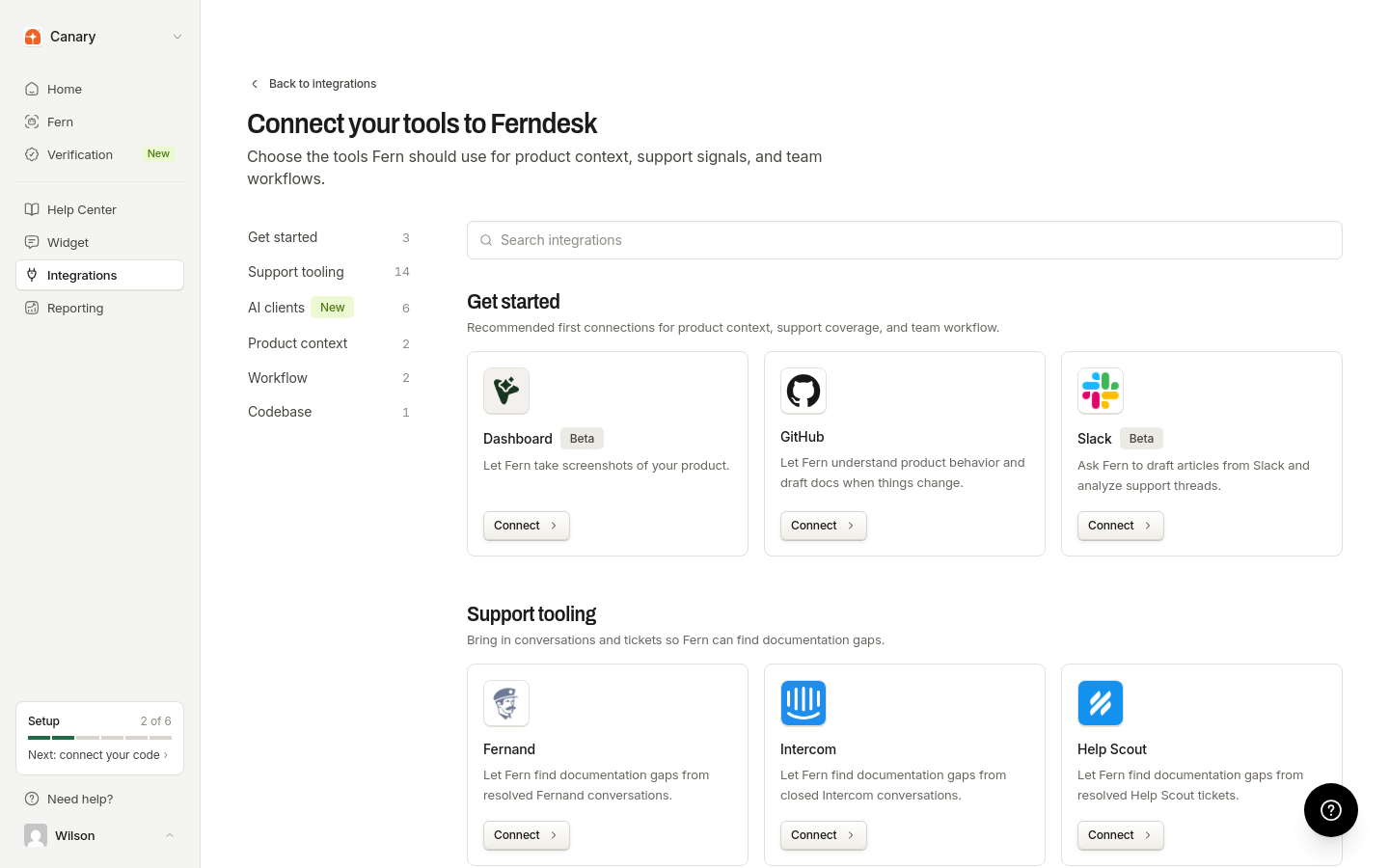
In the Support tooling section, locate Plain and click Connect.
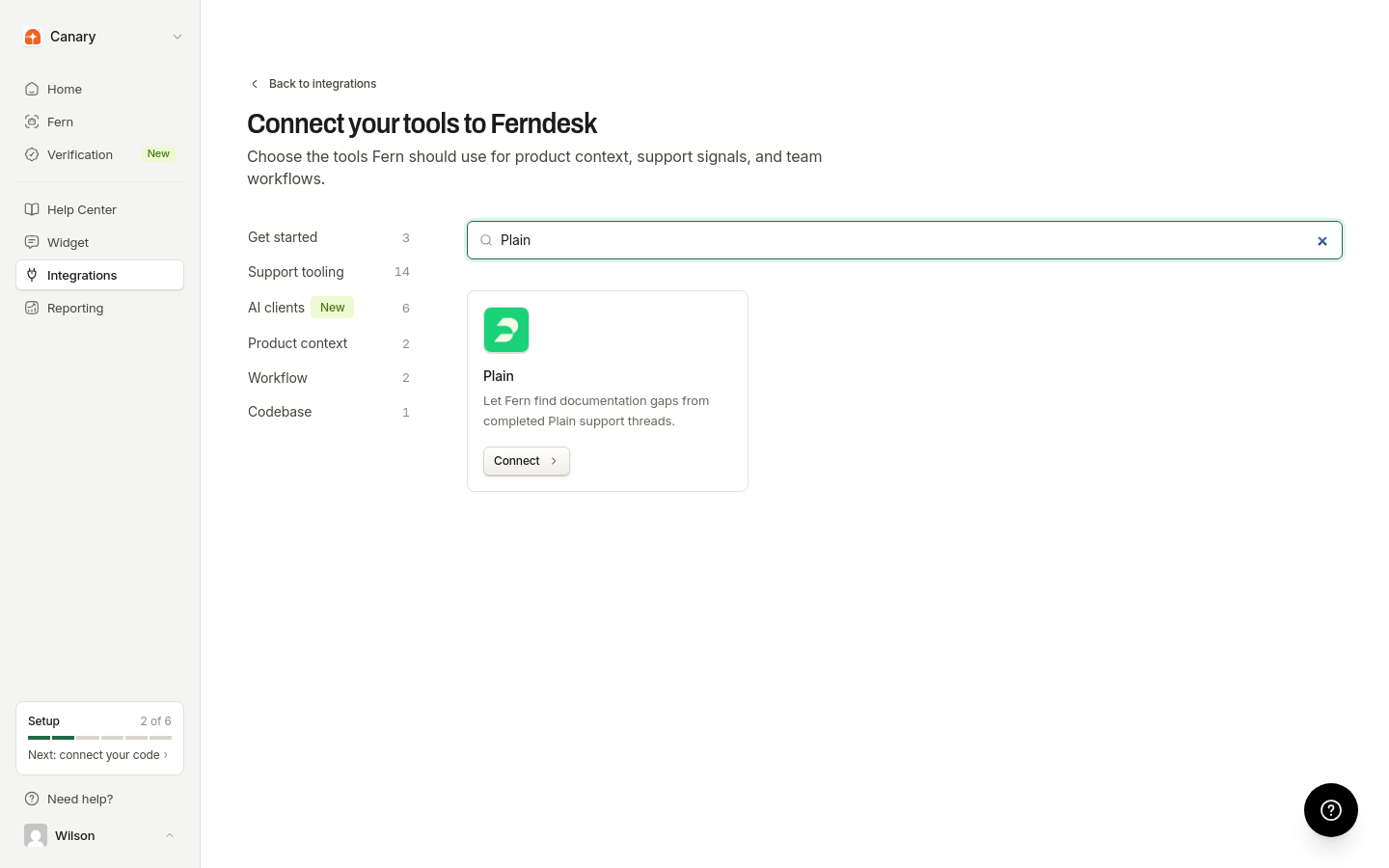
In the connection modal, paste your Plain machine-user API key into the API Key field.
Click Connect to complete the setup.
Ferndesk validates your credentials and checks that your API key has the required thread:read and timeline:read permissions before saving the connection. Once connected, Plain data becomes available for documentation tasks and audits.
What happens after connecting
Fern can read your completed Plain threads. Support trends from Plain appear in Reporting under Support Trends. Plain synchronization starts automatically when you connect.
Disconnecting Plain
To disconnect the integration:
Go to the Integrations page in your Ferndesk dashboard.
Find the Plain integration and click Disconnect.
After disconnection, Ferndesk stops accessing your Plain data. Disconnecting deletes the connection and all previously imported Plain thread data, so that data is no longer available in Ferndesk.