
Use the API reference playground
Readers of a published API reference can send live test requests from their browser, with no setup: click Try it on any operation page, or use the GraphQL playground page on a GraphQL reference. The request comes prefilled from the published spec, so you usually only fill in the values that change. If you publish a reference, this is the experience your readers get; you control servers, security, and visibility in Customize an API reference.
Send a REST request
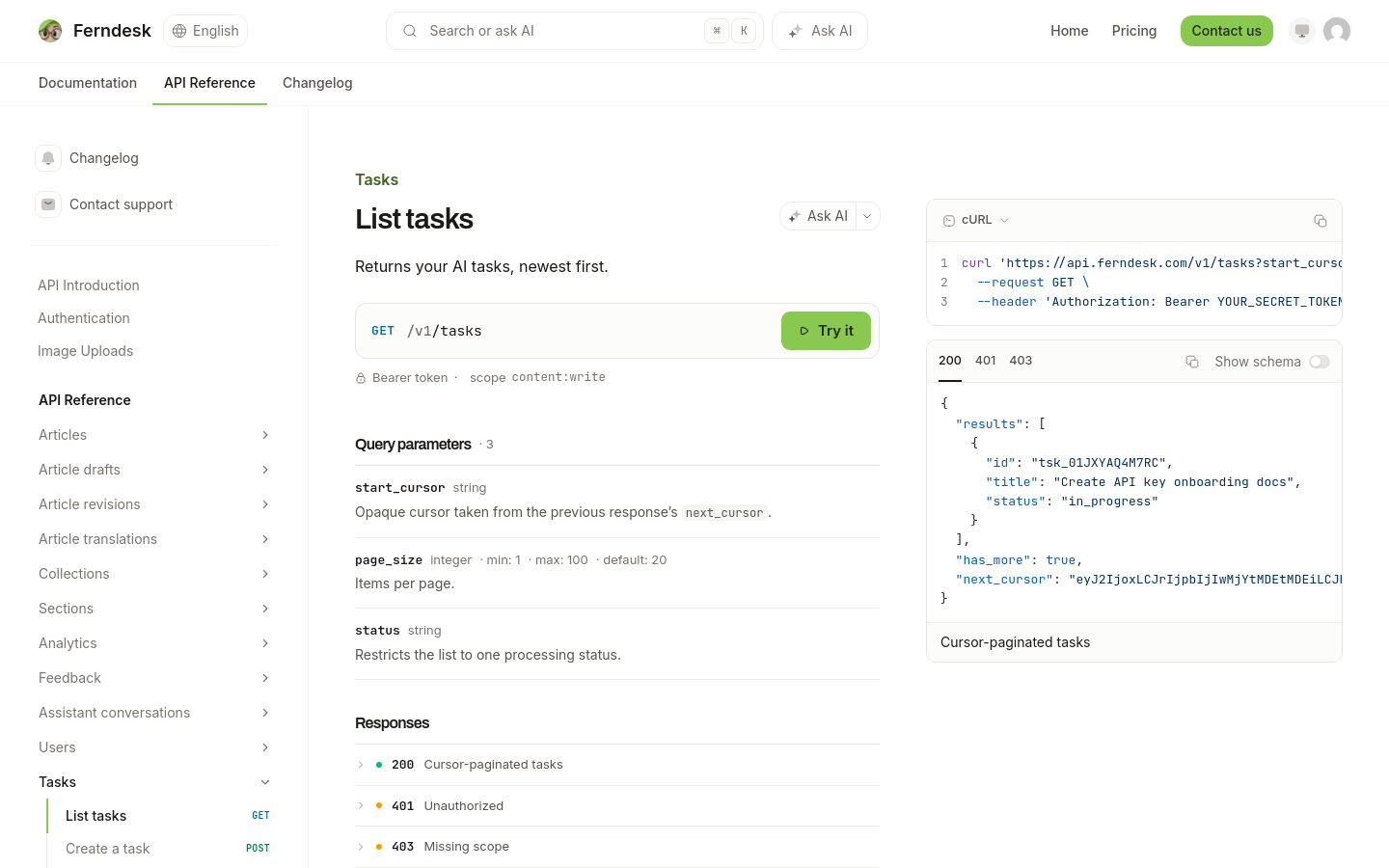
Open an operation page in the published reference and click Try it.
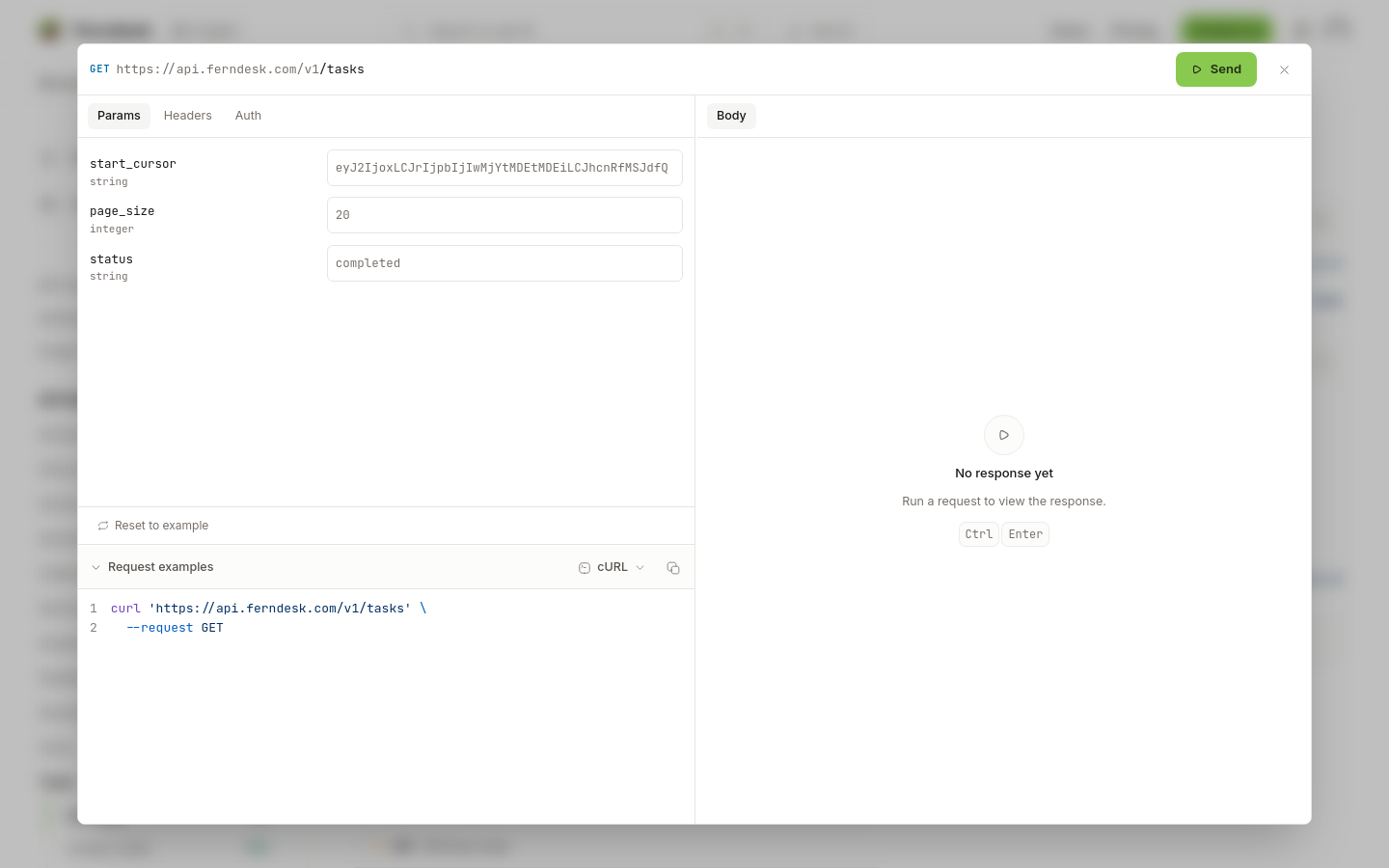
Fill in the tabs the endpoint needs: Params, Body, and Auth appear only when the operation declares them, while Headers is always available.
Click Send.
The response opens below with the status, headers, and rendered body.
Run a GraphQL query
GraphQL references have a dedicated playground page instead of per-operation pages. Write your query, add variables or headers if you need them, and click Run request. For security, requests are restricted to the allowed hosts and proxy security rules from the reference, while the endpoint URL itself can be edited.
Credentials and headers you enter stay in your browser and are never published as part of the reference.