
Edit reader properties
Edit a reader's properties by hand from Access Control > Users. Properties are the attributes your user group rules match on, so editing them changes which groups the reader belongs to.
The Users list and the properties editor require a plan with help-center authentication (Pro or above). Without one, an upgrade dialog opens instead.
Edit a reader's properties
Open the reader
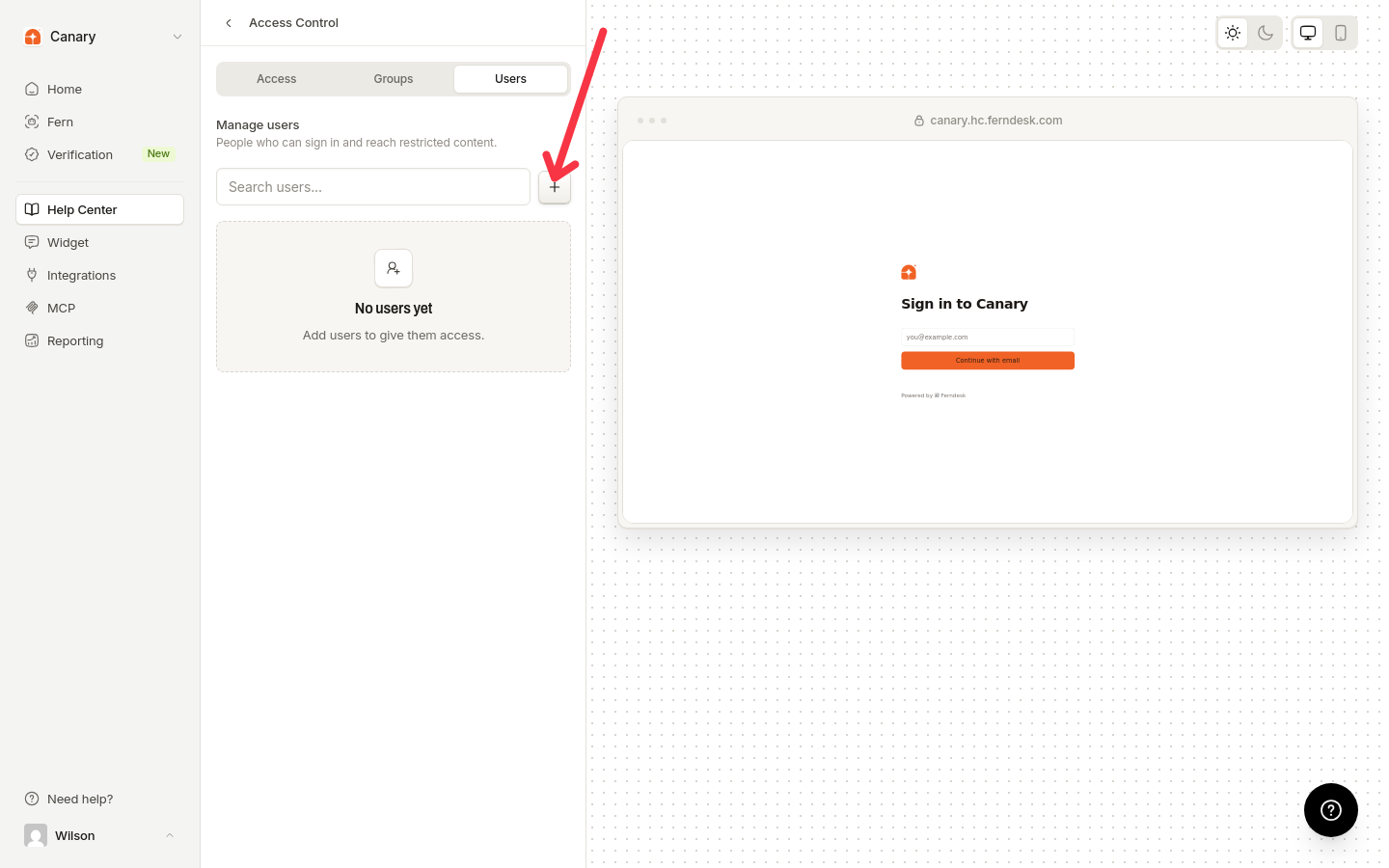
Go to Help Center, then under Manage, click Access Control. Open the Users tab, then click a reader's row, or open the reader's "User actions" menu and choose "Edit properties".
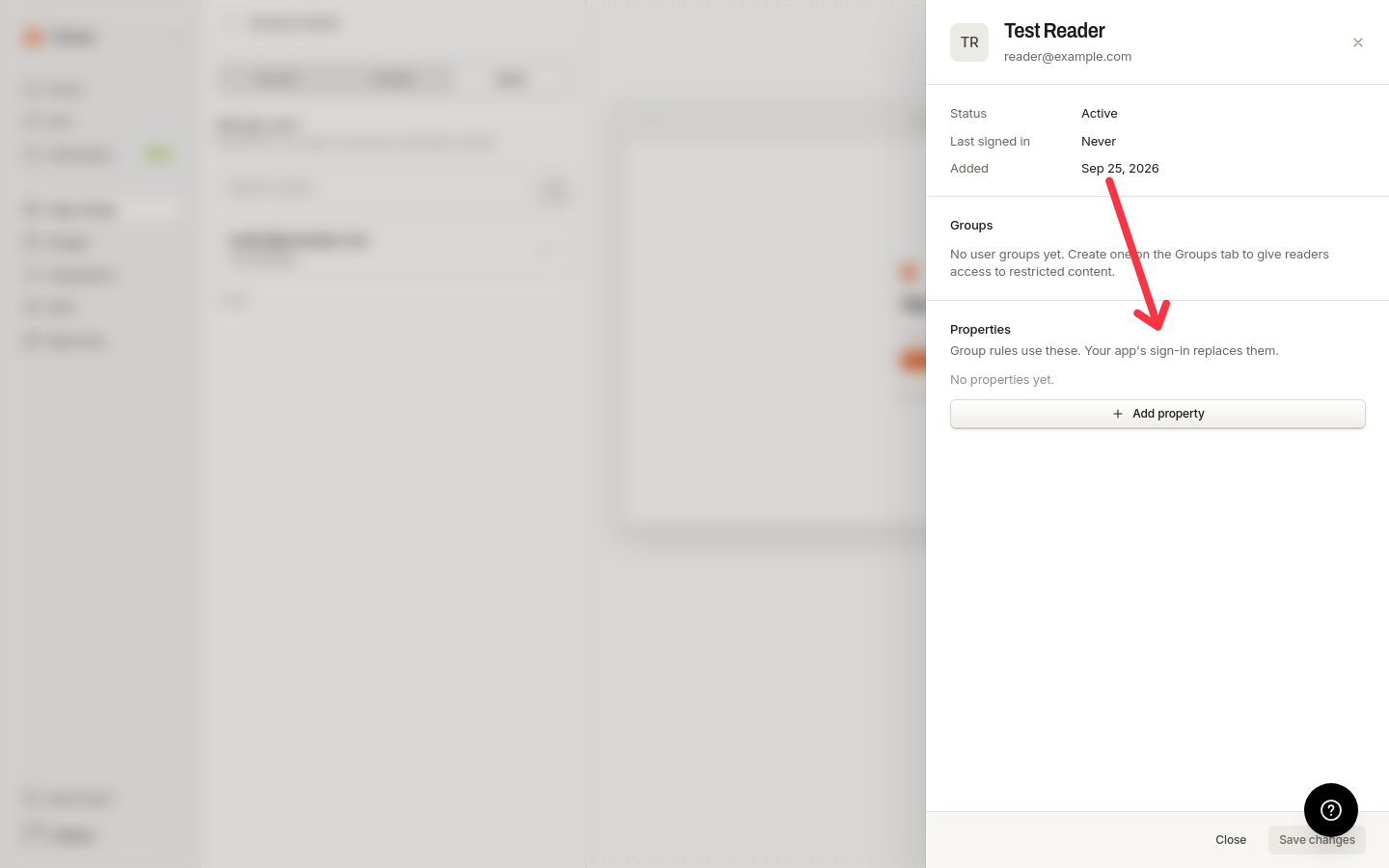
A side panel opens, titled with the reader's name or email. It shows Status, Last signed in, and Added, a live Groups section, and the Properties editor.
Set the properties
Each property is a row with a name and a value. Choose the value type for each row: Text, Number, True / false, or List. For a List, enter the values as comma-separated items: whitespace around items is trimmed and blank items are dropped. True / false uses a selector with exactly true and false.
Save
Saving replaces the reader's whole property set, not individual keys: a row you removed removes that property. A row with a blank name and a blank value is dropped; a half-filled row blocks saving until you complete or clear it.
Properties set here are replaced, not merged, the next time the reader signs in through your product: the attributes in the sign-in token become the reader's properties. The editor puts it the same way: "Group rules use these. Your app's sign-in replaces them."
Property types
Every property row takes one of four value types:
Text: any non-empty value, up to 256 characters.
Number: a value that parses to a real number.
True / false: a selector with exactly
trueandfalse.List: one or more comma-separated items, each up to 256 characters.
Limits and validation
The editor validates names and values as you type:
A reader can have at most 32 properties ("A reader can have at most 32 properties").
Property names can be 1 to 64 characters ("Property names can be at most 64 characters") and cannot start or end with a space ("Property names cannot start or end with a space").
Two rows cannot use the same name ("This property is already set above"), and the name
__proto__is reserved ("This property name is reserved").Text values cannot be empty ("Enter a value") and are capped at 256 characters ("At most 256 characters").
Lists need at least one item ("Add at least one item") and can hold at most 64 ("A list can have at most 64 items"), each up to 256 characters ("Each item can be at most 256 characters").
Numbers must parse to a finite number ("Enter a number").
See group changes before saving
While your edits differ from the saved values, the Groups section in the panel shows "Preview of your unsaved changes". Each group row is labeled Joins when you save, Leaves when you save (with the group name struck through), Member, or Not a member, so you can check how your changes move the reader between groups before saving.
For how group rules match on these attributes, see User groups. For the full picture of help center access, see Access Control.