
Delete an API reference
Deleting an API reference removes it and its published pages from the help center. The delete action lives in the reference's actions menu.
Delete the reference
Go to Help Center in the dashboard and click the API reference in the content tree.
Open the More API reference actions menu and choose the delete action.
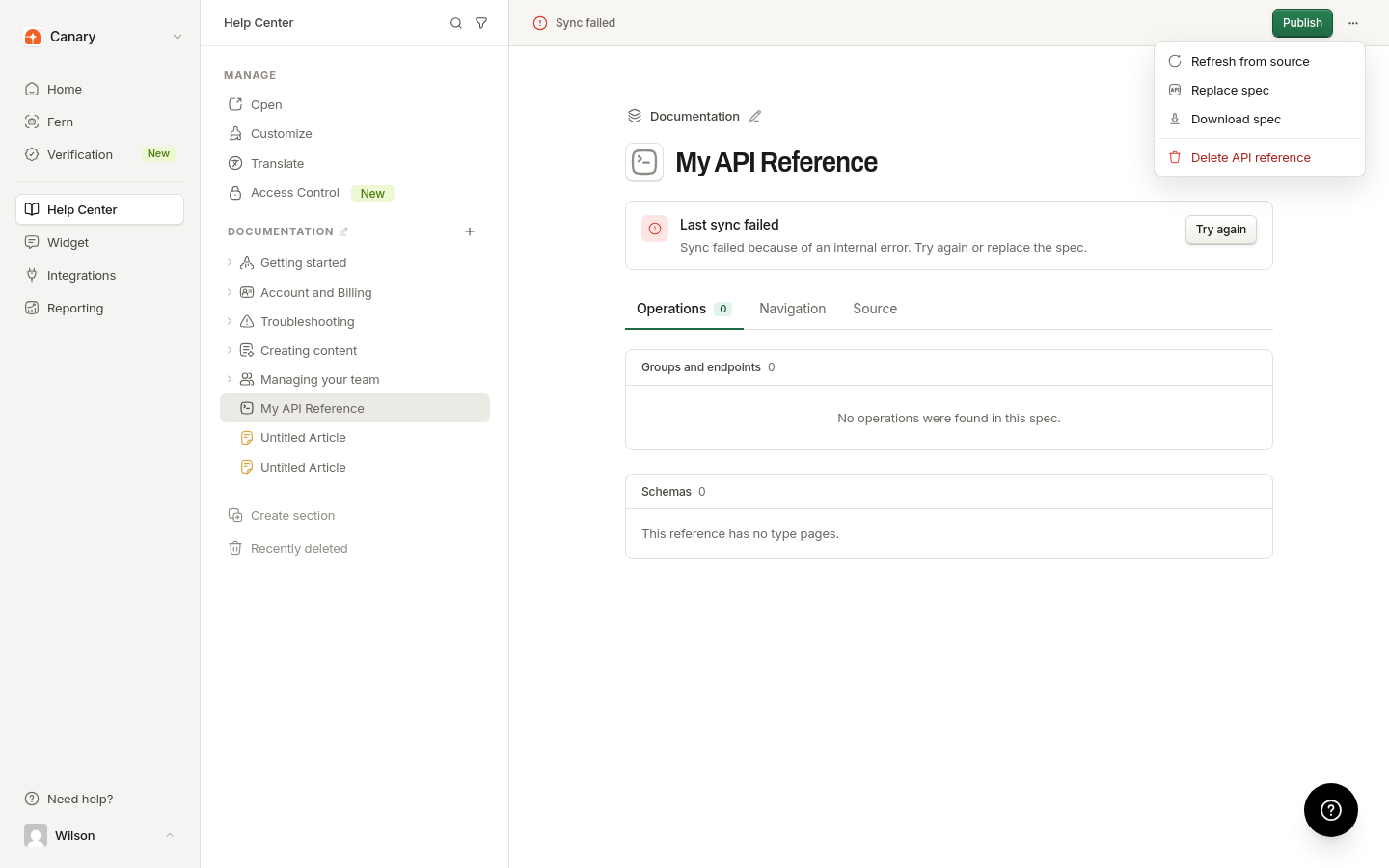
Confirm the deletion.
Deleting a reference removes its published pages from the help center. If you only want to take it offline, unpublish it in Customize an API reference instead.
Was this helpful?
Was this helpful?